https://github.com/aptabase/aptabase-kotlin
Kotlin SDK for Aptabase: Open Source, Privacy-First and Simple Analytics for Mobile, Desktop and Web Apps
https://github.com/aptabase/aptabase-kotlin
analytics android kotling privacy
Last synced: about 1 year ago
JSON representation
Kotlin SDK for Aptabase: Open Source, Privacy-First and Simple Analytics for Mobile, Desktop and Web Apps
- Host: GitHub
- URL: https://github.com/aptabase/aptabase-kotlin
- Owner: aptabase
- License: mit
- Created: 2023-04-30T20:06:32.000Z (about 3 years ago)
- Default Branch: main
- Last Pushed: 2024-06-08T12:45:48.000Z (about 2 years ago)
- Last Synced: 2025-03-27T23:41:47.822Z (about 1 year ago)
- Topics: analytics, android, kotling, privacy
- Language: Kotlin
- Homepage: https://aptabase.com
- Size: 137 KB
- Stars: 9
- Watchers: 0
- Forks: 2
- Open Issues: 0
-
Metadata Files:
- Readme: README.md
- Changelog: CHANGELOG.md
- License: LICENSE
Awesome Lists containing this project
README
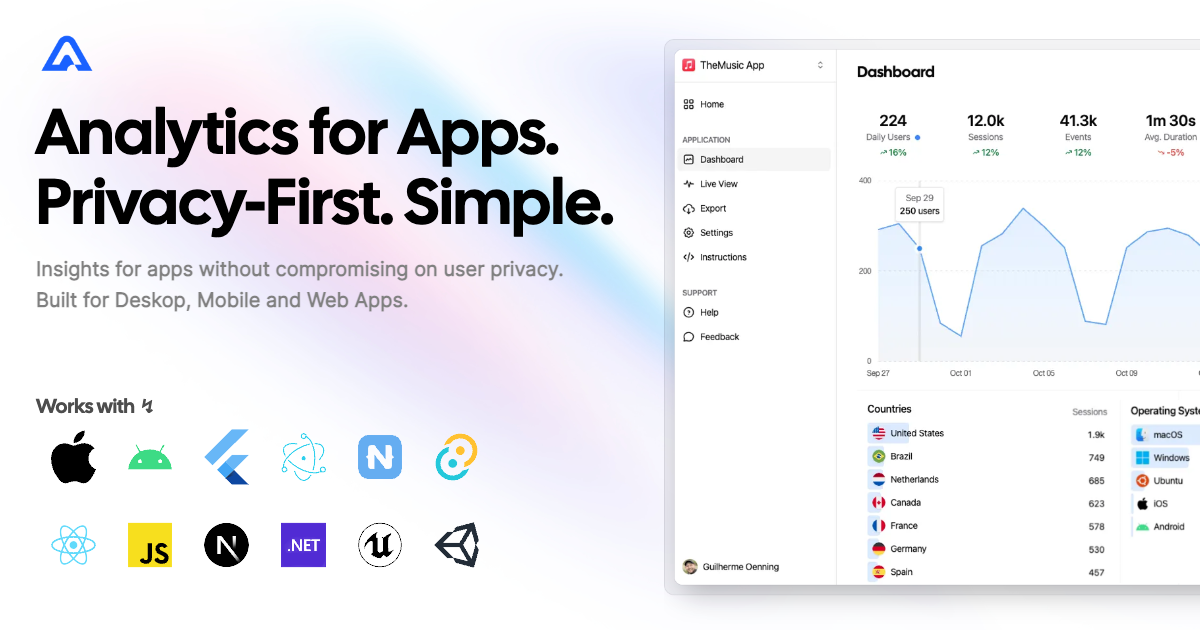
# Kotlin SDK for Aptabase
Instrument your apps with Aptabase, an Open Source, Privacy-First and, Simple Analytics for Mobile, Desktop and, Web Apps.
## Setup
Add the JitPack repository in `settings.gradle.kts` file:
```kotlin
dependencyResolutionManagement {
repositoriesMode.set(RepositoriesMode.FAIL_ON_PROJECT_REPOS)
repositories {
google()
mavenCentral()
maven { url = uri("https://www.jitpack.io") } // JitPack repository
}
}
```
Add the dependency to your module-level `build.gradle.kts` file:
```kotlin
implementation("com.github.aptabase:aptabase-kotlin:0.0.8")
```
If you don't already have an `Application` class, create one. Then, initialize the Aptabase object inside your application class:
```kotlin
private const val APTABASE_KEY = "YOUR_APP_KEY"
// Put the app key provided by Aptabase as the value of APTABASE_KEY
// It is a unique identifier for you application
class MyApplication : Application() {
override fun onCreate() {
super.onCreate()
// Initialize Aptabase object
Aptabase.instance.initialize(applicationContext, APTABASE_KEY)
// OPTIONAL: Track app launch on startup
Aptabase.instance.trackEvent("app_started")
}
}
```
To get your `App Key`, you can find it inside `Instructions` tab from the left side menu of the Aptabase website.
## Usage
You are in charge of what information is sent! Therefore, no events are tracked automatically and you must register trackers manually. To do so, simply use the `trackEvent` function provided by the `Aptabase` object:
```kotlin
// Event with no properties
Aptabase.instance.trackEvent("event_name")
// Event with a custom property
Aptabase.instance.trackEvent("screen_view",
mapOf(
"name" to "Settings" // Only and values are allowed for custom properties
)
)
```