https://github.com/aptabase/aptabase-maui
MAUI SDK for Aptabase: Open Source, Privacy-First and Simple Analytics for Mobile, Desktop and Web Apps
https://github.com/aptabase/aptabase-maui
analytics maui net8 privacy sdk
Last synced: about 1 year ago
JSON representation
MAUI SDK for Aptabase: Open Source, Privacy-First and Simple Analytics for Mobile, Desktop and Web Apps
- Host: GitHub
- URL: https://github.com/aptabase/aptabase-maui
- Owner: aptabase
- License: mit
- Created: 2023-04-06T13:49:29.000Z (over 3 years ago)
- Default Branch: main
- Last Pushed: 2024-09-03T05:21:29.000Z (almost 2 years ago)
- Last Synced: 2025-03-27T23:41:46.814Z (over 1 year ago)
- Topics: analytics, maui, net8, privacy, sdk
- Language: C#
- Homepage: https://aptabase.com
- Size: 211 KB
- Stars: 10
- Watchers: 0
- Forks: 7
- Open Issues: 5
-
Metadata Files:
- Readme: README.md
- Changelog: CHANGELOG.md
- License: LICENSE
Awesome Lists containing this project
README
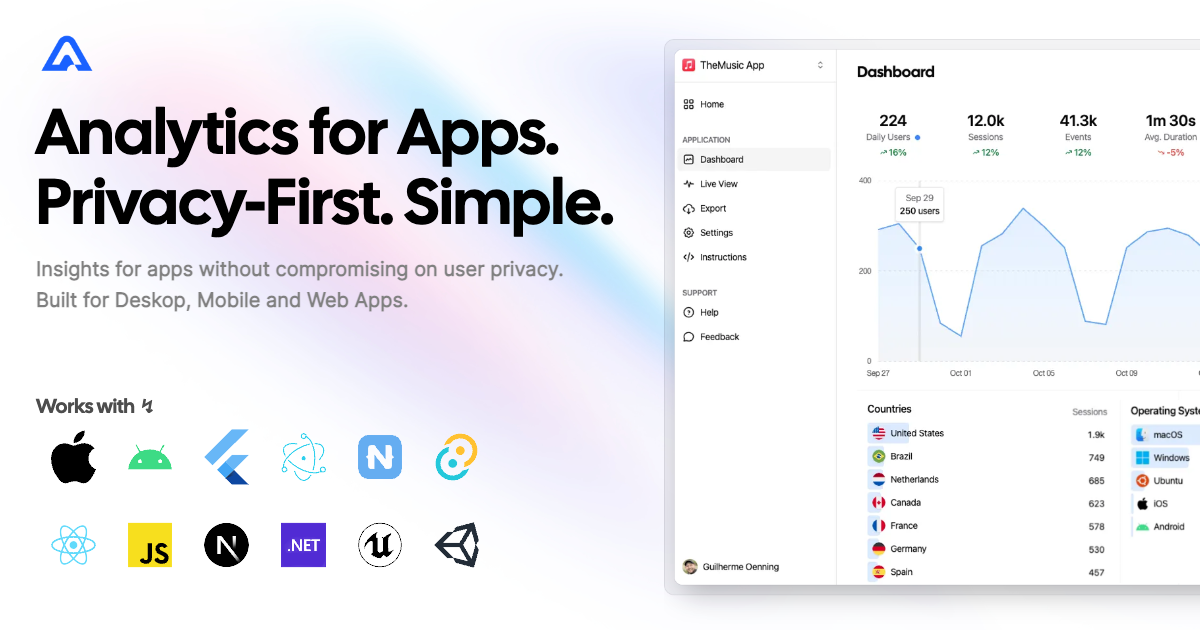
# MAUI SDK for Aptabase
[](https://www.nuget.org/packages/Aptabase.Maui)
[](https://github.com/aptabase/aptabase-maui/blob/main/LICENSE)
Instrument your apps with Aptabase, an Open Source, Privacy-First and, Simple Analytics for Mobile, Desktop and, Web Apps.
## Install
Start by adding the Aptabase NuGet package to your .csproj:
```xml
```
## Usage
First, you need to get your `App Key` from Aptabase, you can find it in the `Instructions` menu on the left side menu.
Change your `MauiProgram.cs` to add Aptabase to the build pipeline:
```csharp
public static MauiApp CreateMauiApp()
{
var builder = MauiApp.CreateBuilder();
builder
.UseMauiApp()
.UseAptabase("", new AptabaseOptions // 👈 this is where you enter your App Key
{
#if DEBUG
IsDebugMode = true,
#else
IsDebugMode = false,
#endif
EnableCrashReporting = true, // 👈 log app crashes, unhandled exceptions
EnablePersistence = true, // 👈 persist events on disk before sending them to the server
})
...
}
```
The `UseAptabase` method will add the `IAptabaseClient` to your dependency injection container, allowing you to use it in your pages and view models.
As an example, to track events in your `MainPage`, you first need to add it to the DI Container in `MauiProgram.cs`:
```csharp
builder.Services.AddSingleton();
```
And then inject and use it on your `MainPage.xaml.cs`:
```csharp
public partial class MainPage : ContentPage
{
IAptabaseClient _aptabase;
int count = 0;
public MainPage(IAptabaseClient aptabase)
{
InitializeComponent();
_aptabase = aptabase;
}
private void OnCounterClicked(object sender, EventArgs e)
{
count++;
_aptabase.TrackEvent("Increment");
if (count == 1)
CounterBtn.Text = $"Clicked {count} time";
else
CounterBtn.Text = $"Clicked {count} times";
SemanticScreenReader.Announce(CounterBtn.Text);
}
}
```
The `TrackEvent` method also supports custom properties:
```csharp
_aptabase.TrackEvent("app_started"); // An event with no properties
_aptabase.TrackEvent("screen_view", new() { // An event with a custom property
{ "name", "Settings" }
});
```
A few important notes:
1. The SDK will automatically enhance the event with some useful information, like the OS, the app version, and other things.
2. You're in control of what gets sent to Aptabase. This SDK does not automatically track any events, you need to call `TrackEvent` manually.
- Because of this, it's generally recommended to at least track an event at startup
3. The `TrackEvent` function is a non-blocking operation as it runs in the background.
4. Only strings and numbers values are allowed on custom properties