https://github.com/aptabase/aptabase-unity
Unity SDK for Aptabase: Open Source, Privacy-First and Simple Analytics for Mobile, Desktop and Web Apps
https://github.com/aptabase/aptabase-unity
analytics privacy unity unity3d unity3d-plugin
Last synced: 10 months ago
JSON representation
Unity SDK for Aptabase: Open Source, Privacy-First and Simple Analytics for Mobile, Desktop and Web Apps
- Host: GitHub
- URL: https://github.com/aptabase/aptabase-unity
- Owner: aptabase
- License: mit
- Created: 2023-06-28T08:39:35.000Z (about 3 years ago)
- Default Branch: main
- Last Pushed: 2024-03-28T18:33:12.000Z (over 2 years ago)
- Last Synced: 2024-09-28T19:39:00.684Z (almost 2 years ago)
- Topics: analytics, privacy, unity, unity3d, unity3d-plugin
- Language: C#
- Homepage: https://aptabase.com
- Size: 71.3 KB
- Stars: 10
- Watchers: 1
- Forks: 3
- Open Issues: 0
-
Metadata Files:
- Readme: README.md
- Changelog: CHANGELOG.md
- License: LICENSE
Awesome Lists containing this project
- awesome-unity3d - Aptabase - Open Source, Privacy-first and lightweight analytics for Unity Games. (Open Source Repositories / Services)
- awesome-unity3d - Aptabase - Open Source, Privacy-first and lightweight analytics for Unity Games. (Open Source Repositories / Services)
README
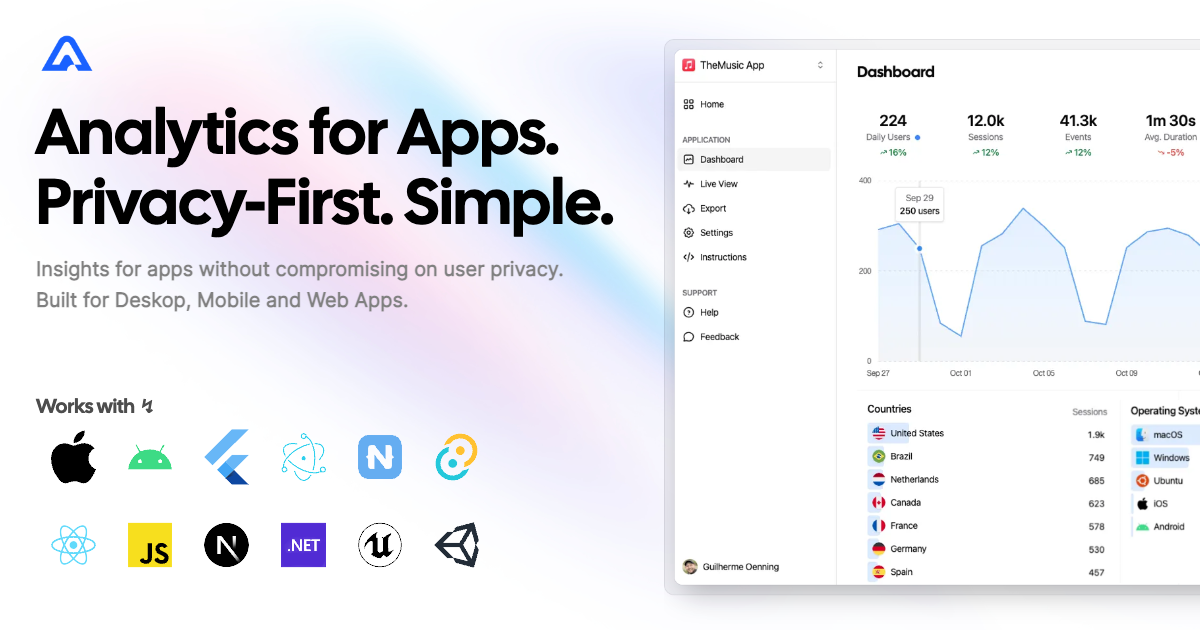
# Unity Engine SDK for Aptabase
Instrument your Unity Engine project with Aptabase, an Open Source, Privacy-First and Simple Analytics for Mobile, Desktop and Web Apps.
## Install
You can install the package via [Unity Package Manager](https://docs.unity3d.com/Manual/upm-ui.html).
Go to `Window` > `Package Manager` > `+` > `Add Package from git URL` and enter https://github.com/aptabase/aptabase-unity.git
## Project settings
First, you need to get your `App Key` from Aptabase, you can find it in the `Instructions` menu on the left side menu.
Then you have to set it inside the settings file located at `Aptabase/Resources/AptabaseSettings.Asset` inside your `App Key` field.
Based on the key, your `Host` will be selected. In the case of self-hosted versions a new `SelfHostURL` field will appear for input.
App Version is automatically detected, but you can override it with the `AppVersion` field. You may want to provide an `AppBuildNumber` as it may vary across different platforms. This allows you to specify a platform-specific build number to ensure accurate version tracking and compatibility.
Events are batched and sent every 60 seconds in production and 2 seconds in development by default. You can override these values with the `FlushInterval` field by inputting desired time in milliseconds.
## Usage
The Aptabase SDK will seamlessly run in the background as soon as your app starts up. To effortlessly log events, you can use the following code snippet. The Props parameter is optional and can be left empty if not needed.
```csharp
Aptabase.TrackEvent("app_started", new Dictionary
{
{"hello", "world"}
});
```
If you want to manually flush the event queue you can use
```csharp
Aptabase.Flush();
```
A few important notes:
1. The SDK will automatically enhance the event with some useful information, like the OS, the app version, and other things.
2. You're in control of what gets sent to Aptabase. This SDK does not automatically track any events, you need to record events manually.
- Because of this, it's generally recommended to at least track an event at startup
3. You do not need to await the record event calls, they will run in the background.
4. Only strings and numbers values are allowed on custom properties
## Preparing for Submission to Apple App Store
When submitting your app to the Apple App Store, you'll need to fill out the `App Privacy` form. You can find all the answers on our [How to fill out the Apple App Privacy when using Aptabase](https://aptabase.com/docs/apple-app-privacy) guide.