https://github.com/archywillhe/cloud-computer
☁️ The Cloud Native Computer
https://github.com/archywillhe/cloud-computer
Last synced: about 1 year ago
JSON representation
☁️ The Cloud Native Computer
- Host: GitHub
- URL: https://github.com/archywillhe/cloud-computer
- Owner: archywillhe
- Created: 2019-04-18T14:30:09.000Z (about 7 years ago)
- Default Branch: master
- Last Pushed: 2019-04-18T09:15:45.000Z (about 7 years ago)
- Last Synced: 2025-03-23T23:14:58.276Z (over 1 year ago)
- Language: Shell
- Homepage: https://cloud-computer.dev
- Size: 511 KB
- Stars: 3
- Watchers: 1
- Forks: 16
- Open Issues: 0
-
Metadata Files:
- Readme: README.md
Awesome Lists containing this project
README
# Cloud Computer
Repeatable. Reliable. Infinitely Scalable.
The cloud computer is a one click deploy computer accessible through any web browser. It is composed of cloud native technologies, enabling infinite compute scale and 100% infrastructure as code.
## Getting Started
The cloud computer requires zero human interaction to deploy once cloud access configuration is supplied.
1. Supply your cloud provider and domain name [configuration](#configuration).
2. Run `yarn create:cloud-computer`.
3. Open `https://terminal.your-domain.com` to access the terminal user interface or `https://desktop.your-domain.com` to access the desktop environment.
## Configuration
To deploy the cloud computer you will need to provide two pieces of [user specific configuration](infrastructure/cloud-computer/scripts/environment.sh).
The cloud computer is hosted in the public cloud. This requires a [cloud provider project](infrastructure/cloud-computer/scripts/environment.sh#L4) and [credentials](infrastructure/credentials/cloud-provider.json) for creating cloud resources. Currently only Google Cloud Platform is supported.
The cloud computer is accessible via a URL. This requires a [domain name](infrastructure/cloud-computer/scripts/environment.sh#L14) and [credentials](infrastructure/credentials/scripts/environment.sh#L6) for configuring DNS. Currently only CloudFlare is supported.
## Technologies
The cloud computer is built on 100% open source technologies.
- [Docker](https://github.com/docker/docker-ce)
- [Drone](https://github.com/drone/drone)
- [Git](https://github.com/git/git)
- [GoTTY](https://github.com/yudai/gotty)
- [Grafana](https://github.com/grafana/grafana)
- [Istio](https://github.com/istio/istio)
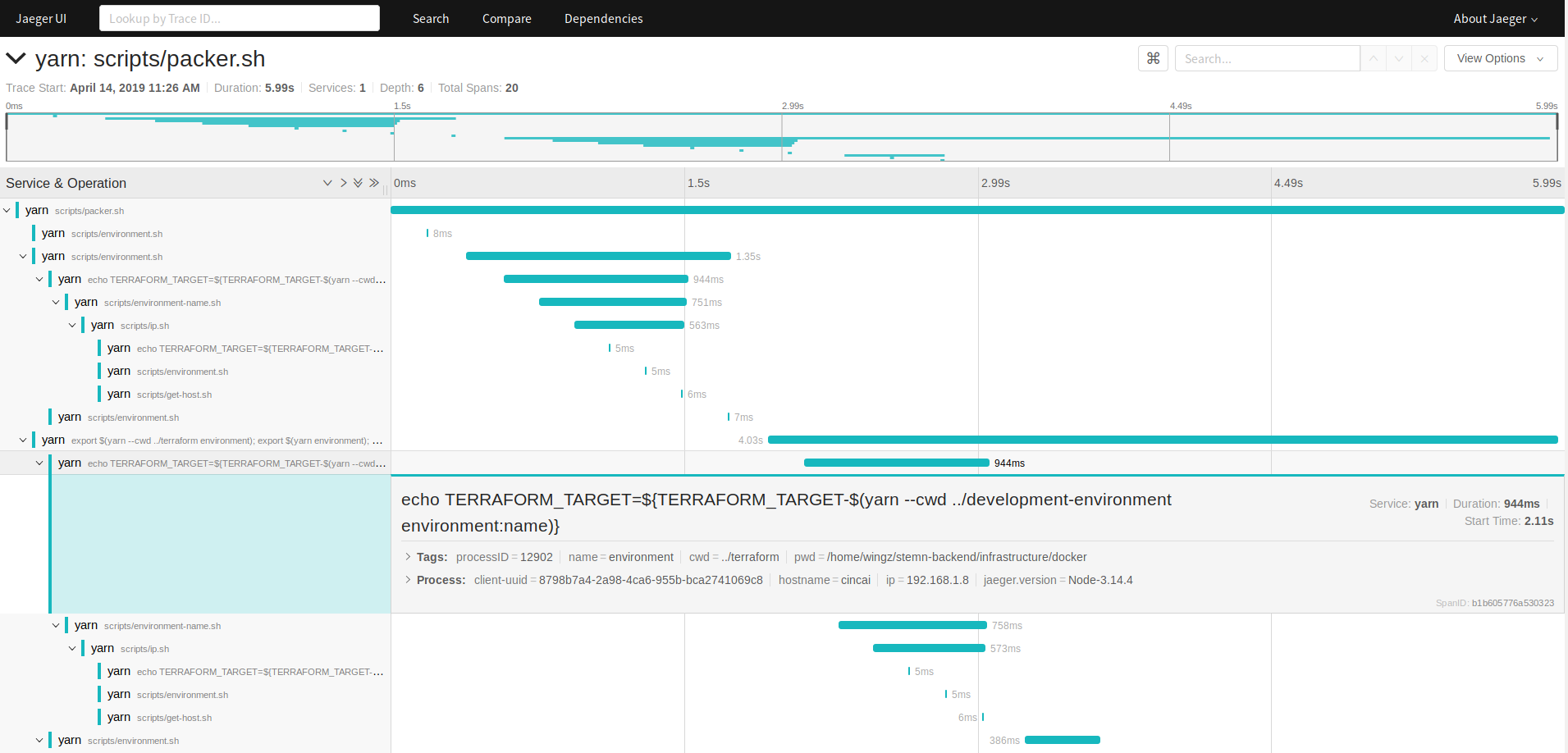
- [Jaeger](https://github.com/jaegertracing/jaeger)
- [Nginx](https://github.com/nginx/nginx)
- [Packer](https://github.com/hashicorp/packer)
- [Prometheus](https://github.com/prometheus/prometheus)
- [Terraform](https://github.com/hashicorp/terraform)
- [Tmux](https://github.com/tmux/tmux)
- [TypeScript](https://github.com/Microsoft/TypeScript)
- [Ubuntu](https://github.com/ubuntu)
- [VS Code](https://github.com/codercom/code-server)
- [Xephyr](https://www.freedesktop.org/wiki/Software/Xephyr)
- [Xpra](https://github.com/svn2github/Xpra)
- [Yarn](https://github.com/cloud-computer/yarn)
- [Zsh](https://github.com/zsh-users/zsh)
## Screenshots