https://github.com/ardikabs/bloggy
Bloggy is a CLI application for automate provisioning blog (wordpress) instances using Terraform & Ansible
https://github.com/ardikabs/bloggy
ansible automation cli-app terraform
Last synced: about 2 months ago
JSON representation
Bloggy is a CLI application for automate provisioning blog (wordpress) instances using Terraform & Ansible
- Host: GitHub
- URL: https://github.com/ardikabs/bloggy
- Owner: ardikabs
- Created: 2019-02-11T15:22:25.000Z (over 7 years ago)
- Default Branch: master
- Last Pushed: 2022-03-29T21:56:07.000Z (over 4 years ago)
- Last Synced: 2025-02-07T19:14:57.908Z (over 1 year ago)
- Topics: ansible, automation, cli-app, terraform
- Language: Python
- Homepage:
- Size: 562 KB
- Stars: 1
- Watchers: 2
- Forks: 0
- Open Issues: 3
-
Metadata Files:
- Readme: README.md
Awesome Lists containing this project
README
# Blog CLI Suites
It is a CLI Application that have feature for automate a process from provision an instance until deployed a blog site with Wordpress.
## Dependencies
1. Terraform version: 0.11.11
2. Ansible version: 2.7.7
3. Python version: 3.6.7
4. Operating System: Only __LINUX__
5. [Docker Compose Manifest](https://github.com/ardikabs/wordpress-docker-compose-samples)
## How to install
1. Clone this [repo](https://github.com/ardikabs/blog-automation-terraform-ansible-stack.git).
2. Make sure you already have an installed python3.6, if not, follow this a guide to install python3.6.
* [Ubuntu](https://askubuntu.com/questions/865554/how-do-i-install-python-3-6-using-apt-get)
* [CentOS](https://www.digitalocean.com/community/tutorials/how-to-install-python-3-and-set-up-a-local-programming-environment-on-centos-7)
3. Also we need to install `pip3`, then we install an `virtualenv`.
4. We are using `virtualenv` to used the ansible with python3 as the interpreter. Just use this command to install ansible, `pip install ansible`
5. To install the CLI Apps, make sure you already activate `virtualenv` and in the same directory of this repo, then used this command to install the CLI apps - `pip install cli/`
6. In case, if you dont want to install the CLI Apps, we already make an entrypoint script (`blog-entry.py`), before use you need to install the dependencies, use this command (`pip install -r blog-requirements.txt`)
7. For Ansible, the default configuration file already exists in the directory `ansible`, but in case having problem use this command `export ANSIBLE_CONFIG=$PWD/ansible/ansible.cfg` or you can just copy that configuration file to your ansible configuration file.
8. For Terraform, use this guide to install [Terraform](https://www.terraform.io/downloads.html).
9. We are strongly recommend to use `virtualenv` before use this CLI Apps.
## How to use the CLI
In the CLI apps, we have the list of the feature in our CLI.
__Attention!__ Consider to check the configuration file first before used, otherwise you will caught an error.
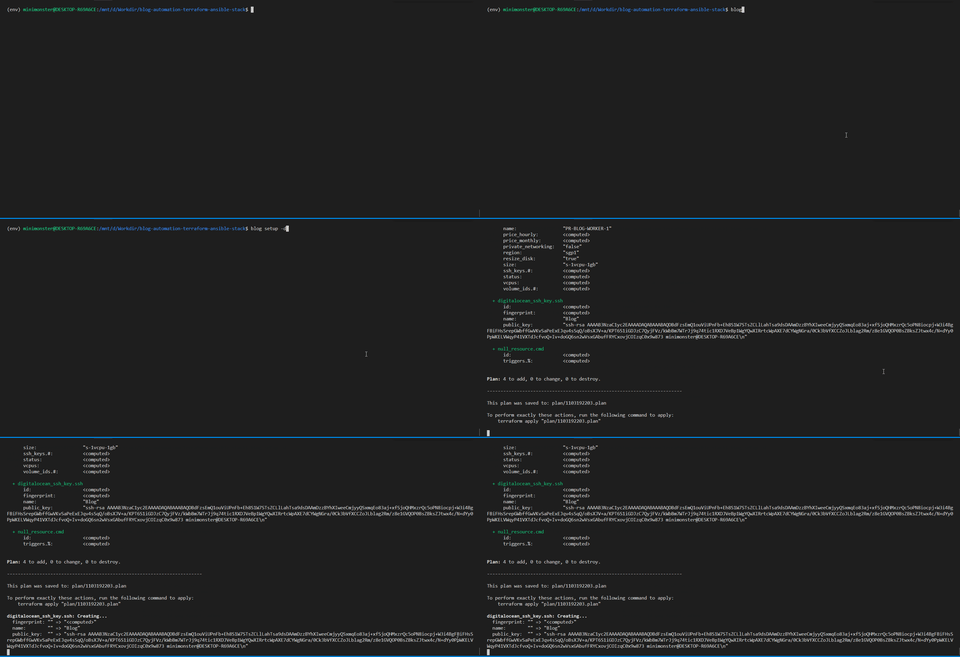
1. `blog setup` - This command will do the provisioning of the server instances, this command will create a swarm cluster and automatically join for the workers to the managers. This process done by the Terraform and Ansible.
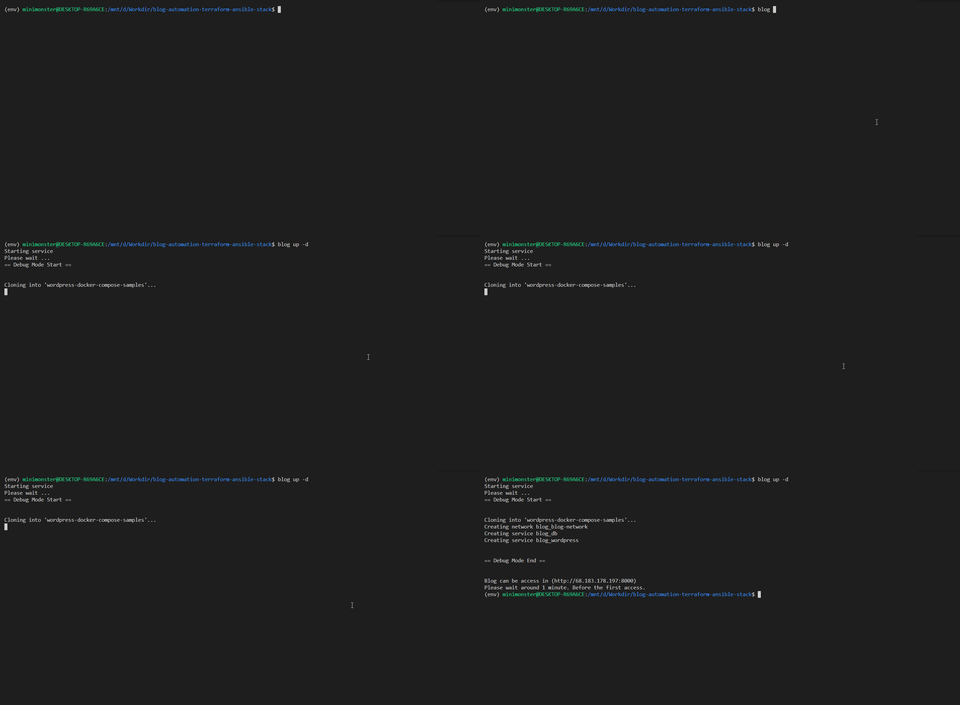
2. `blog up` - This command will do create an instance of Database MySQL first then the Wordpress server instances. The wordpress site, can be access in this url `http://SERVER_IP:8000`. This command done by the Python Fabric.
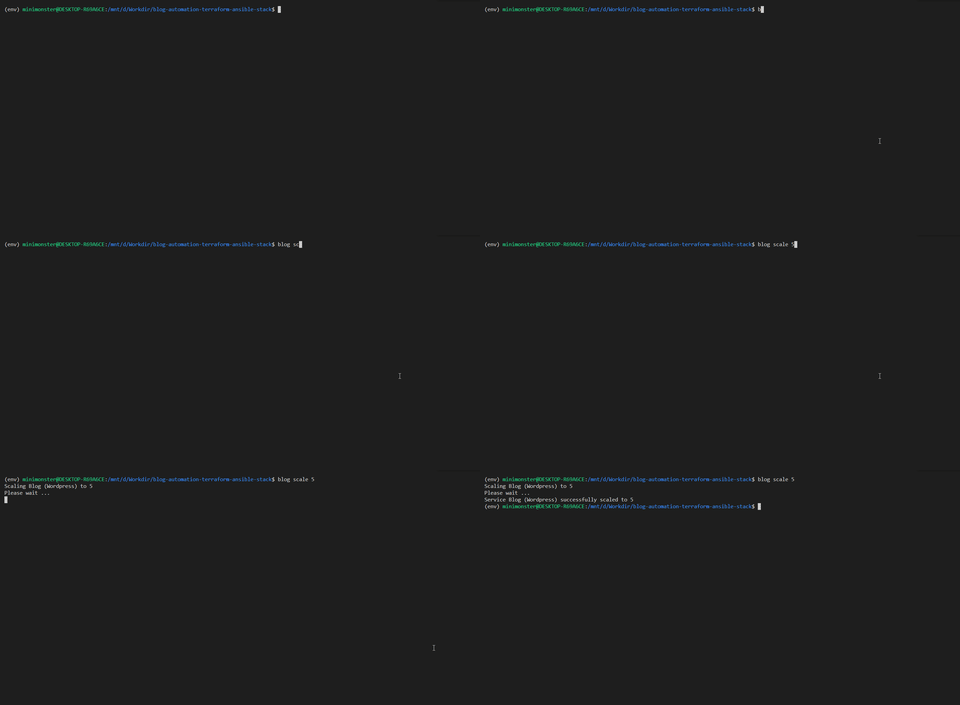
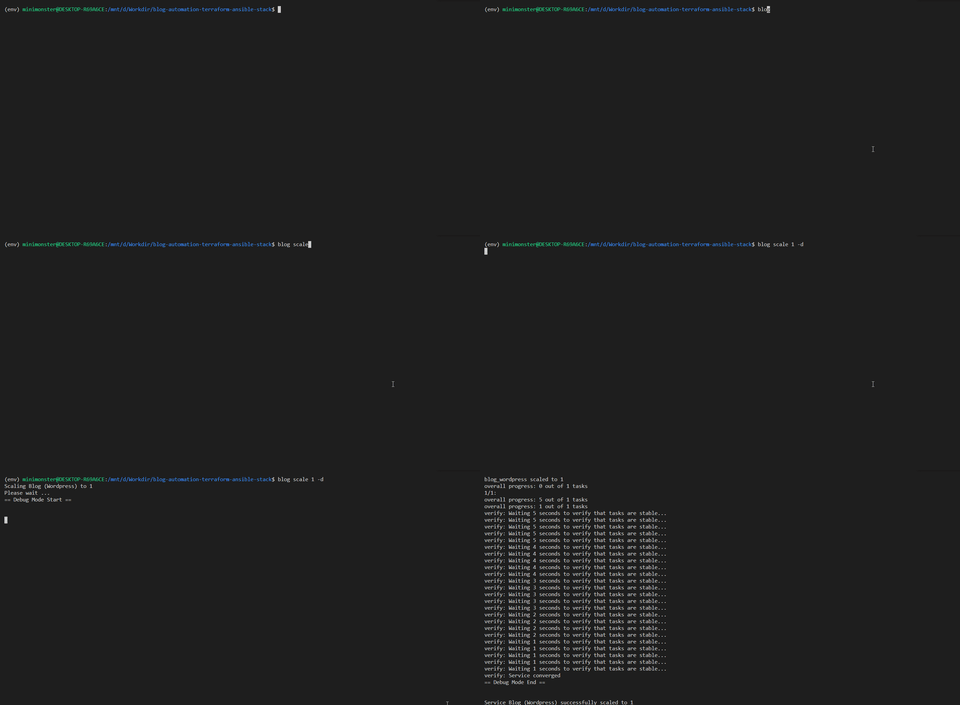
3. `blog scale` - This command will do the scale up for the wordpress instances.
4. `blog status` - This command, only checking the number of existing wordpress instances.
5. `blog down` - This command will do the destroying all the instances including the server instances
All the command, have the ability for debug all the process with the options `-d`. All the configuration to be used are ready in the file `blog.cfg`.
##### The thing that need to be changed in configuration file (`blog.cfg`)
* `state` - This is the state that used to track the server instances, you need to set the state file path with absolute path, otherwise this CLI Apps can track the process even start the wordpress instances.
* `ssh_private_key` - This is used by Ansible and also Terraform. A SSH Private Key path.
* `ssh_public_key` - This is used by Ansible and also Terraform. A SSH Public Key path.
* `token` - This is `DIGITALOCEAN_TOKEN`, you need to change this.
### Documentation
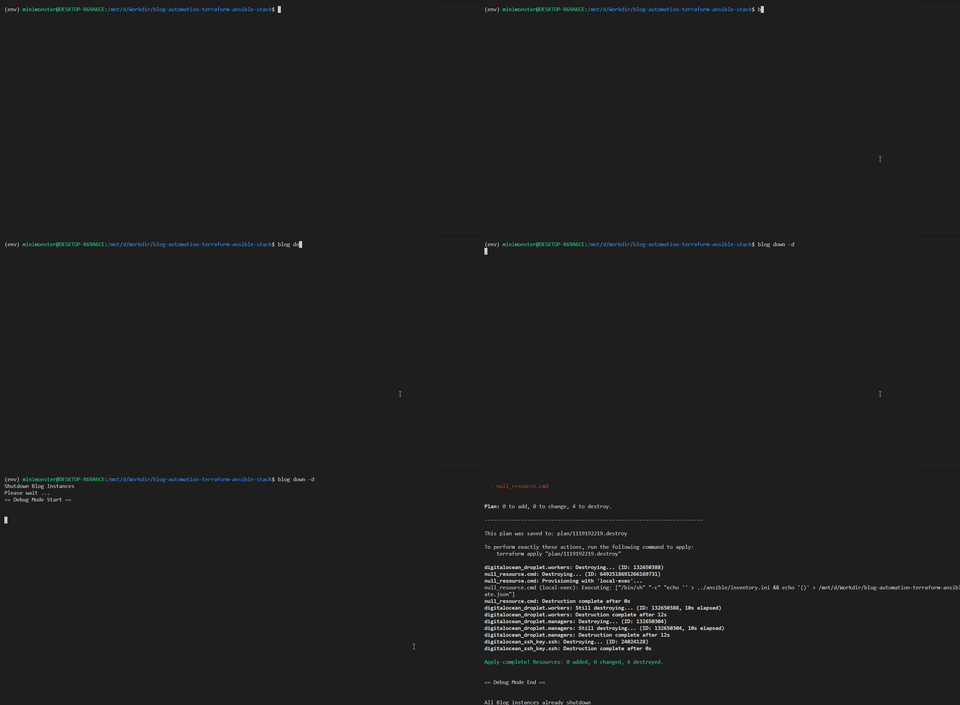
You can see the documentation the screenshot in the `img/` directory.
#### Blog Setup Process
#### Blog Up Process
#### Blog Scale Up Process
#### Blog Scale Down Process
#### Blog Down Process
### Summary
This design give a short journey about how to manage containerization project using simple tools such as Ansible, Terraform, Python, and obviously the Docker as container engine. This project will show you the process about provisioning the Wordpress instances until its ready to get the very first request, even to maintain just in case there is huge event occur then we can scale it to handle that.
For the persistant volume, currently we don't take this seriously as of this project just take precedence about how to facing scalability.
So instead using something like persistant volume, we will only use a ephemeral storage using native docker volume that will be mounted on every components on this cluster which is the docker swarm manager and docker swarm workers to take care the static file of the Wordpress blog site.
All the instance are used in SINGAPORE region (sgp1) in [DigitalOcean](https://www.digitalocean.com/).