https://github.com/ardupilot/arduconfigurator
https://github.com/ardupilot/arduconfigurator
Last synced: 5 months ago
JSON representation
- Host: GitHub
- URL: https://github.com/ardupilot/arduconfigurator
- Owner: ArduPilot
- License: gpl-3.0
- Created: 2021-06-27T00:09:59.000Z (about 5 years ago)
- Default Branch: master
- Last Pushed: 2022-04-09T15:23:37.000Z (over 4 years ago)
- Last Synced: 2025-05-08T23:03:16.253Z (over 1 year ago)
- Language: JavaScript
- Size: 97.9 MB
- Stars: 32
- Watchers: 13
- Forks: 16
- Open Issues: 1
-
Metadata Files:
- Readme: README.md
- License: LICENSE
Awesome Lists containing this project
README
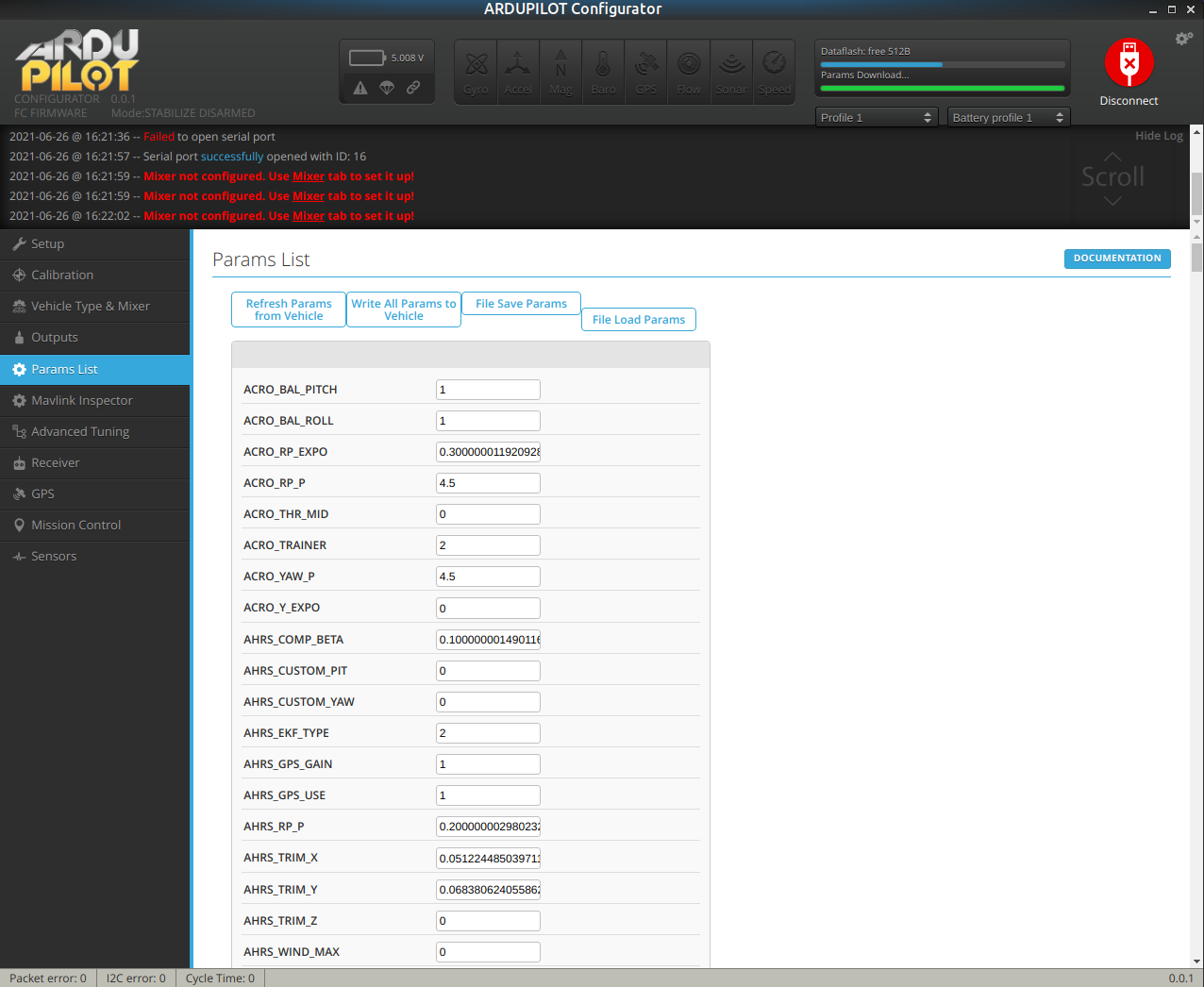
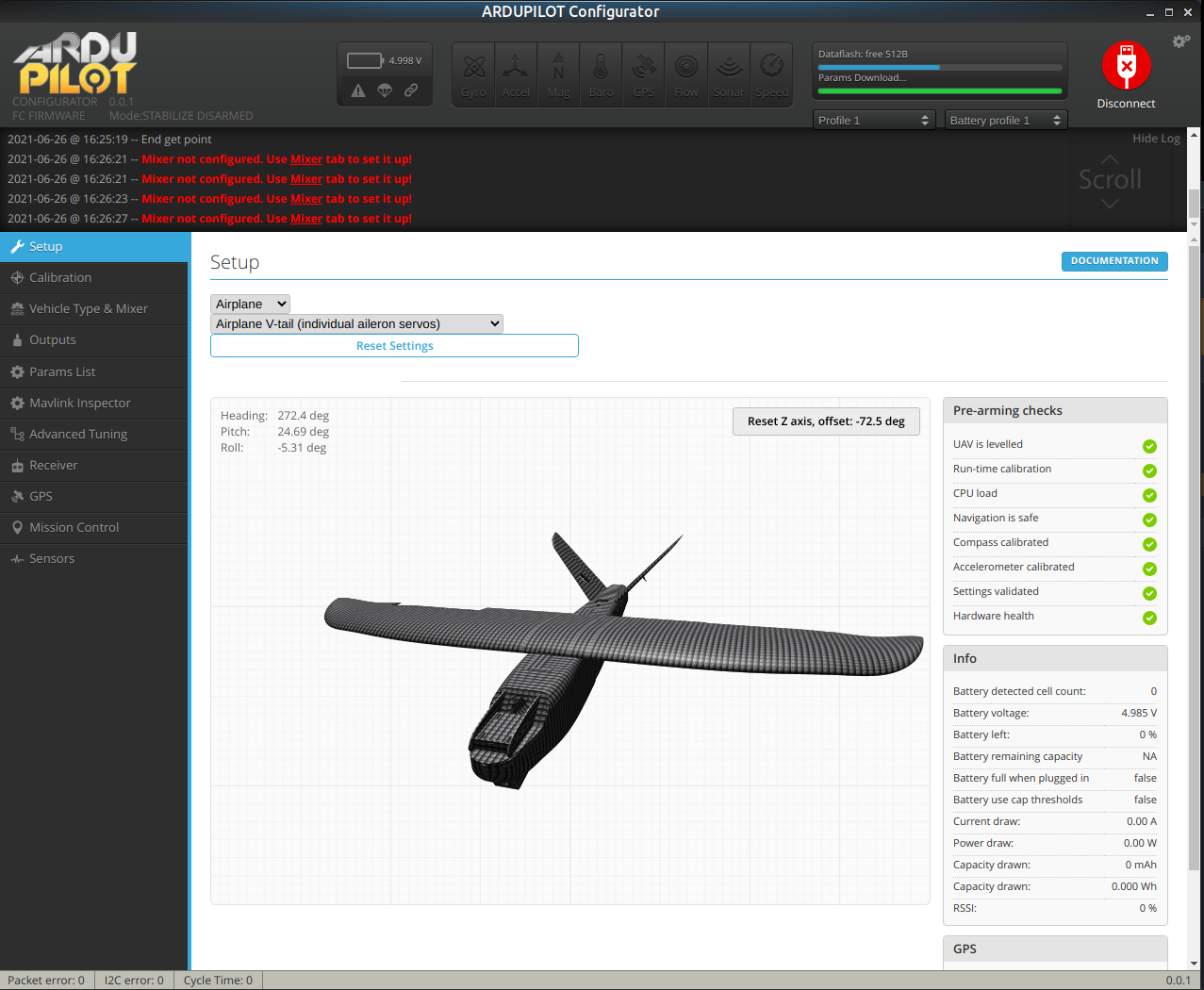
# ArduPilot Configurator
ArduPilot Configurator is a crossplatform configuration tool for the [ArduPilot](https://github.com/ArduPilot/ardupilot) flight control system.
It runs as an app within Google Chrome and allows you to configure the ArduPilot software running on any supported ArduPilot target.
Various types of aircraft are supported by the tool and by ArduPilot, e.g. quadcopters, hexacopters, octocopters and fixed-wing aircraft.




## Installation
Depending on target operating system, _ArduPilot Configurator_ is distributed as _standalone_ application or Chrome App.
### Windows
1. Visit [release page](https://github.com/ArduPilot/ArduConfigurator/releases)
1. Download Configurator for Windows platform (win32 or win64 is present)
1. Extract ZIP archive
1. Run ArduPilot Configurator app from unpacked folder
1. Configurator is not signed, so you have to allow Windows to run untrusted application. There might be a monit for it during first run
### Linux
1. Visit [release page](https://github.com/ArduPilot/ArduConfigurator/releases)
1. Download Configurator for Linux platform (linux32 and linux64 are present)
1. Extract tar.gz archive
1. Make the ArduPilot-configurator file executable (chmod +x ArduPilot-configurator)
1. Run ARDUPILOT Configurator app from unpacked folder
### Mac
1. Visit [release page](https://github.com/ArduPilot/ArduConfigurator/releases)
1. Download Configurator for Mac platform
1. Extract ZIP archive
1. Run ArduPilot Configurator
1. Configurator is not signed, so you have to allow Mac to run untrusted application. There might be a monit for it during first run
### ChromeOS
**ArduPilot Configurator** form ChromeOS is available in [Chrome Web Store](https://chrome.google.com/webstore/detail/ArduPilot-configurator/fmaidjmgkdkpafmbnmigkpdnpdhopgel)
### Building and running ArduPilot Configurator locally (for development or Linux users)
For local development, **node.js** build system is used.
1. Install pre-requisites:
```
sudo apt install curl git
```
2. Install 'nvm' , if you don't already have it, the 'node version manager', and use it to get node 16:
```
nvm --version
curl -o- https://raw.githubusercontent.com/nvm-sh/nvm/v0.39.1/install.sh | bash
. ~/.profile
command -v nvm
nvm install 16.14.0
which node
```
3. download the app sources :
```
git clone https://github.com/ArduPilot/ArduConfigurator.git
cd ArduConfigurator
```
4. run the app in 'dev' mode [be sure your node is v16, see above at step 2 if its not]:
```
node --version
npm install
npm run gulp build
npm run dev
```
### More info on some commands:
- 'npm run dev' runs to it from the source folder without bundling any resources, great for debug and code hacking. Its also the only way the code runs right this instant., sorry, we haven't got any release ready yet. 'npm start' is very similar, but uses a 'bundled' main.html
- 'npm start' is supposed to be the alternative to running it in dev mode, but as we dont have any release yet, its not the way we use the app at the moment, so this comment is a reminder to not use this command yet.
- no right-click, no developer tools..? If the app starts-up for you, but right-click doesnn't allow you to use chrome-dev-tools or inspect stuff, then you don't have the 'sdk' version of NW installed. Theese command/s to try to remedy that are (one or more of these might help), but are not part of a normal install, and you should not run them unless you somehow got the wrong 'nw' version:
`nvm deactivate`
`mv ~/.npmrc ~/.npmrc.bak`
`rm -rf node_modules/nw`
`rm package-lock.json`
`npm install --save nw@0.50.3-sdk`
`sudo npm install --save nw@0.50.3-sdk -g`
`export NWJS_BUILD_TYPE=sdk; npm install`
- Bundling/releasing not working properly just now, but when it's working it will run like this:
'npm run gulp dist' to bundle it.
'npm run gulp release' to make win32/win64/osx/linux32/linux64 packages.
- this ap can be used as a chrome plugin, but usually is use "integrated" with nw.js [expect bugs if u do this] :
- With NW.js: Run `npm start`[probably not working].
- With Chrome: Run `npm run gulp`. Then open `chrome://extensions`, enable
the `Developer mode`, click on the `Load unpacked extension...` button and select the `ArduConfigurator` directory.
### Gulp hints? Other tasks are also defined in `gulpfile.js`. To run a task, use `npm run gulp task-name`. Available ones are:
- **build**: Generate JS and CSS output files used by the configurator from their sources. It must be run whenever changes are made to any `.js` or `.css` files in order to have those changes appear
in the configurator. If new files are added, they must be included in `gulpfile.js`. See the comments at the top of `gulpfile.js` to learn how to do so. See also the `watch` task.
- **watch**: Watch JS and CSS sources for changes and run the `build` task whenever they're edited.
- **dist**: Create a distribution of the app (valid for packaging both as a Chrome app or a NW.js app)
in the `./dist/` directory.
- **release**: Create NW.js apps for each supported platform (win32, osx64 and linux64) in the `./apps`
directory. Running this task on macOS or Linux requires Wine, since it's needed to set the icon
for the Windows app. If you don't have Wine installed you can create a release by running the **release-only-linux** task.
## BUGs? absolutely.
See [BUGS page](https://github.com/ArduPilot/ArduConfigurator/blob/master/BUGS.md)
## Different MAP providers?
See [MAPS page](https://github.com/ArduPilot/ArduConfigurator/blob/master/MAPS.md)
## Notes
### WebGL
Make sure Settings -> System -> "User hardware acceleration when available" is checked to achieve the best performance
### Linux users
1. Dont forget to add your user into dialout group "sudo usermod -aG dialout YOUR_USERNAME" for serial access
2. If you have 3D model animation problems, enable "Override software rendering list" in Chrome flags chrome://flags/#ignore-gpu-blacklist
### WSL2
1. The configurator will run on WSL2 as long as you have X configured and an X server running without auth (e.g. XLaunch)
2. WSL2 does not support USB so no direct communication with flight controllers is currently possible
## Support
GitHub issue tracker is reserved for bugs and other technical problems. If you do not know how to setup
everything, hardware is not working or have any other _support_ problem, please consult:
* [discuss user forums thread](https://discuss.ardupilot.org/)
* [developer chat](https://ardupilot.org/dev/docs/ardupilot-discord-server.html)
## Issue trackers
For ArduPilot configurator issues raise them here
https://github.com/ArduPilot/ArduConfigurator/issues
For ArduPilot firmware issues raise them here
https://github.com/ArduPilot/ardupilot/issues
## Developers
We accept clean and reasonable patches or PRs, submit them!
## Credits - happy to correct these credits if they are wrong or incomplete.
ctn - author and maintainer ofof stuff from which this project was forked.
Hydra - author and maintainer of stuff from which this project was forked.
Konstantin Sharlaimov/DigitalEntity - author and maintainer of stuff from which this project was forked.
Paweł Spychalski - author and maintainer of stuff from which this project was forked.