https://github.com/arg0navt/leaflet-react-track-player
This is plugin for react-leaflet. It create player for control of track. 🍃🌎⚔
https://github.com/arg0navt/leaflet-react-track-player
leaflet player react react-leaflet
Last synced: about 1 year ago
JSON representation
This is plugin for react-leaflet. It create player for control of track. 🍃🌎⚔
- Host: GitHub
- URL: https://github.com/arg0navt/leaflet-react-track-player
- Owner: arg0navt
- Created: 2018-09-18T07:29:58.000Z (almost 8 years ago)
- Default Branch: master
- Last Pushed: 2020-09-15T21:11:32.000Z (almost 6 years ago)
- Last Synced: 2025-03-29T06:05:02.466Z (over 1 year ago)
- Topics: leaflet, player, react, react-leaflet
- Language: JavaScript
- Homepage:
- Size: 9.19 MB
- Stars: 29
- Watchers: 2
- Forks: 19
- Open Issues: 6
-
Metadata Files:
- Readme: README.md
Awesome Lists containing this project
README
# Leaflet-react-track-player
[](https://travis-ci.org/argonavt11/leaflet-react-track-player)
[](https://circleci.com/gh/argonavt11)
[](https://github.com/argonavt11/leaflet-react-track-player)
---
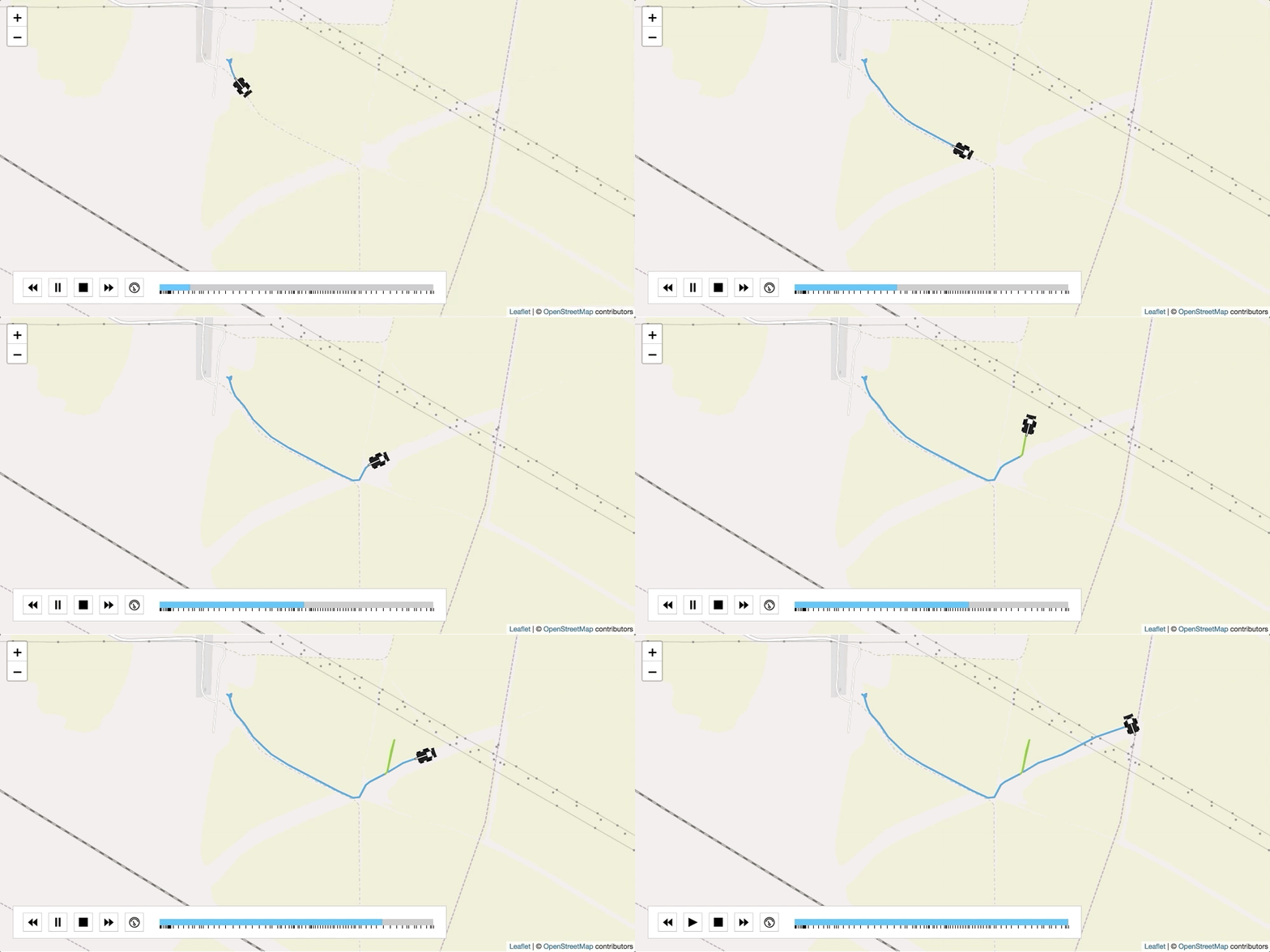
This is package was created as a plugin for [react-leaflet](https://github.com/PaulLeCam/react-leaflet) . It creates a player which animates along a polyline. It provides functions for pause, play and playback speed. The track colors may be customized.
#### Install
```sh
npm install leaflet-react-track-player
yarn add leaflet-react-track-player
```
---
```javascript
import React, { Component } from "react";
import LeafletReactTrackPlayer from "leaflet-react-track-player";
import demo from "./demo";
import { Map, TileLayer } from "react-leaflet";
class App extends Component {
state = {
lat: 47.445745,
lng: 40.272891666666666,
zoom: 15,
type: "distance",
demo: demo
};
render() {
const position = [demo[0].lat, demo[0].lng];
return (
);
}
}
```
---
#### Params
| Prop | Type | Default | Description |
| --------------- | ------- | ---------------- | ----------------------------------------------------------------------------------------------------------------------------------------------------------------------------------------- |
| track | Array | [] | The points that define the polyline |
| optionMultyIdxFn | Function | () => {} | Function to defined track segment colors |
| autoplay | Boolean | true | Autoplay after init player or not |
| optionsMulty | Array | [] | The colors used for track segments |
| customMarker | Boolean | false | Should use a custom marker icon |
| iconCustomMarker | String | "" | Path to your marker icon |
| customCourse | Boolean | false | Need changing course of marker? You need have course in points. See demo |
| timeFormat | String | "YYMMDDHHmmss000" | Time format is for mode "time". You need times stamps in points. See demo |
| styleMarker | String | "" | Inline style for the marker |
| speedArray | Array | [] | List of speeds |
| progressFormat | String | "default" | Mode "default" uses the number of points as the value for progress. Mode "time" uses time stamps as the value for progress. Mode "distance" uses range in meters as the value for progress |
| useControl | Bollean | false | Show or hide control panel |
| streamData | Bollean | false | Update player after add new points |
| showDots | Bollean | false | Show or hide points in progress line |
| defaultSpeed | Number | undefined | Constant for speed (pixel/second) |
| callbackFinish | Function | () => {} | Called after one full track run |
| callbackNext | Function | () => {} | Called after next point in the polyline is reached |
| callbackPrev | Function | () => {} | Called after previous point in the polyline is reached |
| callbackSpeed | Function | () => {} | Called after changing spead |
| callbackFly | Function | () => {} | Called after fly polyline |
| callbackStream | Function | () => {} | Called after changing stream mode |