https://github.com/arif98741/laravelbash
This is for installing nginx, php and permission management for laravel deployment
https://github.com/arif98741/laravelbash
deployment laravel laravelbash laraveldeployment nginx php server
Last synced: 8 months ago
JSON representation
This is for installing nginx, php and permission management for laravel deployment
- Host: GitHub
- URL: https://github.com/arif98741/laravelbash
- Owner: arif98741
- Created: 2021-09-27T18:08:19.000Z (over 4 years ago)
- Default Branch: master
- Last Pushed: 2023-02-12T10:02:53.000Z (over 3 years ago)
- Last Synced: 2025-02-07T01:01:54.888Z (over 1 year ago)
- Topics: deployment, laravel, laravelbash, laraveldeployment, nginx, php, server
- Language: Shell
- Homepage:
- Size: 223 KB
- Stars: 9
- Watchers: 3
- Forks: 8
- Open Issues: 0
-
Metadata Files:
- Readme: README.md
Awesome Lists containing this project
README
          ## Laravel Deployment and Nginx Server setup using one file

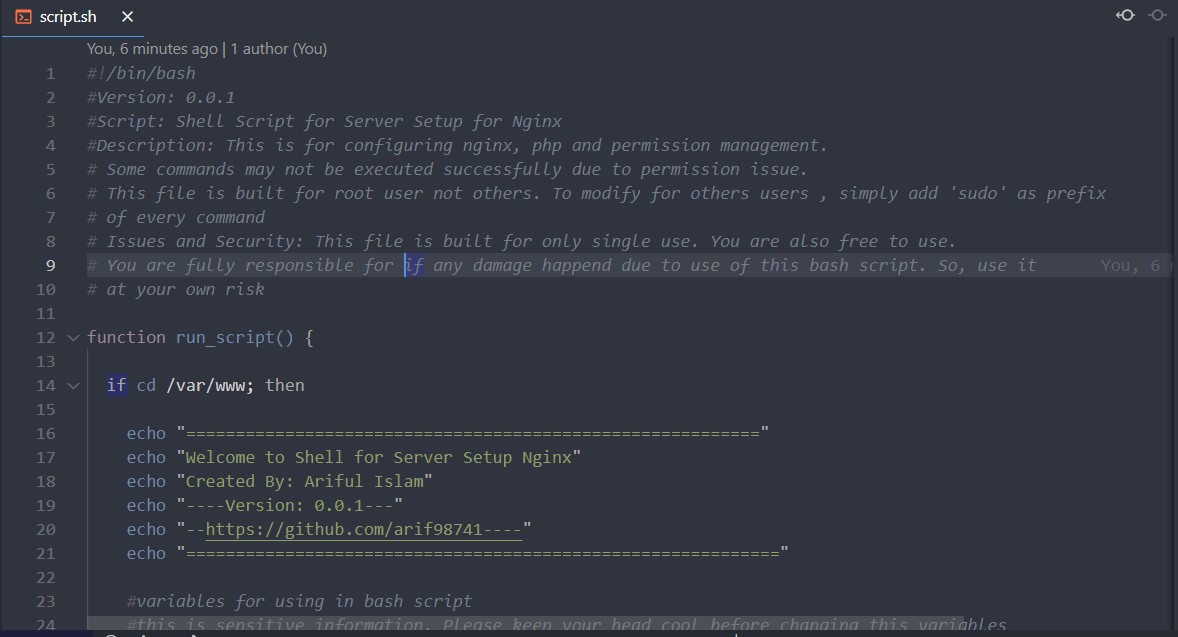
## Some commands may not be executed successfully due to permission issue.

This file is built for root user not others. To modify for others users , simply add 'sudo' as prefix

of every command

Issues and Security: This file is built for only single use. You are also free to use at your **_own risk_**.

#### Step1: Download the all files in your machine and unzip inside /var/www directory


#### Step2: Run command

 nano script.sh

#### Step3: edit script.sh with project name and ssh-url of your git repository

#### Step 4: save it using
- Ctrl +X
- Y
- Enter
#### Step 5: Add Execute Permission to _script.sh_ file
chmod +x script.sh
#### Step 6: run
./script.sh
# Install and Tasks
  >  SSH Key Generate

  >  php

  >  install composer

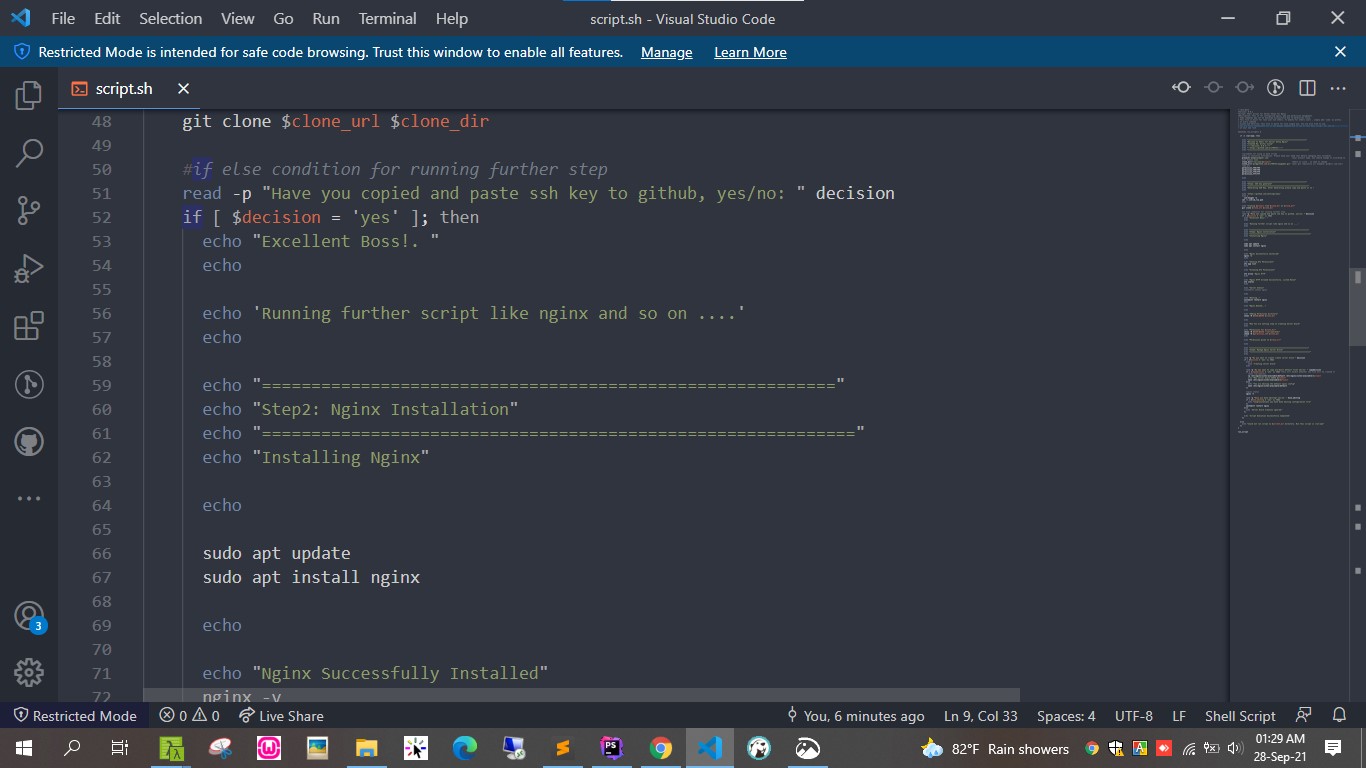
  >  nginx

  >  permission to  folders

  >  clone repository

  >  generate ssh-key

  >  assign laravel permission(for laravel permission use laravel.sh repeating 1-6 step )
*You are fully responsible for if any damage happened in server due to use of this bash script. So, use it at your own risk*