https://github.com/armgits/beginner_tutorials
My ROS2 programming assignments for the ENPM808X course.
https://github.com/armgits/beginner_tutorials
cpp ros2 tutorials
Last synced: over 1 year ago
JSON representation
My ROS2 programming assignments for the ENPM808X course.
- Host: GitHub
- URL: https://github.com/armgits/beginner_tutorials
- Owner: armgits
- License: apache-2.0
- Created: 2023-11-03T16:43:11.000Z (over 2 years ago)
- Default Branch: main
- Last Pushed: 2023-11-23T07:46:45.000Z (over 2 years ago)
- Last Synced: 2025-02-01T23:45:44.775Z (over 1 year ago)
- Topics: cpp, ros2, tutorials
- Language: C++
- Homepage:
- Size: 986 KB
- Stars: 0
- Watchers: 1
- Forks: 0
- Open Issues: 0
-
Metadata Files:
- Readme: README.md
- License: LICENSE
Awesome Lists containing this project
README
          # `tf2`, Unit Testing and Bag Files

ENPM808X - Abhishekh Reddy Munnangi, 119399002

## Get started

### Environment and dependencies

#### Operating system, ROS installation and additional software

- Ubuntu Jammy (22.04)

- ROS2 Humble Hawksbill (Even base installation is sufficient)

- Git

#### Package dependencies

- `rclcpp` - ROS2 C++ Client Library

- `std_msgs` - Standard Messages Library

- `std_srvs` - Standard Services Library

- `ros2launch` - ROS2 Launch Library for Launch file support

- `tf2` - Package API for working with reference frames and transformations

- `tf2_ros` - Command line tools for using the tf2 package

- `ament_cmake_gtest` - GTest for testing the package

#### Additional notes and considerations

- Frames PDF, rosbag outputs are in the results folder, this folder has been

  reorganized in this release

- Screenshots of the `rqt_console` GUI showing log messages are in the

`results/` folder.

- The following section assumes that you have an existing ROS2 workspace. If not,

see [how to create one](https://docs.ros.org/en/humble/Tutorials/Beginner-Client-Libraries/Creating-A-Workspace/Creating-A-Workspace.html#create-a-new-directory).

### Cloning the repository

The root directory of this repository are contents of a ROS2 package. Hence,

this needs to be cloned to a folder in the `src/` directory of a ROS2 project

workspace.

```console

/

├── build/

├── install/

├── log/

└── src/

    └── beginner_tutorials/ <-- Repository clones to this folder

        └──

```

Workspace directory tree with this repository contents in it

Run this command in the `src/` directory of your ROS2 workspace

```bash

git clone https://github.com/armgits/beginner_tutorials.git beginner_tutorials

```

>**Before the next step:** For the first time, ensure that the package

> dependencies are installed. Run these commands from the **root workspace directory**.

```bash

rosdep init && rosdep update

```

```bash

rosdep install --from-paths src -y --ignore-src

```

Build the package in the **root directory** of your ROS2 workspace.

```bash

colcon build --packages-select beginner_tutorials

```

Source the freshly built package

```bash

source install/setup.bash

```

## Testing a node

GTest test case has been added in this homework to test the `first_astronaut` node.

```bash

colcon test --packages-select beginner_tutorials

```

Detailed outputs could be found in the `build/beginner_tutorials/Testing` and

`build/beginner_tutorials/test_results` folders.

## Running the nodes for demonstration

In this exercise, the nodes could either be started individually or together

using a launch file.

### Running the nodes individually

Start the `first_astronaut` node in the first terminal

```bash

ros2 run beginner_tutorials talker

```

Start the `second_astronaut` node in a new, second terminal

```bash

ros2 run beginner_tutorials listener

```

>**Note:** You might need to source the package in the new terminal as well

> before running the above command

Hit `Crtl + C` in both the terminals to stop the nodes.

### Running the nodes together using launch file (Recommended)

Launch file unifies the above steps into a single line command for convenience.

Both the nodes could be launched together with the desired parameters as arguments,

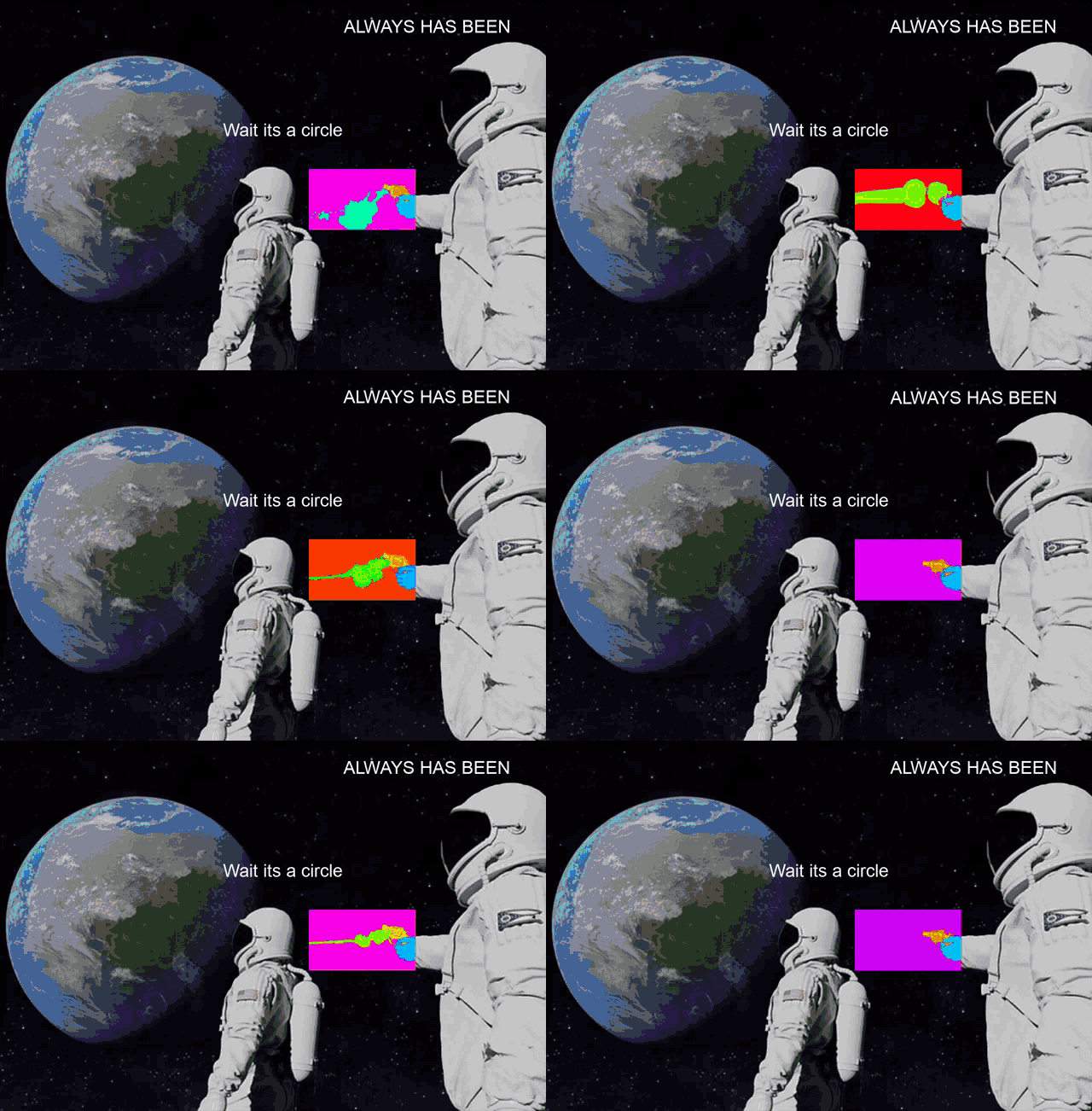
creating the perfect meme template.

```bash

ros2 launch beginner_tutorials launch.py record_bag:= realization:= dramatic_end:=

```

> **Entry format for arguments:**

>

> `record_bag:=` True/False


> `realization:=` "double quotes"


> `dramatic_end:=` true/false

To learn more about the launch arguments, use this command

```bash

ros2 launch beginner_tutorials launch.py --show-args

```

### Recording messages on topics to rosbag

> **Note:** The recorded rosbag will be saved to the **current working directory**.

> i.e. The directory in which the launch file is executed in the terminal.

Use the `record_bag` launch argument in the launch command which accepts a

boolean value of `True` or `False` to record the message activity to a rosbag.

### TF Frames

Two frames `world` and its child frame `talk` are broadcasted using a

`StaticTransformBroadcaster` from the `tf2` package. They can be checked and viewed

while at least the `first_astronaut` node is running.

Read the stamped transform messages

```bash

ros2 run tf2_ros tf2_echo world talk

```

View the frames in a PDF (File is saved in a similar fashion as recording rosbag)

```bash

ros2 run tf2_tools view_frames

```

See the [documentaion](https://docs.ros.org/en/humble/Tutorials/Intermediate/Tf2/Debugging-Tf2-Problems.html#checking-the-frames) for

more information.

## Reference

This ROS2 package is a template for the "Always has been" meme.