https://github.com/arrudadev/pet-feeder-web
Web application from the Integration Project 6 of the college.
https://github.com/arrudadev/pet-feeder-web
chakra-ui firebase nextjs react typescript
Last synced: 3 months ago
JSON representation
Web application from the Integration Project 6 of the college.
- Host: GitHub
- URL: https://github.com/arrudadev/pet-feeder-web
- Owner: arrudadev
- License: mit
- Created: 2021-11-10T02:06:26.000Z (over 4 years ago)
- Default Branch: main
- Last Pushed: 2021-12-30T02:03:49.000Z (over 4 years ago)
- Last Synced: 2025-01-14T09:31:07.848Z (over 1 year ago)
- Topics: chakra-ui, firebase, nextjs, react, typescript
- Language: TypeScript
- Homepage:
- Size: 1020 KB
- Stars: 1
- Watchers: 1
- Forks: 0
- Open Issues: 0
-
Metadata Files:
- Readme: README.md
- Contributing: CONTRIBUTING.md
- License: LICENSE
Awesome Lists containing this project
README
Pet Feeder Web
[](https://opensource.org/licenses/MIT)
[](http://makeapullrequest.com)
> Web application from the Integration Project 6 of the college.
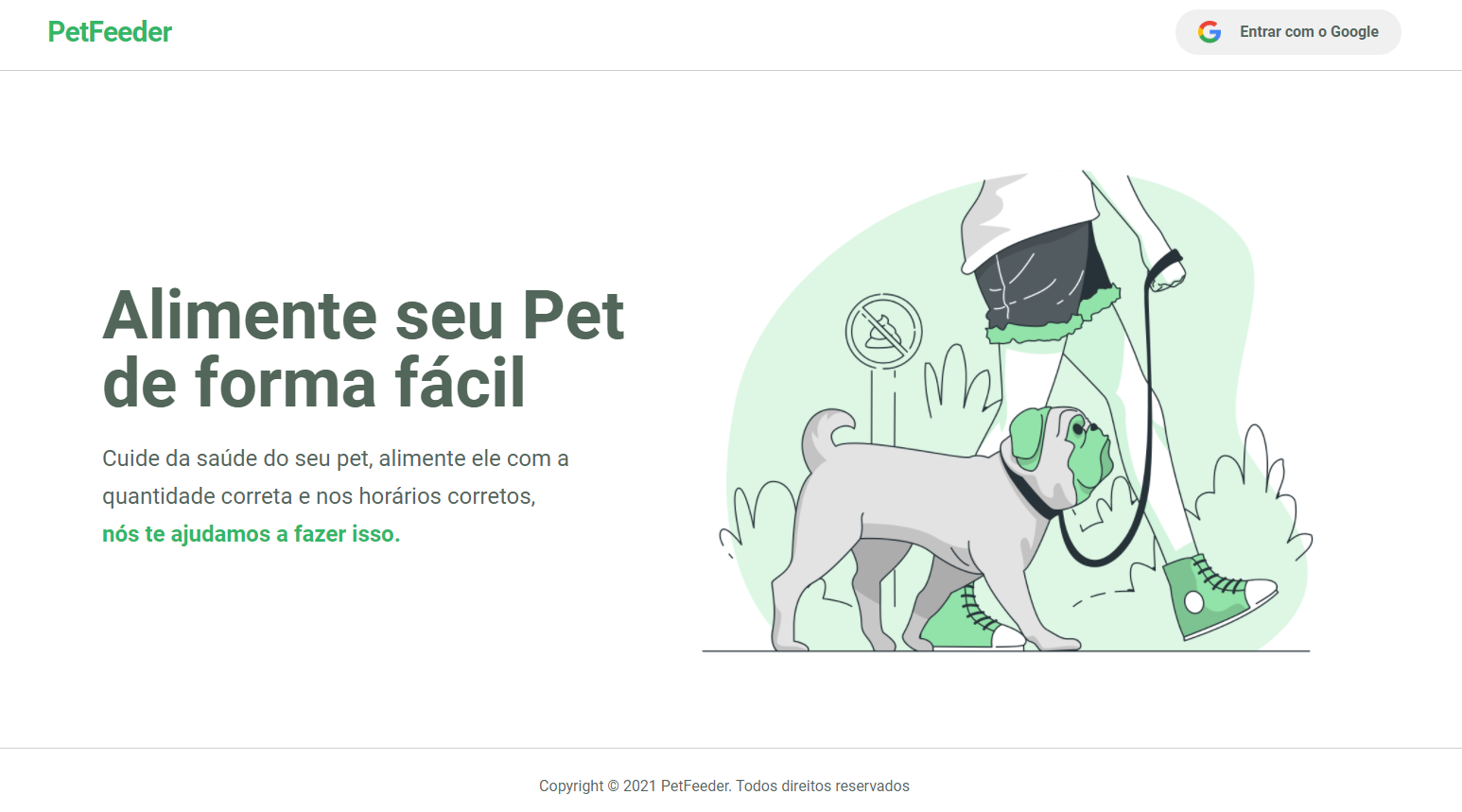
In this application, the user can view dashboards with their pet's feeding data, generated by the IOT part of the system.
# :pushpin: Table of Contents
* [Technologies](#-technologies)
* [Installation](#construction_worker-installation)
* [Getting Started](#runner-getting-started)
* [Found a bug? Missing a specific feature?](#bug-issues)
* [Contributing](#tada-contributing)
* [License](#closed_book-license)
## 💻 Technologies
This project was developed with the following technologies:
- [Typescript](https://www.typescriptlang.org/)
- [React](https://reactjs.org)
- [NextJs](https://nextjs.org/)
- [Chakra UI](https://chakra-ui.com/)
- [Firebase](https://firebase.google.com/)
# :construction_worker: Installation
**You need to install [Node.js](https://nodejs.org/en/download/) and [Yarn](https://yarnpkg.com/) first, then in order to clone the project via HTTPS, run this command:**
```
git clone https://github.com/monteiro-alexandre/pet-feeder-web.git
```
SSH URLs provide access to a Git repository via SSH, a secure protocol. If you use a SSH key registered in your Github account, clone the project using this command:
```
git clone git@github.com:monteiro-alexandre/pet-feeder-web.git
```
Remember that you will need to create a [Firebase](https://firebase.google.com/) account.
**Install dependencies**
```
yarn install
```
Or
```
npm install
```
Create your environment variables based on the examples of .env.development
```
cp .env.development .env.local
```
After copying the examples, make sure to fill the variables with new values.
# :runner: Getting Started
Run the following command in order to start the application in a development environment:
```yarn dev```
# :bug: Issues
Feel free to **file a new issue** with a respective title and description on the the [Pet Feeder Web](https://github.com/monteiro-alexandre/pet-feeder-web/issues) repository. If you already found a solution to your problem, **I would love to review your pull request**! Have a look at our [contribution guidelines](https://github.com/monteiro-alexandre/pet-feeder-web/blob/main/CONTRIBUTING.md) to find out about the coding standards.
# :tada: Contributing
Check out the [contributing](https://github.com/monteiro-alexandre/pet-feeder-web/blob/main/CONTRIBUTING.md) page to see the best places to file issues, start discussions and begin contributing.
# :closed_book: License
This project is licensed under the MIT License - see the [LICENSE](LICENSE) file for details.