https://github.com/askerakbar/gpt-trix-editor
The GPT Trix Editor is a form field component for the Filament PHP framework that enhances the Trix editor with OpenAI GPT features.
https://github.com/askerakbar/gpt-trix-editor
filament-plugin filamentphp gpt-plugins laravel laravel-package
Last synced: 6 months ago
JSON representation
The GPT Trix Editor is a form field component for the Filament PHP framework that enhances the Trix editor with OpenAI GPT features.
- Host: GitHub
- URL: https://github.com/askerakbar/gpt-trix-editor
- Owner: askerakbar
- License: mit
- Created: 2023-04-01T19:17:16.000Z (over 3 years ago)
- Default Branch: main
- Last Pushed: 2024-10-08T08:31:46.000Z (over 1 year ago)
- Last Synced: 2025-10-04T13:55:31.669Z (9 months ago)
- Topics: filament-plugin, filamentphp, gpt-plugins, laravel, laravel-package
- Language: Blade
- Homepage: https://filamentphp.com/plugins/asker-akbar-gpt-trix-editor
- Size: 3.73 MB
- Stars: 45
- Watchers: 3
- Forks: 16
- Open Issues: 5
-
Metadata Files:
- Readme: README.md
- License: LICENSE.md
Awesome Lists containing this project
README
# GPT Trix Editor 🪄
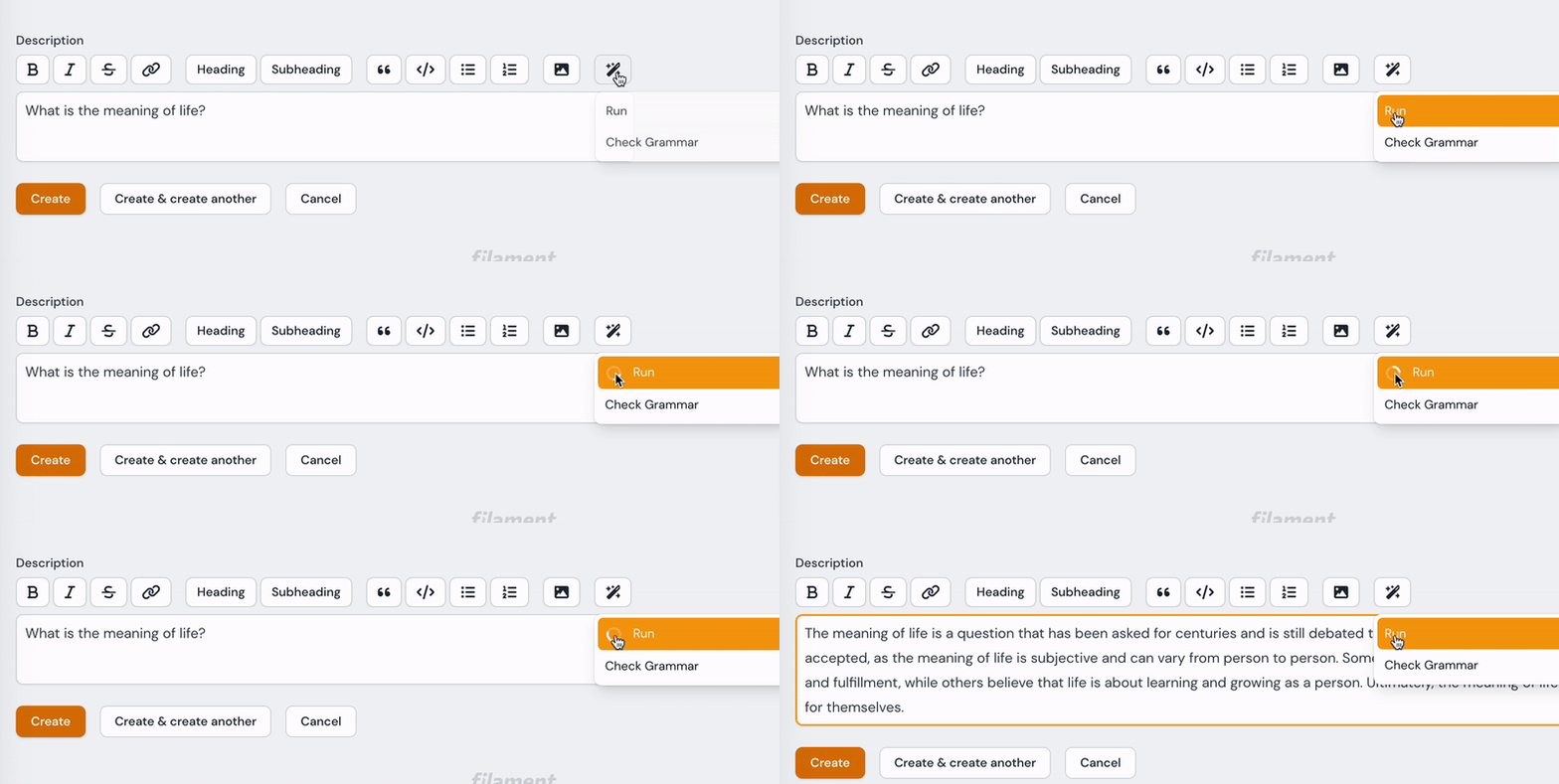
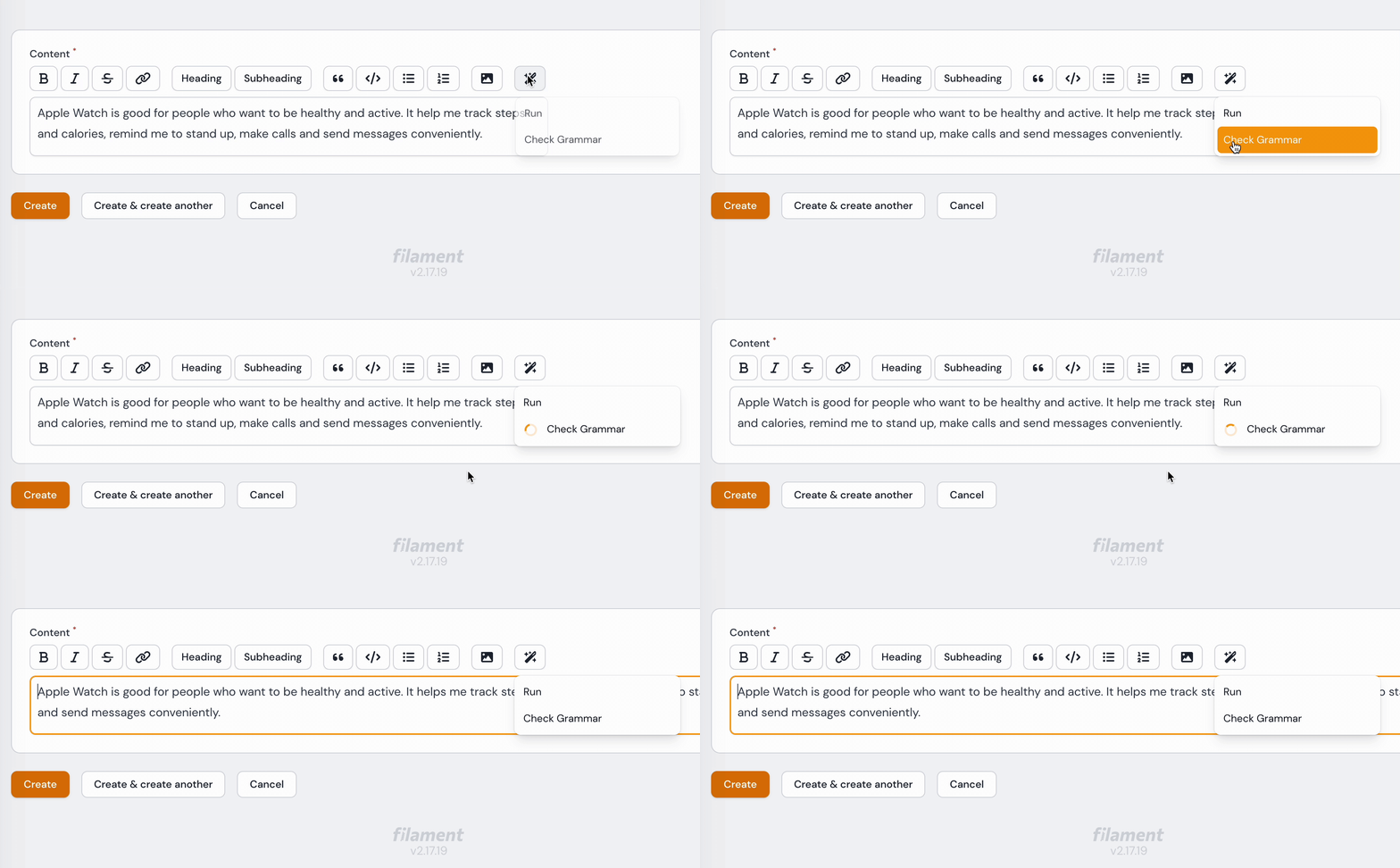
The GPT Trix Editor is a form field component for the Filament PHP framework that enhances the Trix editor with OpenAI GPT features.
[](https://packagist.org/packages/askerakbar/gpt-trix-editor)
[](https://packagist.org/packages/askerakbar/gpt-trix-editor)
Features:
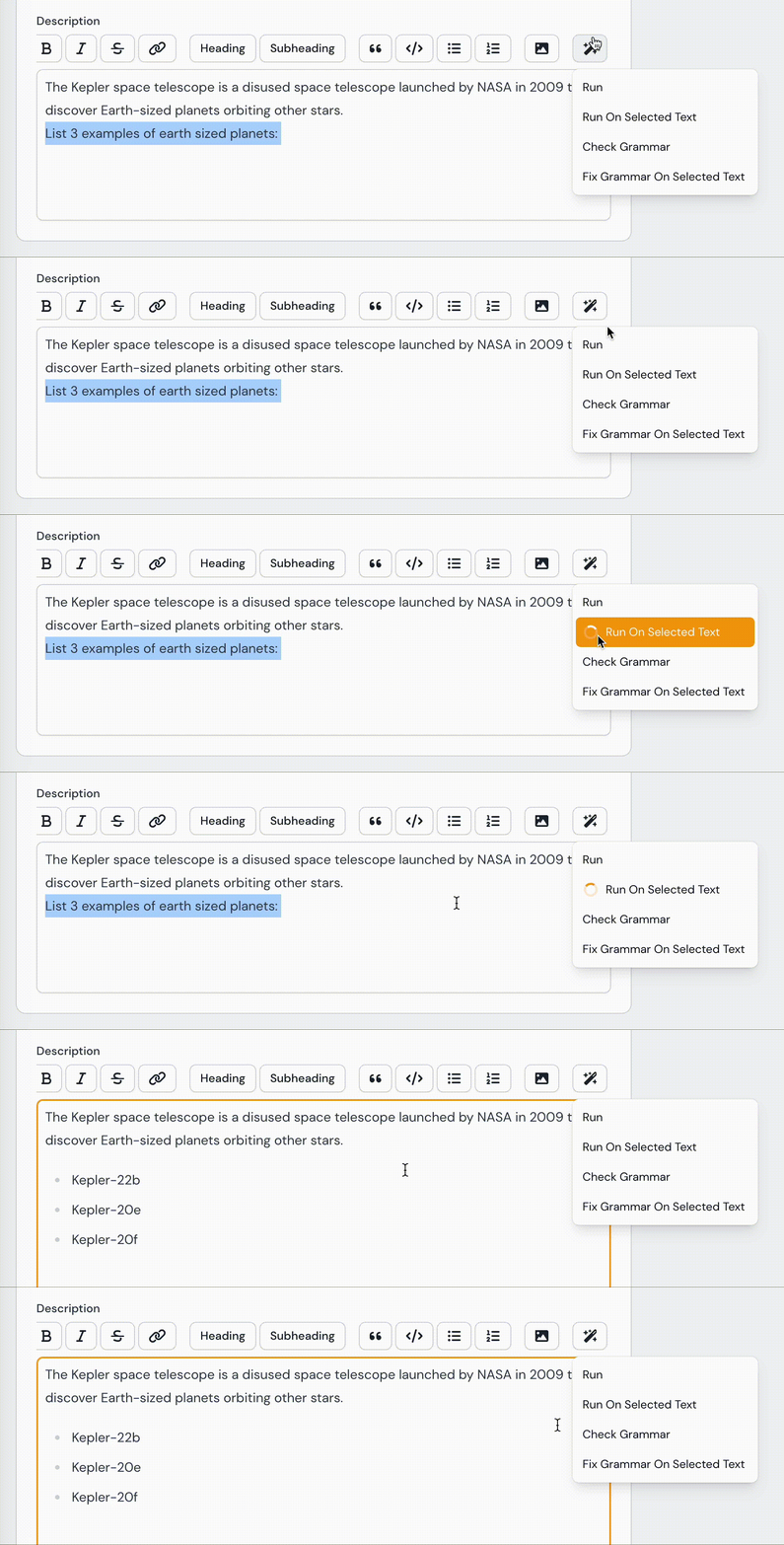
### New - Call ChatGPT API on selected/highlighted text 👇
## Installation
You can install the package via composer:
```bash
composer require askerakbar/gpt-trix-editor
```
## Quick Start
1. Publish the configuration files by running the following commands:
```bash
php artisan vendor:publish --provider="OpenAI\Laravel\ServiceProvider"
php artisan vendor:publish --tag="gpt-trix-editor-config"
php artisan vendor:publish --tag="gpt-trix-editor-translations"
```
2. We're using https://github.com/openai-php/laravel laravel package to call the OpenAI APIs, so you need to set your OpenAI API key in the .env file or in the config/openapi.php file:
```env
OPENAI_API_KEY=YOUR_KEY
```
You can also set the GPT model in the .env
```env
TRIX_GPT_MODEL=YOUR_MODEL
```
3. Optionally, you can customize the configuration file at config/gpt-trix-editor.php. This includes adding more prompts to the menu dropdown, setting temperature and max_tokens.
4. Clear the configuration cache to make sure your changes take effect:
```php artisan config:clear ```
5. Done!
# Usage
Import the field component:
```php
use AskerAkbar\GptTrixEditor\Components\GptTrixEditor;
```
You can use the GPT Trix Editor field component like any other field component:
```php
GptTrixEditor::make('content')->columnSpan('full');
```
By default, the GPT Toolbar Button is enabled in the GP Trix Editor. However, if you want to disable it, you can do so like this:
```php
GptTrixEditor::make('content')->disableToolbarButtons([
'gptTools',
])->columnSpan('full');
```
## To do
- ✅ Run the GPT actions on selected/highlighted text
## Contribute / Report a bug / Security Vulnerabilities
If you would like to contriubte, please feel free to submit pull requests or open issues.
## License
The MIT License (MIT). Please see [License File](LICENSE.md) for more information.