https://github.com/aslemammad/clib
C package manager-ish
https://github.com/aslemammad/clib
Last synced: 9 months ago
JSON representation
C package manager-ish
- Host: GitHub
- URL: https://github.com/aslemammad/clib
- Owner: Aslemammad
- License: mit
- Fork: true (clibs/clib)
- Created: 2020-07-13T15:04:08.000Z (almost 6 years ago)
- Default Branch: master
- Last Pushed: 2023-12-24T05:36:11.000Z (over 2 years ago)
- Last Synced: 2024-09-29T15:24:46.246Z (over 1 year ago)
- Homepage:
- Size: 649 KB
- Stars: 1
- Watchers: 2
- Forks: 0
- Open Issues: 0
-
Metadata Files:
- Readme: Readme.md
- Changelog: History.md
- License: LICENSE
Awesome Lists containing this project
README
# clib(1)
[](https://travis-ci.org/clibs/clib)
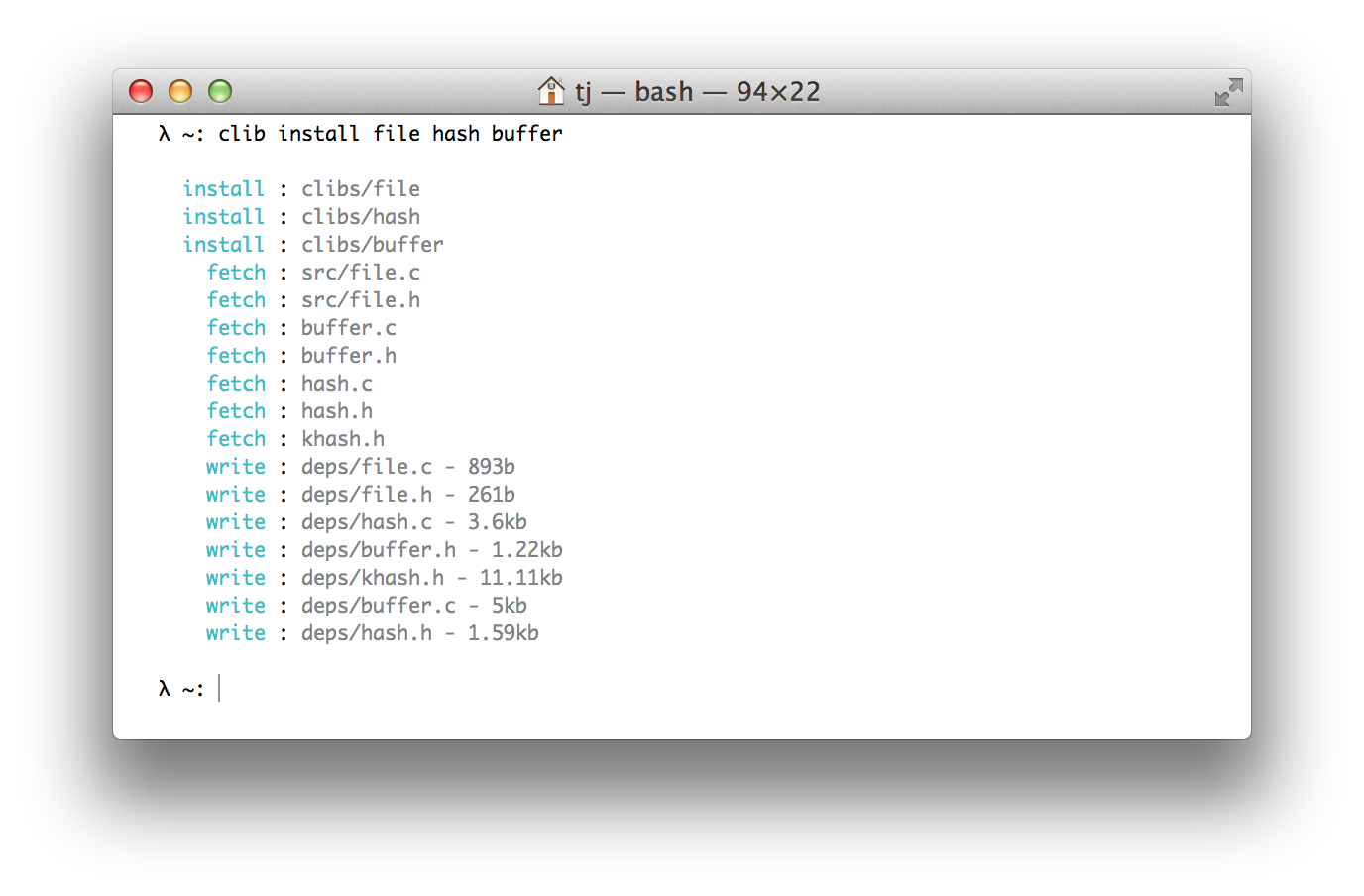
Package manager for the C programming language.
## Installation
Expects [libcurl](http://curl.haxx.se/libcurl/) to be installed and linkable.
With [homebrew](https://github.com/Homebrew/homebrew):
```sh
$ brew install clib
```
With git:
```sh
$ git clone https://github.com/clibs/clib.git /tmp/clib
$ cd /tmp/clib
$ make install
```
Ubuntu:
```sh
# install libcurl
$ sudo apt-get install libcurl4-gnutls-dev -qq
# clone
$ git clone https://github.com/clibs/clib.git /tmp/clib && cd /tmp/clib
# build
$ make
# put on path
$ sudo make install
```
## About
Basically the lazy-man's copy/paste promoting smaller C utilities, also
serving as a nice way to discover these sort of libraries. From my experience
C libraries are scattered all over the web and discovery is relatively poor. The footprint of these libraries is usually quite large and unfocused. The goal of `clibs` is to provide
stand-alone "micro" C libraries for developers to quickly install without coupling
to large frameworks.
You should use `clib(1)` to fetch these files for you and check them into your repository, the end-user and contributors should not require having `clib(1)` installed. This allows `clib(1)` to fit into any new or existing C workflow without friction.
The wiki [listing of packages](https://github.com/clibs/clib/wiki/Packages) acts as the "registry" and populates the `clib-search(1)` results.
## Usage
```
clib [options]
Options:
-h, --help Output this message
-v, --version Output version information
Commands:
init Start a new project.
install [name...] Install one or more packages
search [query] Search for packages
help Display help for cmd
```
## Examples
Install a few dependencies to `./deps`:
```sh
$ clib install clibs/ms clibs/commander
```
Install them to `./src` instead:
```sh
$ clib install clibs/ms clibs/commander -o src
```
When installing libraries from the `clibs` org you can omit the name:
```sh
$ clib install ms file hash
```
Install some executables:
```sh
$ clib install visionmedia/mon visionmedia/every visionmedia/watch
```
## package.json
Example of a package.json explicitly listing the source:
```json
{
"name": "term",
"version": "0.0.1",
"repo": "clibs/term",
"description": "Terminal ansi escape goodies",
"keywords": ["terminal", "term", "tty", "ansi", "escape", "colors", "console"],
"license": "MIT",
"src": ["src/term.c", "src/term.h"]
}
```
Example of a package.json for an executable:
```json
{
"name": "mon",
"version": "1.1.1",
"repo": "visionmedia/mon",
"description": "Simple process monitoring",
"keywords": ["process", "monitoring", "monitor", "availability"],
"license": "MIT",
"install": "make install"
}
```
See [explanation of package.json](https://github.com/clibs/clib/wiki/Explanation-of-package.json) for more details.
## Contributing
If you're interested in being part of this initiative let me know and I'll add you to the `clibs` organization so you can create repos here and contribute to existing ones.
## Articles
- [Introducing Clib](https://medium.com/code-adventures/b32e6e769cb3) - introduction to clib
- [The Advent of Clib: the C Package Manager](http://blog.ashworth.in/2014/10/19/the-advent-of-clib-the-c-package-manager.html) - overview article about clib