https://github.com/asrvd/firebase
Rep describing how to connect firebase database to your python application.
https://github.com/asrvd/firebase
discord-bot firebase firebase-database python python3
Last synced: 2 months ago
JSON representation
Rep describing how to connect firebase database to your python application.
- Host: GitHub
- URL: https://github.com/asrvd/firebase
- Owner: asrvd
- Created: 2021-06-12T09:32:04.000Z (about 5 years ago)
- Default Branch: main
- Last Pushed: 2021-06-12T10:19:16.000Z (about 5 years ago)
- Last Synced: 2025-06-01T11:13:58.155Z (about 1 year ago)
- Topics: discord-bot, firebase, firebase-database, python, python3
- Homepage:
- Size: 7.81 KB
- Stars: 0
- Watchers: 1
- Forks: 0
- Open Issues: 0
-
Metadata Files:
- Readme: README.md
Awesome Lists containing this project
README
# Connecting firebase to python.
Rep describing how to connect firebase database to your python application.
# Creating account on firebase.
-First go to the website https://firebase.google.com \
-Then you need to sign in using your Google account.\
-Click on `Go to console` on the top right corner.
# Creating your project.
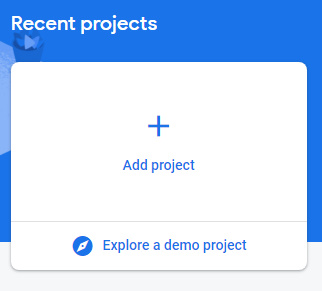\
-On the console click on `Add project`.
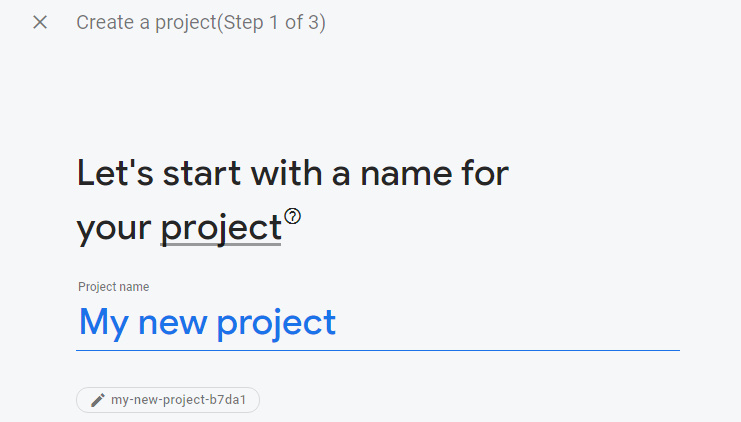\
-Give your project any name.
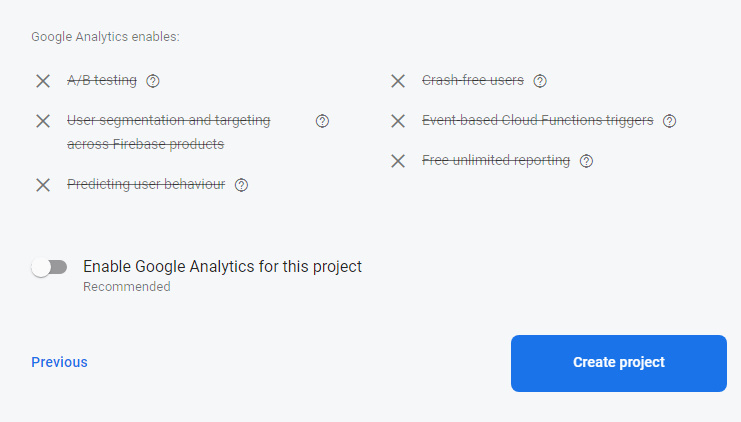\
-You can either keep this option on or off.\
-Click on create and your new database is ready for use.
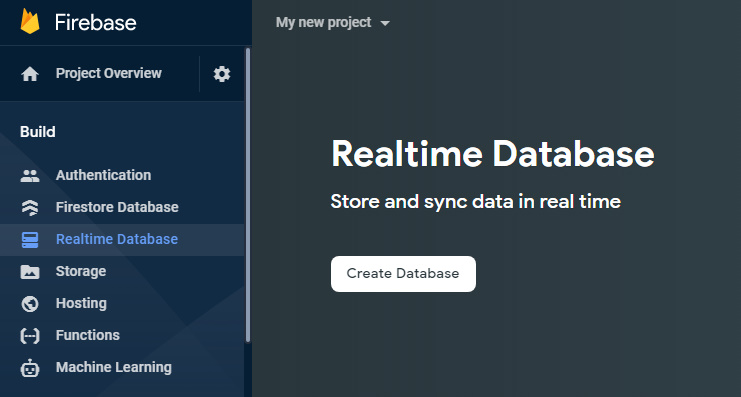\
-Click on `Realtime database` then click on `Create Database`.
\
-Click on Next.
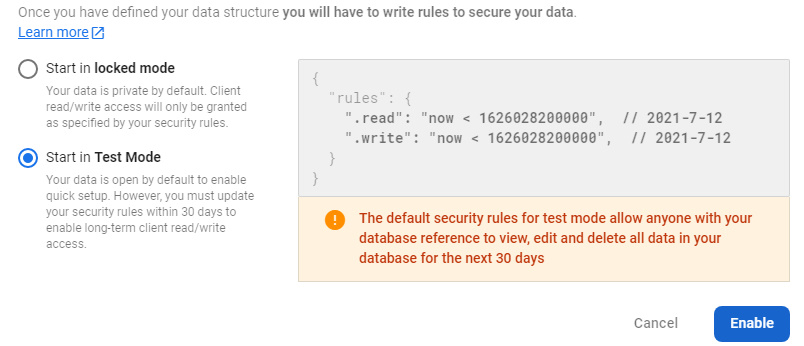\
-Choose **Test Mode** then click on Enable.
# Connecting database to application.
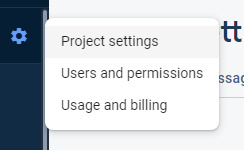\
-Click on settings then Project Settings.
\
-Click on the HTML icon.
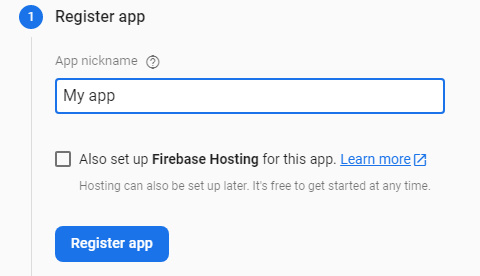\
-Enter your app name then click on **Register App**.
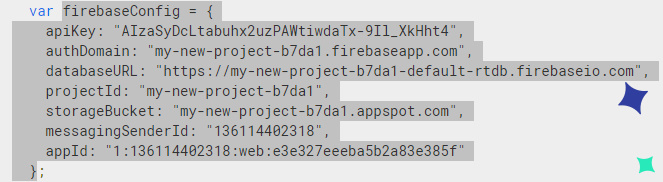\
-Now copy the highlighted portion as shown in this image.
Now open your code editor and paste the portion.
```python
import pyrebase
firebaseConfig = {
"apiKey": "AIzaSyDcLtabuhx2uzPAWtiwdaTx-9Il_XkHht4",
"authDomain": "my-new-project-b7da1.firebaseapp.com",
"databaseURL": "https://my-new-project-b7da1-default-rtdb.firebaseio.com", #Python accepts dictionary keys as strings so you will have to make them string using quotes.
"projectId": "my-new-project-b7da1",
"storageBucket": "my-new-project-b7da1.appspot.com",
"messagingSenderId": "136114402318",
"appId": "1:136114402318:web:e3e327eeeba5b2a83e385f"
}
firebase = pyrebase.initialize_app(firebaseConfig)
db = firebase.database()
```
So now your firebase realtime database is connected to your python application.