https://github.com/async-labs/harbor
open source web app built with React/Material-UI/Next/Express/Mongoose/MongoDB
https://github.com/async-labs/harbor
Last synced: 12 months ago
JSON representation
open source web app built with React/Material-UI/Next/Express/Mongoose/MongoDB
- Host: GitHub
- URL: https://github.com/async-labs/harbor
- Owner: async-labs
- License: mit
- Created: 2018-01-28T21:01:07.000Z (over 8 years ago)
- Default Branch: master
- Last Pushed: 2021-03-12T14:41:22.000Z (over 5 years ago)
- Last Synced: 2025-03-22T10:42:26.296Z (over 1 year ago)
- Language: JavaScript
- Size: 165 KB
- Stars: 66
- Watchers: 4
- Forks: 18
- Open Issues: 0
-
Metadata Files:
- Readme: README.md
- License: LICENSE
Awesome Lists containing this project
README
# Harbor
Open source web app built with React/Material-UI/Next/Express/Mongoose/MongoDB.
This app allows anyone with a Gmail account to receive payments for sending advice via email.
## How can I use this app?
You can learn:
- React/Material-UI/Next/Express/Mongoose/MongoDB boilerplate ([up-to-date boilerplate](https://github.com/builderbook/builderbook))
- Google OAuth API,
- Stripe connected accounts, Stripe payments, Stripe invoices API,
- Gmail API
## Screenshots
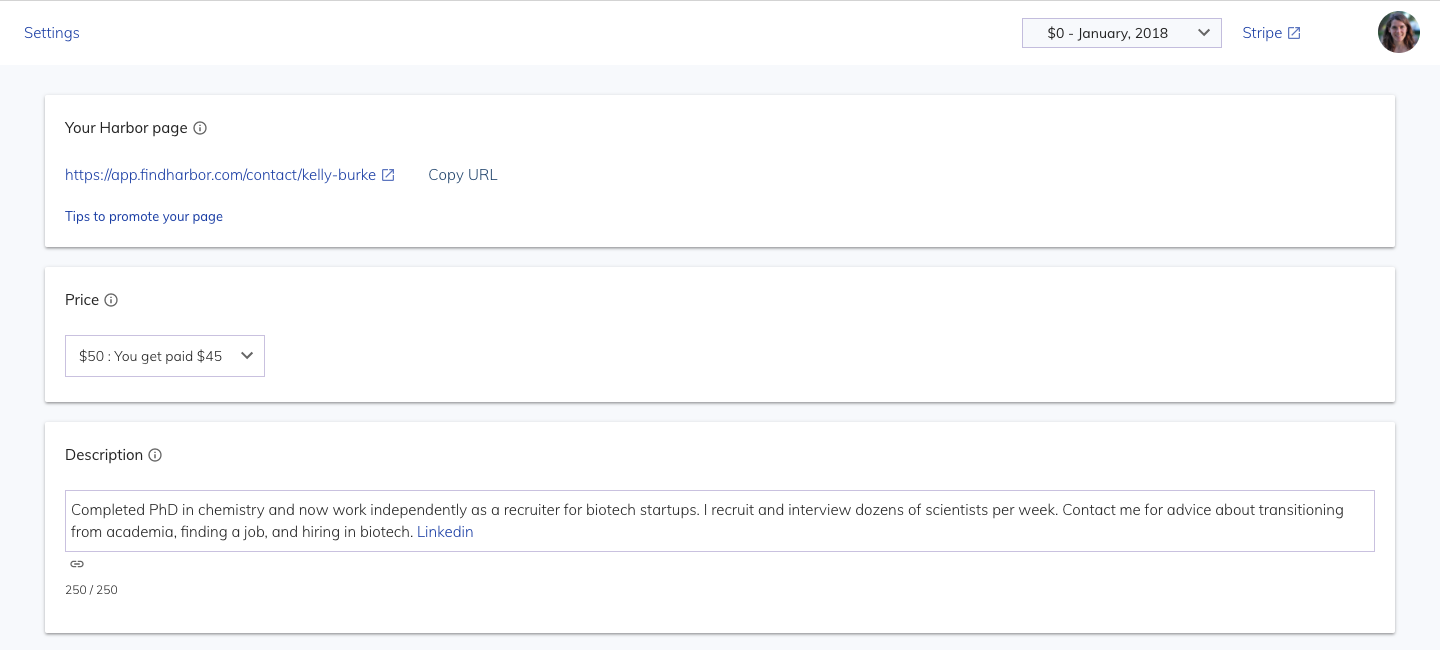
Mentor settings page
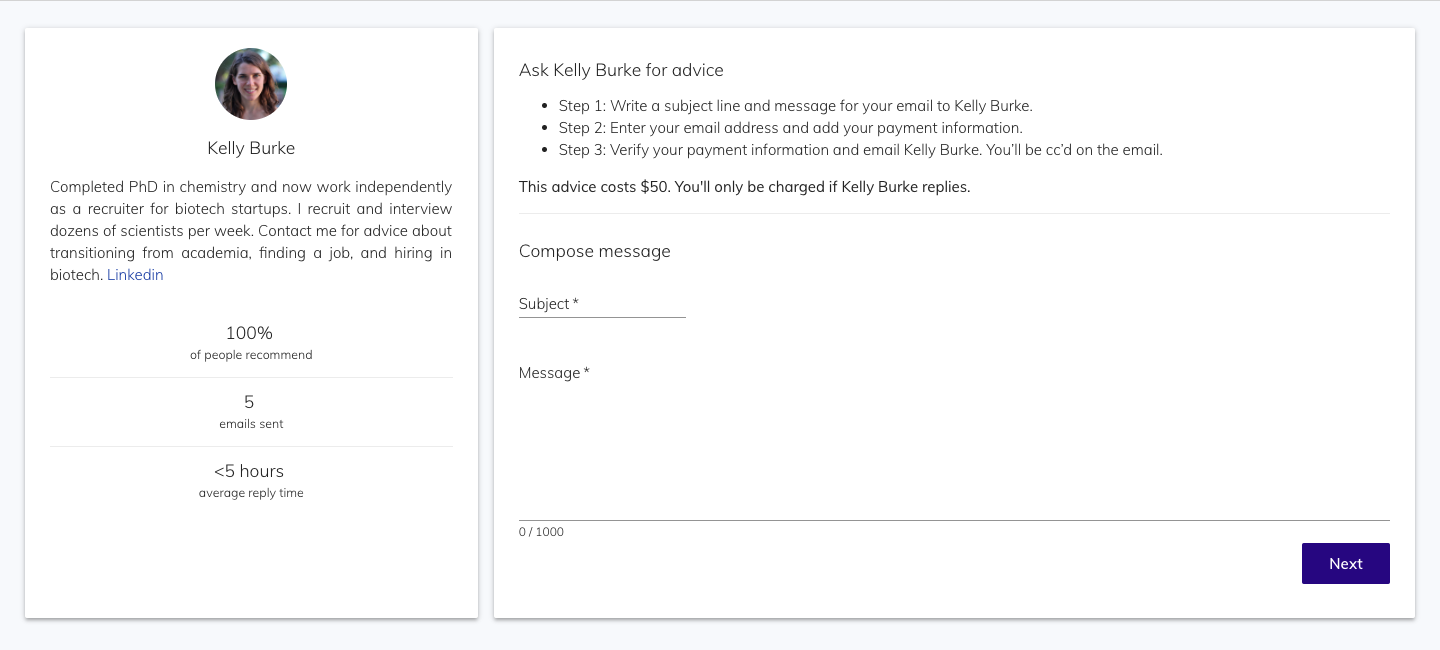
Mentor contact page
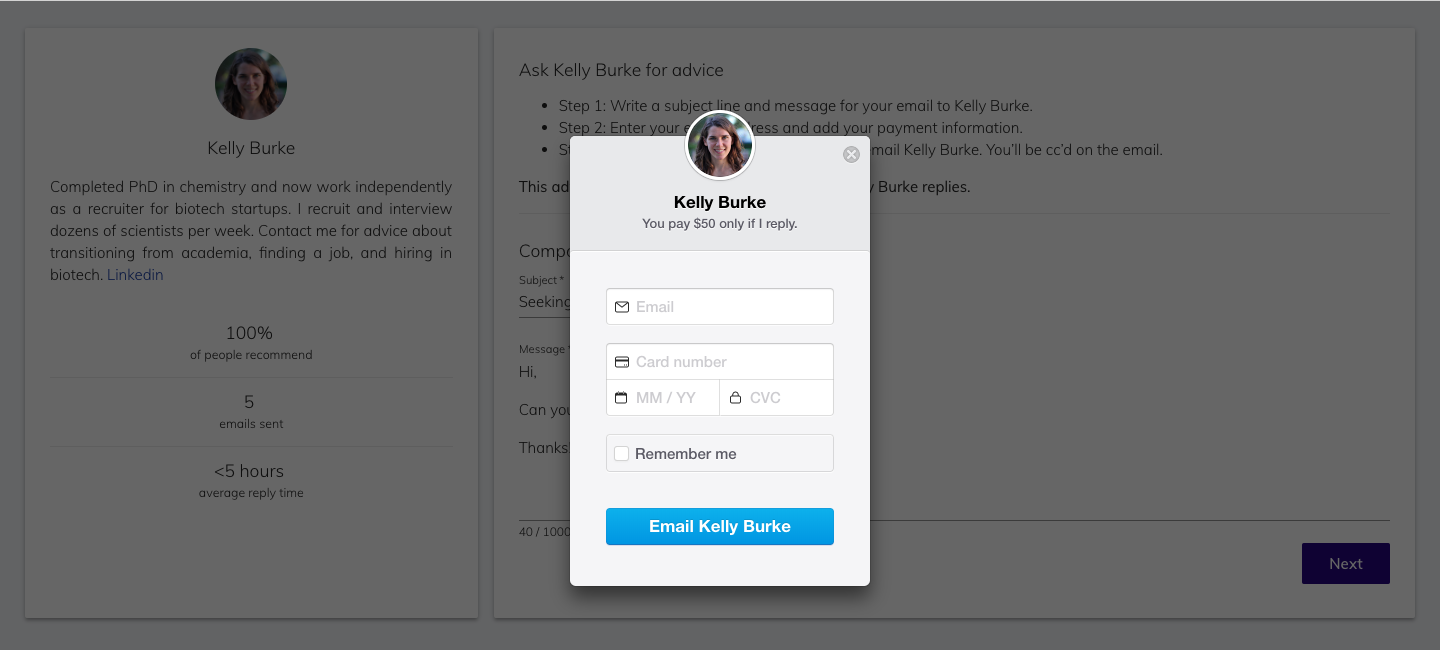
Customer checkout
## Run locally
- Clone the project and run `yarn` to add packages.
- Before you start the app, create a `.env` file at the app's root. This file must have _at least three env variables_: `MONGO_URL_TEST`, `Google_clientID`, `Google_clientSecret`. We recommend free MongoDB at mLab.
To use all features and third-party integrations (such as Stripe, Google OAuth), add values to all env variables in `.env` file:
`.env` :
```
MONGO_URL="XXXXXX"
MONGO_URL_TEST="XXXXXX"
Google_clientID="XXXXXX"
Google_clientSecret="XXXXXX"
Amazon_accessKeyId="XXXXXX"
Amazon_secretAccessKey="XXXXXX"
Stripe_Test_ClientID="ca_XXXXXX"
Stripe_Live_ClientID="ca_XXXXXX"
Stripe_Test_SecretKey="sk_test_XXXXXX"
Stripe_Live_SecretKey="sk_live_XXXXXX"
Stripe_Live_PublishableKey="pk_live_XXXXXX"
Stripe_Test_PublishableKey="pk_test_XXXXXX"
```
- Before you start the app, create a `env-config.js` file at the app's root. This file makes Stripe's public keys (keys that start with `pk`) available on client. Content of this file:
`env-config.js` :
```
const dev = process.env.NODE_ENV !== 'production';
module.exports = {
StripePublishableKey: dev
? 'pk_test_XXXXXX'
: 'pk_live_XXXXXX',
};
```
- Start the app with `yarn dev`.
## Deploy
Follow these steps to deploy Harbor app with Zeit's [now](https://zeit.co/now).
1. Install now: `npm install -g now`
2. Point your domain to Zeit world nameservers: [three steps](https://zeit.co/world#get-started)
3. Check the `now.json` file. If you are using `dotenv` and `.env` for env variables, no need to change `now.json`. If you make changes to the app, check up how to [configure now](https://zeit.co/docs/features/configuration).
4. Make sure you updated `ROOT_URL` in `package.json` and `lib/getRootURL.js` files.
5. Check that you have all production-level env variable in `.env`.
6. In your terminal, deploy the app by running `now`.
7. Now outputs your deployment's URL, for example: `harbor-zomcvzgtvc.now.sh`.
8. Point successful deployment to your domain, for example: `now ln harbor-zomcvzgtvc.now.sh builderbook.org`.
You are done.