https://github.com/atalek/ampeconvert
ampeConvert - Image Converter
https://github.com/atalek/ampeconvert
aws-s3 express node react sharp tailwindcss
Last synced: about 1 year ago
JSON representation
ampeConvert - Image Converter
- Host: GitHub
- URL: https://github.com/atalek/ampeconvert
- Owner: atalek
- License: mit
- Created: 2024-01-29T22:14:32.000Z (over 2 years ago)
- Default Branch: master
- Last Pushed: 2025-04-10T12:57:29.000Z (about 1 year ago)
- Last Synced: 2025-05-07T12:56:09.879Z (about 1 year ago)
- Topics: aws-s3, express, node, react, sharp, tailwindcss
- Language: TypeScript
- Homepage: https://ampeconvert.atalek.com
- Size: 328 KB
- Stars: 5
- Watchers: 1
- Forks: 0
- Open Issues: 0
-
Metadata Files:
- Readme: readme.md
- License: LICENSE
Awesome Lists containing this project
README
# ampeConvert - Image Converter
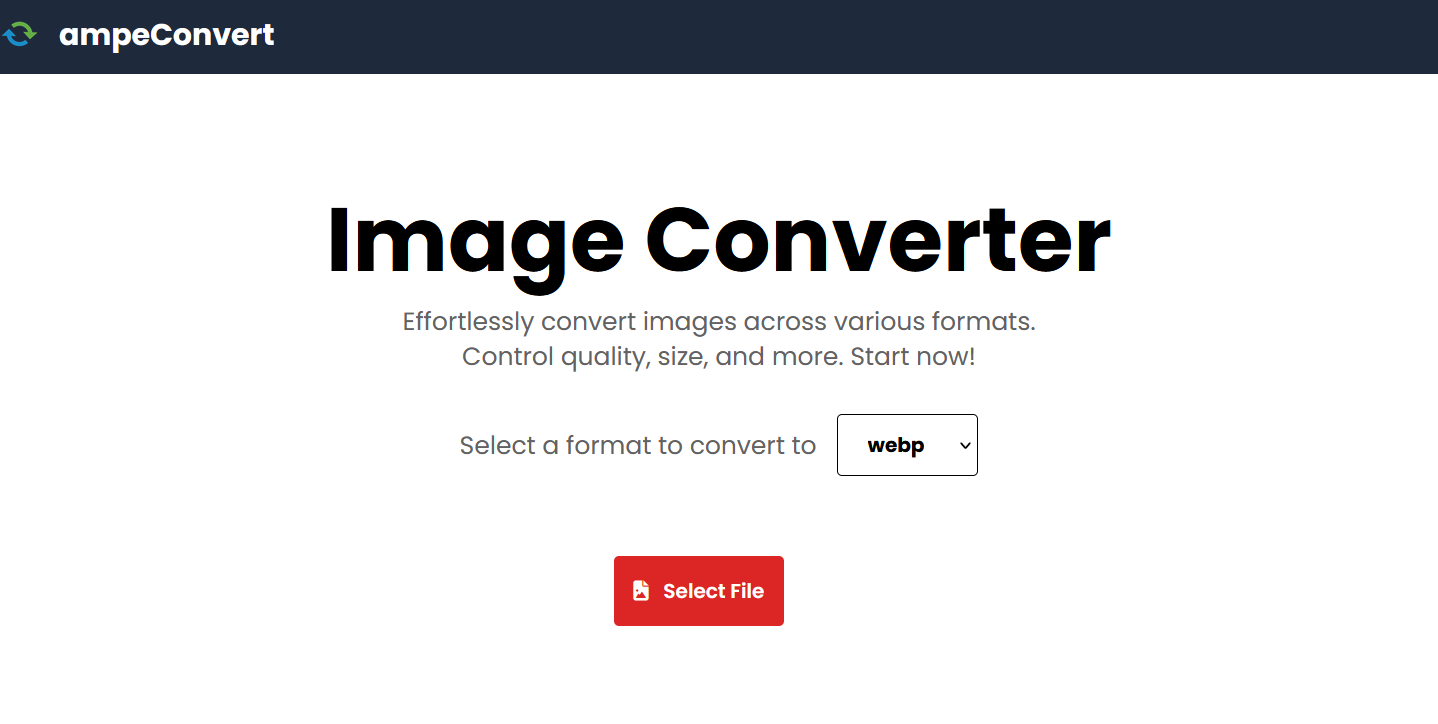
ampeConvert is an image processing project built with **React**, **Tailwind
CSS**, **Express** , **sharp** , and **AWS S3**.
## Features
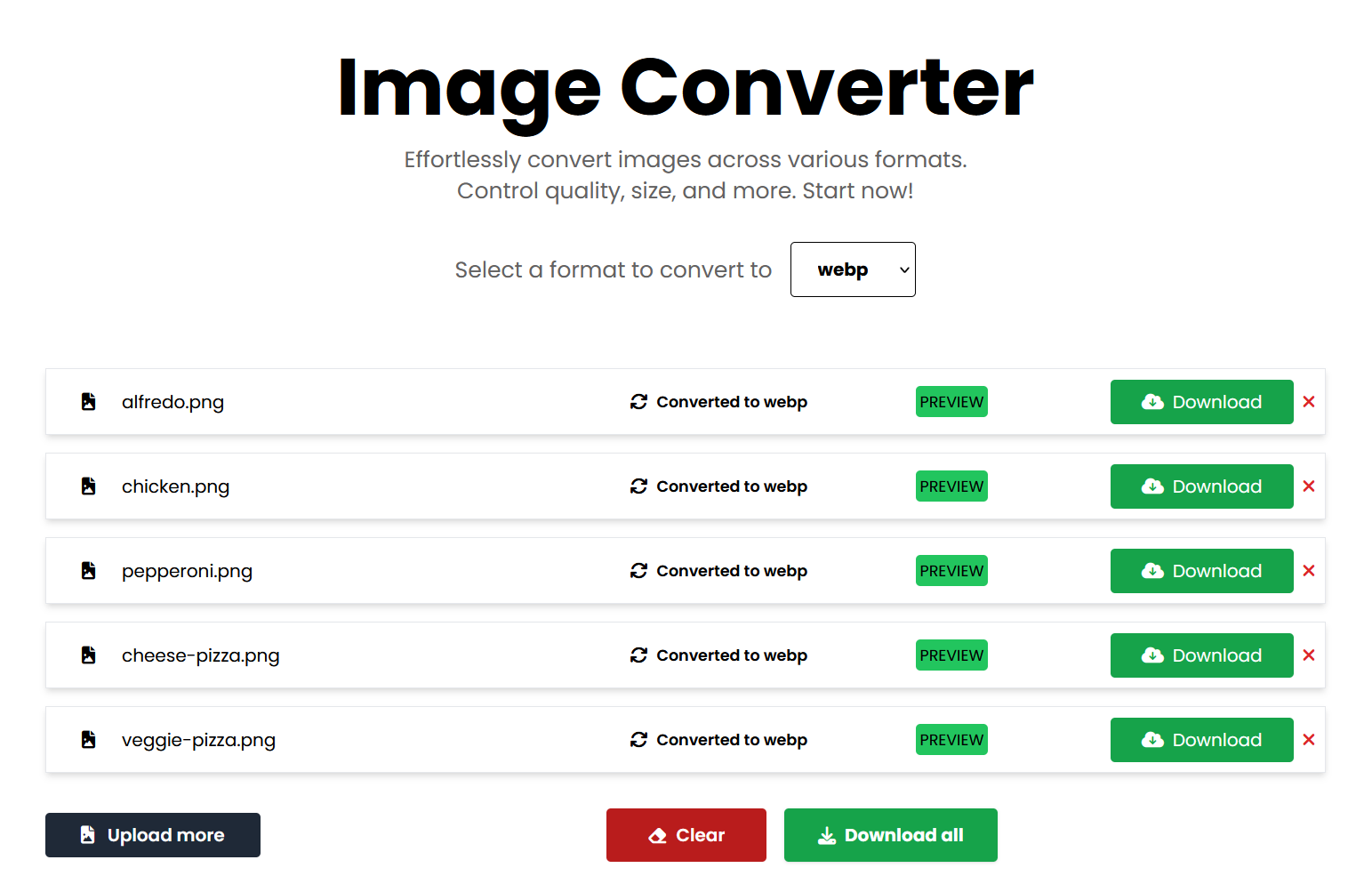
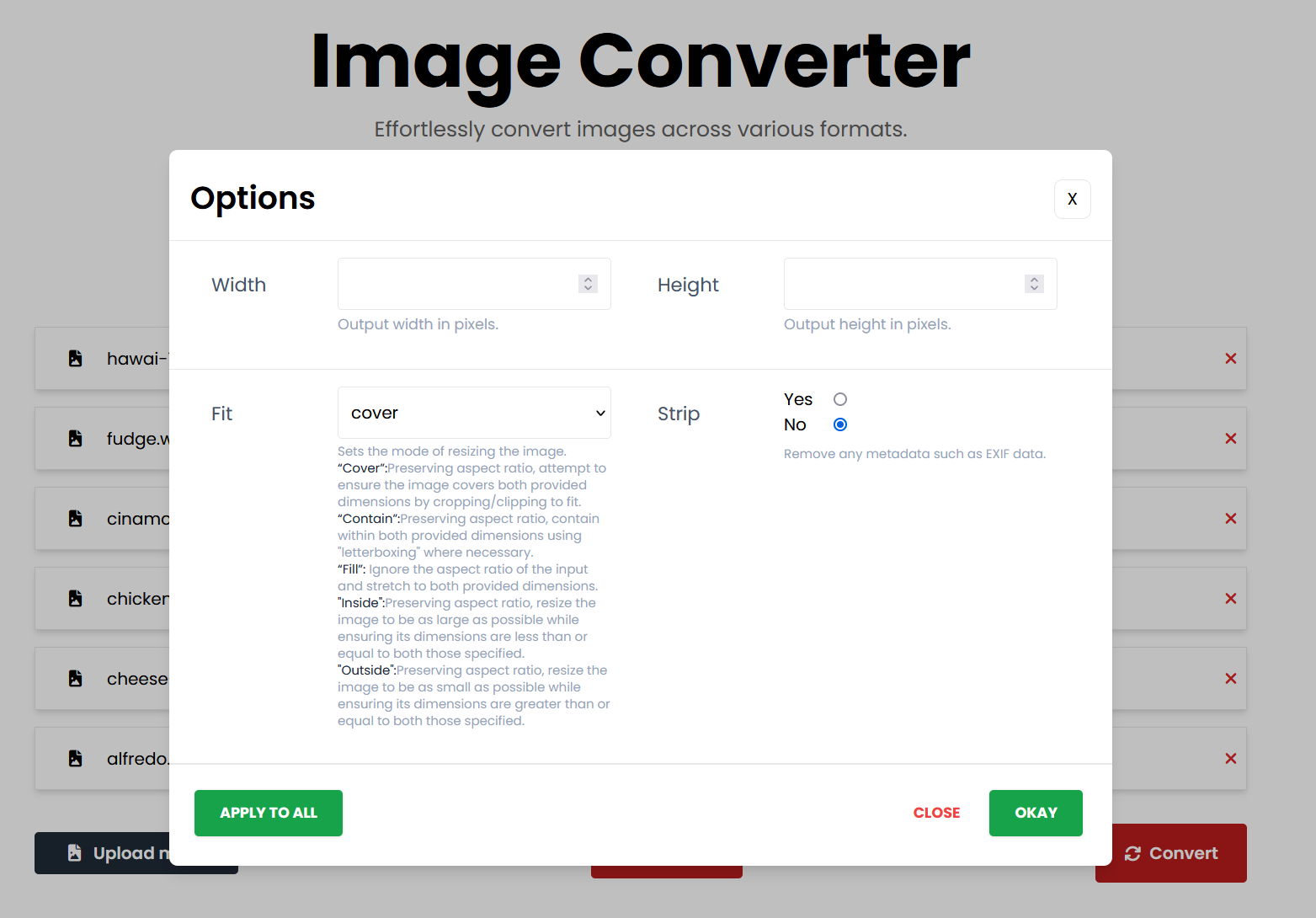
- **Resize and Format Change:** Easily resize and change the format of images.
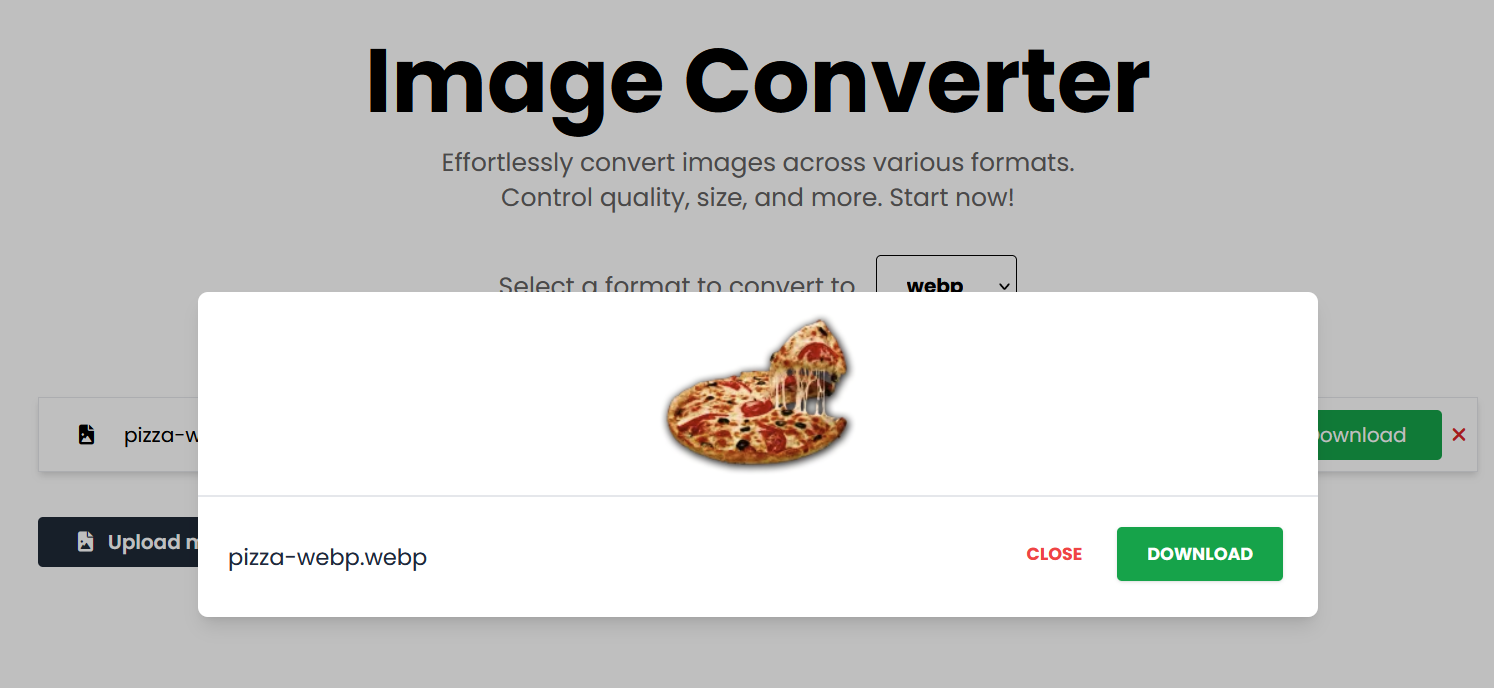
- **Preview:** Preview images after processing and uploading.
- **Storage Options:** Choose between AWS S3 for cloud storage or save locally
in the uploads folder.
## Technologies Used
- **React:** A powerful framework for building modern web applications.
- **Tailwind CSS:** A utility-first CSS framework for rapid design.
- **Express:** A web application framework for Node.js.
- **sharp** A high performance Node.js image processing package.
- **AWS S3:** A cloud-based storage service for efficient image storage.
## Setup
1. **Clone the repository.**
```bash
git clone https://github.com/atalek/ampeconvert.git
```
2. **Install `concurrently` in the base of the project first and then navigate
install dependencies in both frontend and backend folders**
```bash
npm install
cd frontend
npm install
cd backend
npm install
```
3. **Configure environment variables in backend.**
- Create a `.env` file in the root of the project or remove the example from the
provided `.env.example` file.
- Add the necessary environment variables for AWS S3.
- If you prefer not to use AWS S3 for uploads and instead you want to save
images locally in the `uploads` folder just rename `saveLocally.js` to
`app.js` or update the start script in the `package.json` file in the base of
the project to start `saveLocally.js`
```env
# AWS S3 Configuration
AWS_PK=your aws public key
AWS_SK=your aws secret key
BUCKET_URL=your bucket url
BUCKET_NAME=your bucket name
DOMAIN=domain of your choice or default http://localhost:5173
PORT=port of your choice or default 3000
```
4. **In the base of the project, you can run both the frontend and backend
simultaneously using the provided script:**
```bash
npm run start
```
This script uses `concurrently` to start both the frontend and backend.
5. **Open your browser and visit http://localhost:5173 to view the image
converter.**
## Live Version
[https://ampeconvert.atalek.app](https://ampeconvert.atalek.com)
## Author
Github [@atalek](https://github.com/atalek)
Linkedin:
[@Aleksandar Atanasovski](https://www.linkedin.com/in/aleksandar-atanasovski-16b123263/)
Portfolio: [https://www.atalek.com/](https://www.atalek.com/)