https://github.com/atalek/ampedent
Dental office webapp made with Nextjs
https://github.com/atalek/ampedent
full-stack mongodb mongoose nextauth nextjs nodejs react tailwindcss
Last synced: 10 months ago
JSON representation
Dental office webapp made with Nextjs
- Host: GitHub
- URL: https://github.com/atalek/ampedent
- Owner: atalek
- License: mit
- Created: 2024-02-06T23:01:12.000Z (over 2 years ago)
- Default Branch: main
- Last Pushed: 2025-04-10T12:52:01.000Z (over 1 year ago)
- Last Synced: 2025-05-07T12:56:09.880Z (over 1 year ago)
- Topics: full-stack, mongodb, mongoose, nextauth, nextjs, nodejs, react, tailwindcss
- Language: TypeScript
- Homepage: https://ampedent.atalek.com
- Size: 907 KB
- Stars: 7
- Watchers: 1
- Forks: 1
- Open Issues: 0
-
Metadata Files:
- Readme: README.md
- License: LICENSE
Awesome Lists containing this project
README
# Ampedent
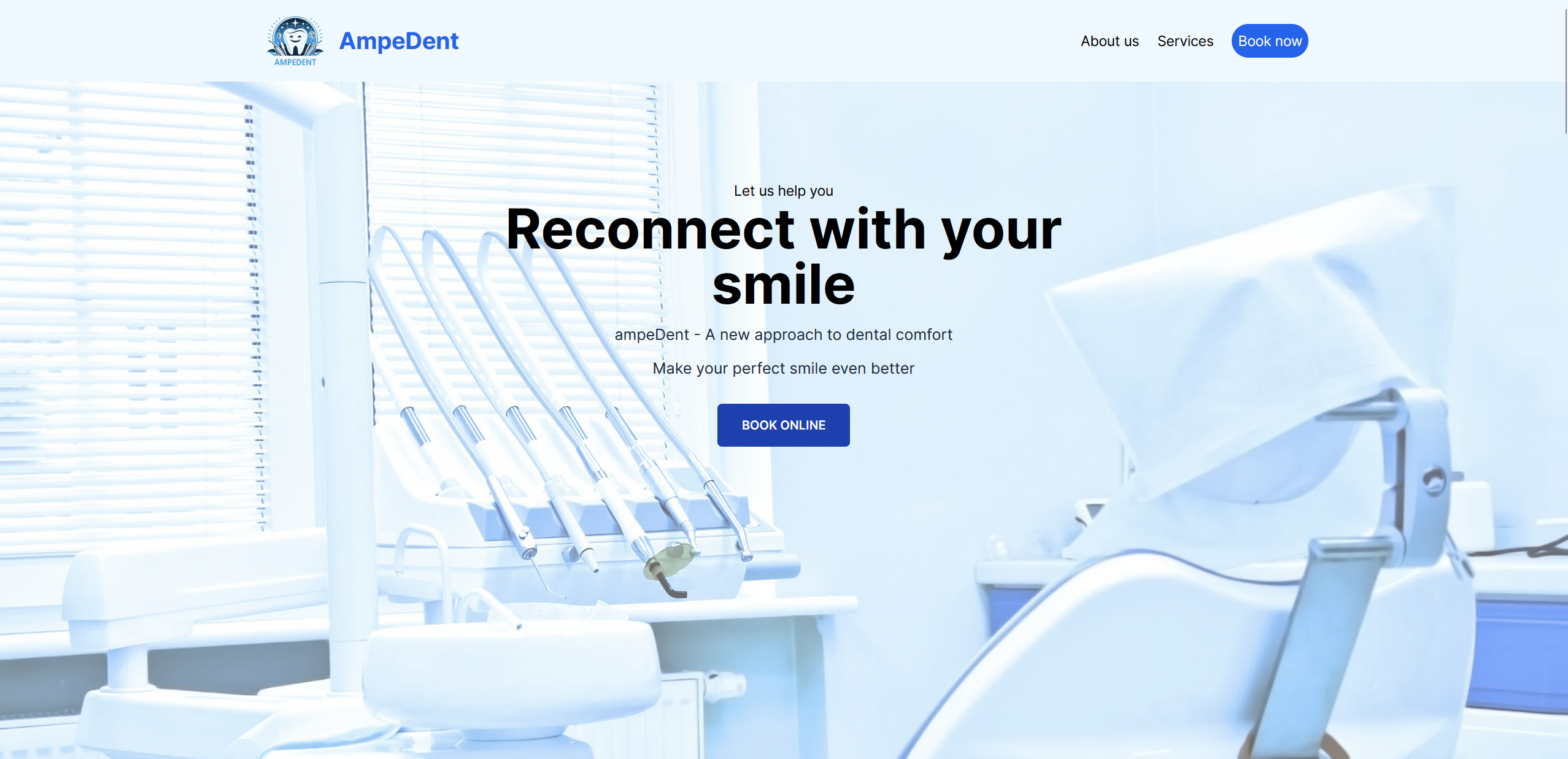
Ampedent is a full-featured dental office website built with **Next.js**,
**Tailwind CSS**, **MongoDB**, and **Mongoose**. It boasts an intuitive
appointment booking system, and a secure admin panel.
## Features
- **Appointment Booking:** Users can easily book an appointment using our
intuitive booking system. All bookings are stored in MongoDB for easy
management.
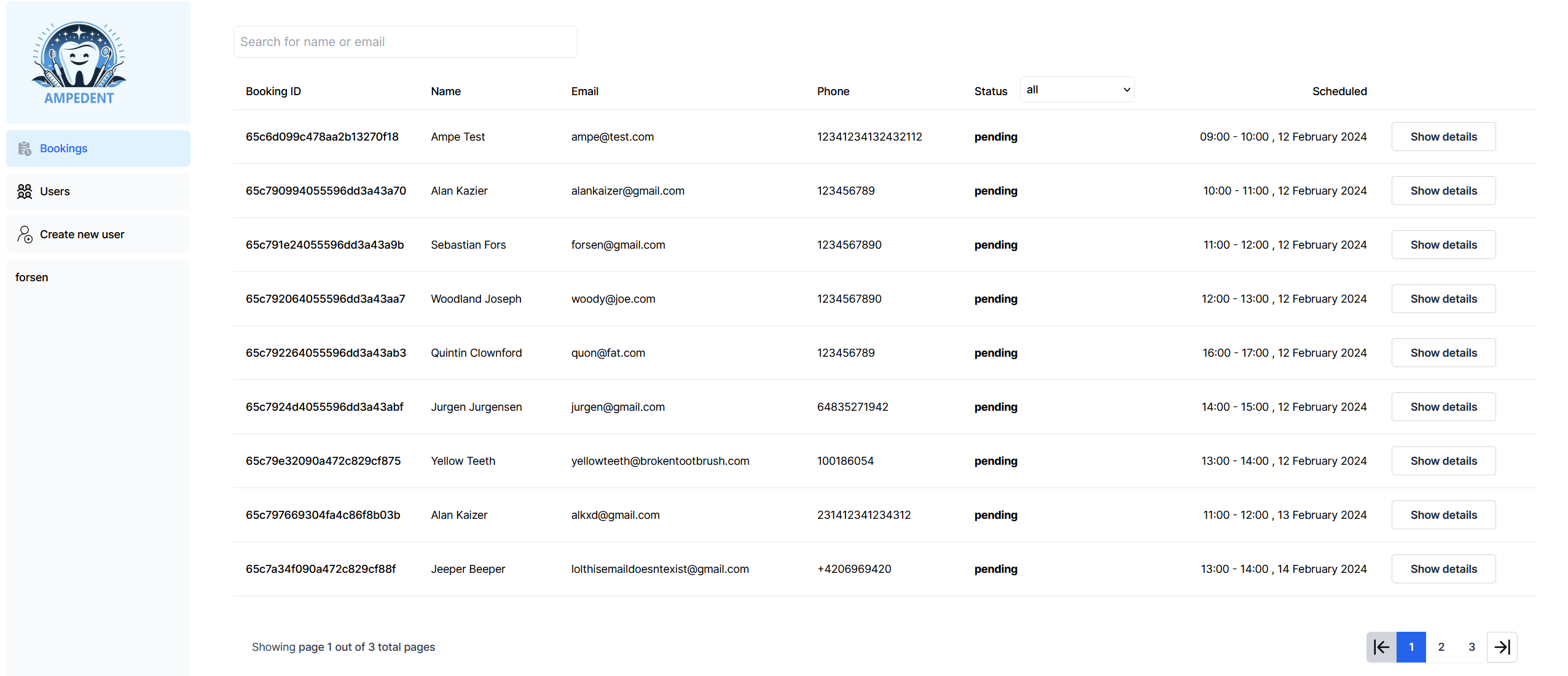
- **Admin Panel:** Manage appointments and other site content through a secure
admin panel.Navigate to /admin to login with your admin credentials.
- **Authentication:** The site uses NextAuth for authentication. The admin panel
is accessible only to admins. A super admin can create other regular admin
users.
## Technologies Used
- **Next.js**: A popular React framework for building dynamic and performant web
applications.
- **Tailwind CSS**:A utility-first CSS framework for crafting tailored designs
with rapid efficiency.
- **MongoDB**: A source-available cross-platform document-oriented database
program.
- **Mongoose**: An Object Data Modeling (ODM) library that simplifies
interactions with MongoDB in Node.js applications.
- **NextAuth**: A complete open source authentication solution for Next.js
applications.
## Setup
1. **Clone the repository.**
```bash
git clone https://github.com/atalek/ampedent.git
```
2. **Navigate to the project directory.**
```bash
cd ampedent
```
3. **Install dependencies.**
```bash
npm install
```
4. **Configure environment variables.**
- Create a `.env` file in the root of the project.
- Add the necessary environment variables for MongoDB and NextAuth.
```env
# MongoDB
MONGODB_URI=your_mongodb_uri
# NextAuth
NEXTAUTH_URL=http://localhost:3000 for development
NEXTAUTH_SECRET=your nextauth secret
NODE_ENV='development'
```
5. **Create a superuser (modify the name and password to your liking) with the
provided script.**
```bash
node createuser.js
```
6. **Run the development server.**
```bash
npm run dev
```
7. **Open your browser and visit http://localhost:3000 to view the website.**
## Live Version
[https://ampedent.atalek.com](https://ampedent.atalek.com)
## Author
Github [@atalek](https://github.com/atalek)
Linkedin:
[@Aleksandar Atanasovski](https://www.linkedin.com/in/aleksandar-atanasovski-16b123263/)
Portfolio: [https://www.atalek.com/](https://www.atalek.com/)