https://github.com/atlasserver-core/atlasai-cli
⚡💻 Your intelligent, easy-to-use terminal
https://github.com/atlasserver-core/atlasai-cli
agentic-ai ai cli cli-ai cli-app codex machine-learning ollama ollama-python openai python rich
Last synced: 4 months ago
JSON representation
⚡💻 Your intelligent, easy-to-use terminal
- Host: GitHub
- URL: https://github.com/atlasserver-core/atlasai-cli
- Owner: AtlasServer-Core
- License: other
- Created: 2025-05-16T04:33:41.000Z (about 1 year ago)
- Default Branch: main
- Last Pushed: 2025-05-24T23:04:55.000Z (about 1 year ago)
- Last Synced: 2025-10-27T03:50:00.894Z (8 months ago)
- Topics: agentic-ai, ai, cli, cli-ai, cli-app, codex, machine-learning, ollama, ollama-python, openai, python, rich
- Language: Python
- Homepage:
- Size: 97.7 KB
- Stars: 1
- Watchers: 0
- Forks: 0
- Open Issues: 1
-
Metadata Files:
- Readme: README.md
- License: LICENSE
Awesome Lists containing this project
README
# AtlasAI-CLI 🤖
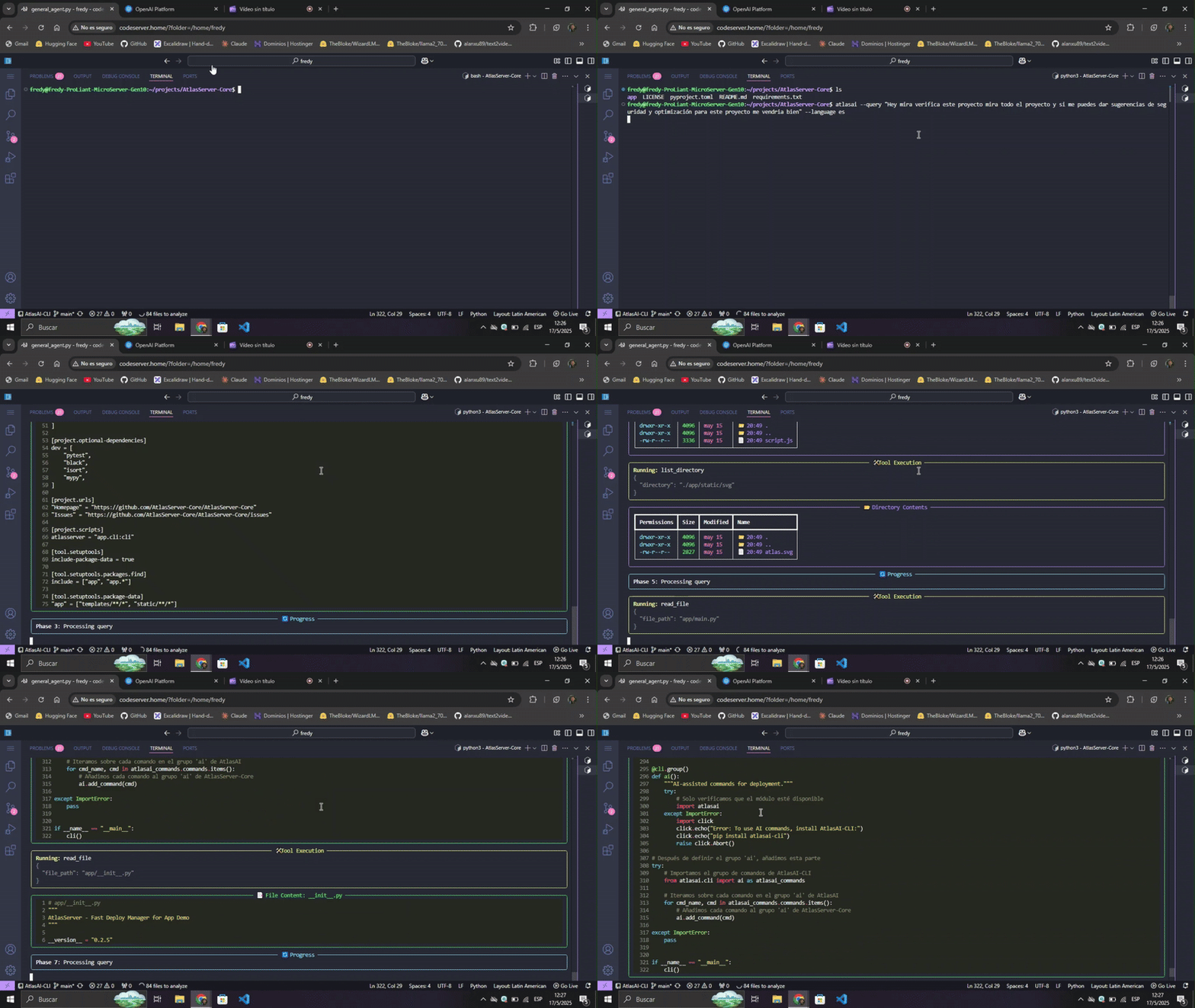
**AtlasAI-CLI** is an AI-powered command line tool that analyzes projects and recommends optimal deployment configurations. It works as an independent complement for AtlasServer-Core or as a standalone tool.
## Why a separate package?
AtlasAI-CLI was born as part of [AtlasServer-Core v0.2.5](https://github.com/AtlasServer-Core/AtlasServer-Core/releases/tag/v0.2.5), but is now distributed as an independent package to:
- **Reduce dependencies**: AtlasServer-Core stays lighter
- **Better performance**: Faster installation when AI functions aren't needed
- **Flexibility**: Usable with or without AtlasServer-Core
- **Maintainability**: Cleaner and more modular codebase
- **Customization**: Freedom to choose between local Ollama or cloud-based OpenAI
## Main features
### 🔍 Intelligent Project Analysis
- **Framework detection**: Automatically identifies Flask, FastAPI, Django and others
- **Interactive exploration**: Analyzes the structure and key files of the project
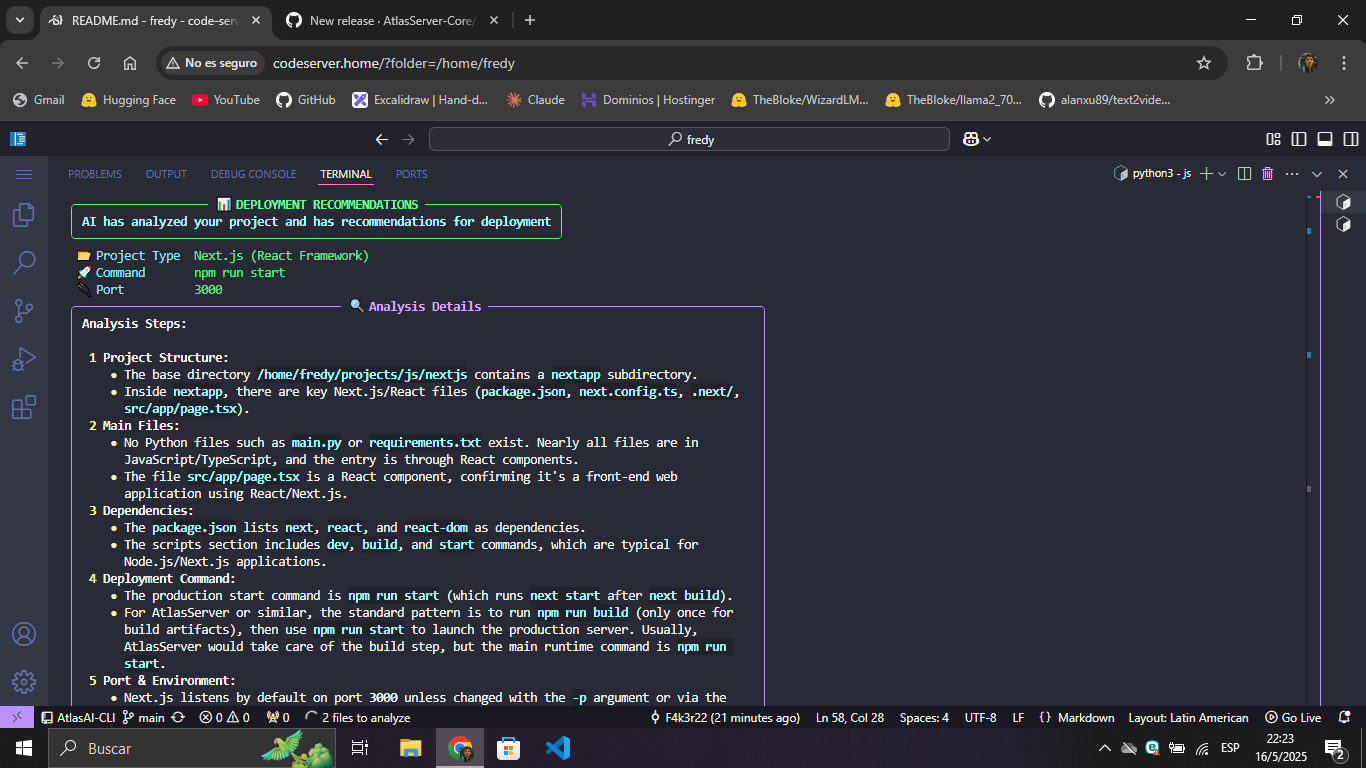
- **Contextual recommendations**: Suggests specific commands, ports and environment variables
### 🌐 Multiple AI providers
- **Ollama**: Local models for privacy and offline operation
- **OpenAI**: Cloud models for advanced analysis
### 🌍 Multilingual support
- Explanations in English or Spanish according to preference
### 💻 [Rich](https://github.com/Textualize/rich) terminal interface
- Enhanced visualization with [Rich](https://github.com/Textualize/rich)
- Real-time responses through streaming
- Panels, tables and Markdown format for better readability
## Installation
### As a standalone tool:
```bash
pip install atlasai-cli
```
### With AtlasServer-Core:
```bash
pip install atlasserver atlasai-cli
```
### Requirements:
- Python 3.8 or higher
- [Ollama](https://github.com/ollama/ollama) (to use local models)
## Usage
### Configuration:
```bash
# Setup with Ollama (local)
atlasai ai setup --provider ollama --model llama3:8b
# Setup with OpenAI (cloud)
atlasai ai setup --provider openai --model gpt-4.1 --api-key YOUR_API_KEY
```
### Project analysis:
```bash
# Basic analysis
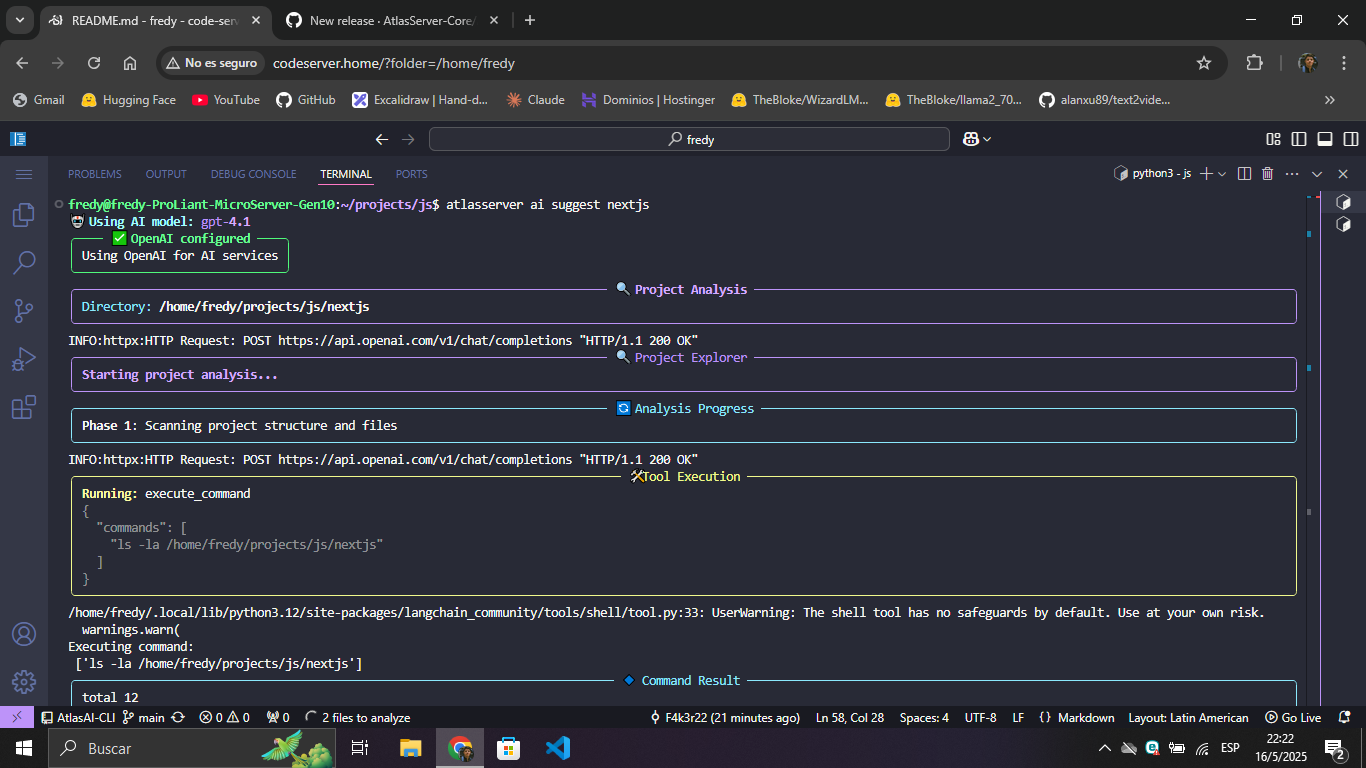
atlasai ai suggest ~/path/to/my-project
# With language preference
atlasai ai suggest ~/path/to/my-project --language es
# With debug mode
atlasai ai suggest ~/path/to/my-project --debug
```
### Integration with AtlasServer-Core:
If you have AtlasServer-Core installed, you can use the same commands with the `atlasserver` prefix:
```bash
atlasserver ai setup --provider ollama --model llama3:8b
atlasserver ai suggest ~/path/to/my-project
```
## Demo
### AtlasAI-CLI in Action
## Compatibility
AtlasAI-CLI works best with:
- Post-Llama 3 models for Ollama
- GPT-4o or higher for OpenAI
## Contributions
Contributions are welcome! If you find bugs or have ideas for improvements, please open an issue or submit a pull request.
## License
AtlasAI-CLI is distributed under the [Apache 2.0 license](https://claude.ai/chat/LICENSE).
---
⚡💻 **Your intelligent, easy-to-use terminal**
*From developers to developers.*