https://github.com/atomjoy/google-login-button
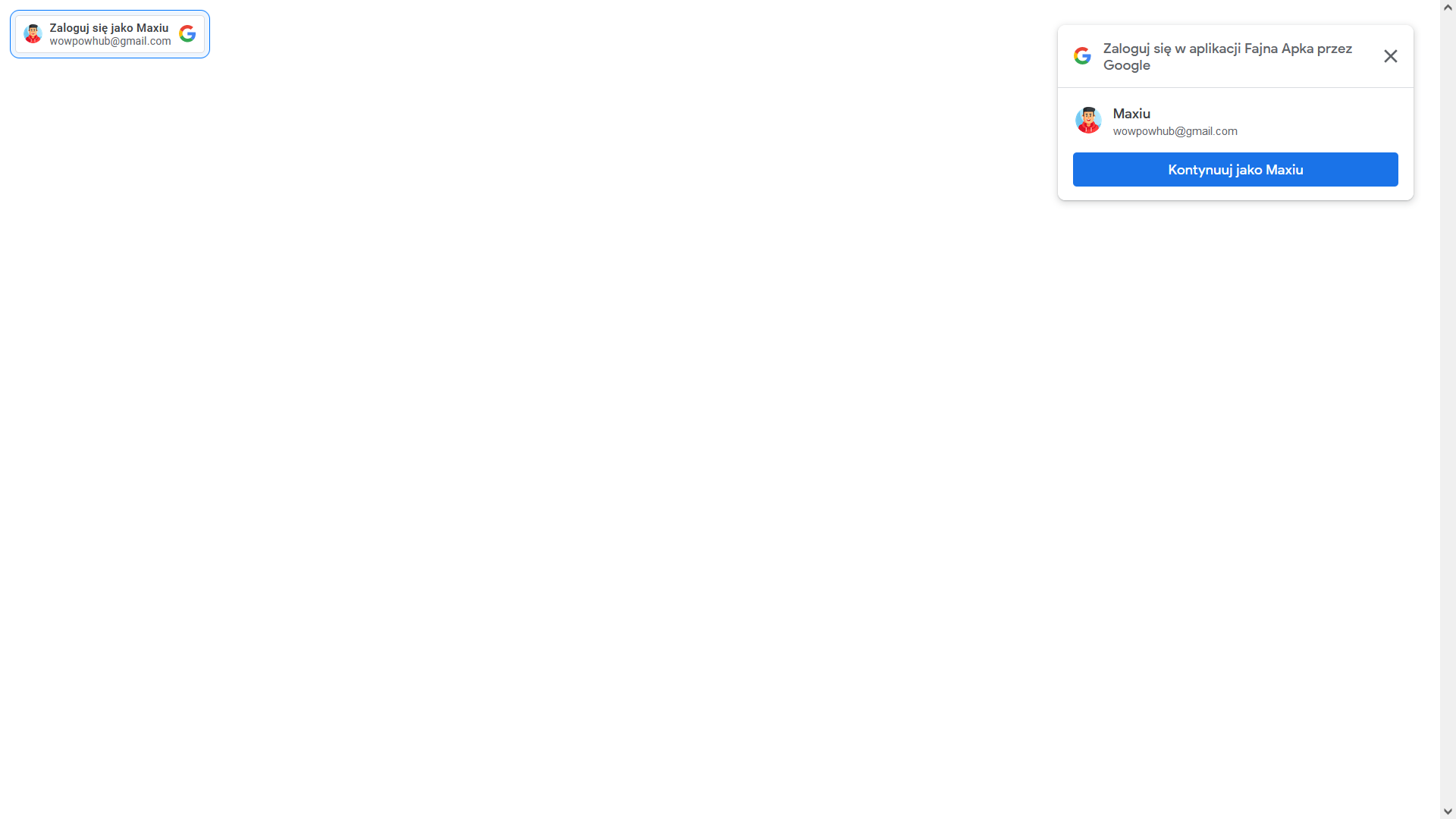
Funkcja Zaloguj się przez Google umożliwia łatwe i bezpieczne logowanie się w aplikacjach lub usługach innych firm przy użyciu konta Google. Przycisk logowania google oauth na stronę internetową www (oAuth2, Vue3, Laravel).
https://github.com/atomjoy/google-login-button
google-login-button google-login-button-vue3-laravel google-oauth-login google-oauth2-jwt google-przycisk-logowania vue3-google-login vue3-google-signin vue3-laravel-google-login-button
Last synced: about 1 month ago
JSON representation
Funkcja Zaloguj się przez Google umożliwia łatwe i bezpieczne logowanie się w aplikacjach lub usługach innych firm przy użyciu konta Google. Przycisk logowania google oauth na stronę internetową www (oAuth2, Vue3, Laravel).
- Host: GitHub
- URL: https://github.com/atomjoy/google-login-button
- Owner: atomjoy
- Created: 2023-04-27T07:59:31.000Z (about 3 years ago)
- Default Branch: main
- Last Pushed: 2024-02-29T11:36:07.000Z (over 2 years ago)
- Last Synced: 2025-01-07T18:53:37.755Z (over 1 year ago)
- Topics: google-login-button, google-login-button-vue3-laravel, google-oauth-login, google-oauth2-jwt, google-przycisk-logowania, vue3-google-login, vue3-google-signin, vue3-laravel-google-login-button
- Language: PHP
- Homepage: https://github.com/atomjoy/google-login-button
- Size: 115 KB
- Stars: 0
- Watchers: 2
- Forks: 0
- Open Issues: 0
-
Metadata Files:
- Readme: README.md
Awesome Lists containing this project
README
          # Logowanie za pomocą konta Google (Google signin button)

Funkcja Zaloguj się przez Google umożliwia łatwe i bezpieczne logowanie się w aplikacjach lub usługach innych firm przy użyciu konta Google. Przycisk logowania Google oAuth na stronę internetową www (oAuth2).

## Utwórz swoją aplikację

## Dodaj klucz oAuth do swojej aplikacji (pobierz plik json klucza z clientId)

Dodaj adresy uri dla klucza wideo:

- http://localhost

- http://localhost:8000

- https://your.page.url

## Generator przycisku logowania Google

## Css style

Likwidacja białego tła iframe dla dark mode w przeglądarce.

```

iframe {

	color-scheme: light !important;

}

```

## Przycisk z Javascript Api

Zmień google klient id: .apps.googleusercont.com

```html


    function onSignout() {

      google.accounts.id.disableAutoSelect();

    }

    function onRevoke(uid = '1618033988749895') {

      google.accounts.id.revoke(uid, done => {

        console.log(done.error);

      });

    }

    function handleCredentialResponse(response) {

      console.log("Encoded JWT ID token: " + response.credential);

      // Send to backend server and uthenticate user

      // Confirm jwt token (backend) and get google userinfo from: https://oauth2.googleapis.com/tokeninfo?id_token={id_token}

    }

    window.onload = function () {

      window.google.accounts.id.initialize({

        client_id: "<GOOGLE_CLIENT_ID>.apps.googleusercontent.com",

        callback: handleCredentialResponse,

        itp_support: true

      });

      google.accounts.id.renderButton(

        document.getElementById("buttonDiv"),

        { theme: "outline", size: "large" }

      );

      // google.accounts.id.prompt(); // also display the One Tap dialog

      google.accounts.id.prompt((notification) => {

        if (notification.isNotDisplayed()) {

          console.log(notification.getNotDisplayedReason())

        } else if (notification.isSkippedMoment()) {

          console.log(notification.getSkippedReason())

        } else if(notification.isDismissedMoment()) {

          console.log(notification.getDismissedReason())

        }

        if (notification.isNotDisplayed() || notification.isSkippedMoment()) {

          // try next provider if OneTap is not displayed or skipped

        }

      });

    }


```

## Przycisk z Html Api

Zmień google klient id: .apps.googleusercont.com

```html


    function onSignout() {

      google.accounts.id.disableAutoSelect();

    }

    function handleCredentialResponse(response) {

      console.log("Encoded JWT ID token: " + response.credential);

      // Send to backend server and uthenticate user

      // Confirm jwt token (backend) and get google userinfo from: https://oauth2.googleapis.com/tokeninfo?id_token={id_token}

    }


```

## JWT token walidacja

Walidacja tokena jwt w js lub na serverze backendowym i pobranie danych userinfo.

```js

// Validate jwt token on your backend server (this is sample with google server)

// Login user on backend server with session

// Return logged user detail from backend here

async function verifyTokenUserInfo(id_token) {

	try {

		// Javascript (tests only)

		// JWT token validation with google server

		const res = await axios.get(`https://oauth2.googleapis.com/tokeninfo?id_token=${id_token}`)

		console.log('Logged user detail', res)

		return res.data


    		// Server url

    		const callback_url = '/oauth/google'

		// Laravel backend server JWT token validation with curl request to google url: https://oauth2.googleapis.com/tokeninfo?id_token=

    		// Login user on backend server and return userinfo details

		const resb = await axios.get(`${callback_url}?id_token=${id_token}`)

		console.log('Logged user detail', resb)

		return resb.data.userinfo

	} catch (err) {

		console.log('Login error', err)

		user.value = null

		return null

	}

}

```

## Uruchom server Laravel

Dodaj w google+ api do klucza uri: http://localhost i http://localhost:8000 (Przy błędzie invalid origin ... puste okienko logowania)

```sh

php artisan serve --host=localhost --port=8000

```

## Backend

- JWT walidacja i pobranie google userinfo użytkownika zalogowanego z

- Zalogowanie użytkownika na backendzie php

- Ustawienie sessji, odesłanie danych zalogowanego usera

- Dokumentacja:

## Images