https://github.com/auth0-lab/a0-components
https://github.com/auth0-lab/a0-components
Last synced: over 1 year ago
JSON representation
- Host: GitHub
- URL: https://github.com/auth0-lab/a0-components
- Owner: auth0-lab
- License: apache-2.0
- Created: 2024-03-08T17:46:30.000Z (over 2 years ago)
- Default Branch: main
- Last Pushed: 2025-01-16T13:47:56.000Z (over 1 year ago)
- Last Synced: 2025-03-30T14:11:24.345Z (over 1 year ago)
- Language: TypeScript
- Homepage: https://components.lab.auth0.com
- Size: 821 KB
- Stars: 100
- Watchers: 4
- Forks: 7
- Open Issues: 0
-
Metadata Files:
- Readme: README.md
- Contributing: CONTRIBUTING.md
- License: LICENSE
Awesome Lists containing this project
README
# Auth0 Lab / UI Components
Auth0Lab UI components provide a solid foundation for developing robust and user-friendly identity-related features in applications. For more details, check out our [docs](https://components.lab.auth0.com/docs) site.
## Important
The UI components provided from the experimental [Auth0Lab](https://lab.auth0.com) library may not remain available or be incorporated into the Auth0 platform. The Auth0Lab UI components are community supported and are not directly supported by Auth0 by Okta. All questions should be directed to the open source [repository](https://github.com/auth0-lab/a0-components) or the [Auth0Lab discord](https://discord.gg/QGHxwDsbQQ).
## Getting Started
First, install the dependencies:
```bash
pnpm install
```
Then, run the development server:
```bash
pnpm dev
```
Open [http://localhost:3000](http://localhost:3000) with your browser to see the result.
## Components
The code for the UI components, React hooks and NextJS routers can be found at [registry](https://github.com/auth0-lab/a0-components/tree/main/registry).
- [User Profile](#user-profile)
- [Basic Info](#basic-info)
- [User Metadata](#user-metadata)
- [MFA Enrollment](#mfa-enrollment)
- [User Button](#user-button)
- [Organization Switcher](#organization-switcher)
- [Organization Creator](#organization-creator)
### User Profile
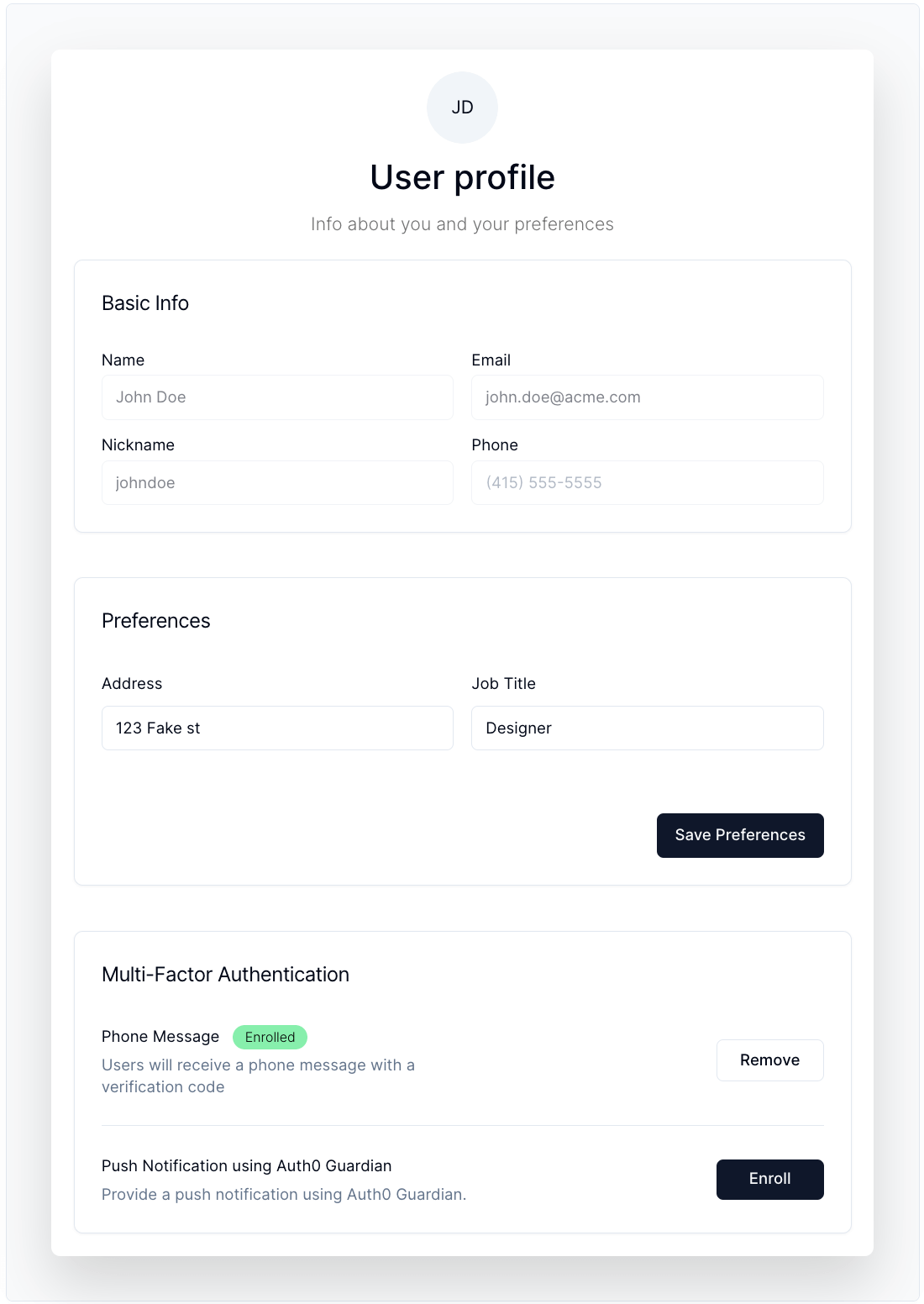
Provides a detailed user profile with essential information, supporting MFA enrollment. For more info, visit the component [docs](https://components.lab.auth0.com/docs/components/user-profile).
#### Code Sample
```tsx
```
### Basic Info
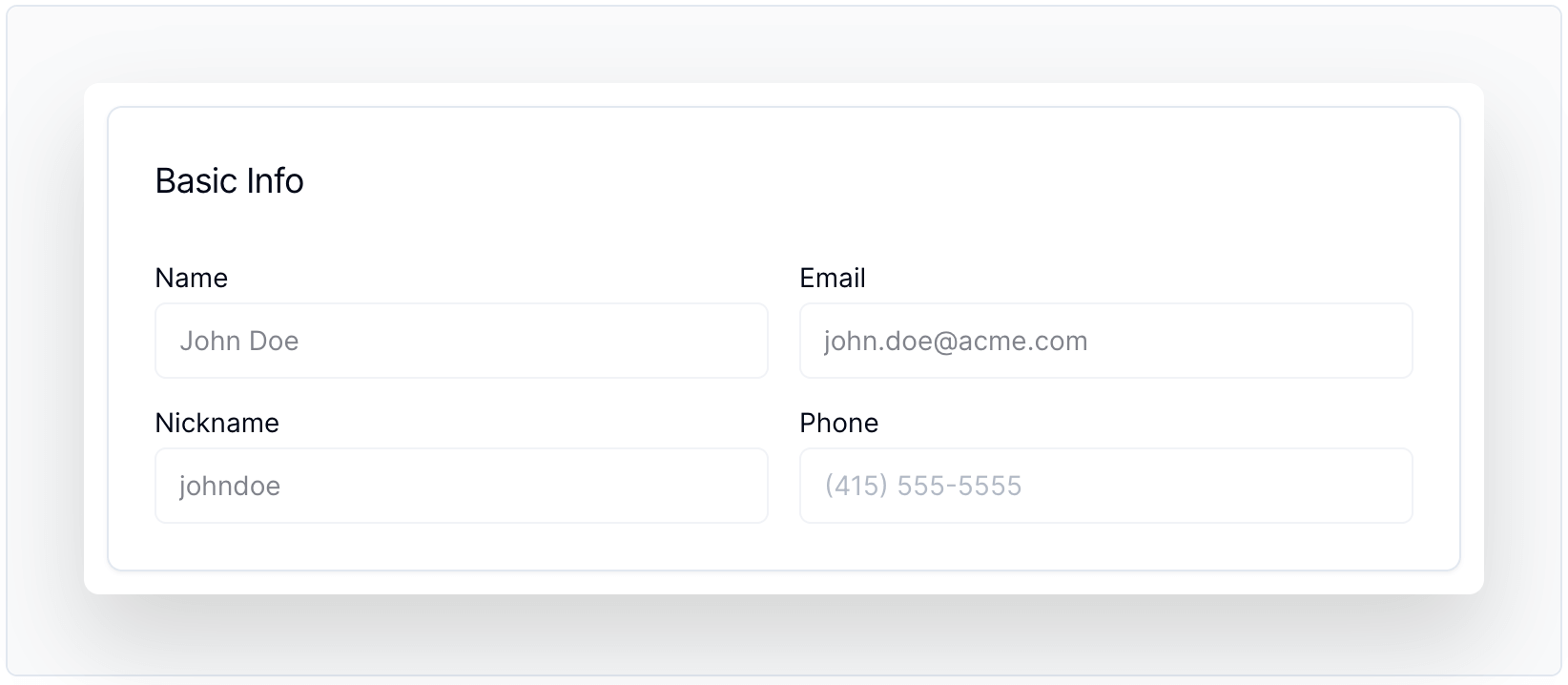
Displays essential user details, including name and nickname, providing a quick glance at user information. For more info, visit the component [docs](https://components.lab.auth0.com/docs/components/basic-info).
#### Code Sample
```tsx
```
### User Metadata
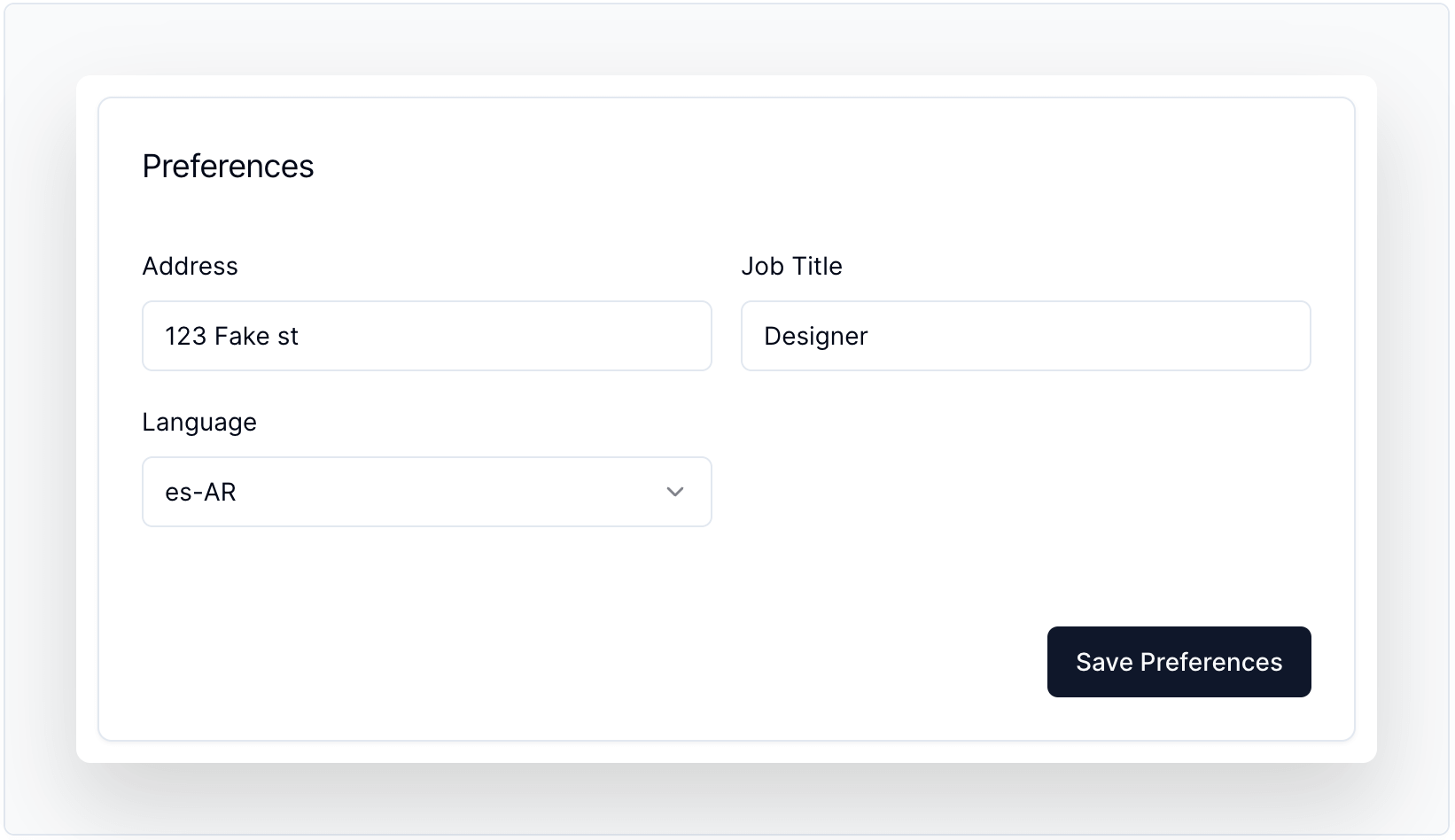
Displays and edits user metadata with schema validation. For more info, visit the component [docs](https://components.lab.auth0.com/docs/components/user-metadata).
#### Code Sample
```tsx
{
alert("Saved!");
}}
schema={z.object({
address: z.string(),
job_title: z.string(),
language: z.enum(languages),
})}
defaultValues={{
address: "123 Fake st",
job_title: "Designer",
language: "es-AR",
}}
/>
```
### MFA Enrollment
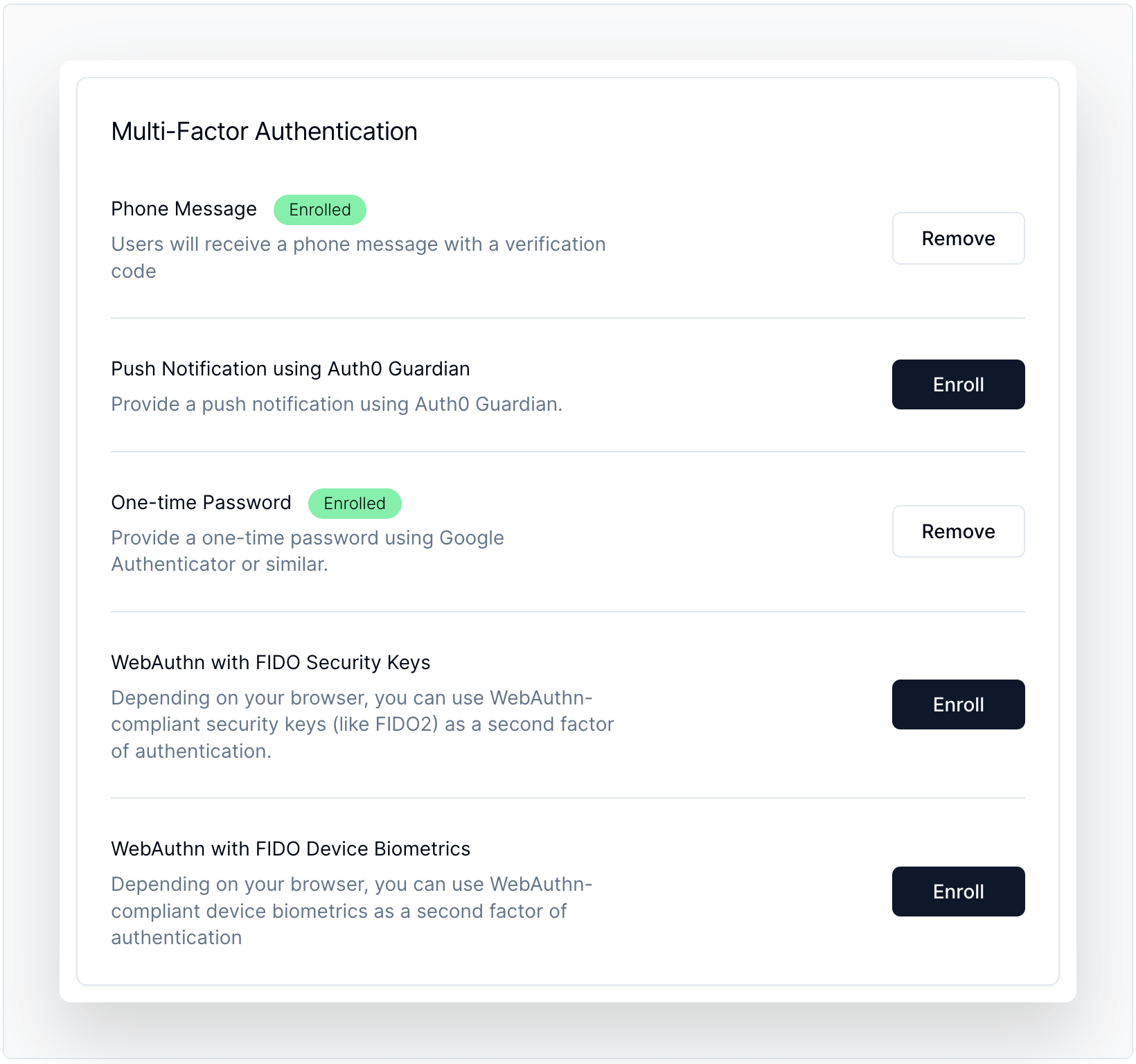
Allows users to view, enroll, and manage multi-factor authentication (MFA) enrollments with ease. For more info, visit the component [docs](https://components.lab.auth0.com/docs/components/mfa-enrollment).
#### Code Sample
```tsx
{
return { factors, status: 200 };
}}
onCreate={async (factor: string) => {
return { enrollment: { ticket_url: "https://auth0.com" }, status: 200 };
}}
onDelete={async (enrollmentId: string) => {
return { status: 200 };
}}
/>
```
### User Button
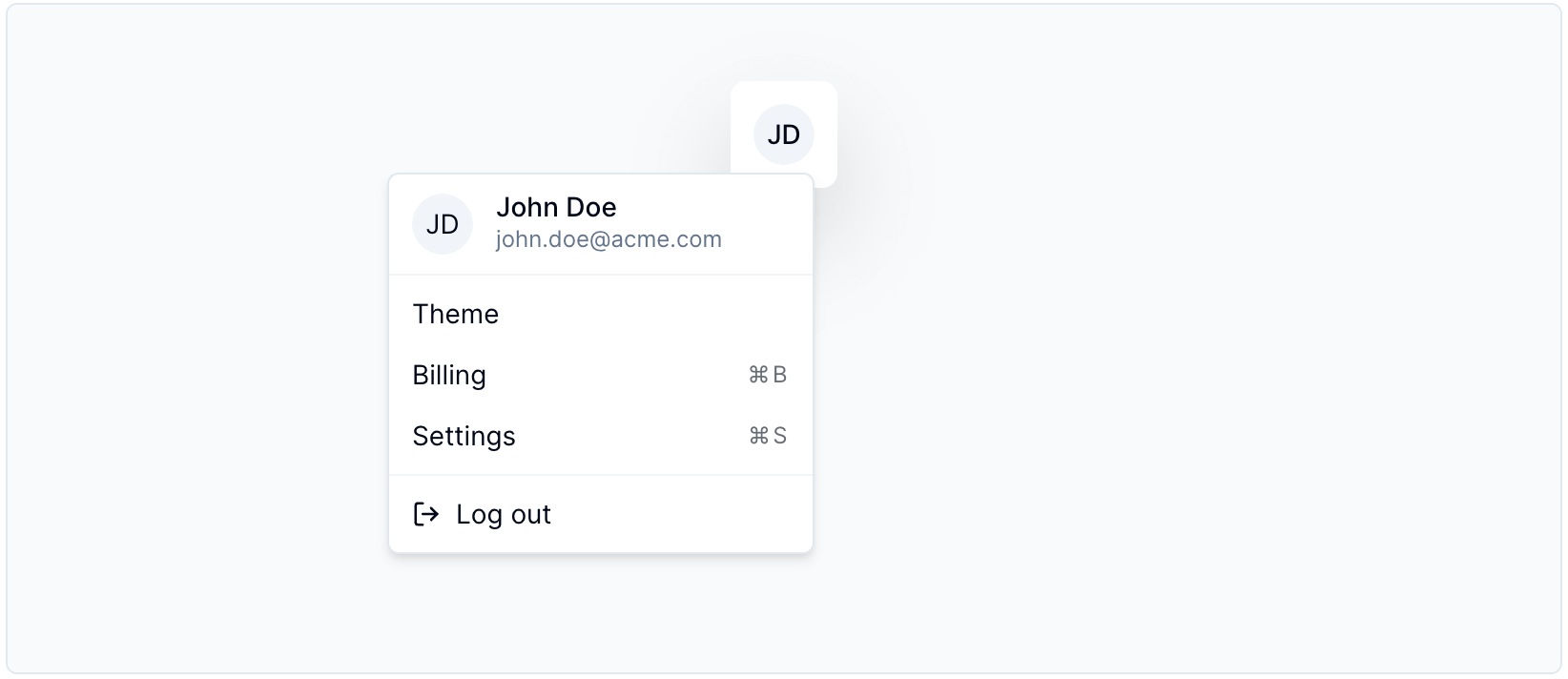
Offers a user menu for logged-in users, showing their info and allowing them to logout. For more info, visit the component [docs](https://components.lab.auth0.com/docs/components/user-button).
#### Code Sample
```tsx
Theme
Billing
⌘B
Settings
⌘S
```
### Organization Switcher
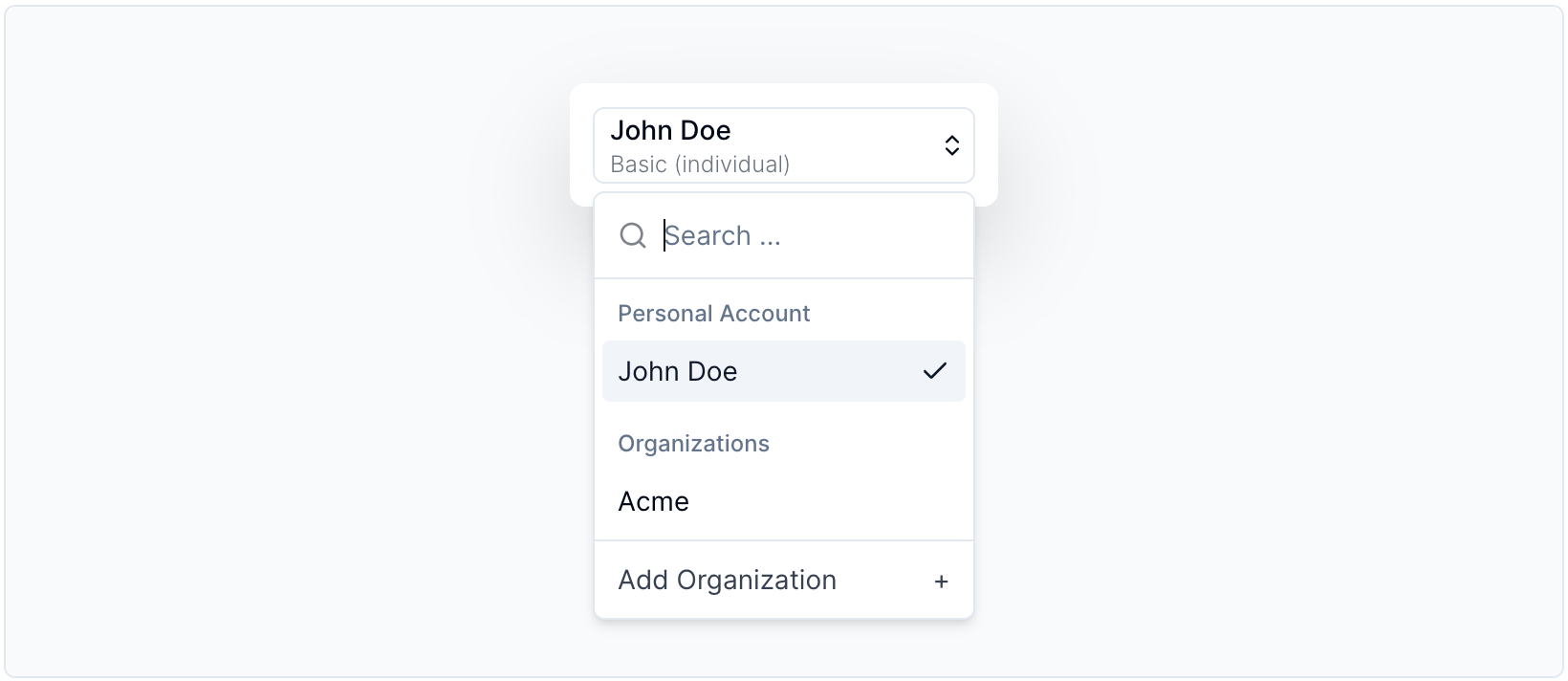
Enables users to easily switch between different organizations or create new ones. For more info, visit the component [docs](https://components.lab.auth0.com/docs/components/organization-switcher).
#### Code Sample
```tsx
```
### Organization Creator
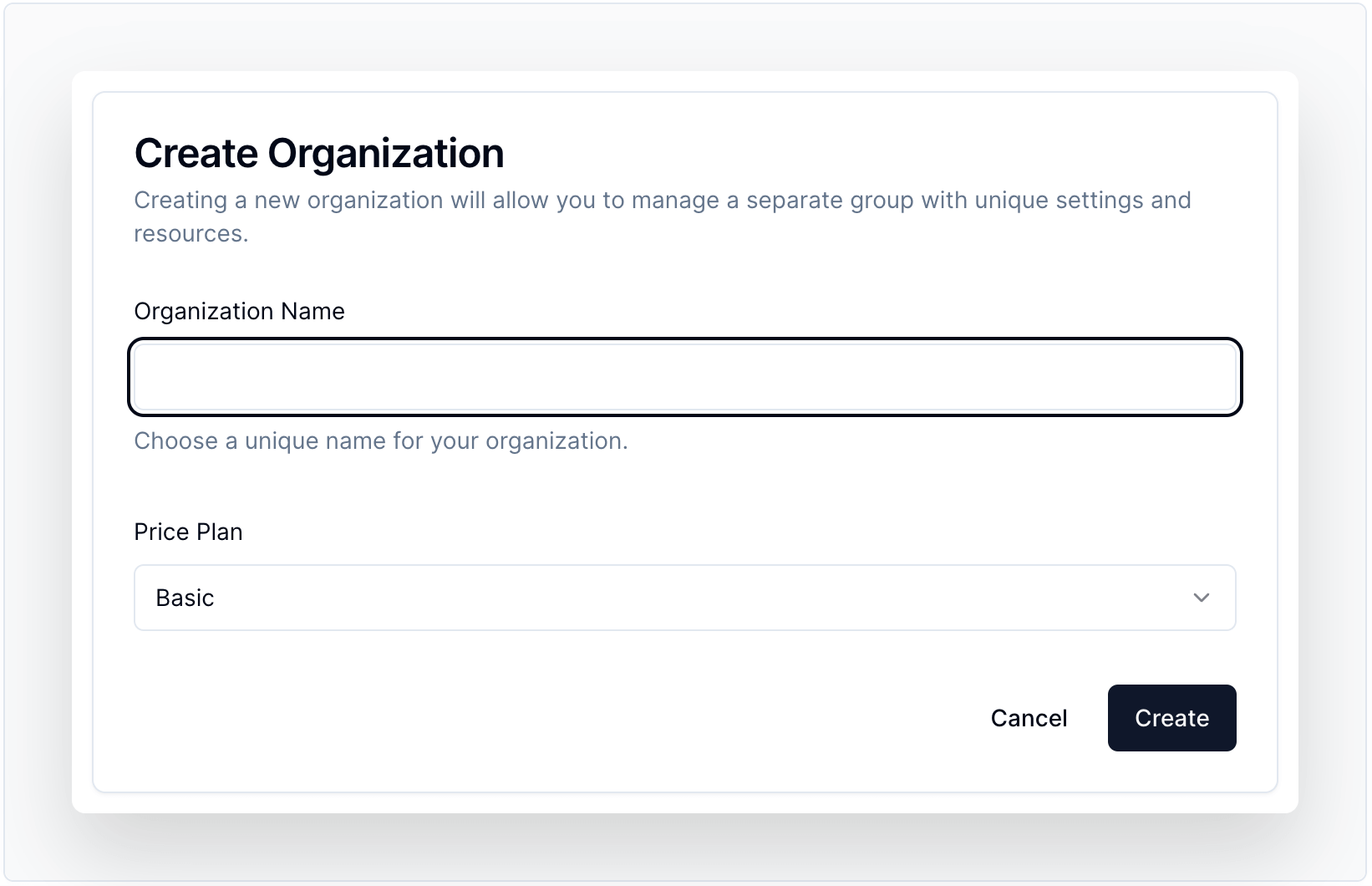
Creates organizations quickly and easily, streamlining the process for admins and users. For more info, visit the component [docs](https://components.lab.auth0.com/docs/components/organization-creator).
#### Code Sample
```tsx
{
alert("Created!");
return { status: 200 };
}}
schema={z.object({
plan: z.enum(["basic", "starter", "business"], {
required_error: "You need to select a plan.",
}),
})}
defaultValues={{
plan: "basic",
}}
customFields={[
({ form }: any) => {
return (
(
Price Plan
Basic
Starter
Business
)}
/>
);
},
]}
/>
```
## Live Example
For running the live example, you'll need to have the following values in your `.env.local`.
```bash
# A long, secret value used to encrypt the session cookie
AUTH0_SECRET='LONG_RANDOM_VALUE'
# The base url of your application
AUTH0_BASE_URL='http://localhost:3000'
# The url of your Auth0 tenant domain
AUTH0_ISSUER_BASE_URL='https://YOUR_AUTH0_DOMAIN.auth0.com'
# Your Auth0 application's Client ID
AUTH0_CLIENT_ID='YOUR_AUTH0_CLIENT_ID'
# Your Auth0 application's Client Secret
AUTH0_CLIENT_SECRET='YOUR_AUTH0_CLIENT_SECRET'
# Auth0 Management API Client ID
AUTH0_CLIENT_ID_MGMT="YOUR_AUTH0_MGMT_CLIENT_ID"
# Auth0 Management API Client SECRET
AUTH0_CLIENT_SECRET_MGMT="YOUR_AUTH0_MGMT_CLIENT_SECRET"
# Default connection when creating organizations
ORGANIZATIONS_ENABLED_CONNECTION="con_xxxxxxxxx"
# Token for LRU cache
LRU_CACHE_TOKEN="CACHE_TOKEN"
```
You can execute the following command to generate a suitable string for the `AUTH0_SECRET` value:
```bash
node -e "console.log(crypto.randomBytes(32).toString('hex'))"
```
## License
Apache-2.0