https://github.com/automattic/browser-repl
Launch a repl on your command line to any browser in the cloud.
https://github.com/automattic/browser-repl
Last synced: about 1 year ago
JSON representation
Launch a repl on your command line to any browser in the cloud.
- Host: GitHub
- URL: https://github.com/automattic/browser-repl
- Owner: Automattic
- Created: 2014-02-14T00:28:56.000Z (over 12 years ago)
- Default Branch: master
- Last Pushed: 2016-01-13T23:52:59.000Z (over 10 years ago)
- Last Synced: 2025-04-04T19:15:17.395Z (about 1 year ago)
- Language: JavaScript
- Homepage:
- Size: 366 KB
- Stars: 733
- Watchers: 127
- Forks: 28
- Open Issues: 9
-
Metadata Files:
- Readme: Readme.md
- Changelog: History.md
Awesome Lists containing this project
README
# browser-repl
CLI utility to set up a remote browser repl.
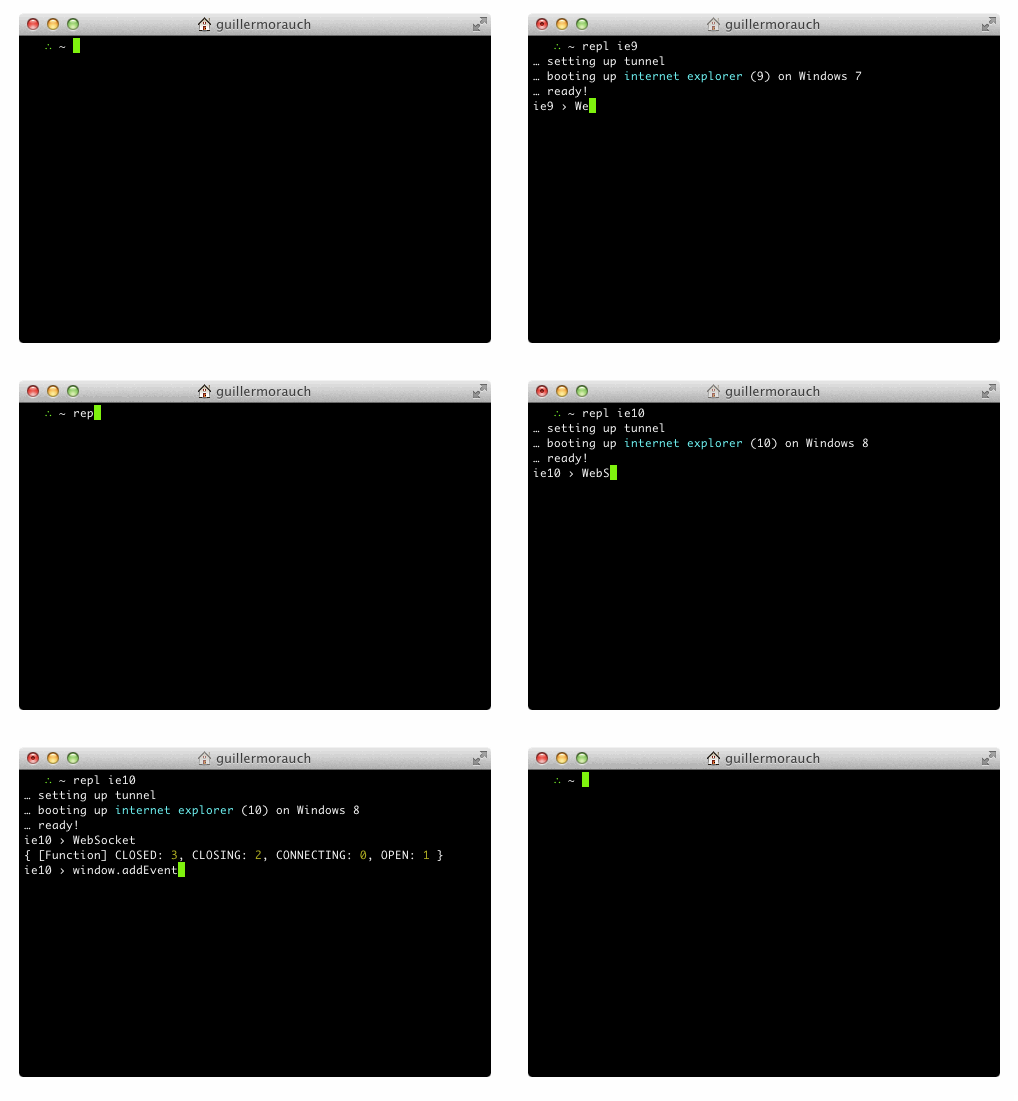
## How to use
```js
$ npm install -g browser-repl
$ export SAUCE_USERNAME="your username"
$ export SAUCE_ACCESS_KEY="your key"
$ repl ie6
```
Sign up for a free OSS account on [SauceLabs](http://saucelabs.com).
## How it works
`browser-repl` is built on top of the `wd` module, which is an
implementation of the webdriver protocol.
Once a browser session is established,
[socket.io](http://github.com/learnboost/socket.io) is used to establish
a persistent connection that works on all browsers as fast as possible.
The socket.io server is hosted locally, and a reverse tunnel is set up
with [localtunnel](https://github.com/defunctzombie/localtunnel)
which gives your computer a temporary URL of the format
`https://{uid}.localtunnel.me`.
The lines you enter are subsequently `eval`d.
A global `window.onerror` hook is also set to capture errors.
Summoning `repl` with the `-n` argument disables this.
## Contributors
- [Nathan Rajlich](https://github.com/tootallnate)
- [Guillermo Rauch](https://github.com/guille)
## License
MIT - Copyright © 2014 Automattic, Inc.