https://github.com/automattic/simplenote-macos
Simplenote for macOS
https://github.com/automattic/simplenote-macos
Last synced: 8 months ago
JSON representation
Simplenote for macOS
- Host: GitHub
- URL: https://github.com/automattic/simplenote-macos
- Owner: Automattic
- License: gpl-2.0
- Created: 2016-08-10T20:51:17.000Z (almost 10 years ago)
- Default Branch: trunk
- Last Pushed: 2025-04-11T09:37:31.000Z (about 1 year ago)
- Last Synced: 2025-05-07T23:52:51.007Z (about 1 year ago)
- Language: Swift
- Homepage: https://simplenote.com
- Size: 30.2 MB
- Stars: 1,514
- Watchers: 44
- Forks: 171
- Open Issues: 176
-
Metadata Files:
- Readme: readme.md
- Contributing: CONTRIBUTING.md
- License: LICENSE.md
Awesome Lists containing this project
README
# Simplenote for macOS
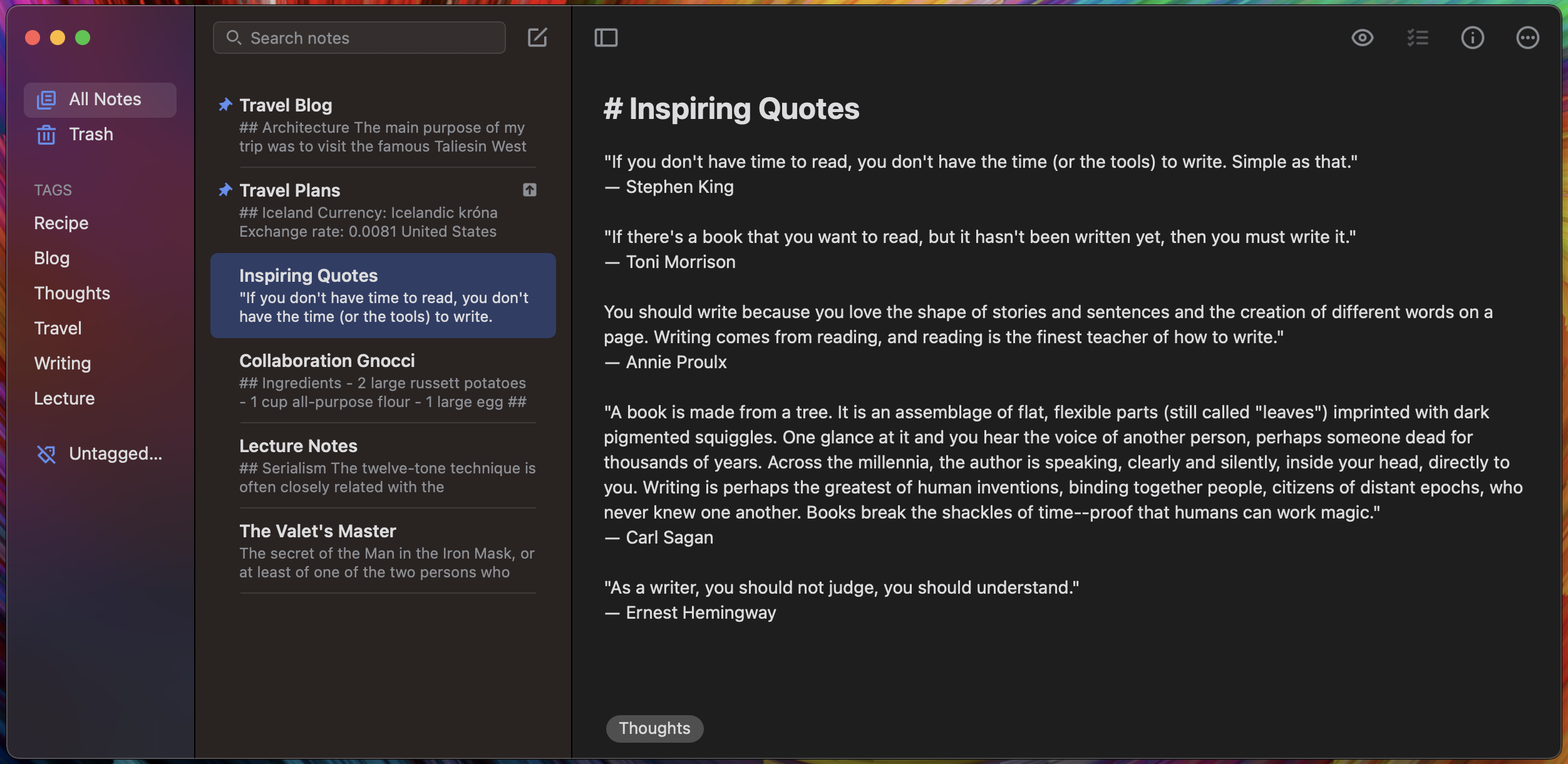
A Simplenote client for macOS. Learn more about Simplenote at [Simplenote.com](https://simplenote.com).
## Build Instructions
### Download Xcode
At the moment *Simplenote for macOS* uses Swift 5 and requires Xcode 12 or newer. Xcode can be [downloaded from Apple](https://developer.apple.com/downloads/index.action).*
### Third party tools
We use a few tools to help with development. To install or update the required dependencies, run the follow command on the command line:
`rake dependencies`
#### Why isn't Sparkle fetched with Swift Package Manager
**TL;DR** We had issues with CocoaPods in the past and haven't had the bandwidth to upgrade to SwiftPM yet.
Back in the CocoaPods days, when we tried to fetch Sparkle using it, the version distributed via CocoaPods didn't support Sandboxing, an important feature in Simplenote macOS at the time.
To distribute the beta version of Simplenote with Sparkle, we used the [`2.x`](https://github.com/sparkle-project/Sparkle/tree/2.x) branch.
See also [this issue in the Sparkle repo](https://github.com/sparkle-project/Sparkle/issues/1523).
Since then, Sparkle officially shipped their version 2, including SwiftPM support, but we haven't had a chance to upgrade yet.
If there'll be a need to work with Sparkle, ideally we should take the time to upgrade.
But just for reference, the process used so far to build from source is contained in the `./Scripts/update-sparkle.sh` script.
#### SwiftLint
We use [SwiftLint](https://github.com/realm/SwiftLint) to enforce a common style for Swift code. If you plan to write code, SwiftLint is going to be installed when you run a build from Xcode.
No commit should have lint warnings or errors.
### Open Xcode
Launch the project by running the following from the command line:
`rake xcode`
This will ensure any dependencies are ready before launching Xcode.
You can also open the project by double clicking on `Simplenote.xcworkspace` file, or launching Xcode and choose `File` > `Open` and browse to `Simplenote.xcworkspace`.
## Setup Credentials
Simplenote is powered by the [Simperium Sync'ing protocol](https://www.simperium.com). We distribute **testing credentials** that help us authenticate your application, and verify that the API calls being made are valid.
**⚠️ Please note → We're not accepting any new Simperium accounts at this time.**
Please copy the **testing Simperium credentials** as follows:
```
mkdir -p Simplenote/Credentials && cp Simplenote/SPCredentials-demo.swift Simplenote/Credentials/SPCredentials.swift
```
This will allow you to compile and run the app on a device or a simulator.
_Note: Simplenote API features such as sharing and publishing will not work with development builds._
## Style Guidelines
We follow the WordPress iOS Style Guidelines, and we're constantly improving / adopting latest techniques.
- [Swift Standard](https://github.com/wordpress-mobile/swift-style-guide)
- [ObjC Standard](https://github.com/wordpress-mobile/objective-c-style-guide)
## Contributing
Read our [Contributing Guide](CONTRIBUTING.md) to learn about reporting issues, contributing code, and more ways to contribute.
## License
Simplenote for macOS is an Open Source project covered by the [GNU General Public License version 2](LICENSE.md).
Happy noting!