https://github.com/azavea/azavea-pechakucha
Simple Pecha Kucha Interface
https://github.com/azavea/azavea-pechakucha
pechakucha presentation-tools
Last synced: 4 months ago
JSON representation
Simple Pecha Kucha Interface
- Host: GitHub
- URL: https://github.com/azavea/azavea-pechakucha
- Owner: azavea
- Created: 2018-09-24T22:05:59.000Z (over 7 years ago)
- Default Branch: master
- Last Pushed: 2018-12-05T19:32:55.000Z (over 7 years ago)
- Last Synced: 2025-01-07T18:38:28.231Z (over 1 year ago)
- Topics: pechakucha, presentation-tools
- Language: HTML
- Homepage: https://azavea.github.io/azavea-pechakucha/
- Size: 13.7 KB
- Stars: 0
- Watchers: 20
- Forks: 0
- Open Issues: 0
-
Metadata Files:
- Readme: README.md
Awesome Lists containing this project
README
# Azavea PechaKucha
[PechaKucha](https://www.pechakucha.org/) is a popular presentation format
where a speaker does a short presentation to image slides that auto advance
every few seconds. This keeps talks short, to the point, and interesting!
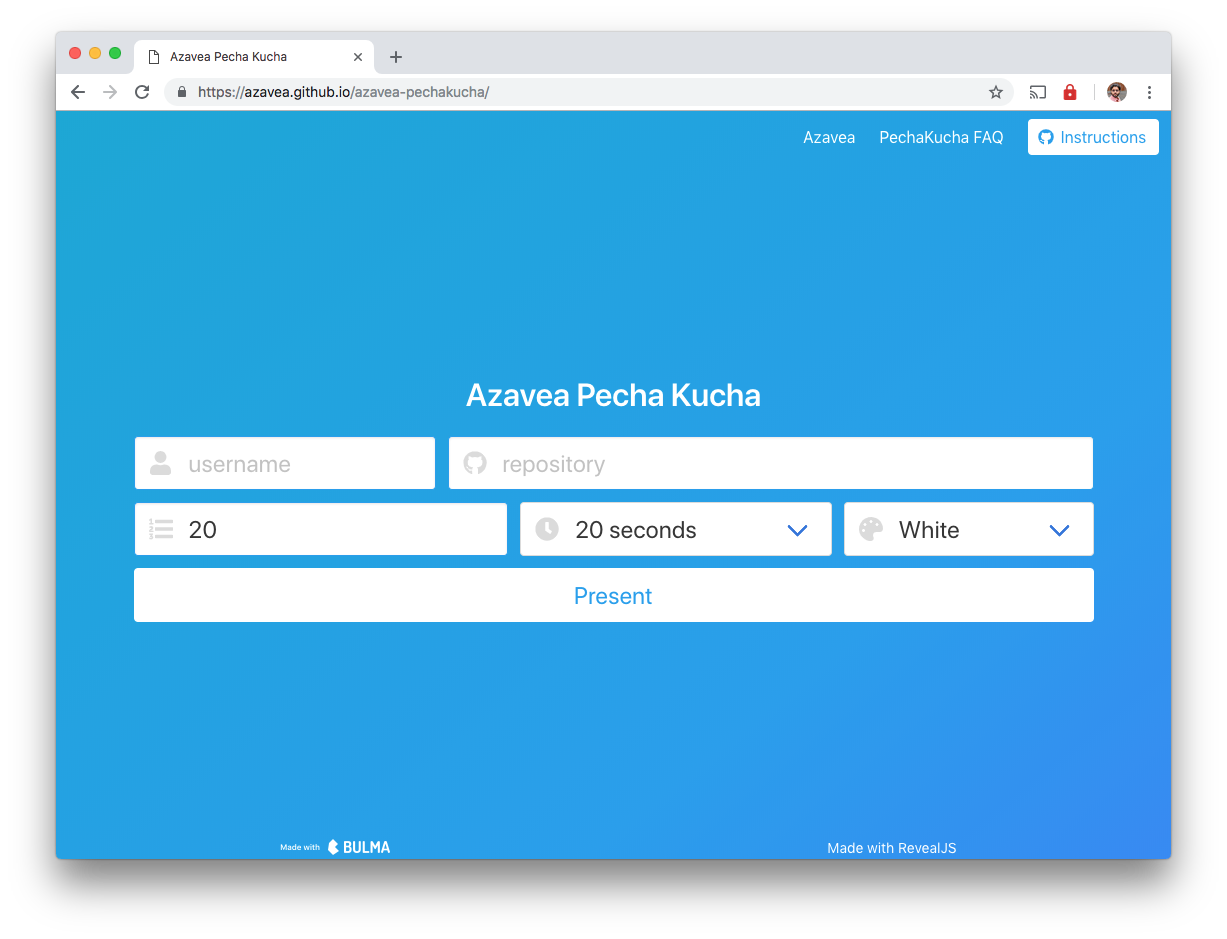
This tool is a configurable presentation viewer for such a presentation. It
uses [RevealJS](https://revealjs.com/) to load images and auto-advance the
slides. The images are loaded from a given GitHub user's repository, which is
expected to have JPEG images in the root named in order, like `1.jpg`, `2.jpg`,
`3.jpg` and so on. For an example repository, see
[rajadain/pechakucha-avengers](https://github.com/rajadain/pechakucha-avengers).
To use the tool, make a repo like the above with your slides. Then, go to [the
tool](https://azavea.github.io/azavea-pechakucha/) and fill in your username,
repository, the number of slides, delay per slide, preferred background color,
and click "Present". The presentation will start immediately!