https://github.com/azozzalfiras/qi-task
Advanced Task: Build a Task Management Dashboard Objective: Create a task management dashboard where authenticated users can manage projects and tasks. The application should use Laravel for the backend, Livewire for real-time updates, and TailwindCSS for a responsive and modern UI.
https://github.com/azozzalfiras/qi-task
api component laravel livewire php rest-api tailwindcss tasks
Last synced: 6 months ago
JSON representation
Advanced Task: Build a Task Management Dashboard Objective: Create a task management dashboard where authenticated users can manage projects and tasks. The application should use Laravel for the backend, Livewire for real-time updates, and TailwindCSS for a responsive and modern UI.
- Host: GitHub
- URL: https://github.com/azozzalfiras/qi-task
- Owner: AzozzALFiras
- Created: 2024-07-28T23:23:02.000Z (almost 2 years ago)
- Default Branch: main
- Last Pushed: 2024-07-29T00:50:48.000Z (almost 2 years ago)
- Last Synced: 2025-02-08T04:31:50.401Z (over 1 year ago)
- Topics: api, component, laravel, livewire, php, rest-api, tailwindcss, tasks
- Language: PHP
- Homepage:
- Size: 2.88 MB
- Stars: 0
- Watchers: 1
- Forks: 0
- Open Issues: 0
-
Metadata Files:
- Readme: README.md
Awesome Lists containing this project
README

## Project Overview
### Task Management Dashboard
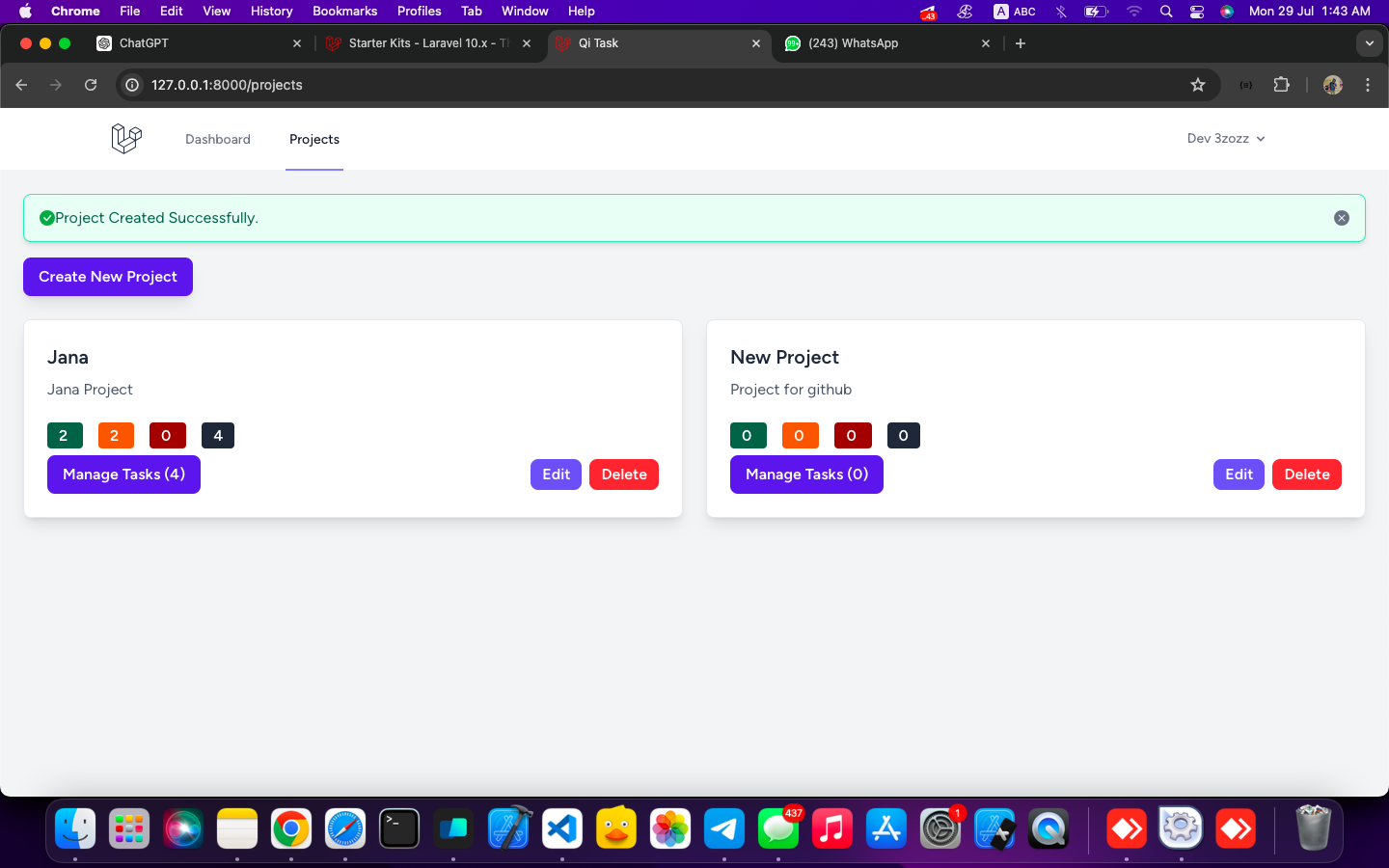
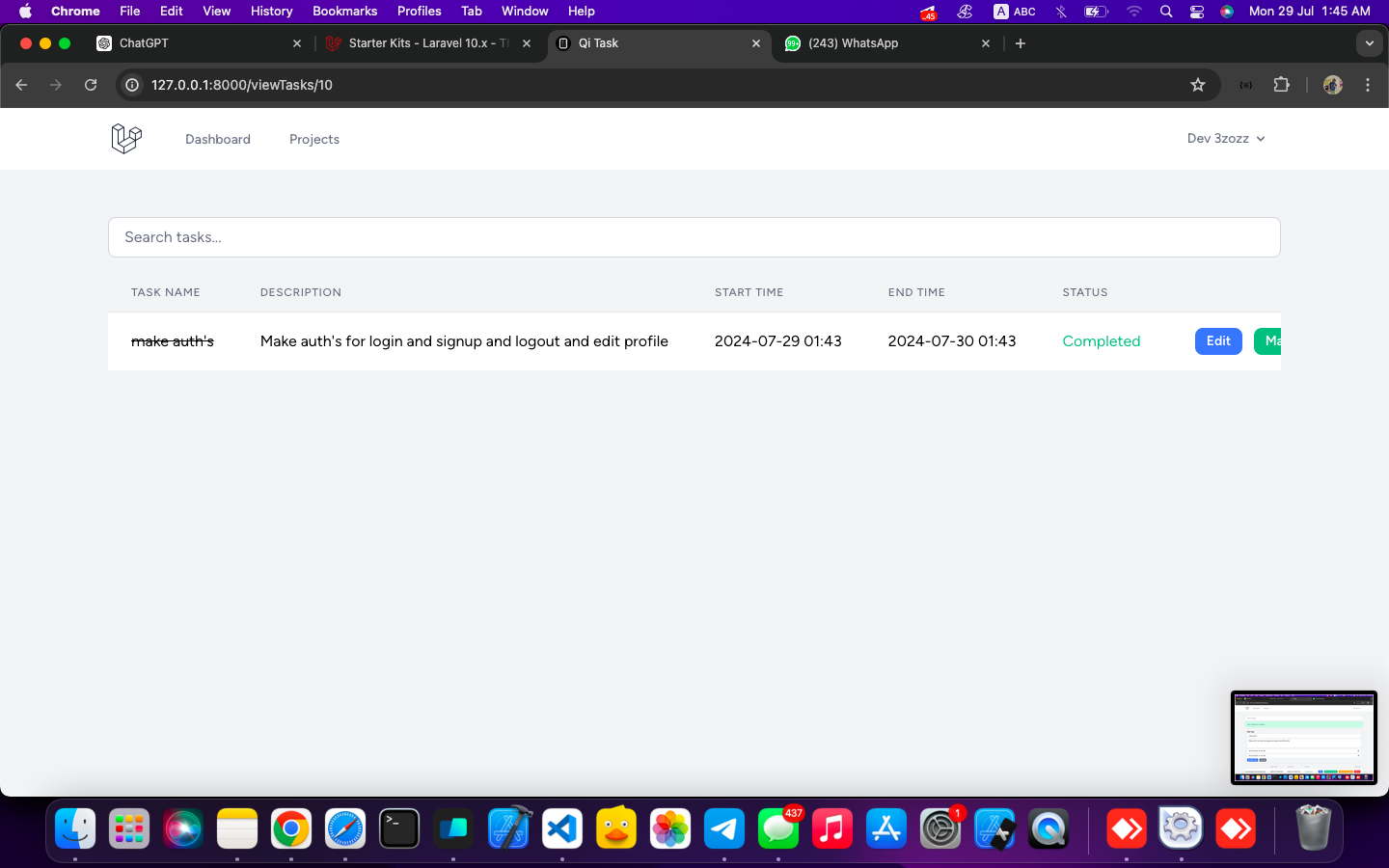
This application provides a task management dashboard where authenticated users can manage projects and tasks. It uses Laravel for the backend, Livewire for real-time updates, and TailwindCSS for a modern, responsive UI.
## Table of Contents
1. **[Project Overview](#project-overview)**
- [Task Management Dashboard](#task-management-dashboard)
- [Requirements](#requirements)
- [Installation](#Installation)
2. **[[API Endpoints](#api-endpoints)](https://github.com/AzozzALFiras/qi-task/tree/main/api)**
3. **[Screenshots](#screenshots)**
## Installation
Before you begin, ensure you have met the following requirements:
- **PHP**: ^8.1
- **GuzzleHTTP**: ^7.2
- **Laravel Framework**: ^10.10
- **Laravel Sanctum**: ^3.3
- **Laravel Tinker**: ^2.8
- **Livewire**: ^3.5
- **Composer**: For managing PHP dependencies
To install and set up the project, follow these steps:
1. **Clone the Repository**
```bash
git clone https://github.com/AzozzALFiras/qi-task.git
cd qi-task
```
2. **Install Dependencies**
#### Use Composer to install the PHP dependencies specified in composer.json.
```bash
composer install
```
3. **Set Up Environment**
#### Copy the .env.example file to .env and configure your environment variables as needed.
```bash
cp .env.example .env
```
4. **Generate Application Key**
#### Run the following command to generate a new application key.
```bash
php artisan key:generate
```
5. **Run Migrations**
#### Migrate the database to create the necessary tables.
```bash
php artisan migrate
```
6. **Start the Development Servers**
#### Use Laravel’s built-in server to start the application.
```bash
php artisan serve
```
### Requirements
1. **User Authentication**:
- Implement user registration, login, and logout using Laravel's built-in authentication.
2. **Projects and Tasks**:
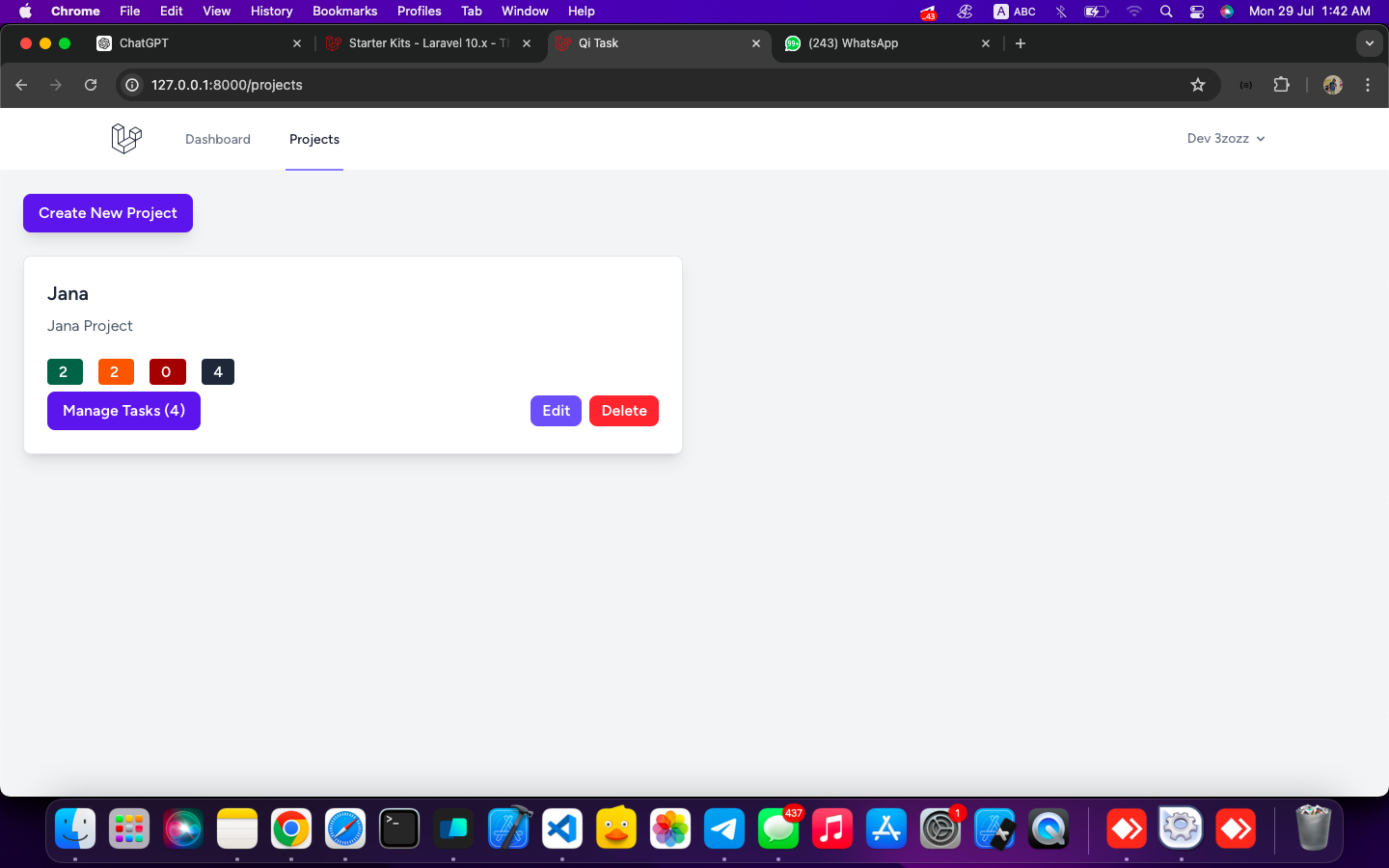
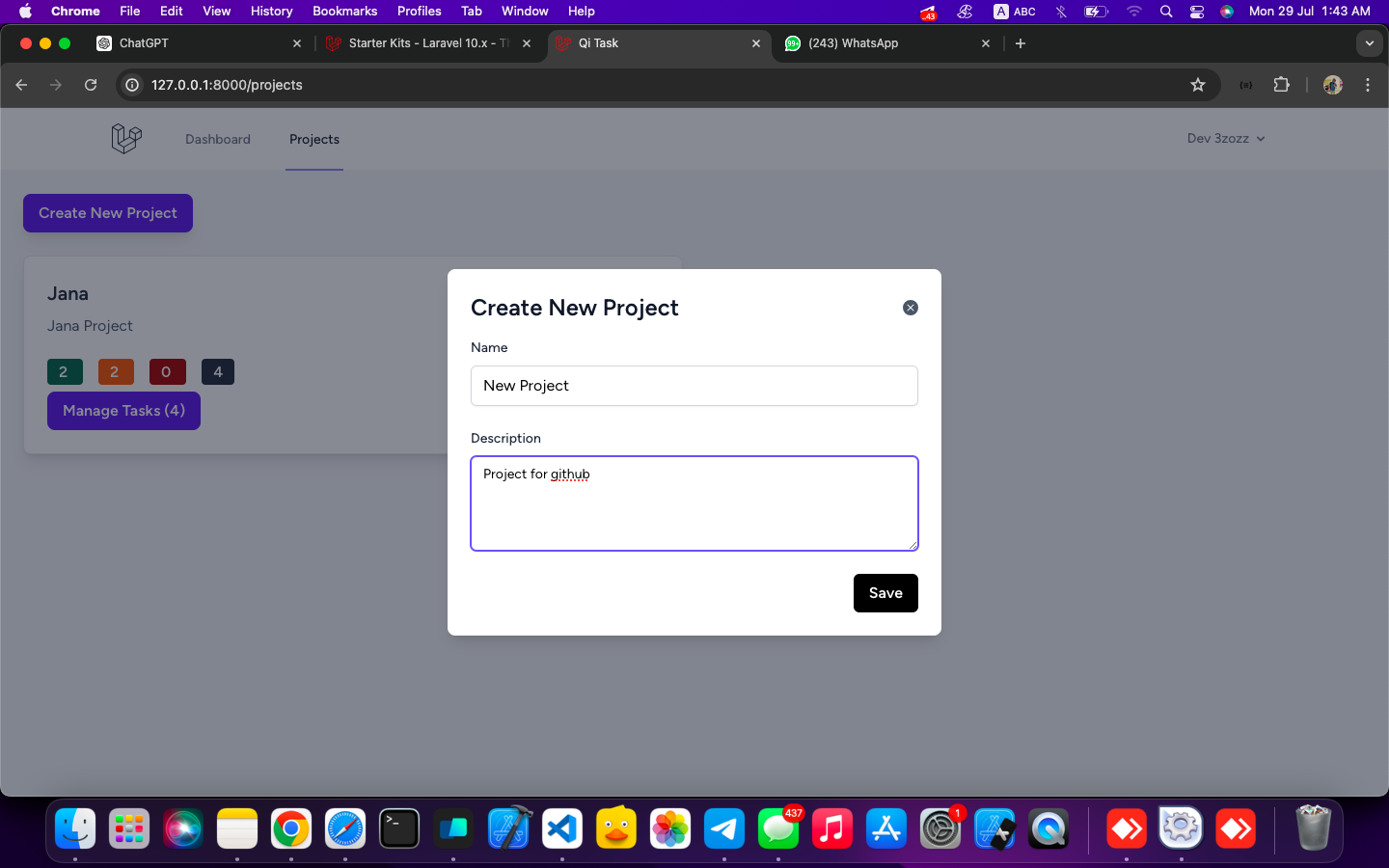
- Users can create, update, and delete projects.
- Each project can have multiple tasks.
- Tasks can be marked as complete or incomplete.
- Use Livewire to manage interactions for creating, updating, deleting, and marking tasks.
3. **Dashboard**:
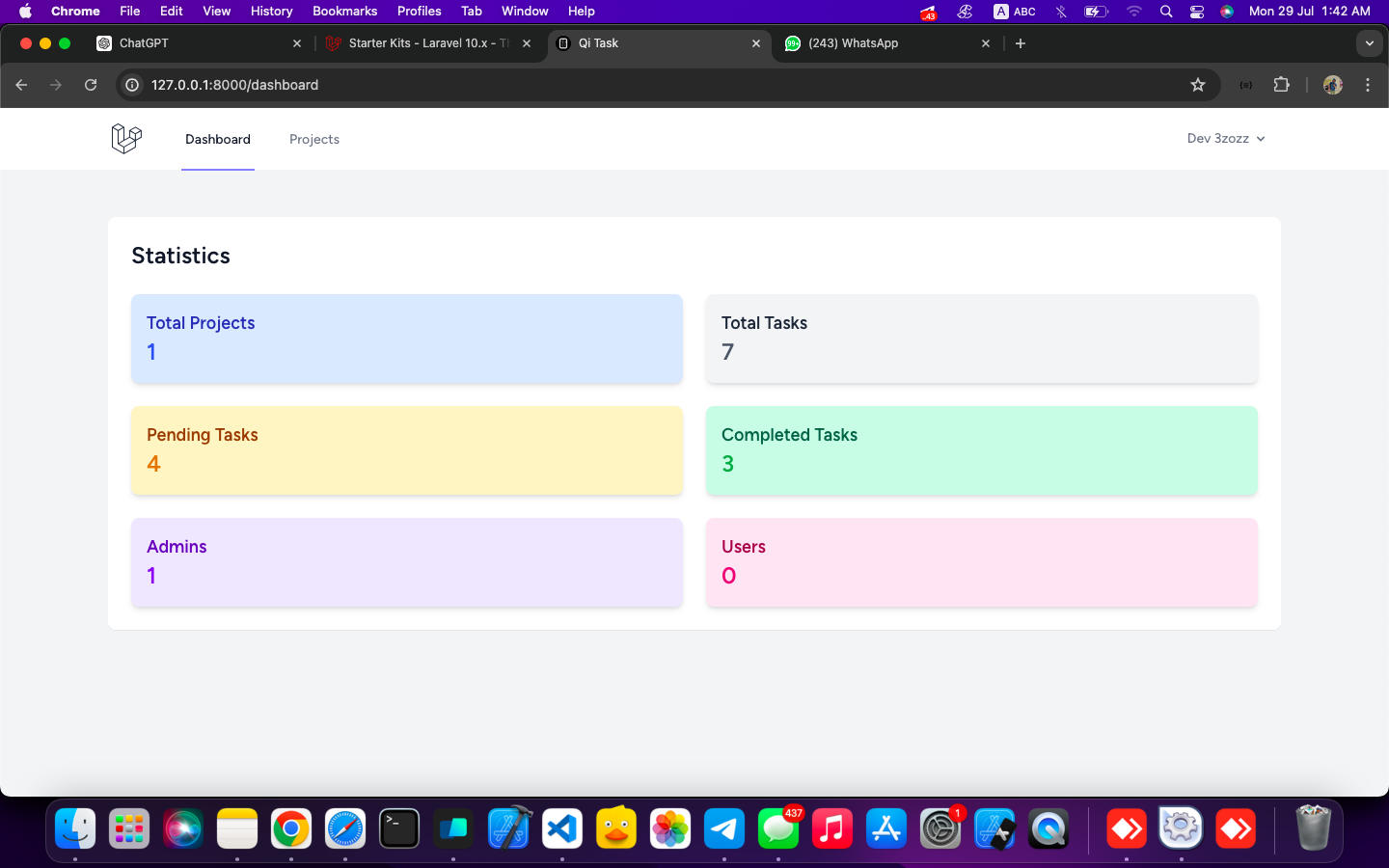
- Display a dashboard showing all projects and their associated tasks.
4. **Styling**:
- Use TailwindCSS to design a clean, modern, and user-friendly interface.
5. **API**:
- Build an API to handle the above functionalities.
## Screenshots