https://github.com/b2evandro/logincomfirebase
https://github.com/b2evandro/logincomfirebase
Last synced: 2 months ago
JSON representation
- Host: GitHub
- URL: https://github.com/b2evandro/logincomfirebase
- Owner: b2evandro
- Created: 2021-11-29T21:05:24.000Z (over 4 years ago)
- Default Branch: main
- Last Pushed: 2021-11-29T21:11:13.000Z (over 4 years ago)
- Last Synced: 2025-10-30T07:45:36.239Z (8 months ago)
- Language: Java
- Size: 265 KB
- Stars: 0
- Watchers: 1
- Forks: 0
- Open Issues: 0
-
Metadata Files:
- Readme: README.md
Awesome Lists containing this project
README
# Login com o google
O objetivo do projeto é realizar é buscar os dados do usuário com OAuth2 do google.
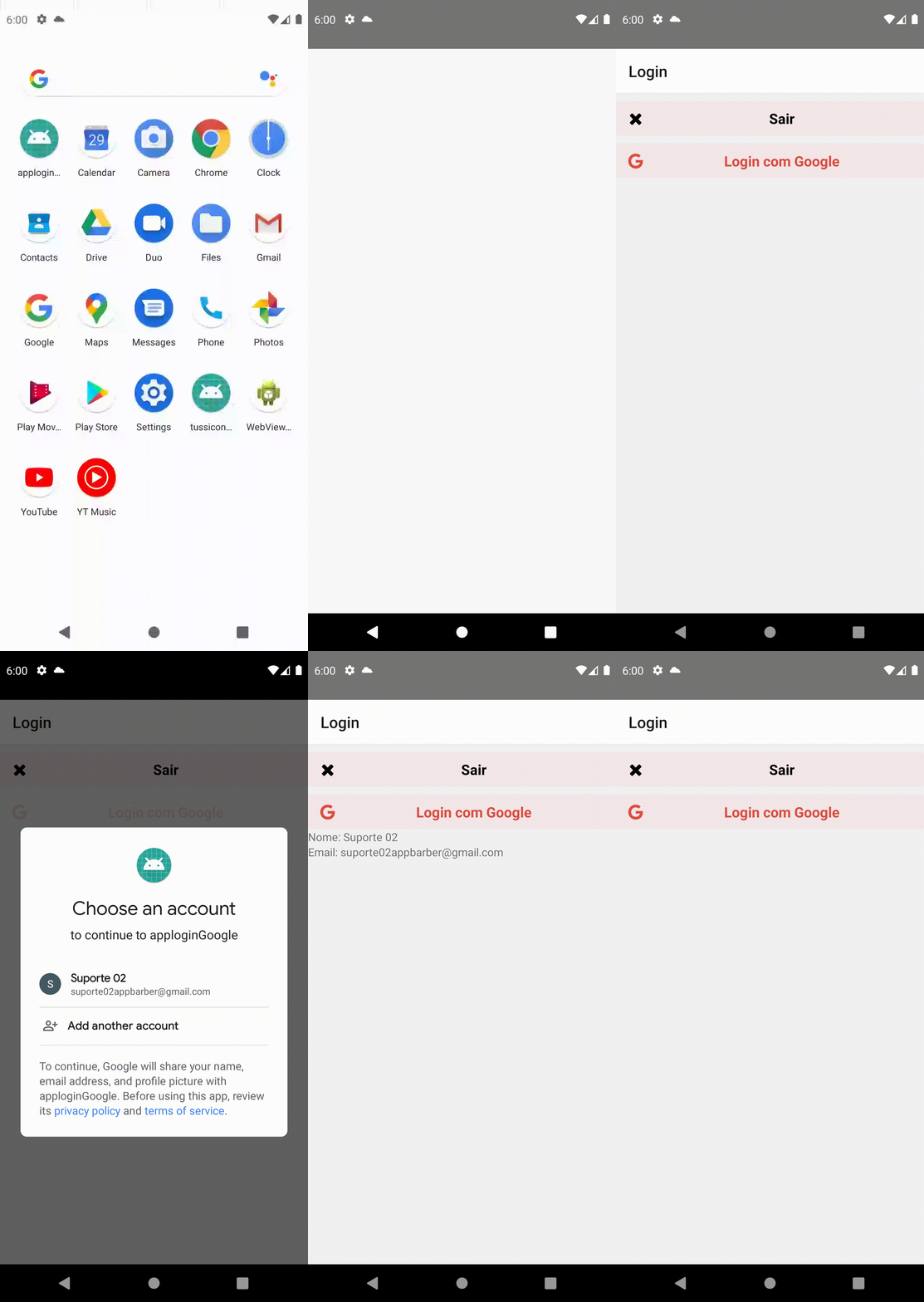
## Passos
- Criando App
- Instalar dependencia
- Criar projeto no Firebase
- criar app no firebase
- baixar json
- Buscar dados
## Criando App
Inicie um aplicativo em `react-native`usando o seguinte comando
```sh
#exemplo
# npx react-native init && cd
npx react-native init applogingoogle && cd Google applogingoogle
```
## Instalar dependencia
Para estilos e também o firebase precisaremos das seguintes dependencias:
- @react-native-community/google-signin
- @react-navigation/native
- @react-navigation/stack
- react
- react-native
- react-native-gesture-handler
- react-native-safe-area-context
- react-native-vector-icons
```sh
yarn add @react-native-community/google-signin @react-navigation/native @react-navigation/stack react-native-gesture-handler react-native-safe-area-context react-native-vector-icons
```
ou
```sh
npm install @react-native-community/google-signin @react-navigation/native @react-navigation/stack react-native-gesture-handler react-native-safe-area-context react-native-vector-icons
```
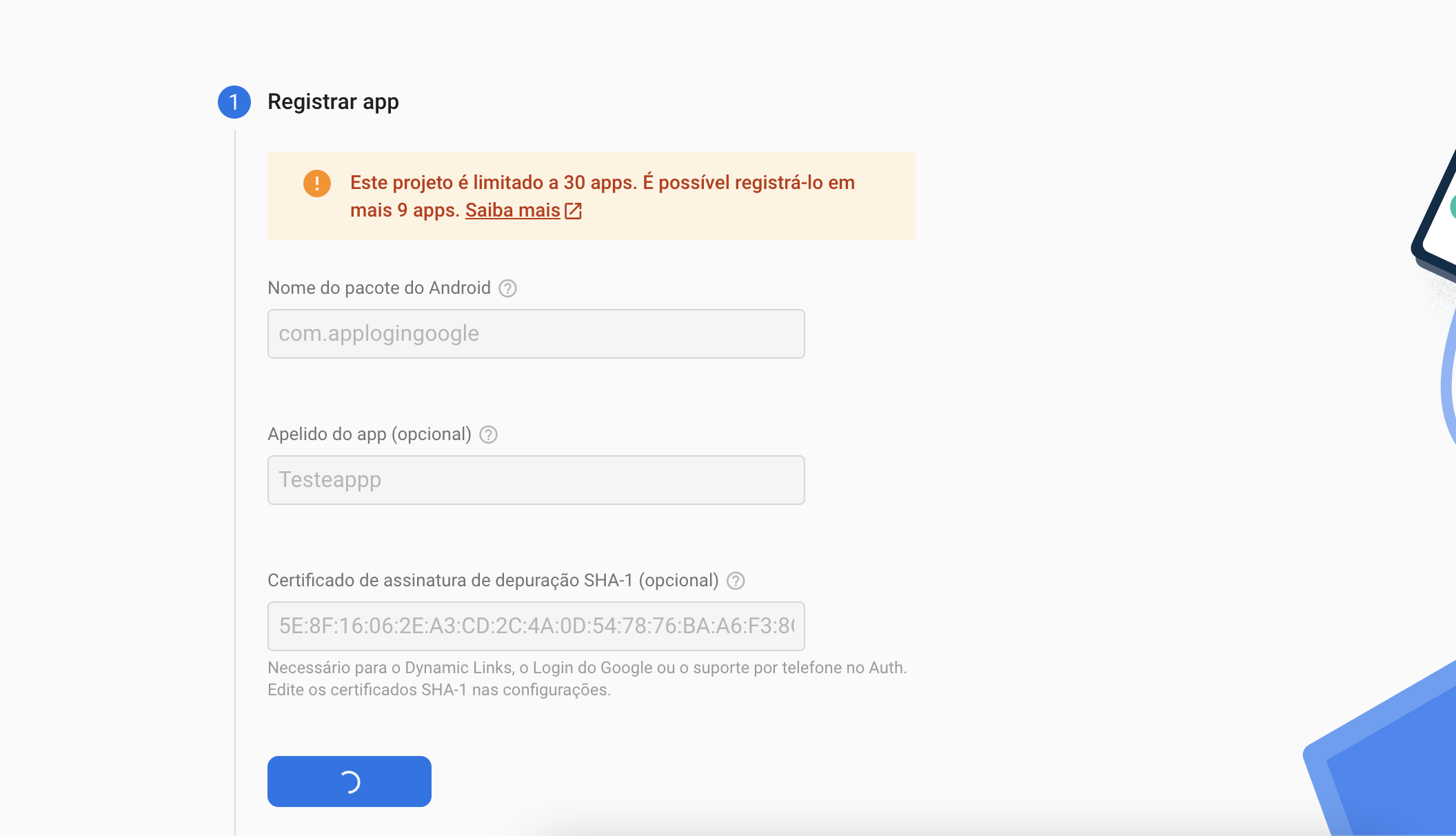
## Criar projeto no Firebase
Após criar um projeto no firebase e criar o app é necessário substituir o arquivo na pasta `android/app`
## Buscar dados
Depois de baixado o arquivo pode visualizar o `webClientId` e inser no código
```jsx
import { GoogleSignin } from '@react-native-community/google-signin';
...
function Routes() {
useEffect (() => {
// inicializa o Google SDK
GoogleSignin.configure ({
webClientId: '',
});
}, []);
return (
<>
...
>
);
}
export default Routes;
```