https://github.com/babakcode/o3d
The Flutter 3D objects easy controller ( glb format )
https://github.com/babakcode/o3d
3d ar flutter flutter3d model model3d models3d
Last synced: 5 months ago
JSON representation
The Flutter 3D objects easy controller ( glb format )
- Host: GitHub
- URL: https://github.com/babakcode/o3d
- Owner: babakcode
- License: bsd-3-clause
- Created: 2023-10-03T23:06:53.000Z (almost 3 years ago)
- Default Branch: master
- Last Pushed: 2024-12-17T14:44:07.000Z (over 1 year ago)
- Last Synced: 2025-10-23T05:42:33.273Z (9 months ago)
- Topics: 3d, ar, flutter, flutter3d, model, model3d, models3d
- Language: Dart
- Homepage: https://pub.dev/packages/o3d
- Size: 41.2 MB
- Stars: 51
- Watchers: 1
- Forks: 19
- Open Issues: 14
-
Metadata Files:
- Readme: README.md
- Changelog: CHANGELOG.md
- License: LICENSE
Awesome Lists containing this project
README
# O3D - Model Viewer for Flutter
This is a [Flutter](https://flutter.dev) widget for rendering interactive
3D models in the [glTF](https://www.khronos.org/gltf/) and [GLB](https://wiki.fileformat.com/3d/glb/) formats.
The widget embeds Google's [``](https://modelviewer.dev)
web component in a [WebView](https://pub.dev/packages/webview_flutter).

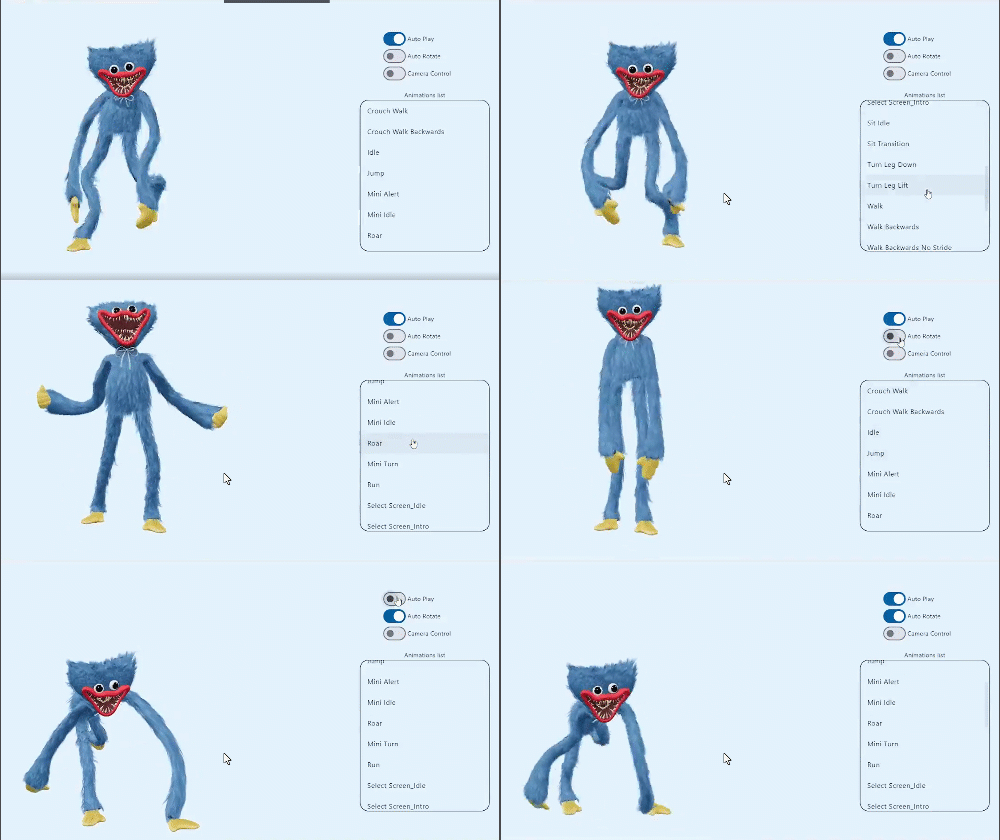
## Screenshot
online demo 1: [https://babakcode.github.io/ui_3d_test/](https://babakcode.github.io/ui_3d_test/) / [source code](https://github.com/babakcode/o3d/tree/master/example)
online demo 2: [https://babakcode.github.io/ui_3d_flutter/](https://babakcode.github.io/ui_3d_flutter/) / [source code](https://github.com/babakcode/ui_3d_flutter)
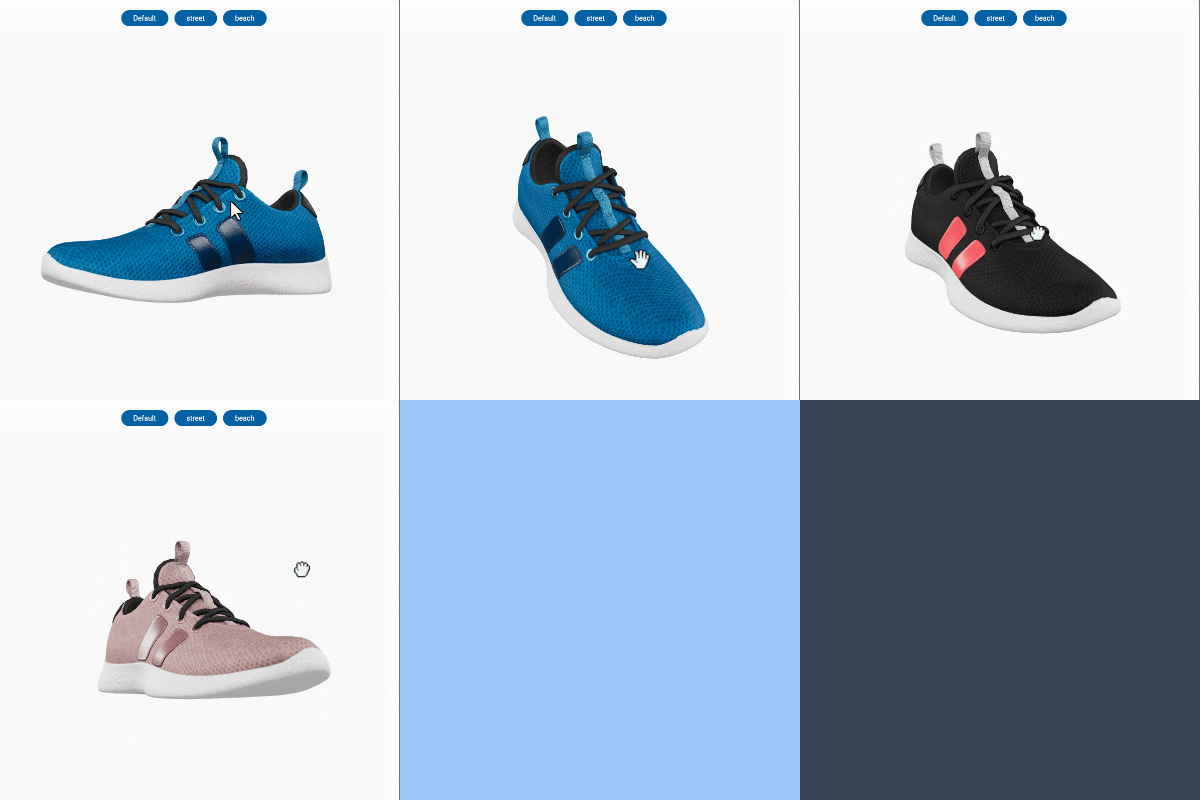
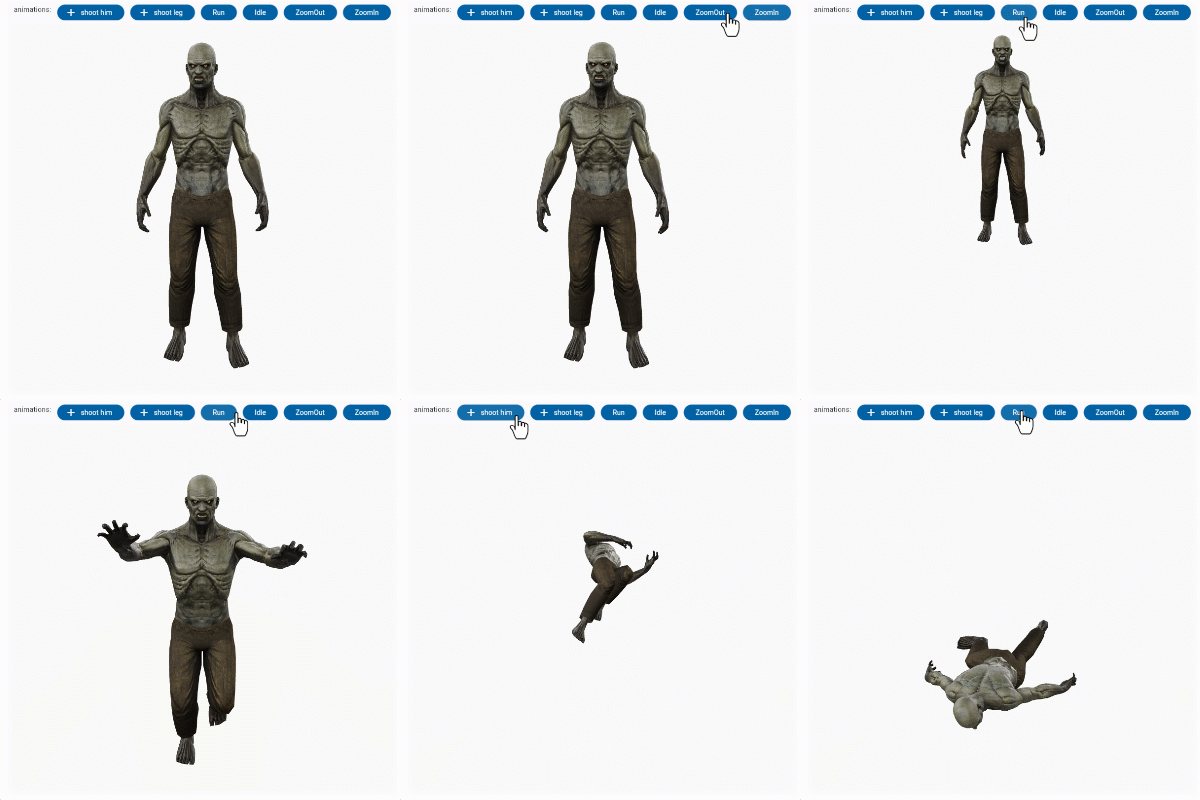
## Features
1. `O3DController controller = O3DController();`
2. cameraTarget: use **controller.cameraTarget(20, 20, 5)** `x, y, z`
3. cameraOrbit: use **controller.cameraOrbit(1.2, 1, 4)** `(theta)deg, (phi)deg, (radius)m`
4. availableAnimations: use **controller.availableAnimations().then((animations) => log("Available animations: $animations"));**
5. play: use **controller.play()** `[optional] repetitions` => `play(repetitions: 2)`
6. pause: use **controller.pause()**
7. Renders glTF and GLB models. (Also, [USDZ] models on iOS 12+.)
8. Supports animated models, with a configurable auto-play setting.
9. Optionally supports launching the model into an [AR] viewer.
10. Optionally auto-rotates the model, with a configurable delay.
11. Supports a configurable background color for the widget.
[USDZ]: https://graphics.pixar.com/usd/docs/Usdz-File-Format-Specification.html
[AR]: https://en.wikipedia.org/wiki/Augmented_reality
## Installation
in `pubspec.yaml`
```yaml
dependencies:
o3d: ^3.1.0
```
### `AndroidManifest.xml` (Android 9+ only)
**Test on `real device`** and to use this widget on Android 9+ devices, your app must be permitted to make an HTTP connection
to `http://localhost:XXXXX`.
Android 9 (API level 28) changed the default for [`android:usesCleartextTraffic`] from `true`
to `false`,
so you will need to configure your app's `android/app/src/main/AndroidManifest.xml` as follows:
```diff
+
io.flutter.embedded_views_preview
```
### `web/index.html` (Web only)
Modify the `` tag of your `web/index.html` to load the JavaScript, like so:
```html
```
## Examples
### Importing the library
```dart
import 'package:o3d/o3d.dart';
```
### Creating a `O3D` widget
```dart
class _MyHomePageState extends State {
// to control the animation
O3DController controller = O3DController();
@override
Widget build(BuildContext context) {
return Scaffold(
appBar: AppBar(
backgroundColor: Theme.of(context).colorScheme.inversePrimary,
title: Text(widget.title),
actions: [
IconButton(
onPressed: () =>
controller.cameraOrbit(20, 20, 5),
icon: const Icon(Icons.change_circle)),
IconButton(
onPressed: () =>
controller.cameraTarget(1.2, 1, 4),
icon: const Icon(Icons.change_circle_outlined)),
],
),
body: O3D.asset(
src: 'assets/glb/jeff_johansen_idle.glb',
controller: controller,
),
);
}
}
```
### Loading a bundled Flutter asset
```
O3D.asset(
src: 'assets/MyModel.glb',
// ...
),
```
### Loading a model from the web
```
body: O3D.network(
src:'https://modelviewer.dev/shared-assets/models/Astronaut.glb',
// ...
),
```
### Loading a model from the file system
This is not available on Web.
```dart
class HomePage extends StatelessWidget {
const HomePage({super.key});
@override
Widget build(BuildContext context) {
return O3D(src: 'file:///path/to/MyModel.glb',
// ...
);
}
}
```
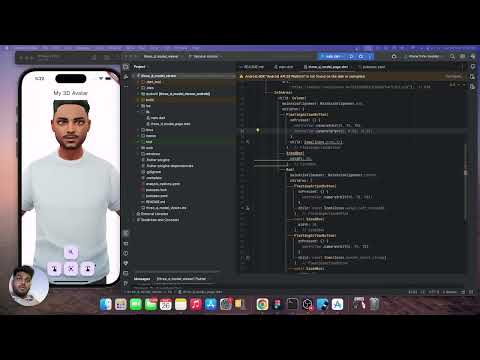
## projects
| babak code | Tassio Gustavo | Vaibhav Chandolia |
|------------------------------------------------------------------------------------------------------------------------------------------------------------------|------------------------------------------------------------------------------------------------------------------------------------------------------------------------------------------------------------------------------------------------------------------------------------------------------|------------------------------------------------------------------------------------------------------------------------------------------------------------------------------------------------------------|
|  |
|  |
|  |
|
| youtube video link | linkedin post link | Youtube channel |
## Compatibility
- Android
- iOS (AR View may not available on iOS 16+)
- Web, with [a recent system browser version](https://modelviewer.dev/#section-browser-support).
## Notes
We use
the [Google APP](https://play.google.com/store/apps/details?id=com.google.android.googlequicksearchbox)
, `com.google.android.googlequicksearchbox` to display interactive 3D models on Android.
The model displays in 'ar_preferred' mode by default, Scene Viewer launches in AR native mode as the
entry mode.
If [Google Play Services for AR (ARCore, `com.google.ar.core`)](https://play.google.com/store/apps/details?id=com.google.ar.core)
isn't present, Scene Viewer gracefully falls back to 3D mode as the entry mode.
Note that due to browsers' [CORS] security restrictions, the model file
*must* be served with a `Access-Control-Allow-Origin: *` HTTP header.
## Frequently Asked Questions
### Q: Why doesn't my 3D model load and/or render?
**A:** There are several reasons why your model URL could fail to load and
render:
1. It might not be possible to parse the provided glTF or GLB file.
Some tools can produce invalid files when exporting glTF. Always
run your model files through the [glTF Validator] to check for this.
[CORS]: https://developer.mozilla.org/en-US/docs/Web/HTTP/CORS
[glTF Validator]: https://github.khronos.org/glTF-Validator/
[`android:usesCleartextTraffic`]: https://developer.android.com/guide/topics/manifest/application-element#usesCleartextTraffic