https://github.com/bamlab/rn-camera-roll
Use the React native CameraRoll API with both Android & iOS
https://github.com/bamlab/rn-camera-roll
Last synced: 11 months ago
JSON representation
Use the React native CameraRoll API with both Android & iOS
- Host: GitHub
- URL: https://github.com/bamlab/rn-camera-roll
- Owner: bamlab
- License: mit
- Created: 2015-11-21T15:51:52.000Z (over 10 years ago)
- Default Branch: master
- Last Pushed: 2016-11-14T19:06:49.000Z (over 9 years ago)
- Last Synced: 2025-08-09T15:31:54.524Z (11 months ago)
- Language: Java
- Homepage:
- Size: 2.76 MB
- Stars: 111
- Watchers: 5
- Forks: 19
- Open Issues: 2
-
Metadata Files:
- Readme: README.md
- License: LICENSE
Awesome Lists containing this project
README
# React Native Camera Roll
**UPDATE:**
### As of react-native `0.19`, the [`CameraRoll` API](https://facebook.github.io/react-native/docs/cameraroll.html#content) is now available on Android too! You should not use this module anymore and only use the `CameraRoll` API from React Native.
## Table of contents
* [Example](https://github.com/bamlab/rn-camera-roll#example)
* [Setup](https://github.com/bamlab/rn-camera-roll#setup)
* [Usage](https://github.com/bamlab/rn-camera-roll#usage)
## Example
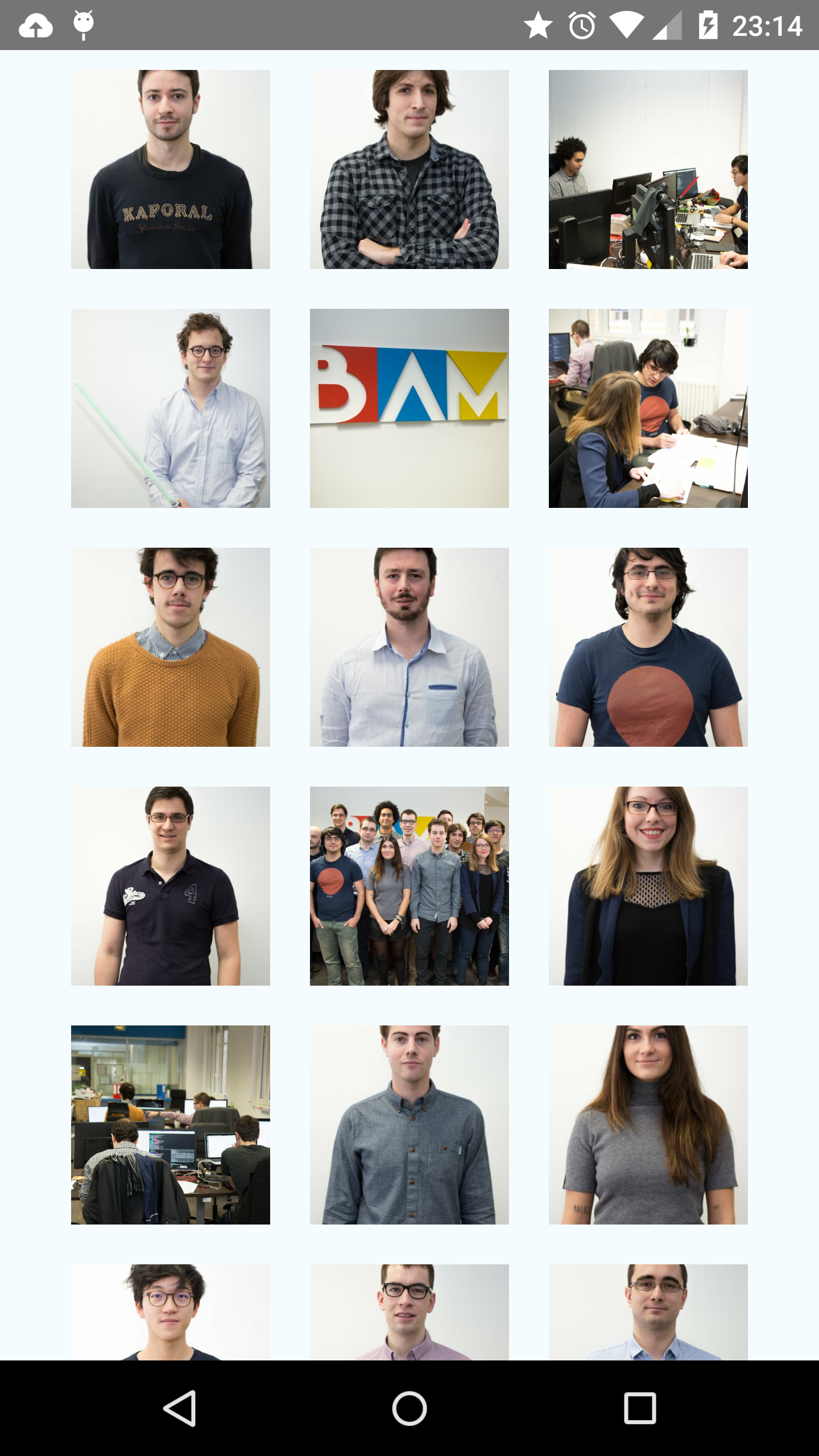
Checkout [this example](https://github.com/bamlab/rn-camera-roll/tree/master/example) of a basic gallery app with infinite scroll:
https://github.com/bamlab/rn-camera-roll/tree/master/example
## Setup
First, install the package:
```
npm install rn-camera-roll
```
Then, follow those instructions:
### iOS
The Camera Roll iOS API is part of `react-native`.
You have to import `node_modules/react-native/Libraries/CameraRoll/RCTCameraRoll.xcodeproj`
by following the [libraries linking instructions](https://facebook.github.io/react-native/docs/linking-libraries-ios.html#here-the-few-steps-to-link-your-libraries-that-contain-native-code).
### Android
#### Update your gradle files
For **react-native >= v0.15**, this command will do it automatically:
```
react-native link rn-camera-roll
```
For **react-native = v0.14**
You will have to update them manually:
In `android/settings.gradle`, add:
```
include ':rn-camera-roll'
project(':rn-camera-roll').projectDir = new File(settingsDir, '../node_modules/rn-camera-roll/android')
```
In `android/app/build.gradle` add:
```
dependencies {
...
compile project(':rn-camera-roll')
}
```
#### Register the package into your `MainActivity`
```java
package com.example;
import android.app.Activity;
import android.os.Bundle;
import android.view.KeyEvent;
import com.facebook.react.LifecycleState;
import com.facebook.react.ReactInstanceManager;
import com.facebook.react.ReactRootView;
import com.facebook.react.modules.core.DefaultHardwareBackBtnHandler;
import com.facebook.react.shell.MainReactPackage;
import com.facebook.soloader.SoLoader;
// IMPORT HERE
import fr.bamlab.rncameraroll.CameraRollPackage;
// ---
public class MainActivity extends Activity implements DefaultHardwareBackBtnHandler {
private ReactInstanceManager mReactInstanceManager;
private ReactRootView mReactRootView;
@Override
protected void onCreate(Bundle savedInstanceState) {
super.onCreate(savedInstanceState);
mReactRootView = new ReactRootView(this);
mReactInstanceManager = ReactInstanceManager.builder()
.setApplication(getApplication())
.setBundleAssetName("index.android.bundle")
.setJSMainModuleName("index.android")
.addPackage(new MainReactPackage())
// REGISTER PACKAGE HERE
.addPackage(new CameraRollPackage())
// ---
.setUseDeveloperSupport(BuildConfig.DEBUG)
.setInitialLifecycleState(LifecycleState.RESUMED)
.build();
mReactRootView.startReactApplication(mReactInstanceManager, "example", null);
setContentView(mReactRootView);
}
...
```
## Usage
You can use the `getPhotos` API as you would with the iOS API with the `after` and the `first` params.
You can use both the `promise` syntax or the `callback` syntax.
```javascript
import CameraRoll from 'rn-camera-roll';
onPhotosFetchedSuccess(data) {
const photos = data.edges.map((asset) => {
return asset.node.image;
});
console.log(photos);
/**
On Android, this should log something like:
[
{
"uri": "file:/storage/emulated/0/DCIM/Camera/IMG_20160120_172426830.jpg",
"width":3006,
"height":5344,
"orientation": 90
},
{
"uri": "file:/storage/emulated/0/DCIM/Camera/IMG_20160116_153526816_TOP.jpg",
"width": 5344,
"height": 3006,
"orientation": 0
}
...
]
**/
}
onPhotosFetchError(err) {
// Handle error here
}
fetchPhotos(count = 10, after) {
CameraRoll.getPhotos({
// take the first n photos after given photo uri
first: count,
// after
after: "file:/storage/emulated/0/DCIM/Camera/IMG_20151126_115520477.jpg",
}, this.onPhotosFetchedSuccess.bind(this), this.onPhotosFetchError.bind(this));
}
```
## Other open-source modules by the folks at [BAM](http://github.com/bamlab)
* [react-native-image-resizer](https://github.com/bamlab/react-native-image-resizer)
* [react-native-animated-picker](https://github.com/bamlab/react-native-animated-picker)
* [cordova-plugin-native-routing](https://github.com/bamlab/cordova-plugin-native-routing)