https://github.com/banool/trapwords
Online version of Trapwords 🕵️♀️🕵🏼♂️
https://github.com/banool/trapwords
Last synced: 9 months ago
JSON representation
Online version of Trapwords 🕵️♀️🕵🏼♂️
- Host: GitHub
- URL: https://github.com/banool/trapwords
- Owner: banool
- Created: 2019-02-02T00:18:44.000Z (over 7 years ago)
- Default Branch: master
- Last Pushed: 2020-04-20T02:48:11.000Z (about 6 years ago)
- Last Synced: 2025-03-14T23:43:25.162Z (over 1 year ago)
- Language: JavaScript
- Homepage: https://trapwords.dport.me
- Size: 5.47 MB
- Stars: 4
- Watchers: 2
- Forks: 0
- Open Issues: 0
-
Metadata Files:
- Readme: README.md
Awesome Lists containing this project
README
# Trapwords 🕵🏼♂️🕵🏾♀️
[](https://godoc.org/github.com/jbowens/trapwords)
**99% of the credit belongs to [jbowens](https://github.com/jbowens) for this wonderful creation!**
Trapwords implements a web app for generating and displaying boards for the game Trapwords.
A hosted version of the app is available at [trapwords.dport.me](https://trapwords.dport.me). This is just running on a crusty old laptop that also hosts like 10 other sites so go easy on it.
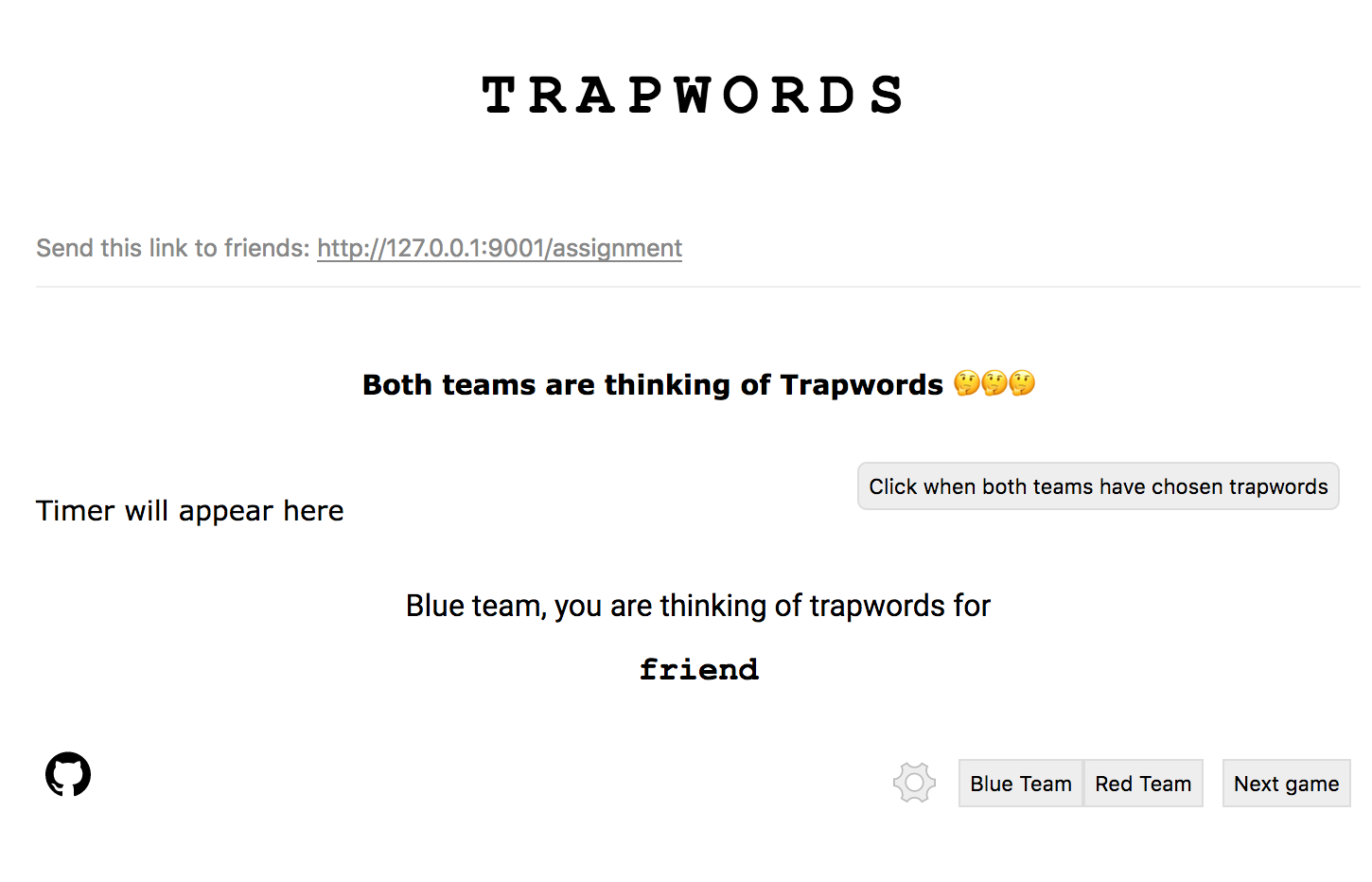
## How to run this yourself
Firstly, make sure you have go installed. There are good resources for this [on](https://ahmadawais.com/install-go-lang-on-macos-with-homebrew/) [the](https://www.digitalocean.com/community/tutorials/how-to-install-go-on-ubuntu-18-04) [net](https://www.reddit.com/r/golang/comments/79nnq2/go_development_using_wsl_in_win_10/).
### Just installing
These instructions will just grab the binary for you:
```
cd $GOPATH
go get github.com/banool/trapwords/...
go install github.com/banool/trapwords/...
```
You'll still need to set up dependencies following this:
```
cd bin
ln -s ../src/github.com/banool/trapwords/assets
./trapwords
```
Now go follow the instructions for adding images below.
### Developing
If you plan to make changes, you'll want to grab the source and build it yourself:
```
cd $GOPATH
go get github.com/banool/trapwords/...
cd src/github.com/banool/trapwords
# To build the server code.
go build github.com/banool/trapwords/...
# To build the binary.
go build github.com/banool/trapwords/cmd/...
# Run the binary.
./trapwords
```
I just use this little one liner for the last three steps:
```
go build github.com/banool/trapwords/... && go build github.com/banool/trapwords/cmd/... && ./trapwords 9000; rm trapwords
```
You can optionally specify a port (the default is 9002):
```
./trapwords 8000
```
Now go follow the instructions for adding images below.
## Loading up your own words
If you followed the steps above, you should now have a `trapwords` binary with an `assets` folder. You can add your own words to `default-words.txt`! 🏙🛣🛤🏭🖼🗾🌁🌃🌄🌅🌆🌇🌈🌉🌌🌠🎆🎇🎑!!!
There is support for using words from a remote source! You specify the link for this when creating the game in the lobby.
### Text file with words
```
https://mysite.com/links.txt
```
This is a file with words in it, one per line. For example:
```
friend
buddy
amigo
```