https://github.com/baumannzone/ob-css-pills-og
https://github.com/baumannzone/ob-css-pills-og
opengraph vercel
Last synced: about 2 months ago
JSON representation
- Host: GitHub
- URL: https://github.com/baumannzone/ob-css-pills-og
- Owner: baumannzone
- Created: 2023-03-01T15:34:41.000Z (over 3 years ago)
- Default Branch: main
- Last Pushed: 2023-03-06T08:56:56.000Z (over 3 years ago)
- Last Synced: 2025-02-17T06:42:43.336Z (over 1 year ago)
- Topics: opengraph, vercel
- Language: TypeScript
- Homepage: https://ob-css-pills-og.vercel.app
- Size: 328 KB
- Stars: 1
- Watchers: 2
- Forks: 0
- Open Issues: 0
-
Metadata Files:
- Readme: README.md
Awesome Lists containing this project
README
# CSS Pills Open Graph Service
This example shows how to use [Vercel OG](https://vercel.com/docs/concepts/functions/edge-functions/og-image-generation) with Next.js.
## Demo
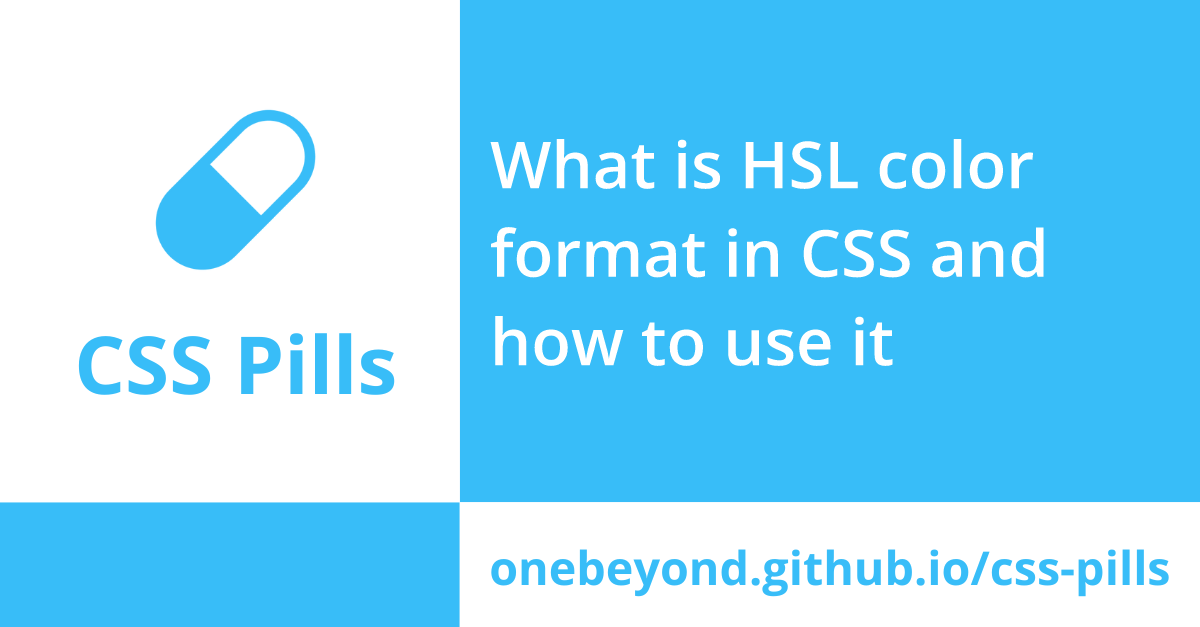
[https://ob-css-pills-og.vercel.app/api/og](https://ob-css-pills-og.vercel.app/api/og?title=What%20is%20HSL%20color%20format%20in%20CSS%20and%20how%20to%20use%20it)
## How to Use
Visit https://ob-css-pills-og.vercel.app/api/og and append the following query parameters:
- `title` (optional): The title of the card
- default value: "Quick and clear CSS tips in 5 min or less"
- `fontSize` (optional): The font size of the title in `px`.
- default value: 65
For example, you can visit https://ob-css-pills-og.vercel.app/api/og?title=Hello%20World to see a card with the title "Hello World".

Or you can visit https://ob-css-pills-og.vercel.app/api/og?title=Hello%20World&fontSize=45 to see a card with the title "Hello World" and a font size of 45px.

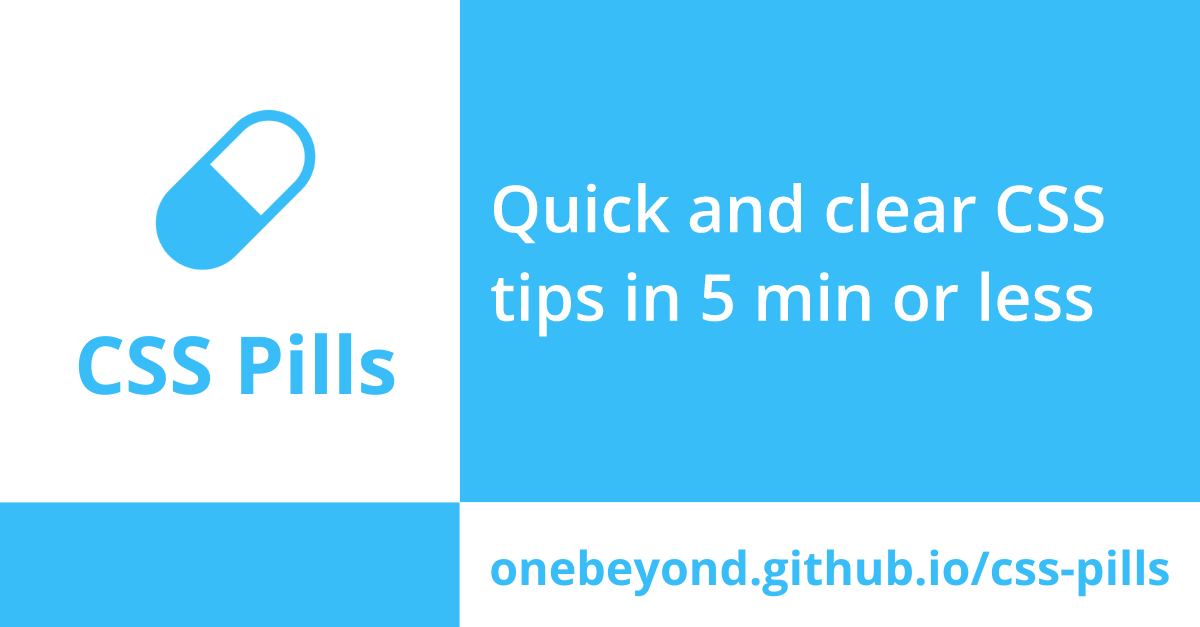
By default, the card will be generated with the following text:
**Quick and clear CSS tips in 5 min or less** and the font size will be 65px.
### Clone and Deploy
```bash
npx create-next-app --example https://github.com/vercel/examples/tree/main/edge-functions/vercel-og-nextjs
# or
yarn create next-app --example https://github.com/vercel/examples/tree/main/edge-functions/vercel-og-nextjs
```
Next, run Next.js in development mode:
```bash
npm install
npm run dev
# or
yarn
yarn dev
```