https://github.com/bchiang7/halcyon-atom-syntax
Halcyon Syntax Theme for Atom
https://github.com/bchiang7/halcyon-atom-syntax
atom-syntax-theme atom-theme ayu halcyon-theme syntax-theme
Last synced: about 1 year ago
JSON representation
Halcyon Syntax Theme for Atom
- Host: GitHub
- URL: https://github.com/bchiang7/halcyon-atom-syntax
- Owner: bchiang7
- License: mit
- Created: 2018-01-08T21:45:08.000Z (over 8 years ago)
- Default Branch: master
- Last Pushed: 2020-08-26T19:27:21.000Z (almost 6 years ago)
- Last Synced: 2025-02-14T05:30:31.252Z (over 1 year ago)
- Topics: atom-syntax-theme, atom-theme, ayu, halcyon-theme, syntax-theme
- Language: CSS
- Homepage: https://atom.io/packages/halcyon-syntax
- Size: 1.33 MB
- Stars: 3
- Watchers: 2
- Forks: 0
- Open Issues: 1
-
Metadata Files:
- Readme: README.md
- License: LICENSE
Awesome Lists containing this project
README

Halcyon Theme for Atom
A minimal, dark blue theme for VS Code, Sublime Text, Atom, and more.


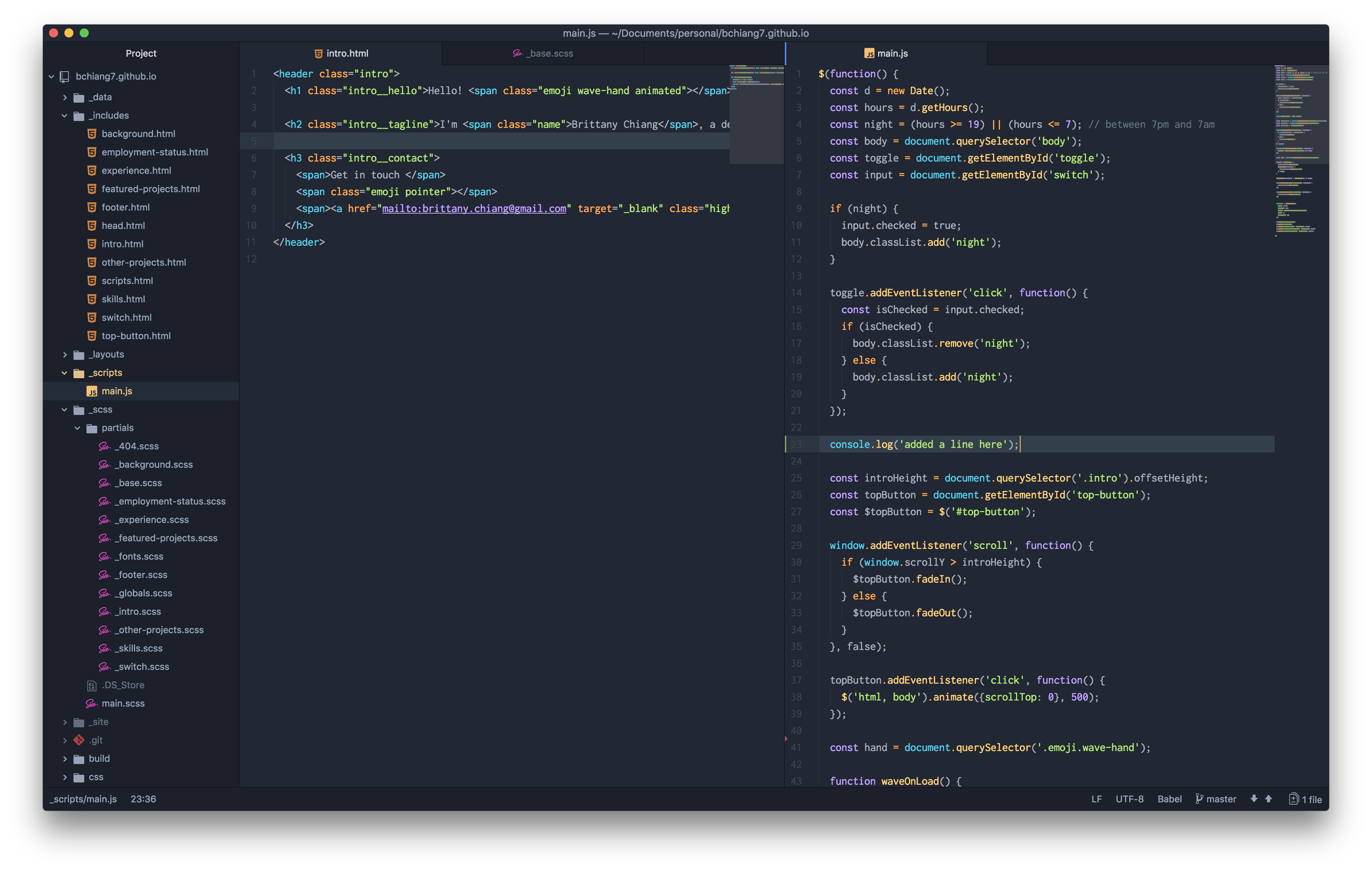
Pairs well with Atom's One Dark UI Theme
## Installation
### Via Preferences
1. Go to `Preferences > Install` and choose `Themes`
2. Search for `halcyon-syntax` and install it
3. Go to `Preferences > Themes` and choose Halcyon as the syntax theme
### Via APM
`apm install halcyon-syntax`
## Shameless Plug
Halcyon is also available for Sublime Text, VS Code, iTerm, and more! Check out all available options [here](https://brittanychiang.com/halcyon-site/).