https://github.com/belane/docker-bloodhound
BloodHound Docker Ready to Use
https://github.com/belane/docker-bloodhound
activedirectory bloodhound docker pentest security
Last synced: about 1 year ago
JSON representation
BloodHound Docker Ready to Use
- Host: GitHub
- URL: https://github.com/belane/docker-bloodhound
- Owner: belane
- Created: 2018-11-20T15:45:54.000Z (over 7 years ago)
- Default Branch: master
- Last Pushed: 2023-06-08T14:20:09.000Z (about 3 years ago)
- Last Synced: 2025-04-01T01:14:51.370Z (over 1 year ago)
- Topics: activedirectory, bloodhound, docker, pentest, security
- Language: Dockerfile
- Homepage:
- Size: 22.5 KB
- Stars: 88
- Watchers: 2
- Forks: 35
- Open Issues: 4
-
Metadata Files:
- Readme: README.md
Awesome Lists containing this project
README
# BloodHound Docker Ready to Use
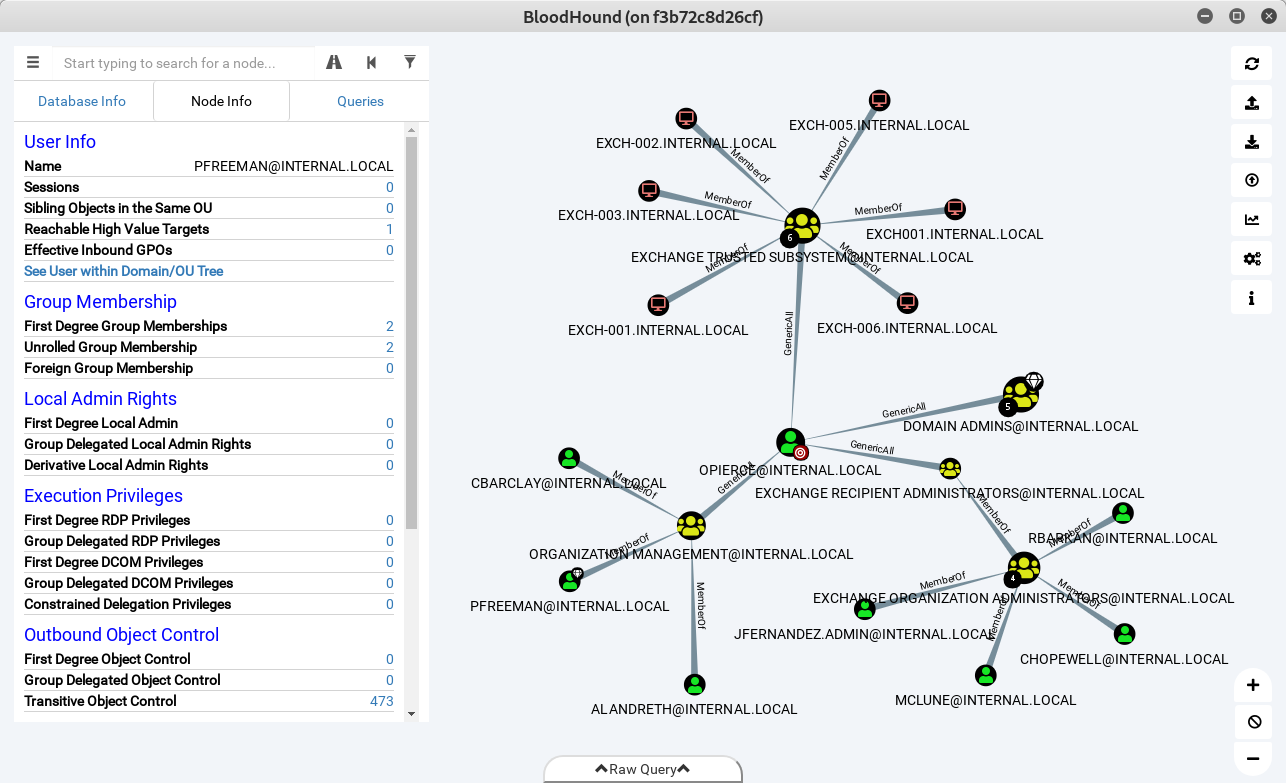
[BloodHound](https://github.com/BloodHoundAD/BloodHound) Docker image out of the box, with collectors and [tons of custom queries](https://github.com/CompassSecurity/BloodHoundQueries/blob/master/BloodHound_Custom_Queries/customqueries.json). It creates a `bh-data` folder with the Ingestors, the data folder is also mounted as a volume, use this to drop your data and load it into the BloodHound GUI.
## Run from Docker Hub
```
docker run -it \
-p 7474:7474 \
-e DISPLAY=unix$DISPLAY \
-v /tmp/.X11-unix:/tmp/.X11-unix \
--device=/dev/dri:/dev/dri \
-v $(pwd)/bh-data:/data \
--name bloodhound belane/bloodhound
```
**Warning:** You may need to run `xhost +local:$(id -nu)` to allow the local user to access DISPLAY.
## Build Image
`docker build . -t bloodhound`
### Optional Arguments
- **neo4j** version
- **bloodhound** version
`docker build . -t bloodhound --build-arg neo4j=4.4.15 --build-arg bloodhound=4.2.0`
### Run
```
docker run -it \
-p 7474:7474 \
-e DISPLAY=unix$DISPLAY \
-v /tmp/.X11-unix:/tmp/.X11-unix \
--device=/dev/dri:/dev/dri \
-v $(pwd)/bh-data:/data \
--name bloodhound bloodhound
```
## Start container
`docker start bloodhound`
## Database Login
- **DB URL:** bolt://localhost:7687
- **DB Username:** neo4j
- **DB Password:** blood
## Documentation
[Official BloodHound Documentation](https://bloodhound.readthedocs.io/en/latest/index.html)