https://github.com/ben-nour/geojson-shave
A command-line tool for reducing the size of GeoJSON files.
https://github.com/ben-nour/geojson-shave
geojson geojson-data geospatial geospatial-data geospatial-processing
Last synced: 6 months ago
JSON representation
A command-line tool for reducing the size of GeoJSON files.
- Host: GitHub
- URL: https://github.com/ben-nour/geojson-shave
- Owner: ben-nour
- License: mit
- Created: 2024-03-29T06:47:59.000Z (about 2 years ago)
- Default Branch: main
- Last Pushed: 2025-05-04T09:00:14.000Z (about 1 year ago)
- Last Synced: 2025-12-18T14:19:45.991Z (6 months ago)
- Topics: geojson, geojson-data, geospatial, geospatial-data, geospatial-processing
- Language: Python
- Homepage:
- Size: 45.9 KB
- Stars: 75
- Watchers: 2
- Forks: 2
- Open Issues: 0
-
Metadata Files:
- Readme: README.md
- License: LICENSE
Awesome Lists containing this project
- Awesome-Geospatial - geojson-shave - A Python command-line tool to reduce the size of GeoJSON files. (Python)
- awesome-gis - geojson-shave - a Python command-line tool for reducing the size of GeoJSON files. (Geospatial Library / Python)
README





---
geojson-shave reduces the size of GeoJSON files by:
- Reducing the precision of latitude/longitude coordinates to the specified decimal places.
- Eliminating unnecessary whitespace.
- (Optionally) replacing the properties key's value with null/empty dictionary.
This tool assumes that your GeoJSON file conforms to the [RFC 7946](https://datatracker.ietf.org/doc/html/rfc7946).
Please be aware that when you use fewer decimal places you can lose some accuracy. _"The fifth decimal place is worth up to 1.1 m: it distinguish trees from each other"_ - read more [here](https://gis.stackexchange.com/questions/8650/measuring-accuracy-of-latitude-and-longitude).
## Installation
```
$ pip install geojson-shave
```
## Usage
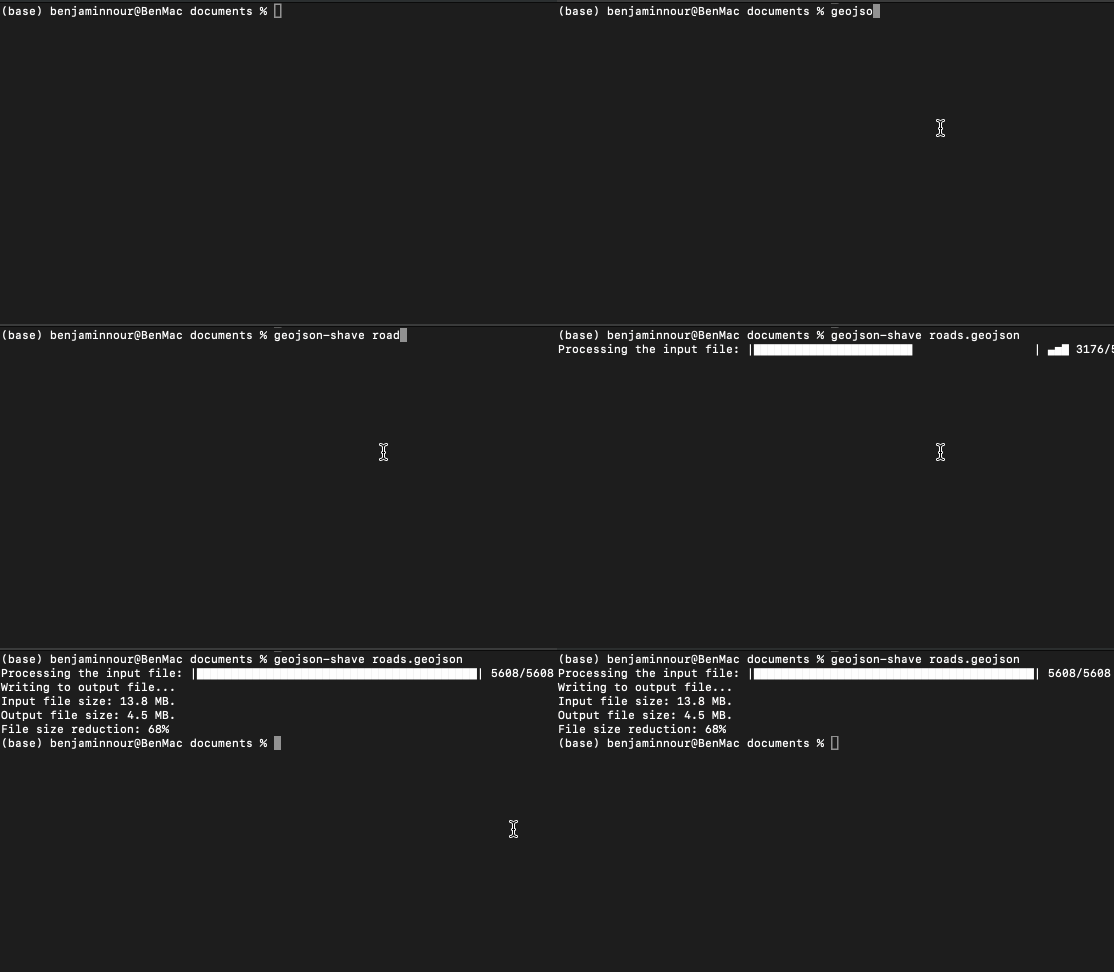
Simply pass the file path of your GeoJSON file and it will truncuate the coordinates to 5 decimal places, outputing to the current working directory:
```
$ geojson-shave roads.geoson
```
Alternatively you can specify the number of decimal points you want the coordinates truncuated to:
```
$ geojson-shave roads.geojson -d 3
```
You can also specify if you only want certain Geometry object types in the file to be processed:
```
$ geojson-shave roads.geojson -g LineString Polygon
```
Note that the -g option doesn't apply to objects nested within Geometry Collection.
And to reduce the file size even further you can nullify the property value of Feature objects:
```
$ geojson-shave roads.geojson -p
```
Or select a positive list of properties to keep:
```
$ geojson-shave roads.geojson -kp id,name,level
```
Output to a directory other than the current working directory:
```
$ geojson-shave roads.geojson -o ../data/output.geojson
```