https://github.com/benjamin-otto/animated_flight_paths
A Flutter package which provides a widget for easily adding flight path animations to a map.
https://github.com/benjamin-otto/animated_flight_paths
flutter flutterpackage
Last synced: 4 months ago
JSON representation
A Flutter package which provides a widget for easily adding flight path animations to a map.
- Host: GitHub
- URL: https://github.com/benjamin-otto/animated_flight_paths
- Owner: benjamin-otto
- License: mit
- Created: 2023-05-20T00:17:33.000Z (about 3 years ago)
- Default Branch: main
- Last Pushed: 2023-06-01T22:11:26.000Z (about 3 years ago)
- Last Synced: 2024-08-22T23:38:01.318Z (almost 2 years ago)
- Topics: flutter, flutterpackage
- Language: Dart
- Homepage:
- Size: 3.66 MB
- Stars: 0
- Watchers: 2
- Forks: 1
- Open Issues: 0
-
Metadata Files:
- Readme: README.md
- Changelog: CHANGELOG.md
- License: LICENSE
Awesome Lists containing this project
README



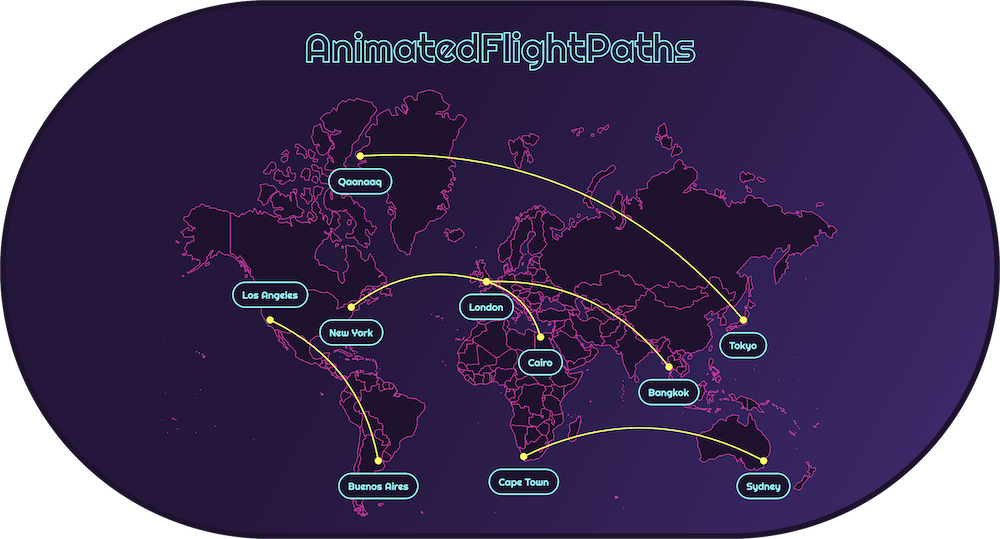
A widget for adding animated flight paths to a map.
## Features
- Includes Mercator and Robinson world map projections.
- Or set any custom map or other background you choose.
- Several options for customizing the flight paths including colors and animation curves.
- Easily determine a point on the map using the `debugShowOffsetOnTap` then tapping or clicking.
## Quick Start
```dart
import 'package:animated_flight_paths/animated_flight_paths.dart';
class AnimatedFlightPathsExample extends StatefulWidget {
const AnimatedFlightPathsExample({super.key});
@override
State createState() =>
_AnimatedFlightPathsExampleState();
}
class _AnimatedFlightPathsExampleState extends State
with SingleTickerProviderStateMixin {
// Controls the flight path animations
late AnimationController controller;
@override
void initState() {
super.initState();
controller = AnimationController(
vsync: this,
duration: const Duration(seconds: 10),
)..repeat();
}
@override
Widget build(BuildContext context) {
return AnimatedFlightPaths(
controller: controller,
flightSchedule: FlightSchedule(
// All flights must depart on or after [start] of schedule.
start: DateTime.parse('2023-01-01 00:00:00'),
// All flights must arrive on or before [end] of schedule.
end: DateTime.parse('2023-01-02 23:59:00'),
flights: flights,
)
);
}
@override
void dispose() {
controller.dispose();
super.dispose();
}
}
```
[Create flight endpoints:](#determining-flight-endpoint-offsets)
```dart
abstract class Cities {
static final newYork = FlightEndpoint(
offset: const Offset(28, 51),
label: const Text('New York'),
);
static final bangkok = FlightEndpoint(
offset: const Offset(75, 65),
label: const Text('Bangkok'),
);
}
```
Create the flights to be animated:
```dart
final flights = [
Flight(
from: Cities.newYork,
to: Cities.bangkok,
departureTime: DateTime.parse('2023-01-01 00:00:00'),
arrivalTime: DateTime.parse('2023-01-01 19:30:00'),
),
Flight(
from: Cities.bangkok,
to: Cities.newYork,
departureTime: DateTime.parse('2023-01-02 00:00:00'),
arrivalTime: DateTime.parse('2023-01-02 19:30:00'),
),
];
```
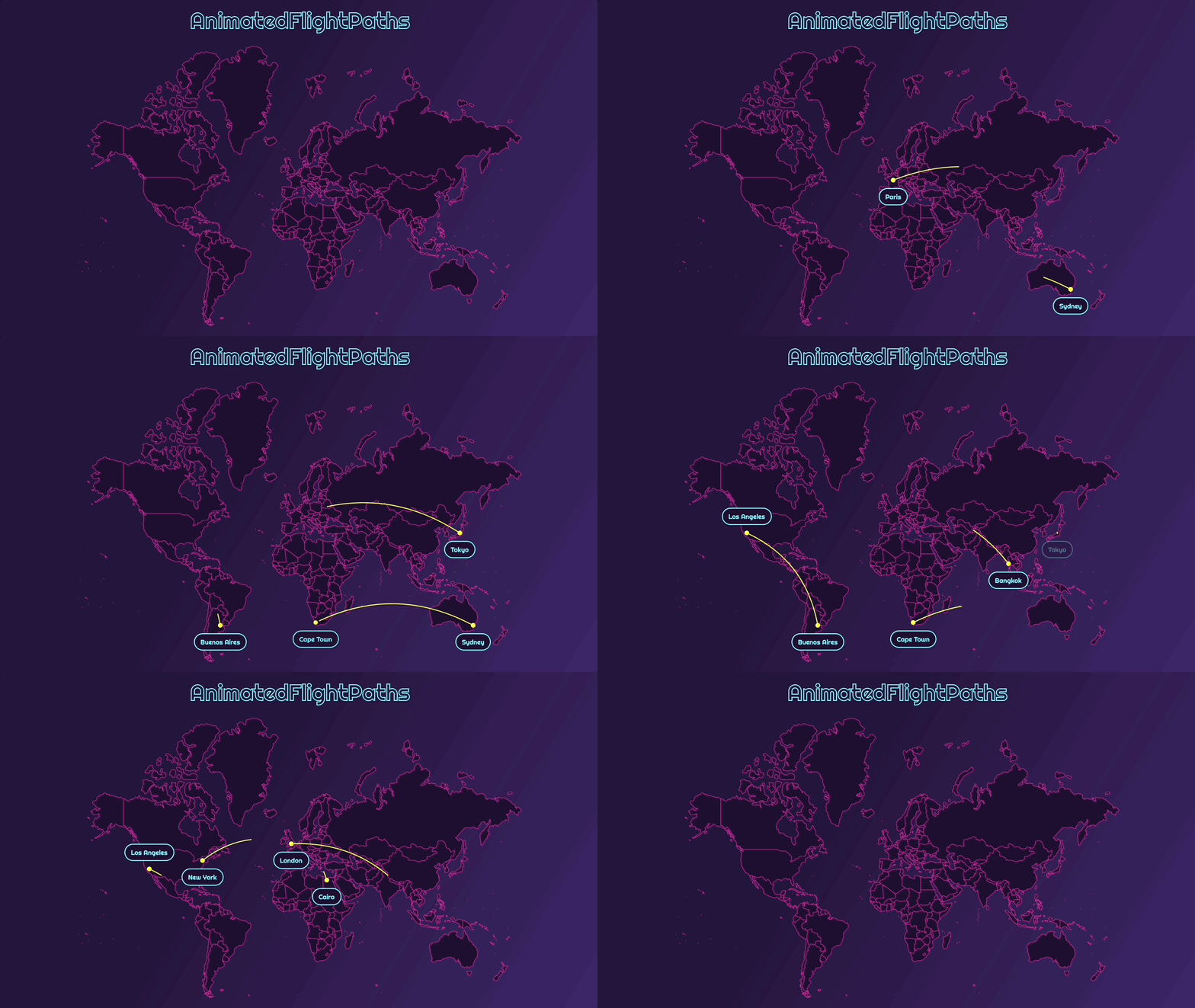
## Determining Flight Endpoint Offsets
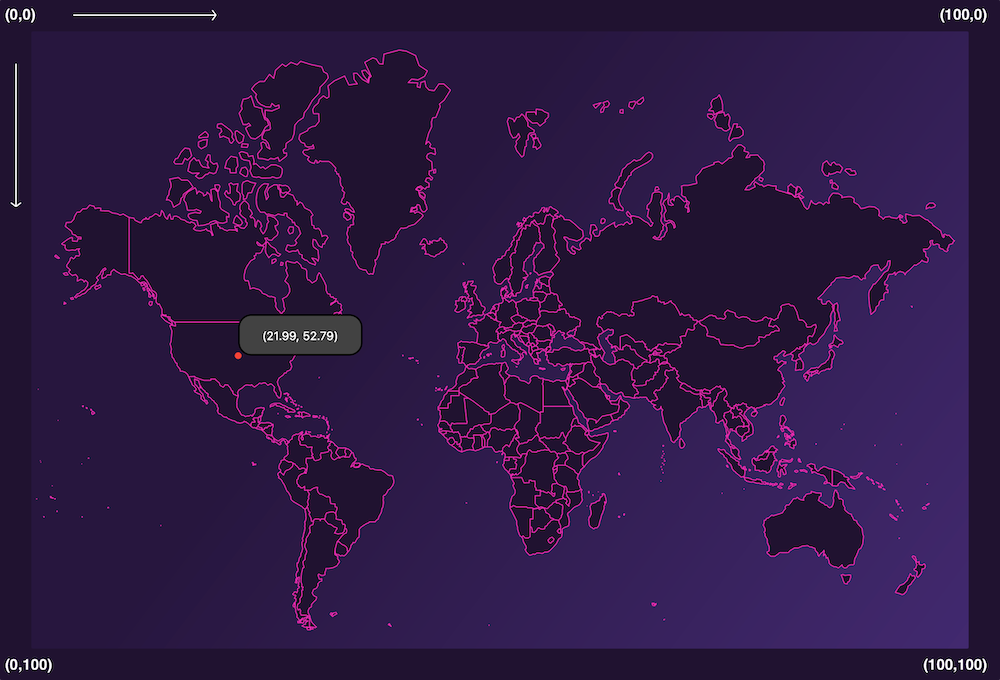
Easily determine coordinates with `debugShowOffsetOnTap`.
```dart
AnimatedFlightPaths(
controller: controller,
debugShowOffsetOnTap: true, // Set to true
flightSchedule: FlightSchedule(
start: DateTime.parse('2023-01-01 00:00:00'),
end: DateTime.parse('2023-01-01 23:59:00'),
flights: [],
),
);
```
With `debugShowOffsetOnTap: true` run the app and tap/click anywhere to display a 📍 and a tooltip with the coordinates of that position.
Fine-tune the 📍 position with the arrow keys [↑ ↓ → ←].
In the screenshot above the tooltip is showing **(21.99, 52.79)** which are the coordinates of **Kansas City**.
With those coordinates we can then create a new `FlightEndpoint`:
```dart
abstract class Cities {
static final kansasCity = FlightEndpoint(
offset: const Offset(21.99, 52.79),
label: const Text('Kansas City'),
);
}
```
Now use this endpoint in any of your flights.
✈️ Bon Voyage!!