https://github.com/bergside/typeui
Build better UI with Codex, Claude, Cursor and other AI tools
https://github.com/bergside/typeui
agent-skills ai ai-tools claude-design cli codex design design-md design-system design-tools gemini gemini-cli-extension google-stitch skills terminal ui
Last synced: about 1 month ago
JSON representation
Build better UI with Codex, Claude, Cursor and other AI tools
- Host: GitHub
- URL: https://github.com/bergside/typeui
- Owner: bergside
- License: other
- Created: 2026-03-03T07:46:57.000Z (5 months ago)
- Default Branch: main
- Last Pushed: 2026-06-20T15:37:06.000Z (about 2 months ago)
- Last Synced: 2026-06-20T17:22:05.632Z (about 2 months ago)
- Topics: agent-skills, ai, ai-tools, claude-design, cli, codex, design, design-md, design-system, design-tools, gemini, gemini-cli-extension, google-stitch, skills, terminal, ui
- Language: TypeScript
- Homepage: https://www.typeui.sh
- Size: 349 KB
- Stars: 1,215
- Watchers: 8
- Forks: 88
- Open Issues: 0
-
Metadata Files:
- Readme: README.md
- License: LICENSE.md
Awesome Lists containing this project
- awesome-ChatGPT-repositories - typeui - Design skills and UI prompts for agentic tools such as Claude Design, Google Stitch, Codex, Cursor, and other AI tools (Prompts / Usage)
README
# TypeUI - Build better UI with AI
[TypeUI](https://www.typeui.sh) is an AI-first platform where you can use design skills, UI prompts, and other resources to enhance AI capabilities to generate better user interfaces and design when building websites and applications. The resources from this repository will work with any AI provider, given they support markdown files or general prompting.
## Getting started
Install TypeUI where you build. Connect your AI coding tool to TypeUI MCP, then ask for UI in plain language while TypeUI supplies design systems, prompts, and layout variation guidance.

Codex
Connect Codex to TypeUI MCP automatically with the TypeUI Codex plugin.
Install in Codex →

Claude
Give Claude access to curated design guidance while it writes or refactors UI.
Install in Claude →

Cursor
Use the TypeUI Cursor plugin while Cursor builds screens, sections, and variations.
Install in Cursor →

Grok
Add the hosted TypeUI MCP server to Grok.
Open Grok guide →

Mistral
Add the hosted TypeUI MCP server to Mistral.
Open Mistral guide →

OpenCode
Give OpenCode access to TypeUI design systems and prompts.
Install in OpenCode →

VS Code
Connect GitHub Copilot in VS Code to TypeUI MCP.
Install in VS Code →

Antigravity
Connect Antigravity to TypeUI MCP for UI generation workflows.
Open Antigravity guide →

Windsurf
Connect Windsurf Cascade to TypeUI MCP.
Install in Windsurf →

JetBrains
Connect JetBrains AI Assistant or Junie to TypeUI MCP.
Install in JetBrains →

Zed
Add the hosted TypeUI MCP server to Zed.
Open Zed guide →

GitHub Copilot
Add the hosted TypeUI MCP server to GitHub Copilot.
Open GitHub Copilot guide →

Cline
Add the hosted TypeUI MCP server to Cline.
Install in Cline →

Qwen
Add the hosted TypeUI MCP server to Qwen Code.
Open Qwen guide →

Amp
Add the hosted TypeUI MCP server to Amp.
Open Amp guide →

Goose
Add the hosted TypeUI MCP server to Goose.
Open Goose guide →

Lovable
Add the hosted TypeUI MCP server to Lovable.
Open Lovable guide →

Replit
Add the hosted TypeUI MCP server to Replit.
Open Replit guide →

v0
Add the hosted TypeUI MCP server to v0.
Open v0 guide →
## Design skills
Check out all [design skills](https://www.typeui.sh/design-skills). Available in both `DESIGN.md` and `SKILL.md` formats.
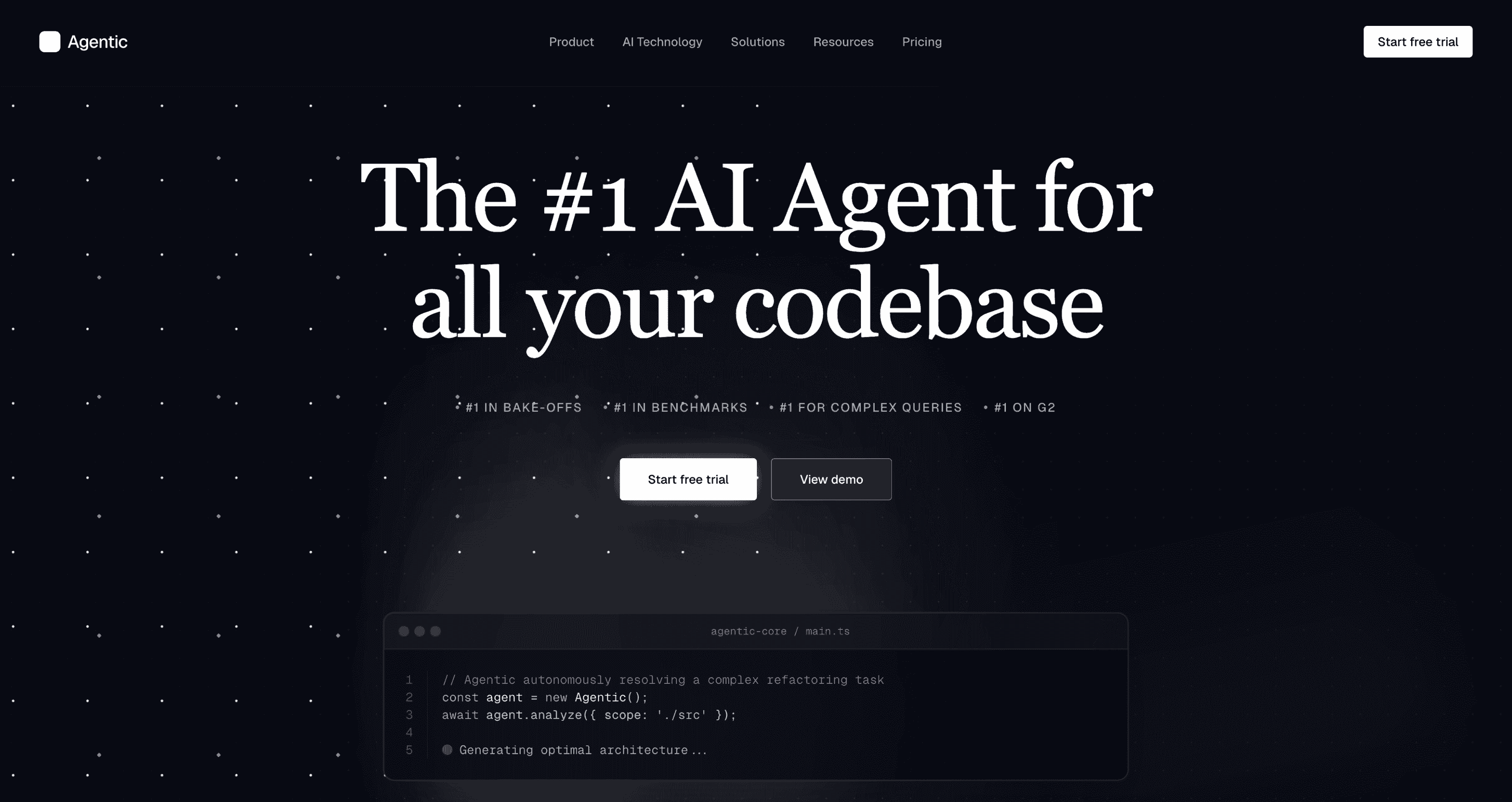
Agentic
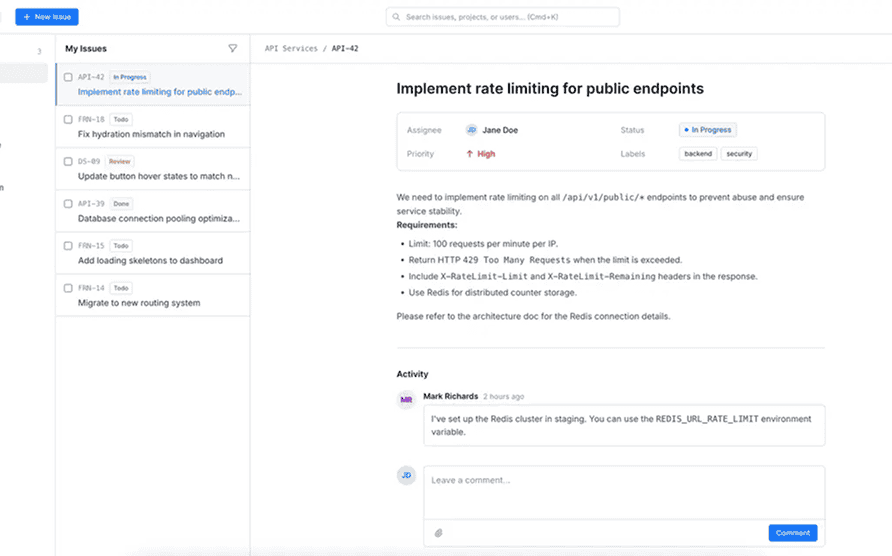
Ant
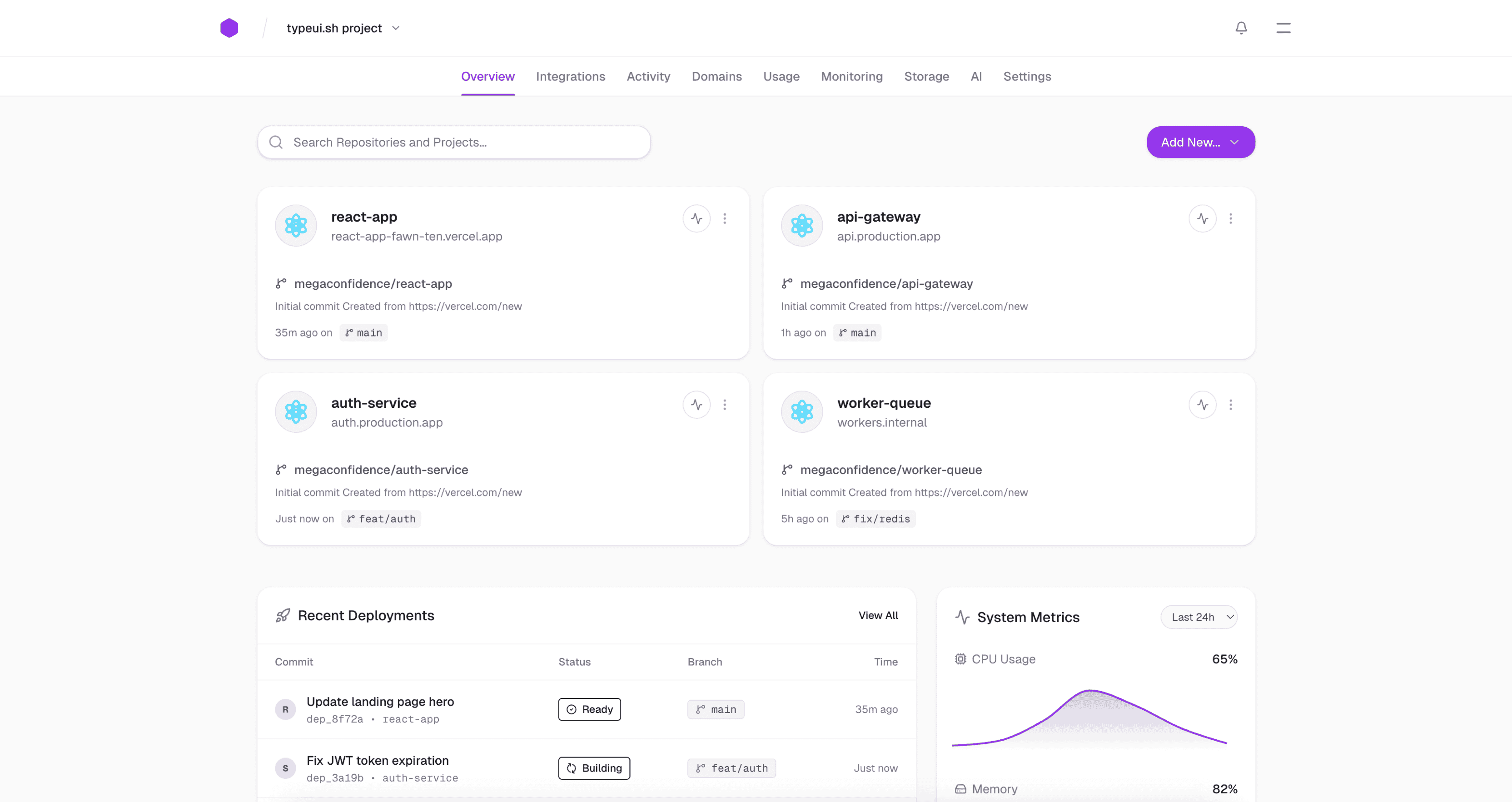
Application
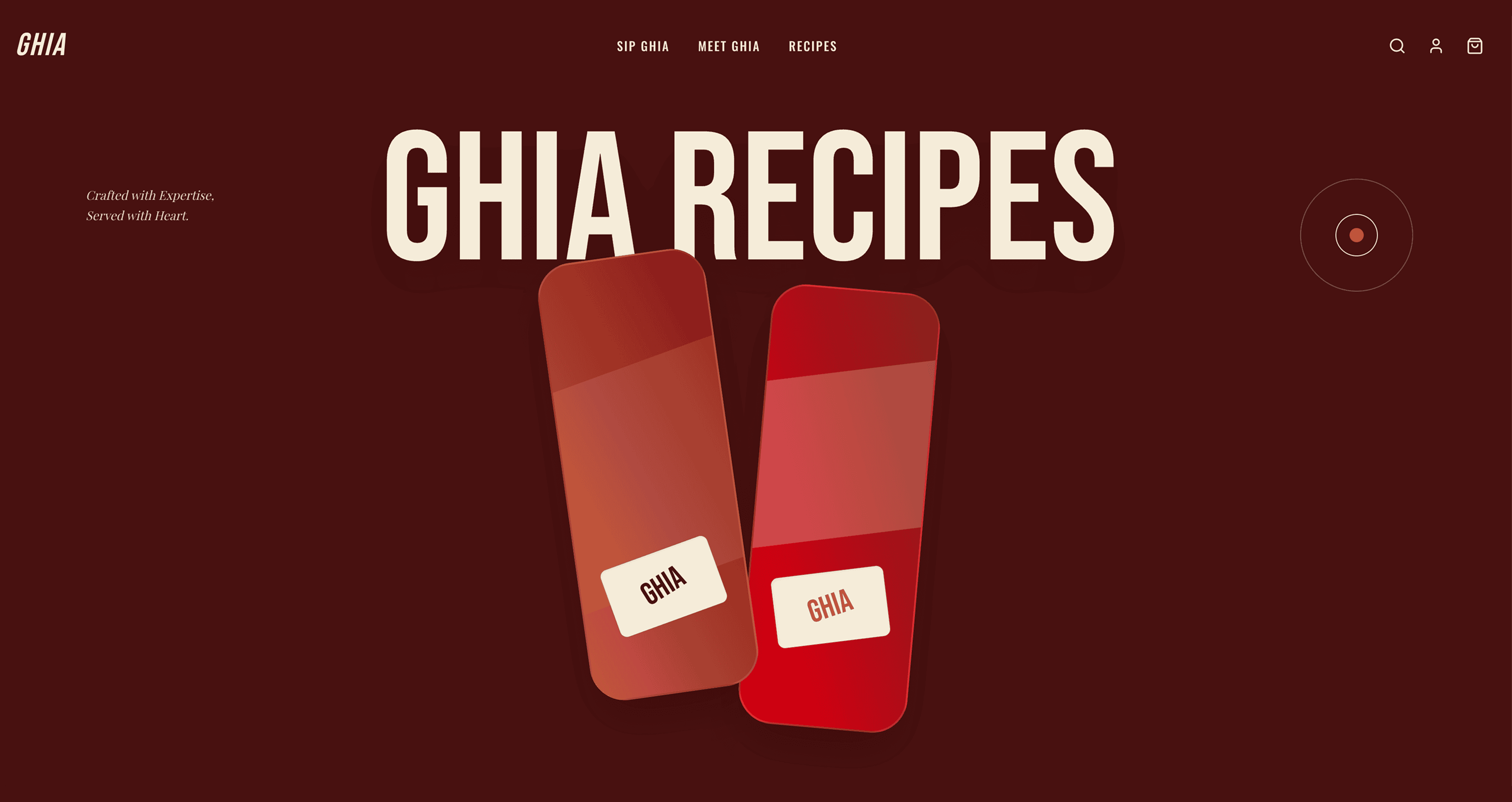
Artistic
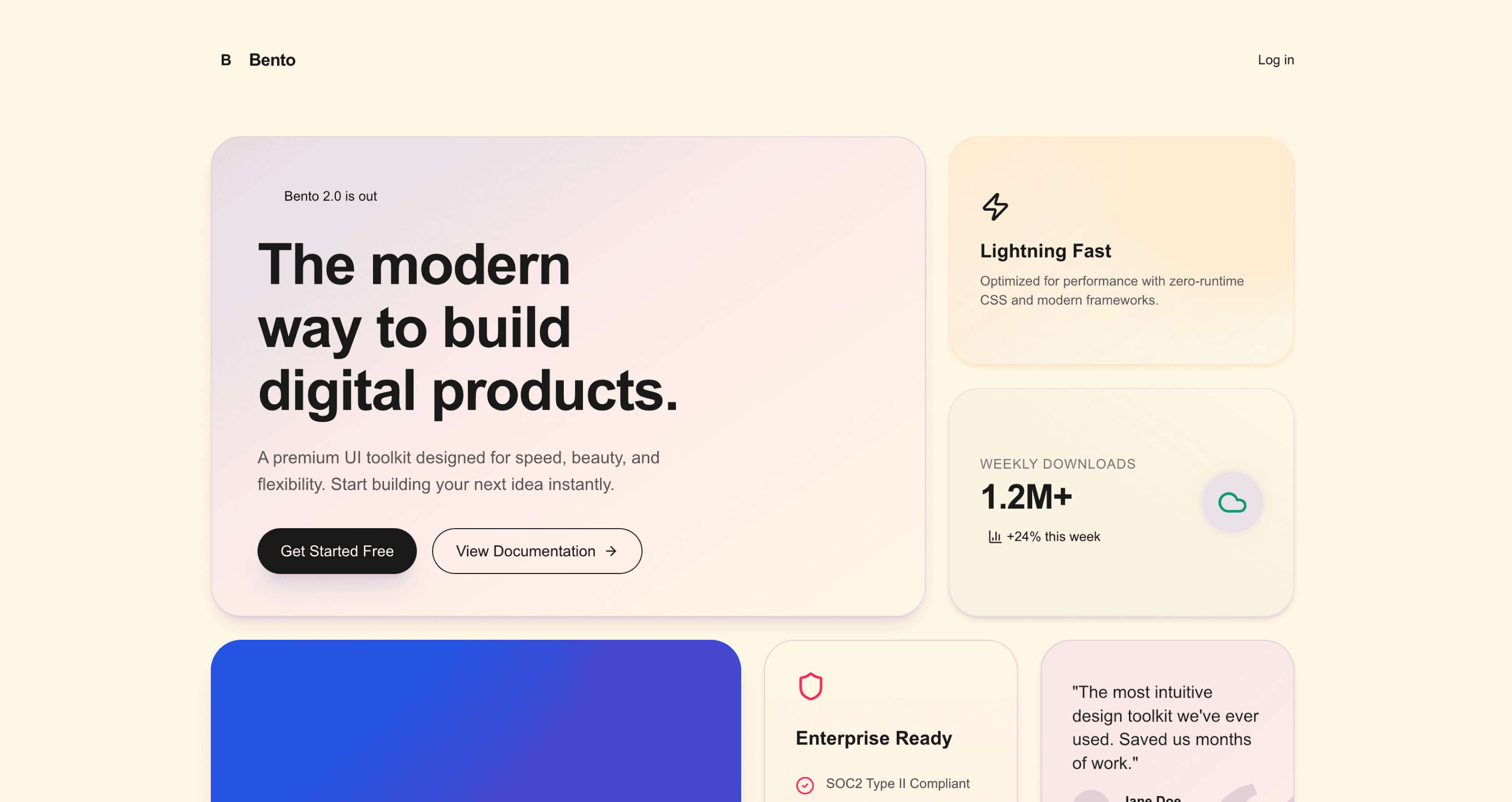
Bento
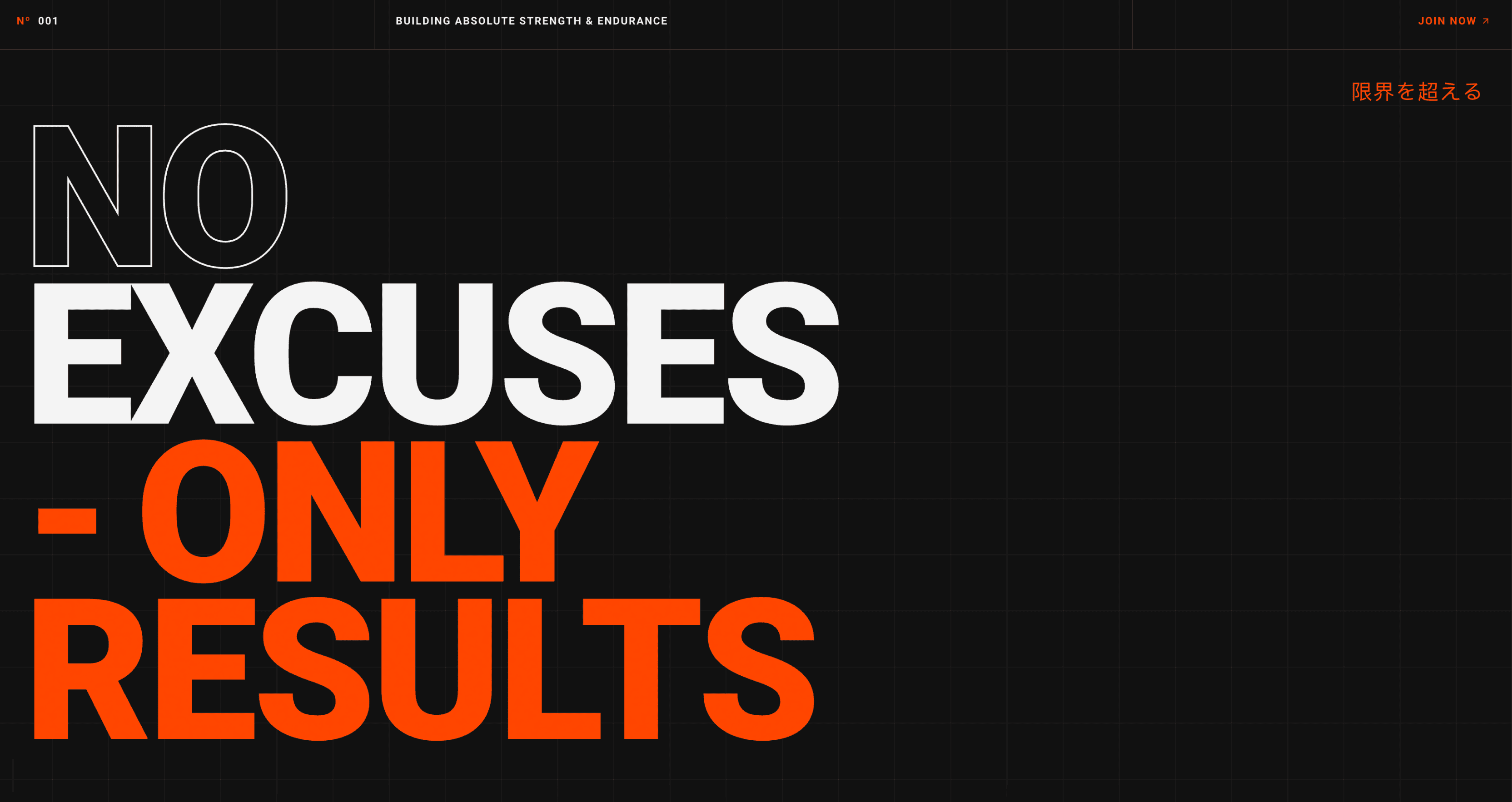
Bold
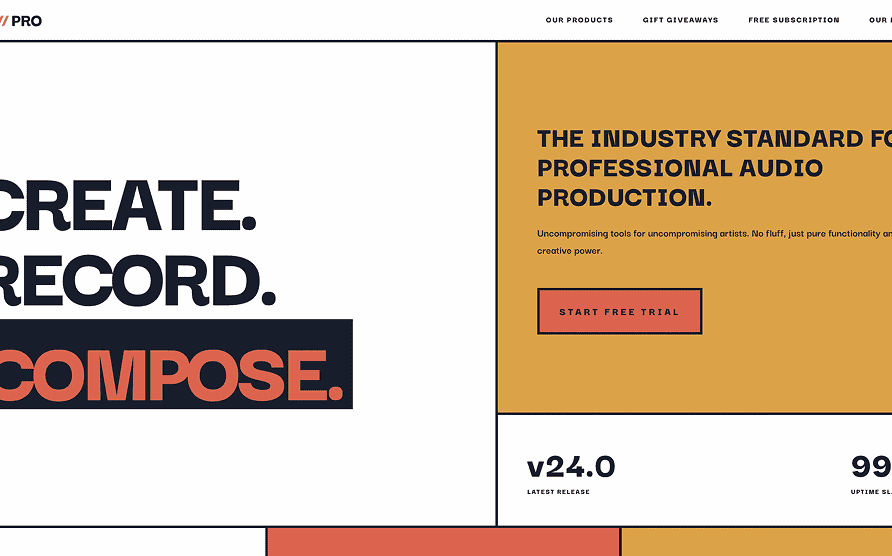
Brutalism
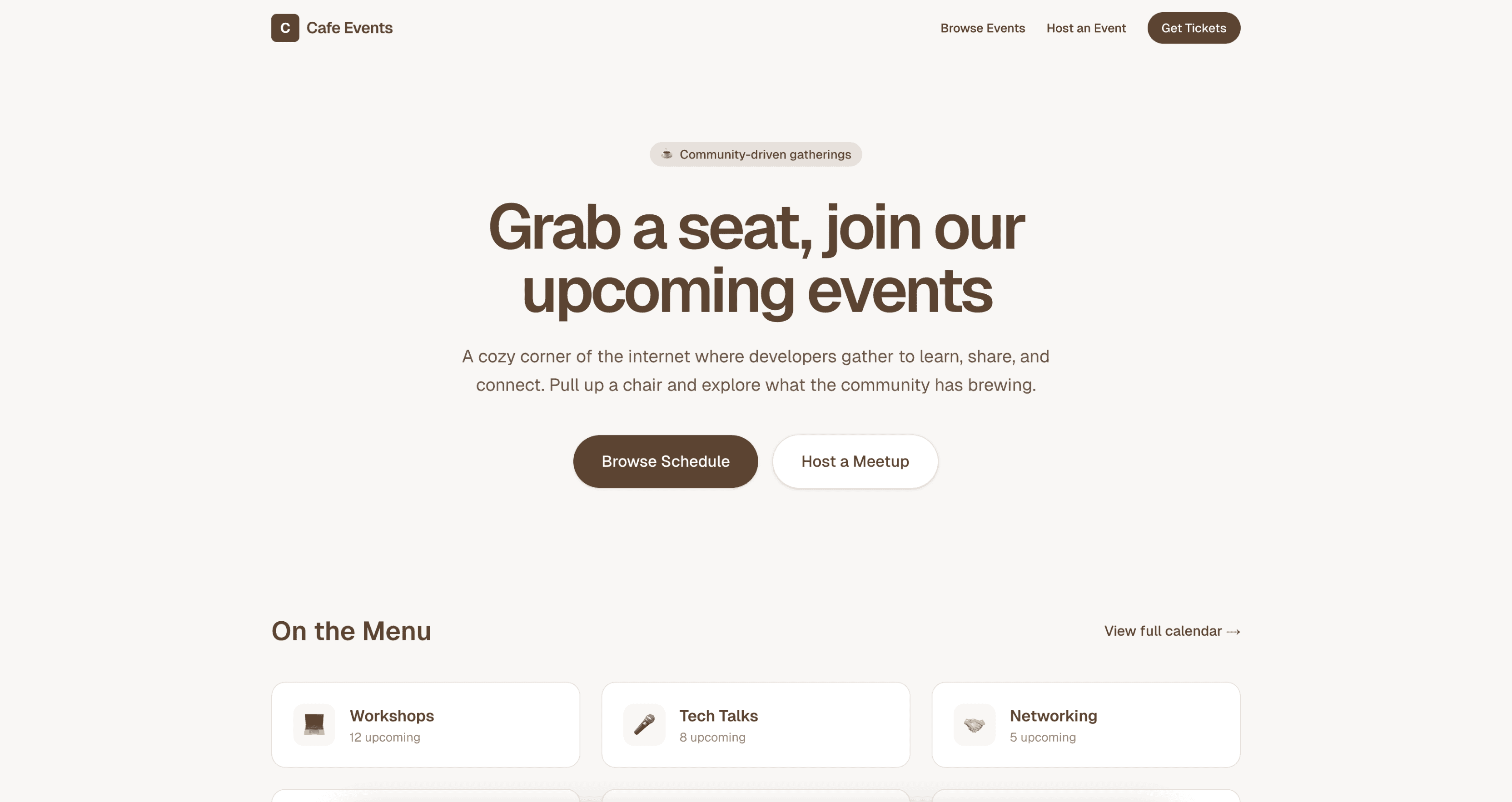
Cafe
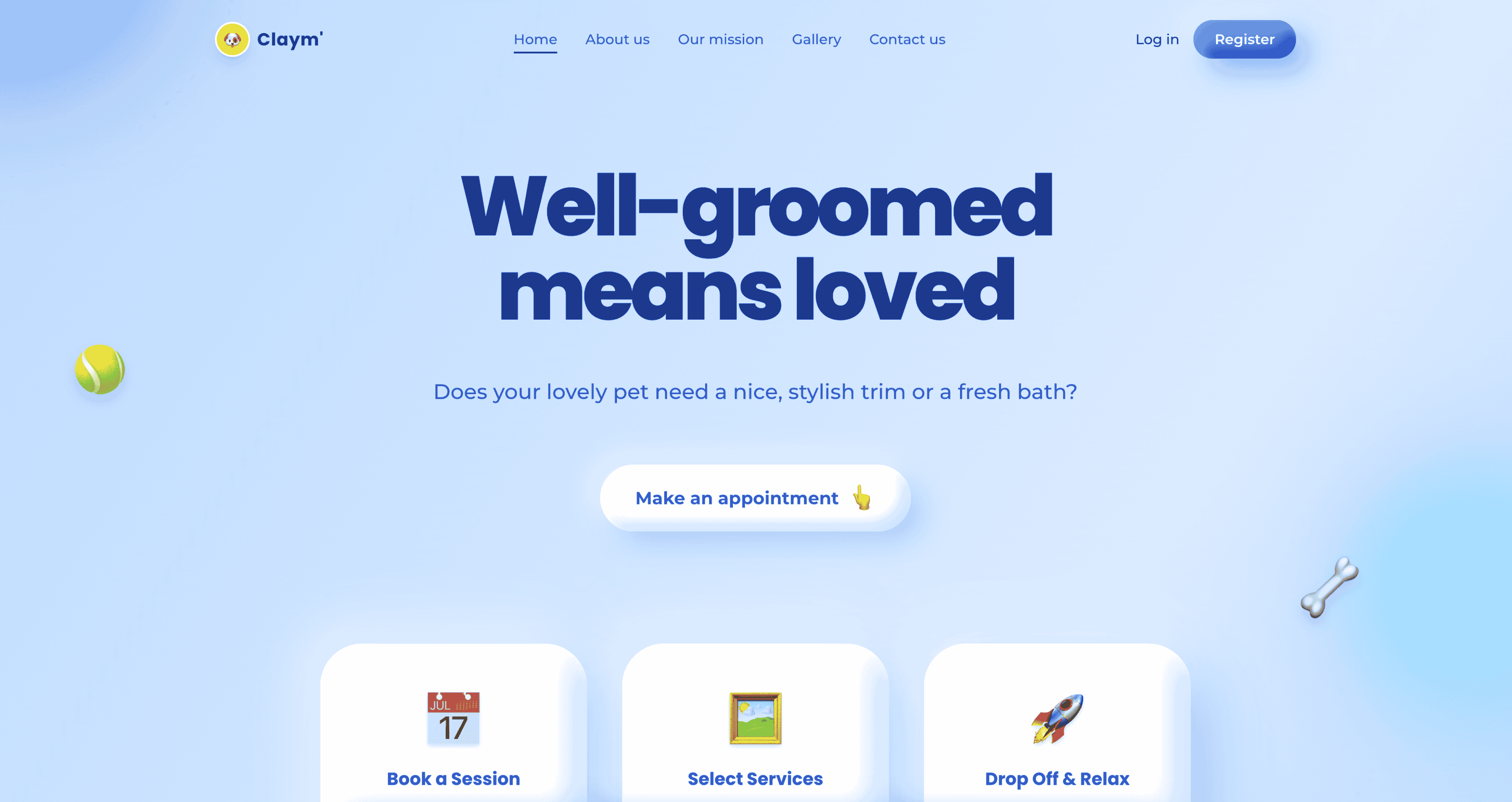
Claymorphism
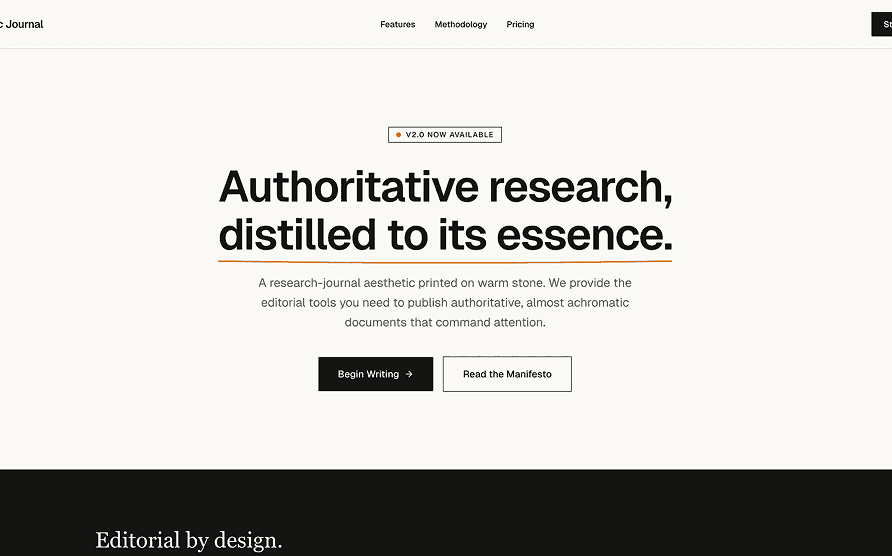
Claude
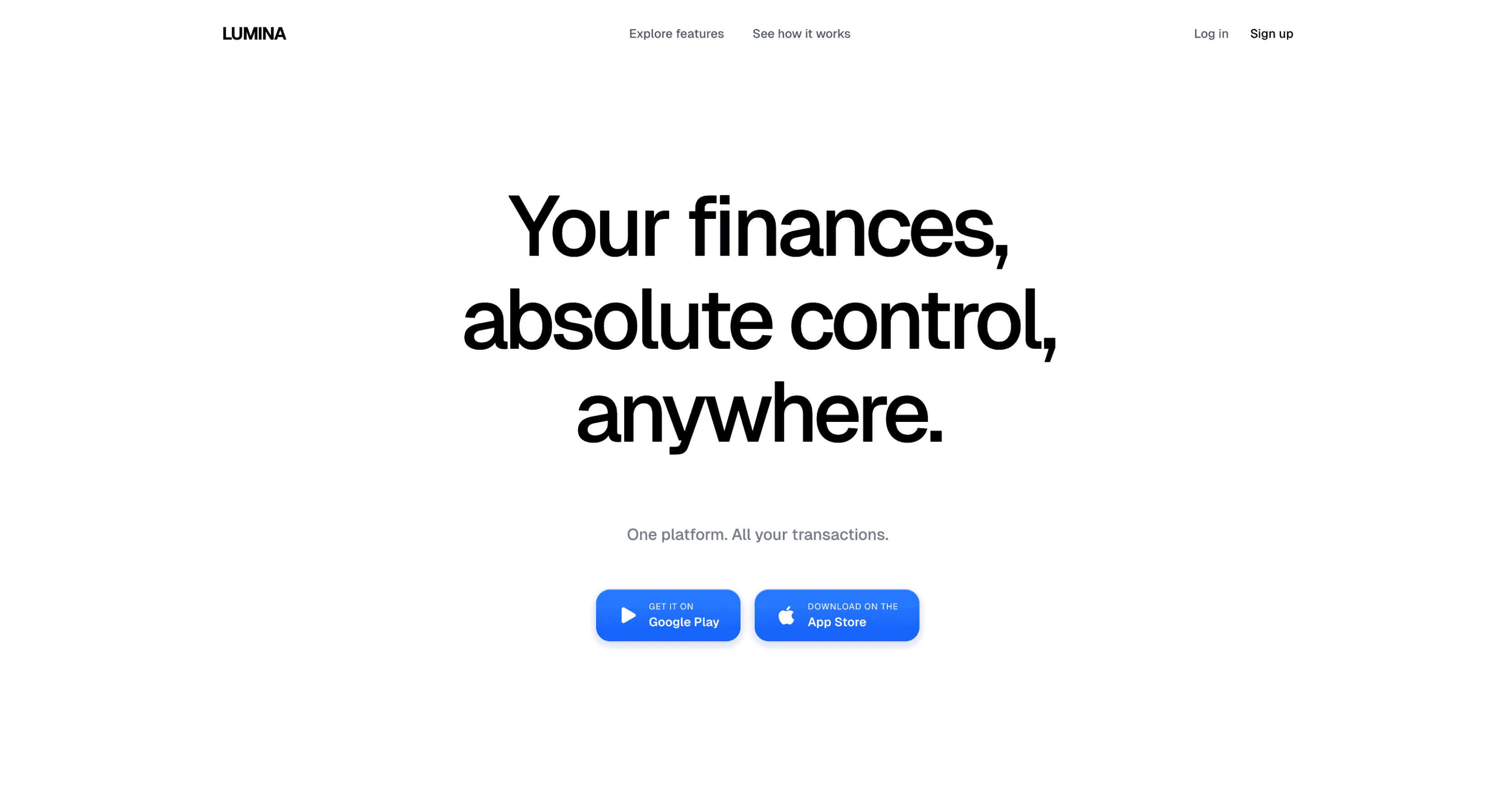
Clean
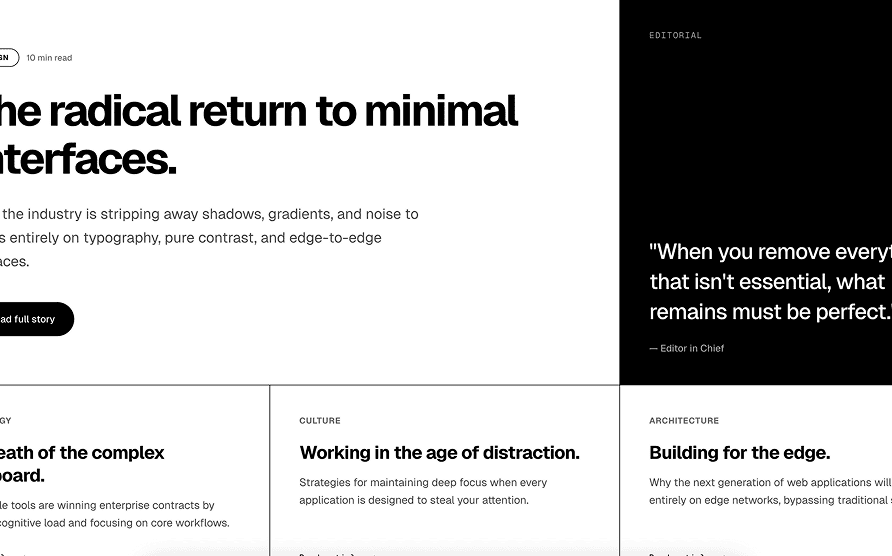
Codex
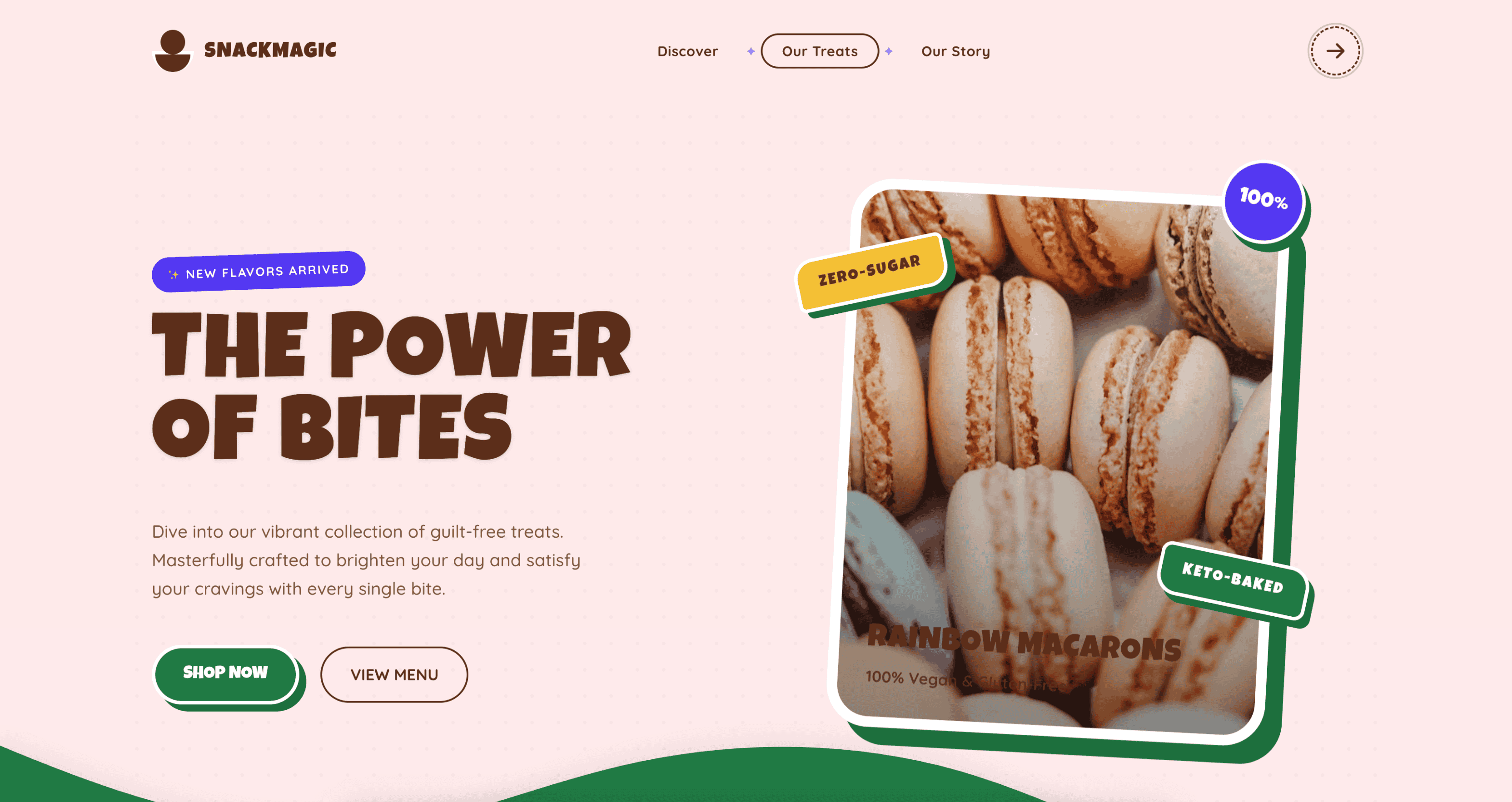
Colorful
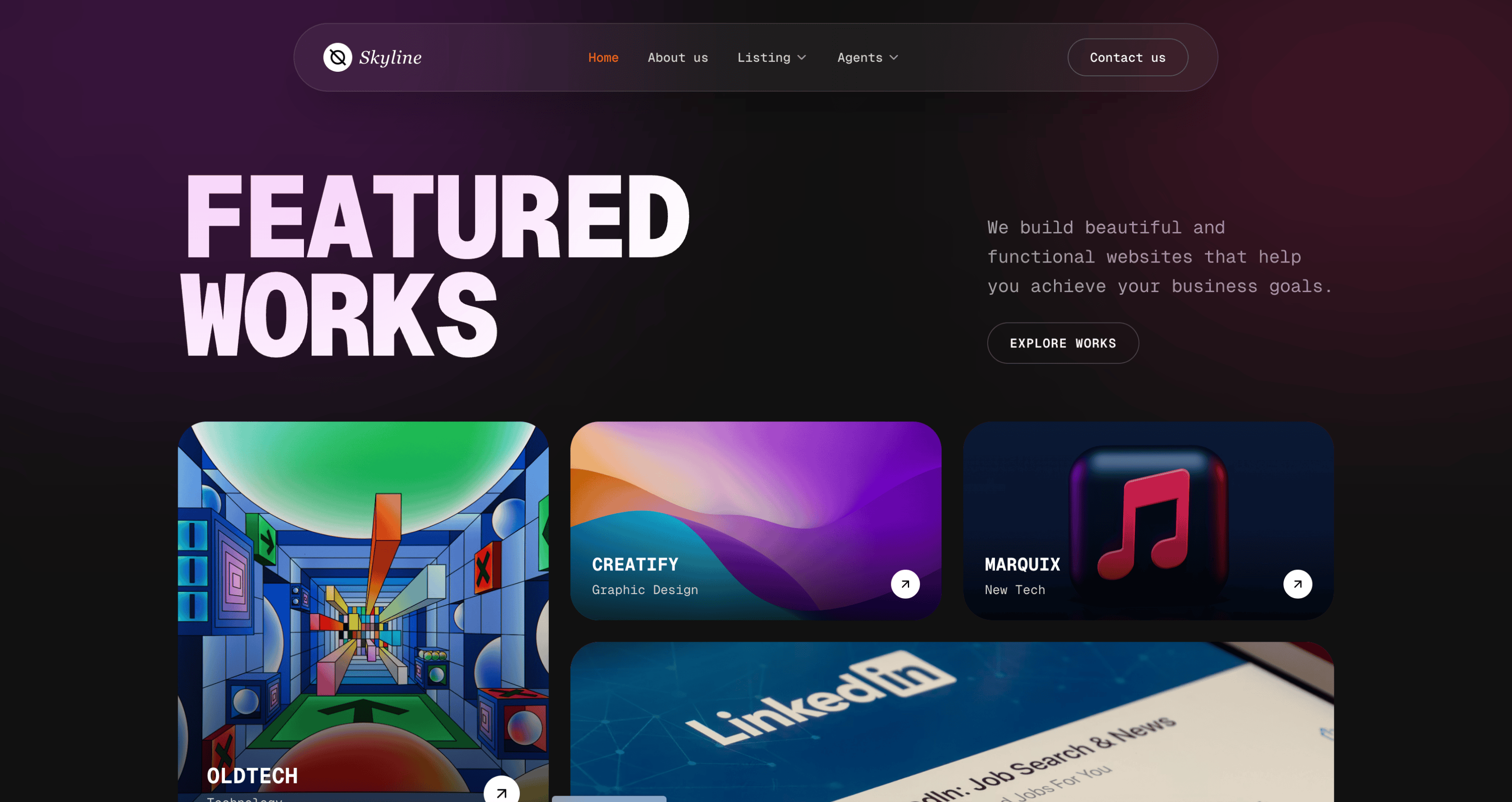
Contemporary
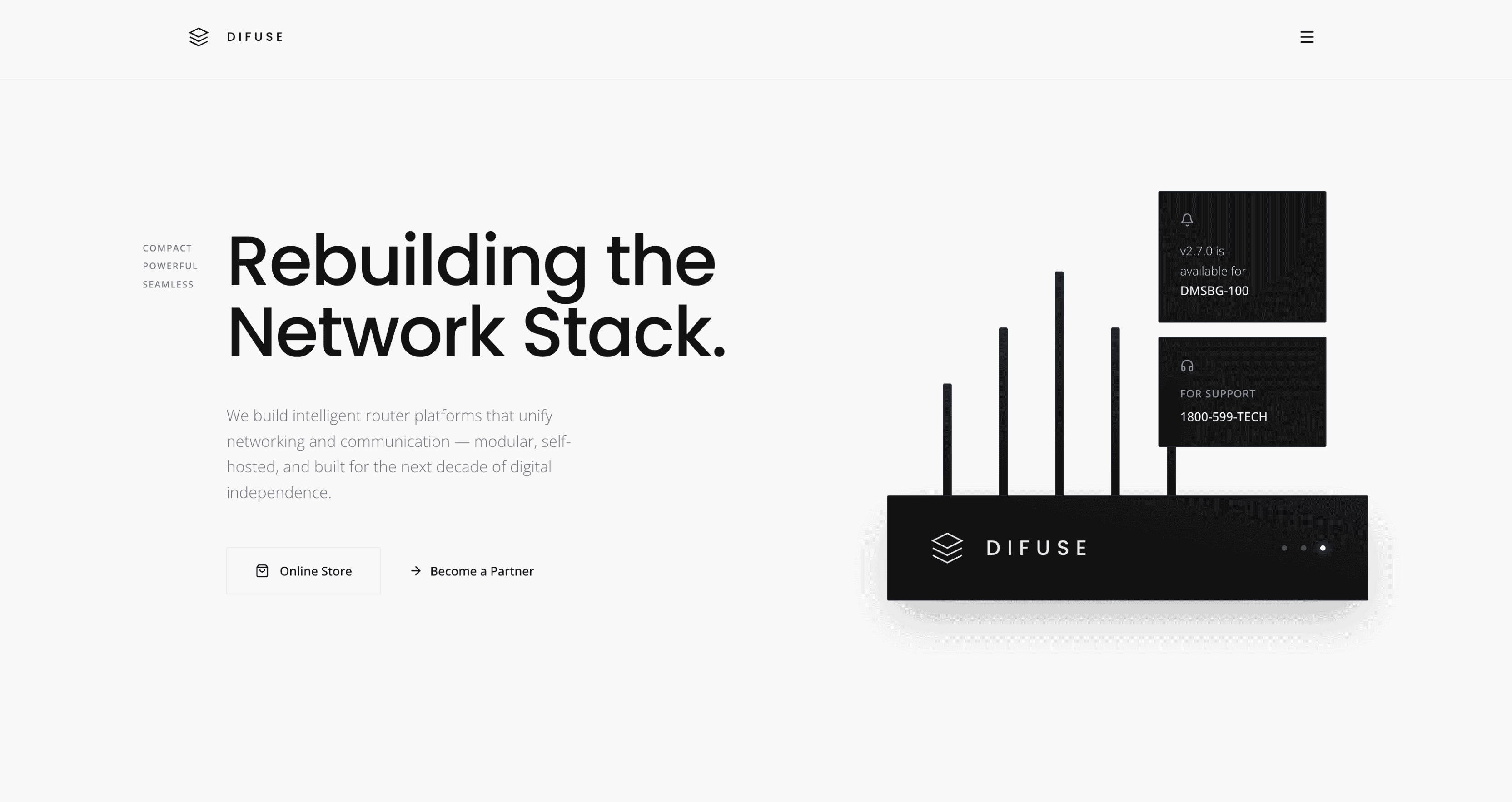
Corporate
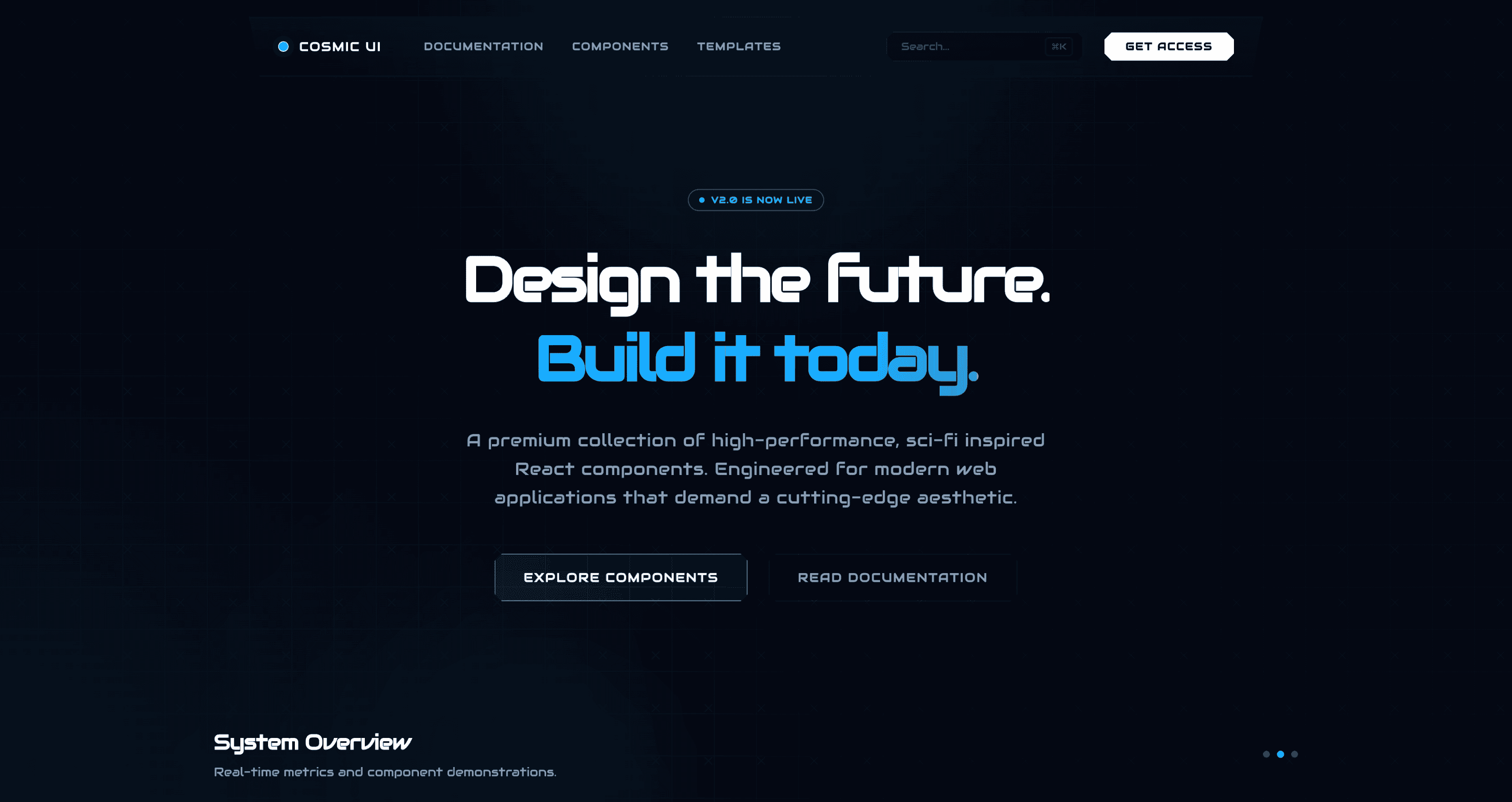
Cosmic
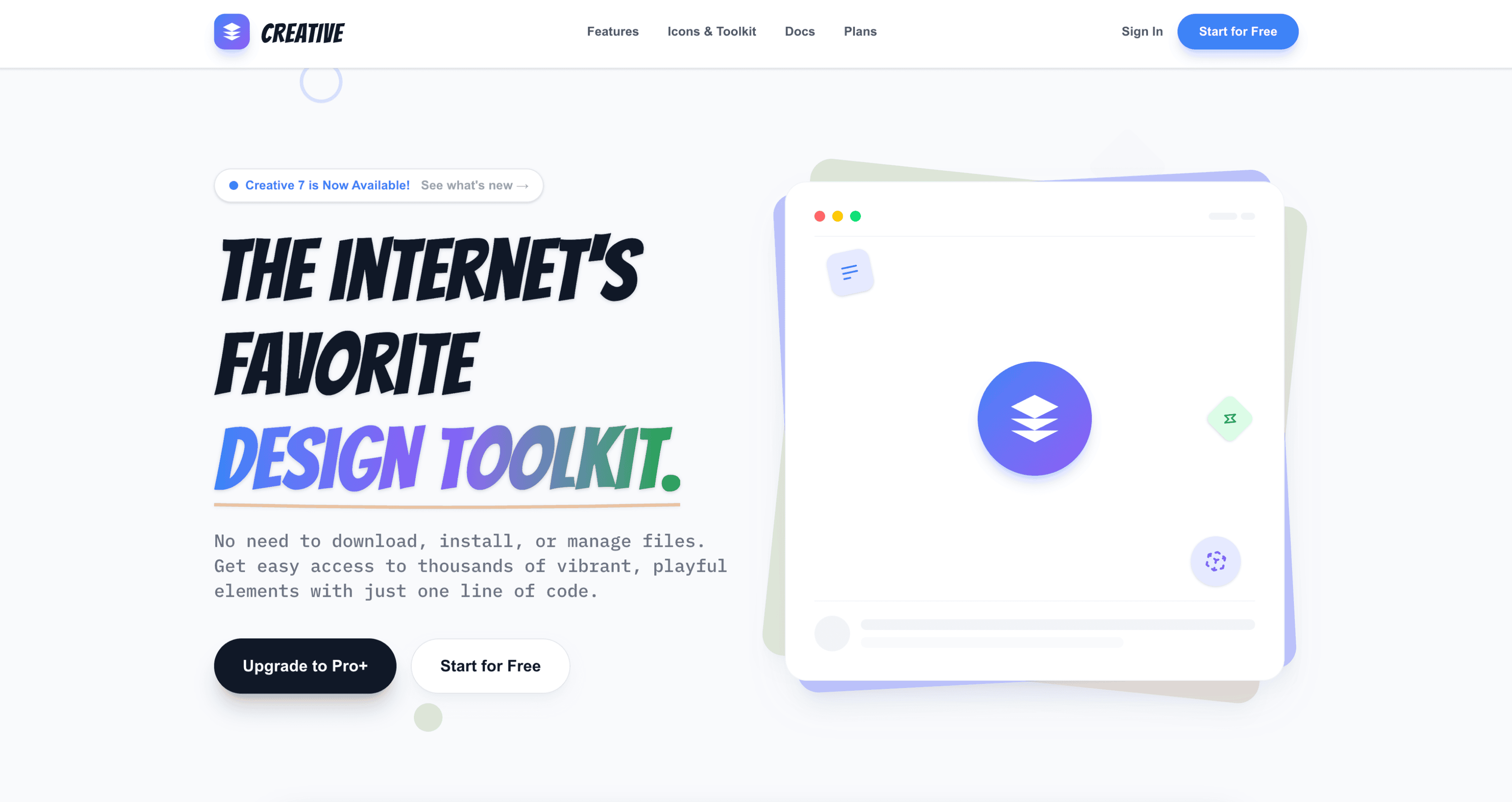
Creative
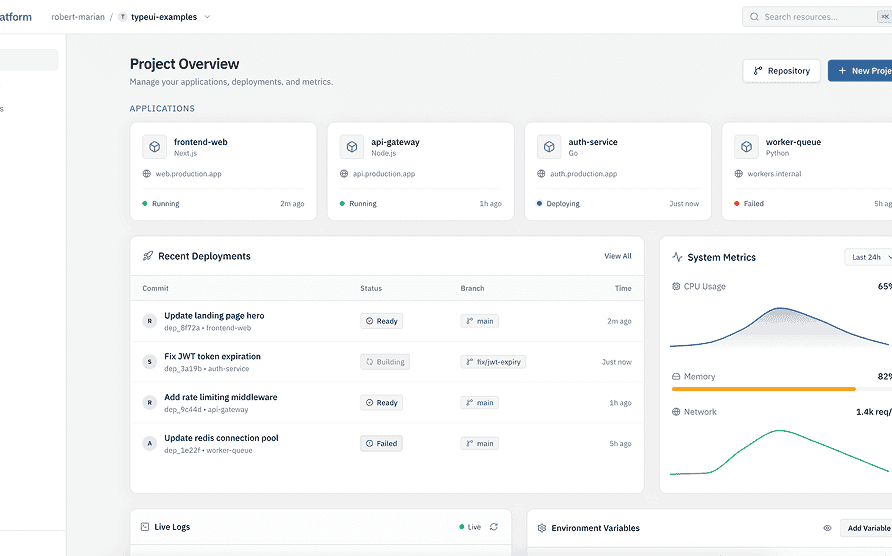
Dashboard
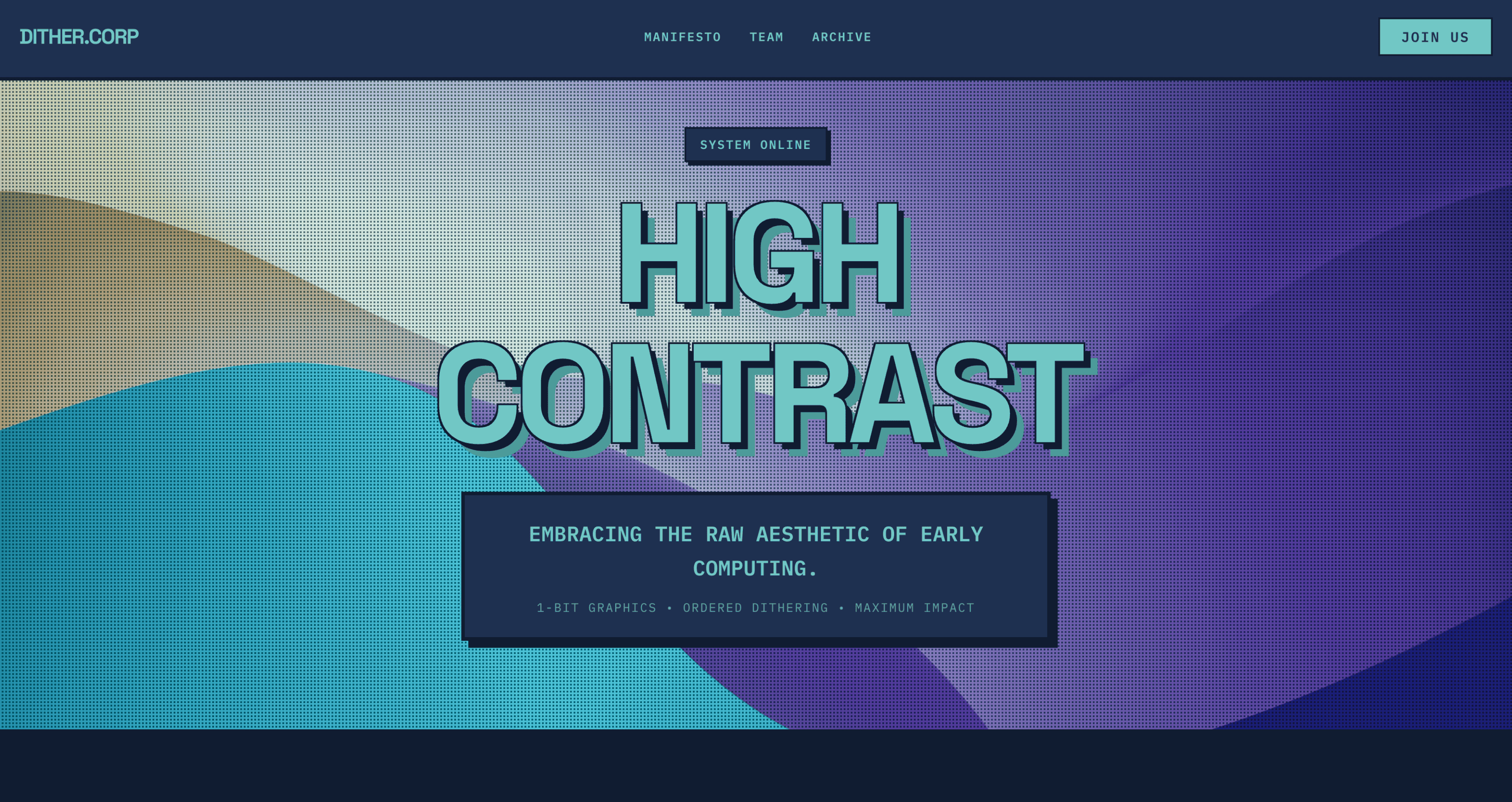
Dithered
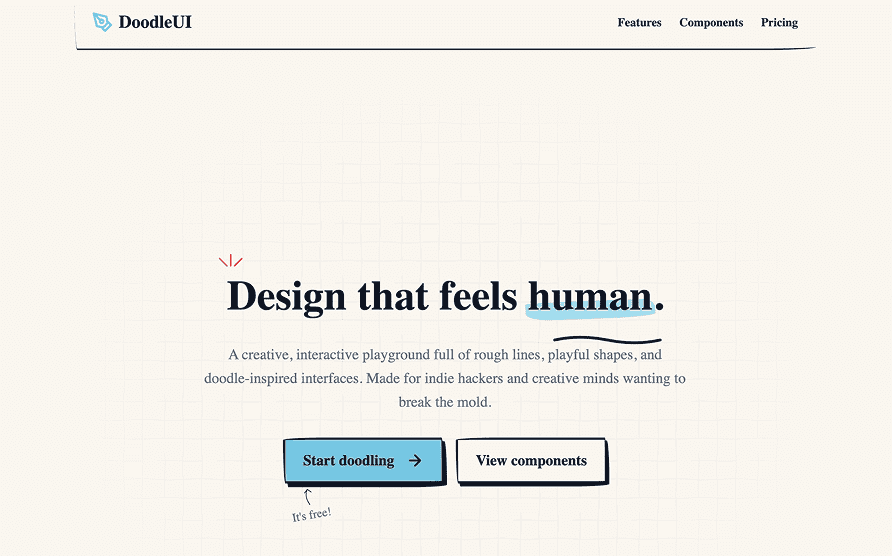
Doodle
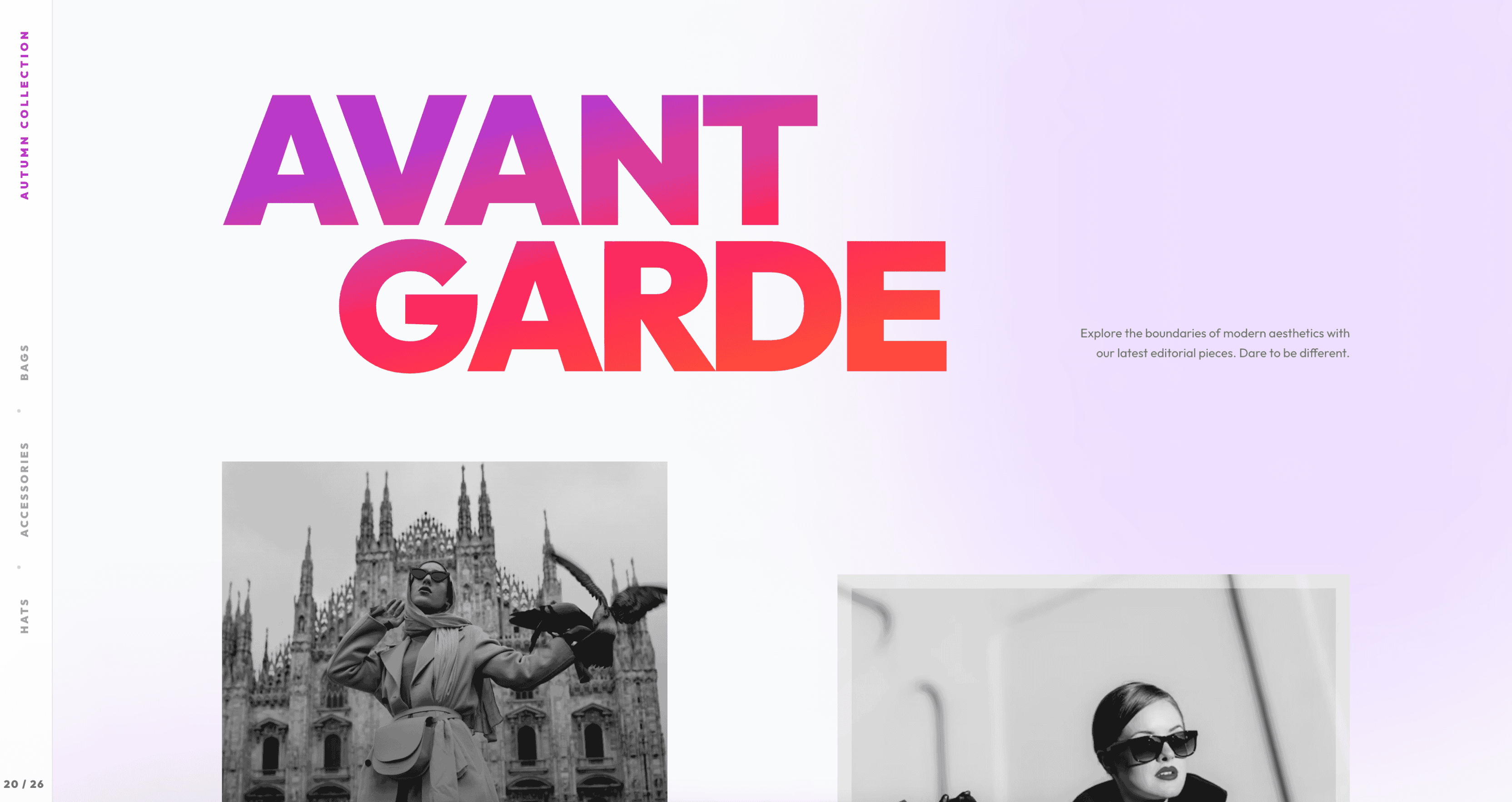
Dramatic
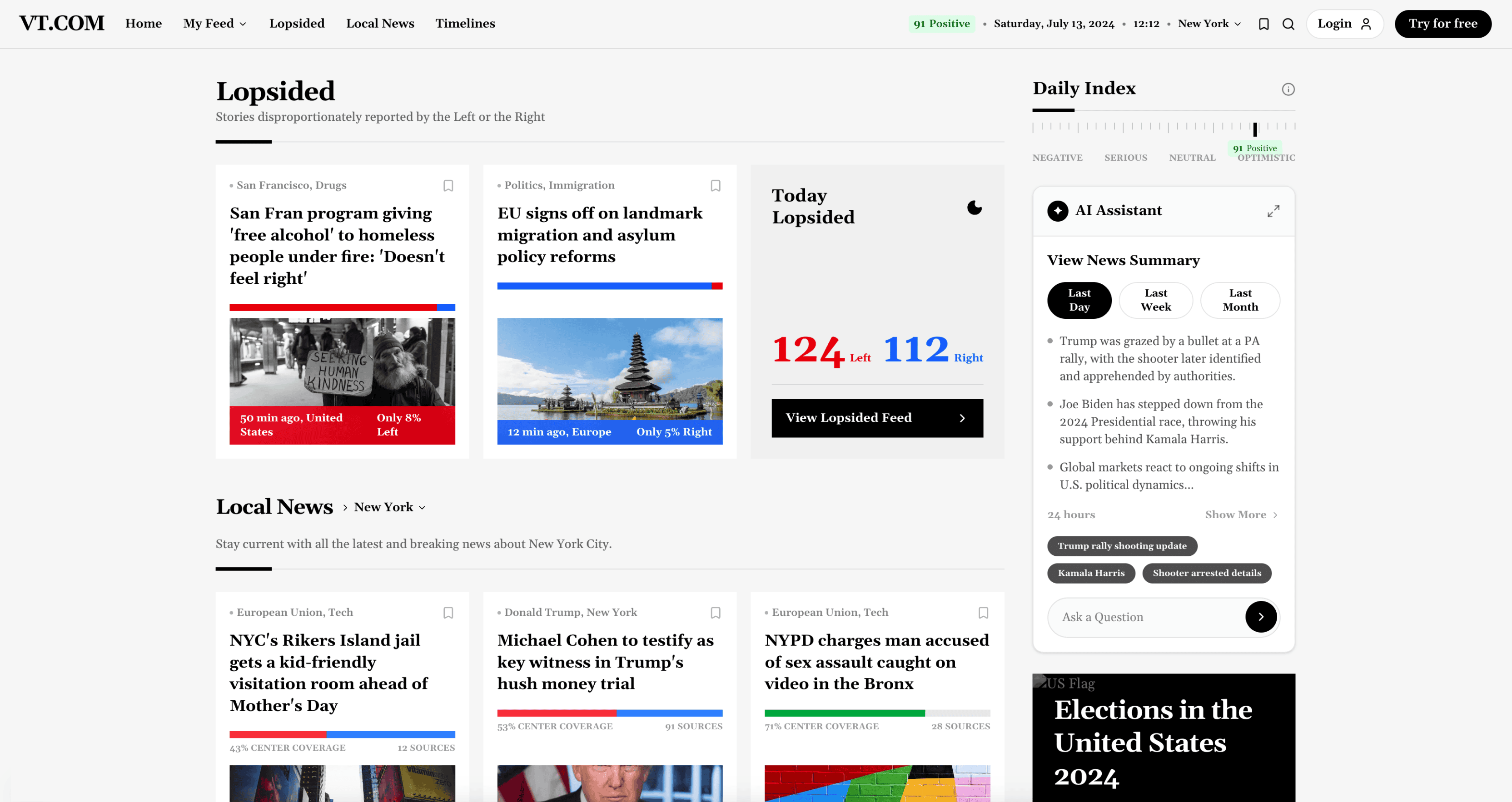
Editorial
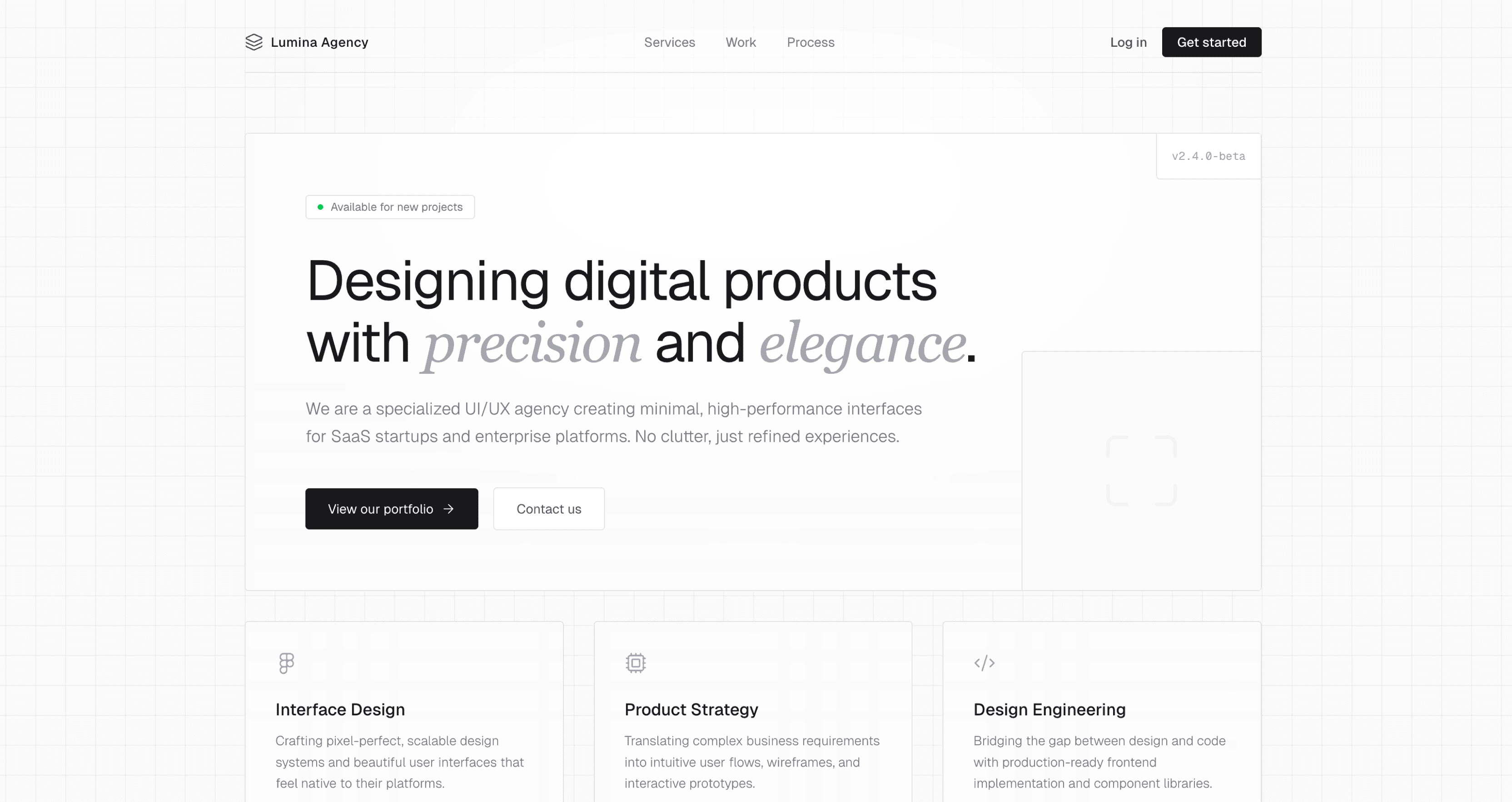
Elegant
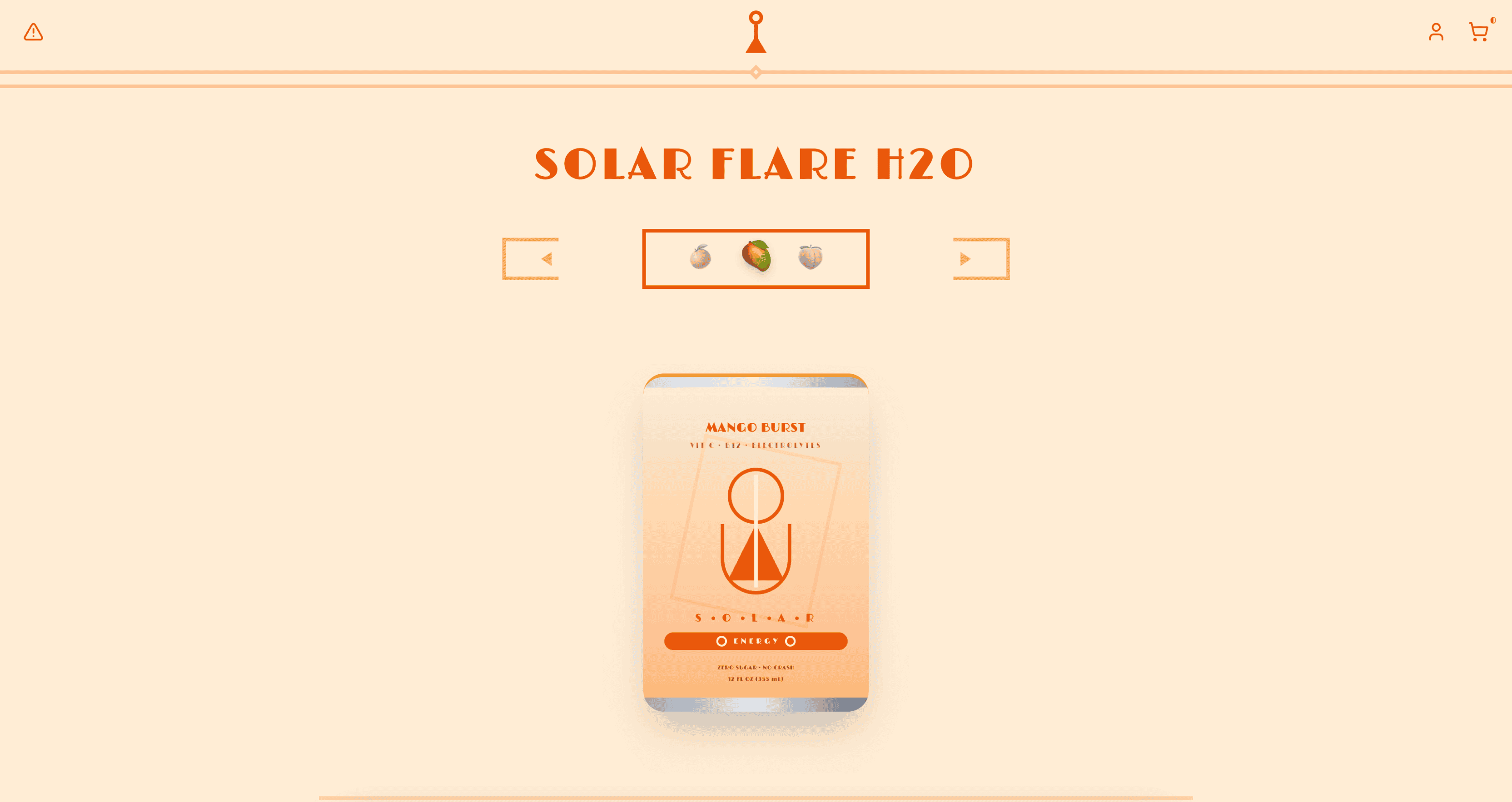
Energetic
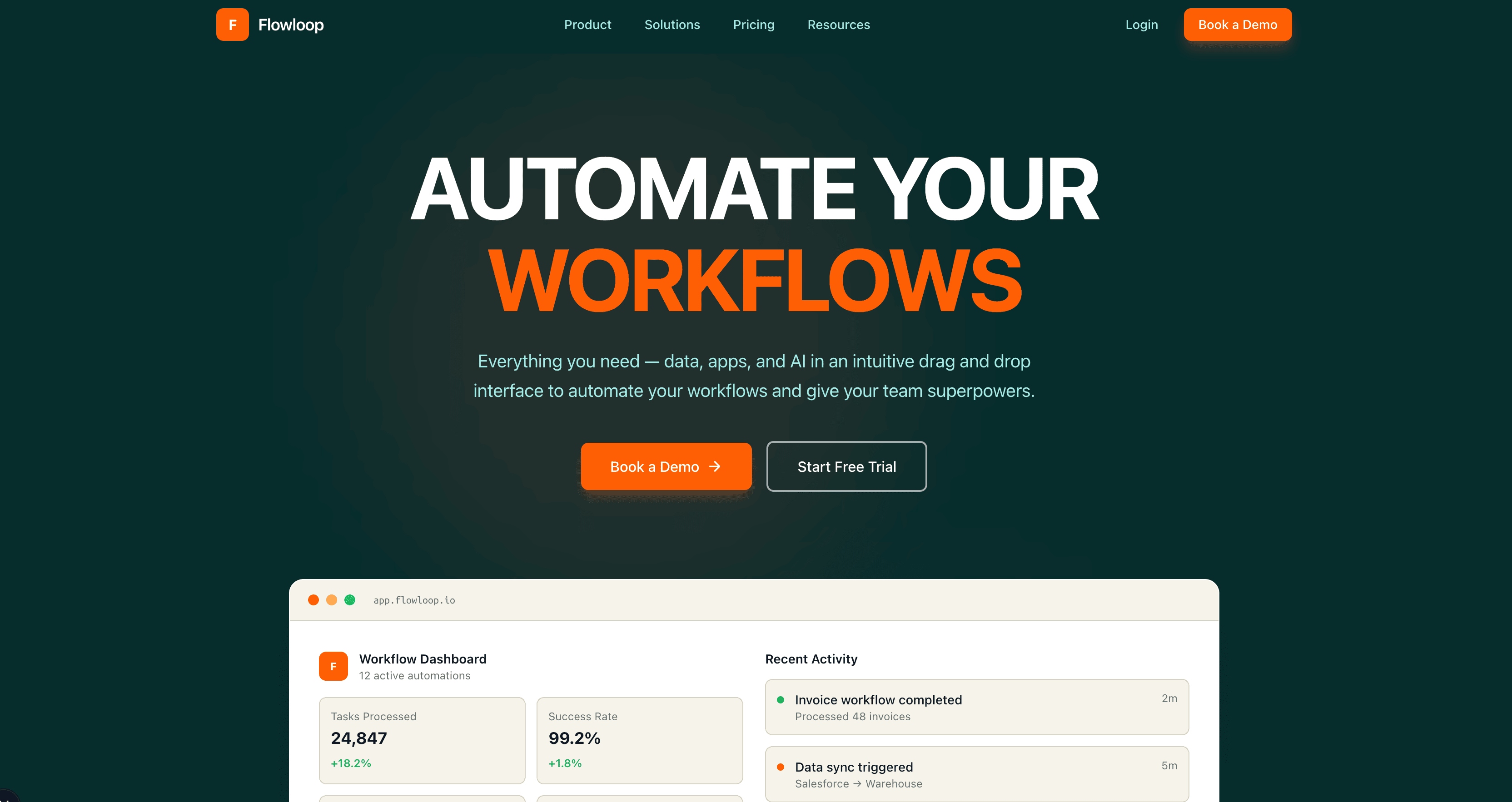
Enterprise
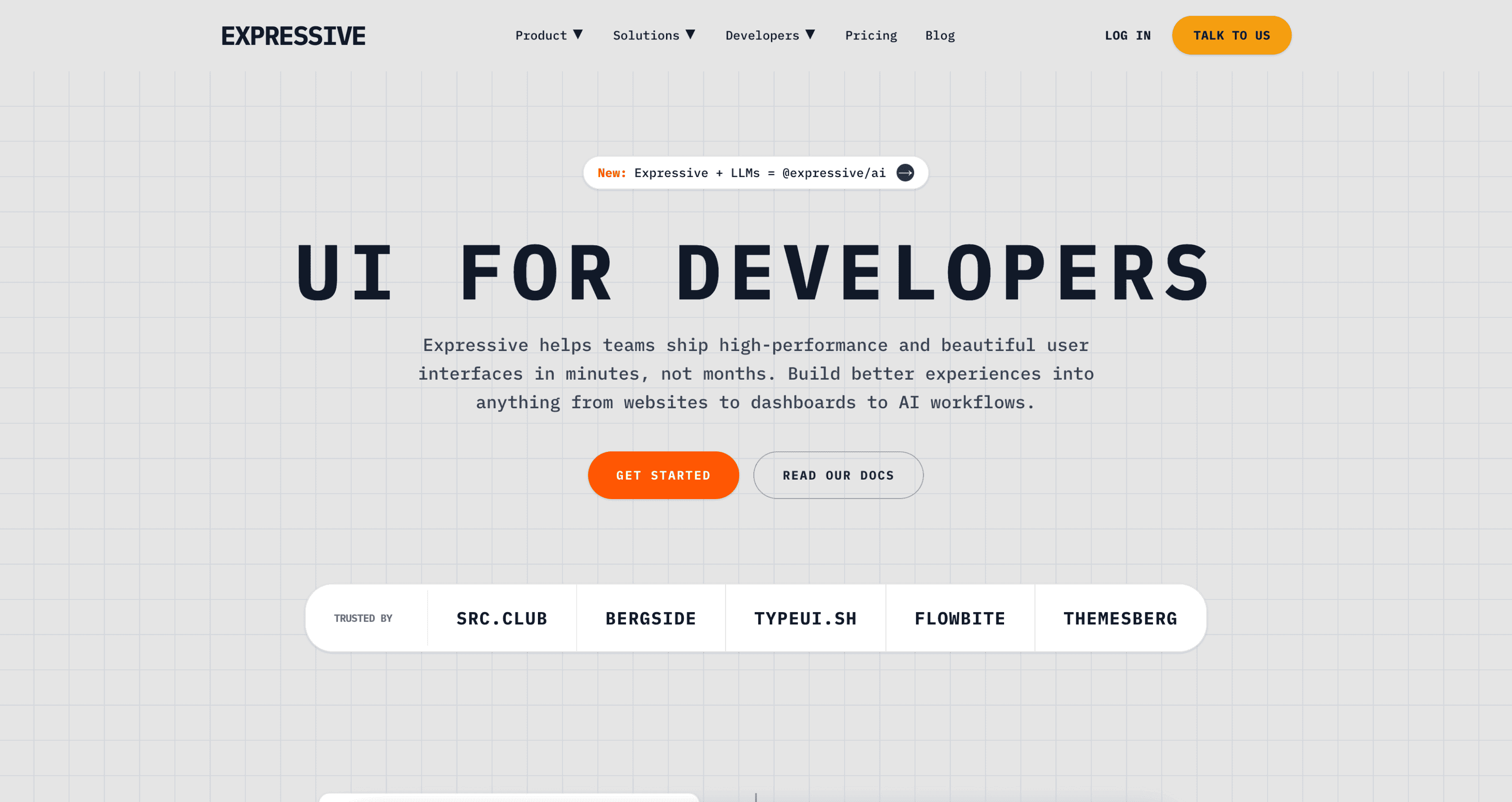
Expressive
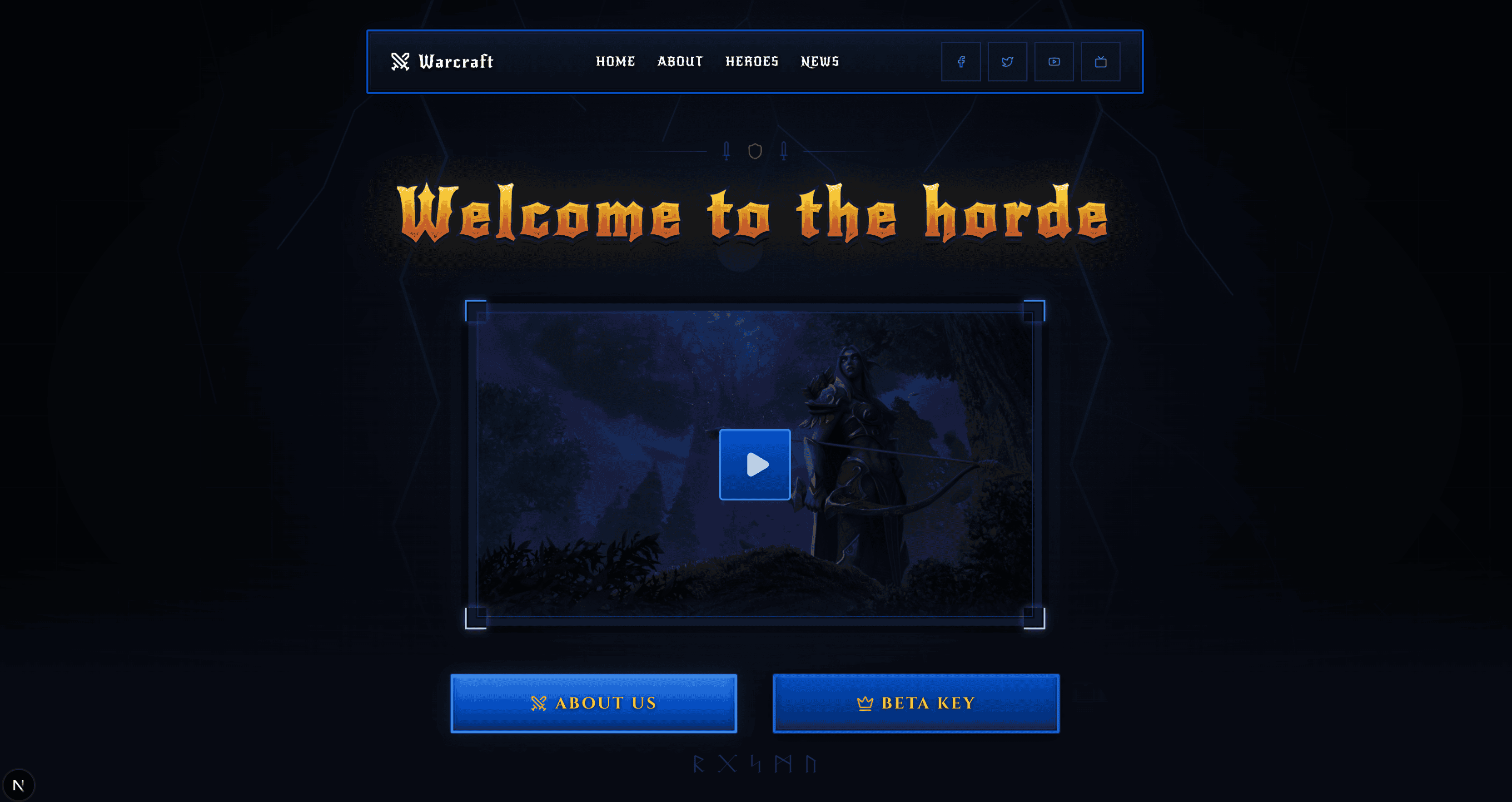
Fantasy
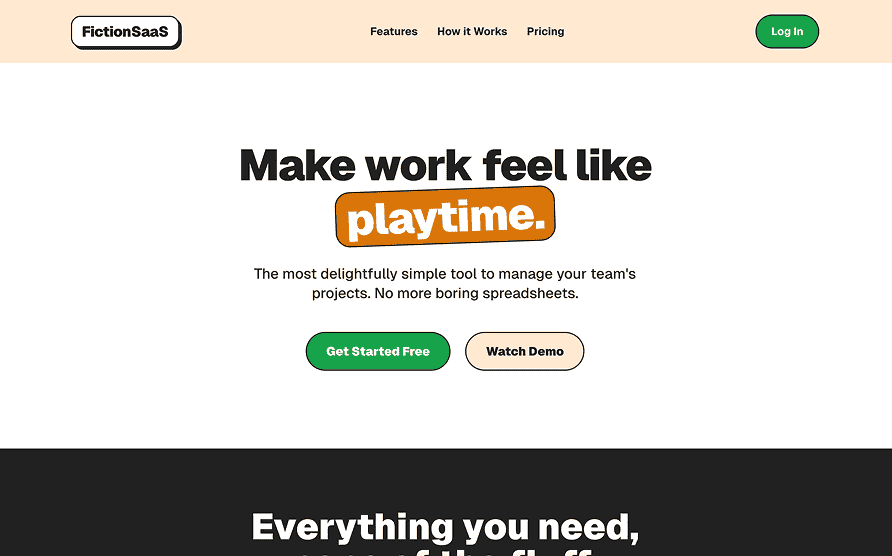
Fiction
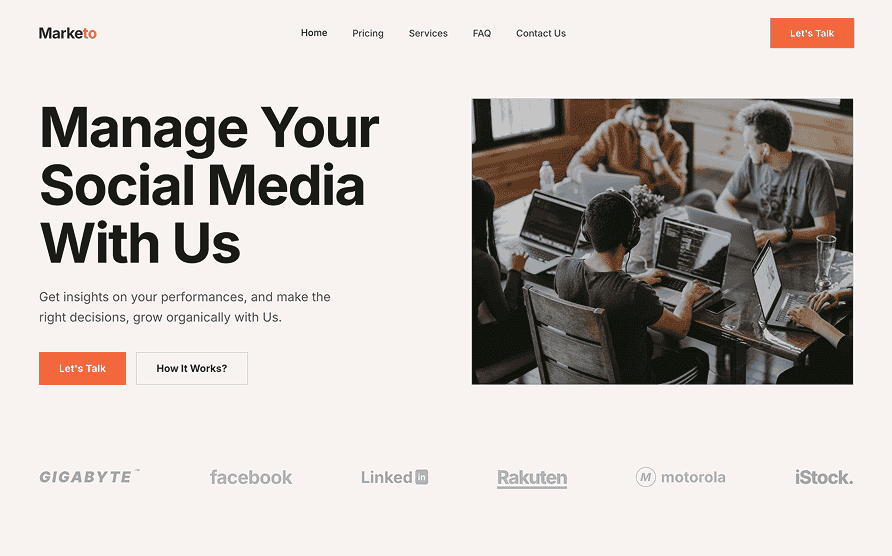
Flat
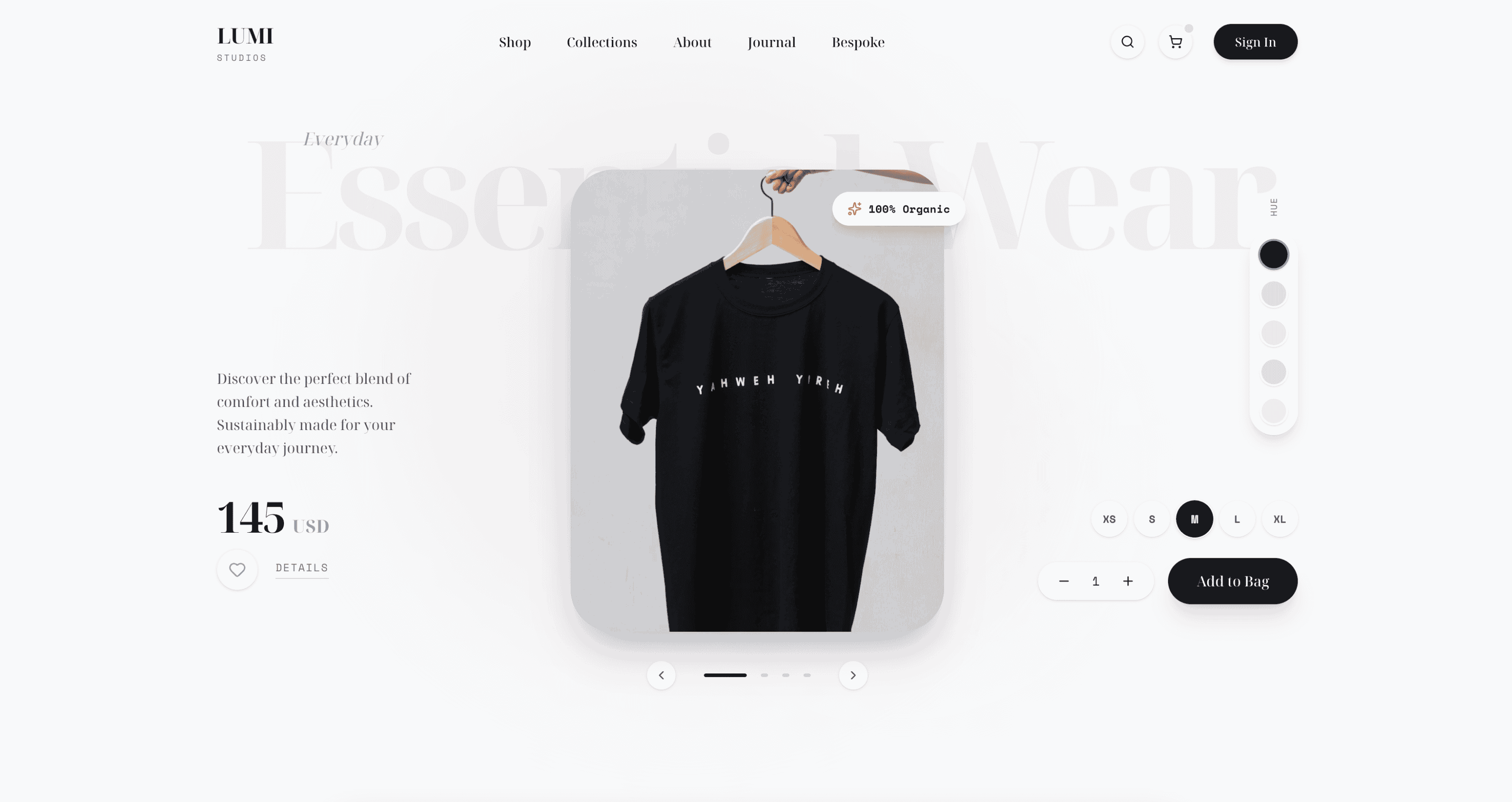
Friendly
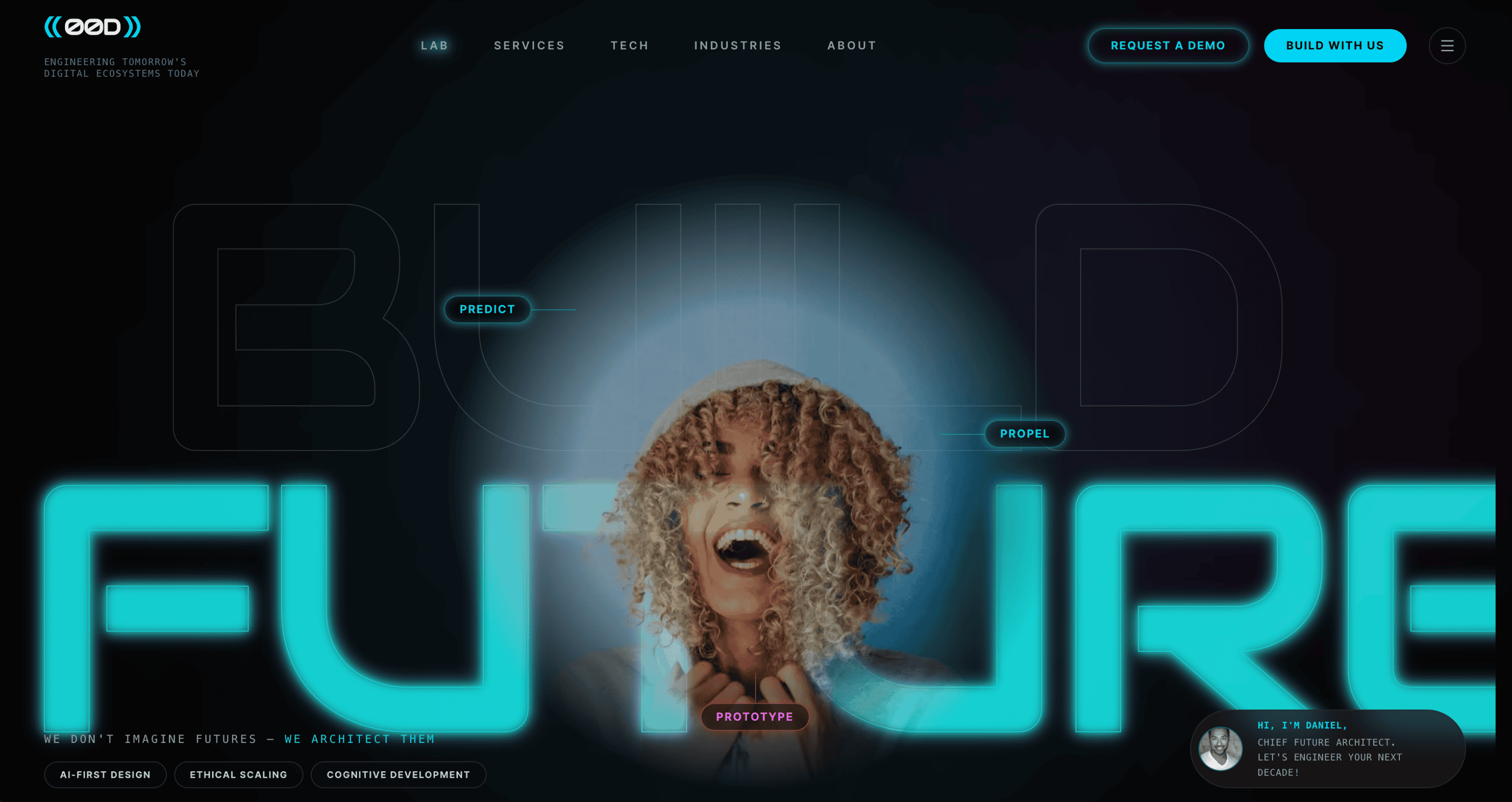
Futuristic
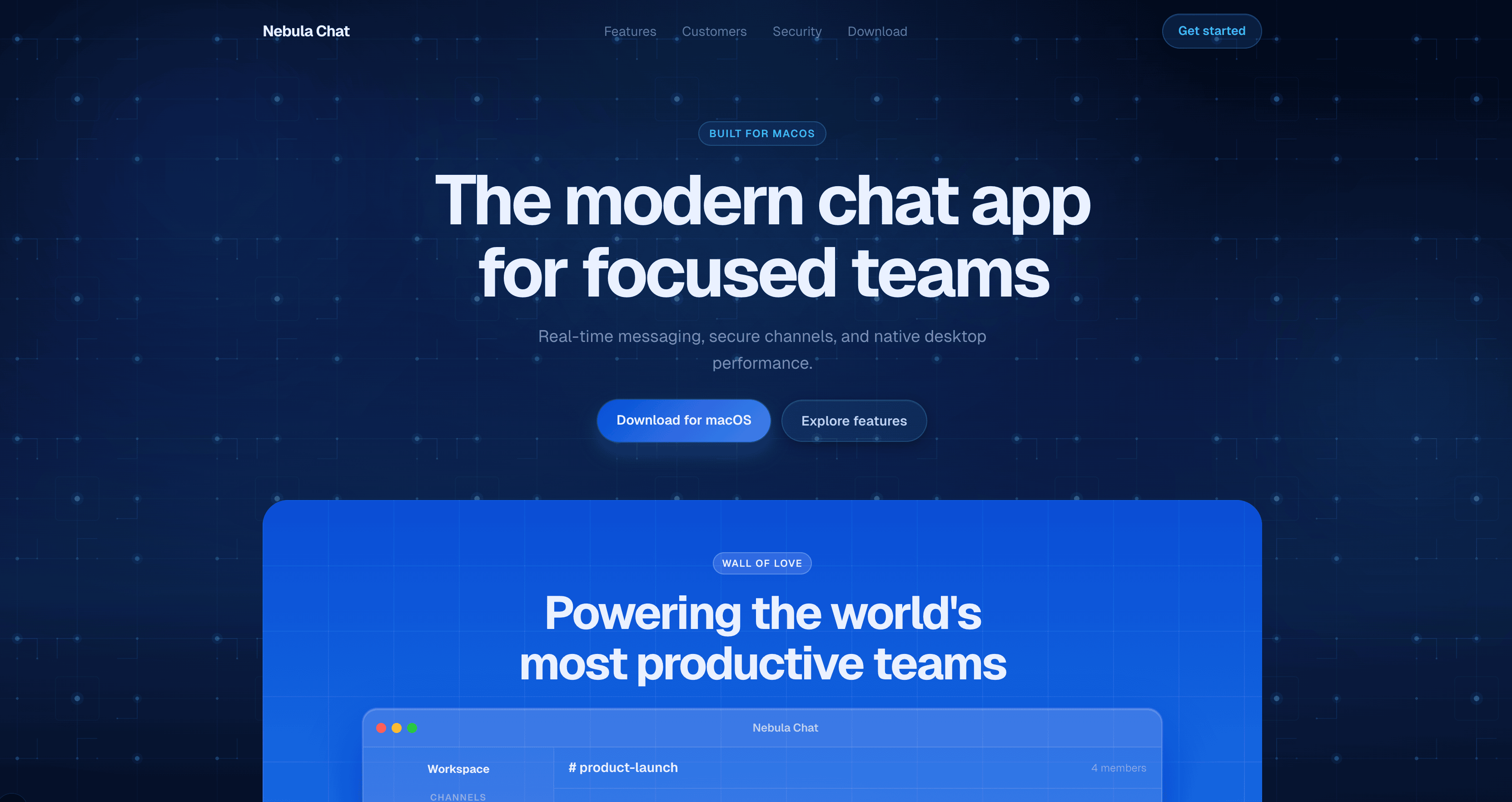
Glassmorphism
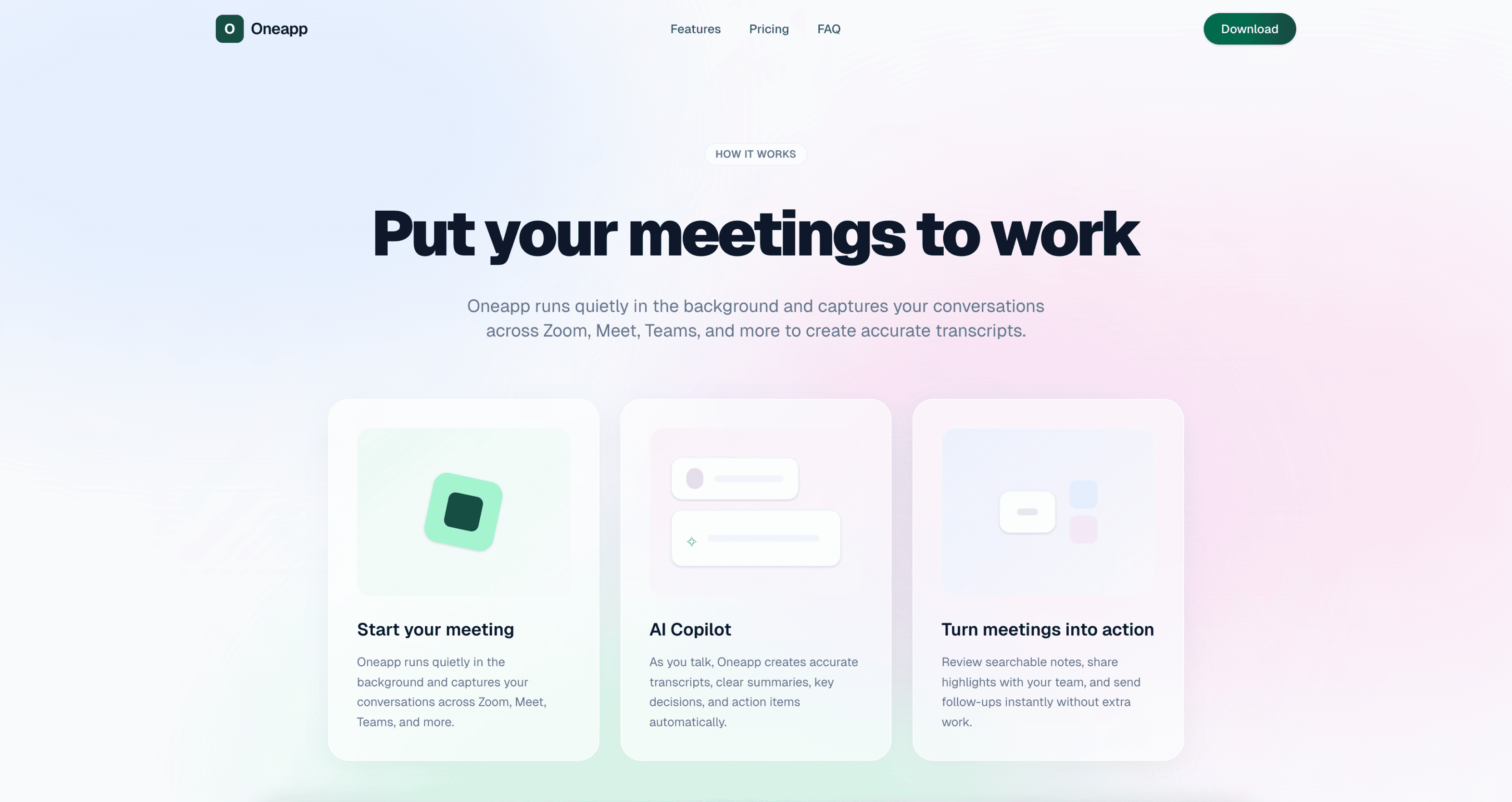
Gradient
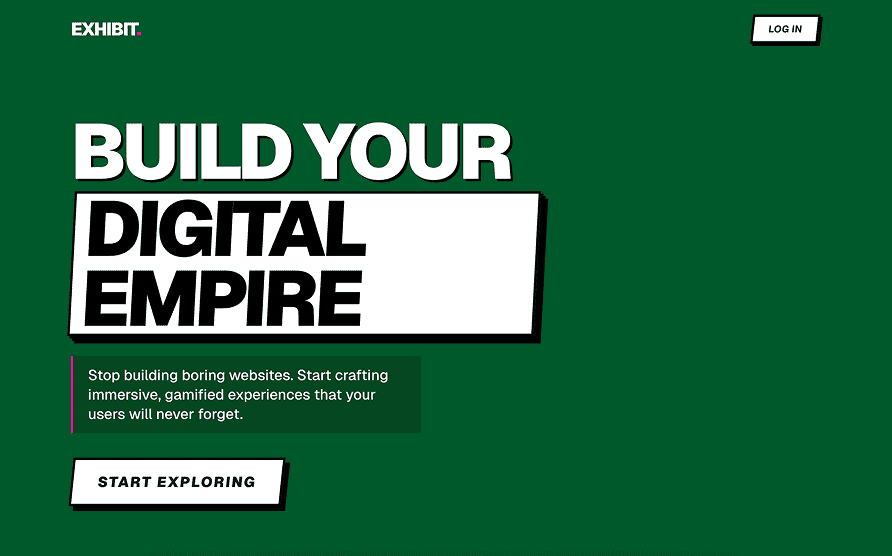
Immersive
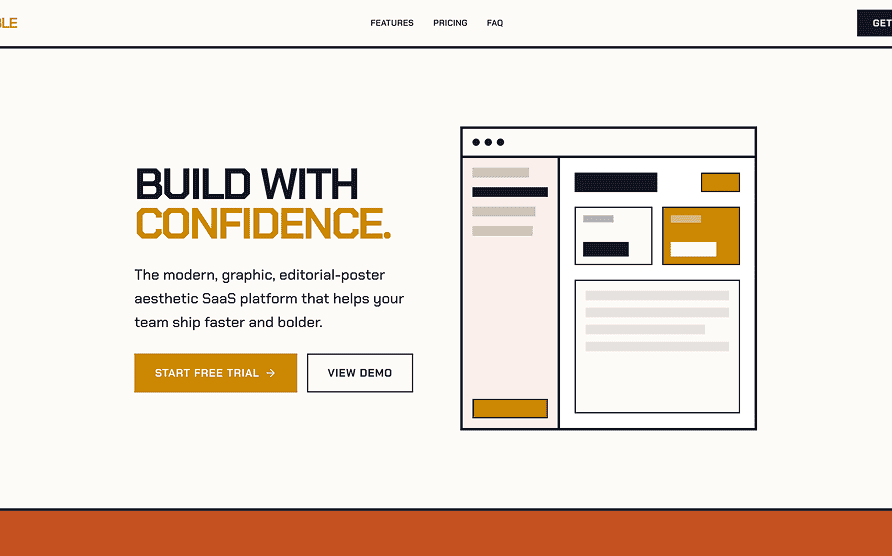
Impeccable
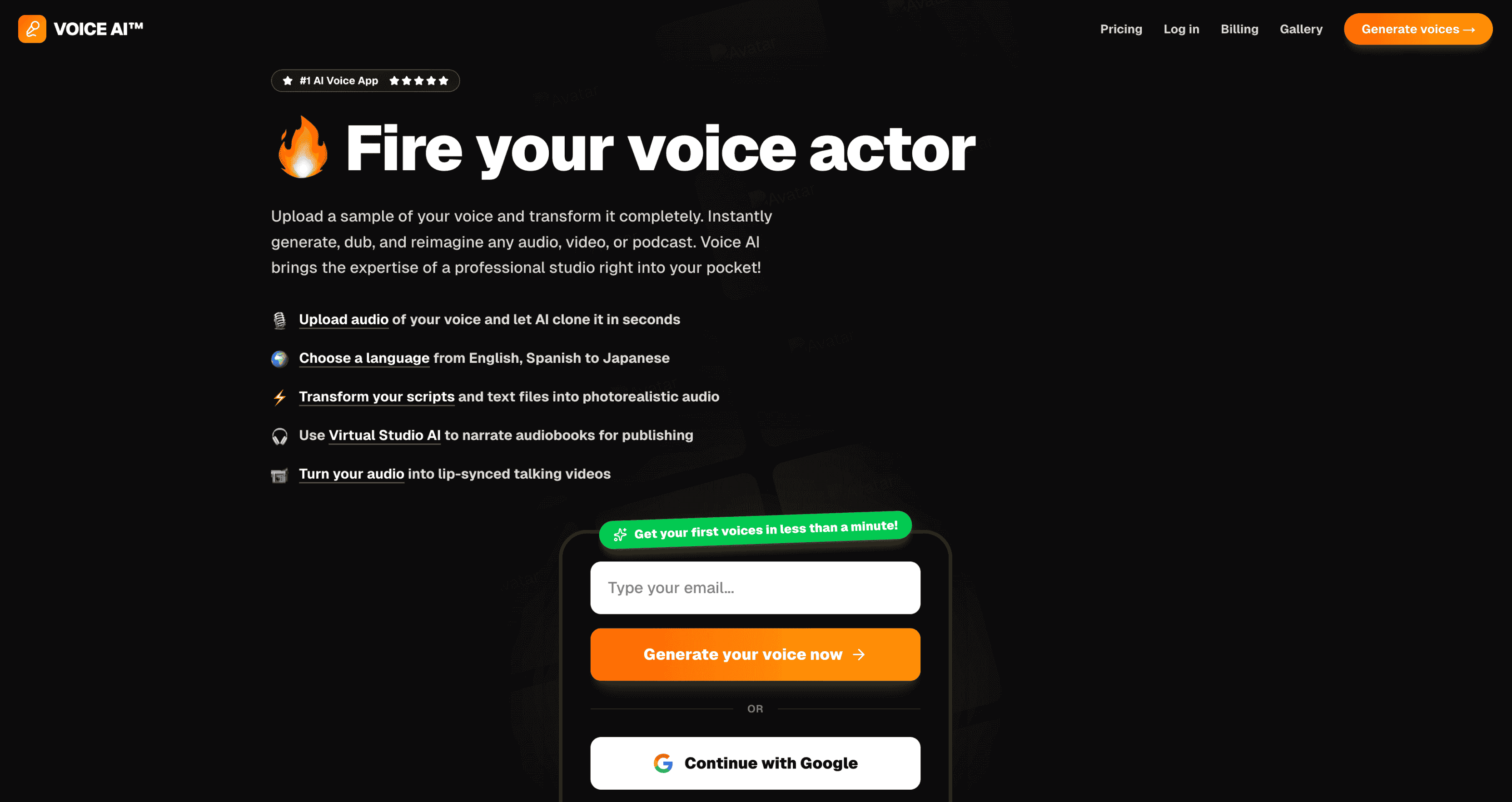
Levels
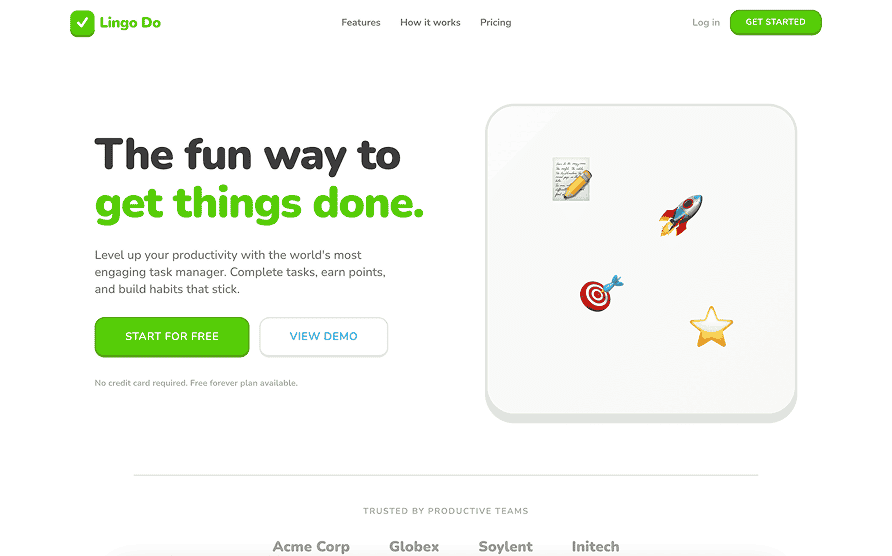
Lingo
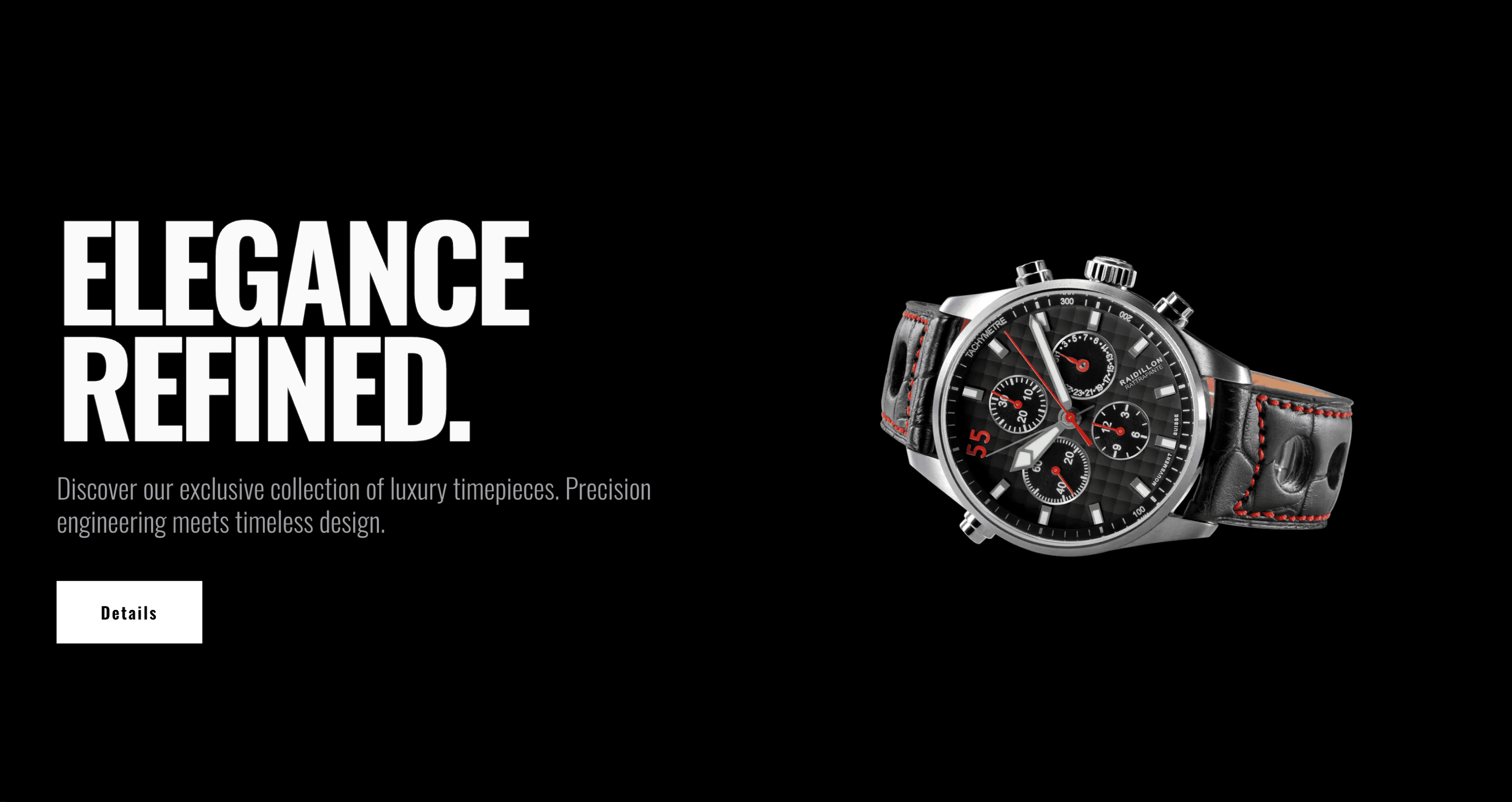
Luxury
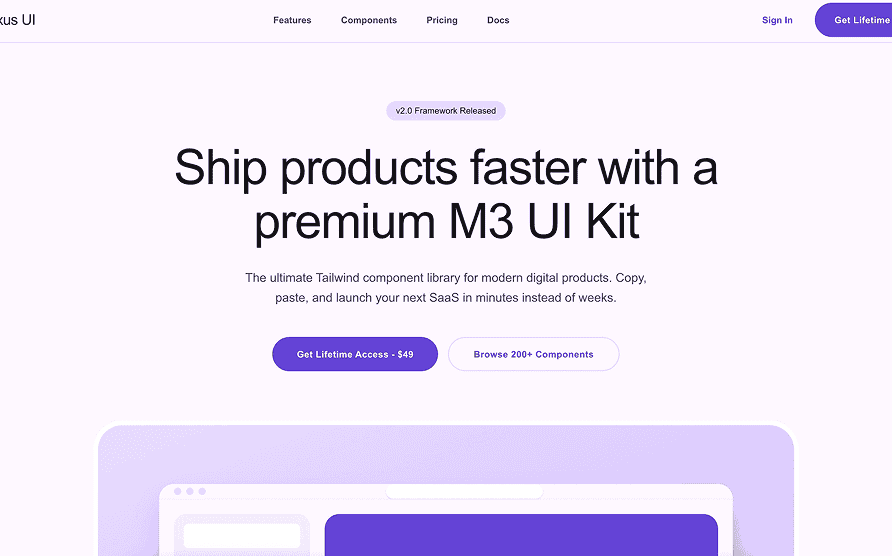
Material
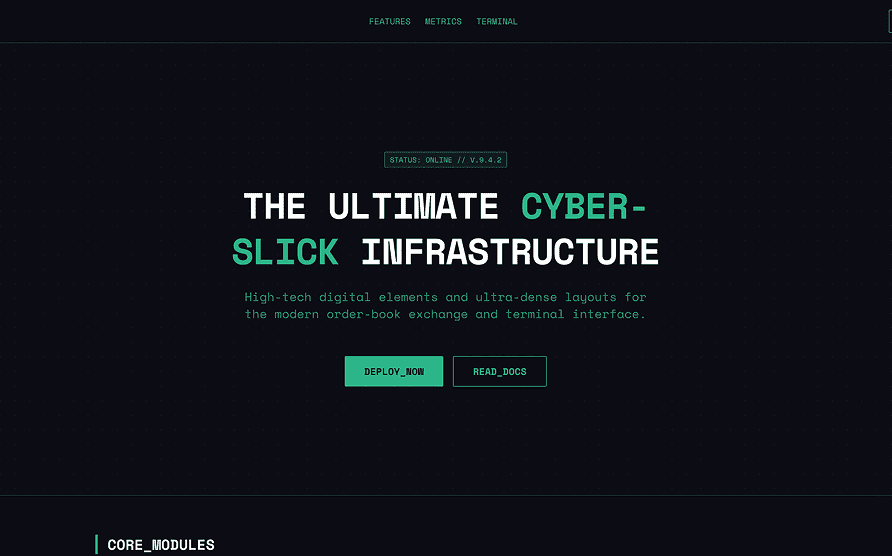
Matrix
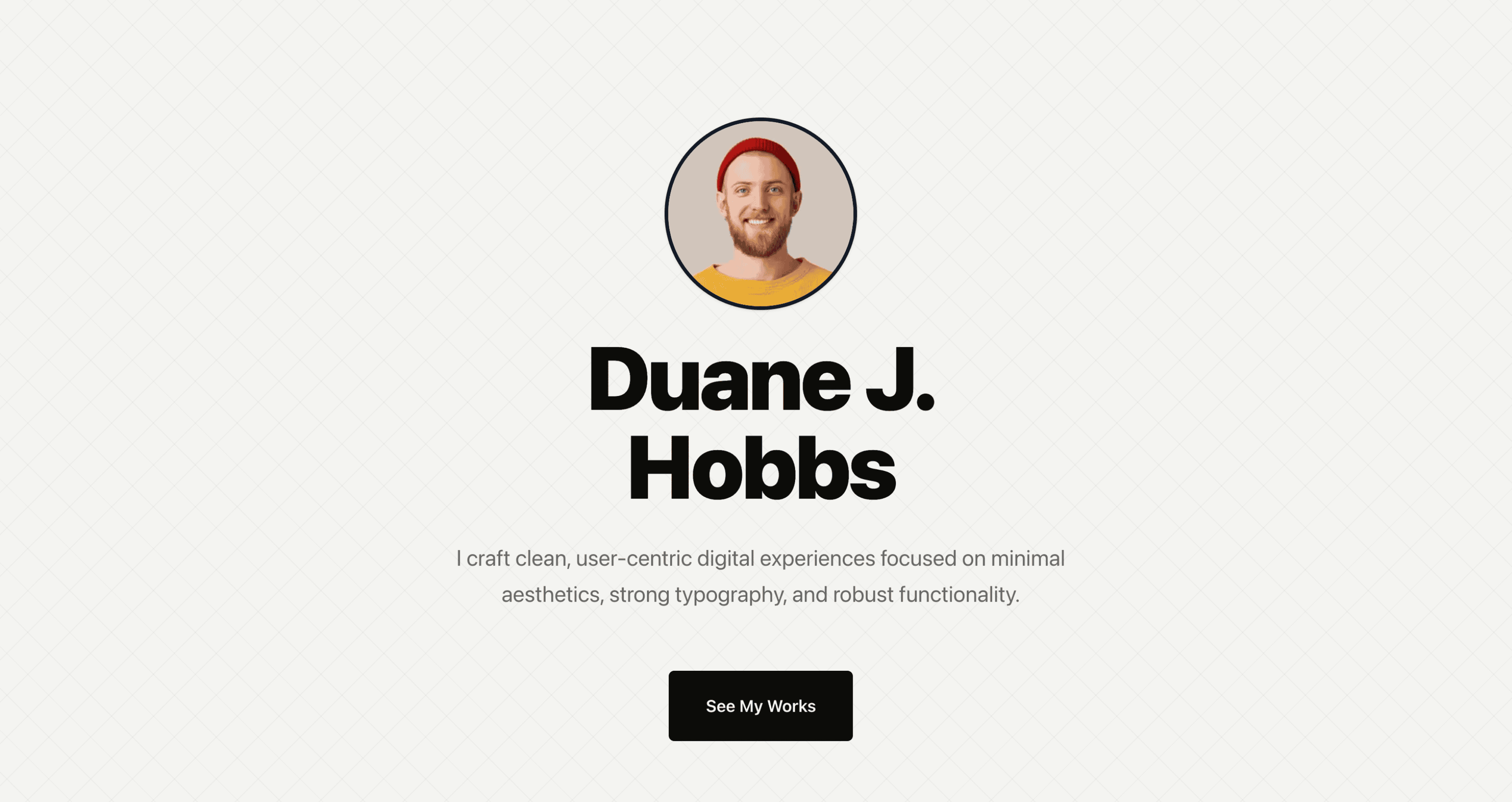
Minimal
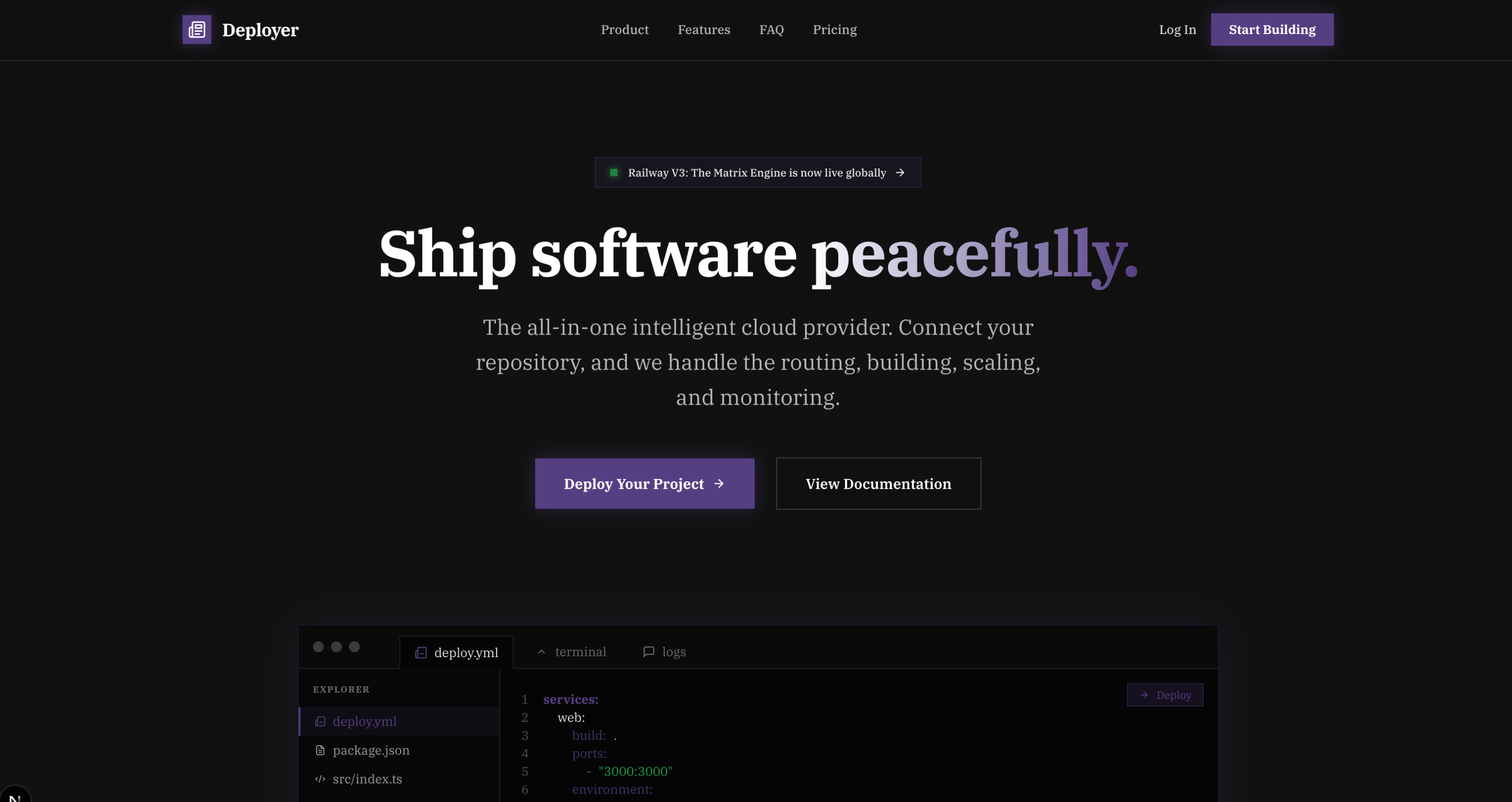
Modern
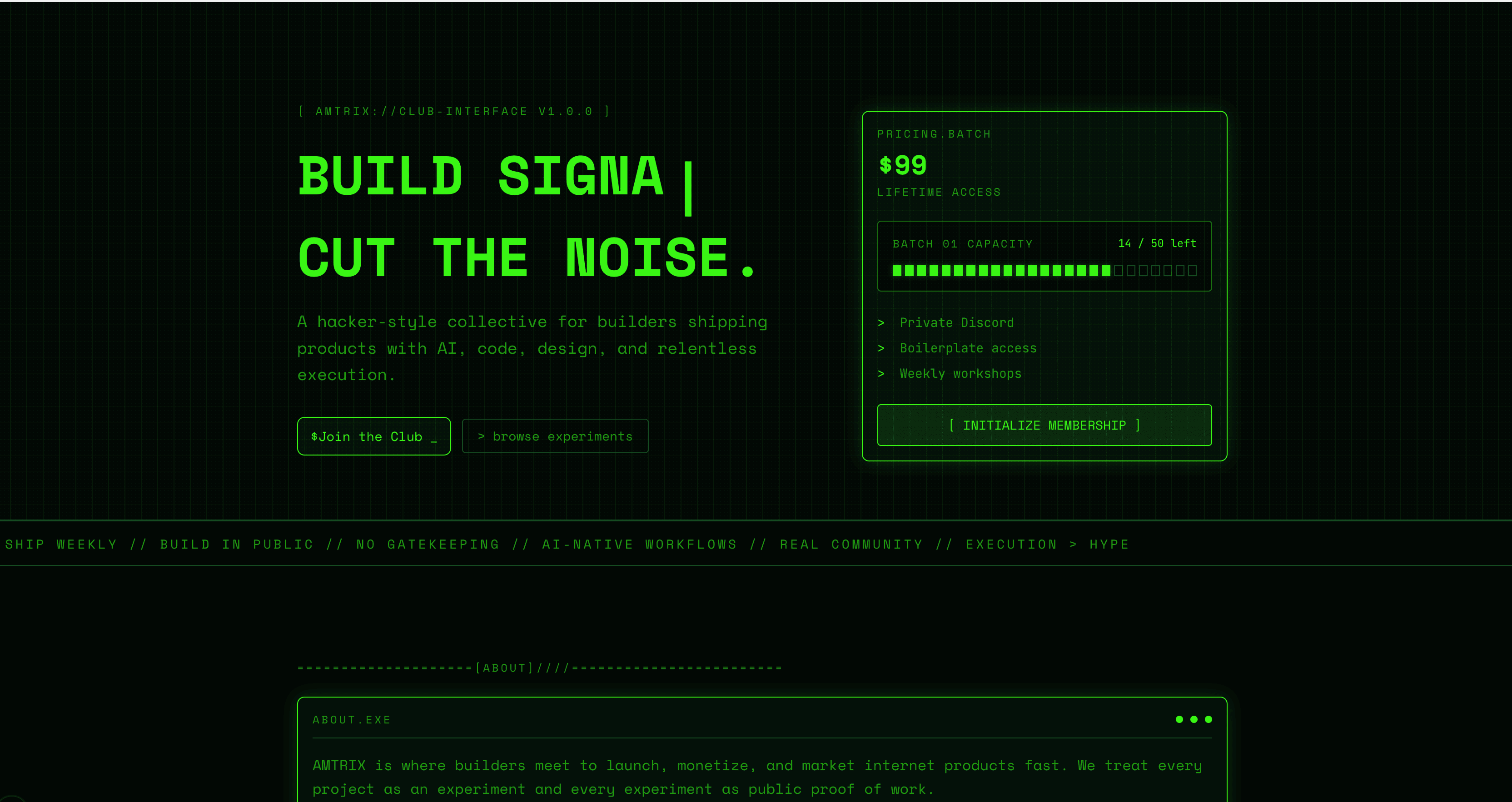
Mono
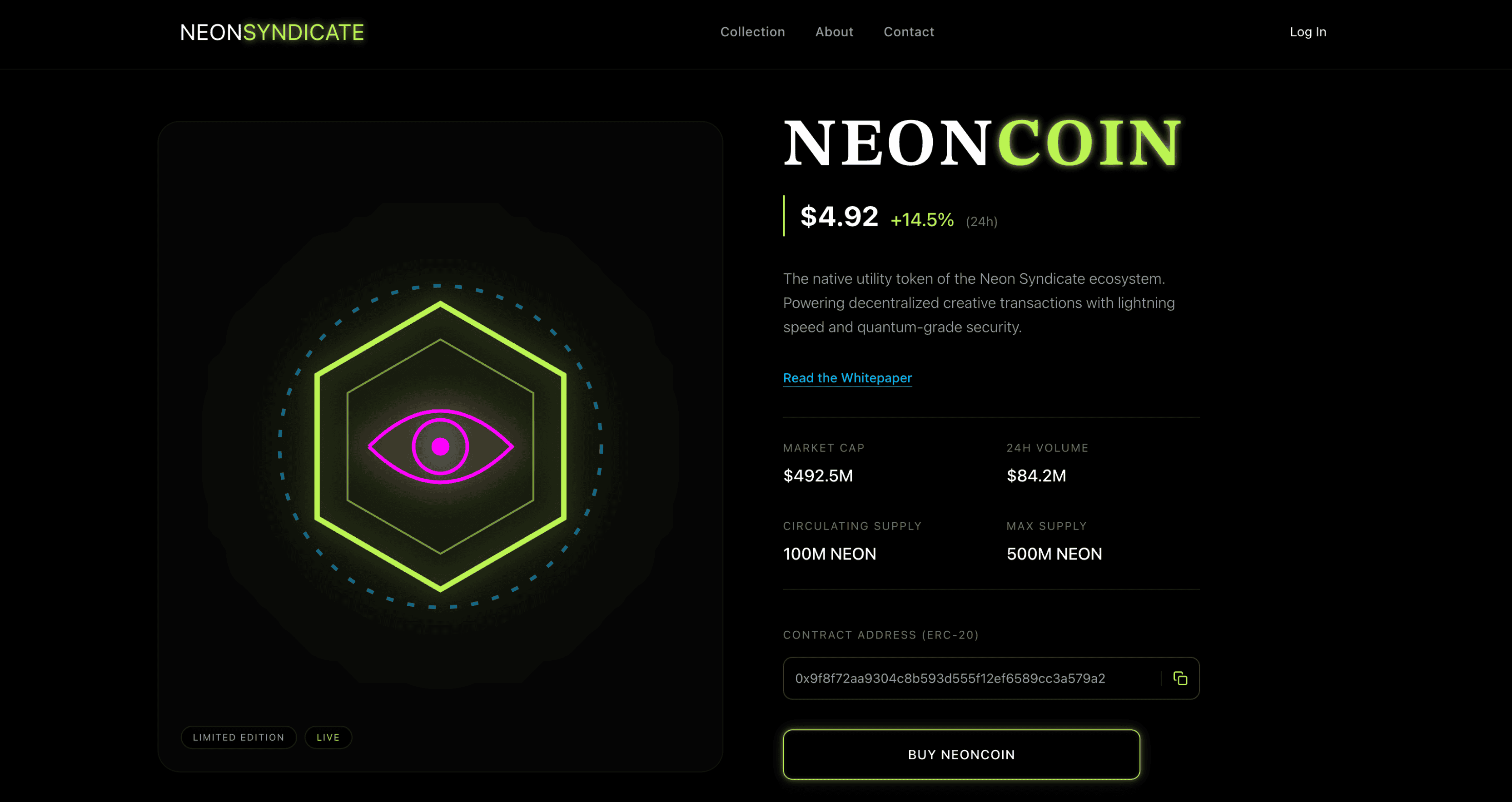
Neon
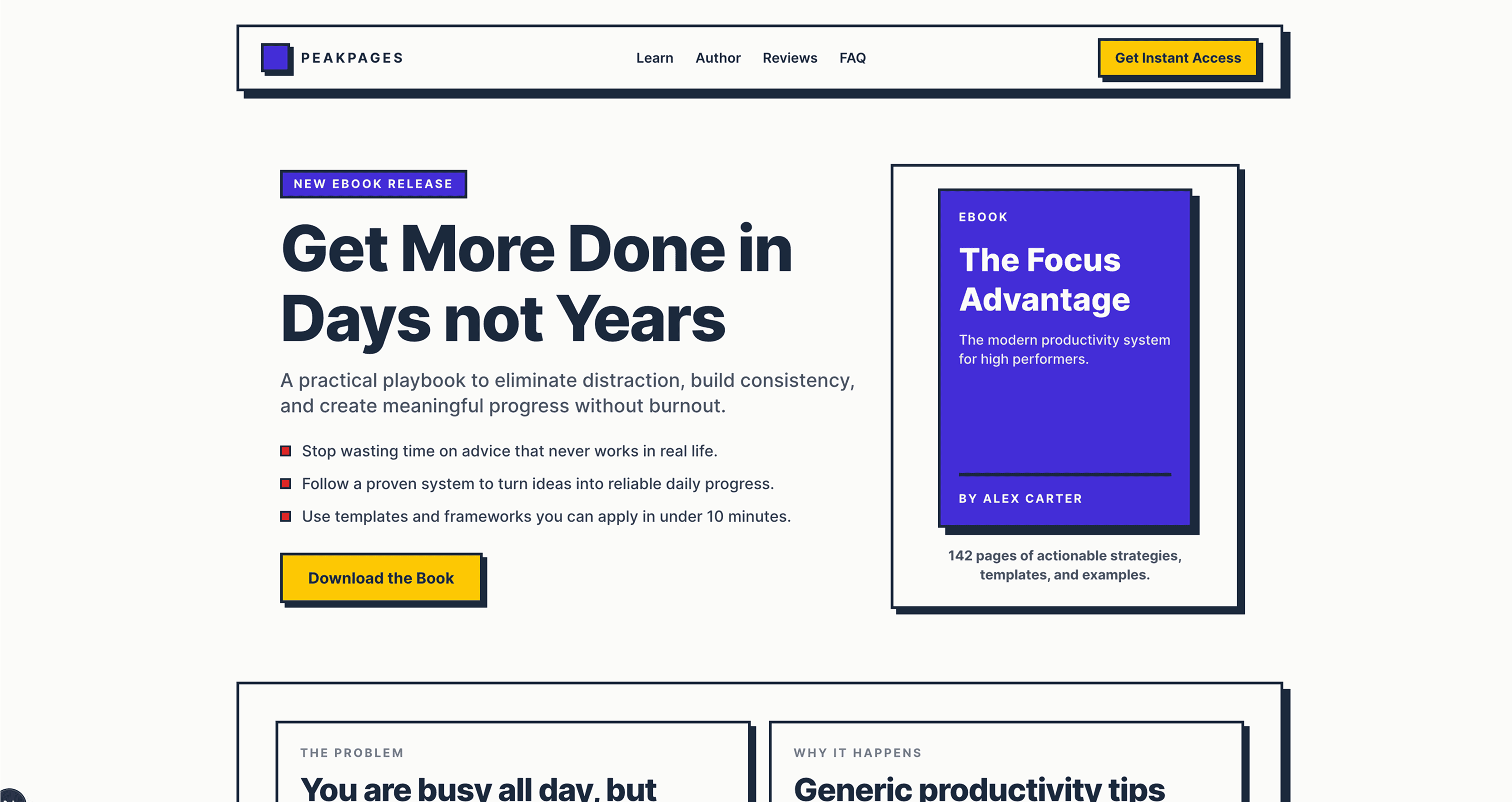
Neobrutalism
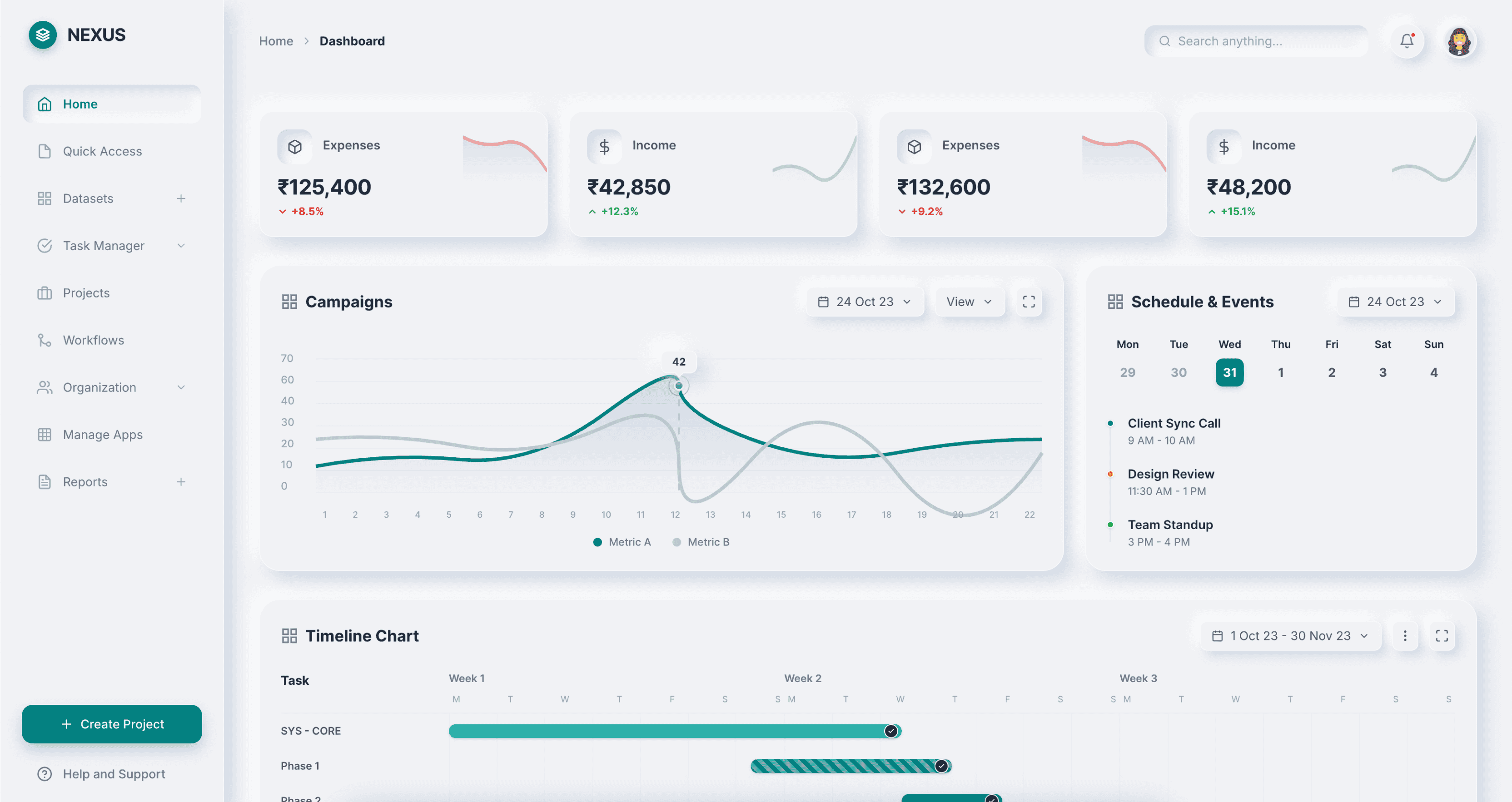
Neumorphism
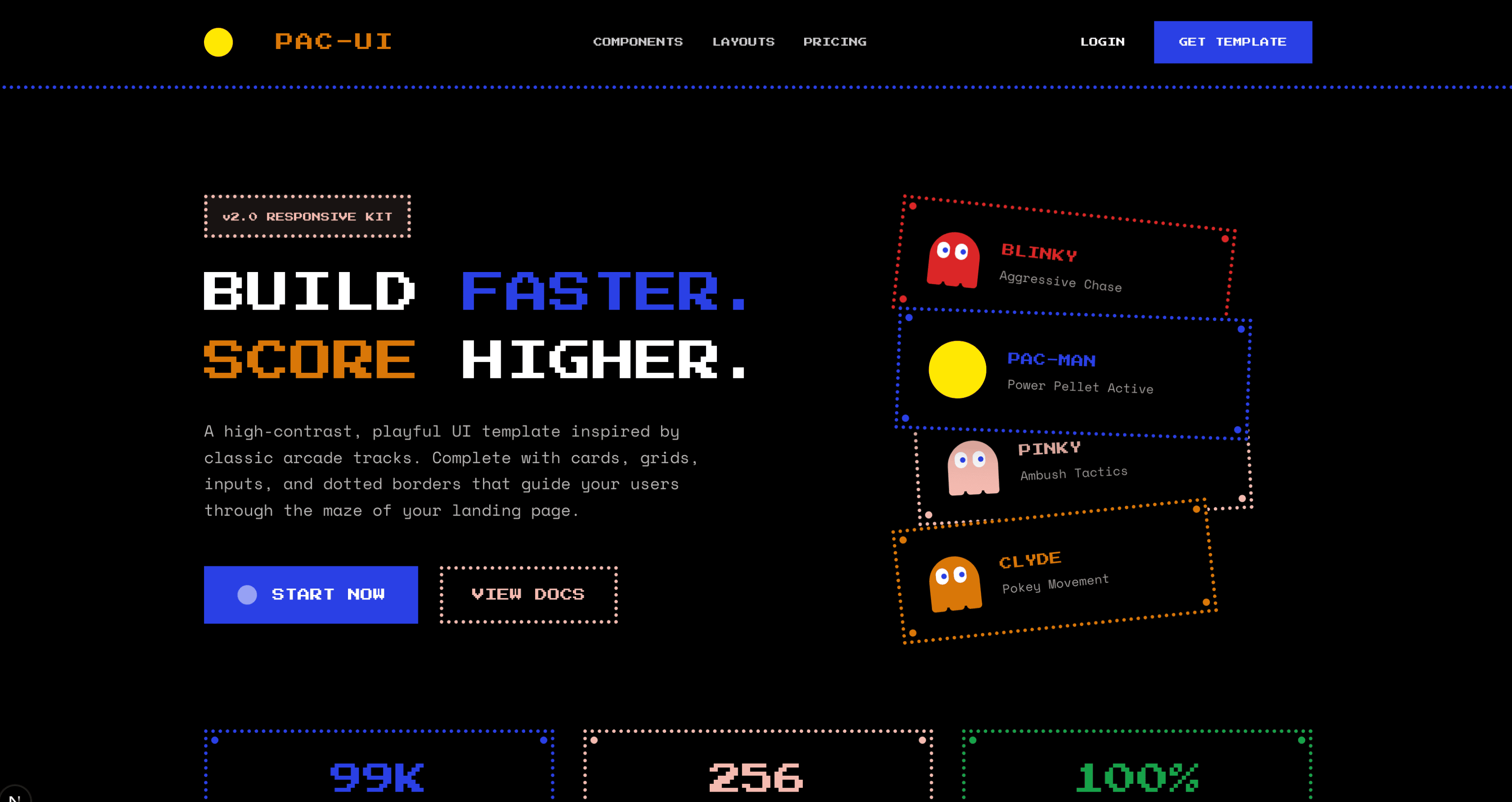
Pacman
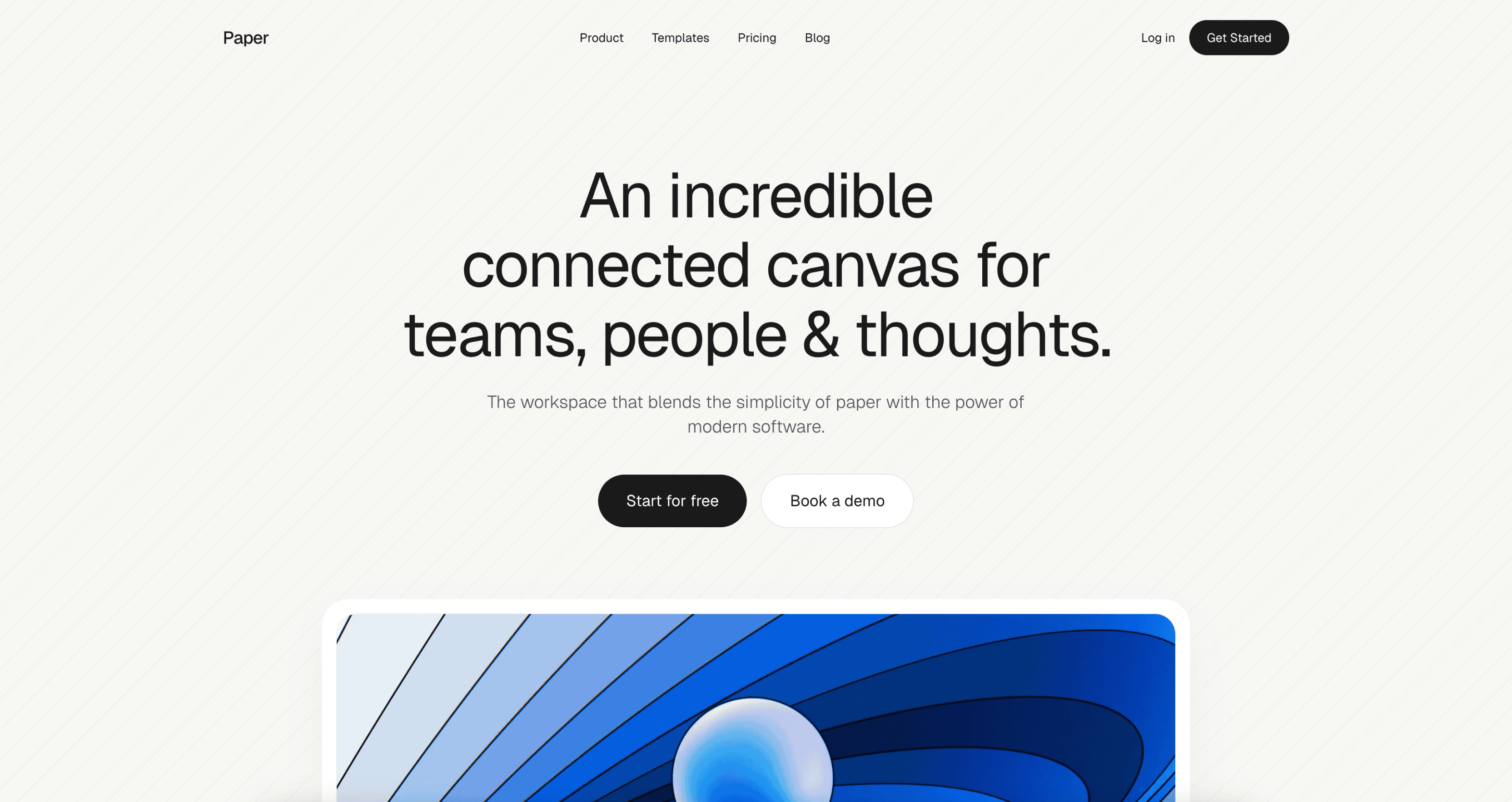
Paper
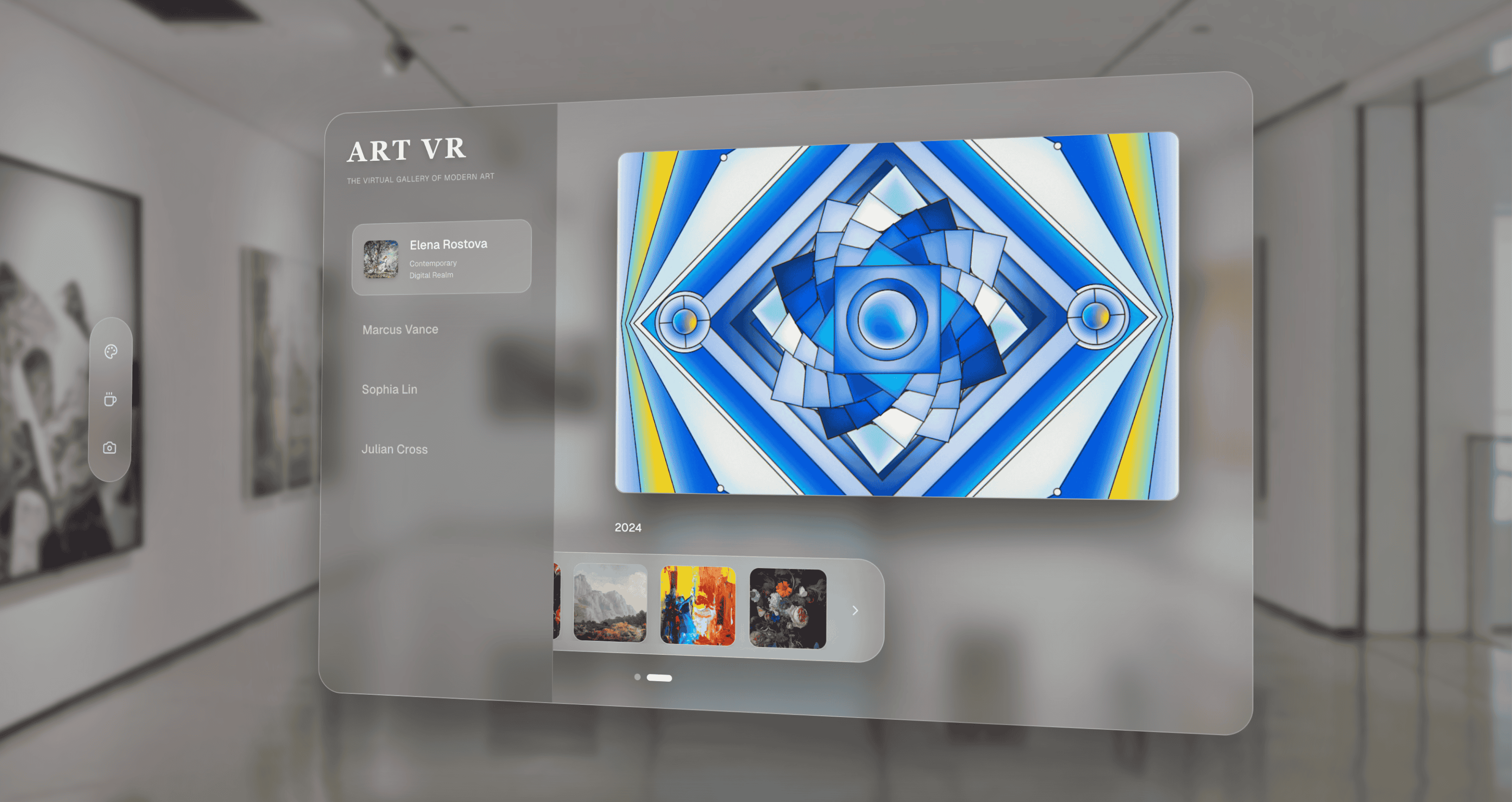
Perspective
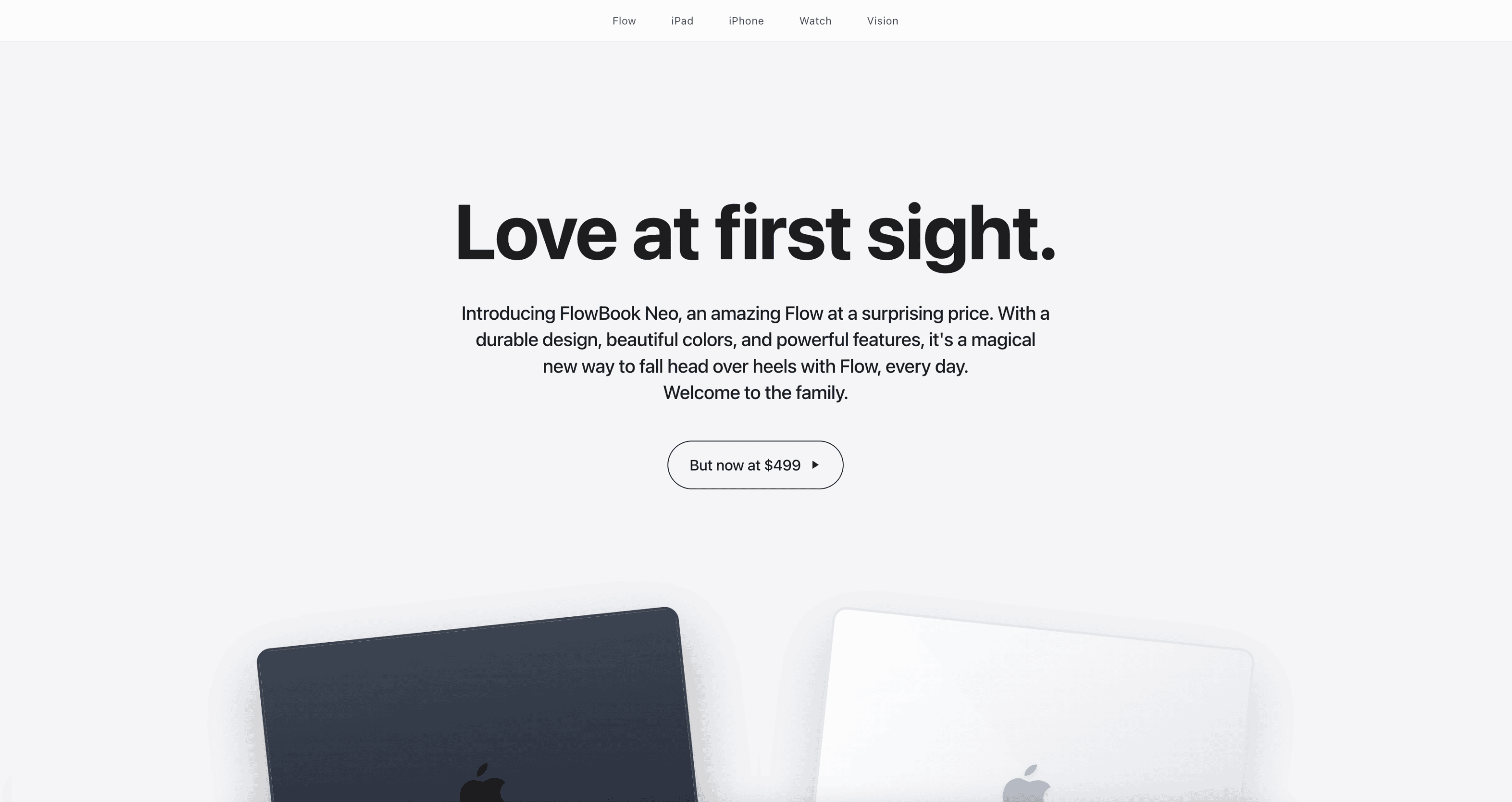
Premium
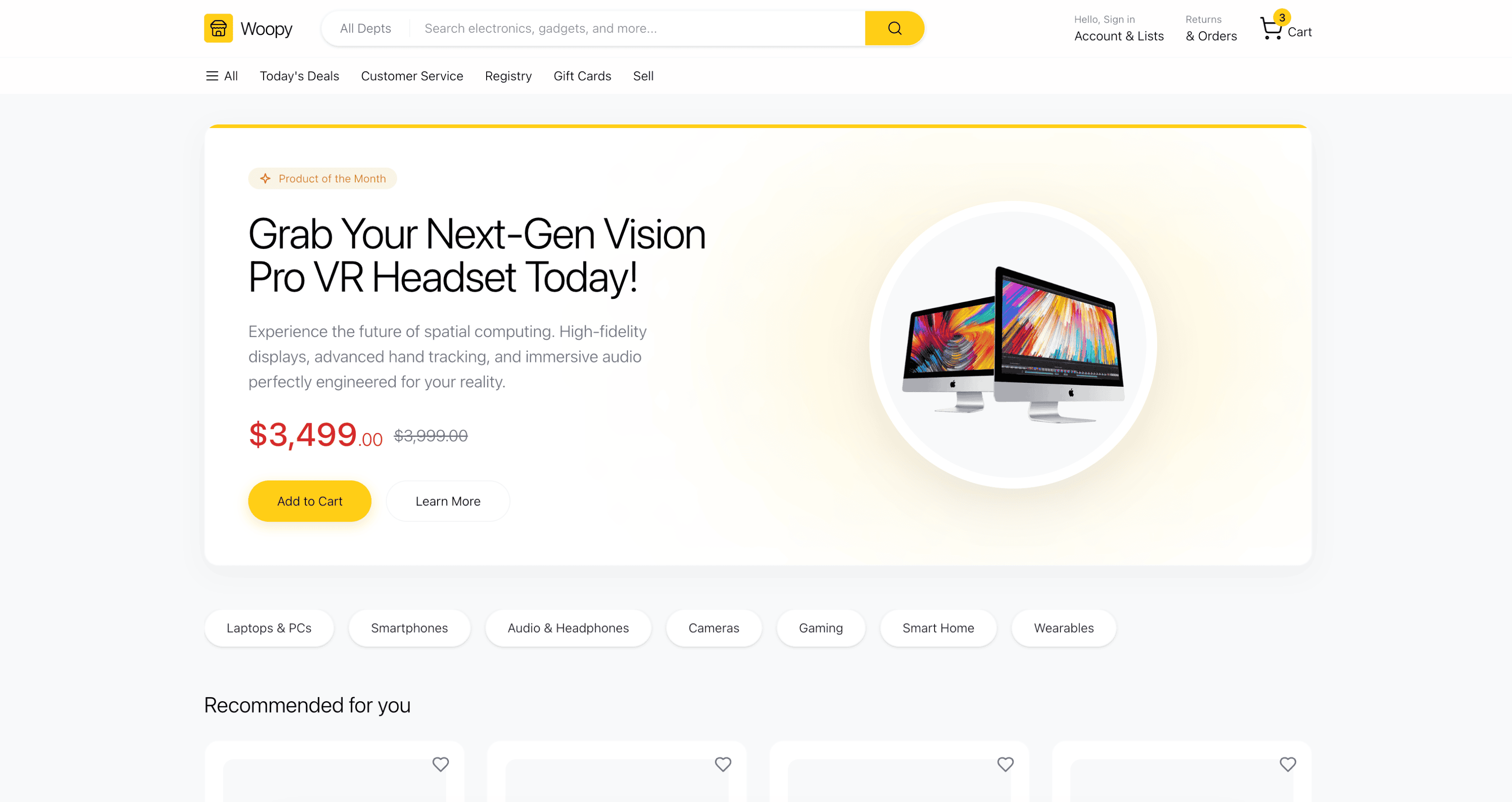
Professional
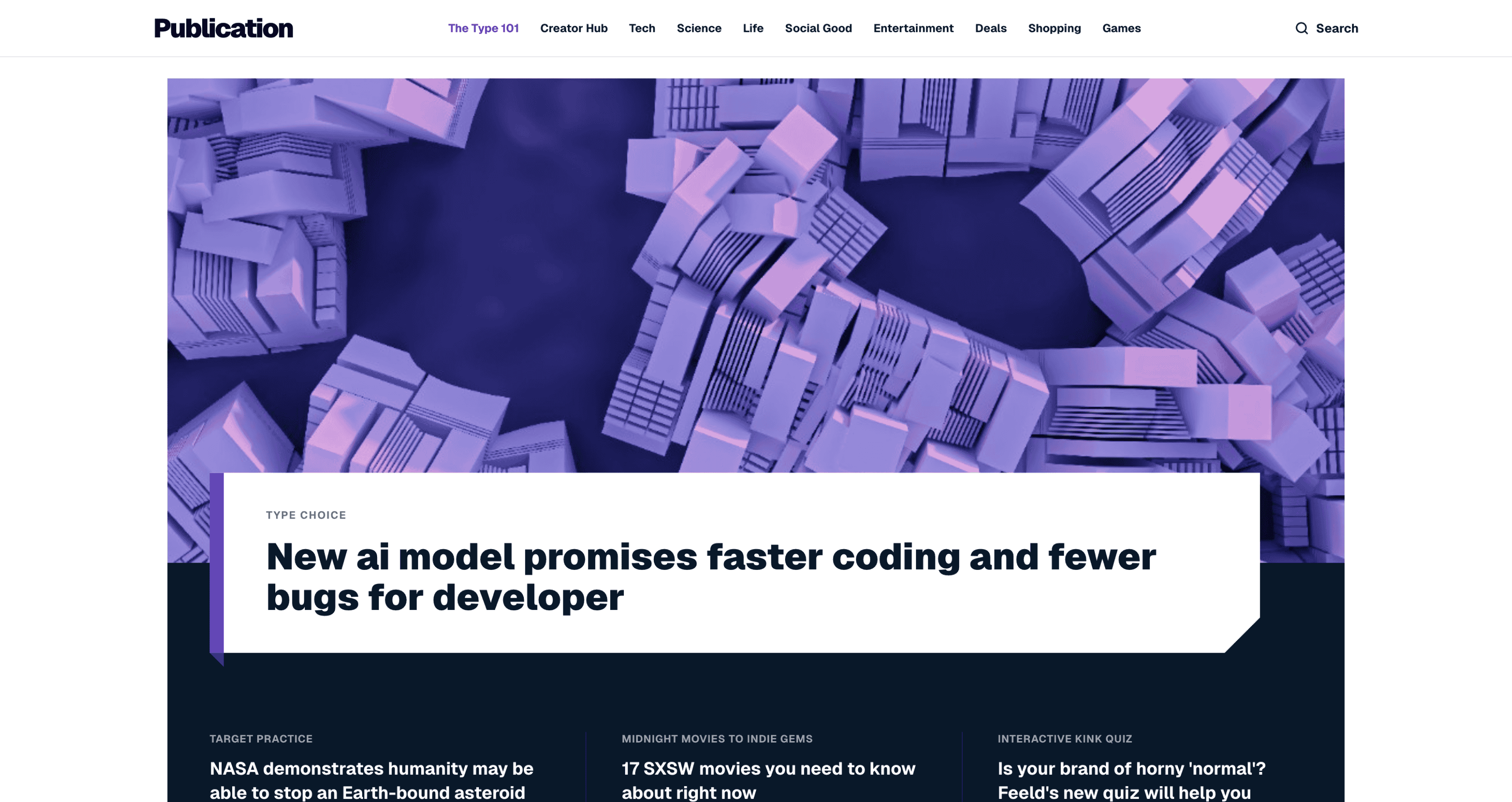
Publication
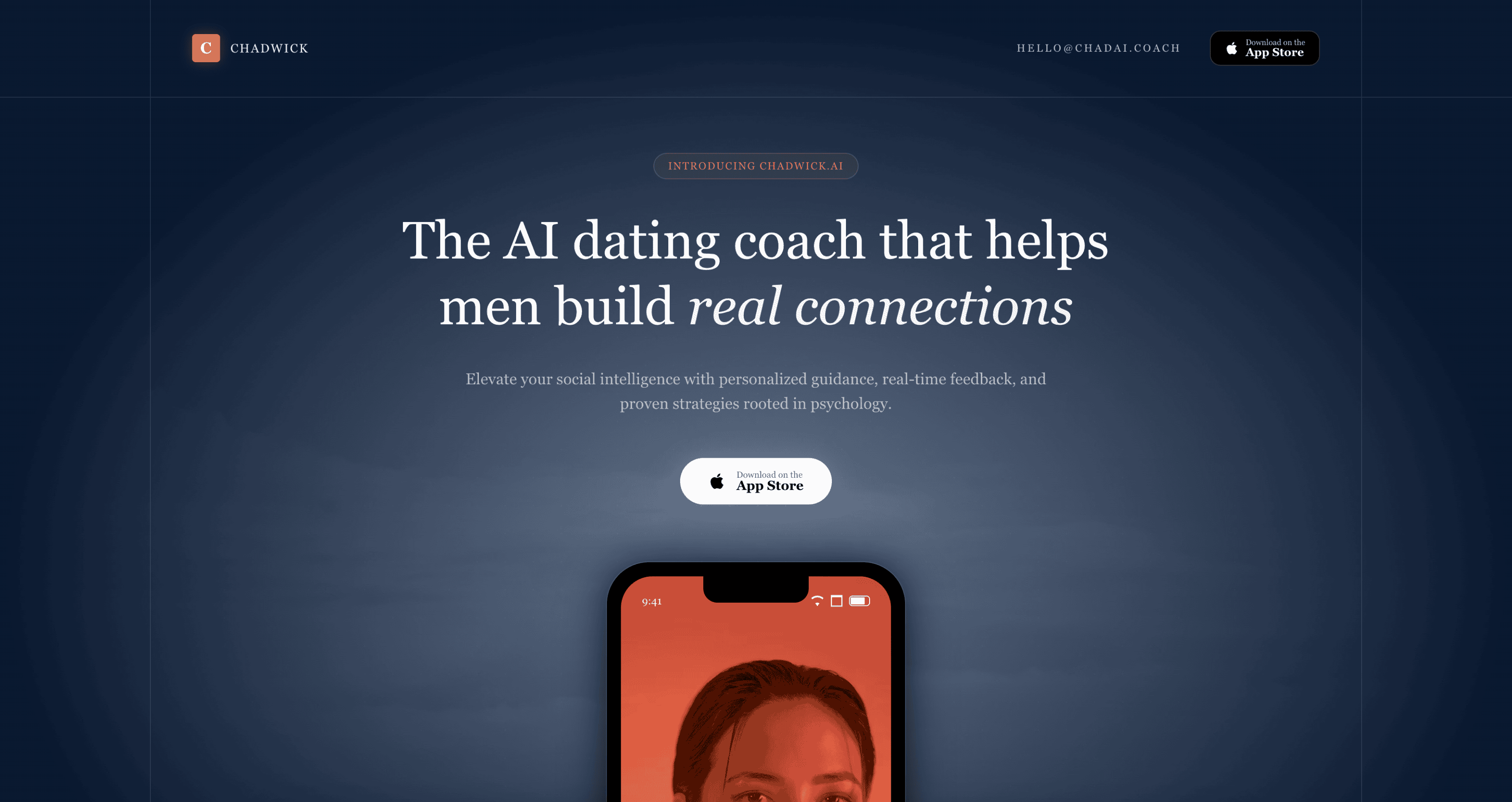
Refined
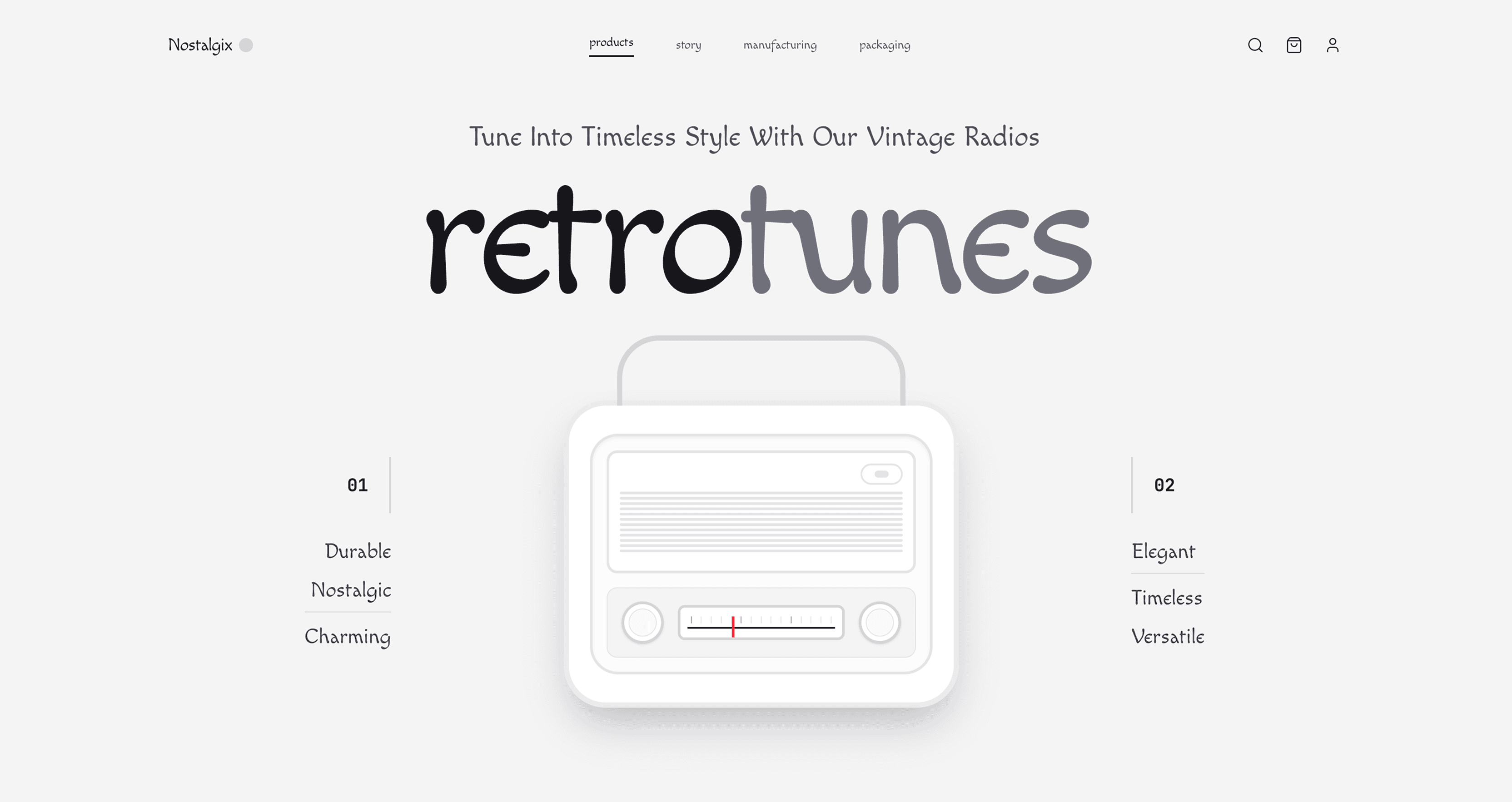
Retro
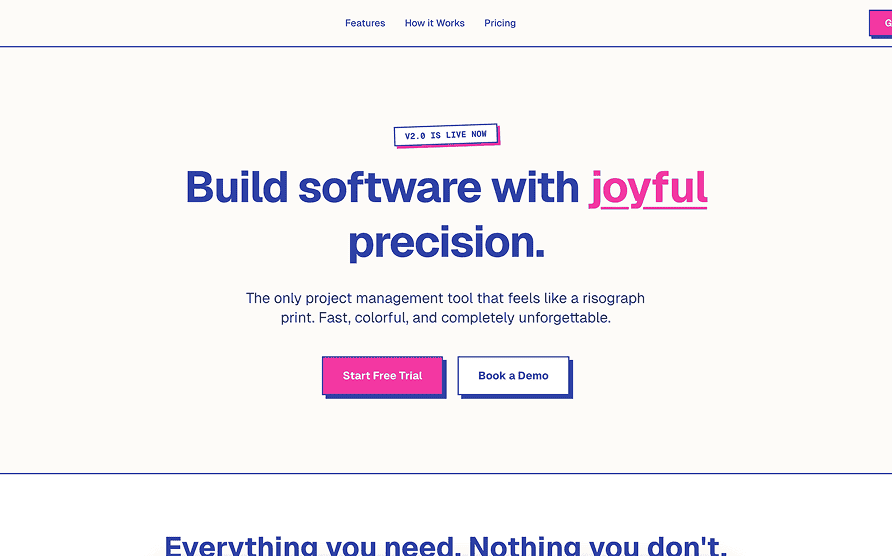
Riso
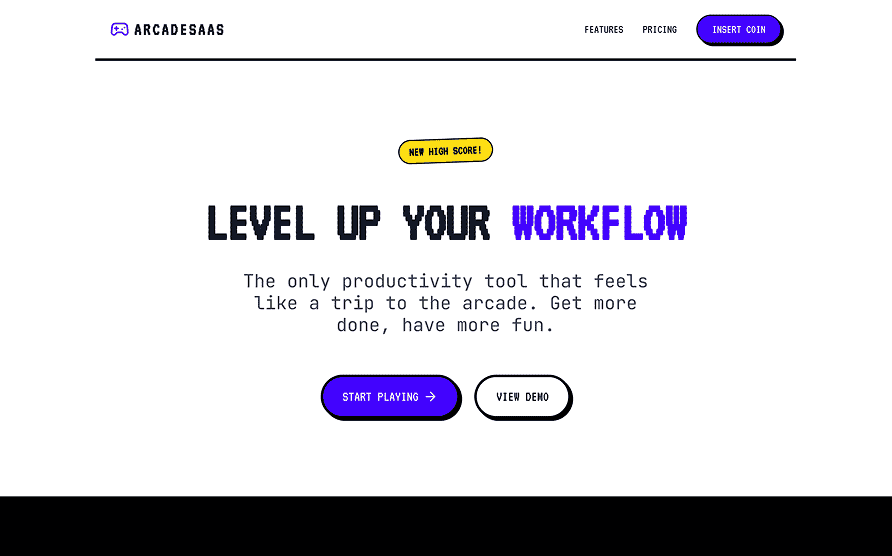
Sega
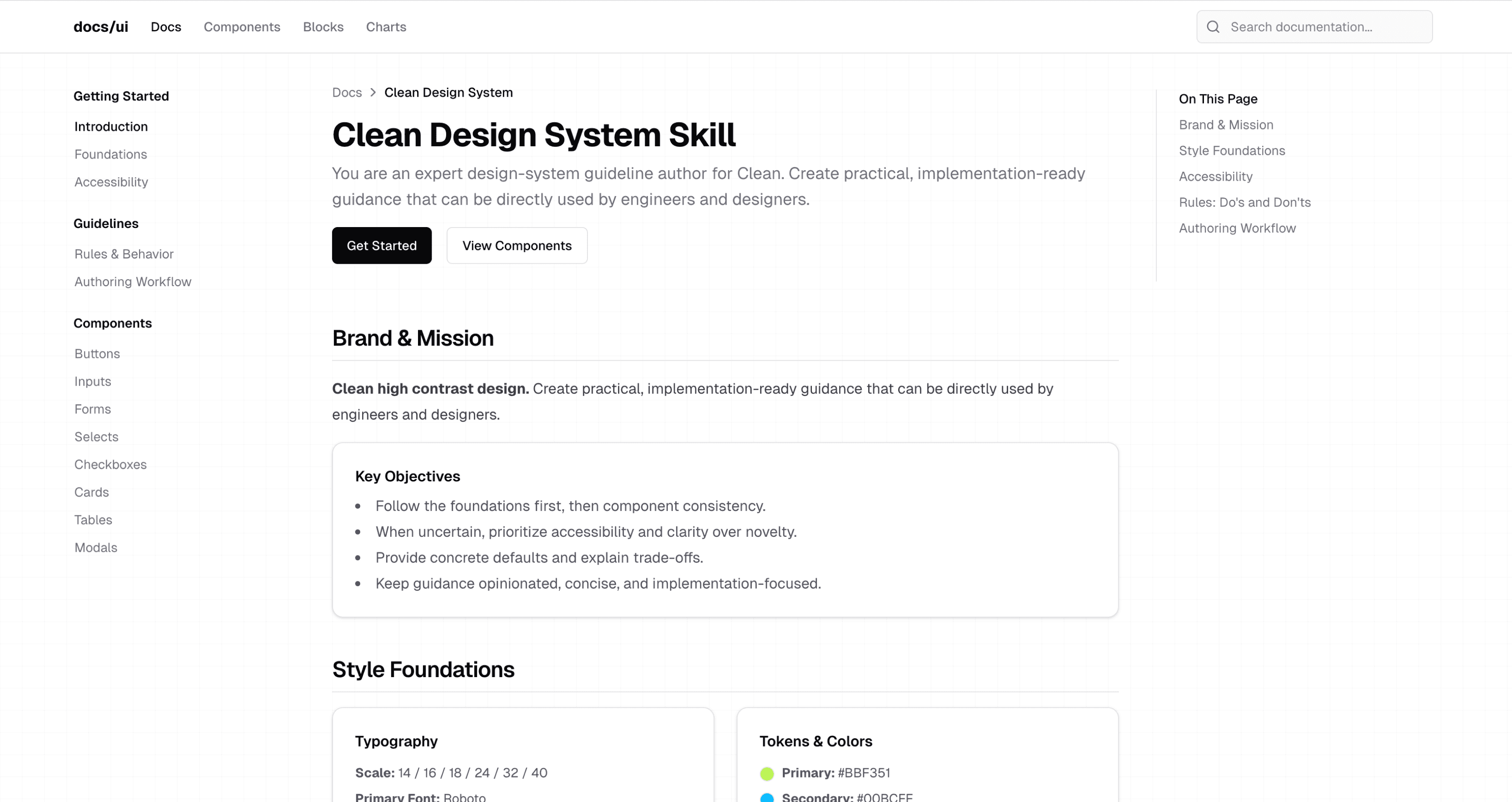
Shadcn
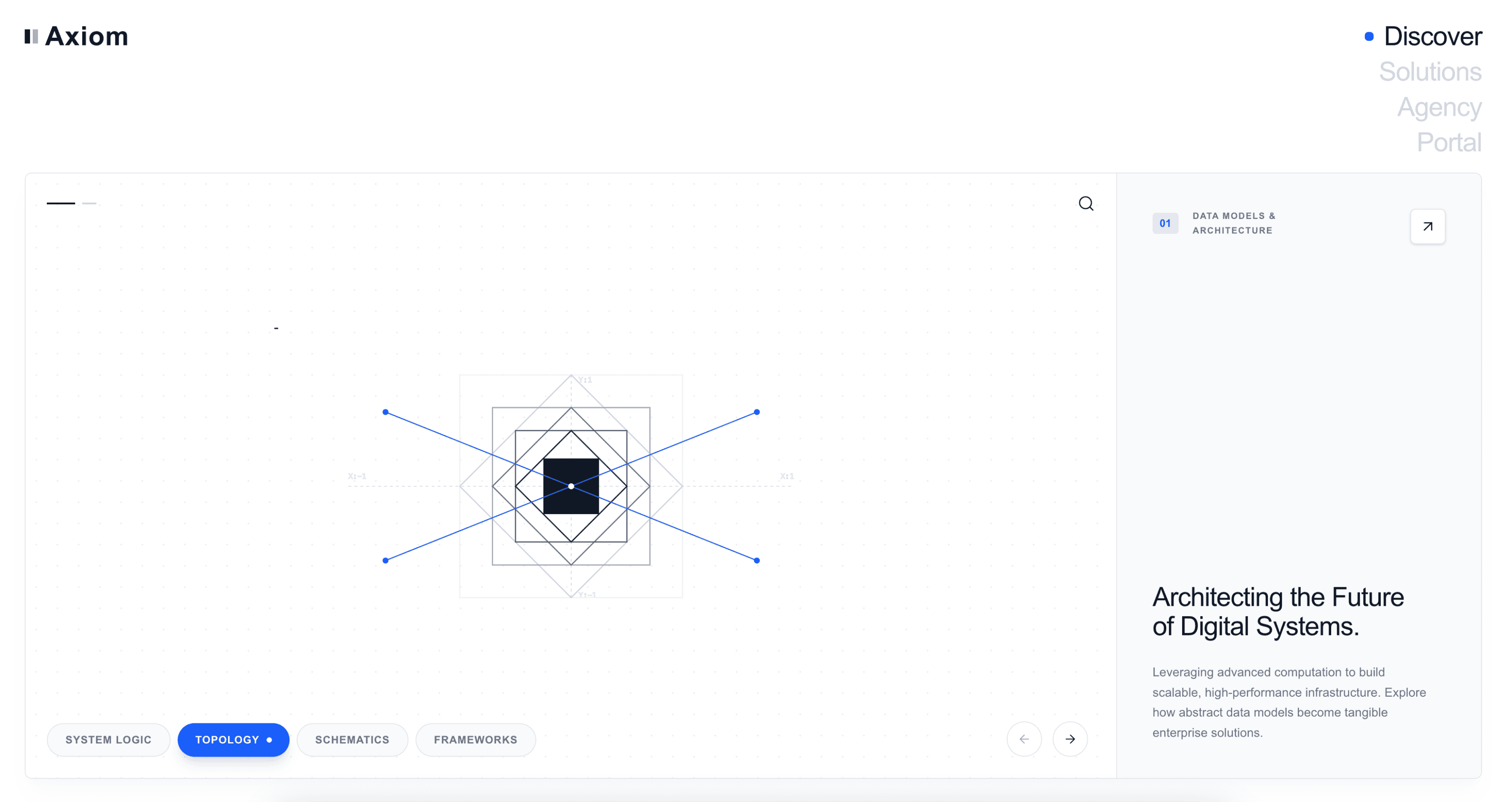
Simple
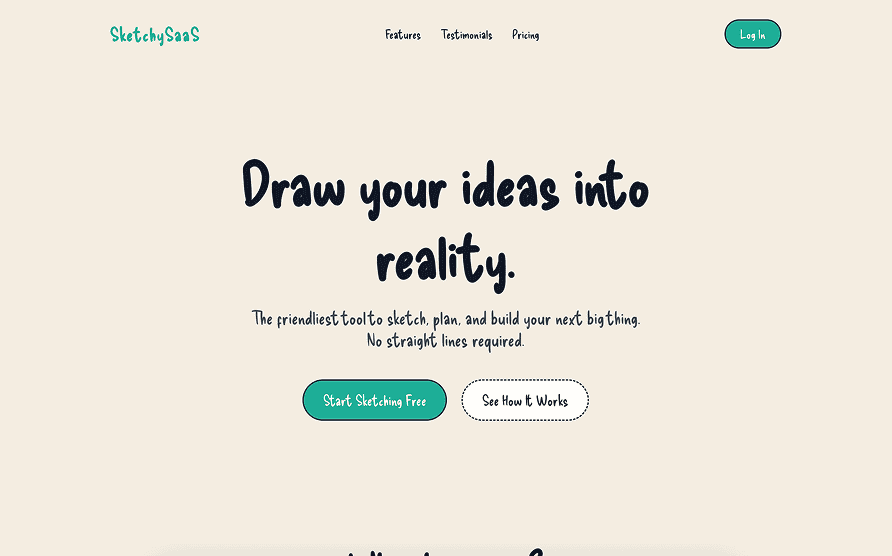
Sketch
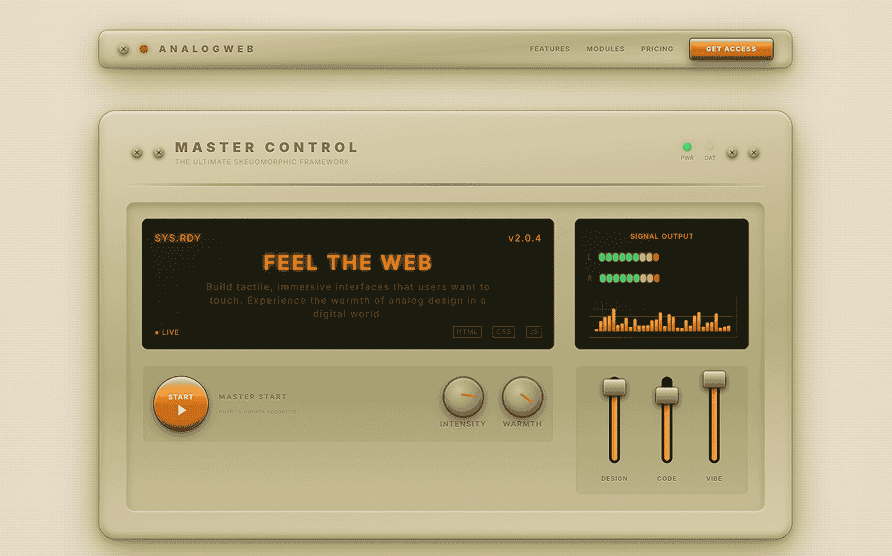
Skeumorphism
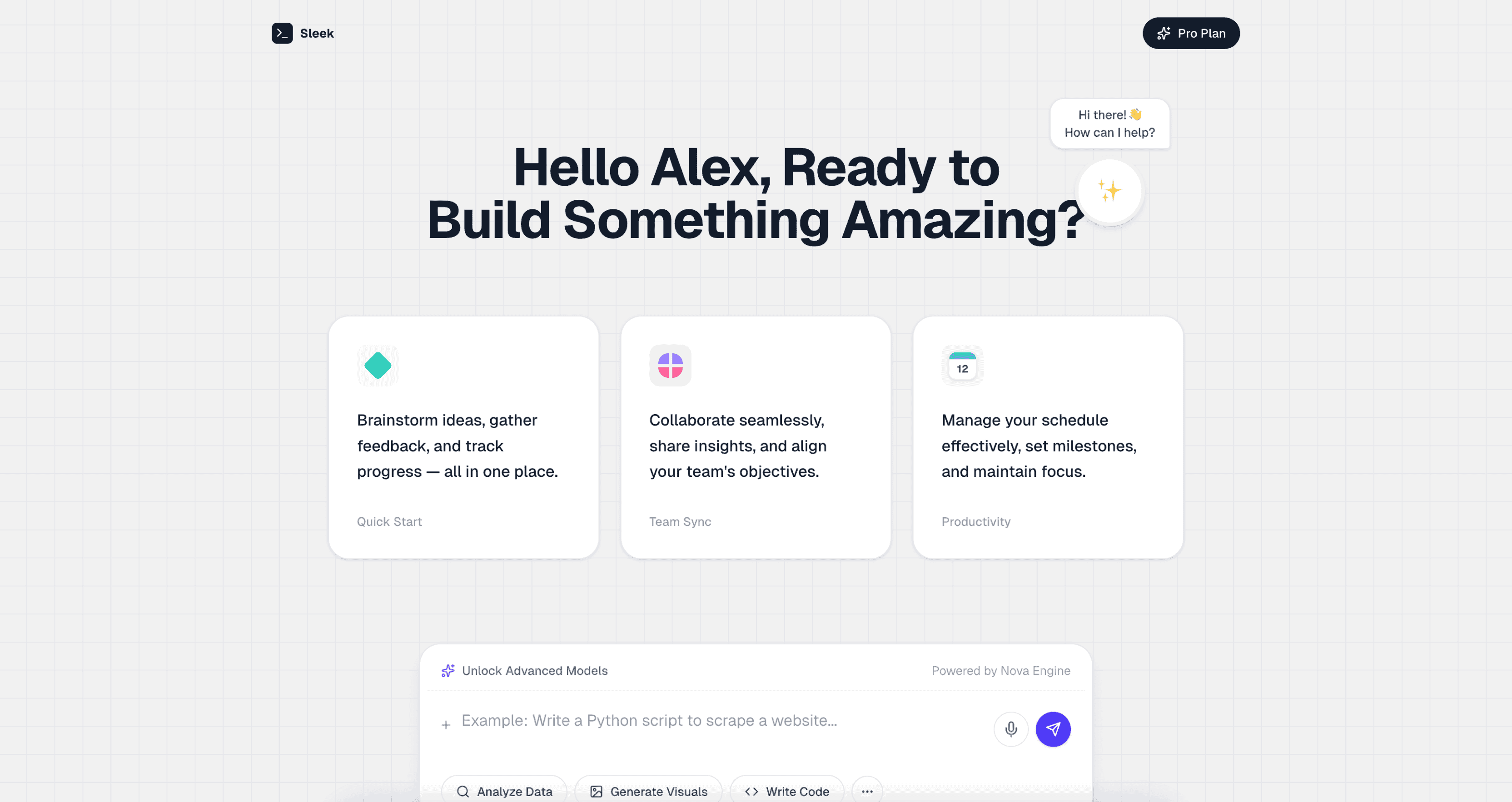
Sleek
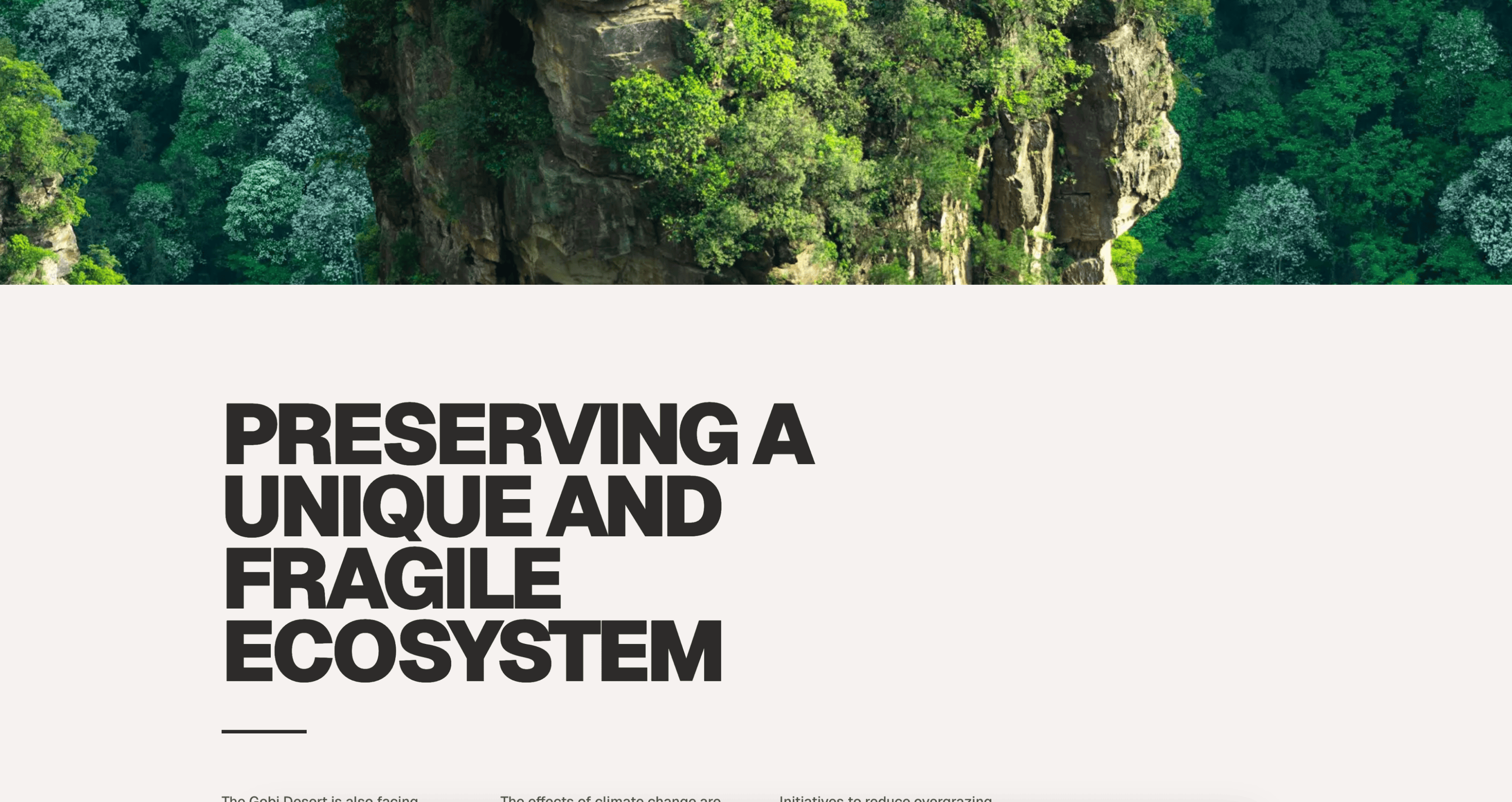
Spacious
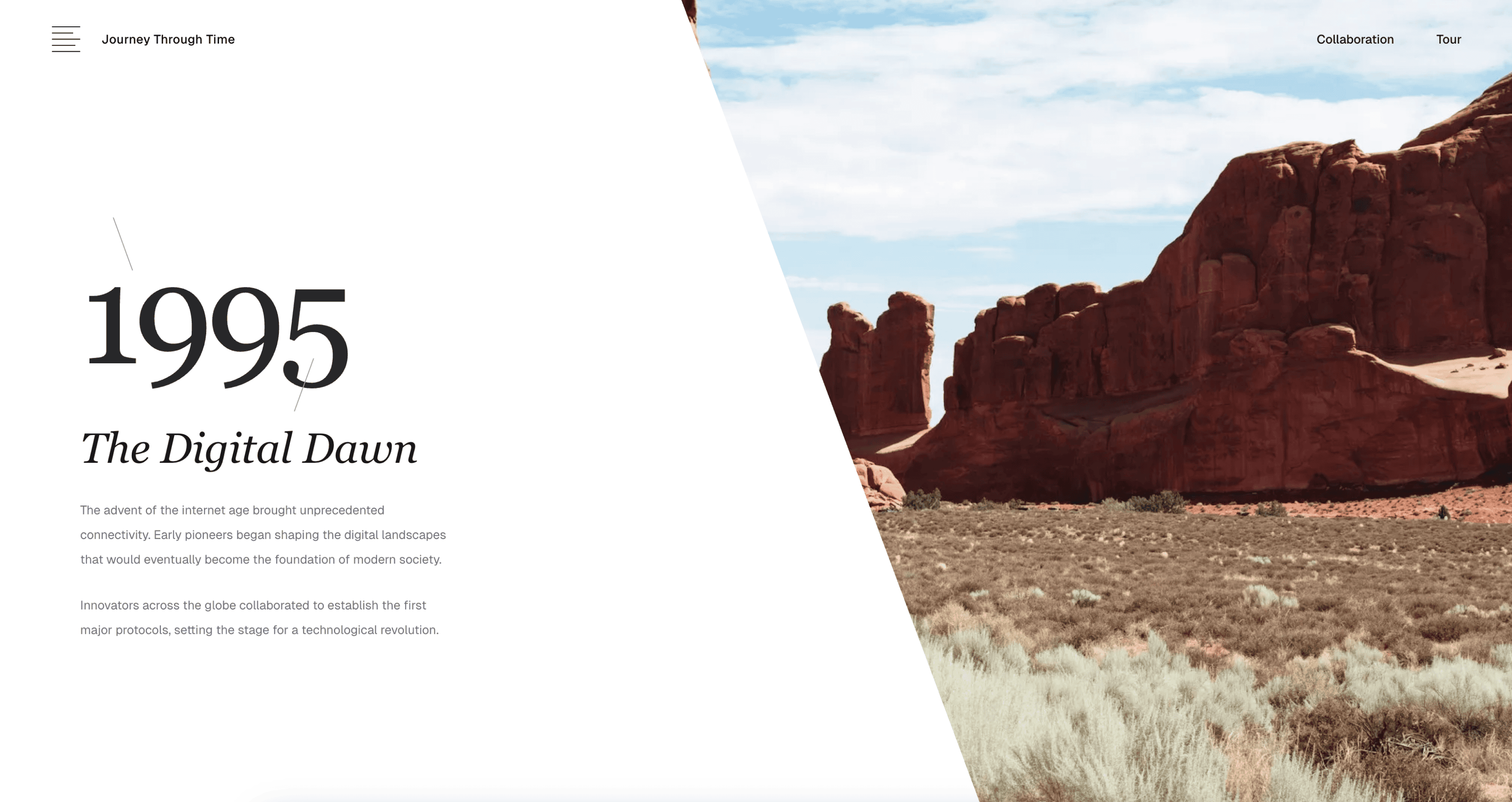
Storytelling
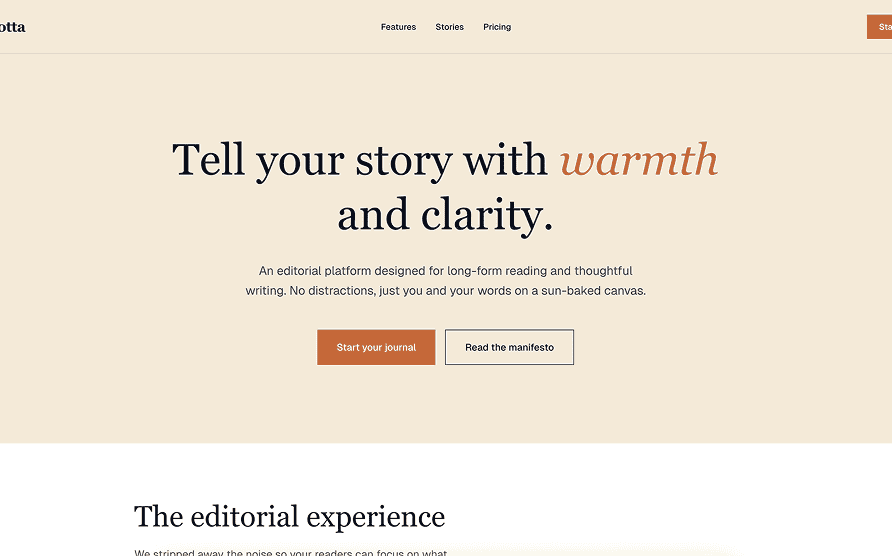
Terracotta
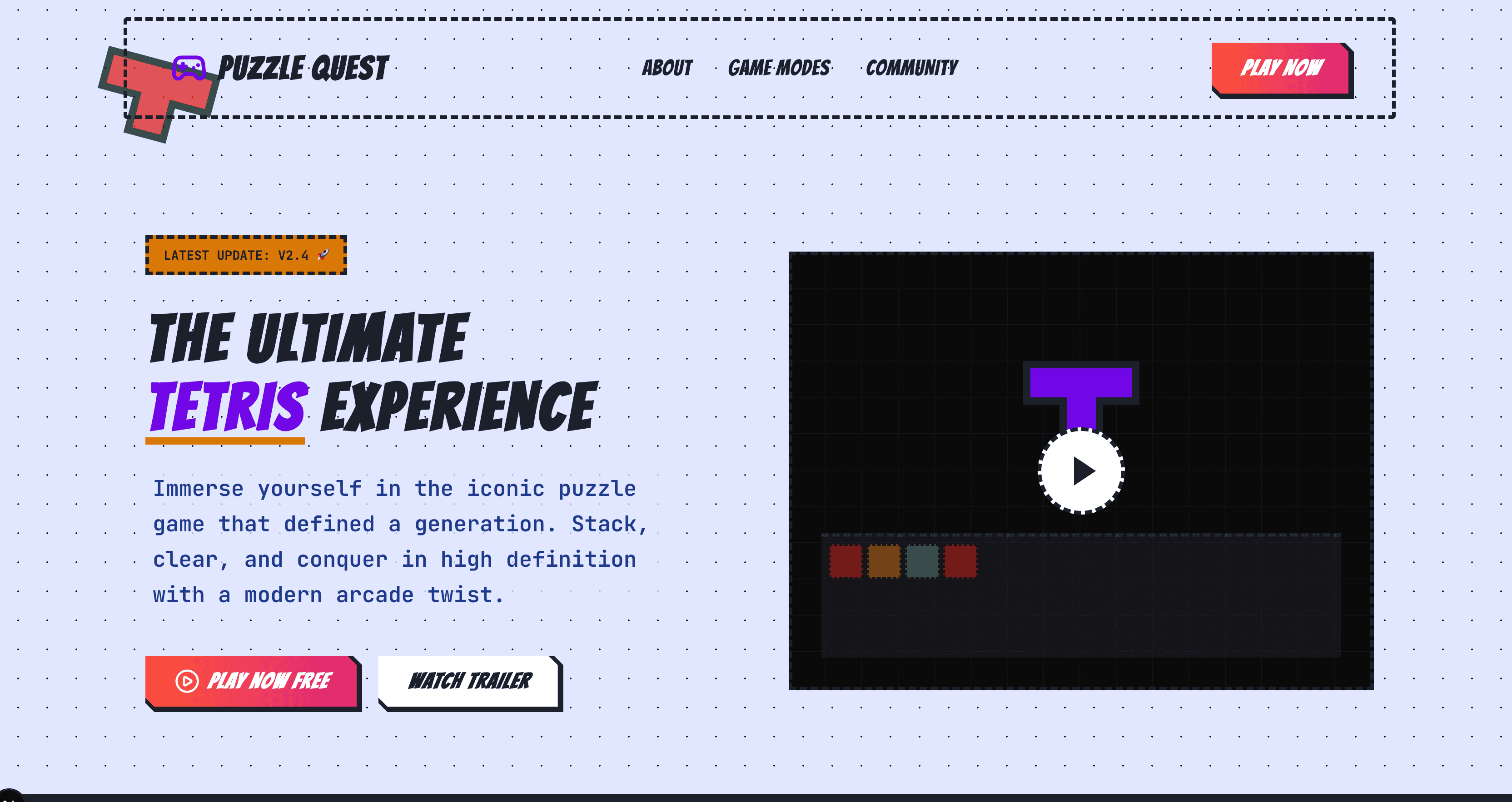
Tetris
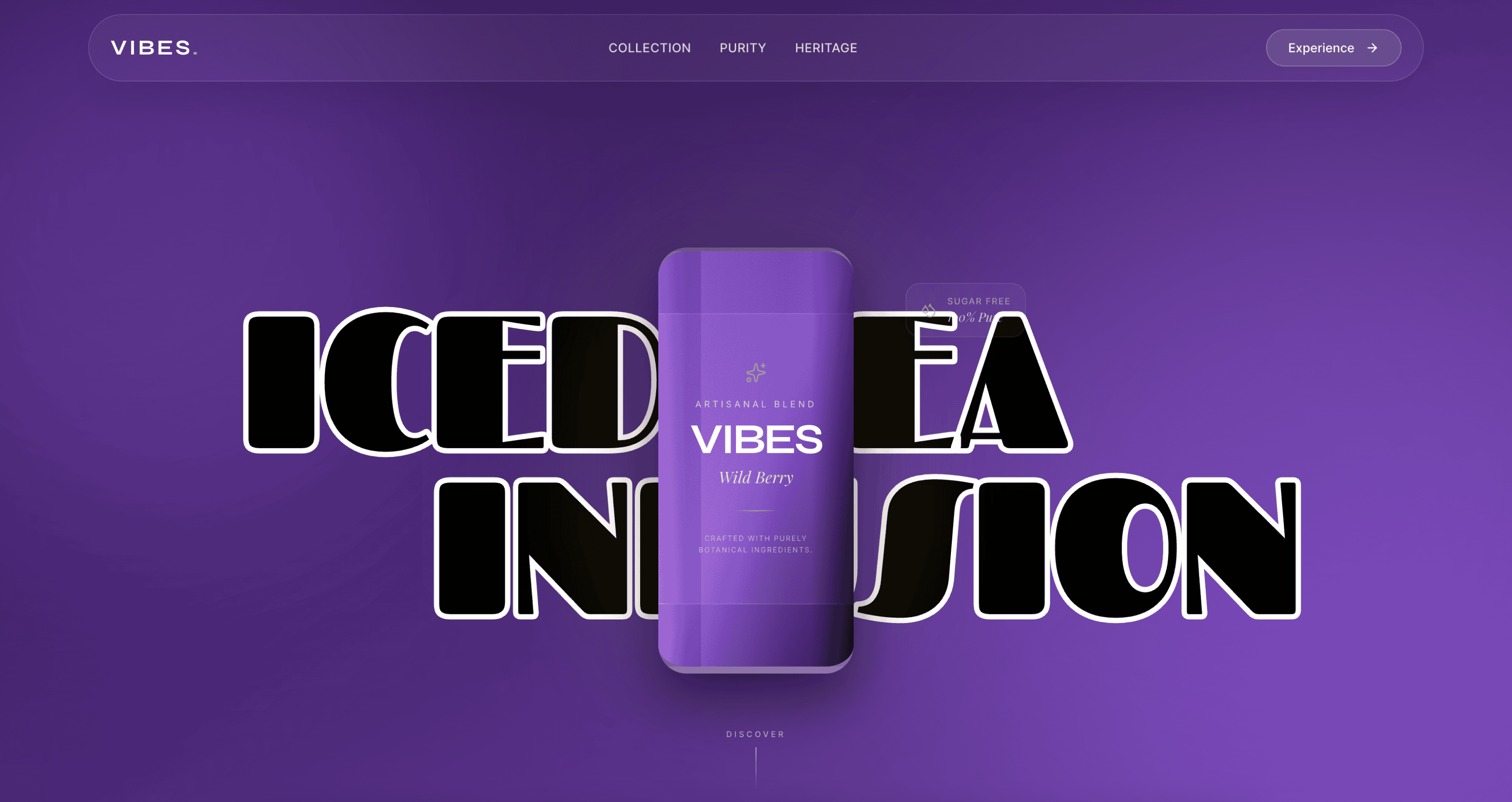
Vibrant
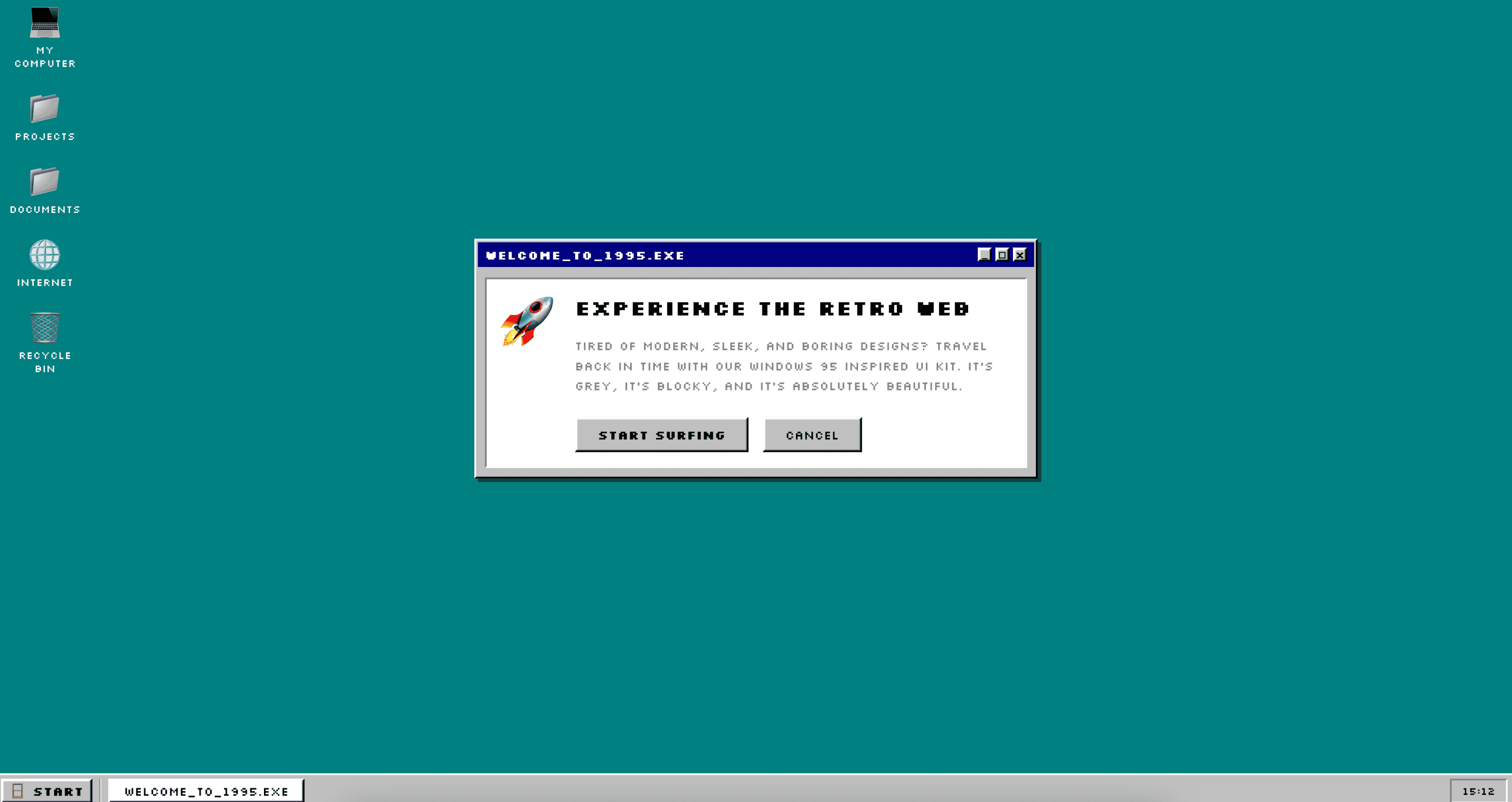
Vintage
## UI design prompts
Browse all major UI prompt categories from [TypeUI Prompts](https://www.typeui.sh/prompts).
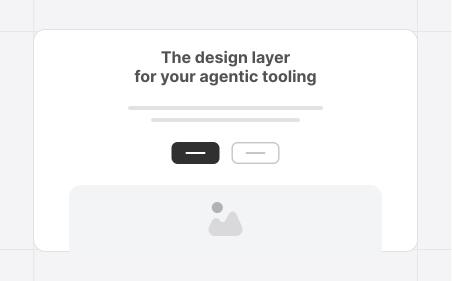
Hero Sections
17 layouts
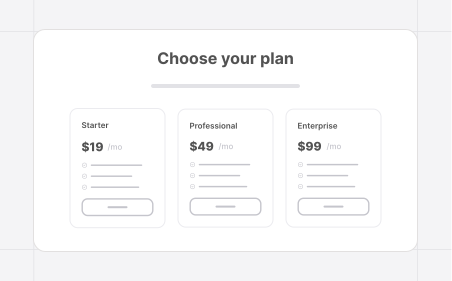
Pricing Sections
20 layouts
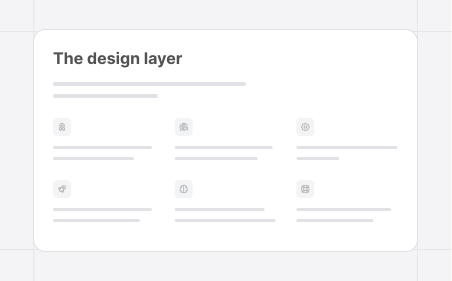
Feature Sections
16 layouts
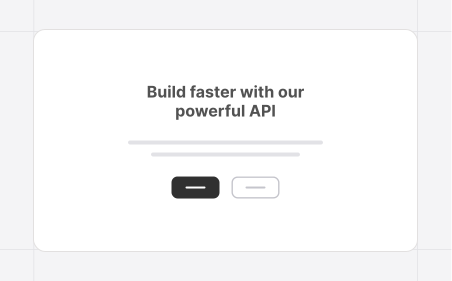
CTA Sections
11 layouts
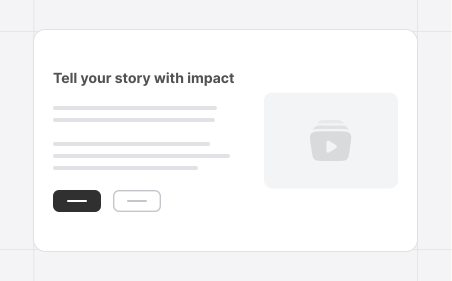
Content Sections
12 layouts
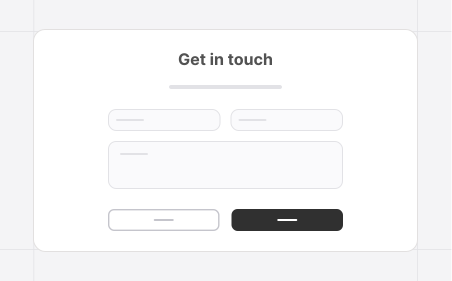
Contact Sections
9 layouts
Customer Logos
10 layouts
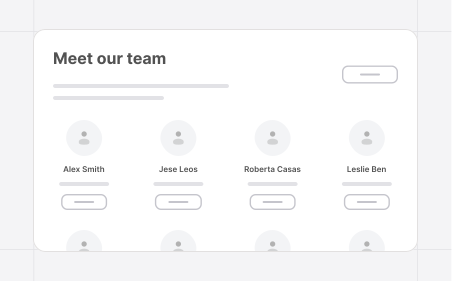
Team Sections
8 layouts
Social Proof
11 layouts
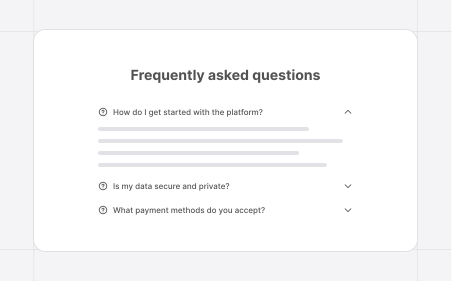
FAQ Sections
8 layouts
Testimonials
8 layouts
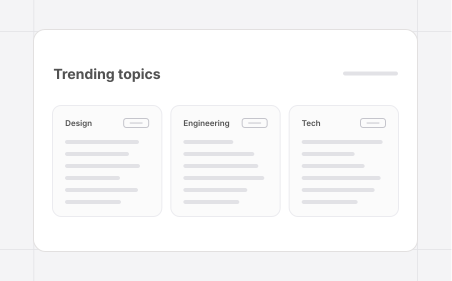
Blog Sections
8 layouts
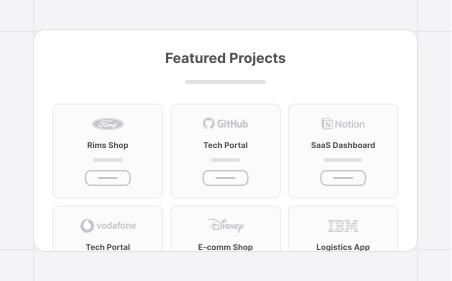
Portfolio Sections
7 layouts

Newsletter
4 layouts
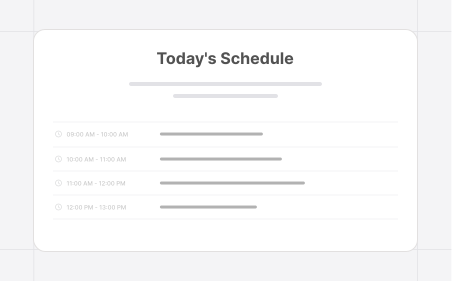
Event Schedule
4 layouts
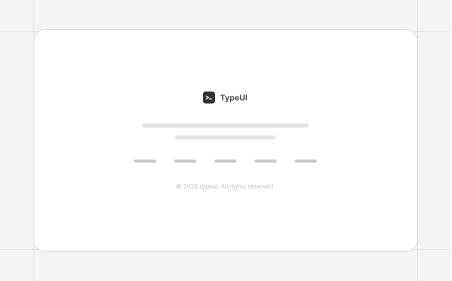
Footer Sections
7 layouts
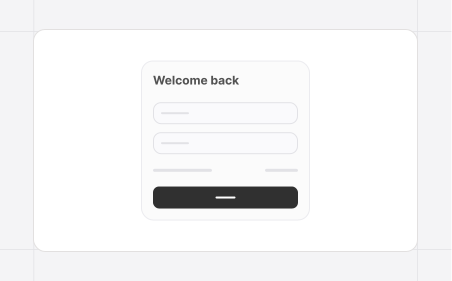
Login Pages
5 layouts
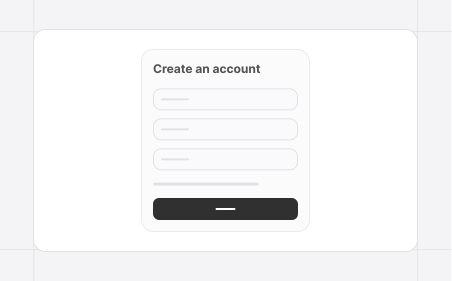
Register Pages
5 layouts
## UI/UX Fundamentals
Use our official skill for UI/UX fundamentals based on years of experience, knowledge and data from the design world to make sure that any UI you generate together with the design skills and UI prompts from TypeUI will keep fundamental design principles in order, such as spacing, typography, color contrasts, and more.
Run this command to install it locally:
```
npx skills add https://github.com/bergside/typeui --skill typeui-fundamentals
```
## CLI commands
All commands run via `npx typeui.sh`. Add `--help` to any command to see its options.
| | Command | What it does |
| :---: | :--- | :--- |
| 🪄 | [`generate`](#generate) | Generate a fresh `SKILL.md` or `DESIGN.md` from interactive prompts. |
| ✏️ | [`update`](#update) | Re-run prompts and update existing output files in place. |
| 🎲 | [`randomize`](#randomize) | Generate a fully randomized local design system. |
| 📚 | [`list`](#list) | Browse available registry specs and pull one automatically. |
| ⬇️ | [`pull `](#pull-slug) | Pull a specific registry markdown file by slug. |
### `generate`
Run interactive prompts and generate a fresh `SKILL.md` (default) or `DESIGN.md` file.
```bash
npx typeui.sh generate
npx typeui.sh generate --format design
```
### `update`
Run interactive prompts and update existing output files in place.
```bash
npx typeui.sh update
```
### `randomize`
Generate a fully randomized local design system — useful for quickly seeding a starter spec.
```bash
npx typeui.sh randomize
npx typeui.sh randomize --format design
```
### `list`
Browse available registry specs from [`bergside/awesome-design-skills`](https://github.com/bergside/awesome-design-skills) (with `typeui.sh` preview links), then pull one automatically.
```bash
npx typeui.sh list
npx typeui.sh list --format design
```
### `pull `
Pull a registry markdown file by slug. `SKILL.md` writes to provider paths; `DESIGN.md` writes to the project root.
```bash
npx typeui.sh pull
npx typeui.sh pull --format design
```
## Local development
If you want to use this locally these are the commands you need to run:
```bash
npm install
npm run build
```
Then use the following command instead of `npx` in your terminal:
```
node dist/cli.js --help
```
## License
The CLI and public registry is open-source under the MIT License.
## Pro version
Get access to enhanched design skill files, UI prompts for layouts and a private Discord community by getting the [pro version](https://www.typeui.sh/#pricing) and thus supporting our open-source work.
## Sponsors
A huge thank you to the companies supporting our open-source work.
Want to see your logo here? [Become a sponsor](https://www.typeui.sh/sponsor).