https://github.com/bertolinimarco/vscode-theme-newton-next
🍎➕ Next version of the low eyestrain syntax theme. Again, apple not included.
https://github.com/bertolinimarco/vscode-theme-newton-next
syntax-highlighting visual-studio-code-theme vscode-theme
Last synced: 4 months ago
JSON representation
🍎➕ Next version of the low eyestrain syntax theme. Again, apple not included.
- Host: GitHub
- URL: https://github.com/bertolinimarco/vscode-theme-newton-next
- Owner: bertolinimarco
- Created: 2020-04-07T07:04:49.000Z (about 6 years ago)
- Default Branch: master
- Last Pushed: 2021-04-12T06:22:51.000Z (about 5 years ago)
- Last Synced: 2025-10-20T21:26:56.277Z (8 months ago)
- Topics: syntax-highlighting, visual-studio-code-theme, vscode-theme
- Homepage:
- Size: 1.98 MB
- Stars: 5
- Watchers: 1
- Forks: 1
- Open Issues: 0
-
Metadata Files:
- Readme: README.md
- Changelog: CHANGELOG.md
Awesome Lists containing this project
README
# Newton Next for VS Code
[](null)
Also available on [OpenVSX](https://open-vsx.org/extension/devberto/theme-newton-next)
## Why
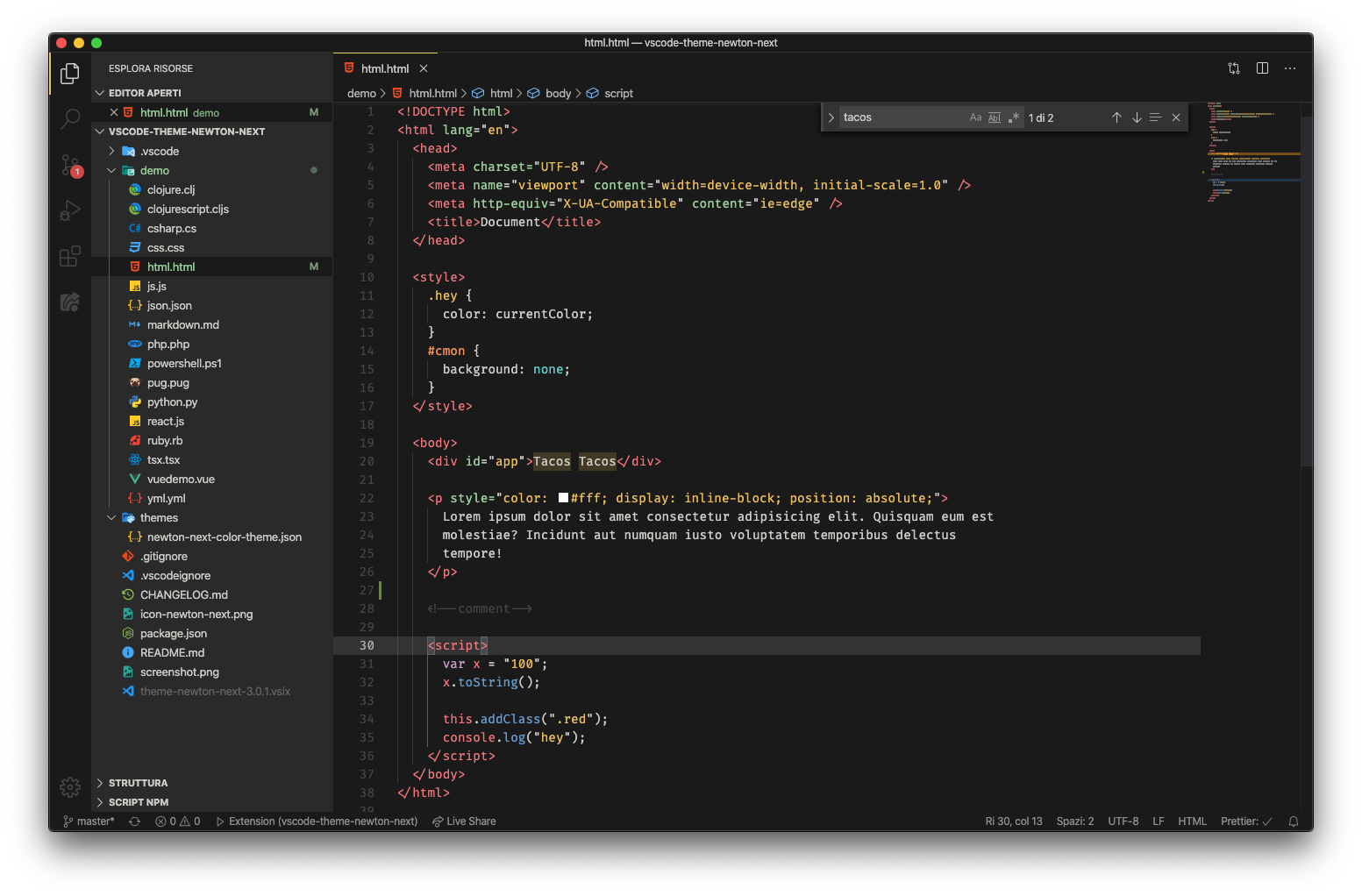
Most of the standard IDE/Editors themes are not easy on my eye, or they're too distracting, semantic, etc.
So, Newton.
Now in an updated version.
## How
1. Go to `Extensions`
2. Search for `Newton Next`
3. Install + Reload VSC
4. Ctrl+Shift+P > Theme > Newton Next
5. Enjoy!