https://github.com/bezzad/pdfiumviewer
PDF viewer based on Google's PDFium port to .Net Core.
https://github.com/bezzad/pdfiumviewer
chrome-pdf dotnet-core google-pdf-viewer pdf-viewer pdfium wpf-controls
Last synced: about 1 year ago
JSON representation
PDF viewer based on Google's PDFium port to .Net Core.
- Host: GitHub
- URL: https://github.com/bezzad/pdfiumviewer
- Owner: bezzad
- License: apache-2.0
- Created: 2020-06-02T16:30:30.000Z (about 6 years ago)
- Default Branch: master
- Last Pushed: 2024-06-10T08:14:43.000Z (about 2 years ago)
- Last Synced: 2025-03-29T11:06:46.901Z (about 1 year ago)
- Topics: chrome-pdf, dotnet-core, google-pdf-viewer, pdf-viewer, pdfium, wpf-controls
- Language: C#
- Size: 1.59 MB
- Stars: 142
- Watchers: 6
- Forks: 50
- Open Issues: 17
-
Metadata Files:
- Readme: README.md
- License: LICENSE
Awesome Lists containing this project
README
[](https://www.nuget.org/packages/PdfiumViewer.WPF)
[](https://www.nuget.org/packages/PdfiumViewer.WPF)
# PdfiumViewer
Apache 2.0 License.
> Note: this is a .Net Core WPF port of [PdfiumViewer](https://github.com/pvginkel/PdfiumViewer)
[Download from NuGet](http://nuget.org/packages/PdfiumViewer.WPF).
[Download Portabl PdfiumViewer WPF Demo](https://drive.google.com/file/d/1Y-KmnIeV1JKZDK6igNk0E8-OqoeziDlw/view?usp=sharing)
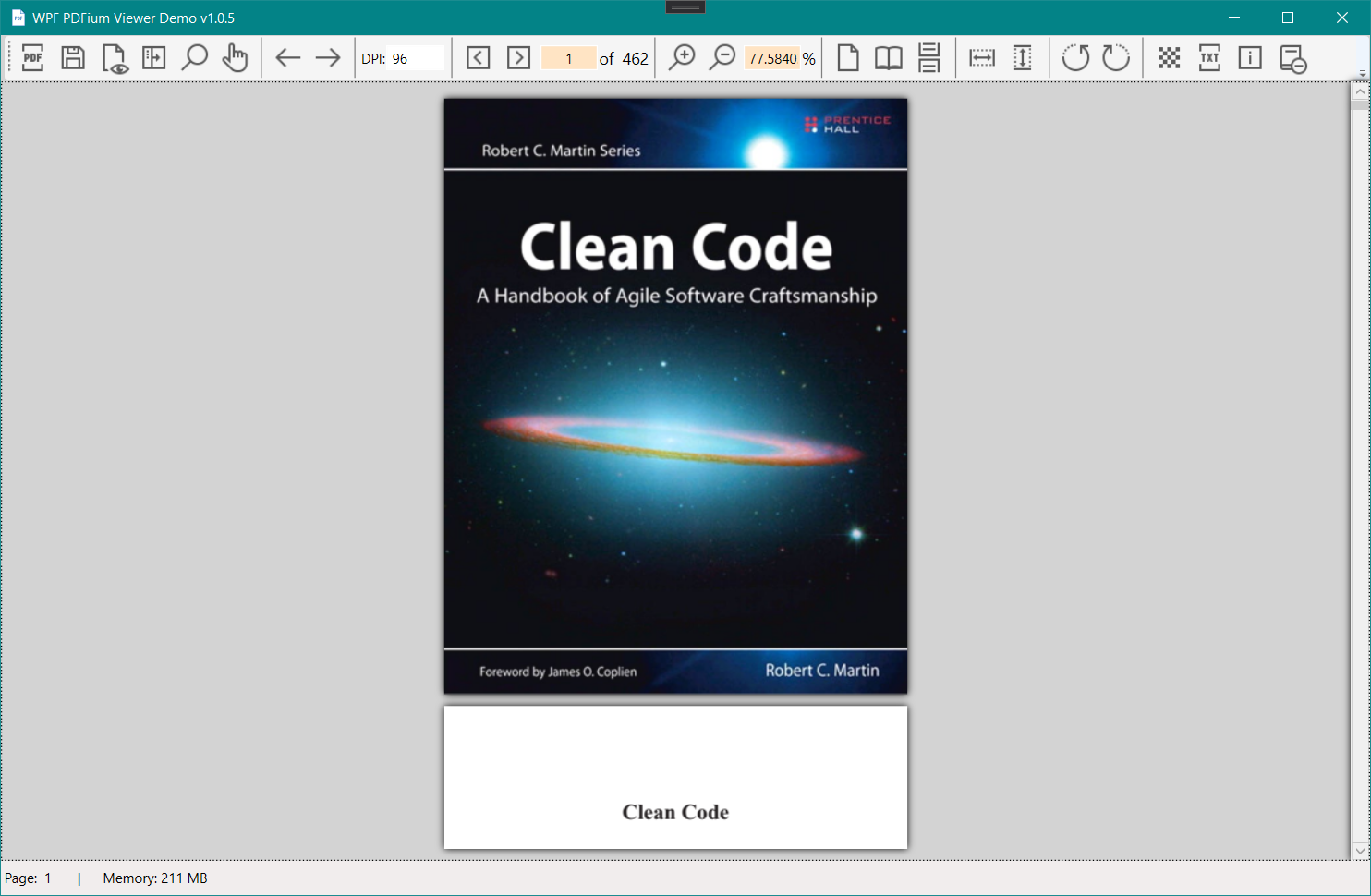
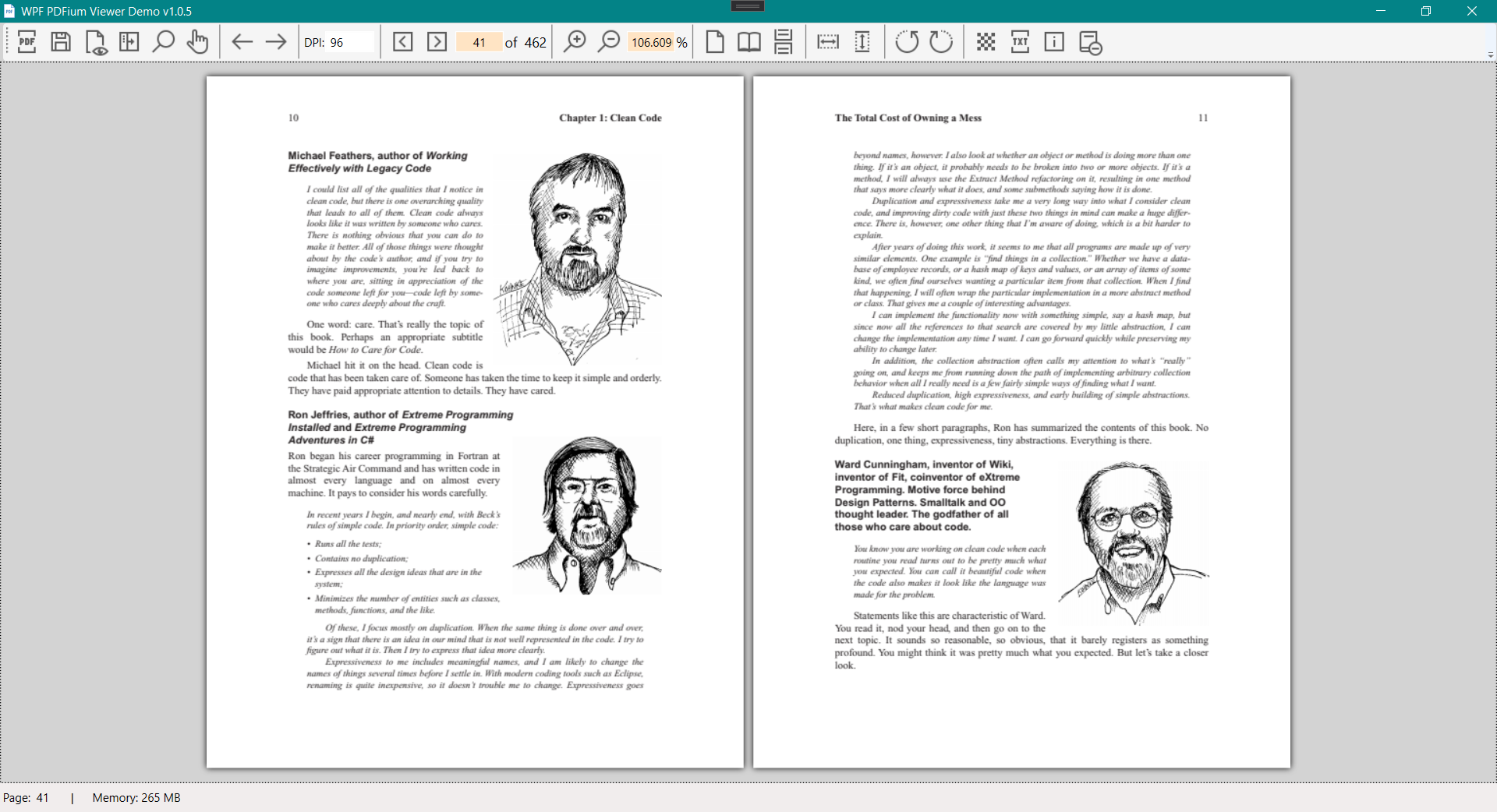
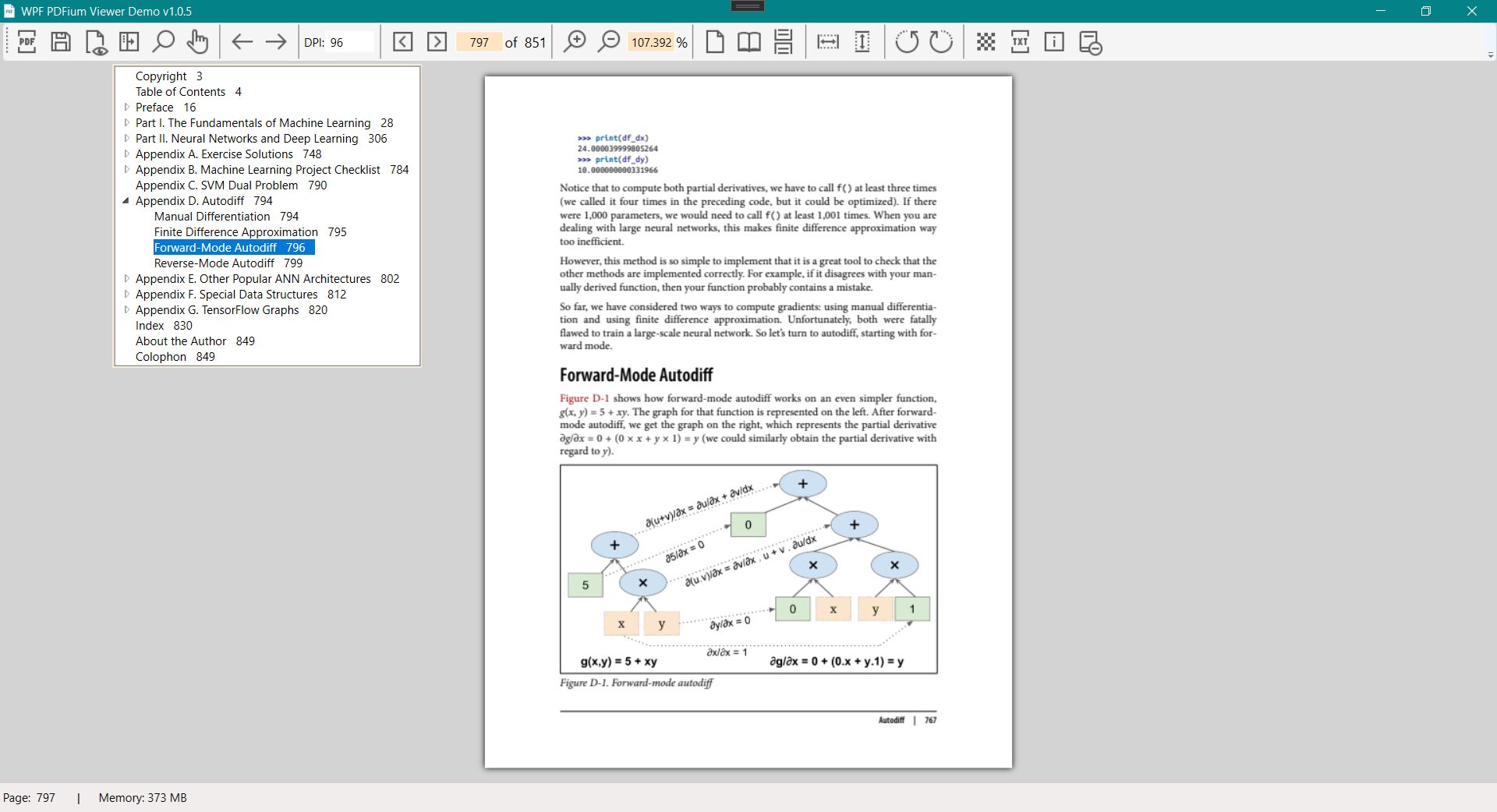
## Introduction
PdfiumViewer is a PDF viewer based on the PDFium project.
PdfiumViewer provides a number of components to work with PDF files:
* PdfDocument is the base class used to render PDF documents;
* PdfRenderer is a WPF control that can render a PdfDocument;
> Note: If you want to use that in WinForms, please use the main project from [PdfiumViewer WinForm](https://github.com/pvginkel/PdfiumViewer)
## Compatibility
The PdfiumViewer library has been tested with Windows XP and Windows 8, and
is fully compatible with both. However, the native PDFium libraries with V8
support do not support Windows XP. See below for instructions on how to
reference the native libraries.
## Using the library
The PdfiumViewer control requires native PDFium libraries. These are not included
in the PdfiumViewer NuGet package. See the [Installation instructions](https://github.com/pvginkel/PdfiumViewer/wiki/Installation-instructions)
Wiki page for more information on how to add these.
## Note on the `PdfViewer` control
The PdfiumViewer library primarily consists out of three components:
* The `PdfRenderer` control. This control implements the raw PDF renderer.
This control displays a PDF document, provides zooming and scrolling
functionality and exposes methods to perform more advanced actions;
* The `PdfDocument` class provides access to the PDF document and wraps
the Pdfium library.
## Building PDFium
Instructions to build the PDFium library can be found on the [Building PDFium](https://github.com/pvginkel/PdfiumViewer/wiki/Building-PDFium)
wiki page. However, if you are just looking to use the PdfiumViewer component
or looking for a compiled version of PDFium, these steps are not required.
NuGet packages with precompiled PDFium libraries are made available for
usage with PdfiumViewer. See the chapter on **Using the library** for more
information.
Alternatively, the [PdfiumBuild](https://github.com/pvginkel/PdfiumBuild) project
is provided to automate building PDFium. This project contains scripts to
build PdfiumViewer specific versions of the PDFium library. This project
is configured on a build server to compile PDFium daily. Please refer to
the [PdfiumBuild](https://github.com/pvginkel/PdfiumBuild) project page
for the location of the output of the build server. The PdfiumViewer specific
libraries are located in the `PdfiumViewer-...` target directories.
## Bugs
Bugs should be reported through github at [http://github.com/bezzad/PdfiumViewer/issues](http://github.com/bezzad/PdfiumViewer/issues).
## License
PdfiumViewer is licensed under the Apache 2.0 license. See the license details for how PDFium is licensed.