https://github.com/bieanimaton/text-detection
Machine Learning and Computer Vision project to text detection in image.
https://github.com/bieanimaton/text-detection
books detection machine-learning opencv python tesseract text text-detection
Last synced: about 1 month ago
JSON representation
Machine Learning and Computer Vision project to text detection in image.
- Host: GitHub
- URL: https://github.com/bieanimaton/text-detection
- Owner: BieAnimaton
- Created: 2020-11-04T22:29:54.000Z (over 5 years ago)
- Default Branch: main
- Last Pushed: 2020-11-04T23:09:49.000Z (over 5 years ago)
- Last Synced: 2025-09-08T14:48:35.088Z (10 months ago)
- Topics: books, detection, machine-learning, opencv, python, tesseract, text, text-detection
- Language: Python
- Homepage:
- Size: 587 KB
- Stars: 1
- Watchers: 1
- Forks: 0
- Open Issues: 0
-
Metadata Files:
- Readme: README.md
Awesome Lists containing this project
README
# Text-Detection-M.L
This is a project about Machine Learning and Computer Vision using OpenCV and Tesseract to text detection in image.
## Image
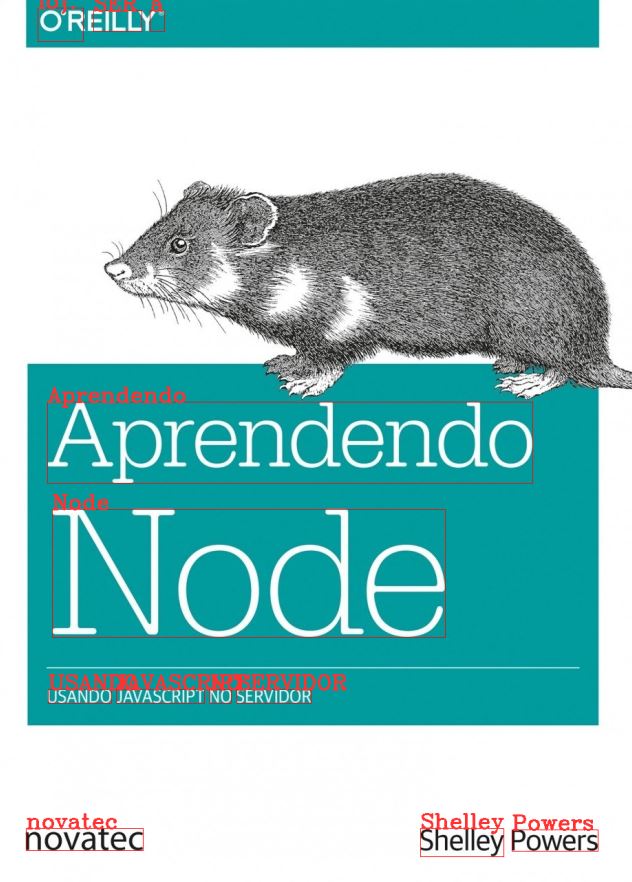
- General text detection
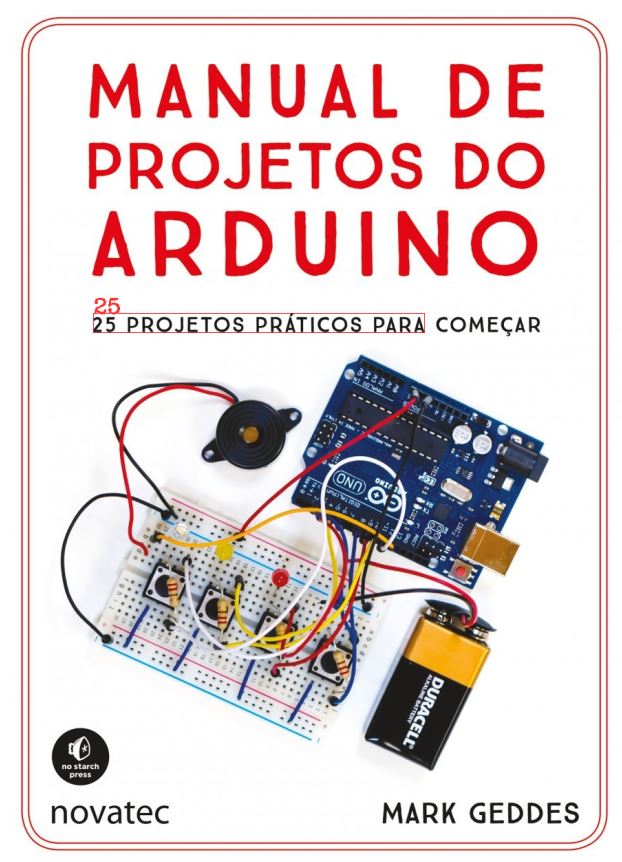
- General numbers detection
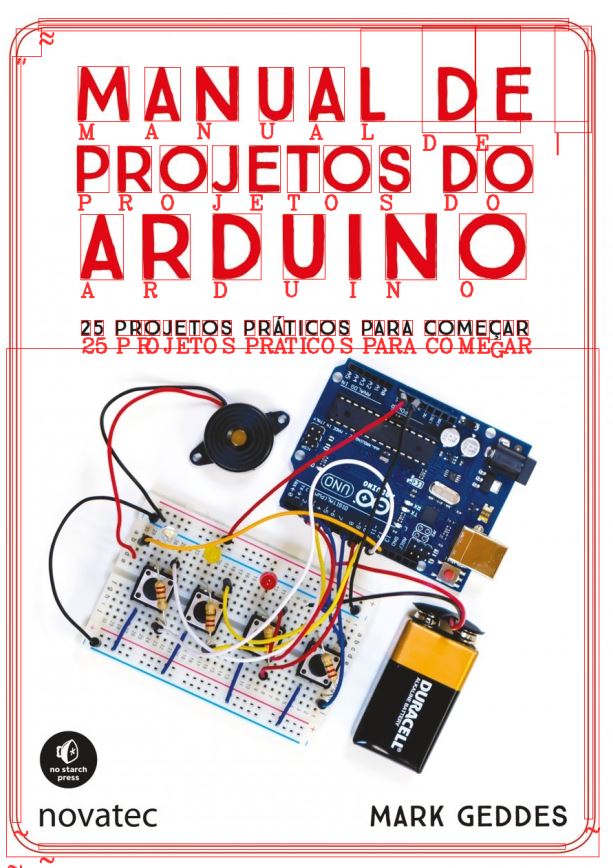
- Separed words and numbers detection
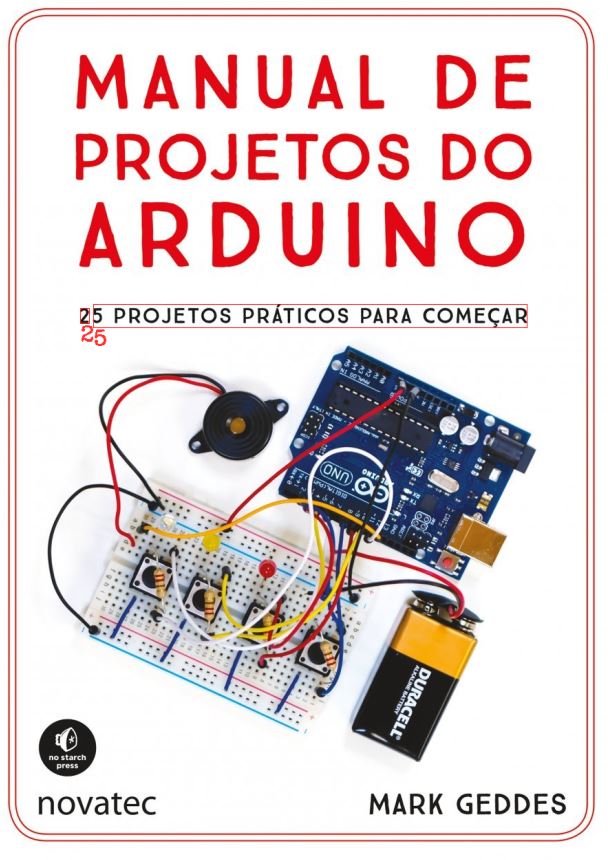
- Separed numbers detection
## How Install :bookmark_tabs:
```
# Create folder for store the files, like 'TextDetection'
# Clone the project
git clone https://github.com/BieAnimaton/Text-Detection-M.L
# Install the dependencies
pip install pytesseract or install from IDE (PyCharm for example).
install Tesseract for Windows (i was created this project on Windows Machine. If u use Ubuntu or Mac,
need search other tutorial).
After install Tesseract, locate the installation folder.
Confirm if 'C:\\Users\\User\\AppData\\Local\\Tesseract-OCR\\tesseract.exe' is the same location.
Case not, change it.
# To start
python "general text detection.py"
or
python [others .py files]
# The project messages will appear on console
```
## Features :hammer_and_wrench:
- Python 3.7
- Tesseract -- Windows 10
- OpenCV