https://github.com/bigmistqke/solid-drei
🥉 useful helpers for solid-three
https://github.com/bigmistqke/solid-drei
drei react-three-fiber solid solid-js three three-js webgl webxr
Last synced: 9 months ago
JSON representation
🥉 useful helpers for solid-three
- Host: GitHub
- URL: https://github.com/bigmistqke/solid-drei
- Owner: bigmistqke
- License: other
- Created: 2023-07-19T17:54:15.000Z (almost 3 years ago)
- Default Branch: solid-drei
- Last Pushed: 2025-09-16T09:57:49.000Z (9 months ago)
- Last Synced: 2025-09-29T15:42:12.496Z (9 months ago)
- Topics: drei, react-three-fiber, solid, solid-js, three, three-js, webgl, webxr
- Language: JavaScript
- Homepage:
- Size: 25.4 MB
- Stars: 13
- Watchers: 0
- Forks: 3
- Open Issues: 2
-
Metadata Files:
- Readme: README.md
- Contributing: CONTRIBUTING.md
- License: LICENSE
- Code of conduct: CODE_OF_CONDUCT.md
Awesome Lists containing this project
README

[](https://www.npmjs.com/package/solid-drei)
[](https://www.npmjs.com/package/solid-drei)
[](https://discord.com/channels/740090768164651008/741751532592038022)
[](https://github.com/codespaces/new?template_repository=pmndrs%2Fdrei)
> `solid-drei`: This is a WIP port of [drei](https://github.com/pmndrs/drei). Not published yet.
A growing collection of useful helpers and fully functional, ready-made abstractions for [solid-three](https://github.com/solidjs-community/solid-three). If you make a component that is generic enough to be useful to others, think about [CONTRIBUTING](CONTRIBUTING.md)!
```bash
npm install solid-drei
```
:point_right: this package is using the stand-alone [`three-stdlib`](https://github.com/pmndrs/three-stdlib) instead of [`three/examples/jsm`](https://github.com/mrdoob/three.js/tree/master/examples/jsm). :point_left:
### Basic usage:
```jsx
import { PerspectiveCamera, PositionalAudio, ... } from 'solid-drei'
```
### Index
> `solid-three` all are ported, except `` and `useContextBridge`. checked equals tested with storybook.
- Cameras
- - [x] PerspectiveCamera
- - [x] OrthographicCamera
- - [x] CubeCamera
- Controls
- - [x] CameraControls
- - [x] FlyControls
- - [x] MapControls
- - [x] DeviceOrientationControls
- - [x] TrackballControls
- - [x] ArcballControls
- - [x] PointerLockControls
- - [x] FirstPersonControls
- - [x] ScrollControls
- - [x] PresentationControls
- - [x] KeyboardControls
- - [ ] FaceControls
- Gizmos
- - [x] GizmoHelper
- - [x] PivotControls
- - [x] TransformControls
- - [x] Grid
- - [x] useHelper
- Abstractions
- - [x] Image
- - [x] Text
- - [x] Text3D
- - [x] PositionalAudio
- - [x] Billboard
- - [x] ScreenSpace
- - [ ] Effects
- - [ ] GradientTexture
- - [x] Edges
- - [x] Trail
- - [x] Sampler
- - [ ] Computed Attribute
- - [x] Clone
- - [x] useAnimations
- - [x] MarchingCubes
- - [x] Decal
- - [x] Svg
- - [x] Gltf
- - [x] AsciiRenderer
- Shaders
- - [x] MeshReflectorMaterial
- - [x] MeshWobbleMaterial
- - [x] MeshDistortMaterial
- - [x] MeshRefractionMaterial
- - [x] MeshTransmissionMaterial
- - [ ] MeshDiscardMaterial
- - [x] PointMaterial
- - [x] SoftShadows
- - [x] shaderMaterial
- Misc
- - [x] Example
- - [x] Html
- - [ ] CycleRaycast
- - [x] Select
- - [ ] Sprite Animator
- - [x] Stats
- - [x] StatsGl
- - [x] Wireframe
- - [ ] useDepthBuffer
- - [ ] useContextBridge
- - [x] useFBO
- - [x] useCamera
- - [x] useCubeCamera
- - [x] useDetectGPU
- - [x] useAspect
- - [x] useCursor
- - [x] useIntersect
- - [ ] useBoxProjectedEnv
- - [x] useTrail
- - [x] useSurfaceSampler
- - [ ] FaceLandmarker
- Loaders
- - [x] Loader
- - [x] useProgress
- - [x] useGLTF
- - [x] useFBX
- - [x] useTexture
- - [x] useKTX2
- - [x] useCubeTexture
- - [x] useVideoTexture
- - [x] useTrailTexture
- - [x] useFont
- Performance
- - [ ] Instances
- - [ ] Merged
- - [x] Points
- - [x] Segments
- - [x] Detailed
- - [ ] Preload
- - [ ] BakeShadows
- - [ ] meshBounds
- - [x] AdaptiveDpr
- - [ ] AdaptiveEvents
- - [ ] Bvh
- - [ ] PerformanceMonitor
- Portals
- - [x] Hud
- - [ ] View
- - [x] RenderTexture
- - [ ] Mask
- - [ ] MeshPortalMaterial
- Modifiers
- - [x] CurveModifier
- Shapes
- - [x] Plane
- - [x] Box
- - [x] Sphere
- - [x] Circle
- - [x] Cone
- - [x] Cylinder
- - [x] Tube
- - [x] Torus
- - [x] TorusKnot
- - [x] Ring
- - [x] Tetrahedron
- - [x] Polyhedron
- - [x] Icosahedron
- - [x] Octahedron
- - [x] Dodecahedron
- - [x] Extrude
- - [x] Lathe
- - [x] Shape
- - [x] RoundedBox
- - [x] Screenquad
- - [x] Line
- - [x] QuadraticBezierLine
- - [x] CubicBezierLine
- - [x] CatmullRomLine
- - [x] Facemesh
- Staging
- - [x] Center
- - [x] Resize
- - [x] BBAnchor
- - [x] Bounds
- - [x] CameraShake
- - [x] Float
- - [x] Stage
- - [ ] Backdrop
- - [x] Environment
- - [ ] Lightformer
- - [x] SpotLight
- - [x] SpotLightShadows
- - [x] Shadow
- - [x] Caustics
- - [x] ContactShadows
- - [x] RandomizedLight
- - [x] AccumulativeShadows
- - [x] Sky
- - [x] Stars
- - [x] Sparkles
- - [x] Cloud
- - [x] useEnvironment
- - [x] useMatcapTexture
- - [x] useNormalTexture
# Cameras
#### PerspectiveCamera
[](https://drei.vercel.app/?path=/story/camera-perspectivecamera--perspective-camera-scene-st)
```tsx
type Props = Omit, 'children'> & {
/** Registers the camera as the system default, fiber will start rendering with it */
makeDefault?: boolean
/** Making it manual will stop responsiveness and you have to calculate aspect ratio yourself. */
manual?: boolean
/** The contents will either follow the camera, or be hidden when filming if you pass a function */
children?: JSX.Element | ((texture: THREE.Texture) => JSX.Element)
/** Number of frames to render, 0 */
frames?: number
/** Resolution of the FBO, 256 */
resolution?: number
/** Optional environment map for functional use */
envMap?: THREE.Texture
}
```
A responsive [THREE.PerspectiveCamera](https://threejs.org/docs/#api/en/cameras/PerspectiveCamera) that can set itself as the default.
```jsx
```
You can also give it children, which will now occupy the same position as the camera and follow along as it moves.
```jsx
```
You can also drive it manually, it won't be responsive and you have to calculate aspect ratio yourself.
```jsx
c.updateProjectionMatrix()}>
```
You can use the PerspectiveCamera to film contents into a RenderTarget, similar to CubeCamera. As a child you must provide a render-function which receives the texture as its first argument. The result of that function will _not follow the camera_, instead it will be set invisible while the the FBO renders so as to avoid issues where the meshes that receive the texture are interrering.
```jsx
{(texture) => (
)}
```
#### OrthographicCamera
[](https://drei.vercel.app/?path=/story/camera-orthographiccamera--orthographic-camera-scene-st)
A responsive [THREE.OrthographicCamera](https://threejs.org/docs/#api/en/cameras/OrthographicCamera) that can set itself as the default.
```jsx
```
You can use the OrthographicCamera to film contents into a RenderTarget, it has the same API as OrthographicCamera.
```jsx
{(texture) => (
)}
```
#### CubeCamera
[](https://drei.pmnd.rs/?path=/story/camera-cubecamera--default-story)
A [THREE.CubeCamera](https://threejs.org/docs/#api/en/cameras/CubeCamera) that returns its texture as a render-prop. It makes children invisible while rendering to the internal buffer so that they are not included in the reflection.
```tsx
type Props = ThreeProps<'Group'> & {
/** Number of frames to render, Infinity */
frames?: number
/** Resolution of the FBO, 256 */
resolution?: number
/** Camera near, 0.1 */
near?: number
/** Camera far, 1000 */
far?: number
/** Custom environment map that is temporarily set as the scenes background */
envMap?: THREE.Texture
/** Custom fog that is temporarily set as the scenes fog */
fog?: Fog | FogExp2
/** The contents of CubeCamera will be hidden when filming the cube */
children: (tex: Texture) => JSX.Element
}
```
Using the `frames` prop you can control if this camera renders indefinitely or statically (a given number of times).
If you have two static objects in the scene, make it `frames={2}` for instance, so that both objects get to "see" one another in the reflections, which takes multiple renders.
If you have moving objects, unset the prop and use a smaller `resolution` instead.
```jsx
{(texture) => (
)}
```
# Controls
If available controls have damping enabled by default, they manage their own updates, remove themselves on unmount, are compatible with the `frameloop="demand"` canvas-flag. They inherit all props from their underlying [THREE controls](https://github.com/mrdoob/three.js/tree/master/examples/jsm/controls). They are the first effects to run before all other useFrames, to ensure that other components may mutate the camera on top of them.
[Some controls](https://github.com/search?q=repo%3Apmndrs%2Fdrei+language%3ATSX+path%3A%2F%5Esrc%5C%2Fcore%5C%2F.*Controls%5C.tsx%2F+makeDefault&type=code) allow you to set `makeDefault`, similar to, for instance, `PerspectiveCamera`. This will set [solid-three](https://docs.pmnd.rs/solid-three-fiber/api/hooks#usethree)'s `controls` field in the root store. This can make it easier in situations where you want controls to be known and other parts of the app could respond to it. Some drei controls already take it into account, like `CameraShake`, `Gizmo` and `TransformControls`.
```tsx
```
```tsx
const controls = useThree((state) => state.controls)
```
Drei currently exports OrbitControls [](https://drei.vercel.app/?path=/story/controls-orbitcontrols--orbit-controls-story), MapControls [](https://drei.vercel.app/?path=/story/controls-mapcontrols--map-controls-scene-st), TrackballControls, ArcballControls, FlyControls, DeviceOrientationControls, PointerLockControls [](https://drei.vercel.app/?path=/story/controls-pointerlockcontrols--pointer-lock-controls-scene-st), FirstPersonControls [](https://drei.vercel.app/?path=/story/controls-firstpersoncontrols--first-person-controls-story) CameraControls [](https://drei.vercel.app/?path=/story/controls-cameracontrols--camera-controls-story) and FaceControls [](https://drei.vercel.app/?path=/story/controls-facecontrols)
All controls react to the default camera. If you have a `` in your scene, they will control it. If you need to inject an imperative camera or one that isn't the default, use the `camera` prop: ``.
PointerLockControls additionally supports a `selector` prop, which enables the binding of `click` event handlers for control activation to other elements than `document` (e.g. a 'Click here to play' button). All elements matching the `selector` prop will activate the controls. It will also center raycast events by default, so regular onPointerOver/etc events on meshes will continue to work.
#### CameraControls
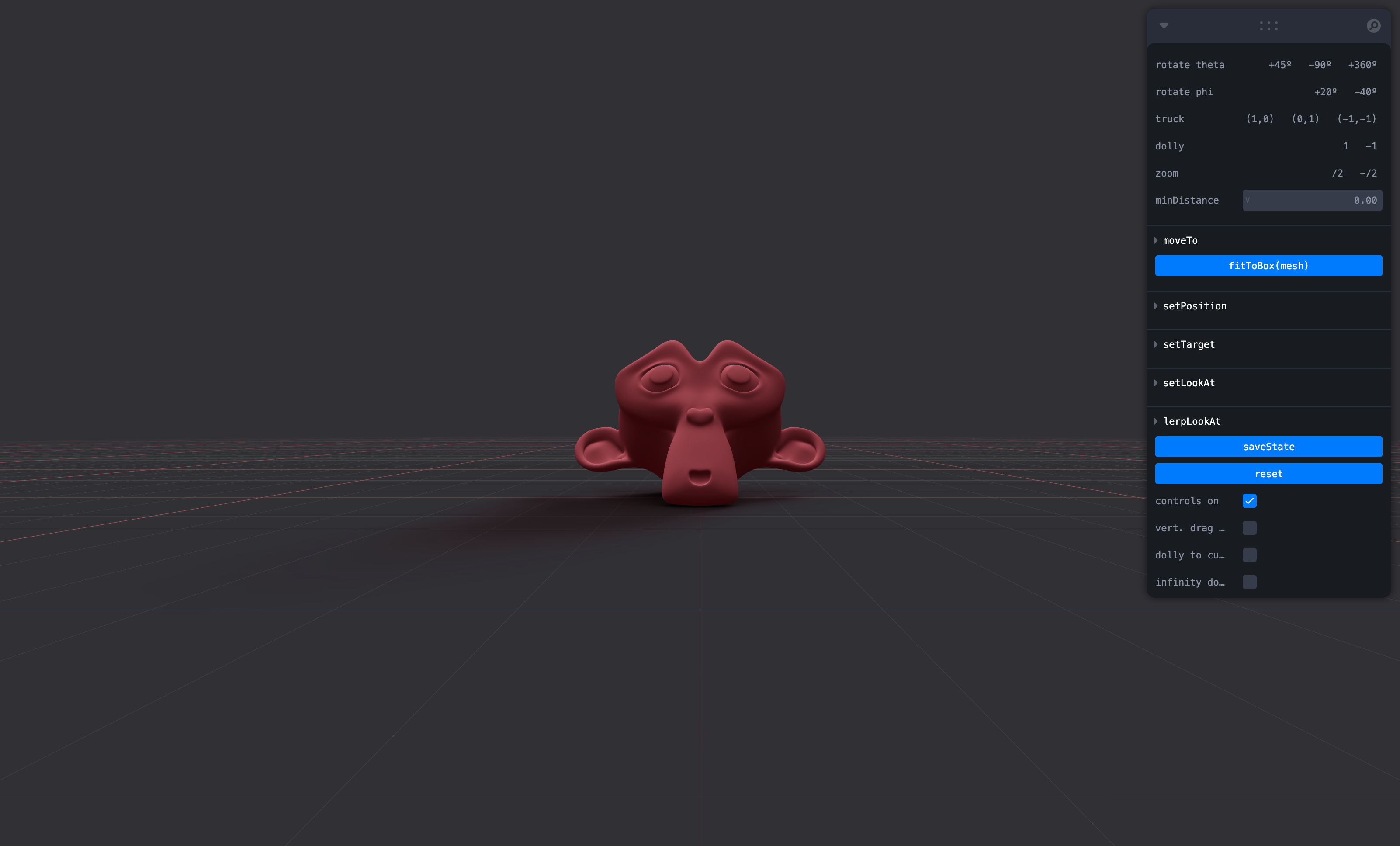
This is an implementation of the [camera-controls](https://github.com/yomotsu/camera-controls) library.
```tsx
```
```tsx
type CameraControlsProps = {
/** The camera to control, default to the state's `camera` */
camera?: PerspectiveCamera | OrthographicCamera
/** DOM element to connect to, default to the state's `gl` renderer */
domElement?: HTMLElement
/** Reference this CameraControls instance as state's `controls` */
makeDefault?: boolean
/** Events callbacks, see: https://github.com/yomotsu/camera-controls#events */
onStart?: (e?: { type: 'controlstart' }) => void
onEnd?: (e?: { type: 'controlend' }) => void
onChange?: (e?: { type: 'update' }) => void
}
```
#### ScrollControls




```tsx
type ScrollControlsProps = {
/** Precision, default 0.00001 */
eps?: number
/** Horizontal scroll, default false (vertical) */
horizontal?: boolean
/** Infinite scroll, default false (experimental!) */
infinite?: boolean
/** Defines the length of the scroll area, each page is height:100%, default 1 */
pages?: number
/** A factor that increases scroll bar travel, default 1 */
distance?: number
/** Friction in seconds, default: 0.2 (1/5 second) */
damping?: number
/** maxSpeed optionally allows you to clamp the maximum speed. If damping is 0.2s and looks OK
* going between, say, page 1 and 2, but not for pages far apart as it'll move very rapid,
* then a maxSpeed of e.g. 0.1 which will clamp the speed to 0.1 units per second, it may now
* take much longer than damping to reach the target if it is far away. Default: Infinity */
maxSpeed?: number
enabled?: boolean
style?: React.CSSProperties
children: JSX.Element
}
```
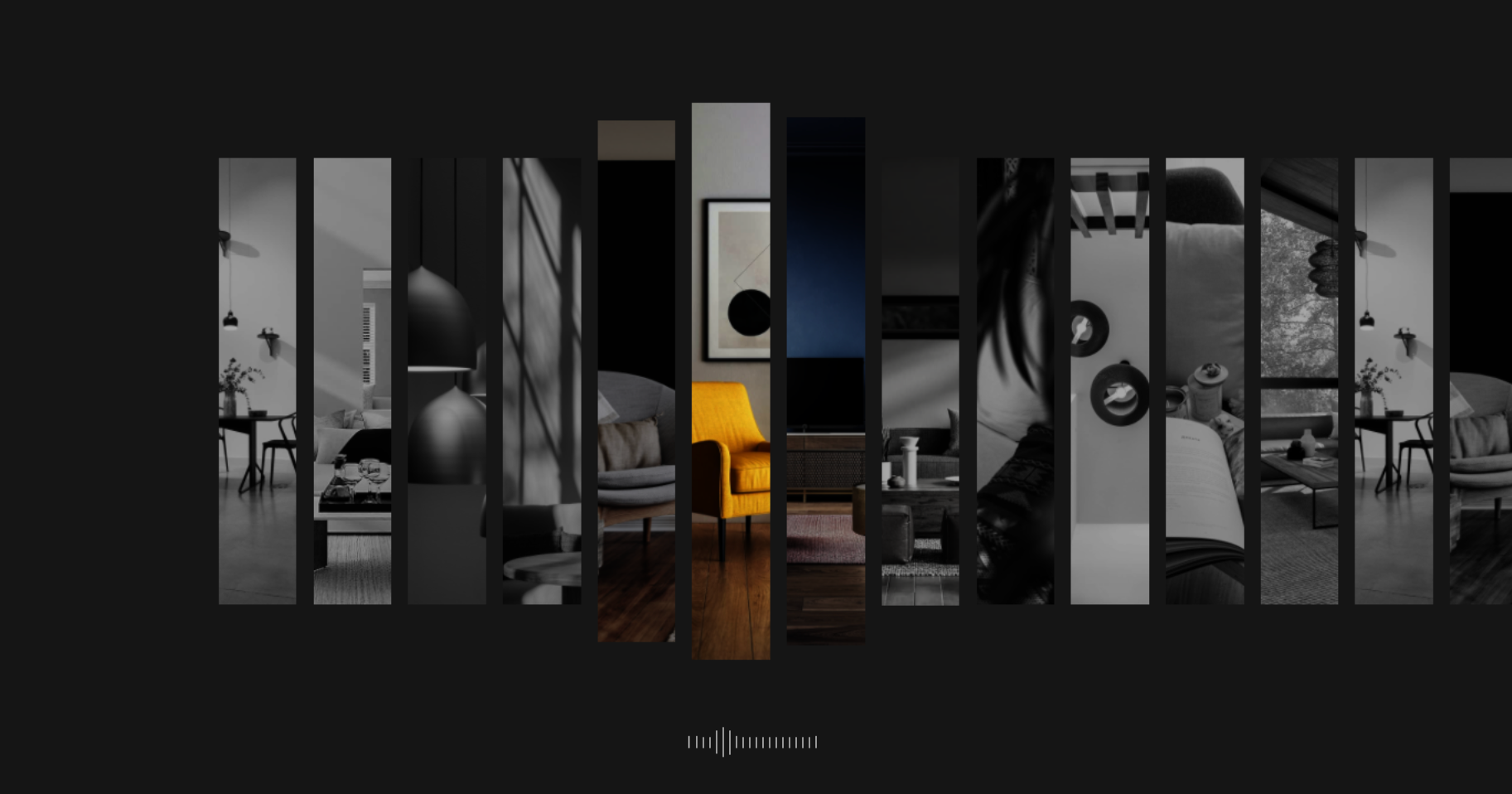
Scroll controls create a HTML scroll container in front of the canvas. Everything you drop into the `` component will be affected.
You can listen and react to scroll with the `useScroll` hook which gives you useful data like the current scroll `offset`, `delta` and functions for range finding: `range`, `curve` and `visible`. The latter functions are especially useful if you want to react to the scroll offset, for instance if you wanted to fade things in and out if they are in or out of view.
```jsx
{/* Canvas contents in here will *not* scroll, but receive useScroll! */}
{/* Canvas contents in here will scroll along */}
{/* DOM contents in here will scroll along */}
html in here (optional)
second page
third page
function Foo(props) {
let ref
const data = useScroll()
useFrame(() => {
// data.offset = current scroll position, between 0 and 1, dampened
// data.delta = current delta, between 0 and 1, dampened
// Will be 0 when the scrollbar is at the starting position,
// then increase to 1 until 1 / 3 of the scroll distance is reached
const a = data.range(0, 1 / 3)
// Will start increasing when 1 / 3 of the scroll distance is reached,
// and reach 1 when it reaches 2 / 3rds.
const b = data.range(1 / 3, 1 / 3)
// Same as above but with a margin of 0.1 on both ends
const c = data.range(1 / 3, 1 / 3, 0.1)
// Will move between 0-1-0 for the selected range
const d = data.curve(1 / 3, 1 / 3)
// Same as above, but with a margin of 0.1 on both ends
const e = data.curve(1 / 3, 1 / 3, 0.1)
// Returns true if the offset is in range and false if it isn't
const f = data.visible(2 / 3, 1 / 3)
// The visible function can also receive a margin
const g = data.visible(2 / 3, 1 / 3, 0.1)
})
return
}
```
#### PresentationControls


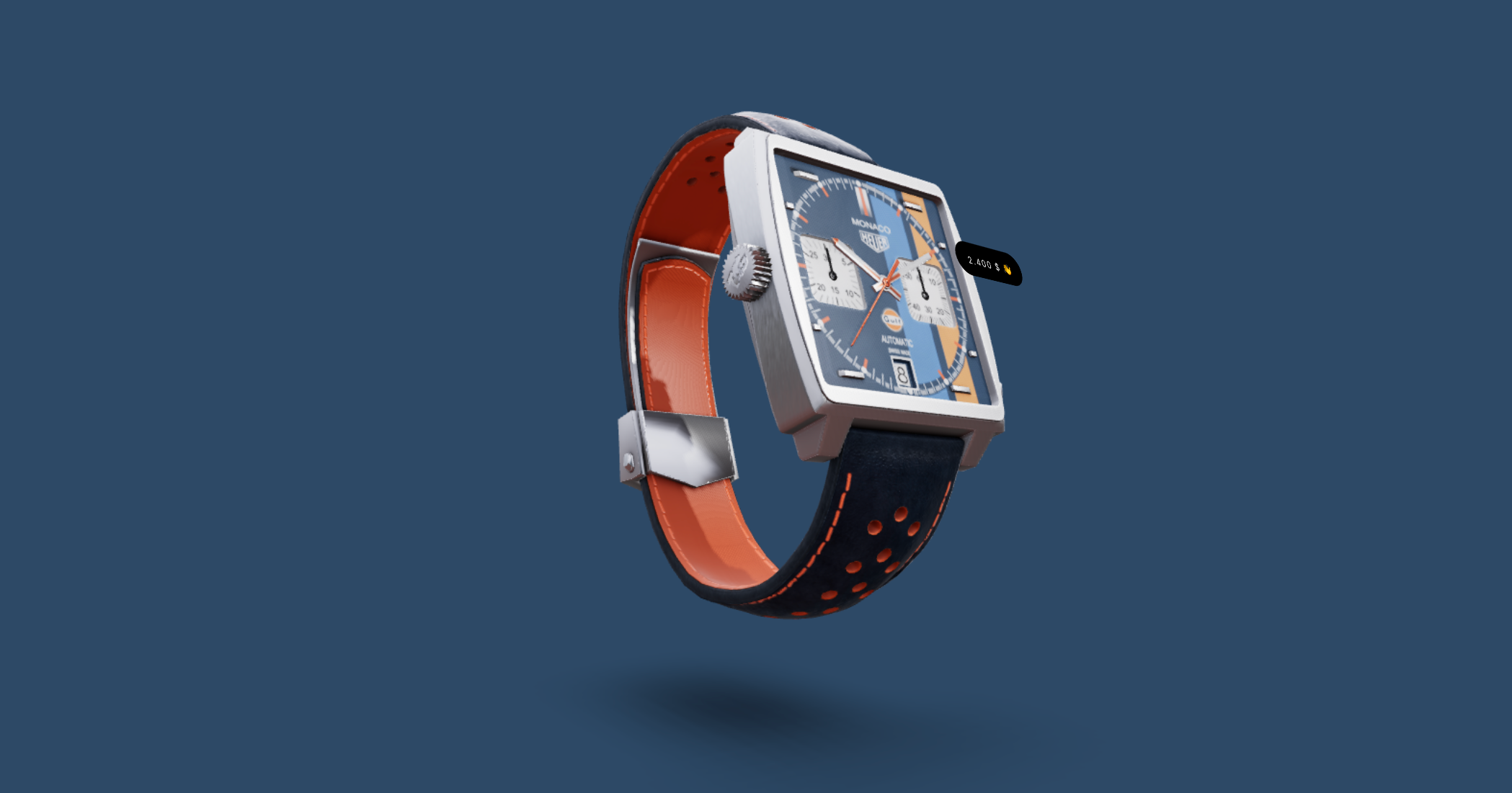
Semi-OrbitControls with spring-physics, polar zoom and snap-back, for presentational purposes. These controls do not turn the camera but will spin their contents. They will not suddenly come to rest when they reach limits like OrbitControls do, but rather smoothly anticipate stopping position.
```jsx
```
#### KeyboardControls

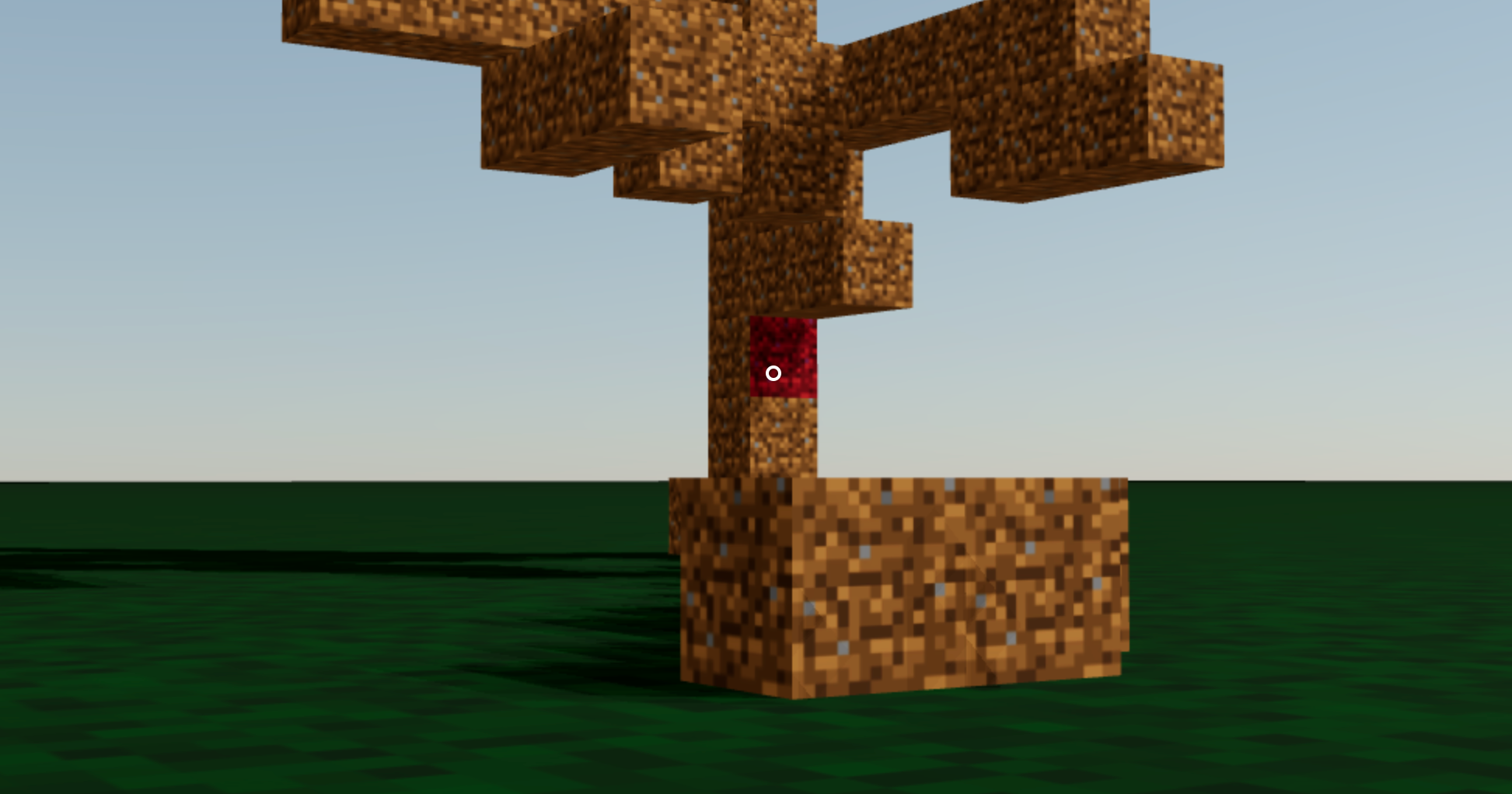
A rudimentary keyboard controller which distributes your defined data-model to the `useKeyboard` hook. It's a rather simple way to get started with keyboard input.
```tsx
type KeyboardControlsState = { [K in T]: boolean }
type KeyboardControlsEntry = {
/** Name of the action */
name: T
/** The keys that define it, you can use either event.key, or event.code */
keys: string[]
/** If the event receives the keyup event, true by default */
up?: boolean
}
type KeyboardControlsProps = {
/** A map of named keys */
map: KeyboardControlsEntry[]
/** All children will be able to useKeyboardControls */
children: JSX.Element
/** Optional onchange event */
onChange: (name: string, pressed: boolean, state: KeyboardControlsState) => void
/** Optional event source */
domElement?: HTMLElement
}
```
You start by wrapping your app, or scene, into ``.
```tsx
enum Controls {
forward = 'forward',
back = 'back',
left = 'left',
right = 'right',
jump = 'jump',
}
function App() {
const map = createMemo[]>(()=>[
{ name: Controls.forward, keys: ['ArrowUp', 'KeyW'] },
{ name: Controls.back, keys: ['ArrowDown', 'KeyS'] },
{ name: Controls.left, keys: ['ArrowLeft', 'KeyA'] },
{ name: Controls.right, keys: ['ArrowRight', 'KeyD'] },
{ name: Controls.jump, keys: ['Space'] },
])
return (
```
You can either respond to input reactively, it uses a solid-store internally, with an optional selector.
```tsx
function Foo() {
const forwardPressed = useKeyboardControls(state => state.forward)
createEffect(() => console.log('forward', forwardPressed()))
```
Or transiently, either by `subscribe`, which is a function which returns a function to unsubscribe, so you can pair it with createEffect for cleanup, or `get`, which fetches fresh state non-reactively.
```tsx
function Foo() {
const keyboard = useKeyboardControls()
createEffect(on(
() => keyboard.forward,
(pressed) => {
console.log('forward', pressed)
}
)
useFrame(() => {
// Fetch fresh data from store
const pressed = keyboard.back
})
}
```
#### FaceControls
[](https://drei.vercel.app/?path=/story/controls-facecontrols)
The camera follows your face.


Pre-requisite: wrap into a [`FaceLandmarker`](#facelandmarker) provider
```tsx
...
```
```tsx
```
```tsx
type FaceControlsProps = {
/** The camera to be controlled, default: global state camera */
camera?: THREE.Camera
/** Whether to autostart the webcam, default: true */
autostart?: boolean
/** Enable/disable the webcam, default: true */
webcam?: boolean
/** A custom video URL or mediaStream, default: undefined */
webcamVideoTextureSrc?: VideoTextureSrc
/** Disable the rAF camera position/rotation update, default: false */
manualUpdate?: boolean
/** Disable the rVFC face-detection, default: false */
manualDetect?: boolean
/** Callback function to call on "videoFrame" event, default: undefined */
onVideoFrame?: (e: THREE.Event) => void
/** Reference this FaceControls instance as state's `controls` */
makeDefault?: boolean
/** Approximate time to reach the target. A smaller value will reach the target faster. */
smoothTime?: number
/** Apply position offset extracted from `facialTransformationMatrix` */
offset?: boolean
/** Offset sensitivity factor, less is more sensible, default: 80 */
offsetScalar?: number
/** Enable eye-tracking */
eyes?: boolean
/** Force Facemesh's `origin` to be the middle of the 2 eyes, default: true */
eyesAsOrigin?: boolean
/** Constant depth of the Facemesh, default: .15 */
depth?: number
/** Enable debug mode, default: false */
debug?: boolean
/** Facemesh options, default: undefined */
facemesh?: FacemeshProps
}
```
```tsx
type FaceControlsApi = THREE.EventDispatcher & {
/** Detect faces from the video */
detect: (video: HTMLVideoElement, time: number) => void
/** Compute the target for the camera */
computeTarget: () => THREE.Object3D
/** Update camera's position/rotation to the `target` */
update: (delta: number, target?: THREE.Object3D) => void
/** ref api */
facemeshApiRef: RefObject
/** ref api */
webcamApiRef: RefObject
/** Play the video */
play: () => void
/** Pause the video */
pause: () => void
}
```
##### FaceControls events
Two `THREE.Event`s are dispatched on FaceControls ref object:
- `{ type: "stream", stream: MediaStream }` -- when webcam's [`.getUserMedia()`](https://developer.mozilla.org/en-US/docs/Web/API/MediaDevices/getUserMedia) promise is resolved
- `{ type: "videoFrame", texture: THREE.VideoTexture, time: number }` -- each time a new video frame is sent to the compositor (thanks to rVFC)
> **Note**
rVFC
>
> Internally, `FaceControls` uses [`requestVideoFrameCallback`](https://caniuse.com/mdn-api_htmlvideoelement_requestvideoframecallback), you may need [a polyfill](https://github.com/ThaUnknown/rvfc-polyfill) (for Firefox).
##### FaceControls[manualDetect]
By default, `detect` is called on each `"videoFrame"`. You can disable this by `manualDetect` and call `detect` yourself.
For example:
```jsx
const store = useThree()
const onVideoFrame = (event) => {
store.controls.detect(event.texture.source.data, event.time)
}
;
```
##### FaceControls[manualUpdate]
By default, `update` method is called each rAF `useFrame`. You can disable this by `manualUpdate` and call it yourself:
```jsx
const store = useThree()
useFrame((_, delta) => {
store.controls.update(delta) // 60 or 120 FPS with default damping
})
```
Or, if you want your own custom damping, use `computeTarget` method and update the camera pos/rot yourself with:
```jsx
const current = new THREE.Object3D()
useFrame((_, delta) => {
const target = controls?.computeTarget()
if (target) {
//
// A. Define your own damping
//
const eps = 1e-9
easing.damp3(current.position, target.position, 0.25, delta, undefined, undefined, eps)
easing.dampE(current.rotation, target.rotation, 0.25, delta, undefined, undefined, eps)
camera.position.copy(current.position)
camera.rotation.copy(current.rotation)
//
// B. Or maybe with no damping at all?
//
// camera.position.copy(target.position)
// camera.rotation.copy(target.rotation)
}
})
```
# Gizmos
#### GizmoHelper
[](https://drei.pmnd.rs/?path=/story/gizmos-gizmohelper--gizmo-helper-story)
Used by widgets that visualize and control camera position.
Two example gizmos are included: GizmoViewport and GizmoViewcube, and `useGizmoContext` makes it easy to create your own.
Make sure to set the `makeDefault` prop on your controls, in that case you do not have to define the onTarget and onUpdate props.
```jsx
{/* alternative: */}
```
#### PivotControls

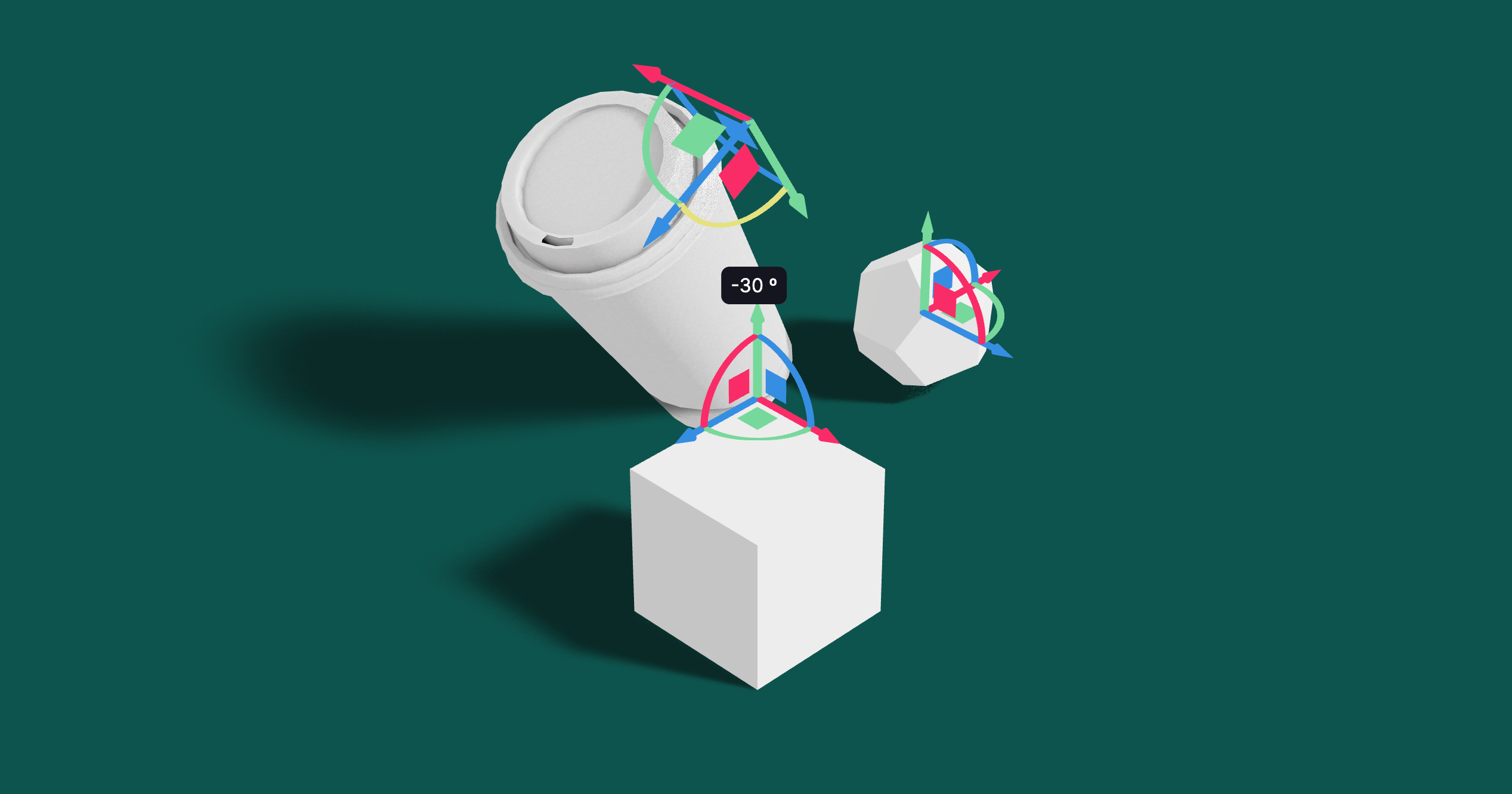
Controls for rotating and translating objects. These controls will stick to the object the transform and by offsetting or anchoring it forms a pivot. This control has HTML annotations for some transforms and supports `[tab]` for rounded values while dragging.
```tsx
type PivotControlsProps = {
/** Scale of the gizmo, 1 */
scale?: number
/** Width of the gizmo lines, this is a THREE.Line2 prop, 2.5 */
lineWidth?: number
/** If fixed is true is remains constant in size, scale is now in pixels, false */
fixed?: boolean
/** Pivot does not act as a group, it won't shift contents but can offset in position */
offset?: [number, number, number]
/** Starting rotation */
rotation?: [number, number, number]
/** Starting matrix */
matrix?: THREE.Matrix4
/** Anchor point, like BBAnchor, each axis can be between -1/0/+1 */
anchor?: [number, number, number]
/** If autoTransform is true, automatically apply the local transform on drag, true */
autoTransform?: boolean
/** Allows you to switch individual axes off */
activeAxes?: [boolean, boolean, boolean]
/** RGB colors */
axisColors?: [string | number, string | number, string | number]
/** Color of the hovered item */
hoveredColor?: string | number
/** HTML value annotations, default: false */
annotations?: boolean
/** CSS Classname applied to the HTML annotations */
annotationsClass?: string
/** Drag start event */
onDragStart?: () => void
/** Drag event */
onDrag?: (l: THREE.Matrix4, deltaL: THREE.Matrix4, w: THREE.Matrix4, deltaW: THREE.Matrix4) => void
/** Drag end event */
onDragEnd?: () => void
/** Set this to false if you want the gizmo to be visible through faces */
depthTest?: boolean
opacity?: number
visible?: boolean
userData?: { [key: string]: any }
children?: JSX.Element
}
```
```jsx
```
You can use Pivot as a controlled component, switch `autoTransform` off in that case and now you are responsible for applying the matrix transform yourself. You can also leave `autoTransform` on and apply the matrix to foreign objects, in that case Pivot will be able to control objects that are not parented within.
```jsx
const matrix = new THREE.Matrix4()
return (
matrix.copy(matrix_)}
```
#### TransformControls
[](https://drei.vercel.app/?path=/story/gizmos-transformcontrols--transform-controls-story)
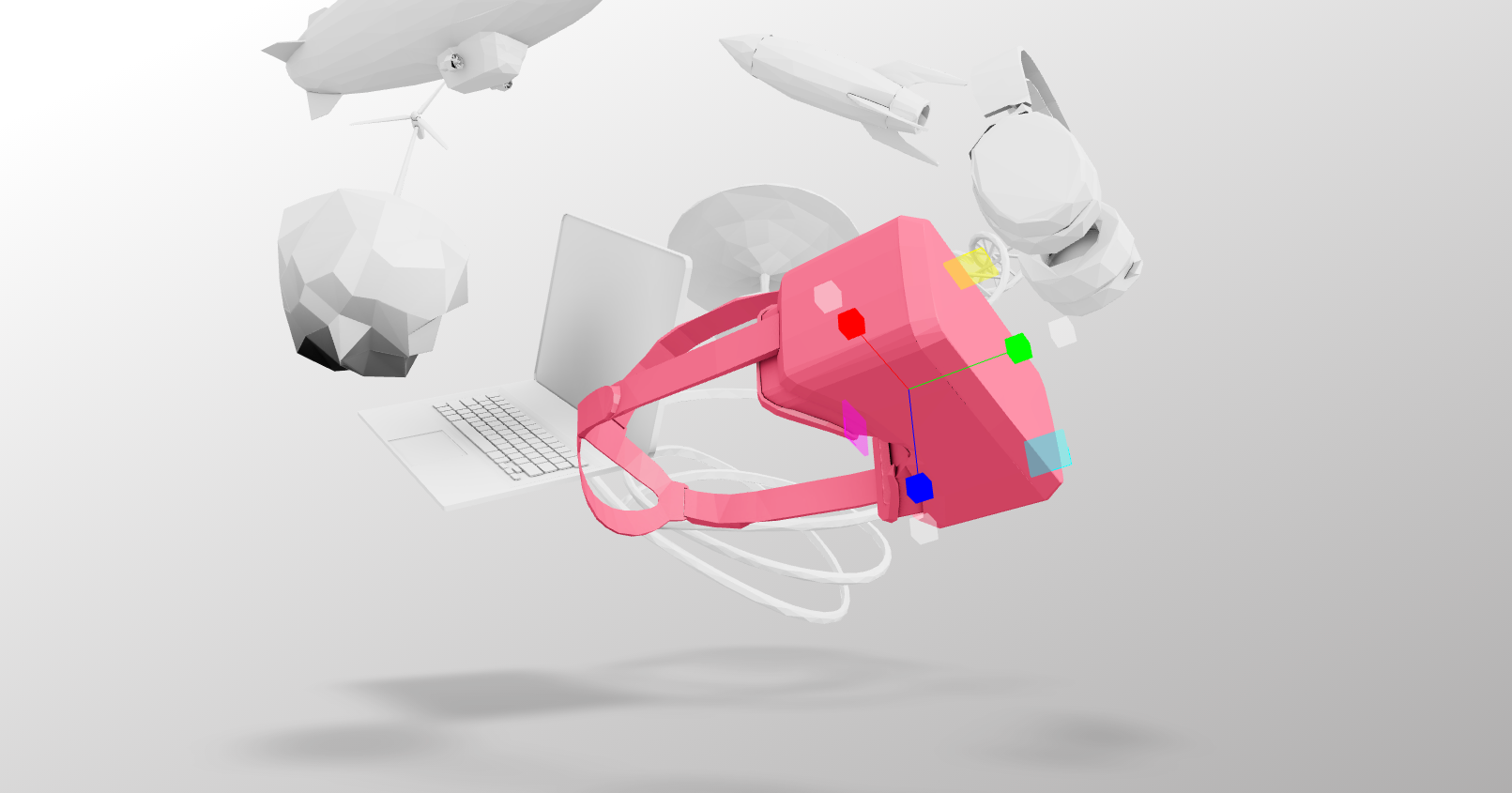
An abstraction around [THREE.TransformControls](https://threejs.org/docs/#examples/en/controls/TransformControls).
You can wrap objects which then receive a transform gizmo.
```jsx
```
You could also reference the object which might make it easier to exchange the target. Now the object does not have to be part of the same sub-graph. References can be plain objects or React.MutableRefObjects.
```jsx
```
If you are using other controls (Orbit, Trackball, etc), you will notice how they interfere, dragging one will affect the other. Default-controls will temporarily be disabled automatically when the user is pulling on the transform gizmo.
```jsx
```
#### Grid
[](https://drei.vercel.app/?path=/story/gizmos-grid--use-grid-scene-st)
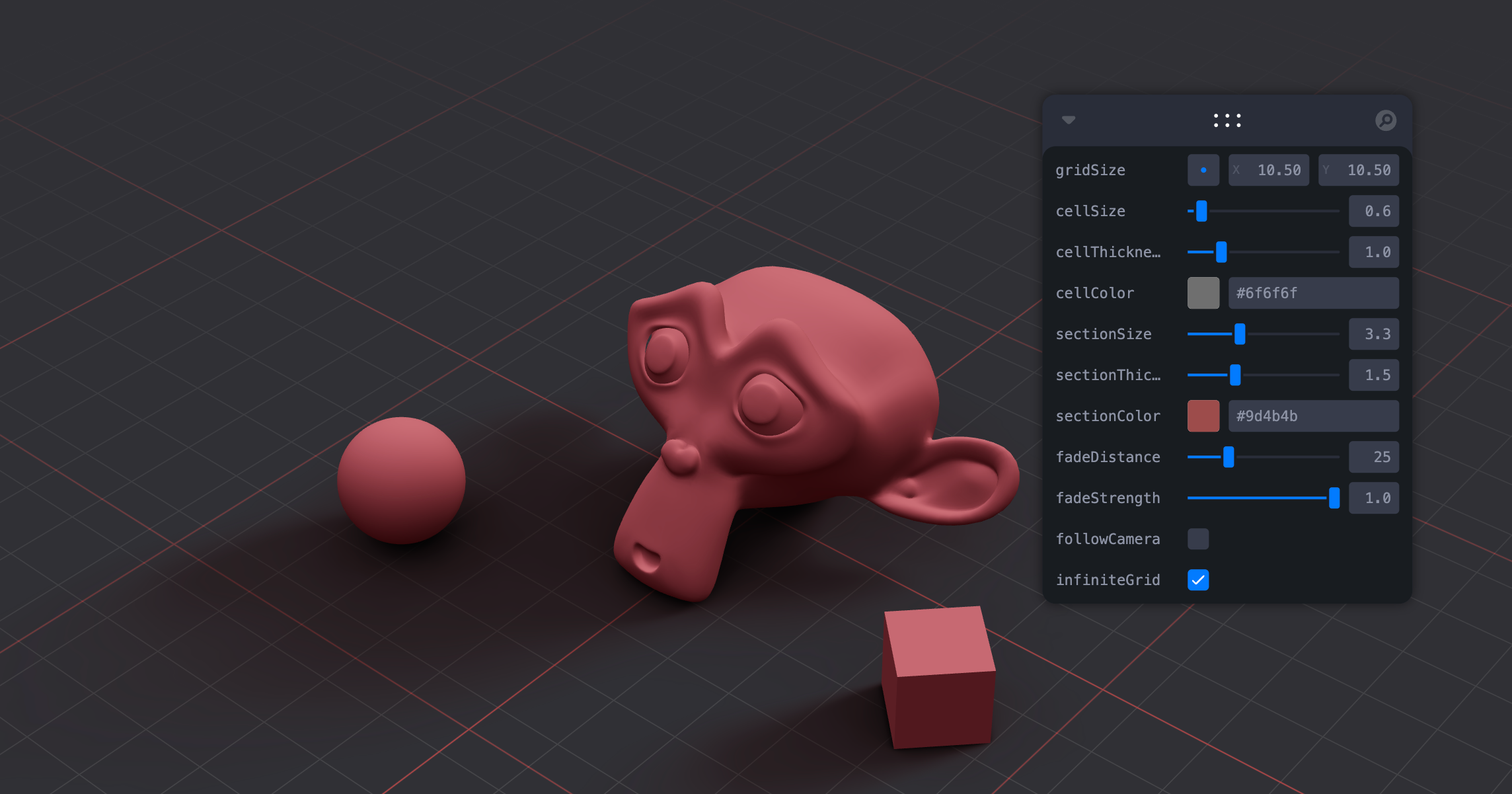
A y-up oriented, shader-based grid implementation.
```tsx
export type GridMaterialType = {
/** Cell size, default: 0.5 */
cellSize?: number
/** Cell thickness, default: 0.5 */
cellThickness?: number
/** Cell color, default: black */
cellColor?: THREE.ColorRepresentation
/** Section size, default: 1 */
sectionSize?: number
/** Section thickness, default: 1 */
sectionThickness?: number
/** Section color, default: #2080ff */
sectionColor?: THREE.ColorRepresentation
/** Follow camera, default: false */
followCamera?: boolean
/** Display the grid infinitely, default: false */
infiniteGrid?: boolean
/** Fade distance, default: 100 */
fadeDistance?: number
/** Fade strength, default: 1 */
fadeStrength?: number
}
export type GridProps = GridMaterialType & {
/** Default plane-geometry arguments */
args?: ConstructorParameters
}
```
```jsx
```
#### useHelper
[](https://drei.vercel.app/?path=/story/misc-usehelper--default-story)
A hook for a quick way to add helpers to existing nodes in the scene. It handles removal of the helper on unmount and auto-updates it by default.
```jsx
let mesh
onMount(() => {
useHelper(mesh, BoxHelper, 'cyan')
useHelper(condition && mesh, BoxHelper, 'red') // you can pass false instead of the object ref to hide the helper
})
```
# Shapes
#### Plane, Box, Sphere, Circle, Cone, Cylinder, Tube, Torus, TorusKnot, Ring, Tetrahedron, Polyhedron, Icosahedron, Octahedron, Dodecahedron, Extrude, Lathe, Shape
Short-cuts for a [mesh](https://threejs.org/docs/#api/en/objects/Mesh) with a [buffer geometry](https://threejs.org/docs/#api/en/core/BufferGeometry).
```jsx
// Plane with buffer geometry args
// Box with color set on the default MeshBasicMaterial
// Sphere with a MeshStandardMaterial
```
#### RoundedBox
A box buffer geometry with rounded corners, done with extrusion.
```jsx
```
#### ScreenQuad
```jsx
```
A triangle that fills the screen, ideal for full-screen fragment shader work (raymarching, postprocessing).
👉 [Why a triangle?](https://www.cginternals.com/en/blog/2018-01-10-screen-aligned-quads-and-triangles.html)
👉 [Use as a post processing mesh](https://medium.com/@luruke/simple-postprocessing-in-three-js-91936ecadfb7)
#### Line
[](https://drei.vercel.app/?path=/story/abstractions-line--basic-line)
Renders a THREE.Line2 or THREE.LineSegments2 (depending on the value of `segments`).
```jsx
color="black" // Default
lineWidth={1} // In pixels (default)
segments // If true, renders a THREE.LineSegments2. Otherwise, renders a THREE.Line2
dashed={false} // Default
vertexColors={[[0, 0, 0], ...]} // Optional array of RGB values for each point
{...lineProps} // All THREE.Line2 props are valid
{...materialProps} // All THREE.LineMaterial props are valid
/>
```
#### QuadraticBezierLine
[](https://drei.vercel.app/?path=/story/abstractions-line--quadratic-bezier)
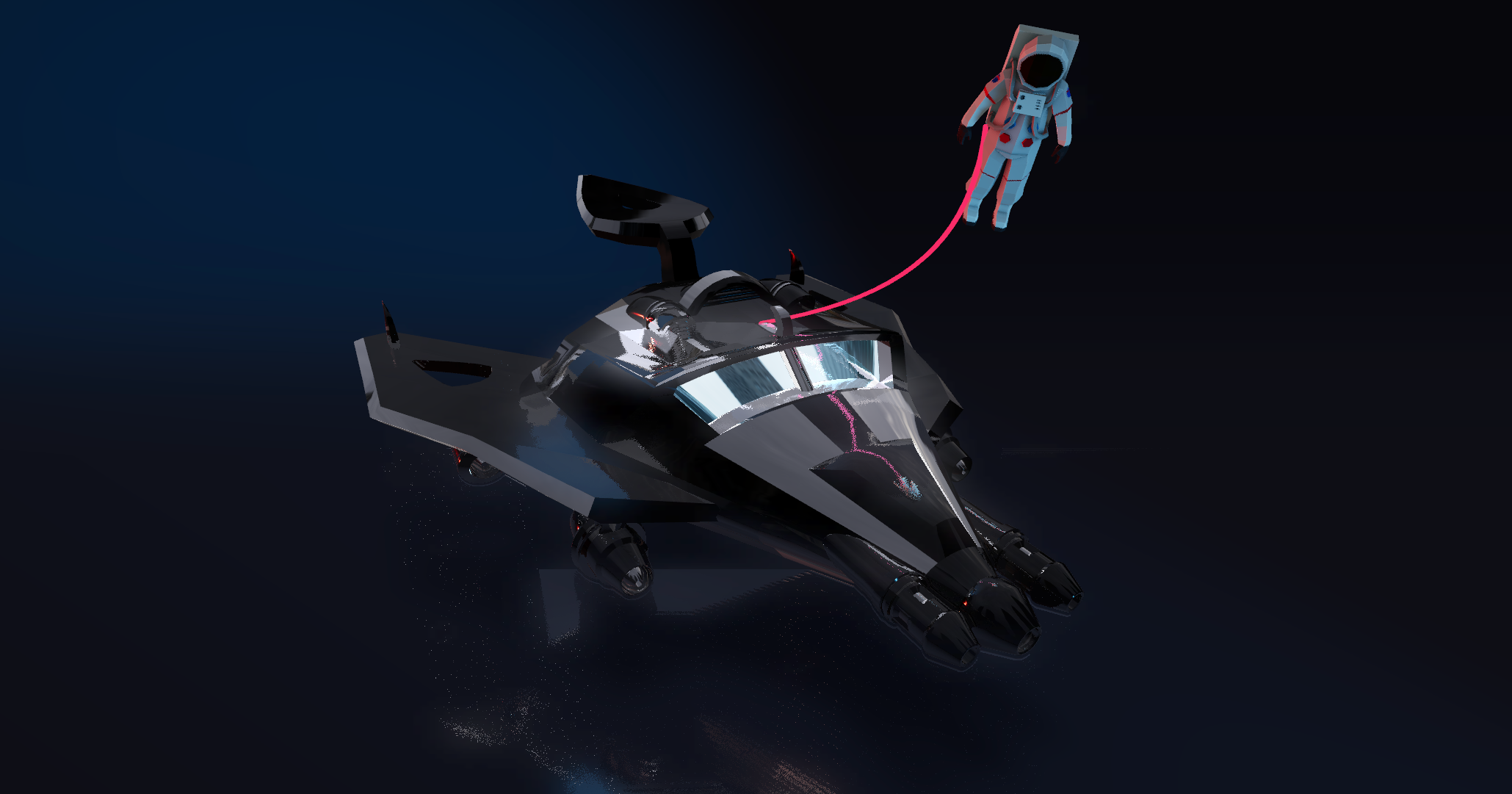
Renders a THREE.Line2 using THREE.QuadraticBezierCurve3 for interpolation.
```jsx
```
You can also update the line runtime.
```jsx
let ref
useFrame((state) => {
ref.current.setPoints(
[0, 0, 0],
[10, 0, 0],
// [5, 0, 0] // Optional: mid-point
)
})
return
}
```
#### CubicBezierLine
[](https://drei.vercel.app/?path=/story/abstractions-line--cubic-bezier)
Renders a THREE.Line2 using THREE.CubicBezierCurve3 for interpolation.
```jsx
```
#### CatmullRomLine
[](https://drei.vercel.app/?path=/story/abstractions-line--catmull-rom)
Renders a THREE.Line2 using THREE.CatmullRomCurve3 for interpolation.
```jsx
```
#### Facemesh
[](https://drei.vercel.app/?path=/story/shapes-facemesh--facemesh-st)
Renders an oriented [MediaPipe face mesh](https://developers.google.com/mediapipe/solutions/vision/face_landmarker/web_js#handle_and_display_results):
```jsx
const faceLandmarkerResult = {
"faceLandmarks": [
[
{ "x": 0.5760777592658997, "y": 0.8639070391654968, "z": -0.030997956171631813 },
{ "x": 0.572094738483429, "y": 0.7886289358139038, "z": -0.07189624011516571 },
// ...
],
// ...
],
"faceBlendshapes": [
// ...
],
"facialTransformationMatrixes": [
// ...
]
},
}
const points = faceLandmarkerResult.faceLandmarks[0]
```
```tsx
export type FacemeshProps = {
/** an array of 468+ keypoints as returned by google/mediapipe tasks-vision, default: a sample face */
points?: MediaPipePoints
/** @deprecated an face object as returned by tensorflow/tfjs-models face-landmarks-detection */
face?: MediaPipeFaceMesh
/** constant width of the mesh, default: undefined */
width?: number
/** or constant height of the mesh, default: undefined */
height?: number
/** or constant depth of the mesh, default: 1 */
depth?: number
/** a landmarks tri supposed to be vertical, default: [159, 386, 200] (see: https://github.com/tensorflow/tfjs-models/tree/master/face-landmarks-detection#mediapipe-facemesh-keypoints) */
verticalTri?: [number, number, number]
/** a landmark index (to get the position from) or a vec3 to be the origin of the mesh. default: undefined (ie. the bbox center) */
origin?: number | THREE.Vector3
/** A facial transformation matrix, as returned by FaceLandmarkerResult.facialTransformationMatrixes (see: https://developers.google.com/mediapipe/solutions/vision/face_landmarker/web_js#handle_and_display_results) */
facialTransformationMatrix?: (typeof FacemeshDatas.SAMPLE_FACELANDMARKER_RESULT.facialTransformationMatrixes)[0]
/** Apply position offset extracted from `facialTransformationMatrix` */
offset?: boolean
/** Offset sensitivity factor, less is more sensible */
offsetScalar?: number
/** Fface blendshapes, as returned by FaceLandmarkerResult.faceBlendshapes (see: https://developers.google.com/mediapipe/solutions/vision/face_landmarker/web_js#handle_and_display_results) */
faceBlendshapes?: (typeof FacemeshDatas.SAMPLE_FACELANDMARKER_RESULT.faceBlendshapes)[0]
/** whether to enable eyes (nb. `faceBlendshapes` is required for), default: true */
eyes?: boolean
/** Force `origin` to be the middle of the 2 eyes (nb. `eyes` is required for), default: false */
eyesAsOrigin?: boolean
/** debug mode, default: false */
debug?: boolean
}
```
Ref-api:
```tsx
let api: FacemeshApi
;
```
```tsx
type FacemeshApi = {
meshRef: React.RefObject
outerRef: React.RefObject
eyeRightRef: React.RefObject
eyeLeftRef: React.RefObject
}
```
You can for example get face mesh world direction:
```tsx
api.meshRef.current.localToWorld(new THREE.Vector3(0, 0, -1))
```
or get L/R iris direction:
```tsx
api.eyeRightRef.current.irisDirRef.current.localToWorld(new THREE.Vector3(0, 0, -1))
```
# Abstractions
#### Image
A shader-based image component with auto-cover (similar to css/background: cover).
```jsx
function Foo() {
let ref
useFrame(() => {
ref.material.zoom = ... // 1 and higher
ref.material.grayscale = ... // between 0 and 1
ref.material.color.set(...) // mix-in color
})
return
}
```
To make the material transparent:
```jsx
```
#### Text
[](https://drei.vercel.app/?path=/story/abstractions-text--text-st) 
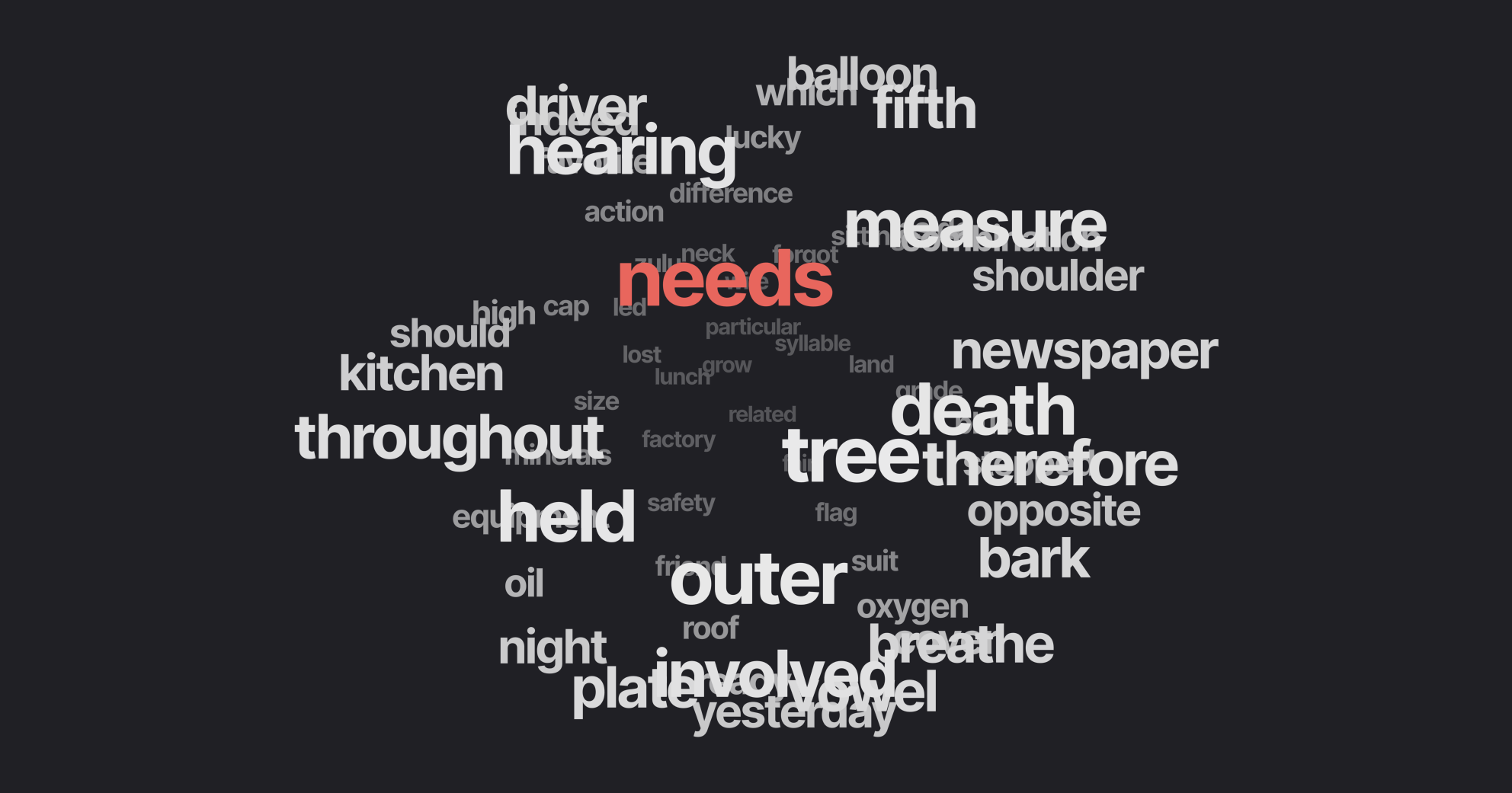
Hi-quality text rendering w/ signed distance fields (SDF) and antialiasing, using [troika-3d-text](https://github.com/protectwise/troika/tree/master/packages/troika-3d-text). All of troikas props are valid! Text is suspense-based!
```jsx
hello world!
```
Text will suspend while loading the font data, but in order to completely avoid FOUC you can pass the characters it needs to render.
```jsx
hello world!
```
#### Text3D
[](https://drei.vercel.app/?path=/story/abstractions-text3d--text-3-d-st) 

Render 3D text using ThreeJS's `TextGeometry`.
Text3D will suspend while loading the font data. Text3D requires fonts in JSON format generated through (typeface.json)[http://gero3.github.io/facetype.js], either as a path to a JSON file or a JSON object. If you face display issues try checking "Reverse font direction" in the typeface tool.
```jsx
Hello world!
```
You can use any material. `textOptions` are options you'd pass to the `TextGeometry` constructor. Find more information about available options [here](https://threejs.org/docs/index.html?q=textg#examples/en/geometries/TextGeometry).
You can align the text using the `` component.
```jsx
hello
```
It adds three properties that do not exist in the original `TextGeometry`, `lineHeight`, `letterSpacing` and smooth. LetterSpacing is a factor that is `1` by default. LineHeight is in threejs units and `0` by default. Smooth merges vertices with a tolerance and calls computeVertexNormals.
```jsx
{`hello\nworld`}
```
#### Effects
Abstraction around threes own [EffectComposer](https://threejs.org/docs/#examples/en/postprocessing/EffectComposer). By default it will prepend a render-pass and a gammacorrection-pass. Children are cloned, `attach` is given to them automatically. You can only use passes or effects in there.
By default it creates a render target with HalfFloatType, RGBAFormat. You can change all of this to your liking, inspect the types.
```jsx
import { SSAOPass } from "three-stdlib"
extend({ SSAOPass })
```
#### PositionalAudio
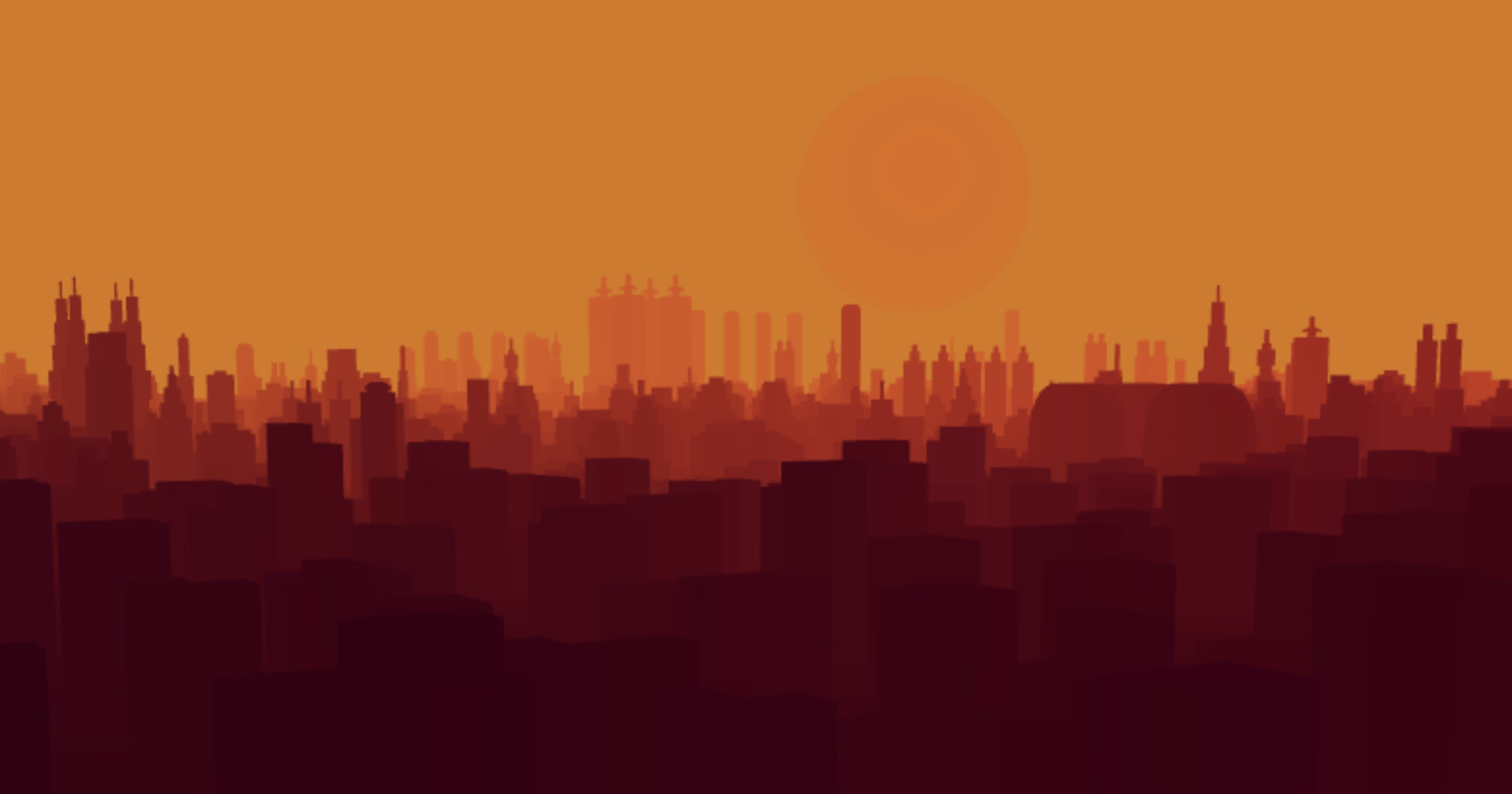
[](https://drei.vercel.app/?path=/story/abstractions-positionalaudio--positional-audio-scene-st) 
A wrapper around [THREE.PositionalAudio](https://threejs.org/docs/#api/en/audio/PositionalAudio). Add this to groups or meshes to tie them to a sound that plays when the camera comes near.
```jsx
```
#### Billboard
[](https://drei.pmnd.rs/?path=/story/abstractions-billboard--billboard-st)
Adds a `` that always faces the camera.
```jsx
I'm a billboard
```
#### ScreenSpace
[](https://drei.pmnd.rs/?path=/story/abstractions-screenspace--screen-space-story)
Adds a `` that aligns objects to screen space.
```jsx
I'm in screen space
```
#### GradientTexture
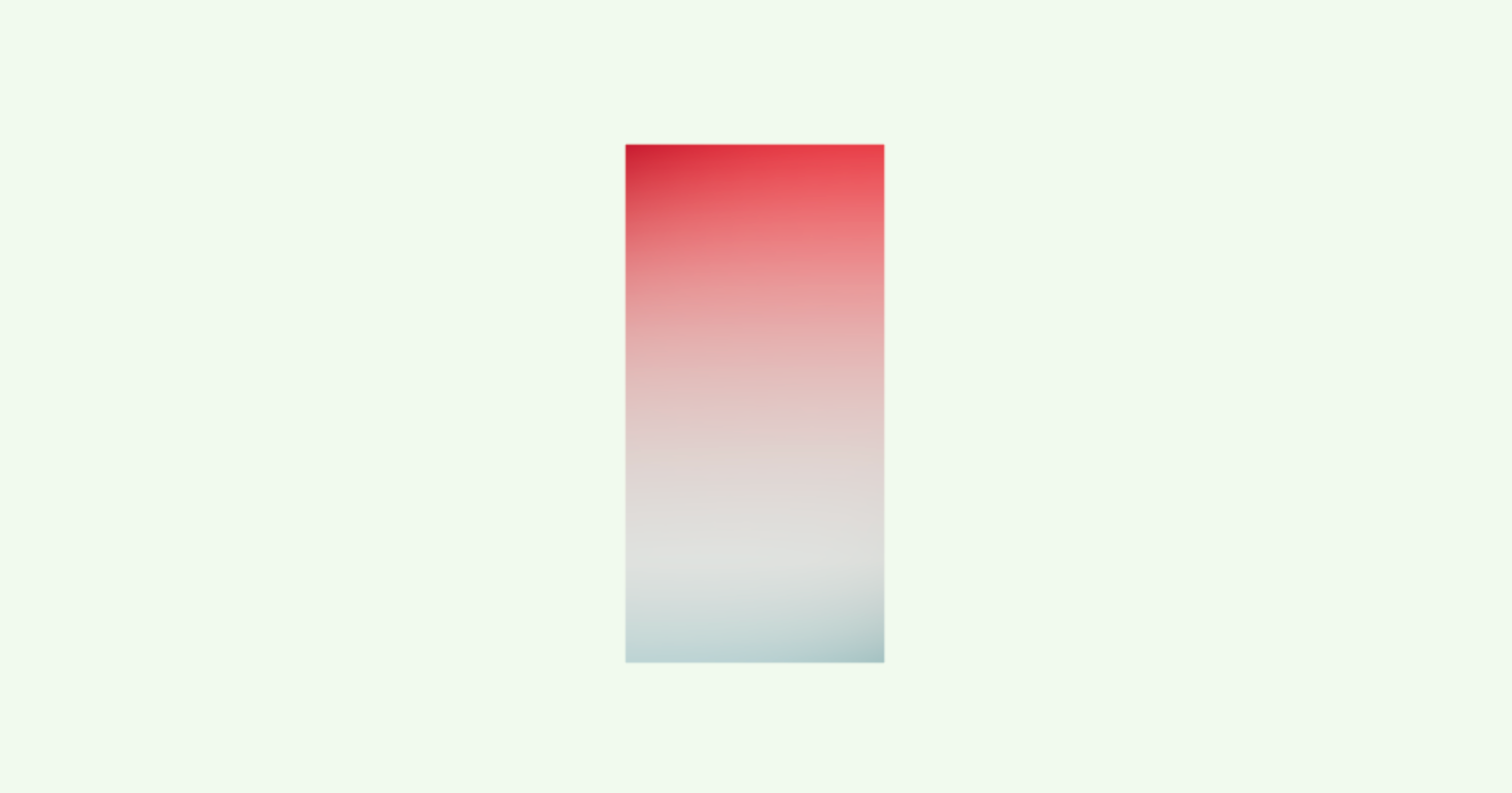
A declarative THREE.Texture which attaches to "map" by default. You can use this to create gradient backgrounds.
```jsx
```
Radial gradient.
```jsx
import { GradientTexture, GradientType } from './GradientTexture'
```
#### Edges
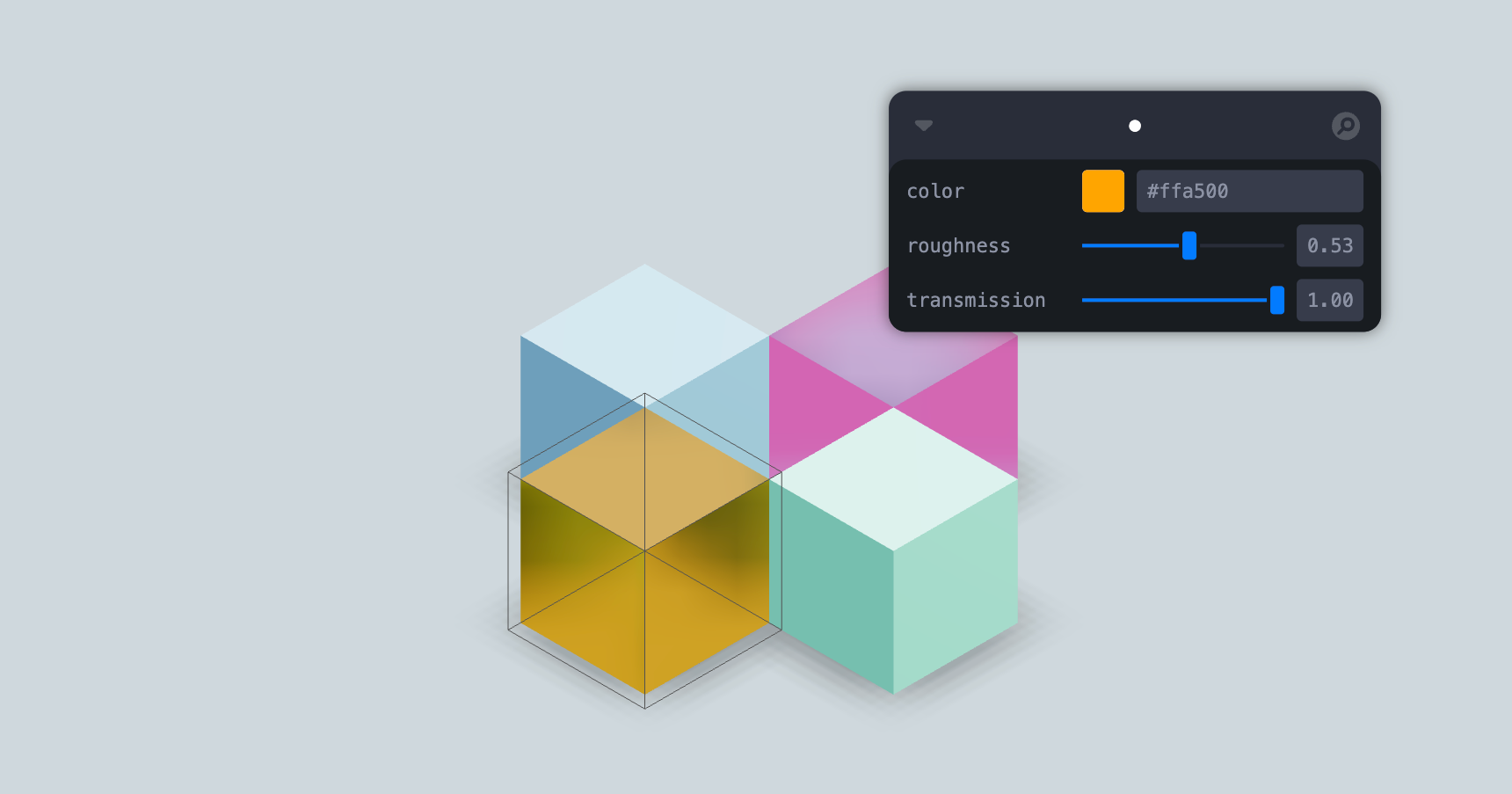
Abstracts [THREE.EdgesGeometry](https://threejs.org/docs/#api/en/geometries/EdgesGeometry). It pulls the geometry automatically from its parent, optionally you can ungroup it and give it a `geometry` prop. You can give it children, for instance a custom material.
```jsx
```
#### Trail
[](https://drei.vercel.app/?path=/story/misc-trail--use-trail-st)
A declarative, `three.MeshLine` based Trails implementation. You can attach it to any mesh and it will give it a beautiful trail.
Props defined below with their default values.
```jsx
width} // A function to define the width in each point along it.
>
{/* If `target` is not defined, Trail will use the first `Object3D` child as the target. */}
{/* You can optionally define a custom meshLineMaterial to use. */}
{/* */}
```
👉 Inspired by [TheSpite's Codevember 2021 #9](https://spite.github.io/codevember-2021/9/)
#### Sampler
[](https://drei.vercel.app/?path=/story/misc-sampler--sampler-st)
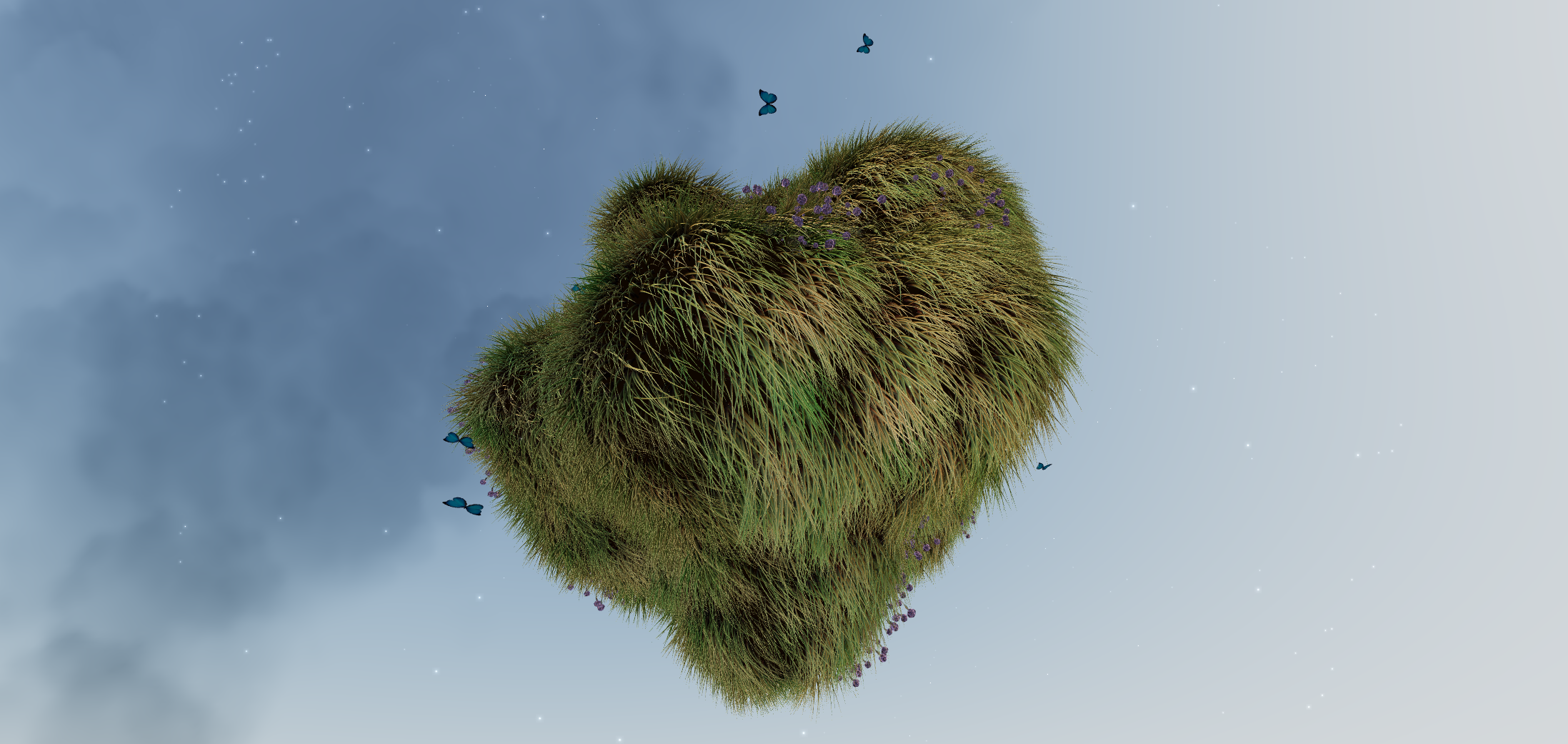
– Complex Demo by @CantBeFaraz
– Simple Demo by @ggsimm
Declarative abstraction around MeshSurfaceSampler & InstancedMesh.
It samples points from the passed mesh and transforms an InstancedMesh's matrix to distribute instances on the points.
Check the demos & code for more.
You can either pass a Mesh and InstancedMesh as children:
```tsx
// This simple example scatters 1000 spheres on the surface of the sphere mesh.
```
or use refs when you can't compose declaratively:
```tsx
const gltf = useGLTF('my/mesh/url')
const mesh = () => gltf()?.nodes
let instances;
return <>
>
```
#### ComputedAttribute
[](https://drei.vercel.app/?path=/story/misc-sampler--sampler-weight-st)
Create and attach an attribute declaratively.
```tsx
{
// ...someLogic;
return new THREE.BufferAttribute([1, 2, 3], 1)
}}
// you can pass any BufferAttribute prop to this component, eg.
usage={THREE.StaticReadUsage}
/>
```
#### Clone
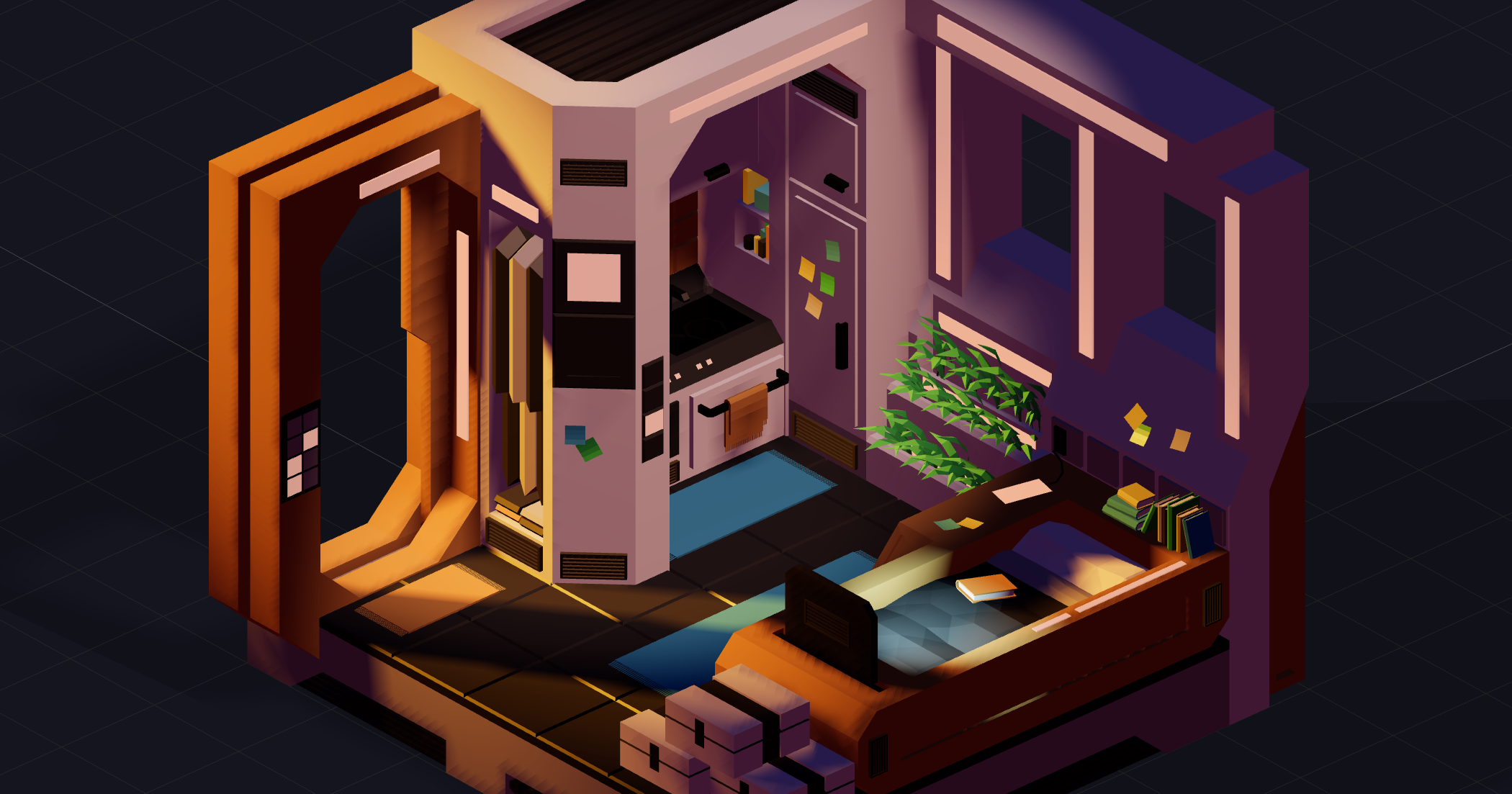
Declarative abstraction around THREE.Object3D.clone. This is useful when you want to create a shallow copy of an existing fragment (and Object3D, Groups, etc) into your scene, for instance a group from a loaded GLTF. This clone is now re-usable, but it will still refer to the original geometries and materials.
```ts
JSX.Element)
/** Short access castShadow, applied to every mesh within */
castShadow?: boolean
/** Short access receiveShadow, applied to every mesh within */
receiveShadow?: boolean
/>
```
You create a shallow clone by passing a pre-existing object to the `object` prop.
```jsx
const gltf = useGLTF(url)
return (
```
Or, multiple objects:
```jsx
```
You can dynamically insert objects, these will apply to anything that isn't a group or a plain object3d (meshes, lines, etc):
```jsx
} />
```
Or make inserts conditional:
```jsx
(object.name === 'table' ? : null)}
} />
```
#### useAnimations
[](https://drei.pmnd.rs/?path=/story/abstractions-useanimations--use-animations-st)
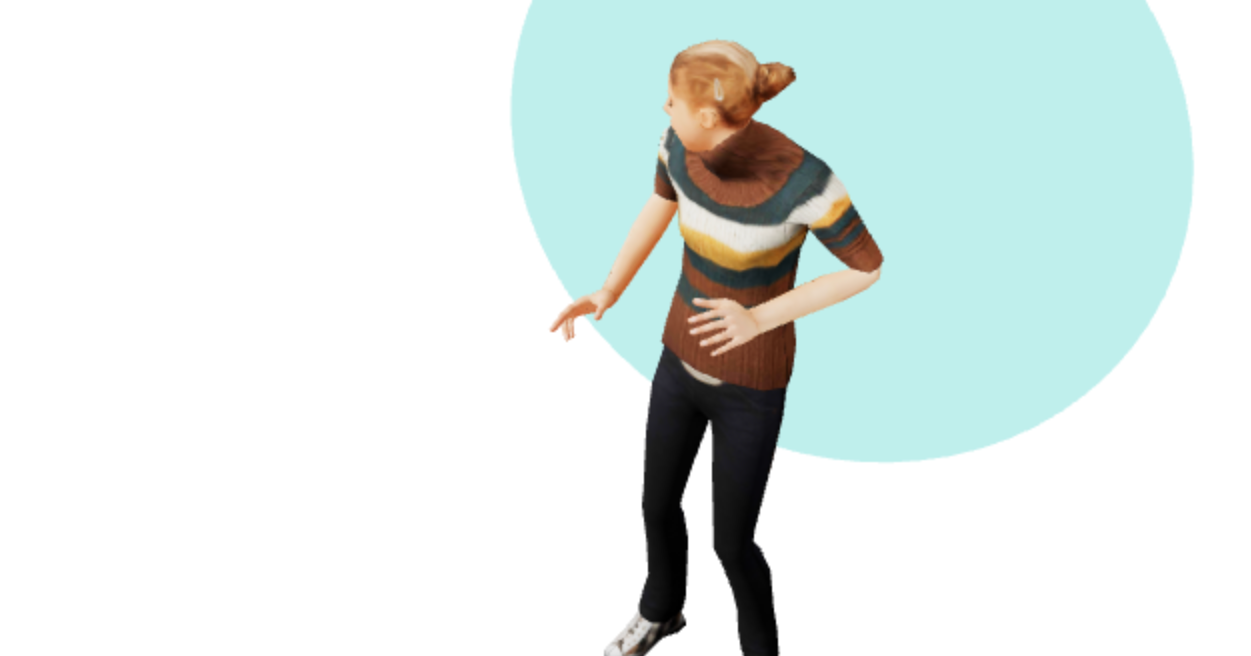
A hook that abstracts [AnimationMixer](https://threejs.org/docs/#api/en/animation/AnimationMixer).
```jsx
const gltf = useGLTF(url)
const animations = useAnimations(() => gltf()?.animations)
createEffect(() => {
animations.actions?.jump.play()
})
return (
```
The hook can also take a pre-existing root (which can be a plain object3d or a reference to one):
```jsx
const gltf = useGLTF(url)
const animations = useAnimations(
() => gltf()?.animations,
() => gltf()?.scene
)
return
```
#### MarchingCubes
[](https://drei.pmnd.rs/?path=/story/abstractions-marchingcubes--marching-cubes-story)
An abstraction for threes [MarchingCubes](https://threejs.org/examples/#webgl_marchingcubes)
```jsx
```
#### Decal
[](https://drei.pmnd.rs/?path=/story/misc-decal--decal-st)
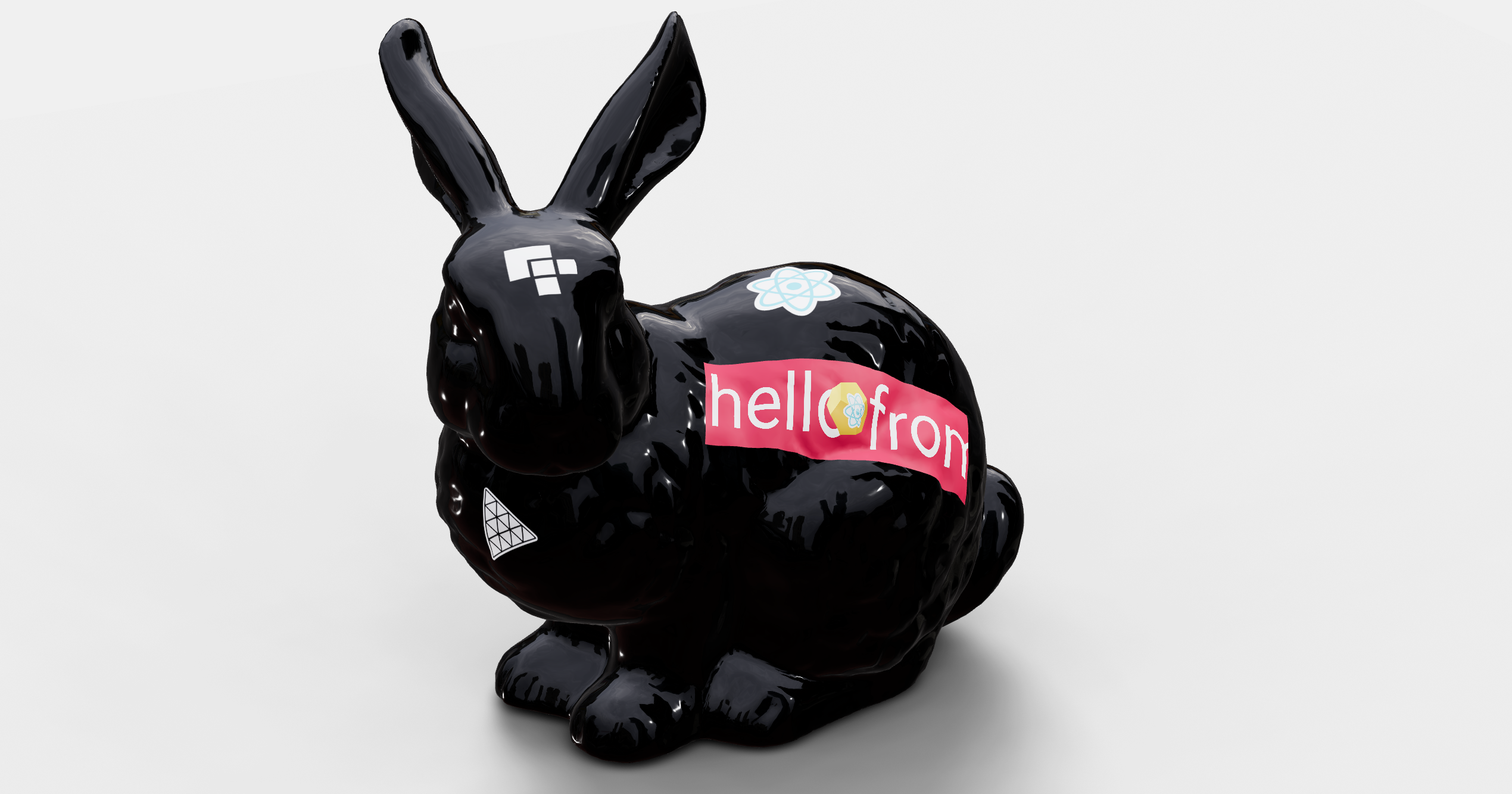
Abstraction around Three's `DecalGeometry`. It will use the its parent `mesh` as the decal surface by default.
The decal box has to intersect the surface, otherwise it will not be visible. if you do not specifiy a rotation it will look at the parents center point. You can also pass a single number as the rotation which allows you to spin it.
```js
```
If you do not specify a material it will create a transparent meshBasicMaterial with a polygonOffsetFactor of -10.
```jsx
```
If declarative composition is not possible, use the `mesh` prop to define the surface the decal must attach to.
```js
```
#### Svg
[](https://drei.pmnd.rs/?path=/story/abstractions-svg--svg-st)
Wrapper around the `three` [svg loader](https://threejs.org/examples/?q=sv#webgl_loader_svg) demo.
Accepts an SVG url or svg raw data.
```js
```
#### Gltf
This is a convenience component that will load a gltf file and clone the scene using [drei/Clone](#clone). That means you can re-use and mount the same gltf file multiple times. It accepts all props that Clone does, including shortcuts (castShadow, receiveShadow) and material overrides.
```js
```
#### AsciiRenderer

Abstraction of three's [AsciiEffect](https://threejs.org/examples/?q=as#webgl_effects_ascii). It creates a DOM layer on top of the canvas and renders the scene as ascii characters.
```tsx
type AsciiRendererProps = {
/** Render index, default: 1 */
renderIndex?: number
/** CSS background color (can be "transparent"), default: black */
bgColor?: string
/** CSS character color, default: white */
fgColor?: string
/** Characters, default: ' .:-+*=%@#' */
characters?: string
/** Invert character, default: true */
invert?: boolean
/** Colorize output (very expensive!), default: false */
color?: boolean
/** Level of detail, default: 0.15 */
resolution?: number
}
```
```jsx
```
# Shaders
#### MeshReflectorMaterial
[](https://drei.vercel.app/?path=/story/shaders-meshreflectormaterial--reflector-st)
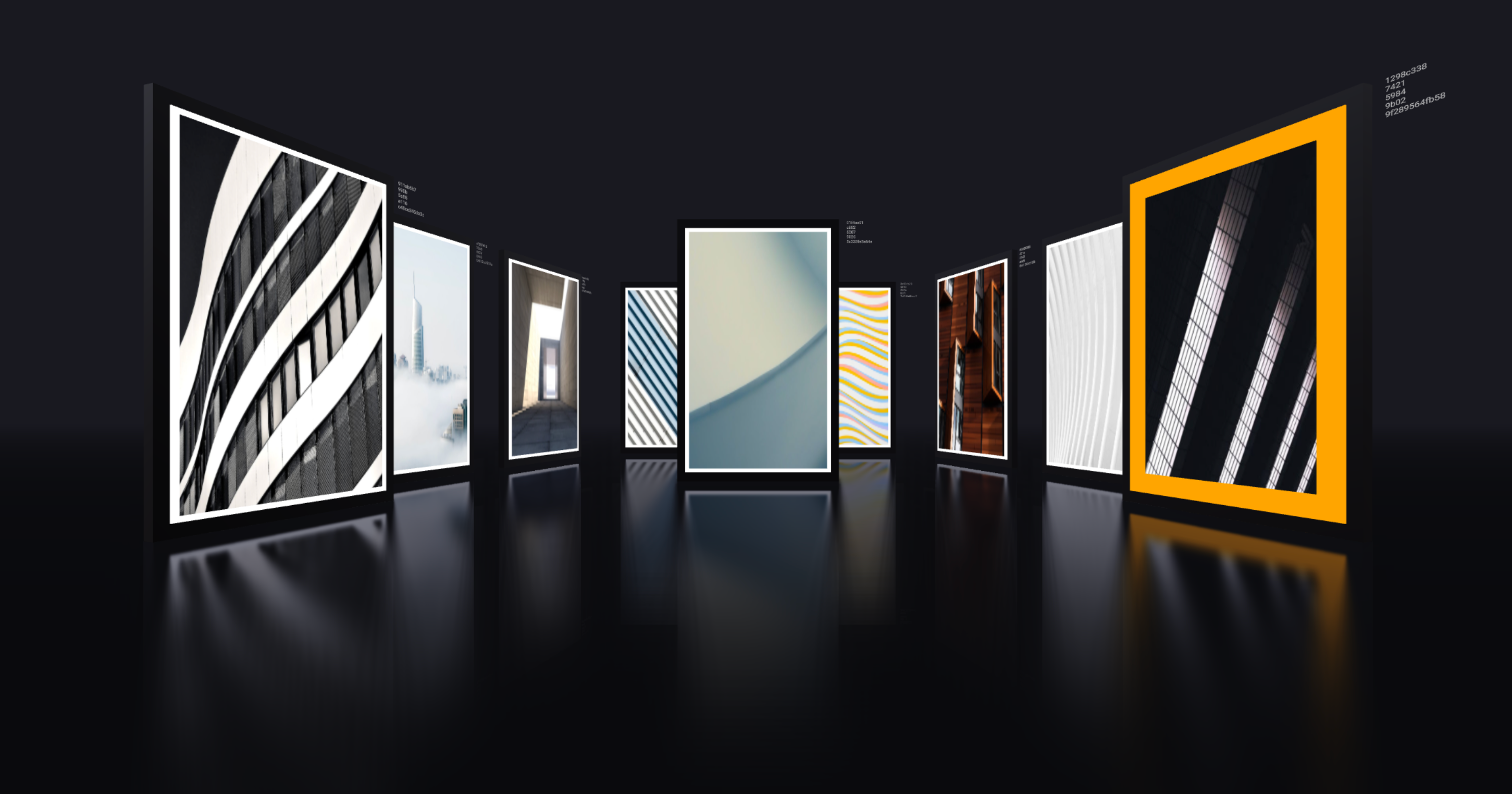
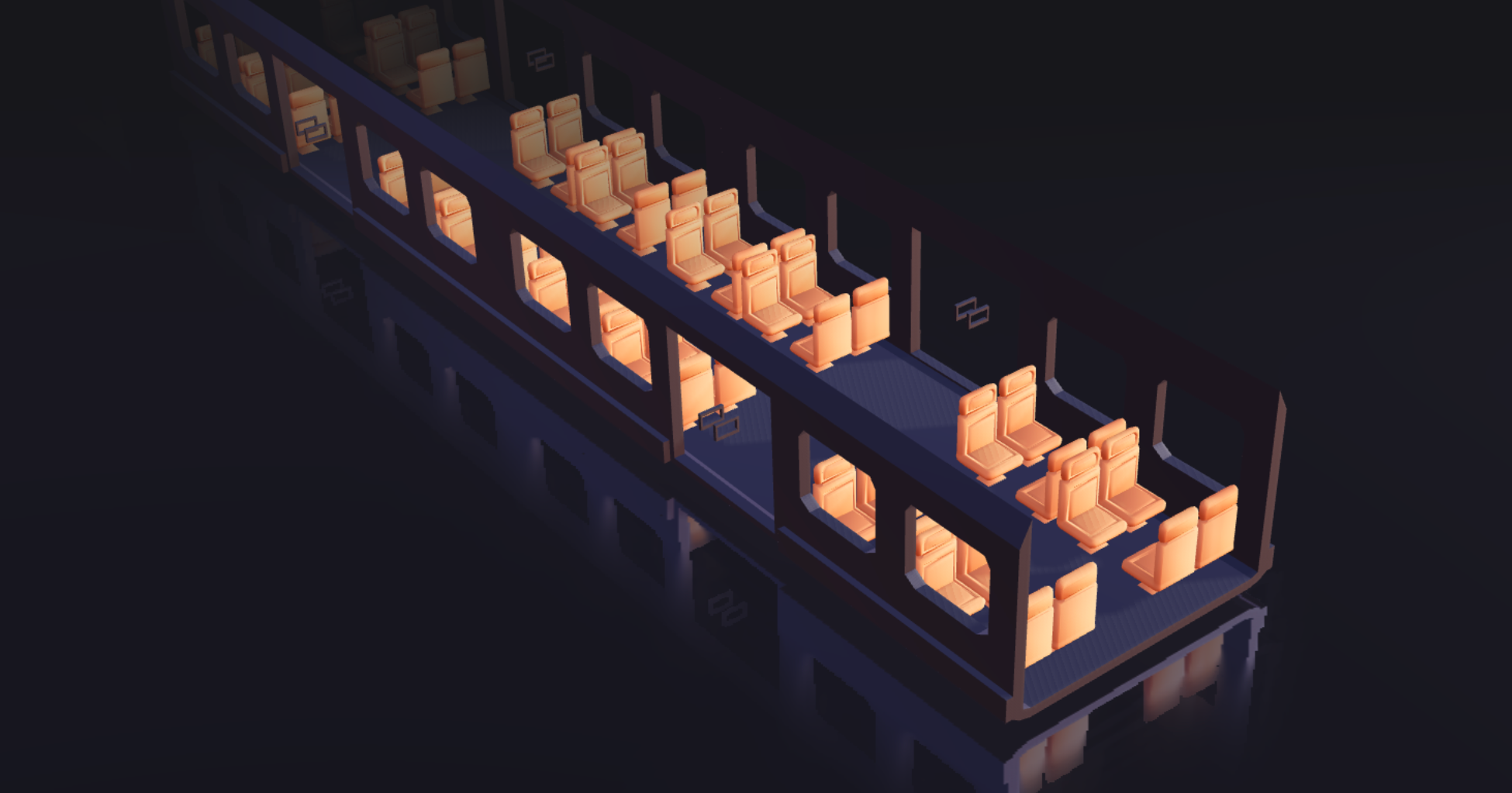
Easily add reflections and/or blur to any mesh. It takes surface roughness into account for a more realistic effect. This material extends from [THREE.MeshStandardMaterial](https://threejs.org/docs/#api/en/materials/MeshStandardMaterial) and accepts all its props.
```jsx
0 of bias makes sure that the blurTexture is not too sharp because of the multiplication with the depthTexture
distortion={1} // Amount of distortion based on the distortionMap texture
distortionMap={distortionTexture} // The red channel of this texture is used as the distortion map. Default is null
debug={0} /* Depending on the assigned value, one of the following channels is shown:
0 = no debug
1 = depth channel
2 = base channel
3 = distortion channel
4 = lod channel (based on the roughness)
*/
reflectorOffset={0.2} // Offsets the virtual camera that projects the reflection. Useful when the reflective surface is some distance from the object's origin (default = 0)
/>
```
#### MeshWobbleMaterial
[](https://drei.vercel.app/?path=/story/shaders-meshwobblematerial--mesh-wobble-material-st)
This material makes your geometry wobble and wave around. It was taken from the [threejs-examples](https://threejs.org/examples/#webgl_materials_modified) and adapted into a self-contained material.
```jsx
```
#### MeshDistortMaterial
[](https://drei.vercel.app/?path=/story/shaders-meshdistortmaterial--mesh-distort-material-st)
This material makes your geometry distort following simplex noise.
```jsx
```
#### MeshRefractionMaterial

A convincing Glass/Diamond refraction material.
```tsx
type MeshRefractionMaterialProps = ThreeProps<'ShaderMaterial'> & {
/** Environment map */
envMap: THREE.CubeTexture | THREE.Texture
/** Number of ray-cast bounces, it can be expensive to have too many, 2 */
bounces?: number
/** Refraction index, 2.4 */
ior?: number
/** Fresnel (strip light), 0 */
fresnel?: number
/** RGB shift intensity, can be expensive, 0 */
aberrationStrength?: number
/** Color, white */
color?: SolidThreeFiber.Color
/** If this is on it uses fewer ray casts for the RGB shift sacrificing physical accuracy, true */
fastChroma?: boolean
}
```
If you want it to reflect other objects in the scene you best pair it with a cube-camera.
```jsx
{(texture) => (
)}
```
Otherwise just pass it an environment map.
```jsx
const texture = useLoader(RGBELoader, "/textures/royal_esplanade_1k.hdr")
return (
```
#### MeshTransmissionMaterial
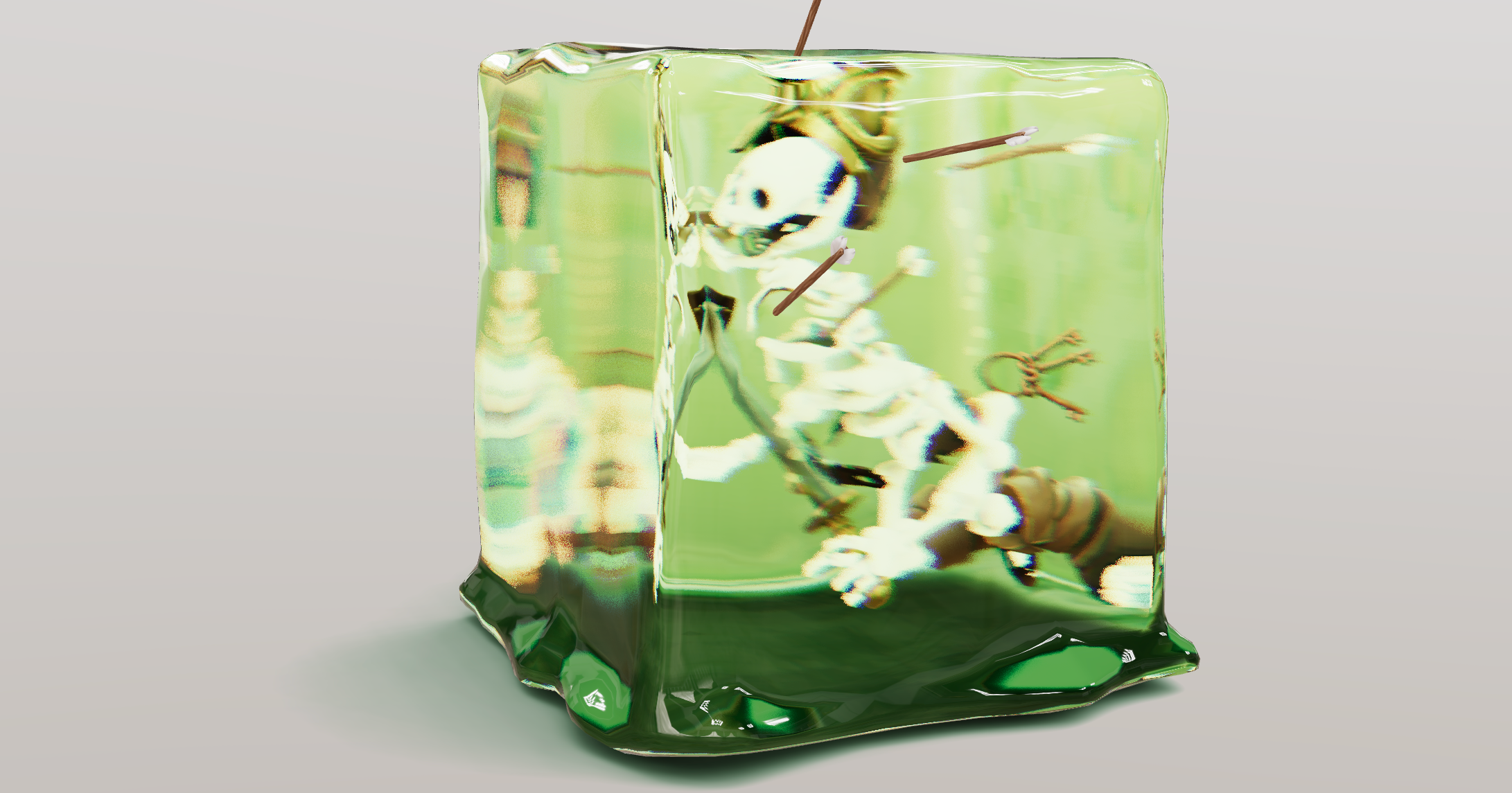
An improved THREE.MeshPhysicalMaterial. It acts like a normal PhysicalMaterial in terms of transmission support, thickness, ior, roughness, etc., but has chromatic aberration, noise-based roughness blur, (primitive) anisotropic blur support, and unlike the original it can "see" other transmissive or transparent objects which leads to improved visuals.
Although it should be faster than MPM keep in mind that it can still be expensive as it causes an additional render pass of the scene. Low samples and low resolution will make it faster. If you use roughness consider using a tiny resolution, for instance 32x32 pixels, it will still look good but perform much faster.
For performance and visual reasons the host mesh gets removed from the render-stack temporarily. If you have other objects that you don't want to see reflected in the material just add them to the parent mesh as children.
```tsx
type MeshTransmissionMaterialProps = ThreeProps<'MeshPhysicalMaterial'> & {
/* Transmission, default: 1 */
transmission?: number
/* Thickness (refraction), default: 0 */
thickness?: number
/** Backside thickness (when backside is true), default: 0 */
backsideThickness?: number
/* Roughness (blur), default: 0 */
roughness?: number
/* Chromatic aberration, default: 0.03 */
chromaticAberration?: number
/* Anisotropy, default: 0.1 */
anisotropicBlur?: number
/* Distortion, default: 0 */
distortion?: number
/* Distortion scale, default: 0.5 */
distortionScale: number
/* Temporal distortion (speed of movement), default: 0.0 */
temporalDistortion: number
/** The scene rendered into a texture (use it to share a texture between materials), default: null */
buffer?: THREE.Texture
/** transmissionSampler, you can use the threejs transmission sampler texture that is
* generated once for all transmissive materials. The upside is that it can be faster if you
* use multiple MeshPhysical and Transmission materials, the downside is that transmissive materials
* using this can't see other transparent or transmissive objects nor do you have control over the
* buffer and its resolution, default: false */
transmissionSampler?: boolean
/** Render the backside of the material (more cost, better results), default: false */
backside?: boolean
/** Resolution of the local buffer, default: undefined (fullscreen) */
resolution?: number
/** Resolution of the local buffer for backfaces, default: undefined (fullscreen) */
backsideResolution?: number
/** Refraction samples, default: 6 */
samples?: number
/** Buffer scene background (can be a texture, a cubetexture or a color), default: null */
background?: THREE.Texture
}
```
```jsx
return (
```
If each material rendering the scene on its own is too expensive you can share a buffer texture. Either by enabling `transmissionSampler` which would use the threejs-internal buffer that MeshPhysicalMaterials use. This might be faster, the downside is that no transmissive material can "see" other transparent or transmissive objects.
```jsx
```
Or, by passing a texture to `buffer` manually, for instance using useFBO.
```jsx
const buffer = useFBO()
useFrame((state) => {
state.gl.setRenderTarget(buffer)
state.gl.render(state.scene, state.camera)
state.gl.setRenderTarget(null)
})
return (
<>
```
Or a PerspectiveCamera.
```jsx
{(texture) => (
<>
>
)}
```
This would mimic the default MeshPhysicalMaterial behaviour, these materials won't "see" one another, but at least they would pick up on everything else, including transmissive or transparent objects.
#### MeshDiscardMaterial
A material that renders nothing. In comparison to `
{/* Shadows and edges will show, but the model itself won't */}
```
#### PointMaterial
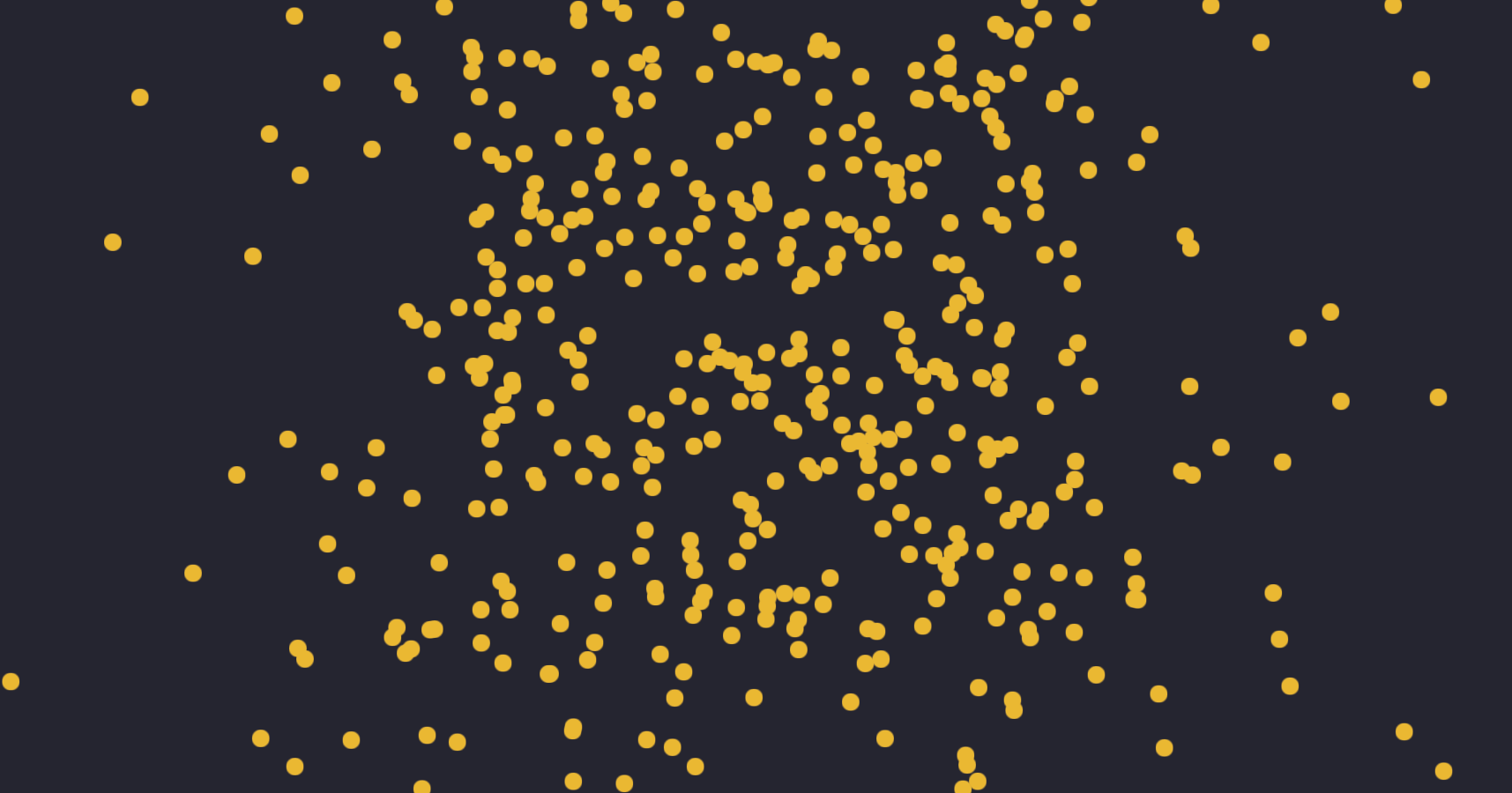
Antialiased round dots. It takes the same props as regular [THREE.PointsMaterial](https://threejs.org/docs/index.html?q=PointsMaterial#api/en/materials/PointsMaterial) on which it is based.
```jsx
```
#### SoftShadows
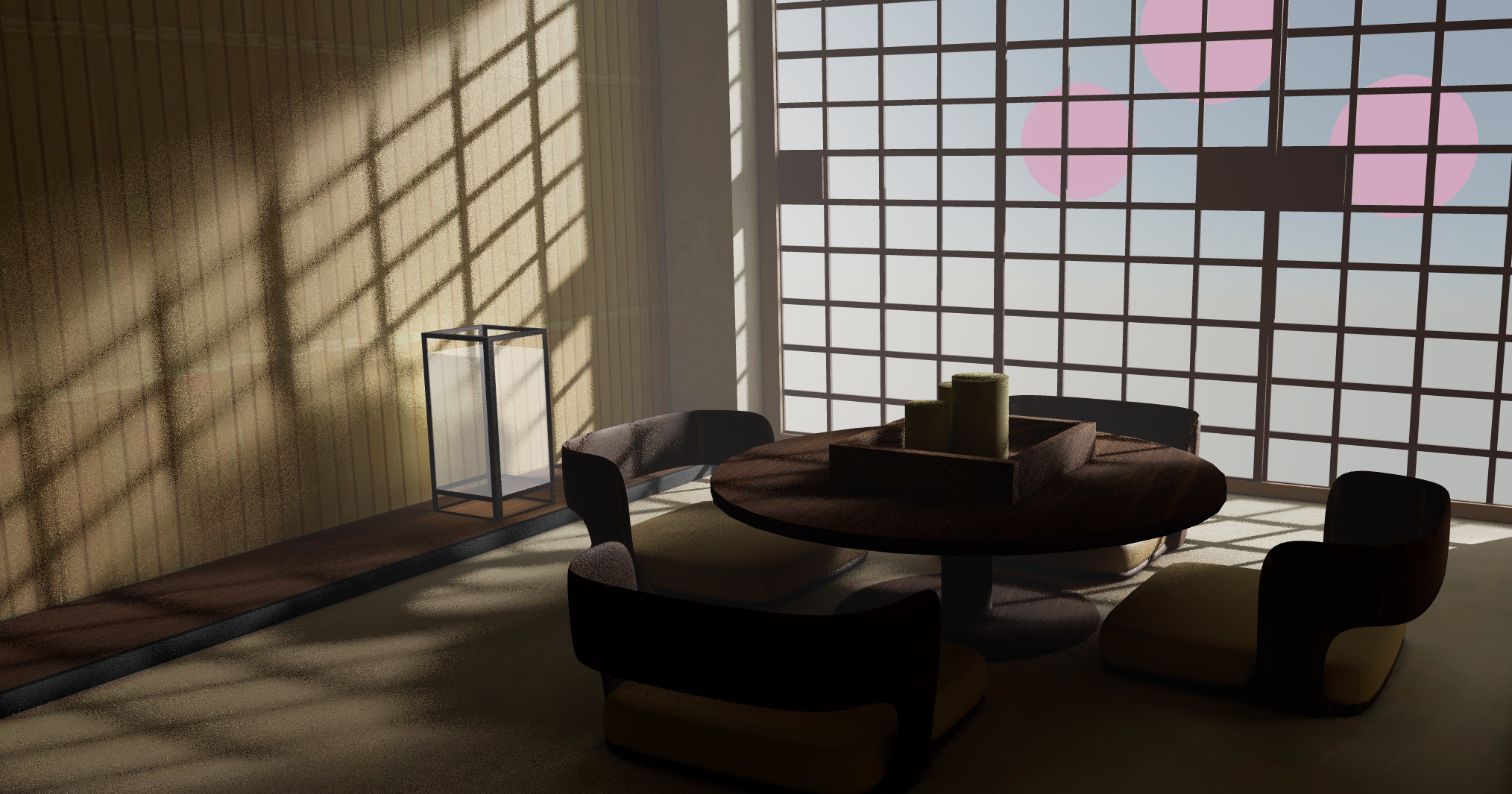
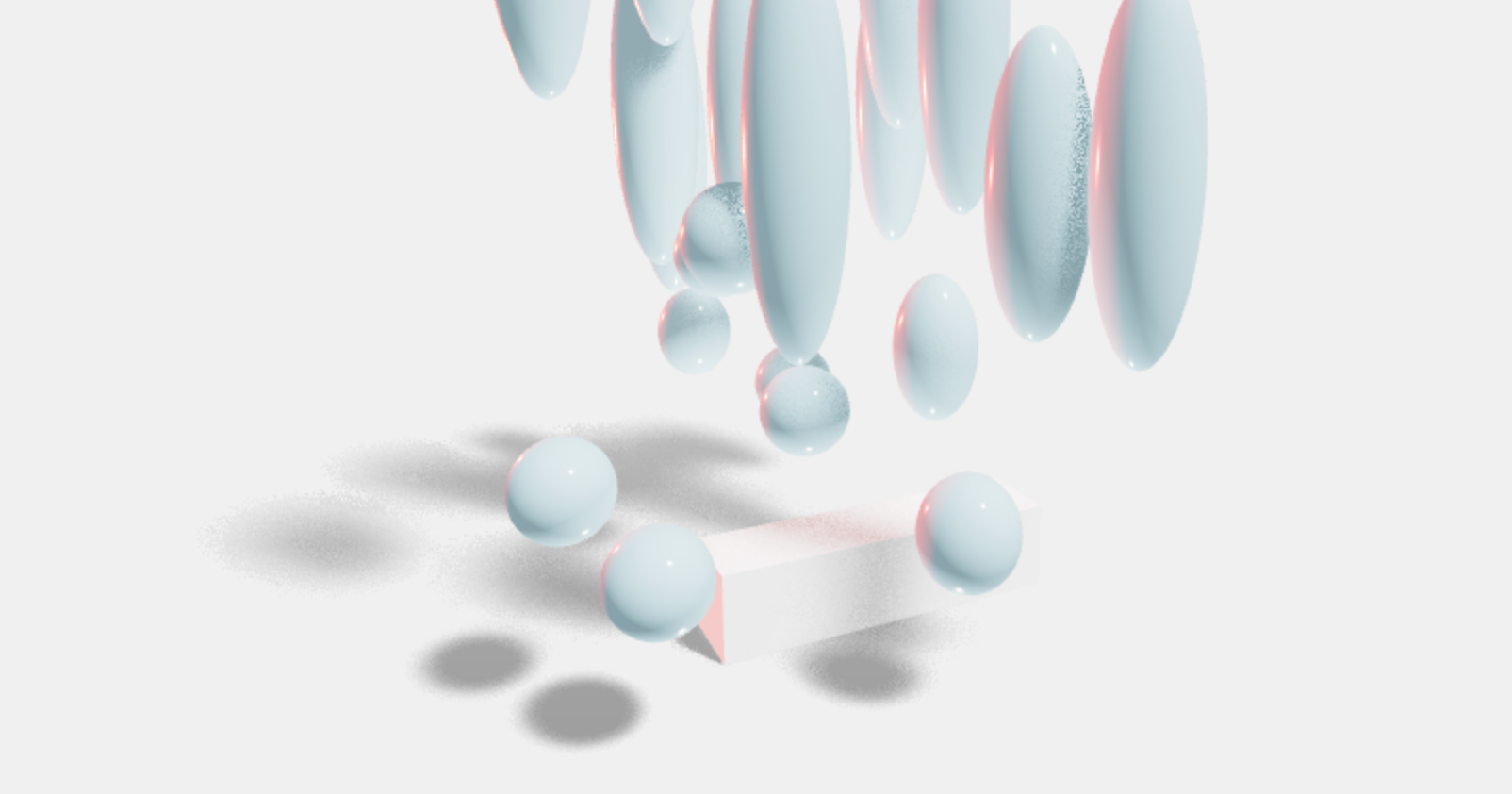
```tsx
type SoftShadowsProps = {
/** Size of the light source (the larger the softer the light), default: 25 */
size?: number
/** Number of samples (more samples less noise but more expensive), default: 10 */
samples?: number
/** Depth focus, use it to shift the focal point (where the shadow is the sharpest), default: 0 (the beginning) */
focus?: number
}
```
Injects percent closer soft shadows (pcss) into threes shader chunk. Mounting and unmounting this component will lead to all shaders being be re-compiled, although it will only cause overhead if SoftShadows is mounted after the scene has already rendered, if it mounts with everything else in your scene shaders will compile naturally.
```jsx
```
#### shaderMaterial
[](https://drei.vercel.app/?path=/story/shaders-shadermaterial--shader-material-story)
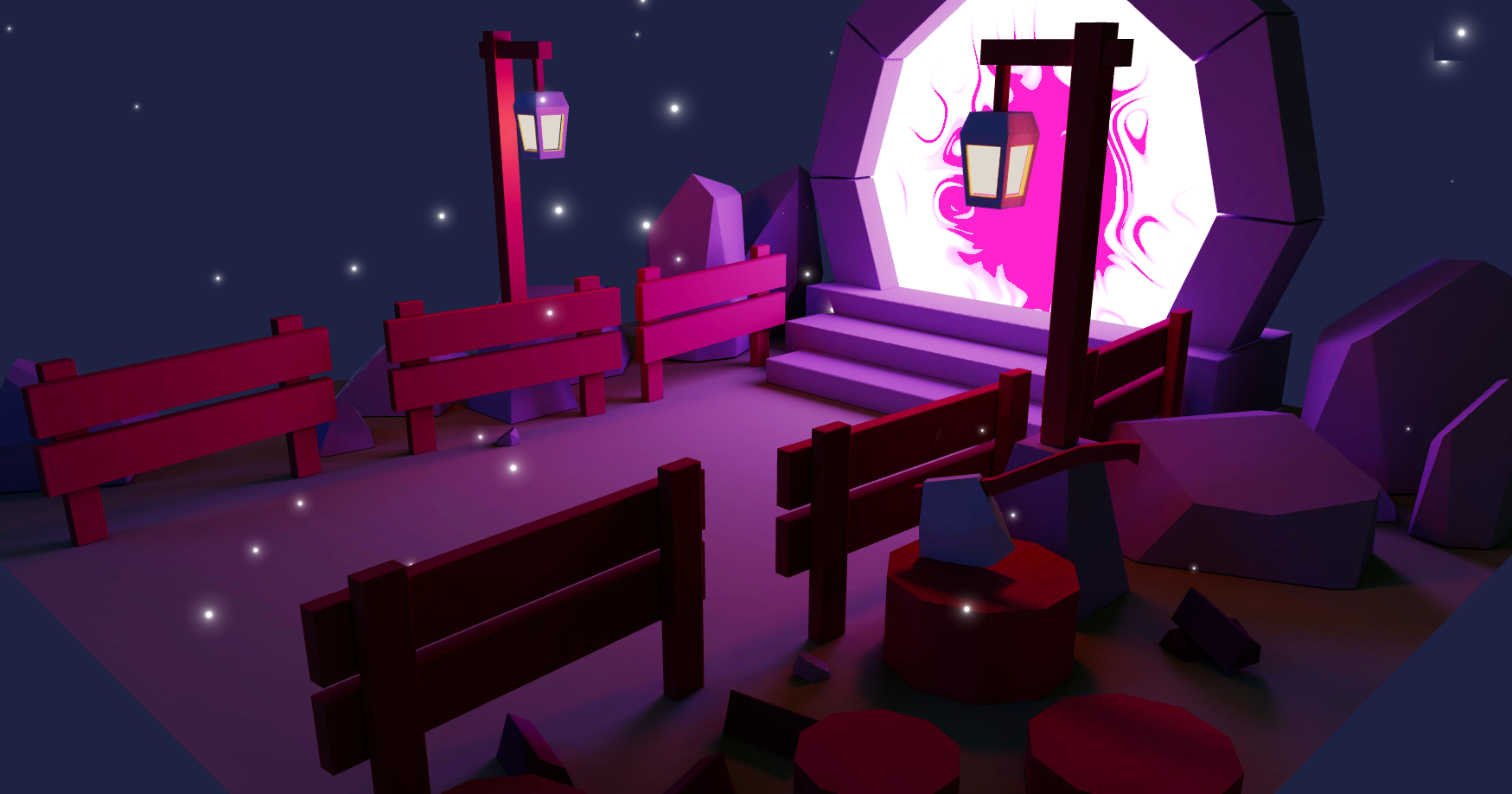
Creates a THREE.ShaderMaterial for you with easier handling of uniforms, which are automatically declared as setter/getters on the object and allowed as constructor arguments.
```jsx
import { extend } from 'solid-three'
const ColorShiftMaterial = shaderMaterial(
{ time: 0, color: new THREE.Color(0.2, 0.0, 0.1) },
// vertex shader
/*glsl*/`
varying vec2 vUv;
void main() {
vUv = uv;
gl_Position = projectionMatrix * modelViewMatrix * vec4(position, 1.0);
}
`,
// fragment shader
/*glsl*/`
uniform float time;
uniform vec3 color;
varying vec2 vUv;
void main() {
gl_FragColor.rgba = vec4(0.5 + 0.3 * sin(vUv.yxx + time) + color, 1.0);
}
`
)
// declaratively
extend({ ColorShiftMaterial })
...
// imperatively, all uniforms are available as setter/getters and constructor args
const material = new ColorShiftMaterial({ color: new THREE.Color("hotpink") })
material.time = 1
```
`shaderMaterial` attaches a unique `key` property to the prototype class. If you wire it to Reacts own `key` property, you can enable hot-reload.
```jsx
import { ColorShiftMaterial } from './ColorShiftMaterial'
extend({ ColorShiftMaterial })
// in your component
```
# Modifiers
#### CurveModifier
[](https://drei.pmnd.rs/?path=/story/modifiers-curvemodifier)
Given a curve will replace the children of this component with a mesh that move along said curve calling the property `moveAlongCurve` on the passed ref. Uses [three's Curve Modifier](https://threejs.org/examples/#webgl_modifier_curve)
```jsx
let curveRef
const curve = createMemo(() => new THREE.CatmullRomCurve3([...handlePos], true, 'centripetal'))
return (
)
```
# Misc
#### useContextBridge
[](https://drei.pmnd.rs/?path=/story/misc-usecontextbridge--use-context-bridge-st)
Allows you to forward contexts provided above the `` to be consumed from within the `` normally
```jsx
function SceneWrapper() {
// bridge any number of contexts
// Note: These contexts must be provided by something above this SceneWrapper component
// You cannot render the providers for these contexts inside this component
const ContextBridge = useContextBridge(ThemeContext, GreetingContext)
return (
)
}
function Scene() {
// we can now consume a context within the Canvas
const theme = useContext(ThemeContext)
const greeting = useContext(GreetingContext)
return (
//...
)
}
```
#### Example
[](https://drei.vercel.app/?path=/story/misc-example--example-st)
> **Warning** solely for [`CONTRIBUTING`](CONTRIBUTING.md#example) purposes
A "counter" example.
```tsx
```
```tsx
type ExampleProps = {
font: string
color?: Color
debug?: boolean
bevelSize?: number
}
```
Ref-api:
```tsx
let api: ExampleApi
;
```
```tsx
type ExampleApi = {
incr: (x?: number) => void
decr: (x?: number) => void
}
```
#### Html
[](https://drei.vercel.app/?path=/story/misc-html--html-st) 
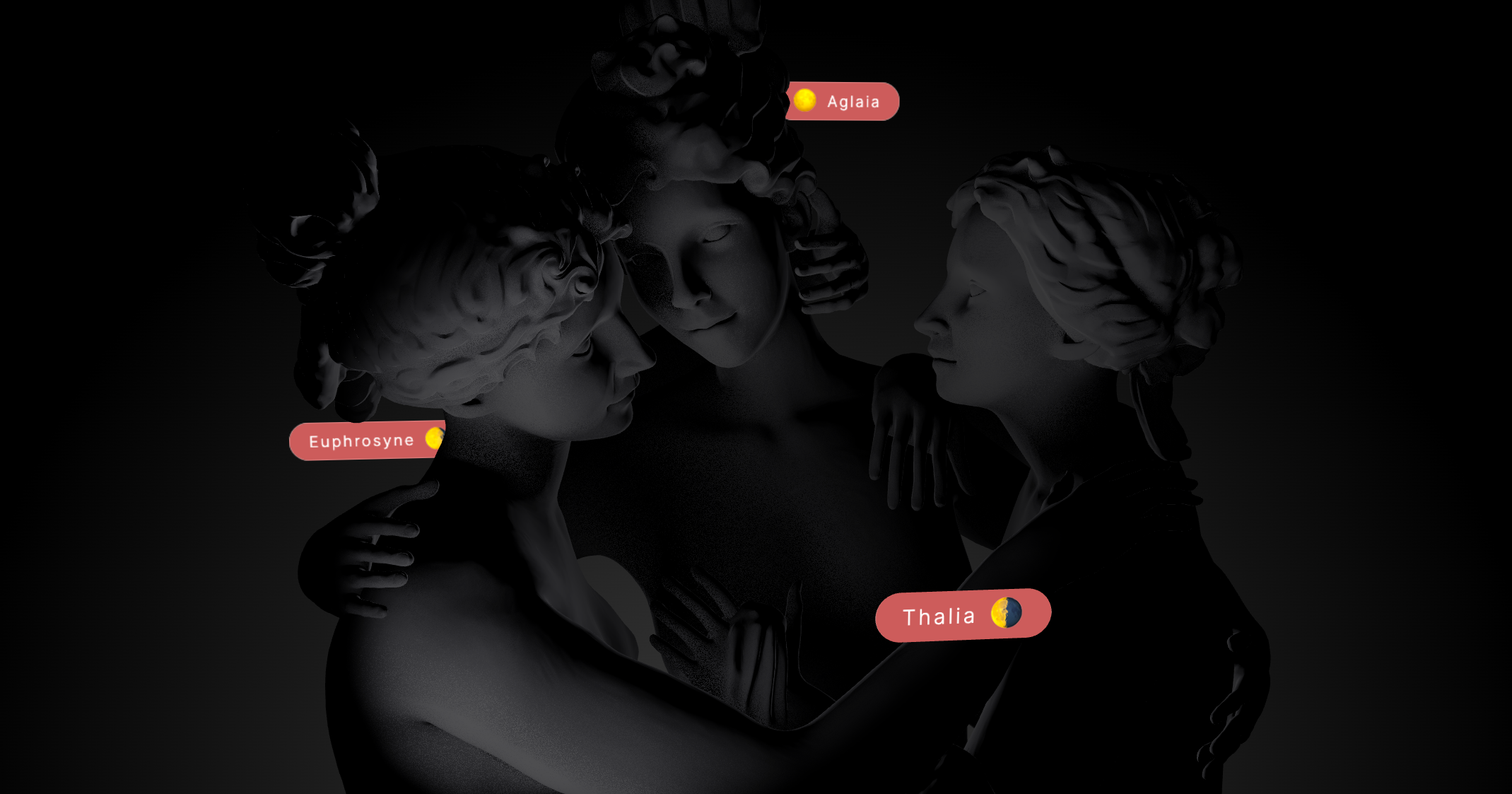



Allows you to tie HTML content to any object of your scene. It will be projected to the objects whereabouts automatically.
```jsx
number[]} // Override default positioning function. (default=undefined) [ignored in transform mode]
occlude={[ref]} // Can be true or a Ref[], true occludes the entire scene (default: undefined)
onOcclude={(visible) => null} // Callback when the visibility changes (default: undefined)
{...groupProps} // All THREE.Group props are valid
{...divProps} // All HTMLDivElement props are valid
>
hello
world
```
Html can hide behind geometry using the `occlude` prop.
```jsx
```
When the Html object hides it sets the opacity prop on the innermost div. If you want to animate or control the transition yourself then you can use `onOcclude`.
```jsx
const [hidden, set] = createSignal()
```
**Blending occlusion**
Html can hide behind geometry as if it was part of the 3D scene using this mode. It can be enabled by using `"blending"` as the `occlude` prop.
```jsx
// Enable real occlusion
```
You can also give HTML material properties using the `material` prop.
```jsx
}
/>
```
Enable shadows using the `castShadow` and `recieveShadow` prop.
> Note: Shadows only work with a custom material. Shadows will not work with `meshBasicMaterial` and `shaderMaterial` by default.
```jsx
}
/>
```
> Note: Html 'blending' mode only correctly occludes rectangular HTML elements by default. Use the `geometry` prop to swap the backing geometry to a custom one if your Html has a different shape.
#### CycleRaycast

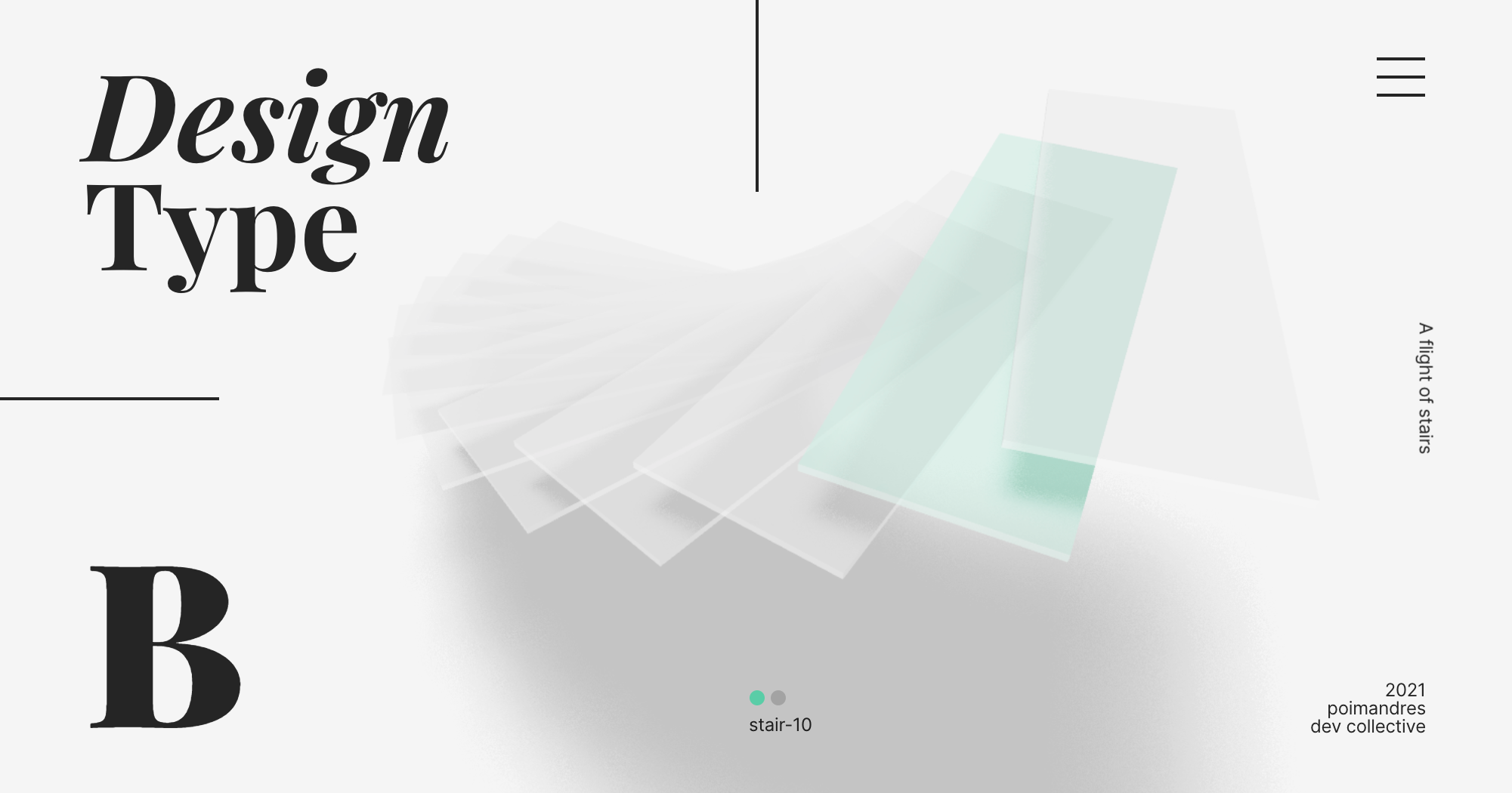
This component allows you to cycle through all objects underneath the cursor with optional visual feedback. This can be useful for non-trivial selection, CAD data, housing, everything that has layers. It does this by changing the raycasters filter function and then refreshing the raycaster.
For this to work properly your event handler have to call `event.stopPropagation()`, for instance in `onPointerOver` or `onClick`, only one element can be selective for cycling to make sense.
```jsx
console.log(objects, cycle)} // Optional onChanged event
/>
```
#### Select

```tsx
type Props = {
/** Allow multi select, default: false */
multiple?: boolean
/** Allow box select, default: false */
box?: boolean
/** Custom CSS border: default: '1px solid #55aaff' */
border?: string
/** Curom CSS color, default: 'rgba(75, 160, 255, 0.1)' */
backgroundColor?: string
/** Callback for selection changes */
onChange?: (selected: THREE.Object3D[]) => void
/** Callback for selection changes once the pointer is up */
onChangePointerUp?: (selected: THREE.Object3D[]) => void
/** Optional filter for filtering the selection */
filter?: (selected: THREE.Object3D[]) => THREE.Object3D[]
}
```
This component allows you to select/unselect objects by clicking on them. It keeps track of the currently selected objects and can select multiple objects (with the shift key). Nested components can request the current selection (which is always an array) with the `useSelect` hook. With the `box` prop it will let you shift-box-select objects by holding and draging the cursor over multiple objects. Optionally you can filter the selected items as well as define in which shape they are stored by defining the `filter` prop.
```jsx
items}>
function Foo() {
const selected = useSelect()
```
#### Sprite Animator

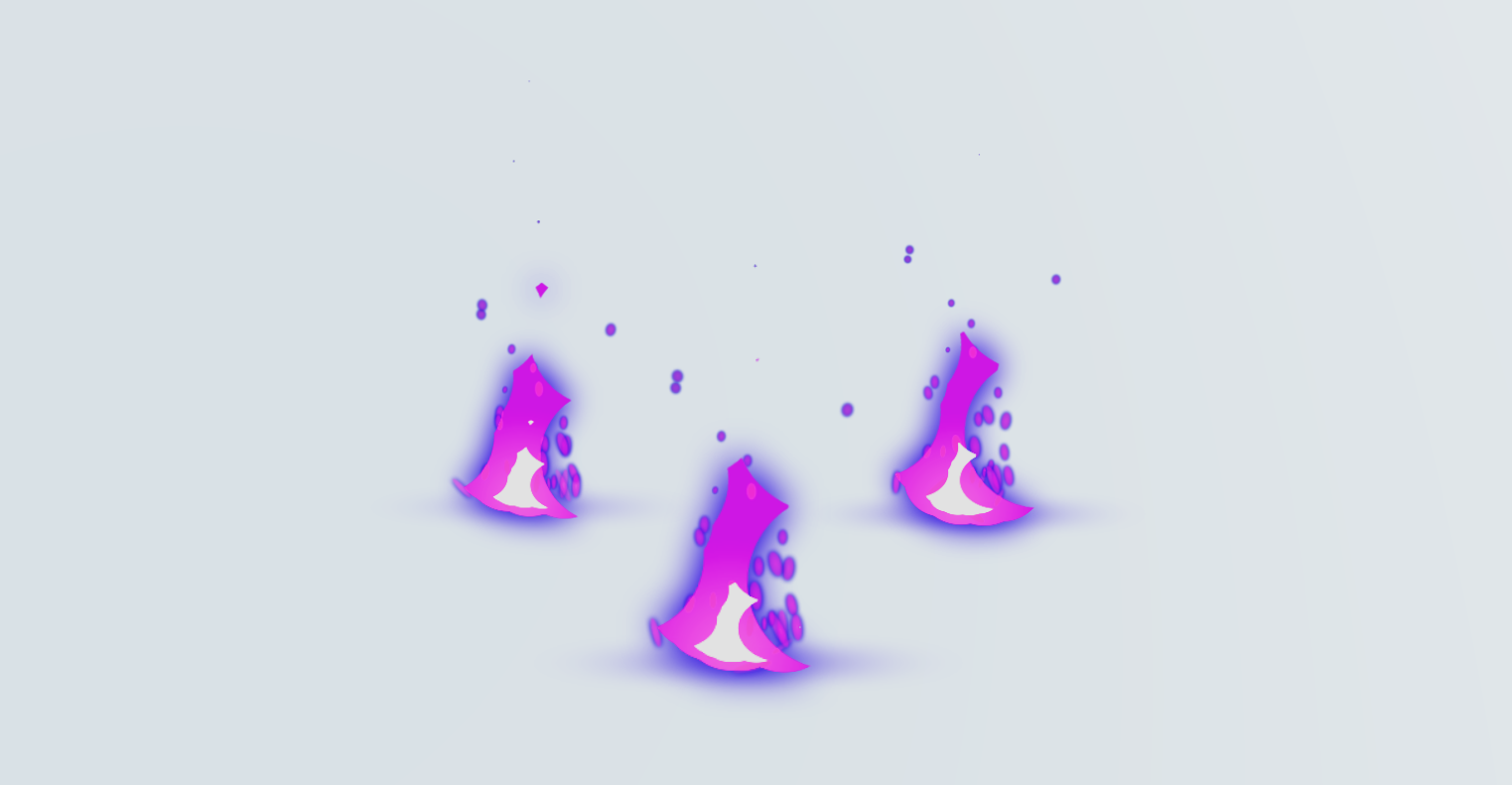
```tsx
type Props = {
/** The start frame of the animation */
startFrame?: number
/** The end frame of the animation */
endFrame?: number
/** The desired frames per second of the animaiton */
fps?: number
/** The frame identifier to use, has to be one of animationNames */
frameName?: string
/** The URL of the texture JSON (if using JSON-Array or JSON-Hash) */
textureDataURL?: string
/** The URL of the texture image */
textureImageURL?: string
/** Whether or not the animation should loop */
loop?: boolean
/** The number of frames of the animation (required if using plain spritesheet without JSON) */
numberOfFrames?: number
/** Whether or not the animation should auto-start when all assets are loaded */
autoPlay?: boolean
/** The animation names of the spritesheet (if the spritesheet -with JSON- contains more animation sequences) */
animationNames?: Array
/** Event callback when the animation starts */
onStart?: Function
/** Event callback when the animation ends */
onEnd?: Function
/** Event callback when the animation loops */
onLoopEnd?: Function
/** Event callback when each frame changes */
onFrame?: Function
/** Control when the animation runs */
play?: boolean
/** Control when the animation pauses */
pause?: boolean
/** Whether or not the Sprite should flip sides on the x-axis */
flipX?: boolean
/** Sets the alpha value to be used when running an alpha test. https://threejs.org/docs/#api/en/materials/Material.alphaTest */
alphaTest?: number
}
```
The SpriteAnimator component provided by drei is a powerful tool for animating sprites in a simple and efficient manner. It allows you to create sprite animations by cycling through a sequence of frames from a sprite sheet image or JSON data.
Notes:
- The SpriteAnimator component internally uses the useFrame hook from solid-three-fiber (r3f) for efficient frame updates and rendering.
- The sprites should contain equal size frames
- Trimming of spritesheet frames is not yet supported
```jsx
```
#### Stats
[](https://drei.vercel.app/?path=/story/misc-stats--default-story)
Adds [stats](https://github.com/mrdoob/stats.js/) to document.body. It takes over the render-loop!
```jsx
```
You can choose to mount Stats to a different DOM Element - for example, for custom styling:
```jsx
const node = document.createElement('div')
onMount(() => {
node.id = 'test'
document.body.appendChild(node)
onCleanup(() => document.body.removeChild(node))
})
return
```
#### StatsGl
[](https://drei.vercel.app/?path=/story/misc-statsgl--default-story)
Adds [stats-gl](https://github.com/RenaudRohlinger/stats-gl/) to document.body. It takes over the render-loop!
```jsx
```
#### Wireframe
[](https://drei.vercel.app/?path=/story/staging-wireframe--wireframe-st)
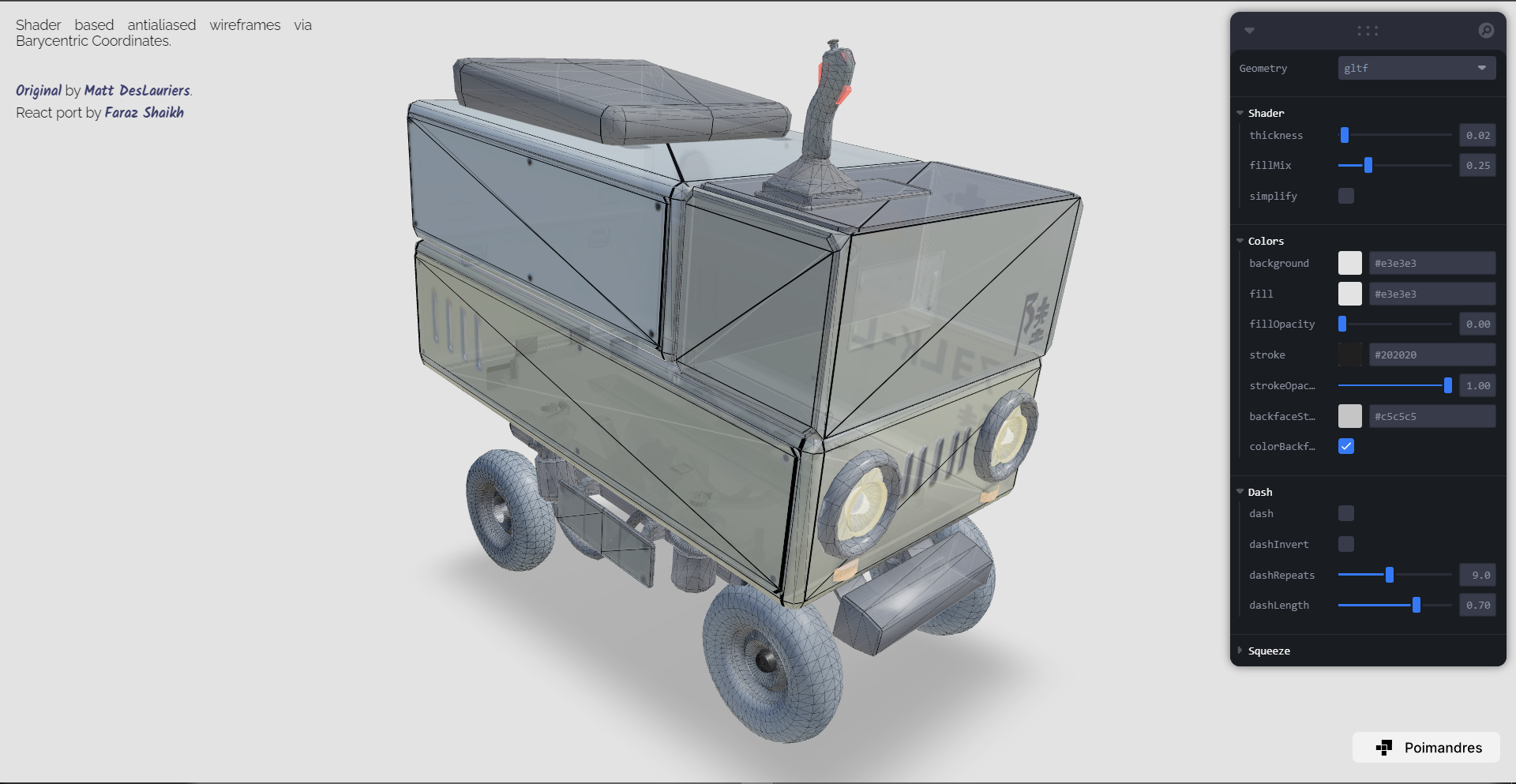
Renders an Antialiased, shader based wireframe on or around a geometry.
```jsx
// Will apply wireframe on top of existing material on this mesh
// OR
```
#### useDepthBuffer
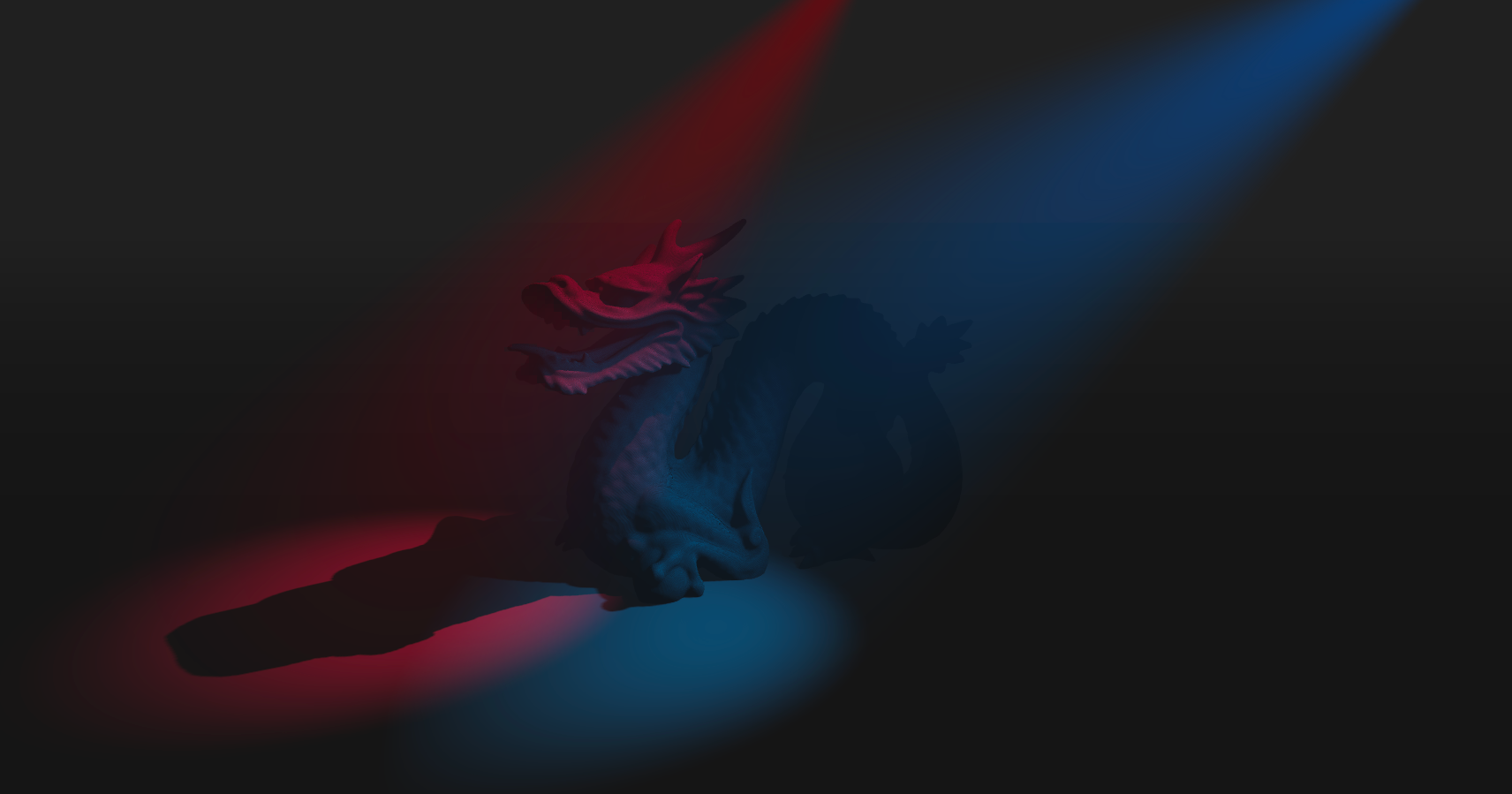
Renders the scene into a depth-buffer. Often effects depend on it and this allows you to render a single buffer and share it, which minimizes the performance impact. It returns the buffer's `depthTexture`.
Since this is a rather expensive effect you can limit the amount of frames it renders when your objects are static. For instance making it render only once by setting `frames: 1`.
```jsx
const depthBuffer = useDepthBuffer({
size: 256, // Size of the FBO, 256 by default
frames: Infinity, // How many frames it renders, Infinity by default
})
return
```
#### useFBO
[](https://drei.vercel.app/?path=/story/misc-usefbo--use-fbo-st)
Creates a `THREE.WebGLRenderTarget`.
```tsx
type FBOSettings = {
/** Defines the count of MSAA samples. Can only be used with WebGL 2. Default: 0 */
samples?: number
/** If set, the scene depth will be rendered into buffer.depthTexture. Default: false */
depth?: boolean
} & THREE.WebGLRenderTargetOptions
export function useFBO(
/** Width in pixels, or settings (will render fullscreen by default) */
width?: number | FBOSettings,
/** Height in pixels */
height?: number,
/**Settings */
settings?: FBOSettings
): THREE.WebGLRenderTarget {
```
```jsx
const target = useFBO({ stencilBuffer: false })
```
The rendertarget is automatically disposed when unmounted.
#### useCamera
[](https://drei.vercel.app/?path=/story/misc-usecamera--use-camera-st)
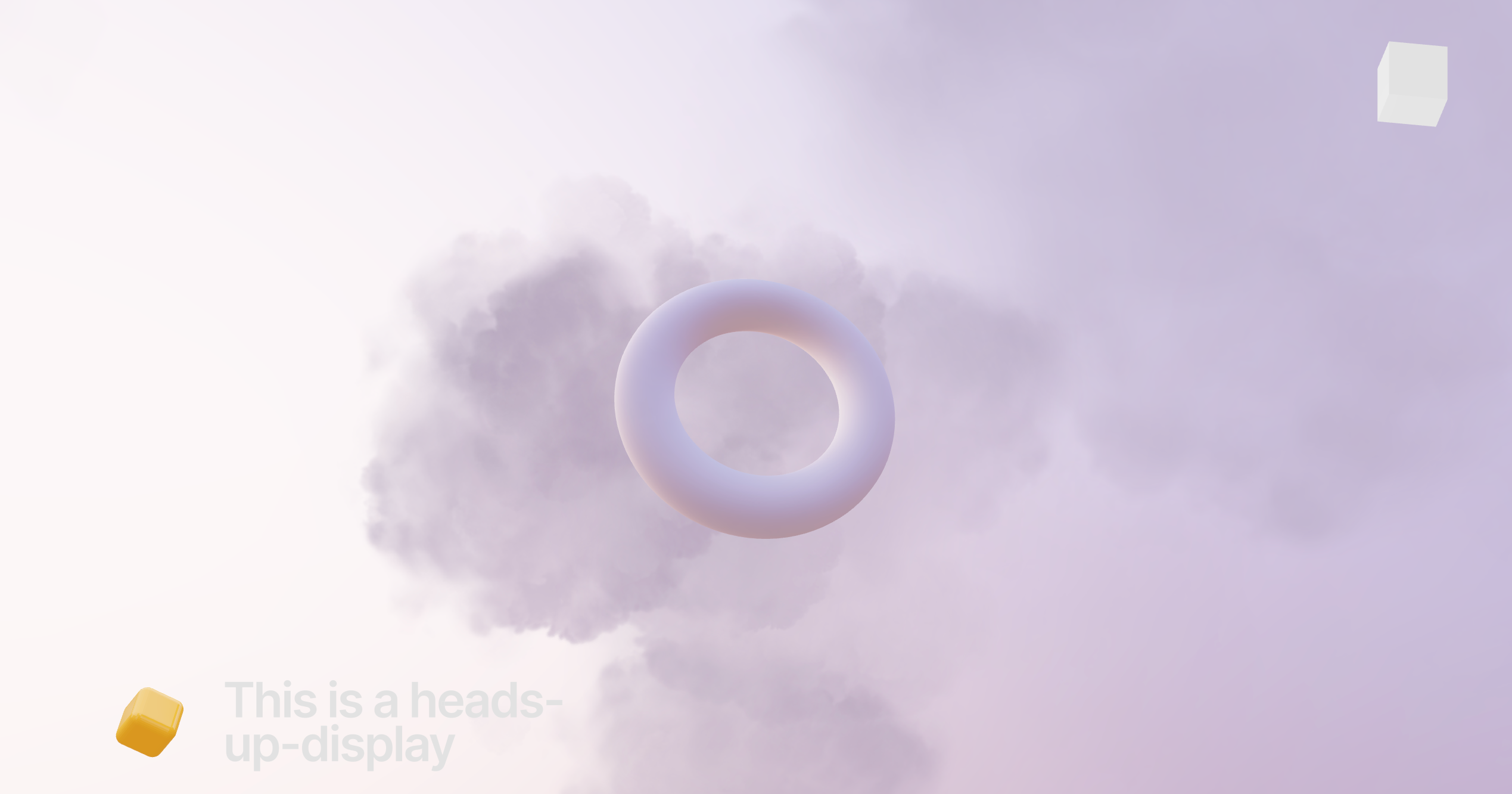
A hook for the rare case when you are using non-default cameras for heads-up-displays or portals, and you need events/raytracing to function properly (raycasting uses the default camera otherwise).
```jsx
```
#### useCubeCamera
[](https://drei.vercel.app/?path=/story/misc-usecubecamera)
Creates a [`THREE.CubeCamera`](https://threejs.org/docs/#api/en/cameras/CubeCamera) that renders into a `fbo` renderTarget and that you can `update()`.
```tsx
export function useCubeCamera({
/** Resolution of the FBO, 256 */
resolution?: number
/** Camera near, 0.1 */
near?: number
/** Camera far, 1000 */
far?: number
/** Custom environment map that is temporarily set as the scenes background */
envMap?: THREE.Texture
/** Custom fog that is temporarily set as the scenes fog */
fog?: Fog | FogExp2
})
```
```jsx
const { fbo, camera, update } = useCubeCamera()
```
#### useDetectGPU
[](https://drei.pmnd.rs/?path=/story/misc-usedetectgpu)
This hook uses [DetectGPU by @TimvanScherpenzeel](https://github.com/TimvanScherpenzeel/detect-gpu), wrapped into suspense, to determine what tier should be assigned to the user's GPU.
👉 This hook CAN be used outside the solid-three `Canvas`.
```jsx
function App() {
const GPUTier = useDetectGPU()
// show a fallback for mobile or lowest tier GPUs
return (
{(GPUTier()?.tier === "0" || GPUTier()?.isMobile) ? : ...
```
#### useAspect
[](https://drei.vercel.app/?path=/story/misc-useaspect--default-story)
This hook calculates aspect ratios (for now only what in css would be `image-size: cover` is supported). You can use it to make an image fill the screen. It is responsive and adapts to viewport resize. Just give the hook the image bounds in pixels. It returns an array: `[width, height, 1]`.
```jsx
const scale = useAspect(
1024, // Pixel-width
512, // Pixel-height
1 // Optional scaling factor
)
return (
```
#### useCursor

A small hook that sets the css body cursor according to the hover state of a mesh, so that you can give the use visual feedback when the mouse enters a shape. Arguments 1 and 2 determine the style, the defaults are: onPointerOver = 'pointer', onPointerOut = 'auto'.
```jsx
const [hovered, set] = createSignal()
useCursor(hovered, /*'pointer', 'auto'*/)
return (
set(true)} onPointerOut={() => set(false)}>
```
#### useIntersect
A very cheap frustum check that gives you a reference you can observe in order to know if the object has entered the view or is outside of it. This relies on [THREE.Object3D.onBeforeRender](https://threejs.org/docs/#api/en/core/Object3D.onBeforeRender) so it only works on objects that are effectively rendered, like meshes, lines, sprites. It won't work on groups, object3d's, bones, etc.
```jsx
const [ref, setRef] = useIntersect((visible) => console.log('object is visible', visible))
return
```
#### useBoxProjectedEnv
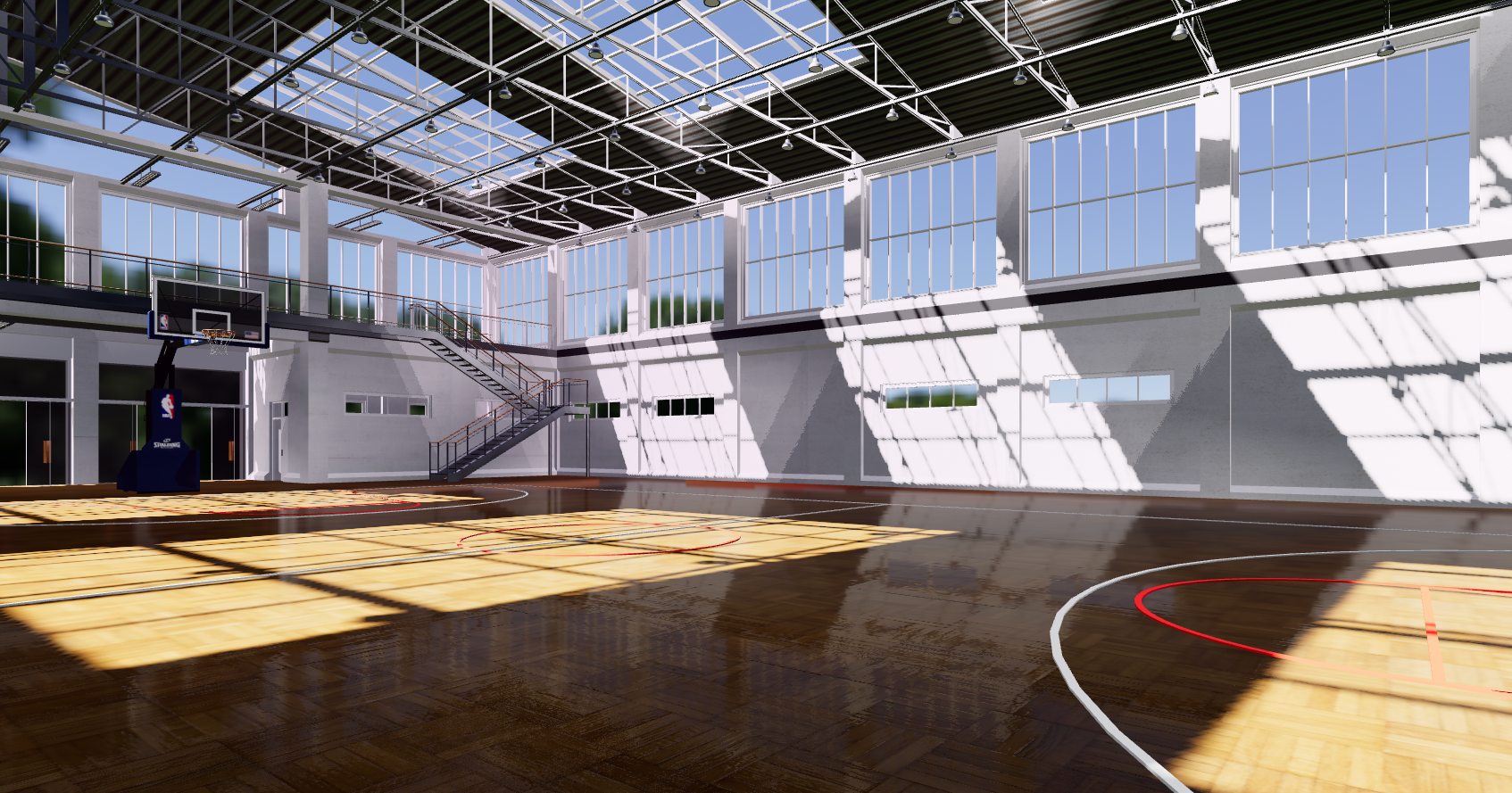
The cheapest possible way of getting reflections in threejs. This will box-project the current environment map onto a plane. It returns an object that you need to spread over its material. The spread object contains a ref, onBeforeCompile and customProgramCacheKey. If you combine it with drei/CubeCamera you can "film" a single frame of the environment and feed it to the material, thereby getting realistic reflections at no cost. Align it with the position and scale properties.
```jsx
const projection = useBoxProjectedEnv(
[0, 0, 0], // Position
[1, 1, 1] // Scale
)
{(texture) => (
)}
```
#### useTrail
[](https://drei.vercel.app/?path=/story/misc-trail--use-trail-st)
A hook to obtain an array of points that make up a [Trail](#trail). You can use this array to drive your own `MeshLine` or make a trail out of anything you please.
Note: The hook returns a ref (`MutableRefObject`) this means updates to it will not trigger a re-draw, thus keeping this cheap.
```js
const points = useTrail(
target, // Required target object. This object will produce the trail.
{
length, // Length of the line
decay, // How fast the line fades away
local, // Wether to use the