https://github.com/billypchan/gravitytagcloudview
A tag cloud view with gravity.
https://github.com/billypchan/gravitytagcloudview
2017 cocoapod gravity playground swift-3 tag-cloud uidynamics uilabel xcode8
Last synced: over 1 year ago
JSON representation
A tag cloud view with gravity.
- Host: GitHub
- URL: https://github.com/billypchan/gravitytagcloudview
- Owner: billypchan
- License: mit
- Created: 2017-03-04T10:57:35.000Z (over 9 years ago)
- Default Branch: master
- Last Pushed: 2017-11-04T09:36:31.000Z (almost 9 years ago)
- Last Synced: 2025-04-10T00:02:41.010Z (over 1 year ago)
- Topics: 2017, cocoapod, gravity, playground, swift-3, tag-cloud, uidynamics, uilabel, xcode8
- Language: Swift
- Size: 11.7 MB
- Stars: 24
- Watchers: 1
- Forks: 4
- Open Issues: 1
-
Metadata Files:
- Readme: README.md
- License: LICENSE
Awesome Lists containing this project
README
# GravityTagCloudView
A tag cloud view with gravity for iOS. It is a rewritten version of https://github.com/zhangao0086/DKTagCloudView in swift 3 with UIdynamics gravity support (Thanks for this nice tutorial for UI dynamics - https://www.bignerdranch.com/blog/uidynamics-in-swift/).
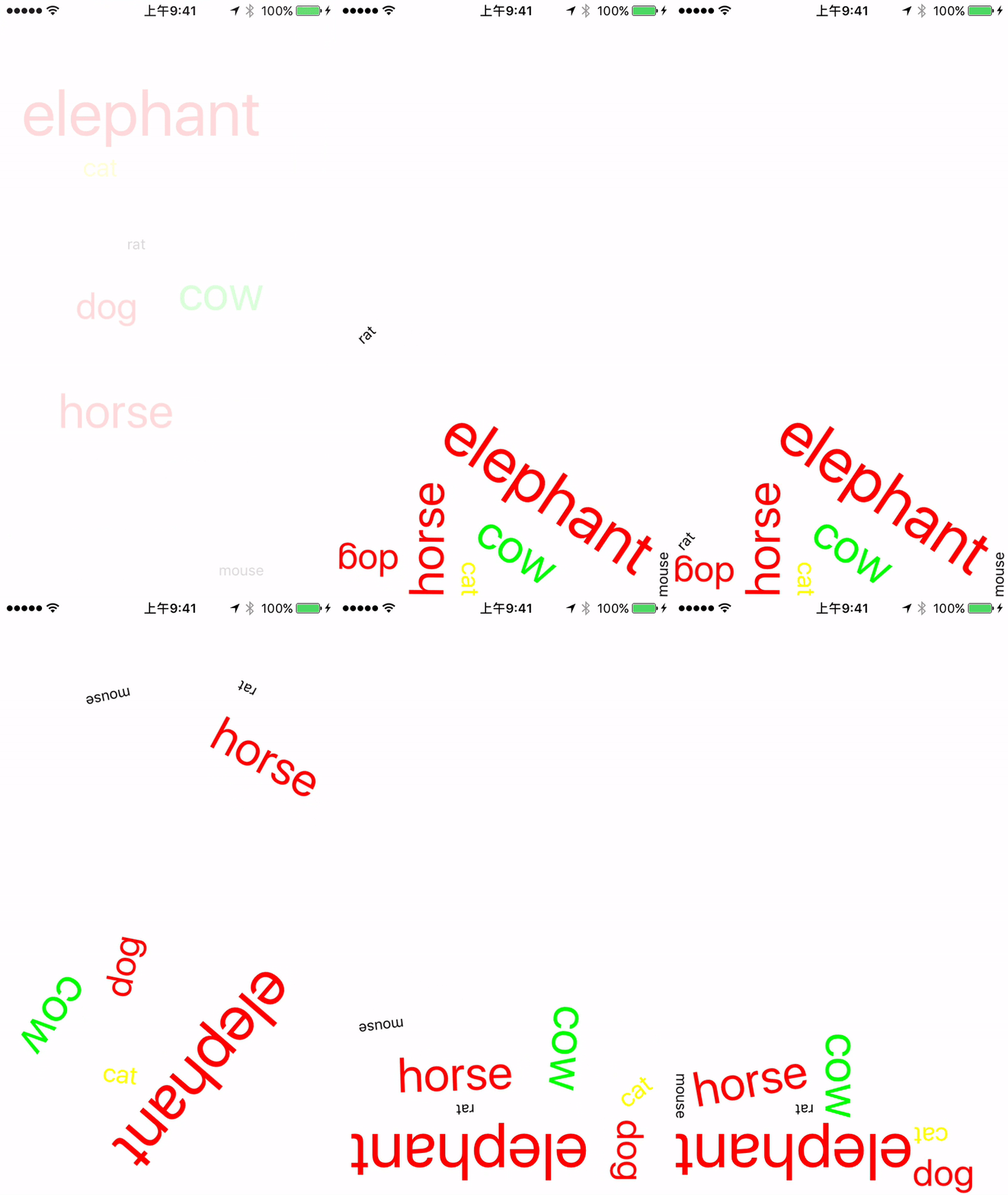
You may play around GravityTagCloudView on [Apptize](https://appetize.io/app/y16mxjyzgrd9bkh0cq38ac4qng).
Fill some bugs in the iPhone SE screen:
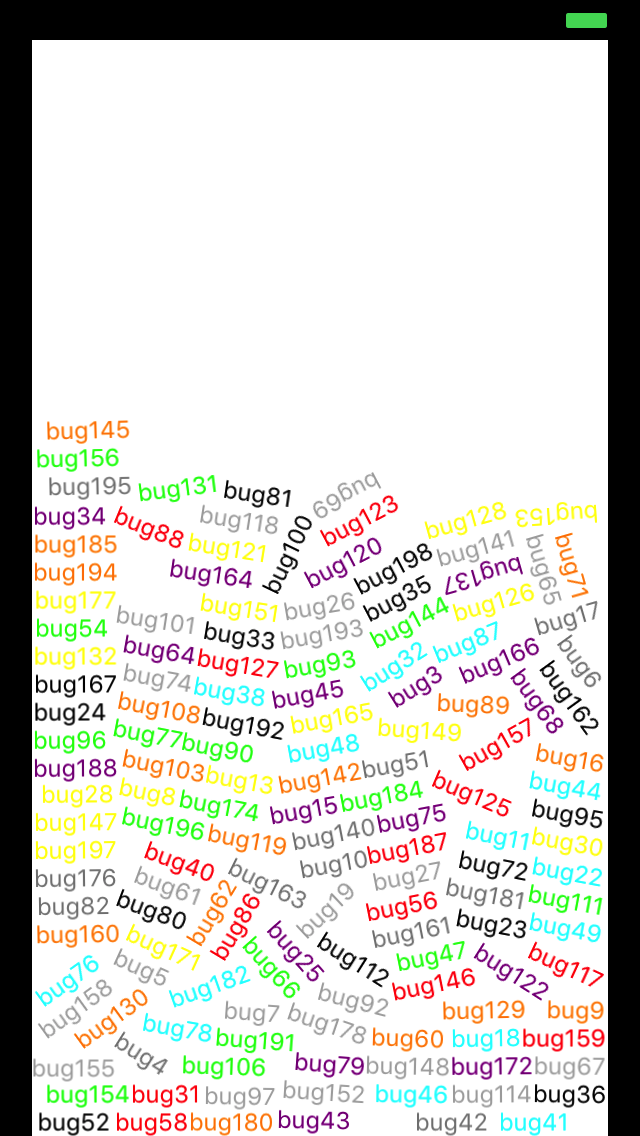
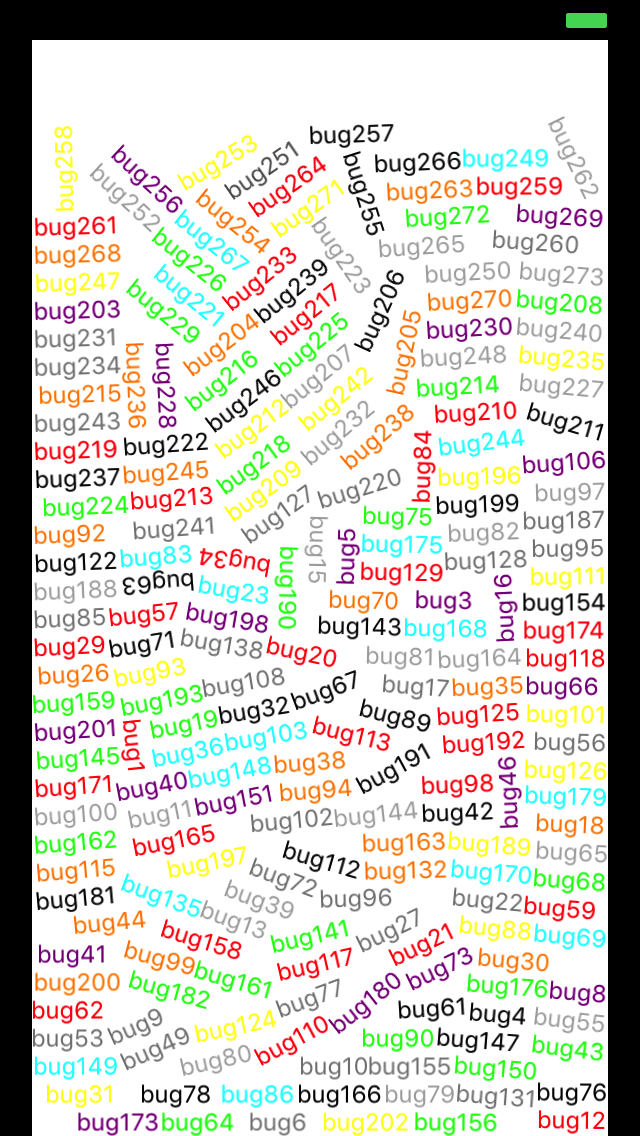
(To measure the performance of UIDynamic, you may include [konoma/fps-counter](https://github.com/konoma/fps-counter) in your project.)
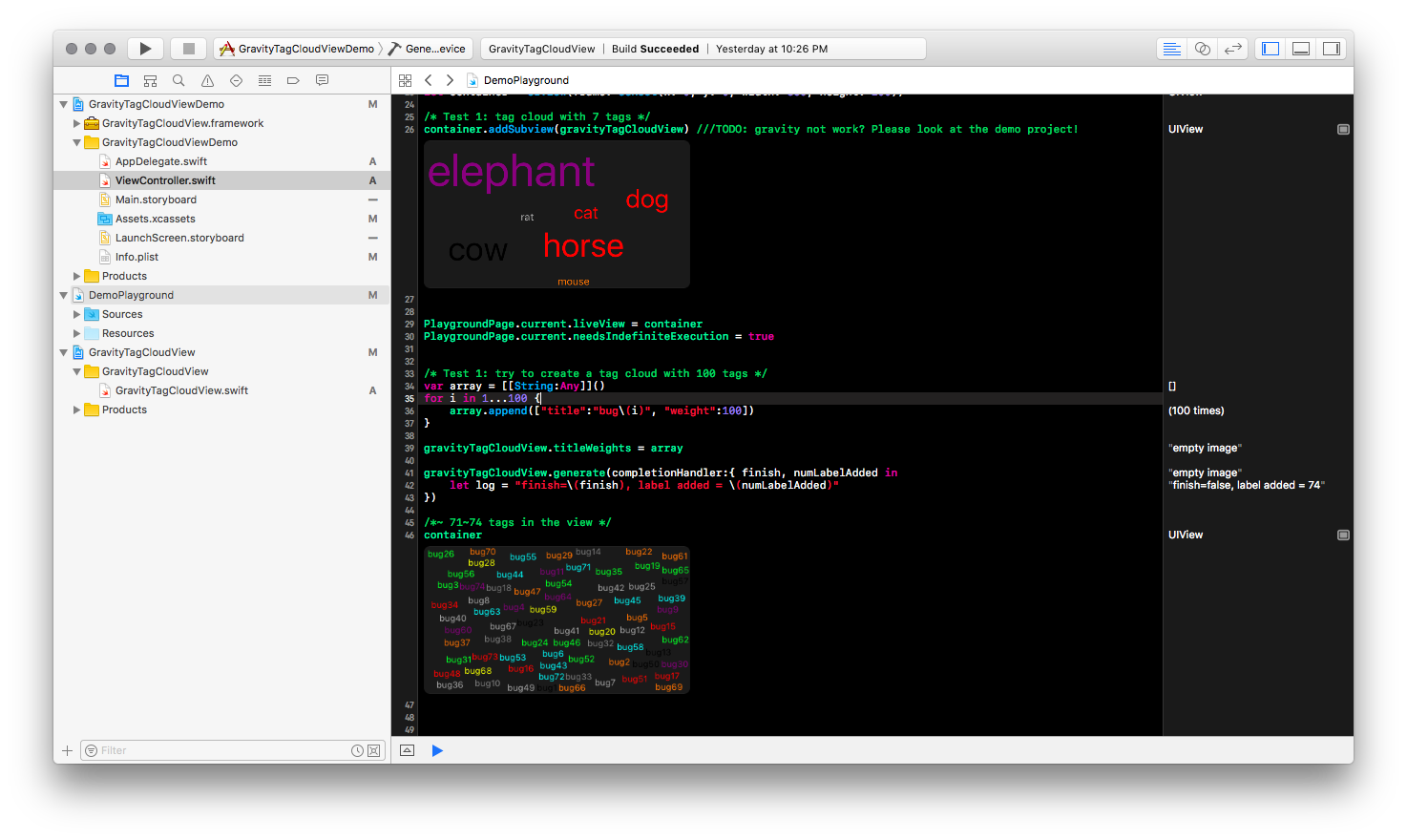
Playground example:
Play with random font size:
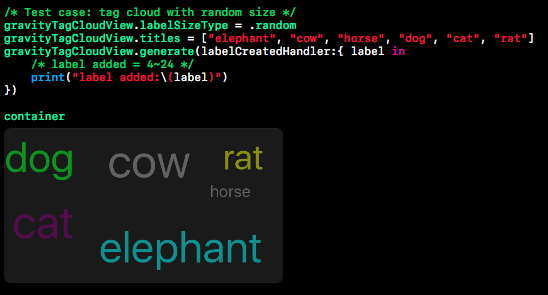
Play with weighted font size and fill the entire view with tags:
## How To Get Started
### Installation with CocoaPods
Edit your Podfile and add DKTagCloudView, (TODO add to offical pod spec):
``` bash
pod 'GravityTagCloudView', '~> 0.2.0'
```
Add `import GravityTagCloudView` to the top of classes that will use it.
#### Create instances (Also supports xib/storyboard) :
``` Swift
let gravityTagCloudView = GravityTagCloudView()
gravityTagCloudView.frame = CGRect(x: 0, y: 0, width: 360, height: 200)
self.view.addSubview(gravityTagCloudView)
```
#### Setup items:
If you want the size of the label is propertional to their weight, please set labelSizeType properties to kWeighted and assign array to titleWeights:
``` Swift
gravityTagCloudView.labelSizeType = .weighted
gravityTagCloudView.titleWeights = [["title":"elephant", "weight":10],
["title":"cow", "weight":7],
["title":"horse", "weight":7],
["title":"dog", "weight":5],
["title":"cat", "weight":3],
["title":"rat", "weight":1],
["title":"mouse", "weight":1],
]
```
#### Generates:
``` Swift
gravityTagCloudView.generate()
```
#### Callback
``` Swift
gravityTagCloudView.tagClickBlock = { title, tag -> Void in
print("tag =\(tag), title=\(title)")
}
```
#### Customized:
``` Swift
/**
* Label size option. Defautls to random.
*/
public var labelSizeType : LabelSizeType = .random
/**
* Gravity enabled?
*/
public var isGravity : Bool = true
/**
* Min font size. Defautls to 14.
*/
public var minFontSize : Float = 14
/**
* Max font size. Defaults to 60.
*/
public var maxFontSize : Float = 60
/**
* Random text colors with default list
*/
public var randomColors = [UIColor.black, UIColor.cyan, UIColor.purple, UIColor.orange, UIColor.red, UIColor.yellow, UIColor.lightGray, UIColor.gray, UIColor.green]
```
## License
This code is distributed under the terms and conditions of the MIT license.