https://github.com/bioarchlinux/iso
BioArchLinux in ISO
https://github.com/bioarchlinux/iso
Last synced: 9 months ago
JSON representation
BioArchLinux in ISO
- Host: GitHub
- URL: https://github.com/bioarchlinux/iso
- Owner: BioArchLinux
- Created: 2023-03-21T17:35:06.000Z (over 3 years ago)
- Default Branch: master
- Last Pushed: 2025-04-26T16:46:24.000Z (about 1 year ago)
- Last Synced: 2025-09-09T16:20:48.772Z (10 months ago)
- Language: Shell
- Homepage: https://repo.bioarchlinux.org/iso
- Size: 3.71 MB
- Stars: 4
- Watchers: 3
- Forks: 1
- Open Issues: 0
-
Metadata Files:
- Readme: README.md
Awesome Lists containing this project
README
# BioArchLinux ISO
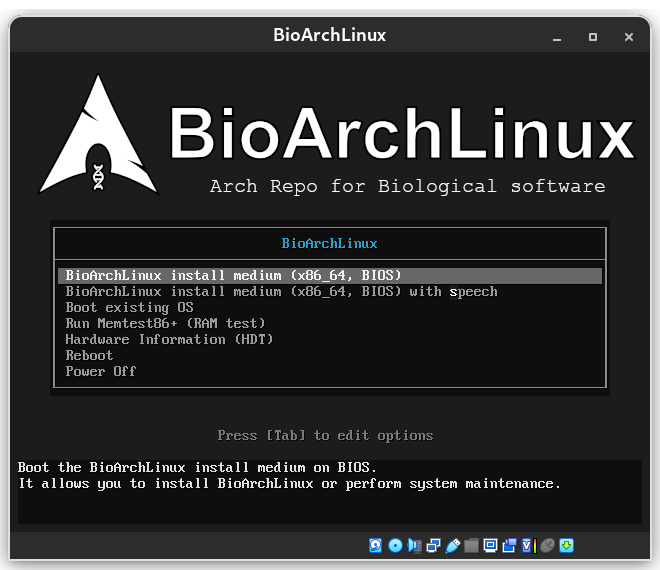
## Download
Download [iso image file](https://repo.bioarchlinux.org/iso) from [any mirror](https://raw.githubusercontent.com/BioArchLinux/mirror/main/mirrorlist.bio) of BioArchLinux.
## Release
This iso is released monthly and built by mkarchiso.
# Installation guide
## Pre-installation
### Partition the disks
Check the partitions, usually, you need one boot partition and one / partition.
```
# fdsik -l
```
If you want to create partitions use
```
# fdisk /dev/the_disk_to_be_partitioned
```
### Format partitions
Following commands format the boot partition as fas, the root partition as ext4.
```
# mkfs.ext4 /dev/root_partition
# mkfs.fat /dev/boot_partition
```
### Mount
```
# mount /dev/root_partition /mnt
# mount --mkdir /dev/boot_partition /mnt/boot
```
## Installation
### Select the mirrors
you can edit `/etc/pacman.d/mirrorlist` and `/etc/pacman.d/mirrorlist.bio`, and put the mirror you want at the top of the file.
### Install essential packages
The example commands will let you use the Linux kernel, you can replace it with other kernels.
```
# pacstrap /mnt base-bio linux linux-firmware
```
### pacman.conf
You can use the `pacman.conf` from live cd, or you should manually add `bioarchlinux` repo to `pacman.conf`
```
# cp /etc/pacman.conf /mnt/etc/pacman.conf
```
## Configure the system, Reboot & Post-installation
You can view [archlinux wiki](https://wiki.archlinux.org/title/Installation_guide), totally the same as Arch Linux.