https://github.com/biomathcode/reactanatomypicker
A lightweight, customizable React component for selecting anatomical regions on human body diagrams
https://github.com/biomathcode/reactanatomypicker
Last synced: 4 months ago
JSON representation
A lightweight, customizable React component for selecting anatomical regions on human body diagrams
- Host: GitHub
- URL: https://github.com/biomathcode/reactanatomypicker
- Owner: biomathcode
- Created: 2025-11-28T11:33:54.000Z (8 months ago)
- Default Branch: main
- Last Pushed: 2025-12-01T05:35:39.000Z (8 months ago)
- Last Synced: 2026-01-11T19:28:20.682Z (6 months ago)
- Language: TypeScript
- Homepage: https://biomathcode.github.io/ReactAnatomyPicker
- Size: 2.82 MB
- Stars: 1
- Watchers: 0
- Forks: 0
- Open Issues: 0
-
Metadata Files:
- Readme: README.md
Awesome Lists containing this project
README
# react-anatomy-picker
[](https://www.npmjs.com/package/react-anatomy-picker)
[](https://www.npmjs.com/package/react-anatomy-picker)
[](https://biomathcode.github.io/ReactAnatomyPicker)
A React component for selecting anatomical regions on a human body diagram.
# 📦 Installation
```bash
npm install react-anatomy-picker
# or
yarn add react-anatomy-picker
# or
pnpm add react-anatomy-picker
```
### Usage Example
```jsx
import { AnatomyPicker, AdultMaleFront } from "react-anatomy-picker";
import { useState } from "react";
export default function Demo() {
const [selected, setSelected] = useState([]);
return (
setSelected((prev) =>
prev.includes(part)
? prev.filter((p) => p !== part)
: [...prev, part]
)
}
style={{ width: 400 }}
/>
);
}
```
# 🔥 Features
- 🎨 **Interactive SVG-based anatomy selection**
- 🧍 Supports various anatomy types:
- Adult Male (Front / Back)
- Adult Female (Front / Back)
- Child (Male/Female)
- Toddler (Front/Back)
- Infant
- 🖱️ Hover + Click highlight
- 🎯 Multi-select support (`selected: string[]`)
- ♿ Accessible with `aria-selected`
- 🎛️ Custom highlight color
- ⚡ Tiny bundle & tree-shakeable
- 🧩 Fully written in TypeScript
---
## Anatomy Models
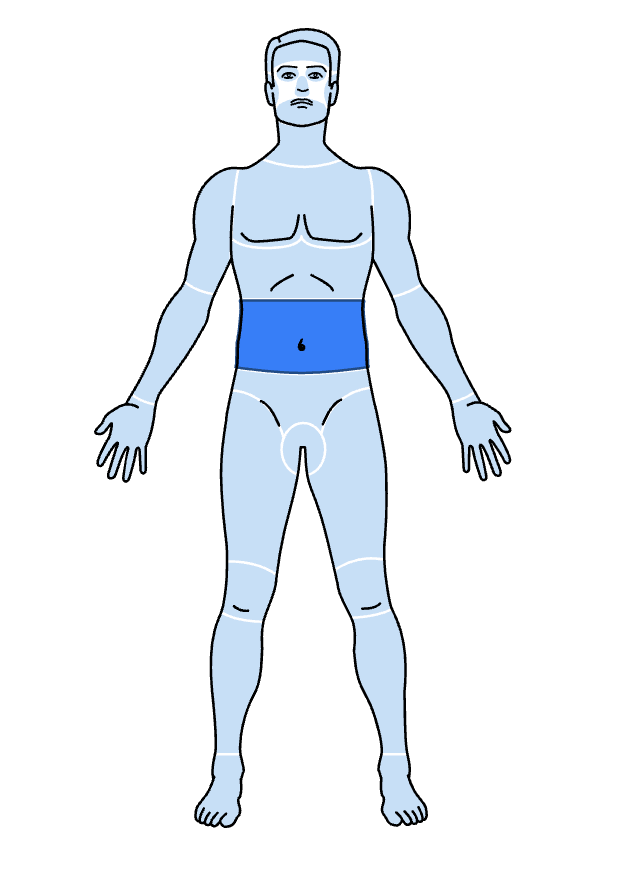
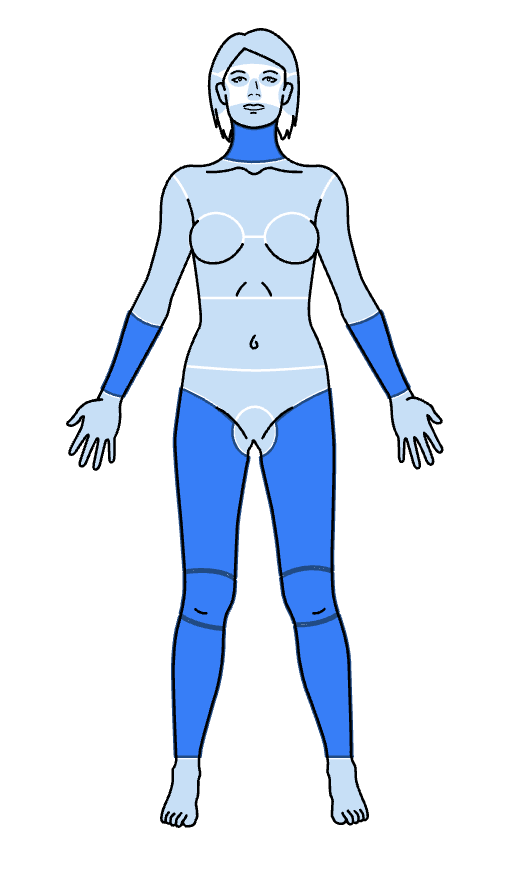
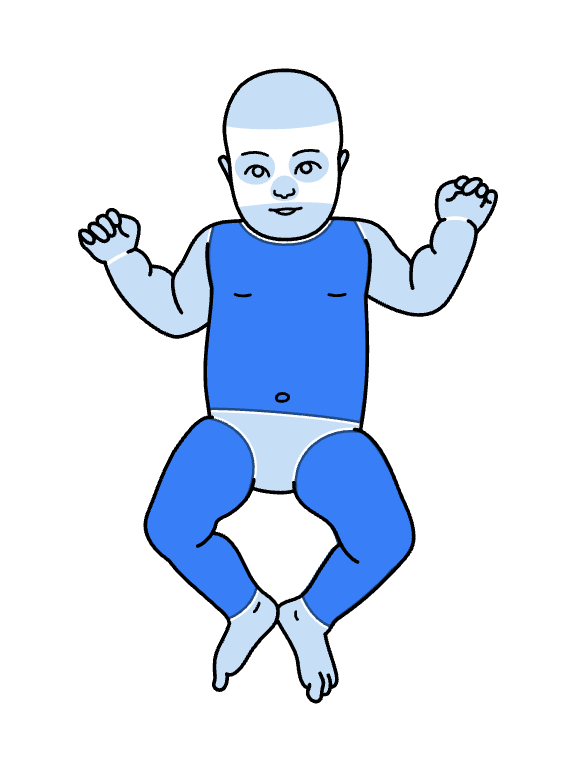
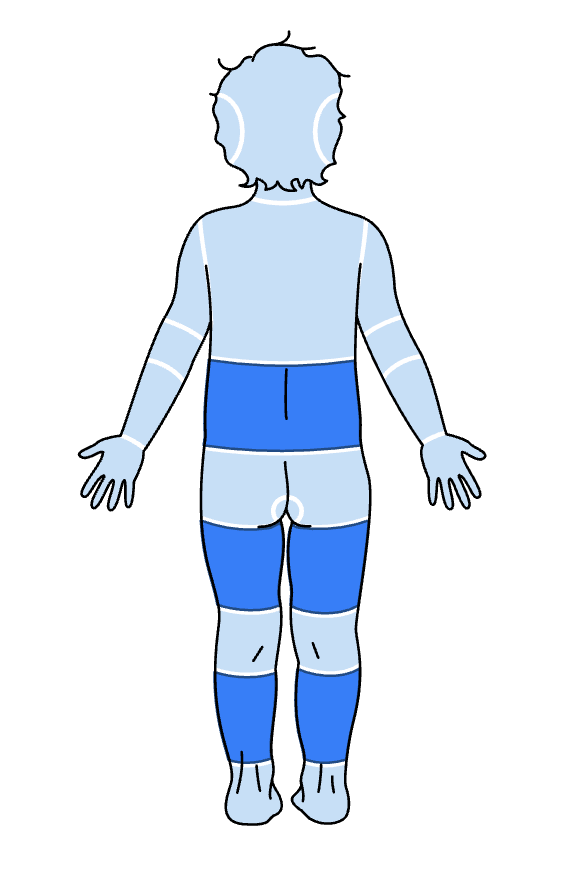
b
## Development
- Install dependencies:
```bash
npm install
```
- Run the playground:
```bash
npm run play
```
- Run the unit tests:
```bash
npm run test
```
- Build the library:
```bash
npm run build
```