https://github.com/bismuthfoundation/tornadowallet
[Released] A Python/HTML Wallet based upon Tornado framework
https://github.com/bismuthfoundation/tornadowallet
bismuth cryptocurrency html-css python tornado wallet webapp
Last synced: about 1 year ago
JSON representation
[Released] A Python/HTML Wallet based upon Tornado framework
- Host: GitHub
- URL: https://github.com/bismuthfoundation/tornadowallet
- Owner: bismuthfoundation
- License: gpl-3.0
- Created: 2018-05-15T14:51:34.000Z (about 8 years ago)
- Default Branch: master
- Last Pushed: 2024-12-18T15:40:12.000Z (over 1 year ago)
- Last Synced: 2024-12-18T16:22:35.384Z (over 1 year ago)
- Topics: bismuth, cryptocurrency, html-css, python, tornado, wallet, webapp
- Language: CSS
- Homepage:
- Size: 8.32 MB
- Stars: 15
- Watchers: 5
- Forks: 6
- Open Issues: 13
-
Metadata Files:
- Readme: README.md
- Changelog: History.md
- License: LICENSE
Awesome Lists containing this project
README
# TornadoWallet
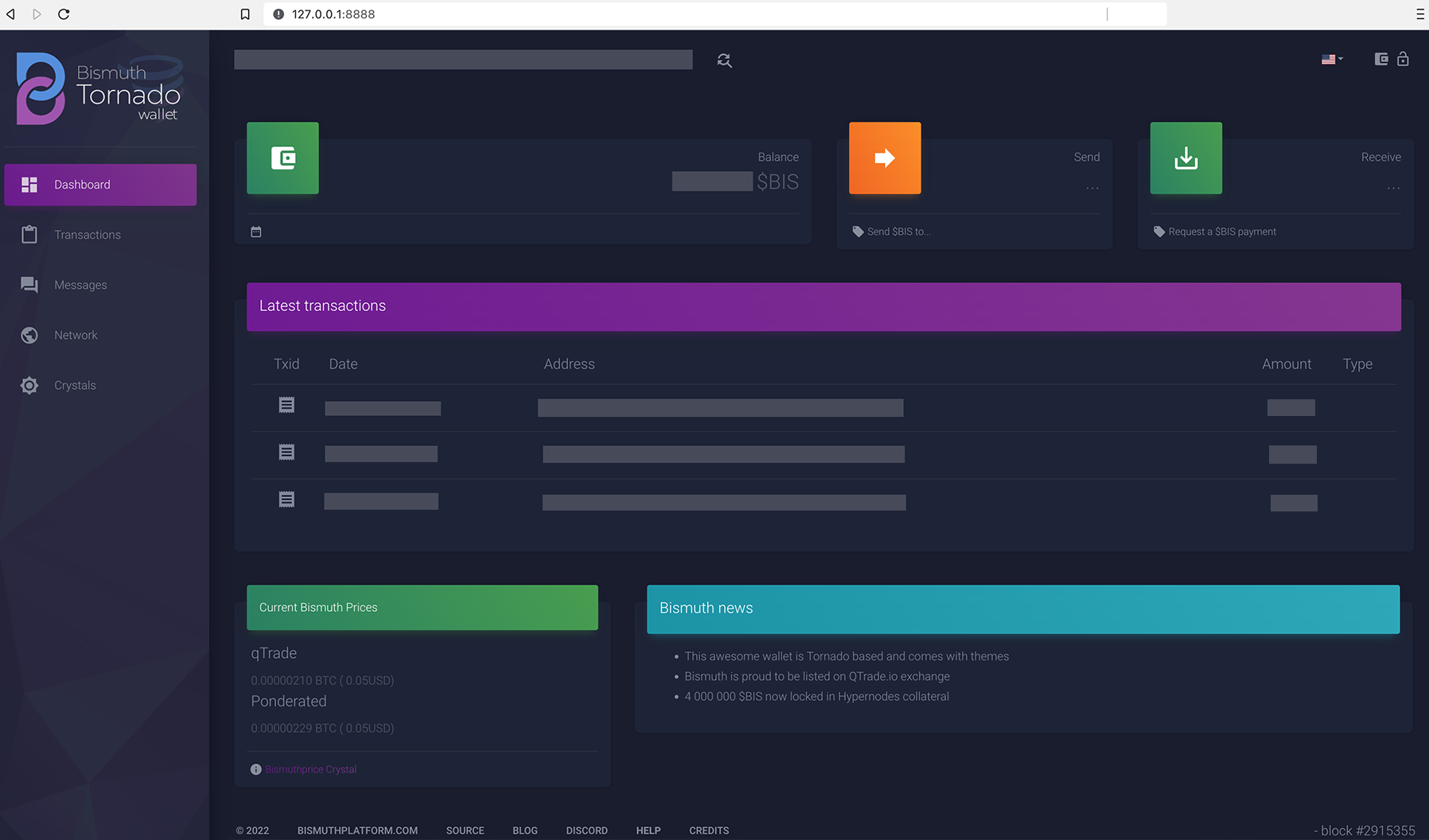
A Python/HTML Wallet based upon the Tornado framework.
First stable release, still work ongoing, but useable and nice looking!
# First stable version 0.1.19
Goal is to re-use the existing python code for behind the scene heavy lifting, but leverage HTML/JS flexibility for GUI.
First release has following features
- manage wallets (several addresses)
- auto connect to an available wallet server
- check balance and transactions
- request BIS payments
- Send simple BIS transactions
- network status
- encrypt and decrypt off chain messages
- spend protection
- support for crystals (plugins, like dApps running in the wallet)
# Installation from release
See Release tab for info/installer and OS Specific FAQ.
# Installation from source
`pip3 install -r requirements.txt`
Pycryptodomex is used and may need extra install on your machine.
An auto-installer will be provided with first beta version.
## Mac
You may have to install xcode compiler:
`xcode-select --install`
then `pip3 install -r requirements.txt`
## Windows
See
https://pycryptodome.readthedocs.io/en/latest/src/installation.html#windows-from-sources-python-3-5-and-newer
then `pip3 install -r requirements.txt`
# Usage
* `python3 wallet.py`
* open [http://localhost:8888](http://localhost:8888)
If you have no wallet yet, you'll be redirected to the wallet load page.
Possible command line switches:
* `--verbose --debug`
* `--theme=themes/material` Force a specific theme
* `--server=ip:port` Force a specific wallet server (like 127.0.0.1:8150)
See the FAQ: https://github.com/bismuthfoundation/Bismuth-FAQ/tree/master/Wallet/Tornado
## Wallet(s) location
Wallets and other potential private info are to be stored under a "bismuth-private" dir, under the user's own home directory.
The wallet prints that dir at start.
You should also find it on the wallet/load page:
`http://127.0.0.1:8888/wallet/load`
# Roadmap
* Proof of concept (check)
* Basic wallet functionality (check)
* Auth (check)
* Multiwallet (check)
* Plugins (check: See crystals)
* Allinone mobile app with embedded browser and python engine
# The tech
* Tornado web app
* Templates / HTML Themes
* JS
* Embedded local webserver
# Translations
Thanks to a great community effort, the wallet is available in several languages, see [translations.md](translations.md) for list and credits.
## Localized help
Help file / User guide is a WIP, see locale/en/Help.md