https://github.com/blackboardsh/electrobun
Build ultra fast, tiny, and cross-platform desktop apps with Typescript.
https://github.com/blackboardsh/electrobun
Last synced: about 1 month ago
JSON representation
Build ultra fast, tiny, and cross-platform desktop apps with Typescript.
- Host: GitHub
- URL: https://github.com/blackboardsh/electrobun
- Owner: blackboardsh
- License: mit
- Created: 2024-02-28T03:18:15.000Z (over 2 years ago)
- Default Branch: main
- Last Pushed: 2026-04-26T21:51:00.000Z (about 2 months ago)
- Last Synced: 2026-04-26T23:20:25.982Z (about 2 months ago)
- Language: TypeScript
- Homepage: http://blackboard.sh/electrobun
- Size: 136 MB
- Stars: 11,470
- Watchers: 45
- Forks: 290
- Open Issues: 179
-
Metadata Files:
- Readme: README.md
- Contributing: CONTRIBUTING.md
- Funding: .github/FUNDING.yml
- License: LICENSE
Awesome Lists containing this project
- stars - electrobun - platform desktop apps with Typescript. | blackboardsh | 12153 | (TypeScript)
- awesome-starred - blackboardsh/electrobun - Build ultra fast, tiny, and cross-platform desktop apps with Typescript. (TypeScript)
- AiTreasureBox - blackboardsh/electrobun - 02-24_6829_193](https://img.shields.io/github/stars/blackboardsh/electrobun.svg)|Build ultra fast, tiny, and cross-platform desktop apps with Typescript.| (Repos)
- awesome-random-stuff - blackboardsh/electrobun - platform desktop apps with Typescript. - blackboardsh/electrobun (Uncategorized / Uncategorized)
- awesome - blackboardsh/electrobun - Build ultra fast, tiny, and cross-platform desktop apps with Typescript. (<a name="TypeScript"></a>TypeScript)
- awesome-github-projects - electrobun - Build ultra fast, tiny, and cross-platform desktop apps with Typescript. ⭐12,104 `TypeScript` 🔥 (🌐 Web Development - Frontend)
- awesome - blackboardsh/electrobun - Build ultra fast, tiny, and cross-platform desktop apps with Typescript. (TypeScript)
README

Electrobun
Get started with a template
npx electrobun init
## What is Electrobun?
Electrobun aims to be a complete **solution-in-a-box** for building, updating, and shipping ultra fast, tiny, and cross-platform desktop applications written in Typescript.
Under the hood it uses bun to execute the main process and to bundle webview typescript, and has native bindings written in Objc, C++, and several core parts written in zig.
Visit https://docs.electrobunny.ai/electrobun/ to see api documentation, guides, and more.
You use it via npm.
Don't miss our:
- self-extracting bundles that use ZSTD compression for more compact distributables as small as 16MB
- zig optimized BSDIFF implementation that lets you ship tiny app updates as small as 4KB
- `bundleCEF` flag to bundle and pin Chromium for those that want that tradeoff of consistency over file size
- `bundleWGPU` that lets you use Bun Typescript -> WGPU to control a native GPU surface without a webview
- Our Three.js and Babylon.js adapters that work right in Bun
- Our `` and `` html elements that let you composit proper OOPIFs and native GPU surfaces into your UIs
- so much more.
**Project Goals**
- Write typescript for the main process and webviews without having to think about it.
- Isolation between main and webview processes with fast, typed, easy to implement RPC between them.
- Small self-extracting app bundles ~14MB (when using system webview, most of this is the bun runtime)
- Even smaller app updates as small as 4KB (using bsdiff it only downloads tiny patches between versions)
- Provide everything you need in one tightly integrated workflow to start writing code in 5 minutes and distribute in 10.
## Apps Built with Electrobun
- [24agents](https://github.com/jhsu/24agents) - Hyperprompter
- [act-track-ai](https://github.com/IrdanGu/act-track-ai) - personal desktop productivity tracker
- [Agents Council](https://github.com/MrLesk/agents-council) - agent-to-agent MCP communication tool for feedback requests
- [ai-wrapped](https://github.com/gulivan/ai-wrapped) - Wrapped-style desktop dashboard for your AI coding agent activity
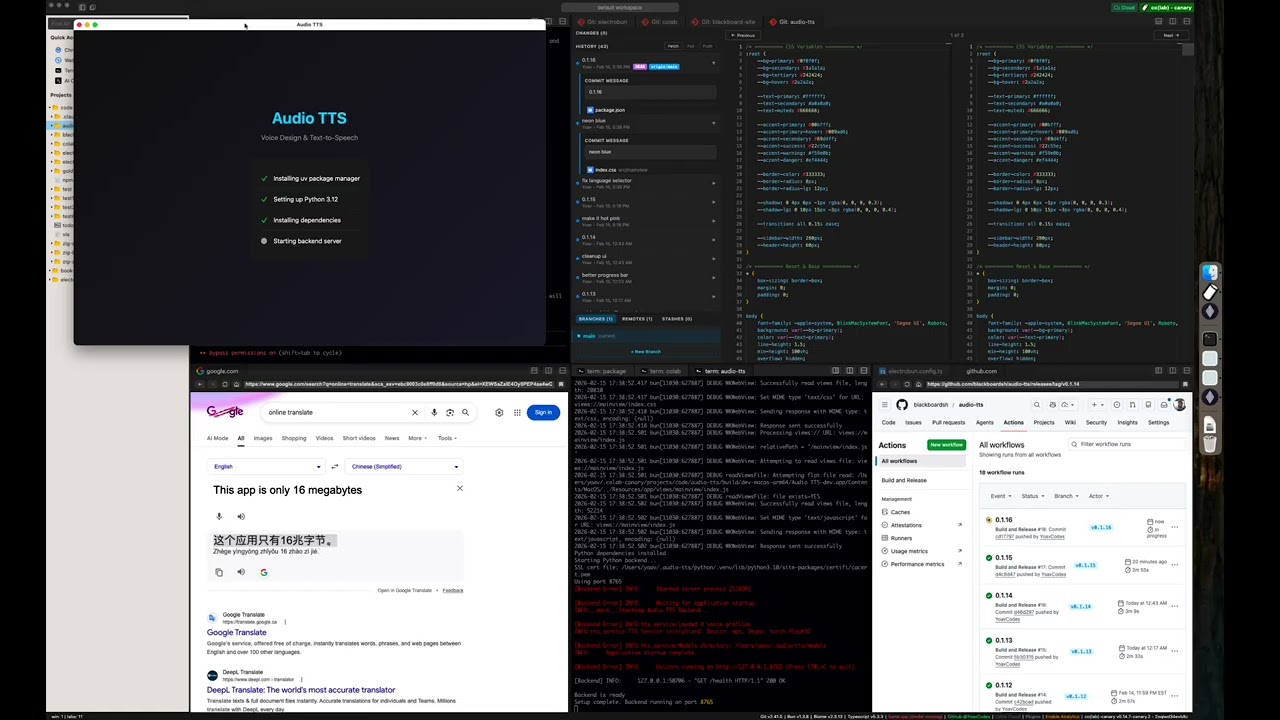
- [Audio TTS](https://github.com/blackboardsh/audio-tts) - desktop text-to-speech app using Qwen3-TTS for voice design, cloning, and generation
- [aueio-player-desktop](https://github.com/tuomashatakka/aueio-player-desktop) - beautiful, minimal cross-platform audio player
- [bestdiff](https://github.com/tesmond/bestdiff) - a git diff checker with curved connectors
- [BuddyWriter](https://github.com/OxFrancesco/BuddyWriter) - BuddyWriter desktop and mobile apps
- [burns](https://github.com/l3wi/burns) - a Smithers manager
- [cbx-tool](https://github.com/jebin2/cbx-tool) - desktop app for reading and editing comic book archives (.cbz/.cbr)
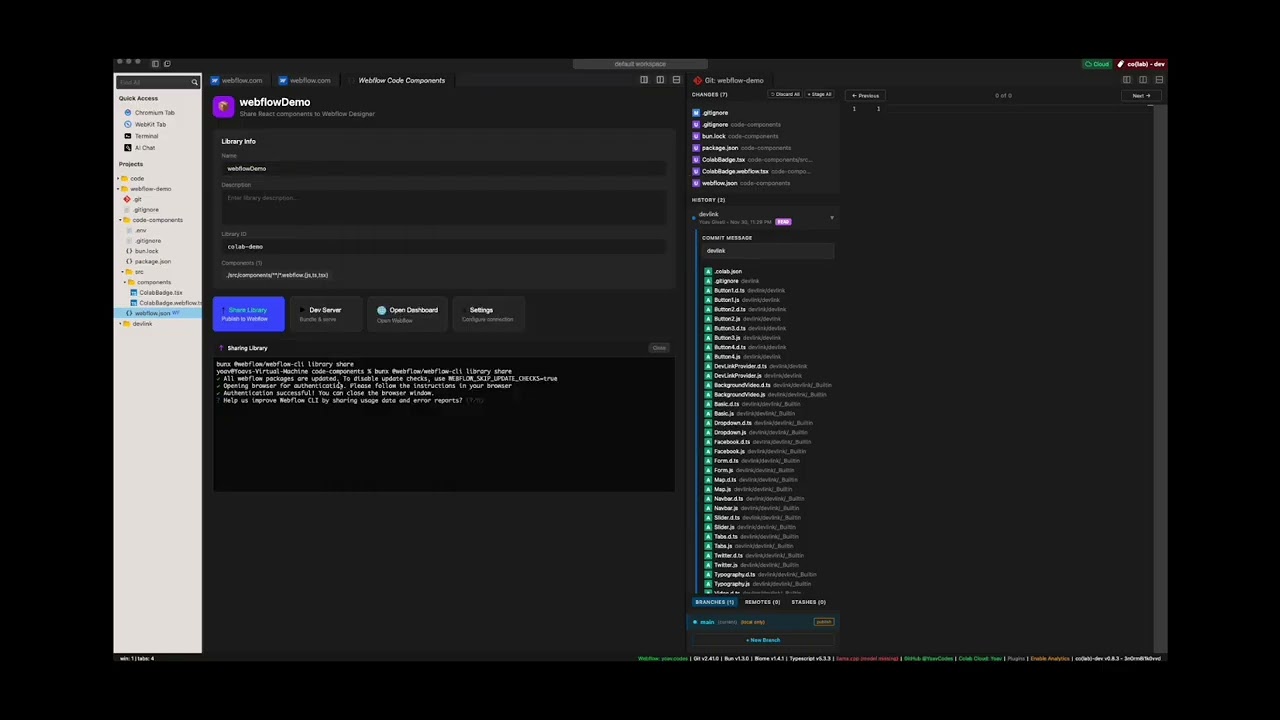
- [Co(lab)](https://blackboard.sh/colab/) - a hybrid web browser + code editor for deep work
- [codlogs](https://github.com/tobitege/codlogs) - search and export local Codex sessions via CLI or desktop app
- [Codex Agents Composer](https://github.com/MrLesk/codex-agents-composer) - desktop app for managing your Codex agents and their skills
- [codex-devtools](https://github.com/gulivan/codex-devtools) - desktop inspector for Codex session data; browse conversations, search messages, and analyze agent activity
- [Deskdown](https://github.com/guarana-studio/deskdown) - transform any web address into a desktop app in under 20 seconds
- [Dictate](https://github.com/siddhantparadox/dictate) - Windows dictation app with local and BYOK cloud transcription
- [dev-3.0](https://github.com/h0x91b/dev-3.0) - helps you not get lost while managing multiple AI agents across projects
- [DOOM](https://github.com/blackboardsh/electrobun-doom) - DOOM implemented in 2 ways: bun -> (c doom -> bundled wgpu) and (full ts port bun -> bundled wgpu)
- [dotlock](https://github.com/tsconfigdotjson/dotlock) - macOS desktop app for managing `.env` files across your projects
- [electrobun-pdf](https://github.com/GijungKim/electrobun-pdf) - local-first PDF & DOCX editor for opening, annotating, and exporting documents without leaving your machine
- [electrobun-rms](https://github.com/khanhthanhdev/electrobun-rms) - fast Electrobun desktop app template with React, Tailwind CSS, and Vite
- [golb](https://github.com/chrisdadev13/golb) - desktop AI coding workspace built with React, Vite, and Tailwind
- [GOG Achievements GUI](https://github.com/timendum/gog-achievements-gui) - desktop app for managing GOG achievements
- [groov](https://github.com/laurenzcodes/groov) - desktop audio deck monitor
- [Guerilla Glass](https://github.com/okikeSolutions/guerillaglass) - open-source cross-platform creator studio for fast Record -> Edit -> Deliver workflows
- [Marginalia](https://github.com/lars-hoeijmans/Marginalia) - a simple note taking app
- [MarkBun](https://github.com/xiaochong/markbun) - fast, beautiful, Typora-like markdown desktop editor
- [md-browse](https://github.com/needle-tools/md-browse) - a markdown-first browser that converts web pages to clean markdown
- [Patchline](https://github.com/adwaithks/Patchline) - lightweight desktop Git client for reading patches and line diffs, then staging and committing changes
- [peekachu](https://github.com/needle-tools/peekachu) - password manager for AIs; store secrets in your OS keychain and scrub output so AI assistants never see actual values
- [PiBun](https://github.com/khairold/pibun) - desktop GUI for the Pi coding agent with chat, terminal, git integration, and plugin system
- [PLEXI](https://github.com/ianjamesburke/PLEXI) - a multi-dimensional terminal multiplexer for the agentic era
- [Prometheus](https://github.com/opensourcectl/prometheus) - desktop utility toolbox for file cleanup, document manipulation, and image processing
- [Quiver](https://ataraxy-labs.github.io/quiver/) - desktop app for GitHub PR reviews, merge conflict resolution, and AI commit messages
- [remotecode.io](https://github.com/samuelfaj/remotecode.io) - continue local AI coding sessions (Claude Code or Codex) from your mobile device
- [sirene](https://github.com/KevinBonnoron/sirene) - self-hosted multi-backend text-to-speech platform with voice cloning
- [StoryForge](https://github.com/vrrdnt/StoryForge) - desktop app for Vintage Story players to switch between game versions, modpacks, servers, and accounts
- [Tensamin Client](https://github.com/Tensamin/Client) - web, desktop, and mobile app for accessing Tensamin
- [tokenpass-desktop](https://github.com/b-open-io/tokenpass-desktop) - desktop app that runs the Sigma Identity stack locally for Bitcoin-backed authentication
- [typsmthng-desktop](https://github.com/aaditagrawal/typsmthng-desktop) - experimental desktop typing application
- [VibesOS](https://github.com/popmechanic/VibesOS) - A GUI for Claude Code that makes it easy to vibe code simple, un-hackable apps
- [VoiceVault](https://github.com/PJH720/VoiceVault) - AI-powered voice recorder with transcription, summarization, and RAG search
- [warren](https://github.com/Loa212/warren) - open-source, peer-to-peer terminal mesh for accessing your machines from any device without SSH keys or config files
- [whatsapp-reminder](https://github.com/FatahChan/whatsapp-reminder) - managed scheduled WhatsApp messages
### Video Demos
[](https://www.youtube.com/watch?v=Z4dNK1d6l6E)
[](https://www.youtube.com/watch?v=WWTCqGmE86w)
[](https://x.com/YoavCodes/status/2028499038148903239?s=20)
## Star History
[](https://www.star-history.com/#blackboardsh/electrobun&type=date&legend=top-left)
## Contributing
Electrobun is one piece of a vision I'm building. I'm optimizing for focus and execution. Issues and PRs can be used to share ideas, but there should be no expectation that I will review, respond to, or merge them.
Ways to get involved:
- Read the [Contribution guidelines](./CONTRIBUTING.md)
- Follow us on X for updates @BlackboardTech and @YoavCodes or on bluesky @yoav.codes
- Join the conversation on Discord
- Create and participate in Github issues and discussions
- Let me know what you're building with Electrobun
## Development Setup
Building apps with Electrobun is as easy as updating your package.json dependencies with `npm add electrobun` or try one of our templates via `npx electrobun init`.
**This section is for building Electrobun from source locally in order to contribute fixes to it.**
### Prerequisites
**macOS:**
- Xcode command line tools
- cmake (install via homebrew: `brew install cmake`)
**Windows:**
- Visual Studio Build Tools or Visual Studio with C++ development tools
- cmake
**Linux:**
- build-essential package
- cmake
- webkit2gtk and GTK development packages
On Ubuntu/Debian based distros: `sudo apt install build-essential cmake pkg-config libgtk-3-dev libwebkit2gtk-4.1-dev libayatana-appindicator3-dev librsvg2-dev`
### First-time Setup
```bash
git clone --recurse-submodules https://github.com/blackboardsh/electrobun.git
cd electrobun/package
bun install
bun dev:clean
```
### Development Workflow
```bash
# All commands are run from the /package directory
cd electrobun/package
# After making changes to source code
bun dev
# If you only changed kitchen sink code (not electrobun source)
bun dev:rerun
# If you need a completely fresh start
bun dev:clean
```
### Additional Commands
All commands are run from the `/package` directory:
- `bun dev:canary` - Build and run kitchen sink in canary mode
- `bun build:dev` - Build electrobun in development mode
- `bun build:release` - Build electrobun in release mode
### Debugging
**macOS:** Use `lldb /Contents/MacOS/launcher` and then `run` to debug release builds
## Platform Support
| OS | Status |
|---|---|
| macOS 14+ | Official |
| Windows 11+ | Official |
| Ubuntu 22.04+ | Official |
| Other Linux distros (gtk3, webkit2gtk-4.1) | Community |
| Raspberry Pi | Unofficial fork: [kortexa-ai/electrobun (linux-wpe)](https://github.com/kortexa-ai/electrobun/tree/kortexa/linux-wpe) — follow the author [@francip](https://x.com/francip/status/2050149256053539059?s=20) |