https://github.com/blackstorm/goose
🦆 Goose🐦 is a simple and lightweight text style blog application.
https://github.com/blackstorm/goose
alpinejs blog docker docker-compose goose markdown rails rails7 ror ruby sqlite tailwindcss
Last synced: 9 months ago
JSON representation
🦆 Goose🐦 is a simple and lightweight text style blog application.
- Host: GitHub
- URL: https://github.com/blackstorm/goose
- Owner: blackstorm
- License: mit
- Created: 2022-12-26T07:19:17.000Z (over 3 years ago)
- Default Branch: main
- Last Pushed: 2024-01-24T02:23:41.000Z (over 2 years ago)
- Last Synced: 2025-01-14T11:14:10.451Z (over 1 year ago)
- Topics: alpinejs, blog, docker, docker-compose, goose, markdown, rails, rails7, ror, ruby, sqlite, tailwindcss
- Language: Ruby
- Homepage: https://getgooseblog.com
- Size: 1.68 MB
- Stars: 35
- Watchers: 3
- Forks: 2
- Open Issues: 3
-
Metadata Files:
- Readme: README.md
- License: LICENSE
Awesome Lists containing this project
README

# 🦆 Goose - A Simple and Lightweight Text Blog
[](https://github.com/blackstorm/goose/actions/workflows/release.yml)
[](https://hub.docker.com/r/gooseblog/gooseblog)
[](https://github.com/blackstorm/goose/blob/main/LICENSE)
[](https://github.com/blackstorm/goose/releases)
**Tired of using WordPress and static page generators? try Goose 🦆 now**
## Want an easier way to create your blog?
Use GitHub issues as your blog, try [🗿Gitblog](https://www.gitblog.io)
## Overview
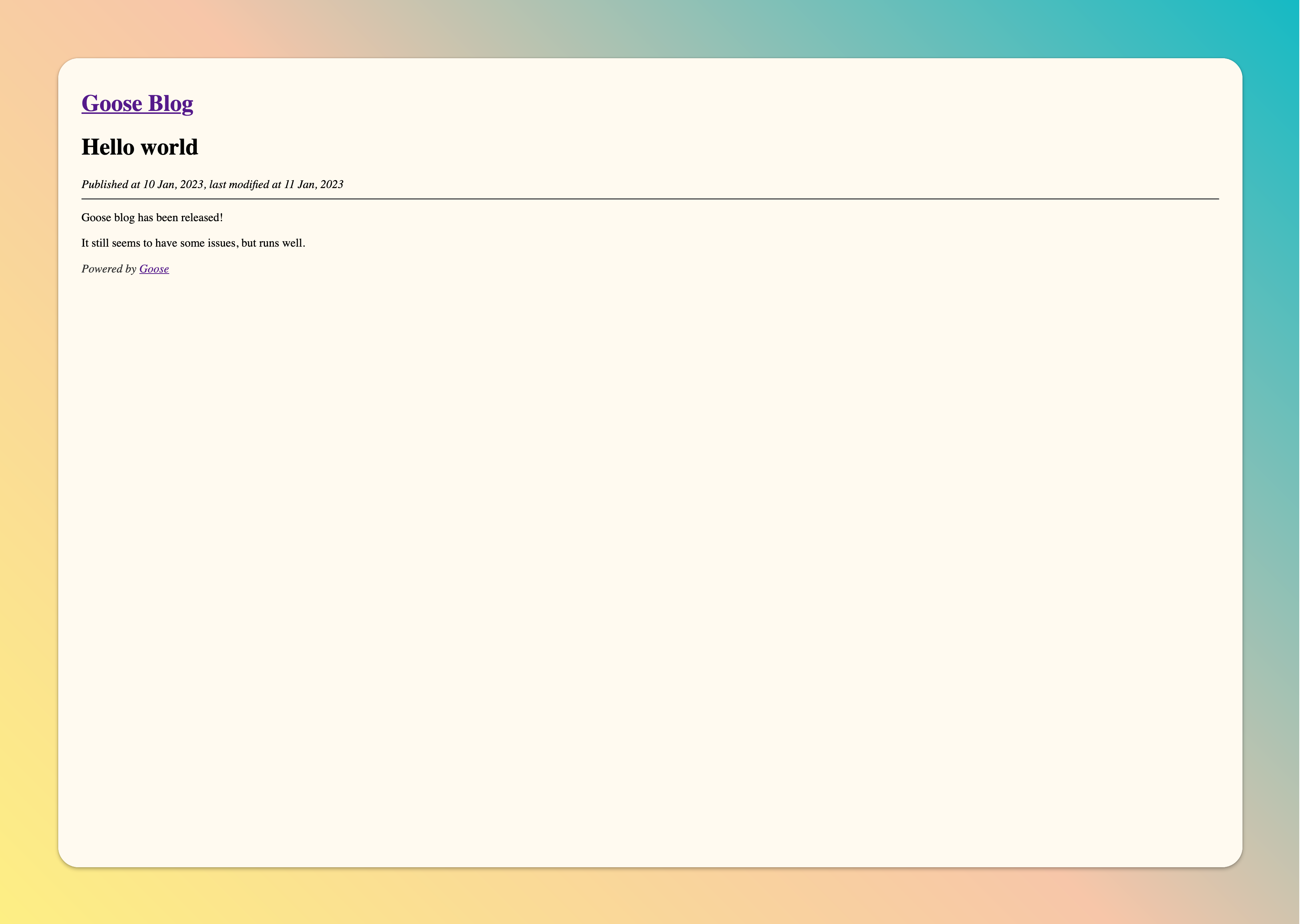
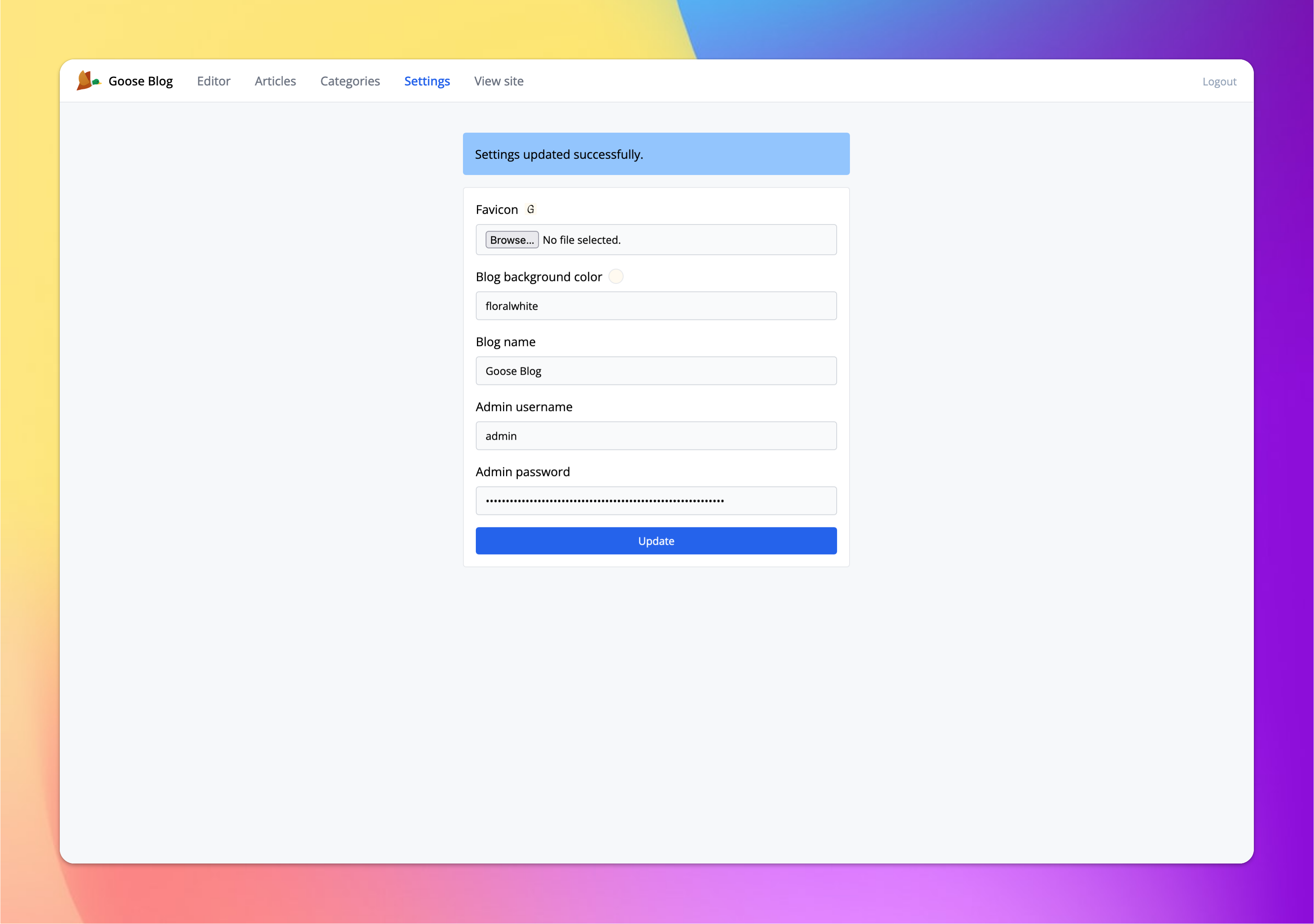
Goose is a simple and lightweight text-style blog application that only uses three tables to store blog data. It's built on top of Ruby on Rails and SQLite 3. Goose has a beautiful admin interface and `markdown` support, it's very easy to use, it's a good choice for a personal blog.
## Preview
Blog home | Article detail
:-------------------------:|:-------------------------:
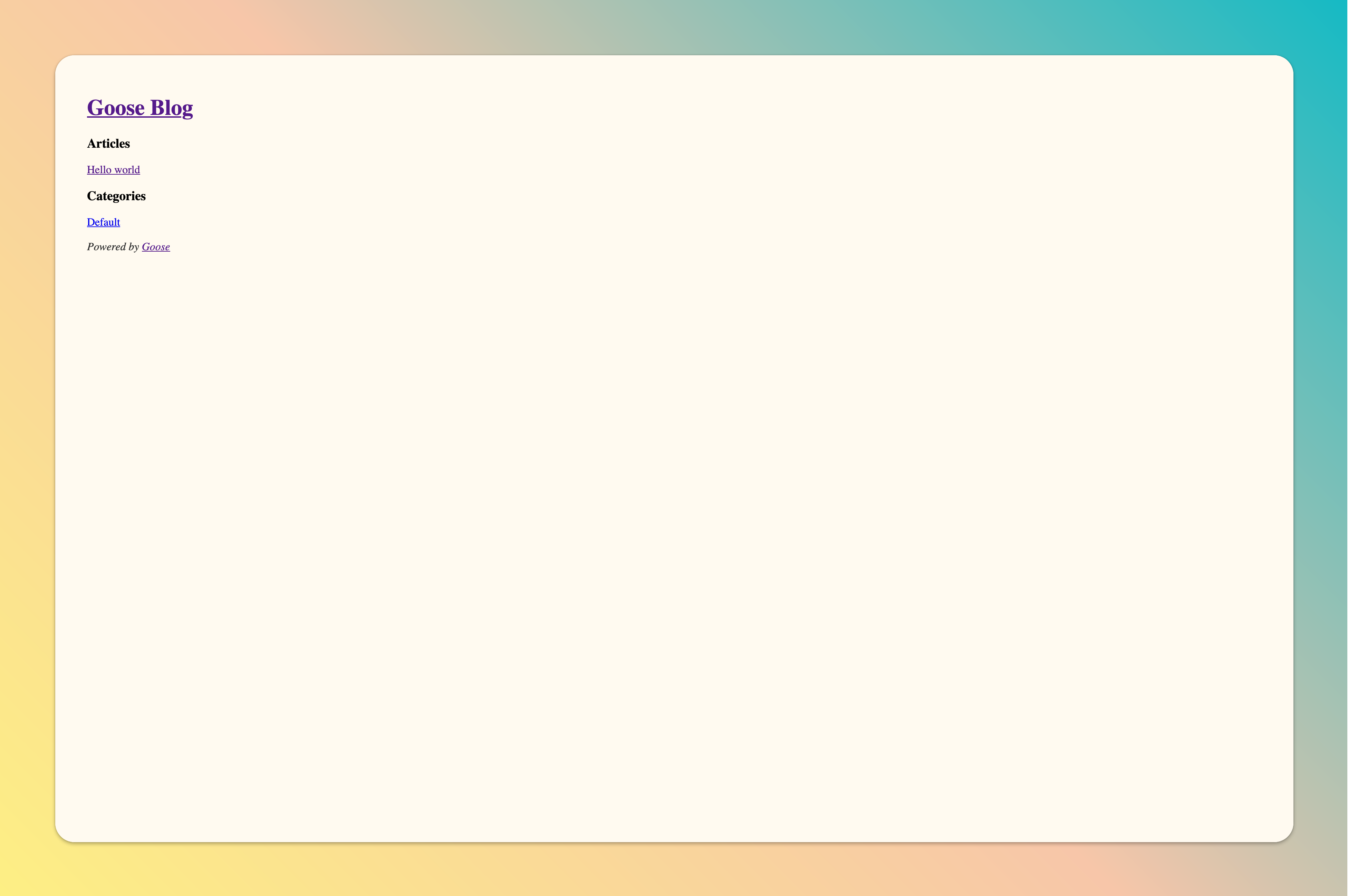 | 
Admin & Editor | Admin settings
:-------------------------:|:-------------------------:
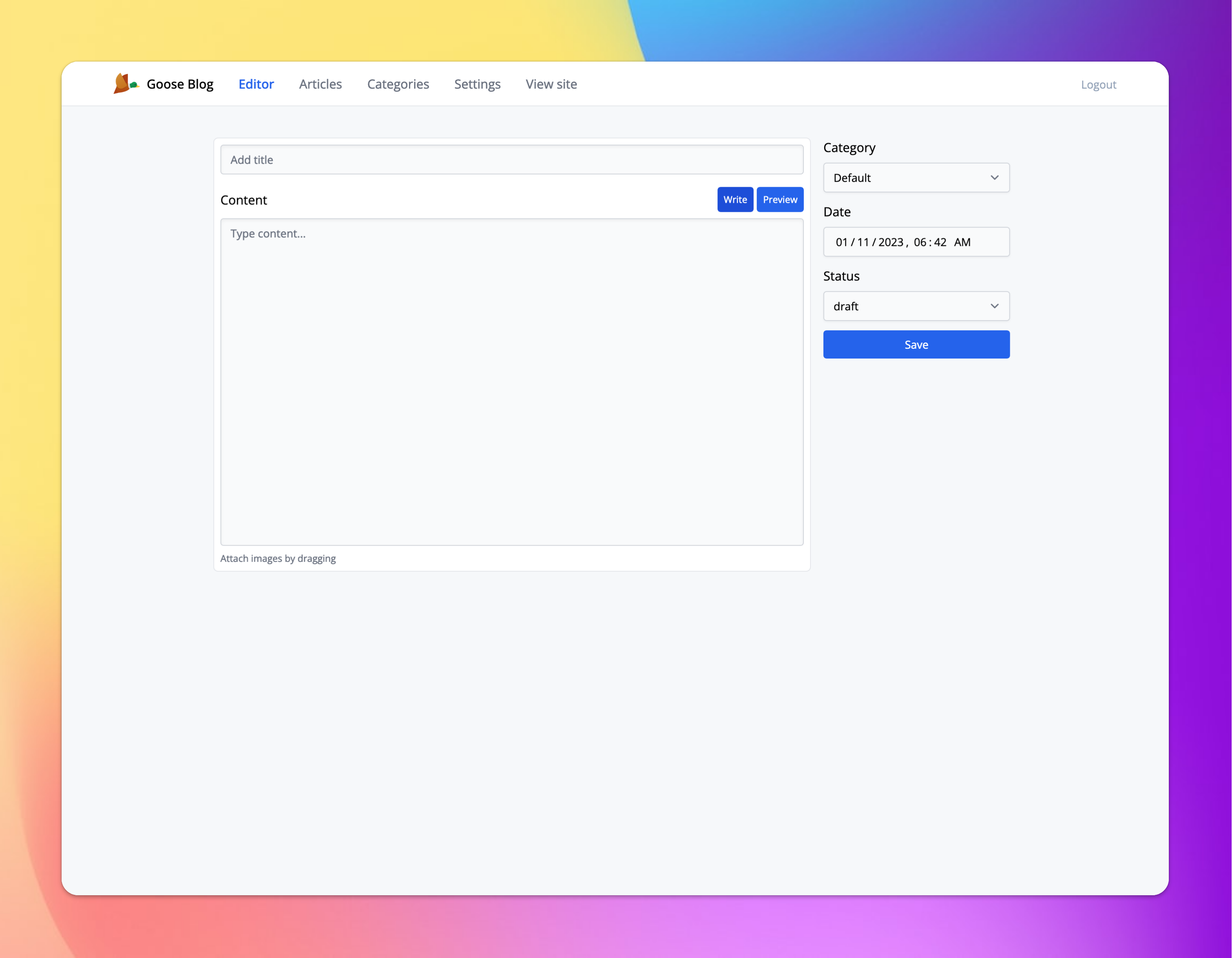 | 
## Features
### RSS
Get your blog rss feed by `https://your-domain/feed`
## Quick start
### Docker
```
docker pull gooseblog/gooseblog:v0.1.1
```
```
docker run -it -p 3000:3000 -e SECRET_KEY_BASE=happy-goose-blog -e RAILS_LOG_TO_STDOUT=1 gooseblog/gooseblog:v0.1.1
```
### Docker Compose
Create a `docker-compose.yml` file in your server workspace then run command `docker compose up -d`
```yaml
version: "3"
services:
goose:
image: gooseblog/gooseblog:v0.1.1
ports:
- "80:3000"
environment:
SECRET_KEY_BASE: "happy-goose-blog"
RAILS_LOG_TO_STDOUT: "1"
volumes:
- ./data:/usr/src/goose/data
```
## Environment variables
In order to safely to run Goose, ensure is set the `SECRET_KEY_BASE` environment value.
| Name | Description | Default |
| --- | --- | --- |
| SECRET_KEY_BASE | Secret key base for rails | `NULL` |
| RAILS_LOG_TO_STDOUT | Log to stdout | `NULL` |
## [Live Demo 🔥](https://demo.getgooseblog.com)
[Admin Interface](https://demo.getgooseblog.com/admin)
```
username: admin
password: adminadmin
```
## The Logo
Goose logo from [Icons8](https://icons8.com/icon/voq5kWfX8meG/flying-duck)
[Do you interest design a logo for goose?](https://github.com/blackstorm/goose/issues/42)
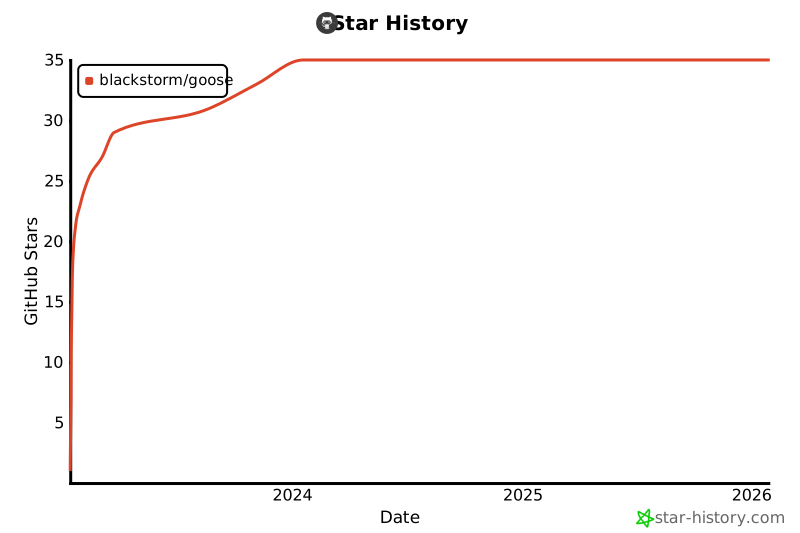
## Star History
[](https://star-history.com/#blackstorm/goose&Date)