https://github.com/blotz/pixelsort-cli
A simple python command line tool for sort pixels in an image.
https://github.com/blotz/pixelsort-cli
cli glitch-art pixelsort pixelsorting python
Last synced: 3 months ago
JSON representation
A simple python command line tool for sort pixels in an image.
- Host: GitHub
- URL: https://github.com/blotz/pixelsort-cli
- Owner: Blotz
- License: mit
- Created: 2023-04-02T00:44:02.000Z (over 3 years ago)
- Default Branch: main
- Last Pushed: 2025-05-29T12:20:36.000Z (about 1 year ago)
- Last Synced: 2026-03-11T19:55:29.239Z (4 months ago)
- Topics: cli, glitch-art, pixelsort, pixelsorting, python
- Language: Python
- Homepage: https://pypi.org/project/pixelsort-cli/
- Size: 22.7 MB
- Stars: 7
- Watchers: 1
- Forks: 0
- Open Issues: 0
-
Metadata Files:
- Readme: README.md
- Contributing: CONTRIBUTING.md
- License: LICENSE
- Code of conduct: CODE_OF_CONDUCT.md
- Security: SECURITY.md
Awesome Lists containing this project
README
# pixelsort cli
[](https://github.com/Blotz/pixelsort-cli/actions/workflows/python-package.yml)
[](https://github.com/Blotz/pixelsort-cli/actions/workflows/python-publish.yml)
[](https://github.com/Blotz/pixelsort-cli/actions/workflows/codeql.yml)
A simple python command line tool for sort pixels in an image.
Based on the works of [Kim Asendorf](https://github.com/kimasendorf/ASDFPixelSort).
The script blocks pixels into dark and light areas using a contrast mask.
Then it sorts the pixels in a given direction via their luminance.
- You can increase/decrease the contrast by setting the threshold.
- You can also invert the mask to sort the light pixels instead of the dark ones.
## Usage
### Install
```bash
pip install git+https://github.com/Blotz/pixelsort-cli
```
or
```bash
pip install pixelsort-cli
```
or
```bash
git clone https://github.com/Blotz/pixelsort-cli
cd pixelsort-cli
pip install .
```
## Examples
```bash
pixelsort --help
```
```bash
usage: pixelsort [-h] [--angle ANGLE] [--image_path IMAGE_PATH] [--threshold THRESHOLD | --template_path TEMPLATE_PATH]
[--sort_brightest SORT_BRIGHTEST] [--reverse_sorting REVERSE_SORTING] [--output OUTPUT] [--verbose | --quiet]
[stdin]
Command line tool for sorting pixels in images
positional arguments:
stdin
options:
-h, --help show this help message and exit
--angle ANGLE angle that the image is sorted. 0° is up. [0, 360]
--image_path IMAGE_PATH
path to image
--threshold THRESHOLD
threshold for contrast. [-1.0, 1.0] Default: 1.0
--template_path TEMPLATE_PATH
path to template image
--sort_brightest SORT_BRIGHTEST
Sort the brightest area of the image. Default: True
--reverse_sorting REVERSE_SORTING
Sorts the pixels from lightest to darkest instead of darkest to lightest. Default: False
--output OUTPUT path to output file
--verbose print debug messages
--quiet print less messages
```
```bash
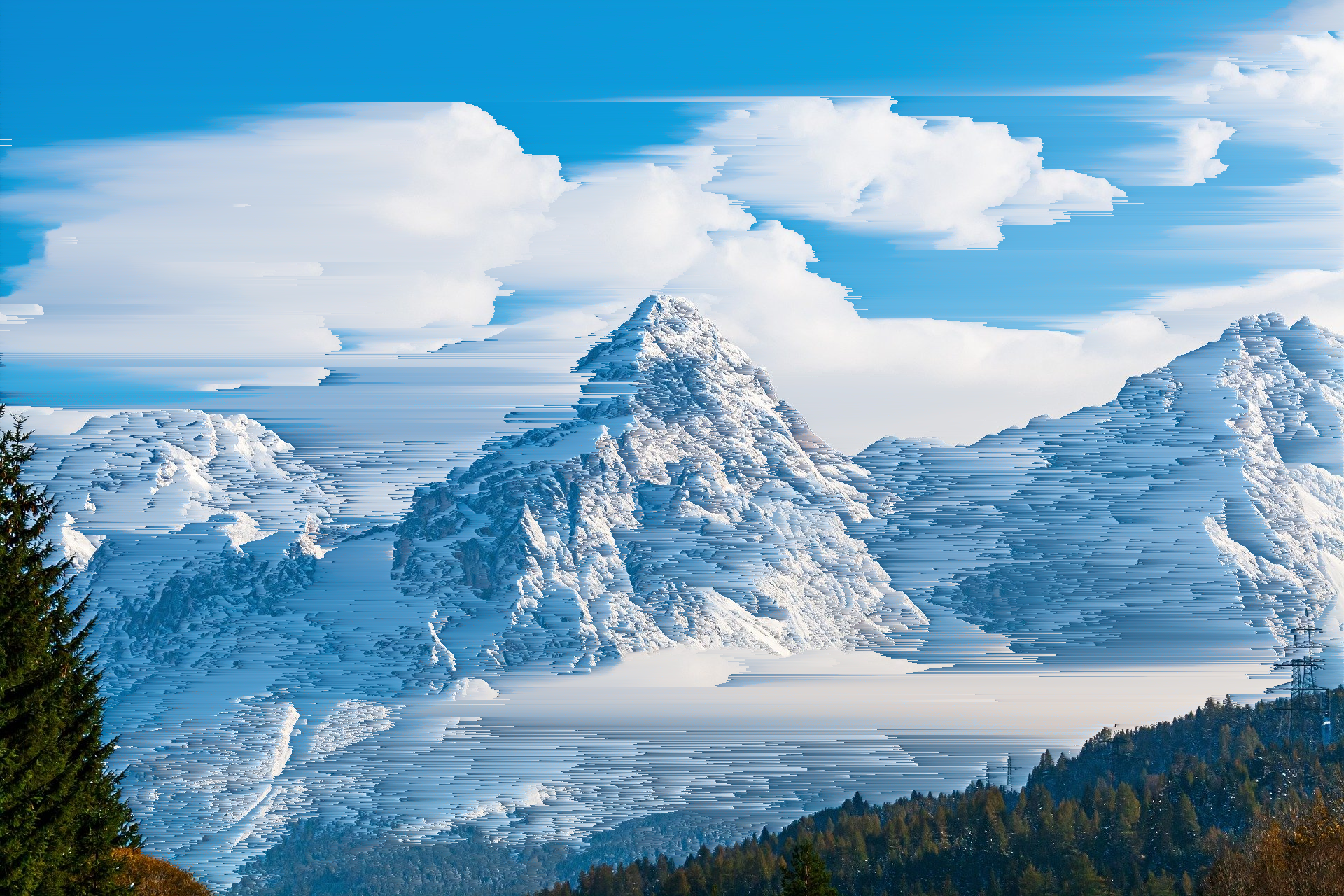
pixelsort --image_path data/mountains.jpg --threshold 1.2 | display
```
```bash
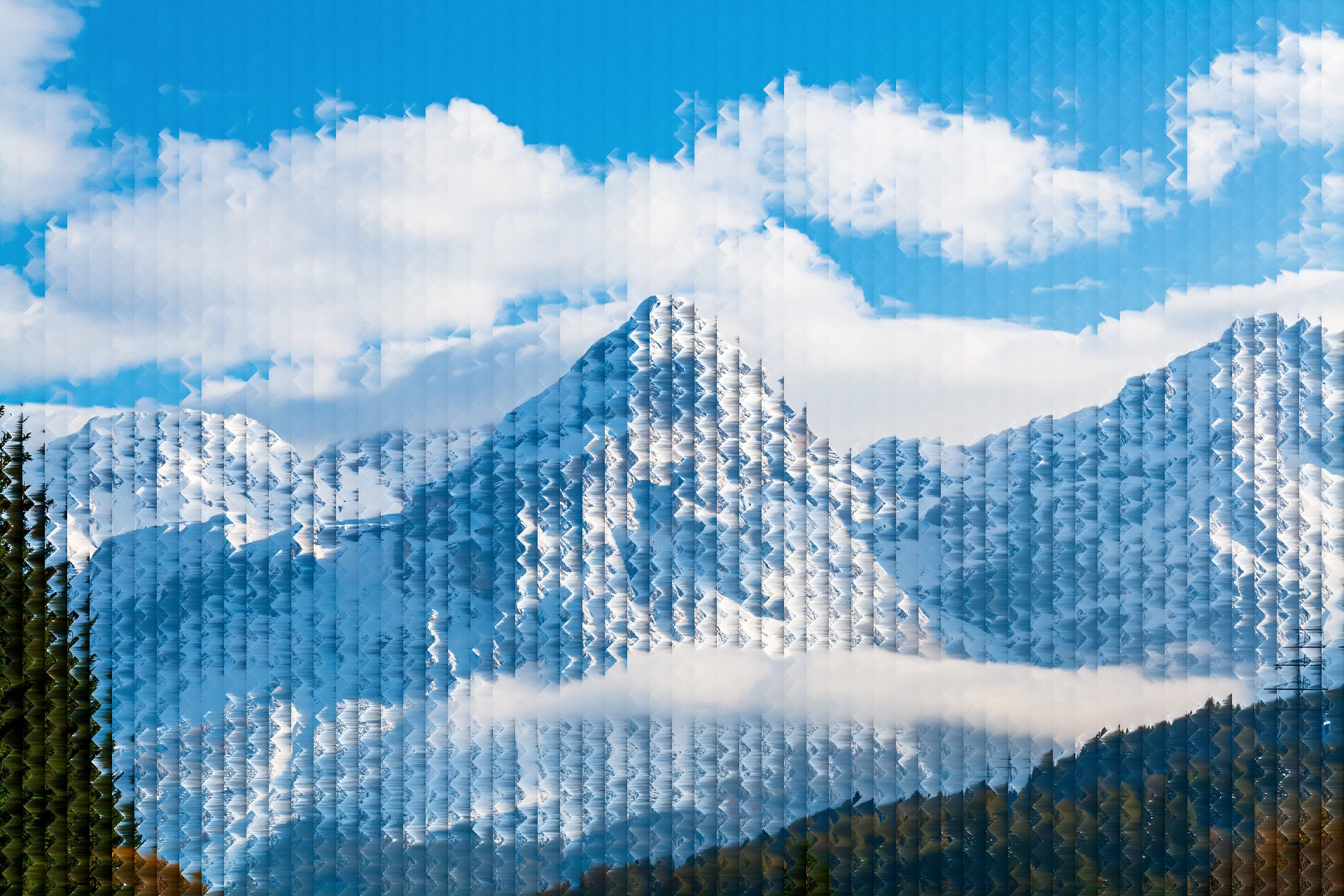
cat data/mountains.jpg | pixelsort --template_path data/pyramid_mask.png | display
```
```bash
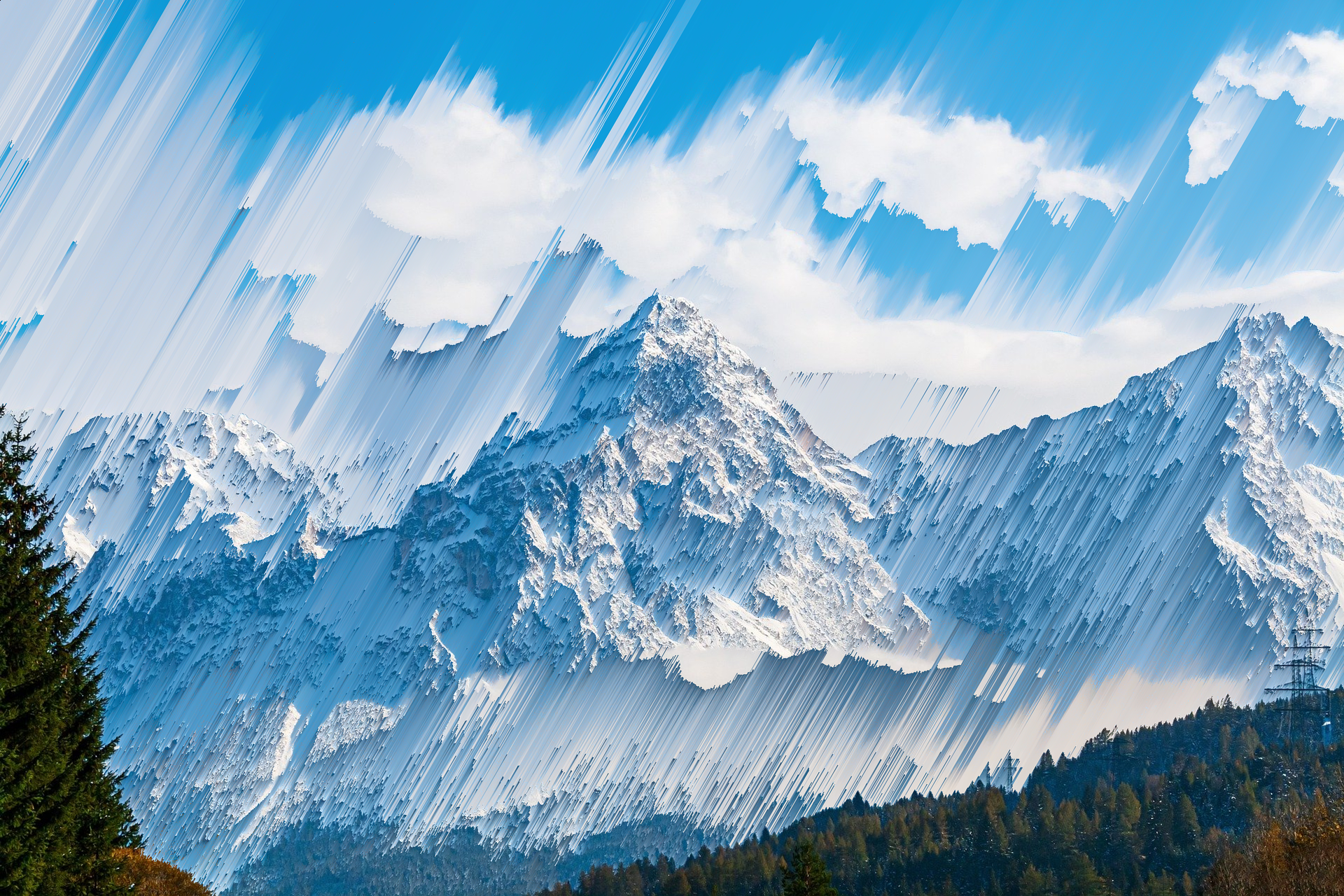
pixelsort --image_path data/mountains.jpg --angle 30 --threshold 1.2 --output example.png
```
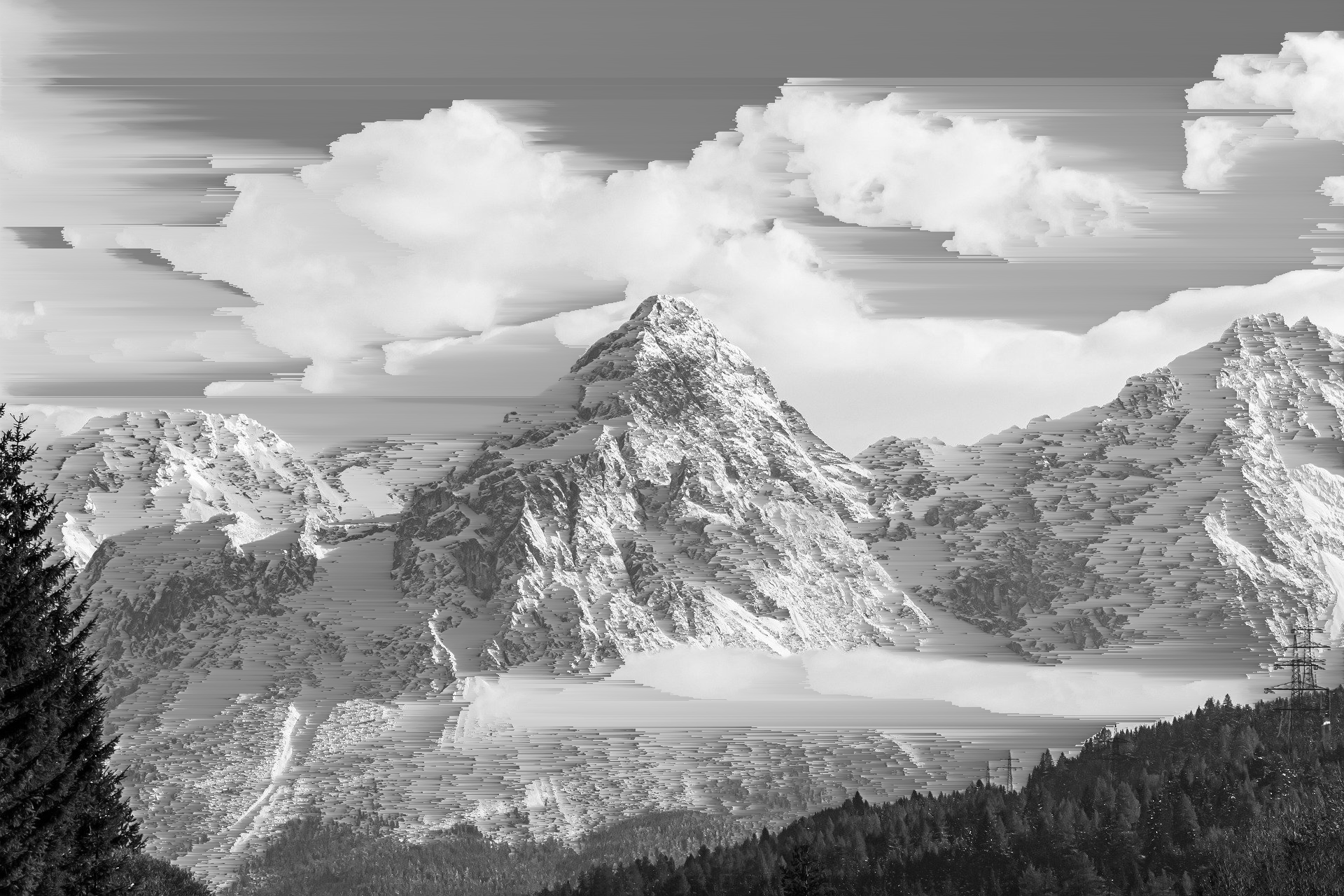
Use it with other tools like imagemagick
```bash
magick data/mountains.jpg -colorspace gray PNG:- | pixelsort | display
```
---
## License
MIT Ferdinand Theil