https://github.com/bmoneill/sreader
TUI Atom/RSS feed reader
https://github.com/bmoneill/sreader
atom cli feed go golang rss rss-reader tui
Last synced: 6 months ago
JSON representation
TUI Atom/RSS feed reader
- Host: GitHub
- URL: https://github.com/bmoneill/sreader
- Owner: bmoneill
- License: mit
- Created: 2020-04-03T00:44:50.000Z (about 6 years ago)
- Default Branch: main
- Last Pushed: 2025-10-27T15:12:11.000Z (8 months ago)
- Last Synced: 2025-10-27T17:14:29.369Z (8 months ago)
- Topics: atom, cli, feed, go, golang, rss, rss-reader, tui
- Language: Go
- Homepage:
- Size: 2.7 MB
- Stars: 1
- Watchers: 1
- Forks: 0
- Open Issues: 0
-
Metadata Files:
- Readme: README.md
- License: LICENSE
Awesome Lists containing this project
README
# sreader: A TUI Atom and RSS Feed Reader
[](https://github.com/bmoneill/sreader/actions/workflows/go.yml).
[](https://github.com/bmoneill/sreader/security/dependabot)
## Installation
### Linux
```shell
go install github.com/bmoneill/sreader@latest
$GOPATH/bin/sreader
```
## Usage
```shell
sreader [-c configfile] [-s]
```
- `-c`: Set configuration file
- `-s`: Sync feeds
## Features
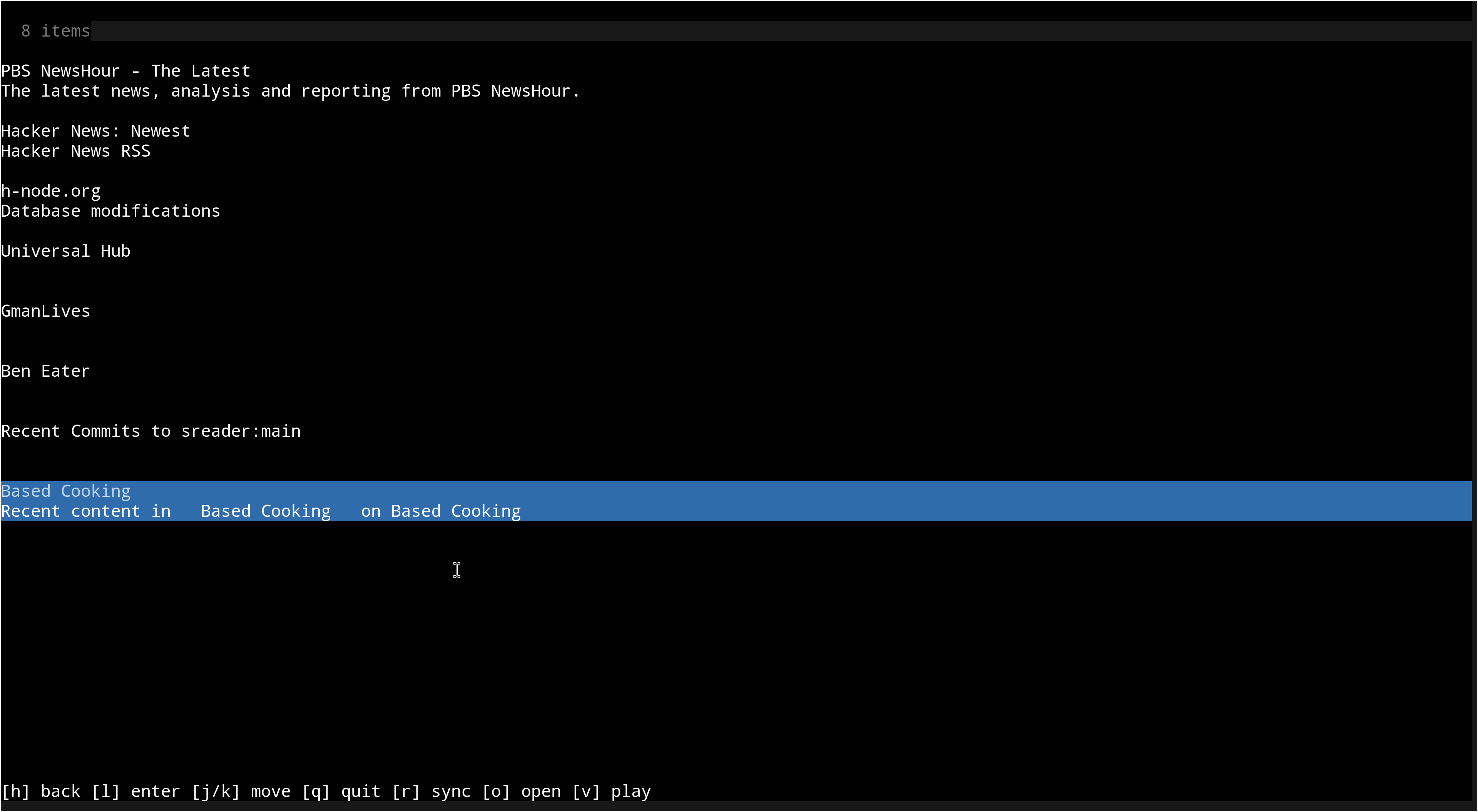
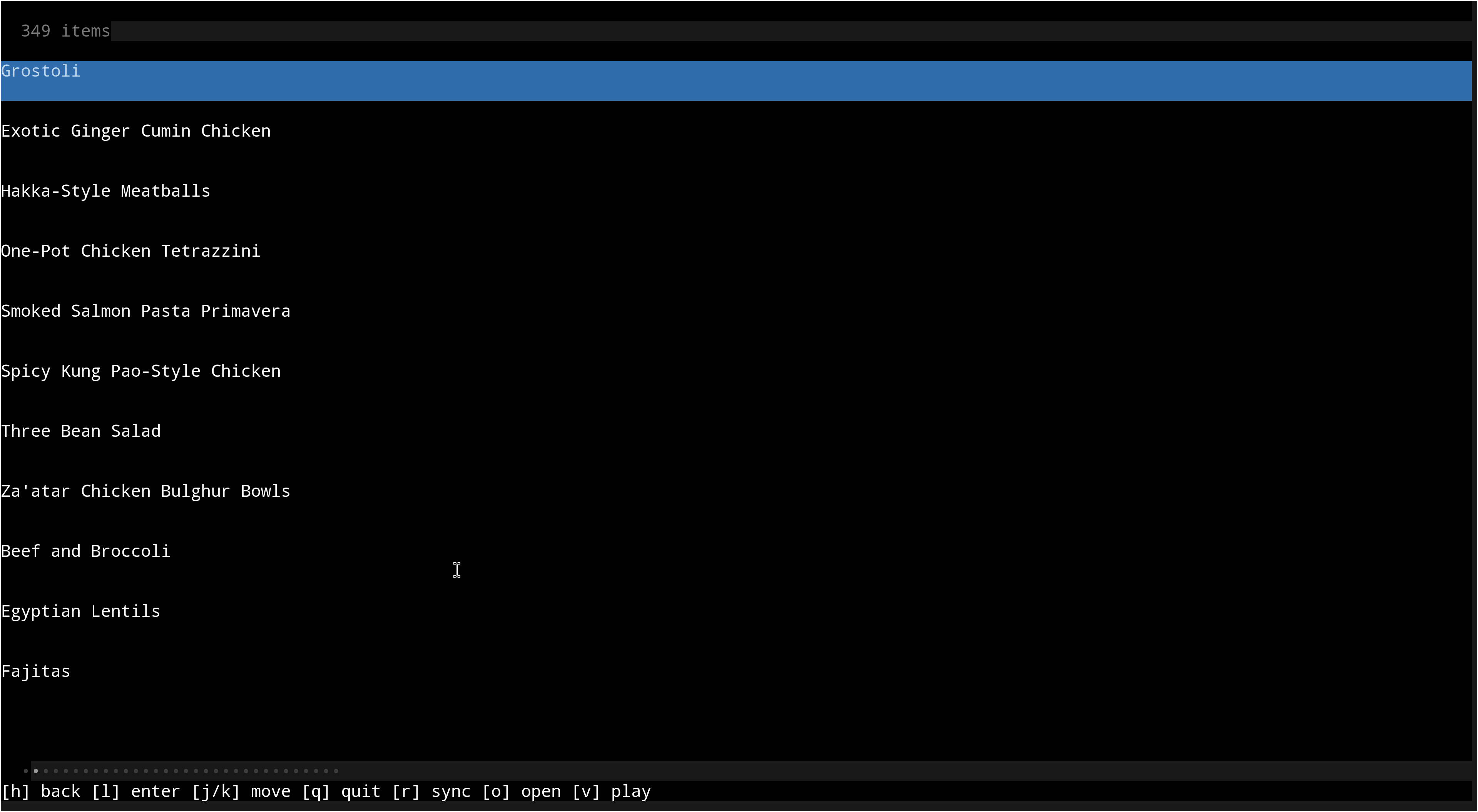
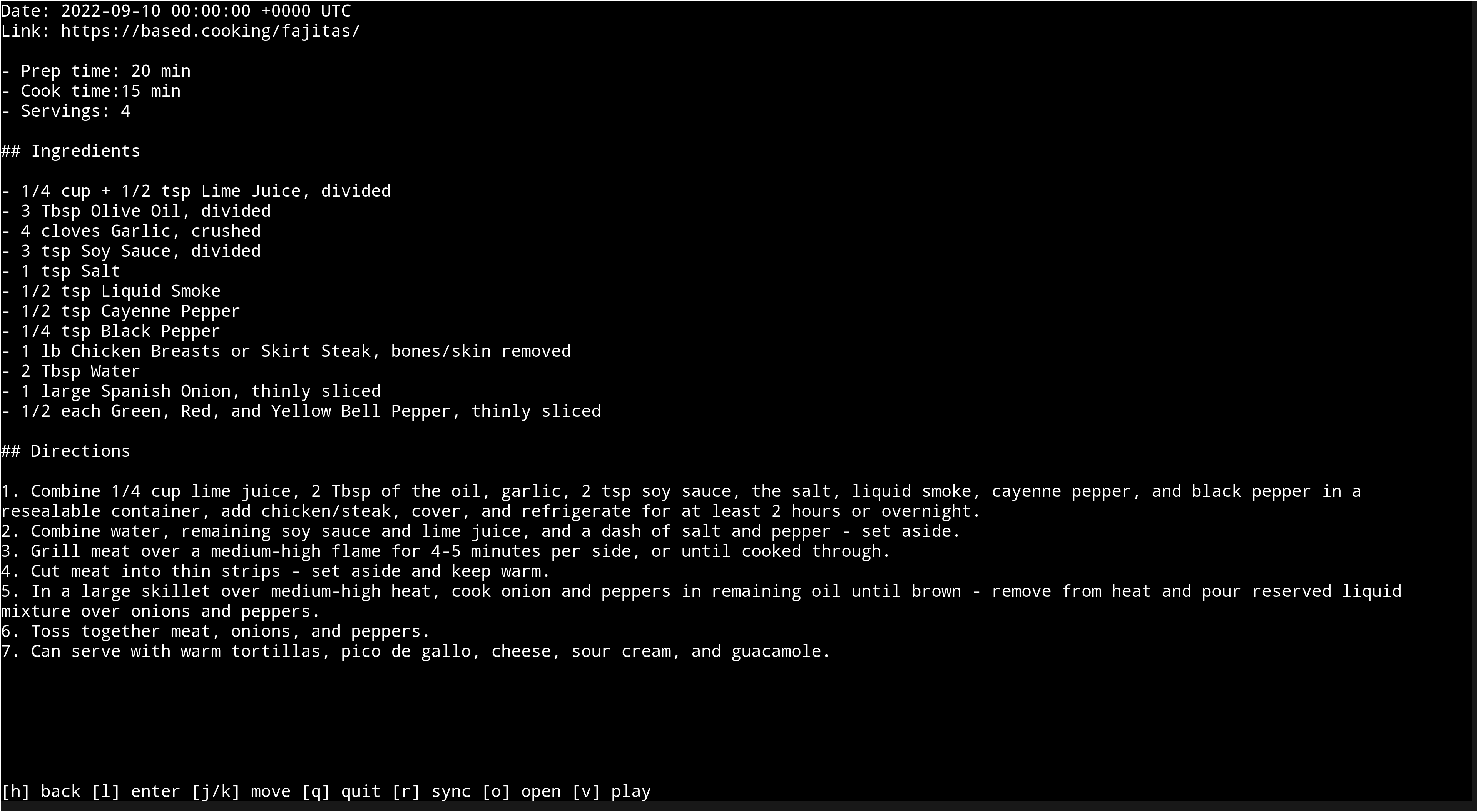
- [X] Clean, intuitive TUI interface
- [X] Open entries in browser or media player
- [X] Vim key bindings
- [X] [XDG Base Directory Specification](https://specifications.freedesktop.org/basedir-spec/latest/) compliant
## Keybindings
sreader uses Vim-like keybindings by default.
- `h`: Go back
- `j`: Select next item
- `k`: Select previous item
- `l`: Open selected item
- `/`: Filter list items
- `o`: Open selected list entry in web browser
- `v`: Open selected list entry in video player
- `r`: Refresh feeds
- `q`: Quit
## Configuration
sreader can load settings, including feed URLs, colors, keybindings, and paths
through a configuration file. See [config_example.toml](config_example.toml) for
an example.
The example configuration file contains all the default values, besides the URL
list. After installing, you can run sreader to generate a configuration file
and then add your feed URLs. Colors must be in hex format.
sreader will also use `$BROWSER` and `$PLAYER` environment variables if not
overridden by your configuration file.
If `$XDG_CONFIG_HOME` is set, sreader will load config files at
`$XDG_CONFIG_HOME/sreader/sreader.toml` by default.
If `$XDG_DATA_HOME` is set (and these paths are not overridden in your
configuration file), sreader will default to the following paths:
- `DBFile`: `$XDG_DATA_HOME/sreader/sreader.db`
- `LogFile`: `$XDG_DATA_HOME/sreader/sreader.log`
- `TmpDir`: `$XDG_DATA_HOME/sreader`
## Screenshots
### Index view
### Feed view
### Entry view
## Bugs
If you find a bug, submit an issue, PR, or email me with a description and/or patch.
## License
Copyright (c) 2020-2025 Ben O'Neill . This work is released under the
terms of the MIT License. See [LICENSE](LICENSE) for the license terms.