https://github.com/bndynet/admin-template-for-react
:earth_asia: Admin template for React, React Redux, Redux Saga, React Router, i18n and integrated OAuth login
https://github.com/bndynet/admin-template-for-react
admin-template material-design material-ui react-ecosystem react-i18n react-intl react-redux reactjs redux-saga typescript webpack
Last synced: about 1 year ago
JSON representation
:earth_asia: Admin template for React, React Redux, Redux Saga, React Router, i18n and integrated OAuth login
- Host: GitHub
- URL: https://github.com/bndynet/admin-template-for-react
- Owner: bndynet
- License: mit
- Created: 2018-11-22T13:47:12.000Z (over 7 years ago)
- Default Branch: master
- Last Pushed: 2023-01-03T15:23:54.000Z (over 3 years ago)
- Last Synced: 2025-04-07T08:37:12.417Z (over 1 year ago)
- Topics: admin-template, material-design, material-ui, react-ecosystem, react-i18n, react-intl, react-redux, reactjs, redux-saga, typescript, webpack
- Language: TypeScript
- Homepage: https://bndynet.github.io/admin-template-for-react/
- Size: 4.77 MB
- Stars: 84
- Watchers: 3
- Forks: 31
- Open Issues: 22
-
Metadata Files:
- Readme: README.md
- License: LICENSE
Awesome Lists containing this project
README
# Admin Template for React
[DEMO](https://bndynet.github.io/admin-template-for-react/) - Type any account to log in









[](https://github.com/prettier/prettier)
A starter admin template with React, React Redux, Material UI and TypeScript that packages using Webpack and integrates a minimal project structure.
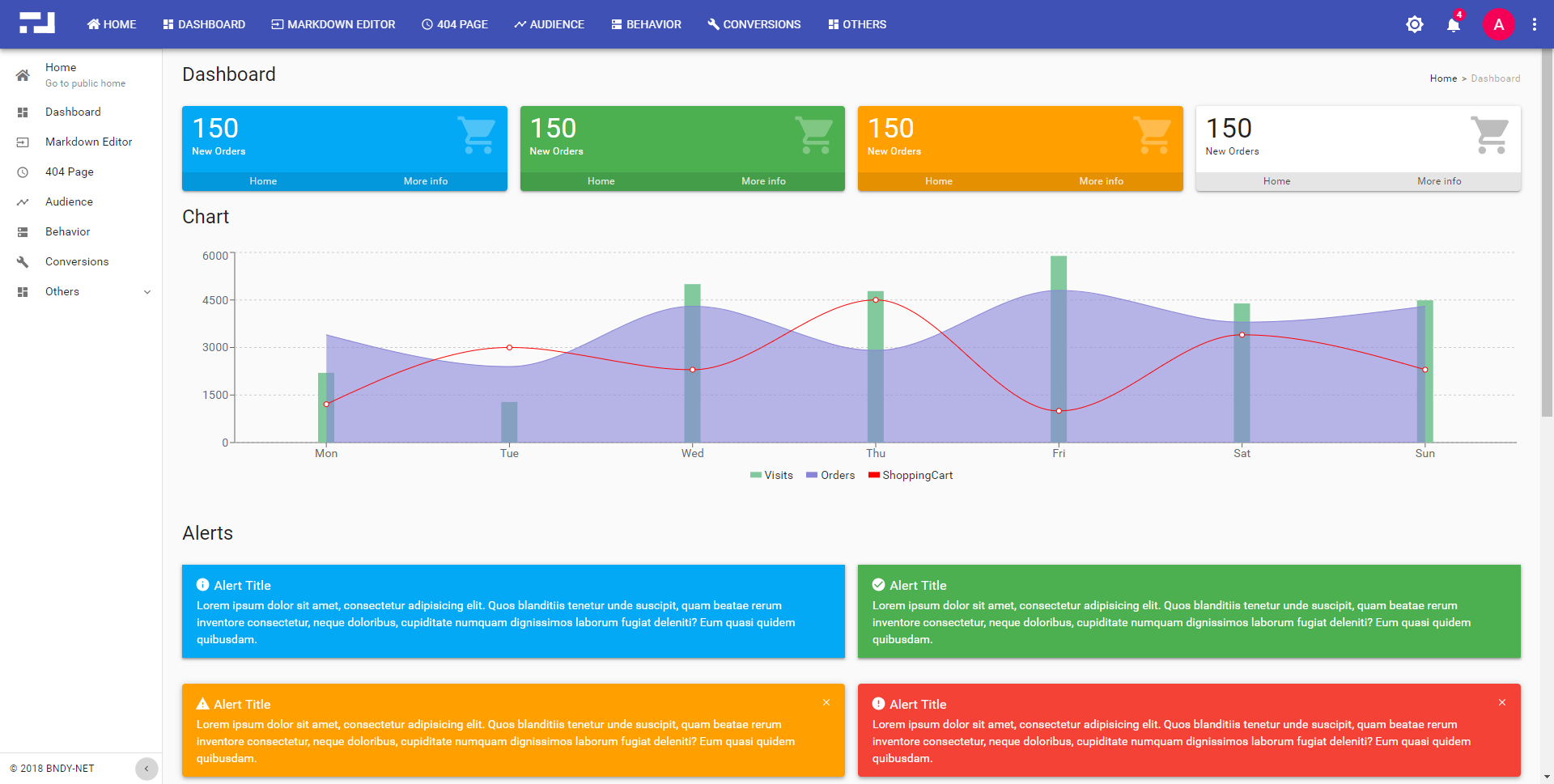
**Classic Layout**
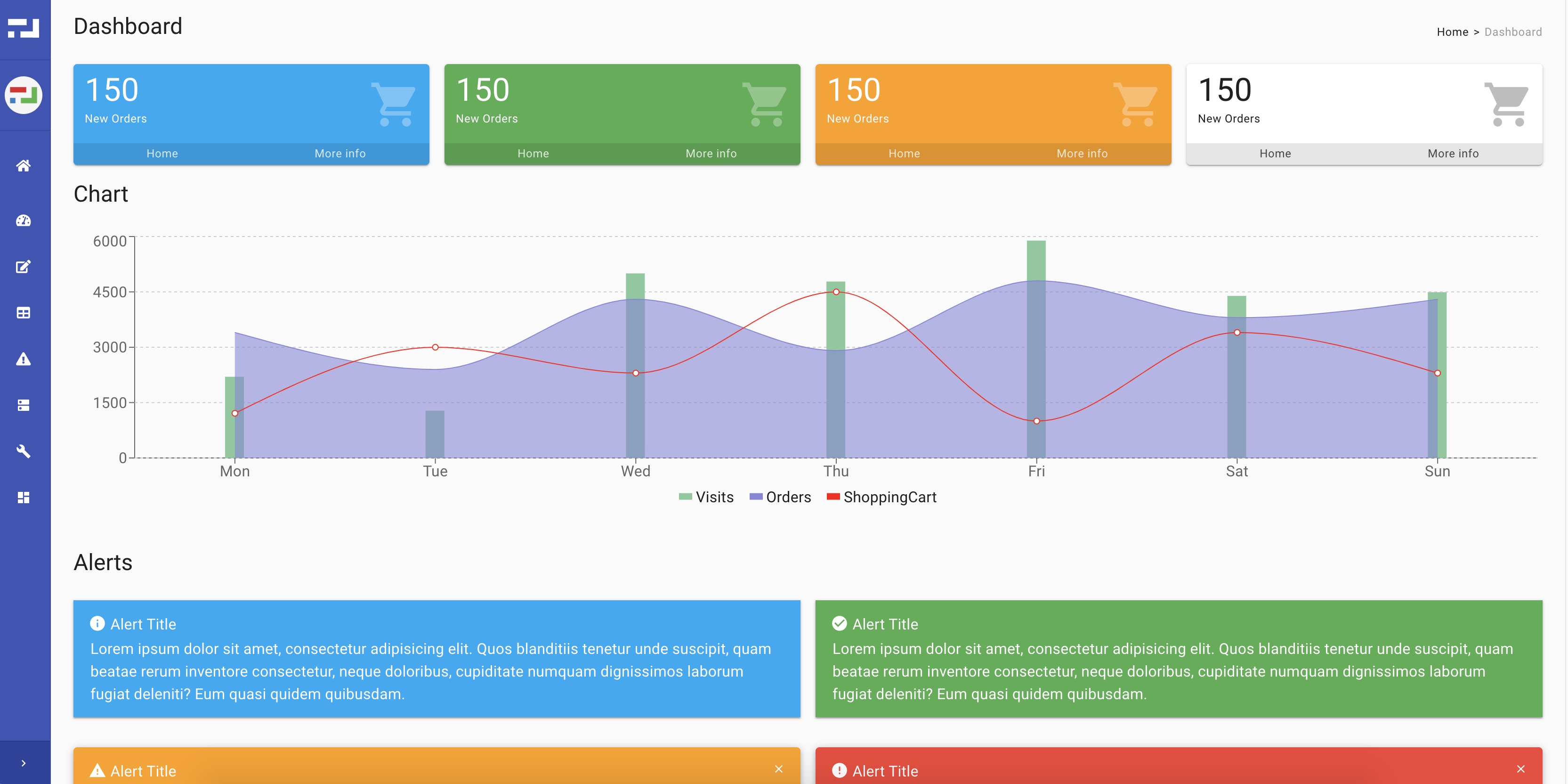
**Popular Layout**
- AJAX component: **[axios](https://github.com/axios/axios)**
- UI component: **[material-ui](https://material-ui.com/)**
- REACT stack: react, react-dom, react-redux, react-router-config, react-router-dom, redux, redux-saga, react-intl-universal
- You can custom theme in **./src/theme/config.tsx** file
## ❯ Getting Started
1. Clone repo `git clone `
2. `npm install` to install all dependencies
3. `npm start` to start web server or `npm run build` to build production code into **dist** folder
## ❯ Development
### Application Configuration Examples
- ./src/config/app.common.tsx - _all common configurations_
- ./src/config/app.dev.tsx - _configurations used in local_
- ./src/config/app.prod.tsx - _configurations used in production_
- ./src/config/app.github.tsx - _example for github authorization_
- ./src/config/app.auth-code.tsx - _example for authorization code grant type_
- ./src/config/app.auth-password.tsx - _example for password grant type_
- ./src/config/app.mock.tsx - _just for local development without login system_
### Customize more environments
1. New file **./src/config/app.[env_name].tsx** to override your configurations
2. Recommend to import configurations in **app.dev.tsx**
```ts
import config = require('./app.your-env');
```
Or add below code in **./src/config/index.tsx** or **./index.html** to freeze your environment
```ts
window.__APP_ENV__ = 'your-env';
```
3. `npm start` and `npm run build` will always use the environment you defined
### Components based on Material UI or some else
`Alert`, `Loading`, `MiniCard`, `Notifier`, `Overlay`, `Panel`, `Tag`, `DataTable`, ...
### i18n/l10n Support
```tsx
import * as intl from 'react-intl-universal';
const message = intl.get('i18nKey');
```
### Available Services
- `import { service as resourceService } from "app/service/resource";` to call APIs which has appended access token in request header
- `import { getState as getAuthState } from "app/service/auth";` to get current user information
### Debug with **Chrome** in **Visual Studio Code**
1. Requires **[Visual Studio Code](https://code.visualstudio.com/)** as IDE and extension **[Debugger for Chrome](https://marketplace.visualstudio.com/items?itemName=msjsdiag.debugger-for-chrome)**
1. `npm start` to run application
1. Click menu **Debug** > **Start Debugging** to debug with generated **.vscode/launch.json** file as below:
```json
{
"version": "0.2.0",
"configurations": [
{
"type": "chrome",
"request": "launch",
"name": "Launch Chrome against localhost",
"url": "http://localhost:8080",
"webRoot": "${workspaceFolder}"
}
]
}
```
1. Set breakpoints in your **vscode** and operate in the new Chrome window **Start Debugging** opened
### Recommendatory extensions for **Chrome**
- React Developer Tools
- Redux DevTools
Above extensions will show you the **Actions**, **States** and **Reducers** in **Chrome** console.