https://github.com/bogdansuditu/minimal.md
Minimal.md - Markdown editor
https://github.com/bogdansuditu/minimal.md
browser docker docker-compose markdown notes preview simple
Last synced: 2 months ago
JSON representation
Minimal.md - Markdown editor
- Host: GitHub
- URL: https://github.com/bogdansuditu/minimal.md
- Owner: bogdansuditu
- License: other
- Created: 2025-01-04T14:33:05.000Z (over 1 year ago)
- Default Branch: main
- Last Pushed: 2025-01-12T21:47:03.000Z (over 1 year ago)
- Last Synced: 2025-03-05T06:33:50.430Z (over 1 year ago)
- Topics: browser, docker, docker-compose, markdown, notes, preview, simple
- Language: JavaScript
- Homepage:
- Size: 5.6 MB
- Stars: 0
- Watchers: 1
- Forks: 0
- Open Issues: 0
-
Metadata Files:
- Readme: README.md
- License: LICENSE
Awesome Lists containing this project
README
# Minimal.md
A minimalist Markdown editor with user authentication and file management capabilities. Built with PHP and modern web technologies.
## Features
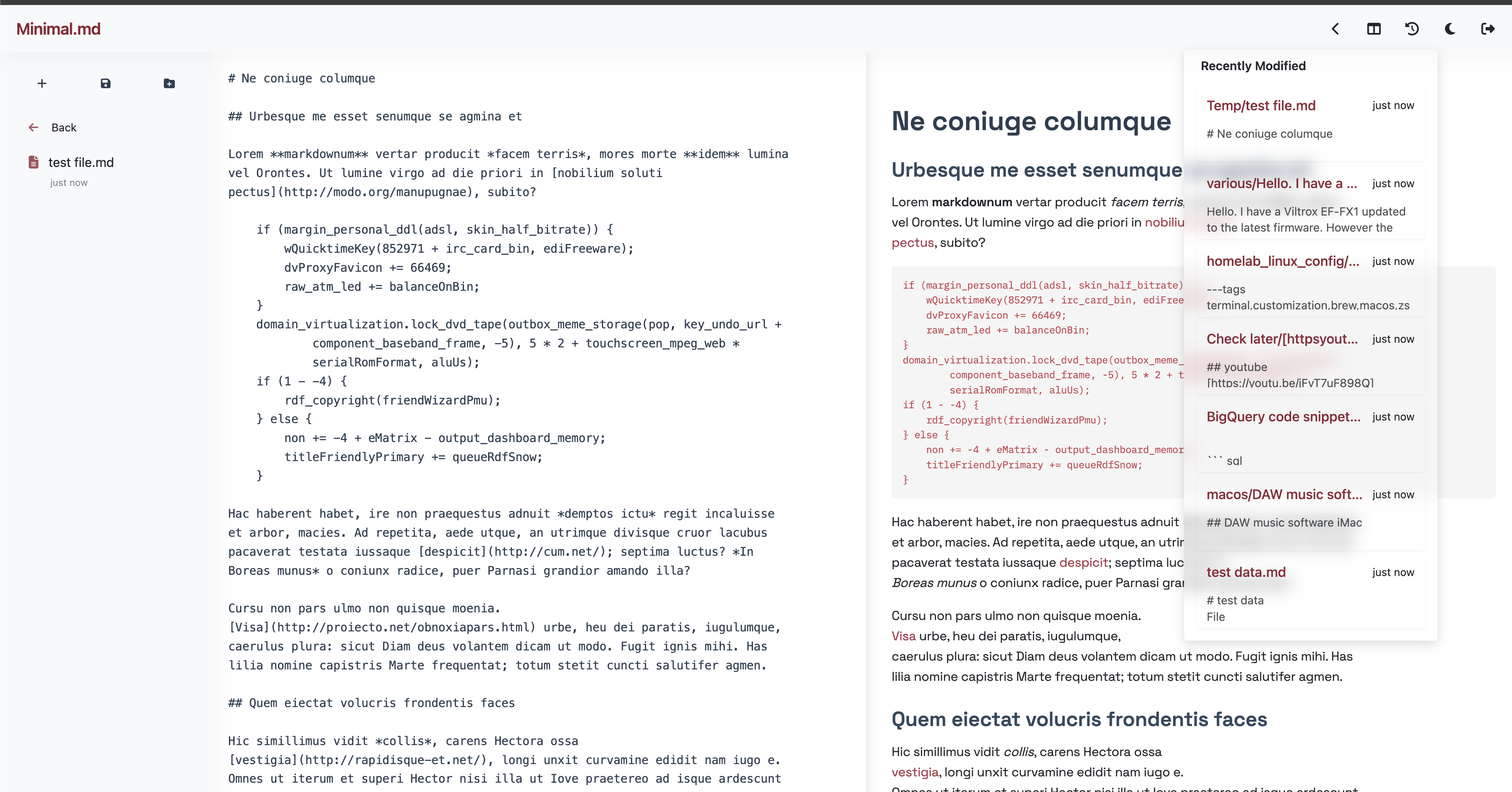
- Clean, distraction-free Markdown editing interface
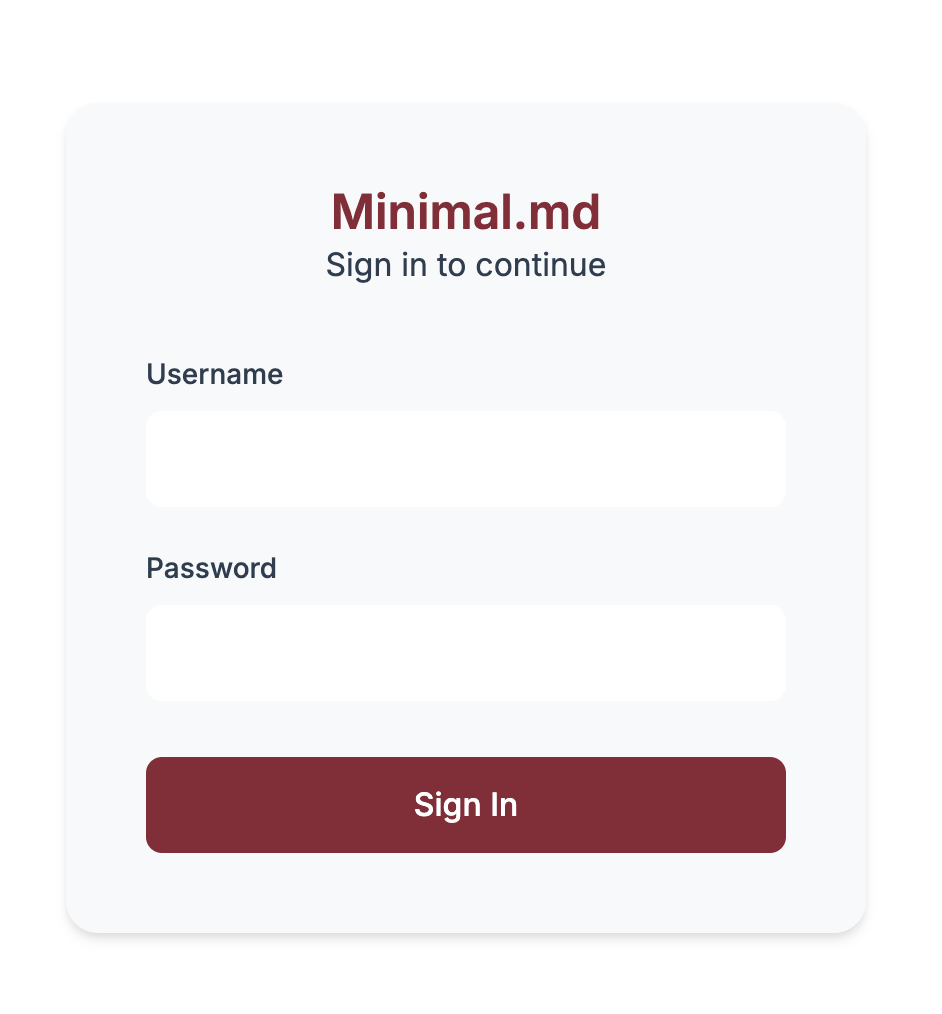
- User authentication system
- File management and organization
- Real-time preview
- Responsive design
- Docker-based deployment
## Functionalities
- Add folders
- Navigate through directory structure with back navigation
- Auto-save functionality with change detection
- Smart file naming based on content titles
- Recent files tracking
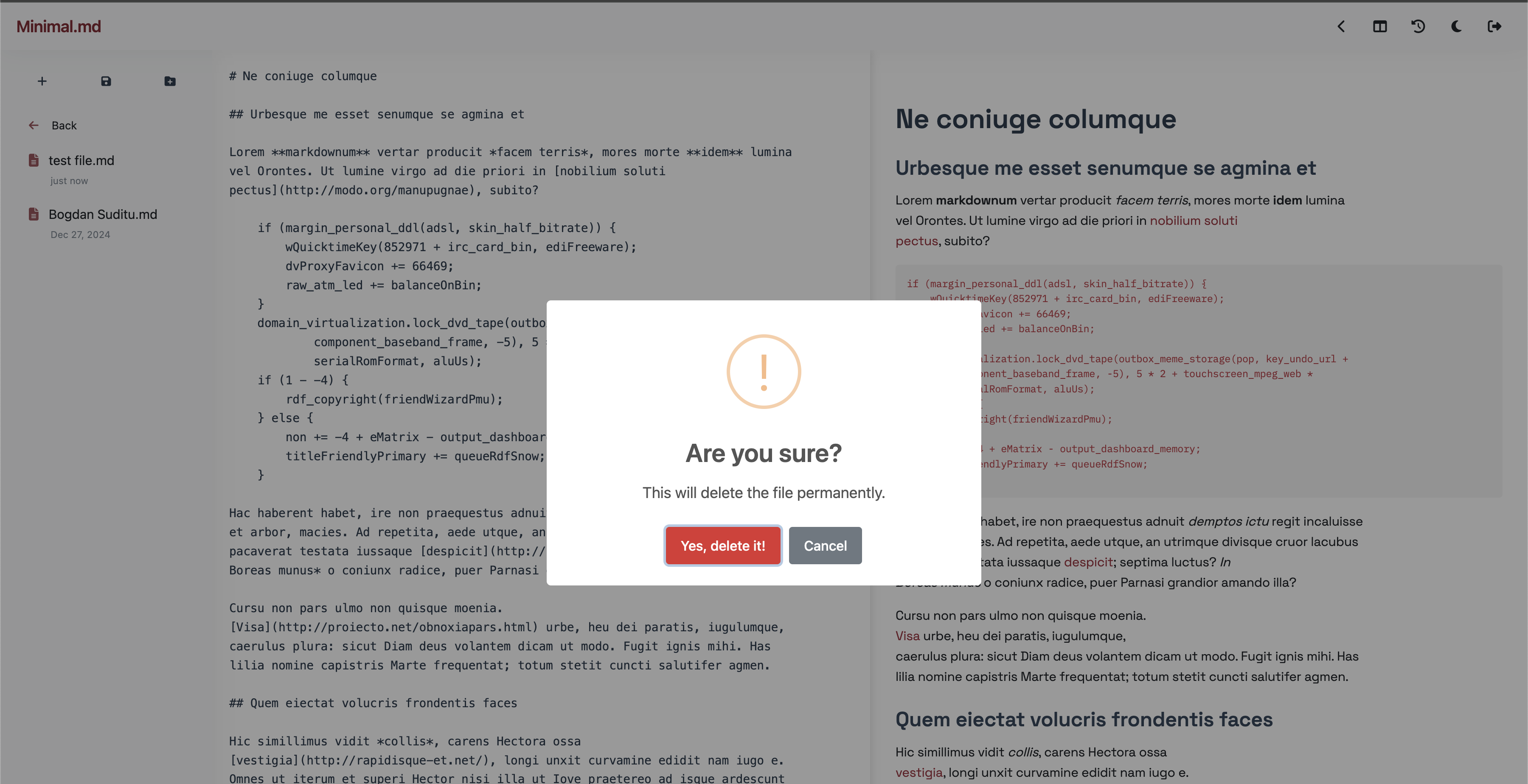
- File deletion with confirmation
- File preview capabilities
- Responsive file panel that adapts to mobile/desktop views
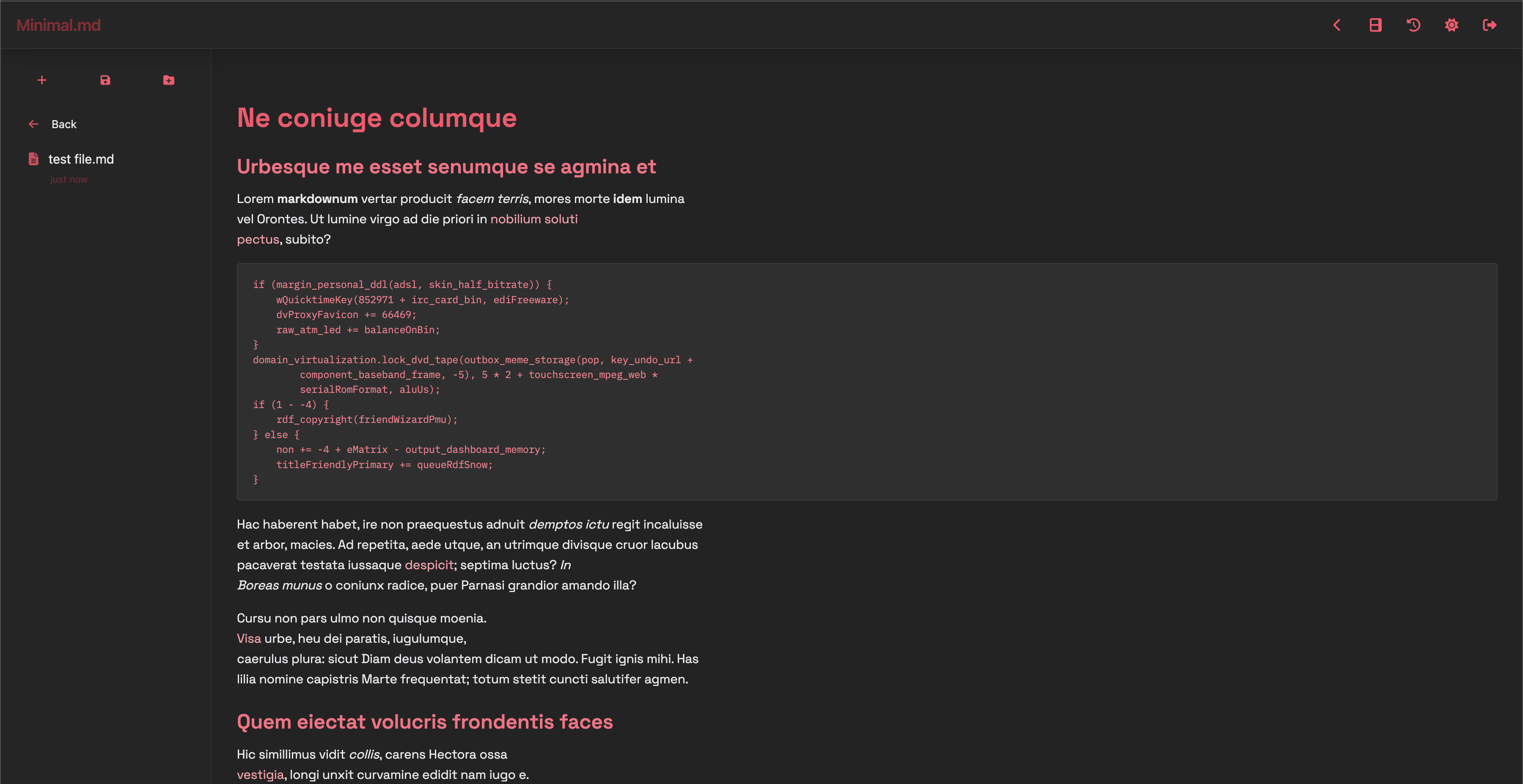
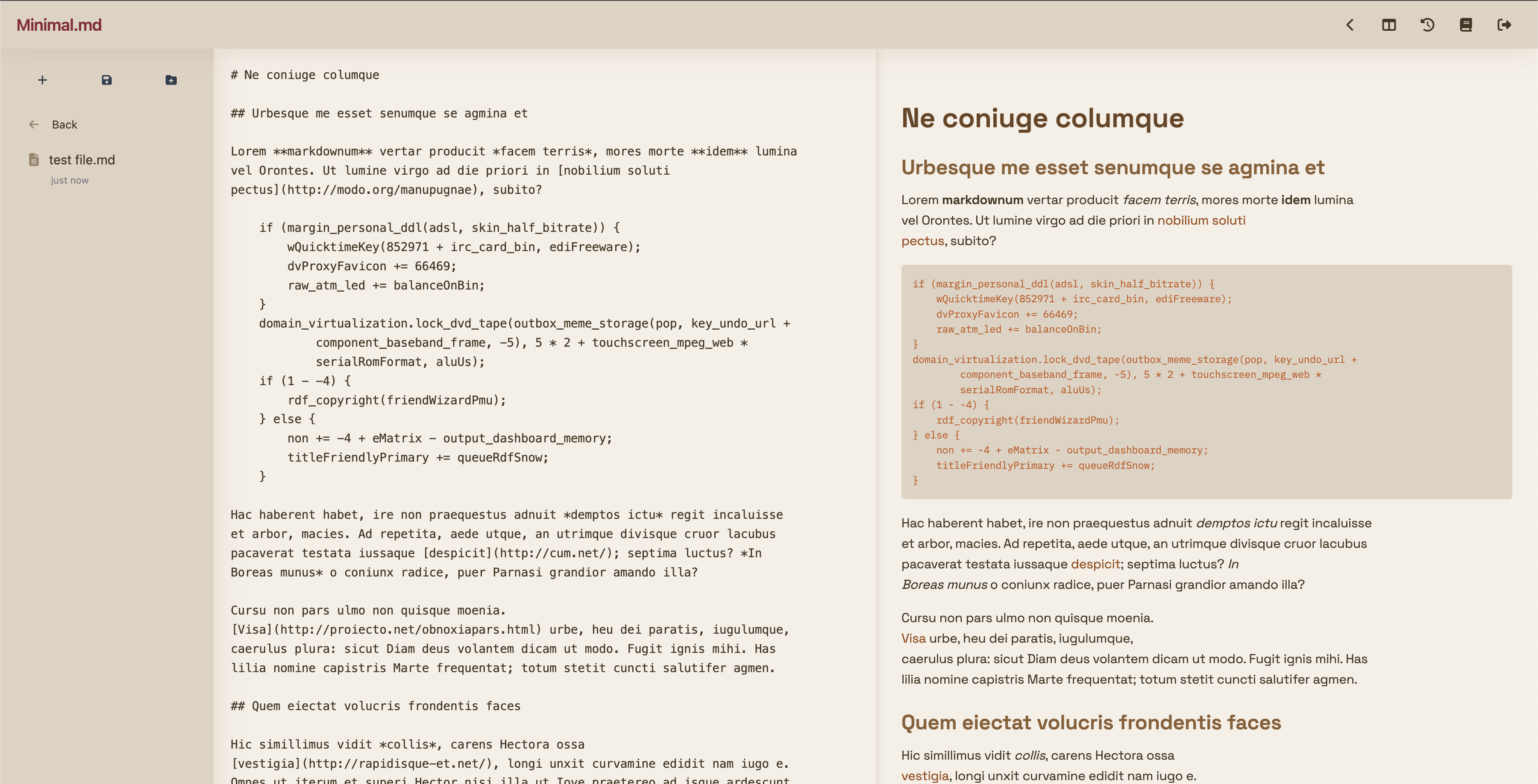
- Themes: Light, Dark, and Sepia
## Snapshots
**Login Page**
**Main Window Light Theme**
**Main Window Light Confirmation Prompt**
**Main Window Dark Theme**
**Main Window Sepia Theme**
## Prerequisites
- Docker and Docker Compose
## Quick Start
1. Clone the repository
2. Navigate to the project directory
3. Start the Docker container:
```
docker-compose up --build -d
```
4. Access the editor at http://localhost:8080
5. User Management
The application requires user authentication. To create a new user:
Ensure the Docker container is running
**Create the users directory if it doesn't exist**
Run the user creation script:
```
mkdir users
docker exec minimal_md_web php add_user.php
```
This will prompt you for a username and password, which will be used to create a new user.
The docker container assumes that the user running is www-data so you may need to alter the **user** folder owner and permissions
## Docker Compose Configuration
## Project Structure
- auth.php - Authentication system
- file_operations.php - File management functionality
- index.php - Main application interface
- login.php - User login interface
- scripts.js - Client-side functionality
- styles.css - Application styling
- users.json - User data storage
- remember_tokens.json - Session management
## Development
The project uses Docker for development and deployment. The development environment is configured with:
- PHP 8.2
- Apache web server
- Volume mounting for real-time development