https://github.com/bolshchikov/monday-bugs-view
Template for filling bugs information
https://github.com/bolshchikov/monday-bugs-view
mondaycom
Last synced: about 1 year ago
JSON representation
Template for filling bugs information
- Host: GitHub
- URL: https://github.com/bolshchikov/monday-bugs-view
- Owner: bolshchikov
- License: mit
- Created: 2021-01-09T08:48:39.000Z (over 5 years ago)
- Default Branch: main
- Last Pushed: 2021-01-16T15:08:59.000Z (over 5 years ago)
- Last Synced: 2025-01-21T20:48:59.019Z (over 1 year ago)
- Topics: mondaycom
- Language: JavaScript
- Homepage:
- Size: 183 KB
- Stars: 0
- Watchers: 2
- Forks: 0
- Open Issues: 1
-
Metadata Files:
- Readme: README.md
- License: LICENSE
Awesome Lists containing this project
README
## Overview
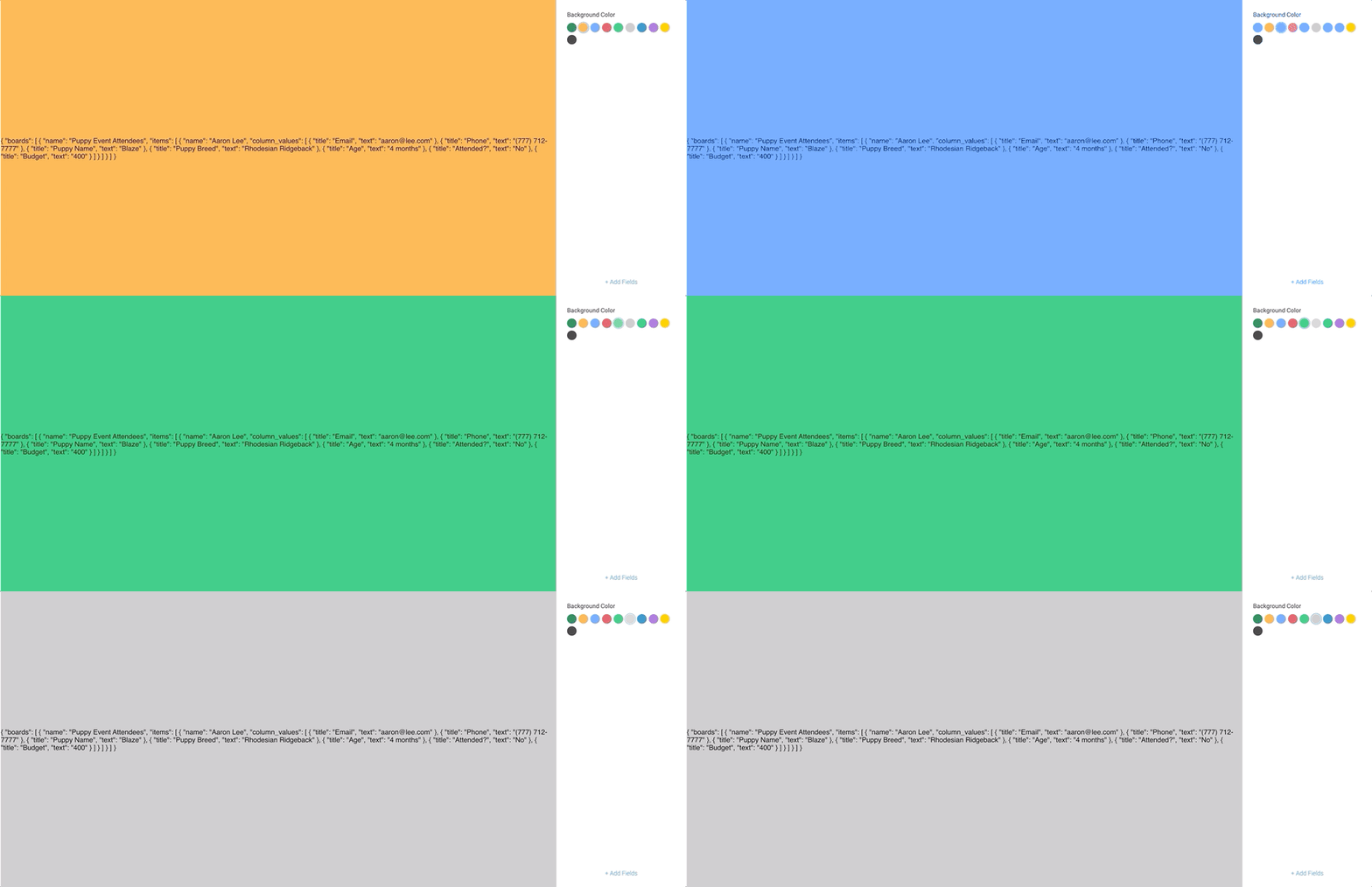
This is the "Quickstart React" example Monday app.
It can be used as a board view or dashboard widget, connected to a board and render data from the board using settings.
This app demonstrates how to use:
- [settings](https://github.com/mondaycom/monday-sdk-js#mondaygettype-params--)
- [context](https://github.com/mondaycom/monday-sdk-js#mondaygettype-params--)
- [API](https://github.com/mondaycom/monday-sdk-js#mondayapiquery-options--)
You can find more info in our QuickStart guide [here](https://monday.com/developers/apps/quickstart-view/)
## Run the project
In the project directory, you should run:
### `npm install`
And then to run an application with automatic virtual ngrok tunnel, run:
### `npm start`
Visit http://localhost:4040/status and under "command_line section" find the URL. This is the public URL of your app, so you can use it to test it.
F.e.: https://021eb6330099.ngrok.io
## Configure Monday App
1. Open monday.com, login to your account and go to a "Developers" section.
2. Create a new "QuickStart View Example App"
3. Open "OAuth & Permissions" section and add "boards:read" scope
4. Open "Features" section and create a new "Boards View" feature
5. Open "View setup" tab and fulfill in "Custom URL" field your ngrok public URL, which you got previously (f.e. https://021eb6330099.ngrok.io)
6. Click "Boards" button and choose one of the boards with some data in it.
7. Click "Preview button"
8. Enjoy the Quickstart View Example app!
## Release your app
1. Run script
### `npm run build`
2. Zip your "./build" folder
3. Open "Build" tab in your Feature
4. Click "New Build" button
5. Click "Upload" radio button and upload zip file with your build
6. Go to any board and add your just released view
7. Enjoy!