https://github.com/bottlerocketlabs/pair
A tool for remote pair programming in the terminal
https://github.com/bottlerocketlabs/pair
pair-programming remote tmux
Last synced: 10 months ago
JSON representation
A tool for remote pair programming in the terminal
- Host: GitHub
- URL: https://github.com/bottlerocketlabs/pair
- Owner: bottlerocketlabs
- License: mit
- Created: 2020-12-19T23:51:07.000Z (over 5 years ago)
- Default Branch: master
- Last Pushed: 2021-02-22T14:42:19.000Z (over 5 years ago)
- Last Synced: 2025-08-10T20:05:31.001Z (12 months ago)
- Topics: pair-programming, remote, tmux
- Language: Go
- Homepage:
- Size: 152 KB
- Stars: 0
- Watchers: 1
- Forks: 0
- Open Issues: 5
-
Metadata Files:
- Readme: README.md
- License: LICENSE
Awesome Lists containing this project
README
# pair
A tool for sharing your terminal tmux session with others across the interwebs
Useful for pair programming with terminal based editors (vim/emacs)
2 parts
* server for sharing webrtc session descriptions (instance hosted on heroku)
* client for hosting/joining a session
based on work by https://github.com/maxmcd/webtty and https://github.com/nwtgck/go-piping-server
[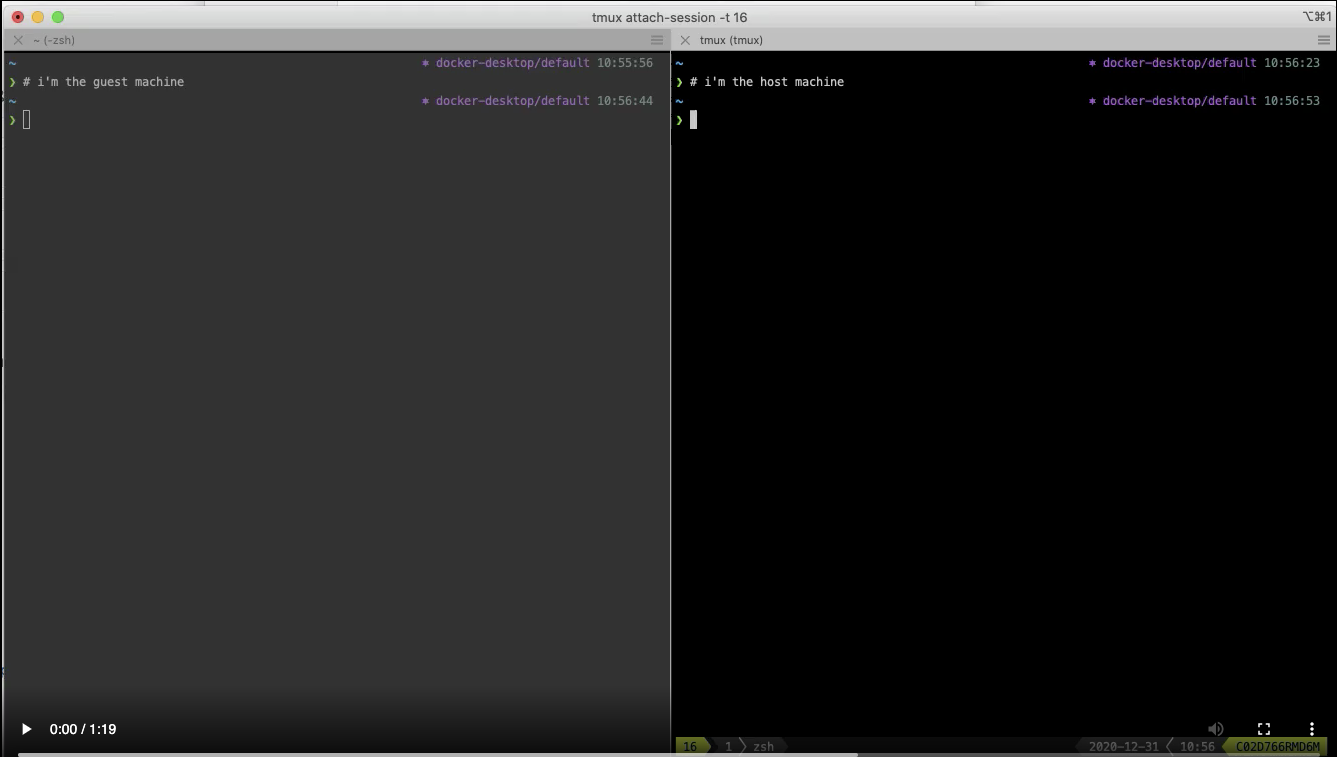](https://user-images.githubusercontent.com/3208285/103408760-d3a75c80-4b5b-11eb-8271-b0efcd5330ba.mp4)
## Install
### [Homebrew / Linuxbrew](https://brew.sh/)
Should probably work within a [WSL2 terminal on Windows 10](https://docs.microsoft.com/en-us/windows/wsl/install-win10) also
```
brew install tmux bottlerocketlabs/apps/pair
```
### Manually
Download `pair` binaries from [releases](https://github.com/bottlerocketlabs/pair/releases) and put on path, you need to also install `tmux` for your platform (apt-get etc)
## How-To
* client host must be started in a tmux session
* client guest must not be started in a tmux session
Start by hosting a session within tmux:
```sh
# host
$ pair
Share this command with your guest:
pair http://
```
Invite a guest by quickly supplying the command output above
```sh
# guest
$ pair http://
```
## Testing/Development
Optionally setup a simple (insecure) local testing server and use it:
```sh
$ pair-server-simple -v &
$ pair -v -sdp http://localhost
```
Setup local testing server with [mkcert](https://mkcert.dev/):
```sh
mkcert -install
mkdir -p certs
cd certs
mkcert localhost.dev
mkcert localhost
mkcert
cd ..
# append '127.0.0.1 localhost.dev ' to /etc/hosts file
pair-server -v -domain localhost.dev
```
Run server in production with [acme](https://pkg.go.dev/golang.org/x/crypto/acme/autocert):
```sh
# ensure chosen domain is registered and can access public server on ports 80 and 443
mkdir -p certs
pair-server -v -domain
```
## TODO
* add more tests
* run tmux and host pair within a development docker container to restrict access