https://github.com/bpierre/vue-gestures
Collection of Vue.js directives for touch gestures
https://github.com/bpierre/vue-gestures
Last synced: about 1 year ago
JSON representation
Collection of Vue.js directives for touch gestures
- Host: GitHub
- URL: https://github.com/bpierre/vue-gestures
- Owner: bpierre
- Created: 2014-02-21T18:06:57.000Z (over 12 years ago)
- Default Branch: master
- Last Pushed: 2019-02-13T17:19:13.000Z (over 7 years ago)
- Last Synced: 2025-06-05T21:12:12.692Z (about 1 year ago)
- Language: JavaScript
- Size: 38.1 KB
- Stars: 12
- Watchers: 4
- Forks: 2
- Open Issues: 0
-
Metadata Files:
- Readme: README.md
Awesome Lists containing this project
README
# vue-gestures
vue-gestures is a collection of [Vue.js](http://vuejs.org/guide/) directives for touch gestures.
It is a work in progress at the moment, any help welcome!
## Installation
### Browserify (npm)
```
$ npm install vue-gestures
```
### component
component will follow soon.
### Standalone / RequireJS / AMD
Download [dist/vue-gestures.js](dist/vue-gestures.js) and include it in your HTML page.
vue-gestures is available under the name *vueGestures* for AMD module loaders, or is directly set on `window.vueGestures`.
## Example
vue-gestures can be loaded into your ViewModel with [`Vue.plugin`](http://vuejs.org/guide/plugin.html).
```js
var vueGestures = require('vue-gestures'); // with Browserify / CommonJS
Vue.use(vueGestures);
```
```html
Click me
```
## Directives
### v-tap
Acts like a `click` event, except it removes the [300ms delay](http://blogs.telerik.com/appbuilder/posts/13-11-21/what-exactly-is.....-the-300ms-click-delay) on touch devices.
### v-touch
Acts like a `mousedown` event, triggers the function immediately.
Be careful: every default browser behavior is prevented, including the scroll.
## Configuration
### global parameters
Some parameters are applied to all the directives. You can also add these parameters on a directive level, e.g.
```js
Vue.use(vueGestures, {
touch: { prefix: 'gestures' }
});
```
#### `prefix`
Adds a prefix to the directives loaded by the plugin.
```js
Vue.use(vueGestures, { prefix: 'gestures' });
```
### v-tap
#### `moveTolerance` (default: 12)
After the touchstart event, if the touch moves farther than this distance (in pixels), the action will be canceled (the user didn’t want to click).
## Load the directives separately
If you don’t want to load all the directives, it is possible to load them separately:
```js
var gestures = require('vue-gestures');
Vue.use(gestures.tap, {
// parameters
});
Vue.use(gestures.touch, {
// parameters
});
```
## License
[MIT](http://pierre.mit-license.org/)
## Special thanks
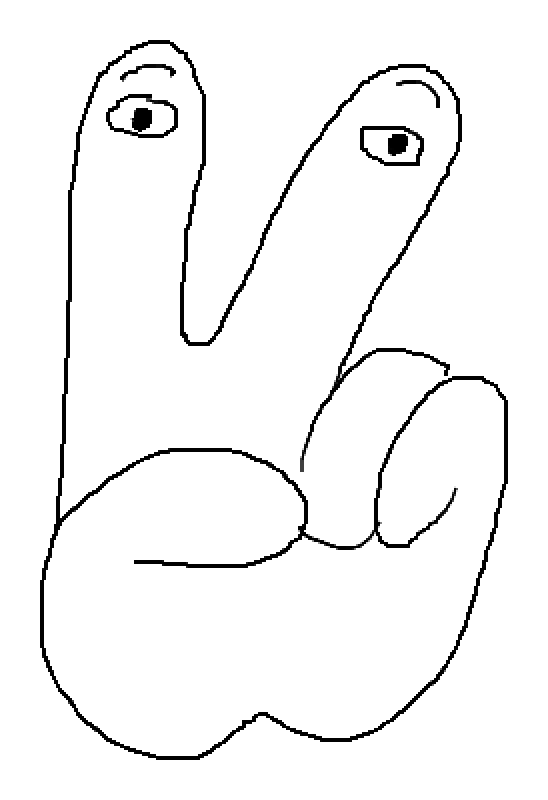
Illustration made by [Raphaël Bastide](http://raphaelbastide.com/) with [scri.ch](http://scri.ch/).